MaintainX is the best CMMS for most manufacturing plants, with a free Basic plan covering unlimited work orders and Essential at $20 per user a month with annual billing, rated 4.8 out of 5 on Capterra from 1,080 reviews. Pick Limble for reliability analytics or Fiix if your plant runs Rockwell controls.
How we make this list: we compare pricing pages, product documentation and public user reviews, then re-check every price before each update. No product paid for a place. Disclosure.
MaintainX leads for shop-floor adoption: a free Basic plan, Essential at $20 per user a month with annual billing, and 4.8 out of 5 from 1,080 Capterra reviews.
Limble matches the joint-highest rating at 4.8 out of 5 from 757 reviews and adds MTTR and MTBF dashboards, but it publishes no price.
Fiix is the only pick with a free plan and Rockwell PLC connectivity; Basic costs $45 per user a month.
UpKeep starts at $24 per user a month, but preventive maintenance scheduling and parts inventory need Premium at $55.
Six of the nine tools publish no price, so budget the quote-only shortlist separately from the three with published pricing.
eWorkOrders has the highest rating here at 4.9 out of 5, but only 121 reviews, the smallest base in the list.
What a manufacturing CMMS has to do
A computerized maintenance management system, or CMMS, organizes work orders, preventive maintenance, asset records and repair history for a plant. It replaces paper forms, spreadsheets and radio calls with one record of what was fixed, when and by whom.
Look first at preventive maintenance triggers. Calendar schedules suit most plants, but meter-based and condition-based triggers matter for high-use machines, and parts inventory decides whether a repair waits on a storeroom. Our guide on managing stock and inventory covers the record-keeping habits that carry over to spare parts.
Mobile access decides whether technicians actually use the system. Offline mode matters on shop floors with weak signal, and free requester accounts let operators report faults without a paid seat.
Pricing models differ more here than in most software categories. Some vendors charge per user, some per asset, some a flat rate, and six of the nine tools in this list publish no price at all. All ratings below come from Capterra, checked on 25 November 2026.
4.8/5on Capterra (1,080 reviews, checked Nov 2026)
Paid from$20/mo
Best CMMS for manufacturing overall
Free planBasic, free forever
Entry paid planEssential, $20/user/mo
Parts inventoryPremium plan
Requester accountsUnlimited, free
getmaintainx.com
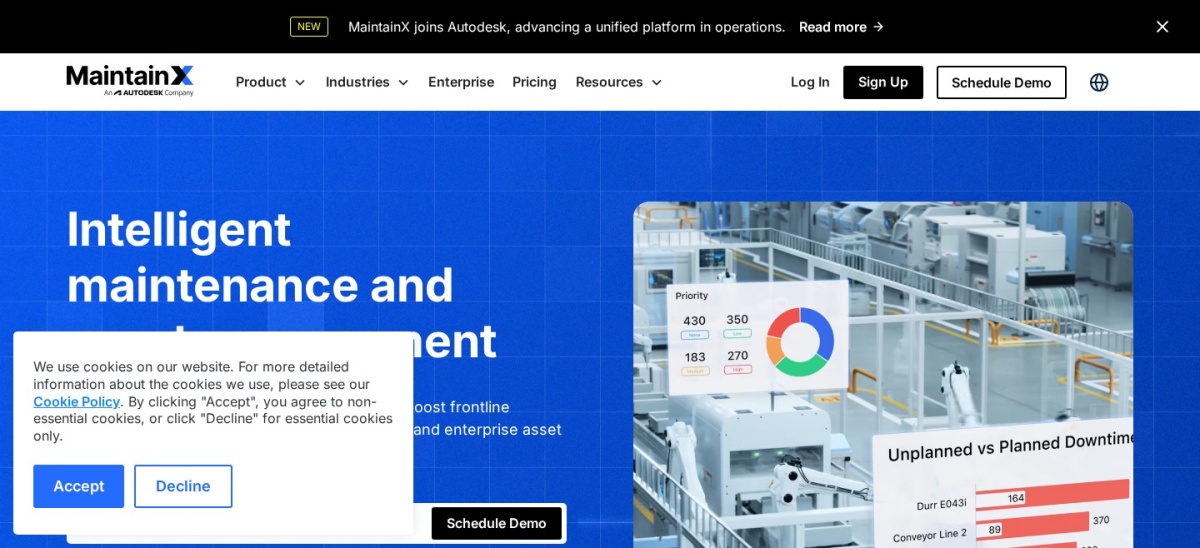
MaintainX homepage, captured Nov 2026.
MaintainX is a mobile-first CMMS for frontline maintenance teams in manufacturing plants. Its free Basic plan includes unlimited work orders, unlimited procedures, unlimited requester accounts and real-time messaging, with 2 active repeating work orders. Technicians scan QR codes on machines and log work from the shop floor.
The trade off is that parts inventory, meter-based maintenance and the open API sit on Premium at $65 per user a month with annual billing, while Essential costs $20. It suits small and mid-size plants that want fast technician adoption before paying for deeper features.
What we like
Free plan includes unlimited work orders
Mobile-friendly interface for technicians
Real-time team messaging built in
Unlimited free requester accounts
Watch out for
Free recurring maintenance is limited to 2 active jobs
Inventory and purchasing require Premium
Per-user costs rise with technician headcount
Essential adds unlimited repeating work orders; Premium adds inventory and purchasingVisit getmaintainx.com
02
Limble
4.8/5on Capterra (757 reviews, checked Nov 2026)
PricingCustom/yr
Best for reliability analytics
Free planNo, free trial
Entry paid planQuote only
Offline mobileYes, iOS and Android
Reliability reportsMTTR and MTBF dashboards
limblecmms.com
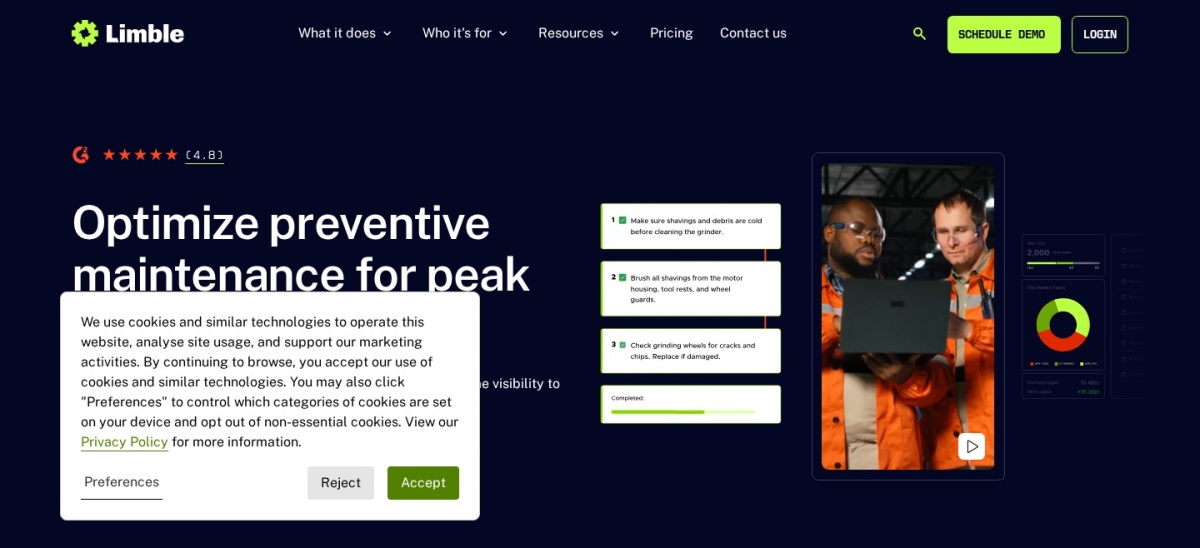
Limble homepage, captured Nov 2026.
Limble is a cloud CMMS built around structured preventive maintenance, asset hierarchies and parts control. Technicians work from iOS and Android apps with offline mode, and managers get MTTR and MTBF dashboards plus a PM schedule builder. It integrates with SAP S/4HANA, Oracle NetSuite and Microsoft Dynamics 365 Business Central.
The trade off is price. Limble publishes no prices and quotes per team, with outside estimates near $28 to $35 per user a month, so you cannot budget it from the website alone. It suits reliability teams that want configurable reporting without a long setup project.
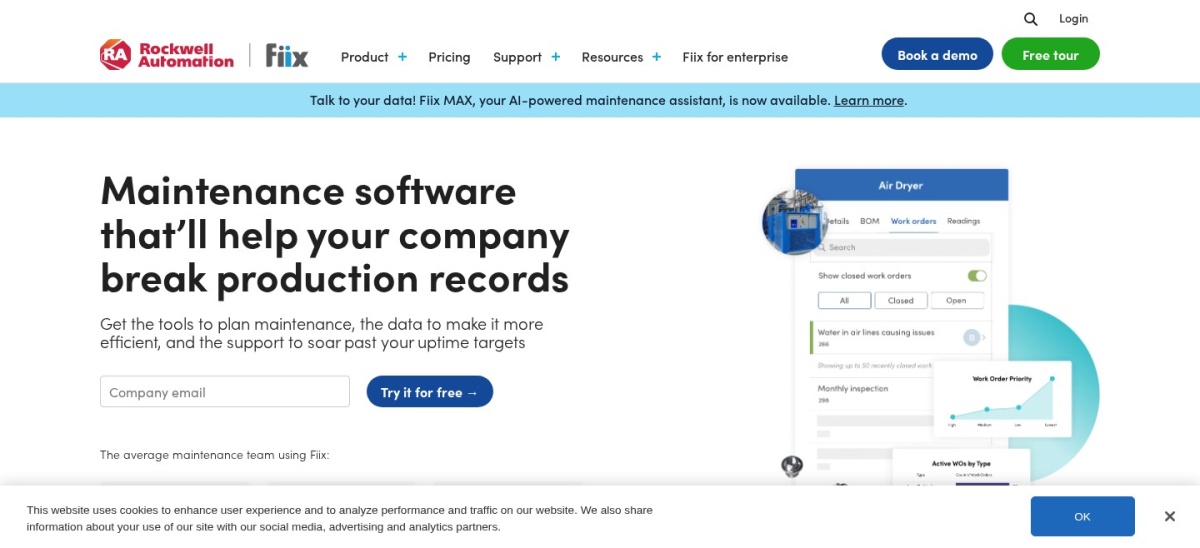
Fiix is a cloud CMMS from Rockwell Automation for work orders, preventive maintenance, assets and parts. Its free plan covers work orders, asset hierarchies, inventory records and mobile access, with up to 25 active preventive maintenance tasks. Machine signals connect through Rockwell FactoryTalk Optix for plants already running Rockwell controls.
The trade off is cost and setup. Basic costs $45 per user a month and adds unlimited PM tasks, reports and resource-based scheduling, while deeper integrations need higher plans. It suits Rockwell-standardized plants with a planner or admin to keep asset data clean.
What we like
Free tier includes preventive maintenance
Direct Rockwell PLC and SCADA connectivity
Asset hierarchies and downtime tracking
Unlimited PM tasks on Basic
Watch out for
Free plan has user and PM limits
Entry paid plan costs more than several alternatives
Mobile app reviews trail the desktop product
Professional at $75 per user a month adds multi-site and deeper integrationsVisit fiixsoftware.com
04
UpKeep
4.6/5on Capterra (1,331 reviews, checked Nov 2026)
Starts at$24/mo
Best for fast mobile work orders
Free planNo, free trial
Entry paid planEssential, $24/user/mo
PM schedulingPremium, $55/user/mo
Offline mobileHigher quoted plan
upkeep.com
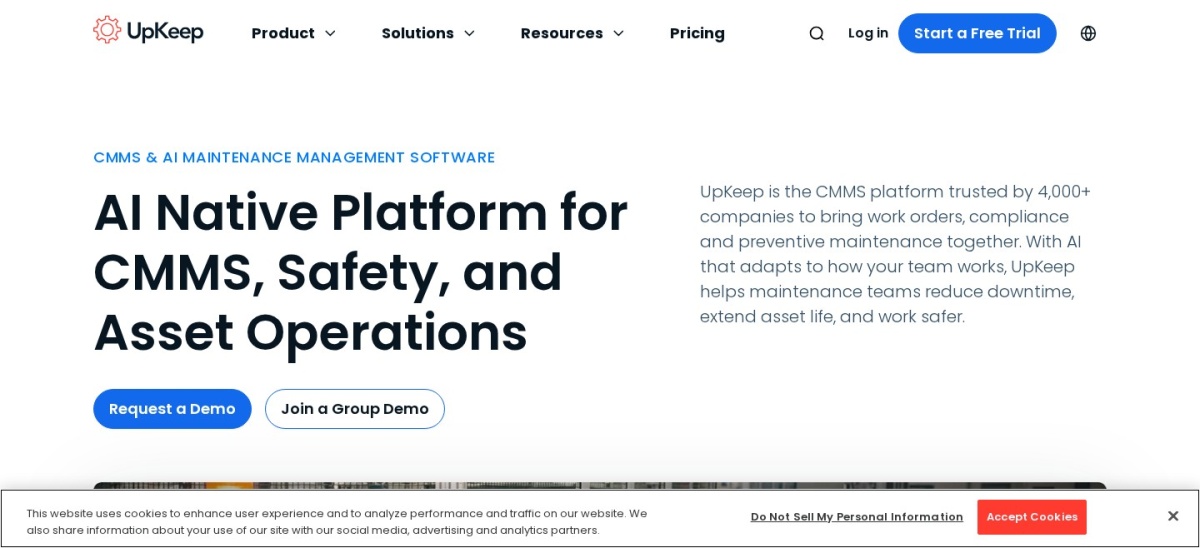
UpKeep homepage, captured Nov 2026.
UpKeep is a mobile-first CMMS for work orders, asset tracking and maintenance history across plants. Its Essential plan costs $24 per user a month and includes unlimited work orders, unlimited locations and Nova AI credits. Technicians log work, scan barcodes and check asset history from iOS and Android apps.
The trade off is that preventive maintenance scheduling, custom checklists and parts inventory need Premium at $55 per user a month, and offline mobile mode needs a higher quoted plan. It suits teams that want fast mobile work order logging and can budget for the PM upgrade.
What we like
Mobile-focused work order management
Unlimited work orders on Essential
Asset and location tracking included
Large review base of 1,331 Capterra reviews
Watch out for
No permanent free plan advertised
Preventive scheduling requires Premium
Offline mobile access needs a higher plan
Premium adds preventive scheduling, custom checklists and inventory managementVisit upkeep.com
05
eMaint
4.5/5on Capterra (436 reviews, checked Nov 2026)
PricingCustom/yr
Best for regulated manufacturing
Free planNo, demo available
Entry paid planQuote only
Compliance21 CFR Part 11 audit trails
Minimum users3 on Professional
emaint.com
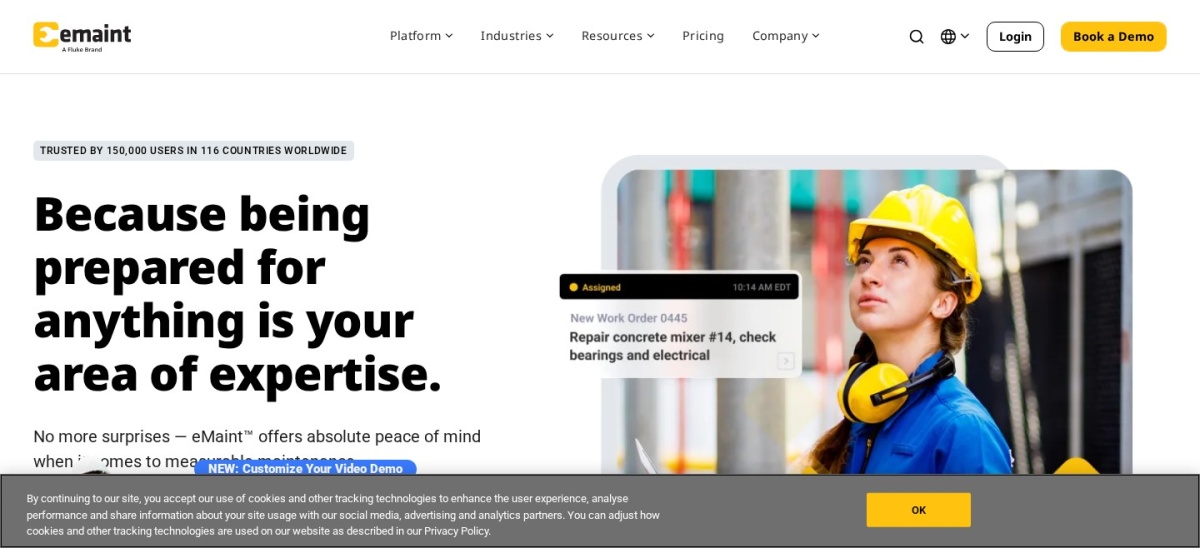
eMaint homepage, captured Nov 2026.
eMaint is a CMMS from Fluke Reliability for condition-based maintenance, multi-site governance and regulated production. It supports strict audit trails, including 21 CFR Part 11, and syncs with Fluke condition-monitoring sensors. Work orders can trigger automatically from sensor alarms.
The trade off is price and rollout effort. Every plan is quoted, Professional carries a 3-user minimum, and enterprise contracts mean a heavier setup than the mobile-first tools here. It suits regulated plants that need audit-ready records.
What we like
Strongest compliance story in this list
Native Fluke sensor sync
Condition-based and meter-based PM triggers
Multi-site governance for larger plants
Watch out for
No published price; every plan is quoted
Heavier rollout than mobile-first tools
Mobile app draws more complaints than the desktop product
Professional adds condition-based maintenance and offline mobile accessVisit emaint.com
06
Fracttal
4.6/5on Capterra (1,785 reviews, checked Nov 2026)
PricingCustom/yr
Best for a proven, widely reviewed CMMS
Free planNo, demo available
Entry paid planQuote only
Capterra reviews1,785, the most here
Automated alertsYes, work orders and inventory
fracttal.com
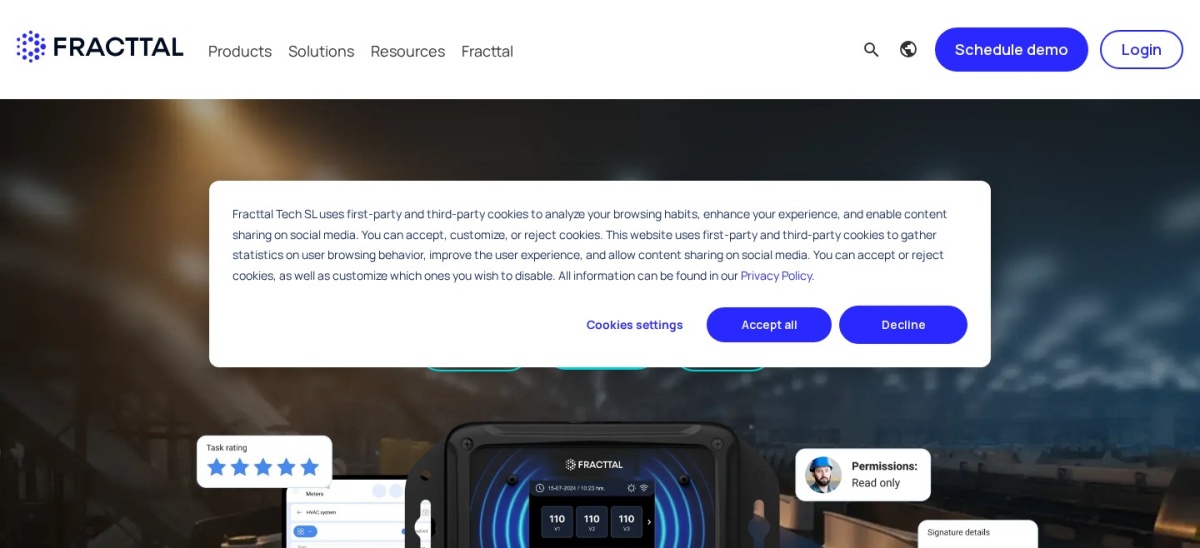
Fracttal homepage, captured Nov 2026.
Fracttal One is a cloud CMMS for work orders, preventive maintenance, asset tracking and inventory, with automated alerts. It holds the largest Capterra review base in this list at 1,785 reviews, rated 4.6 out of 5. Teams manage tasks and parts from web and mobile apps.
The trade off is pricing transparency. Fracttal publishes no prices and quotes per deployment, so you cannot compare its cost against the per-user tools here without a sales call. It suits plants that want a proven, widely reviewed CMMS and are comfortable buying through a quote.
What we like
Largest review base in this list
Automated alerts for tasks and inventory
Covers work orders, PM and parts in one system
Mobile apps for technicians
Watch out for
No published price; every deal is quoted
No permanent free plan
Less manufacturing-specific than the top picks
Quotes cover work orders, PM scheduling, assets and inventoryVisit fracttal.com
07
eWorkOrders
4.9/5on Capterra (121 reviews, checked Nov 2026)
PricingCustom/yr
Best for flat-rate, unlimited users
Free planNo, demo available
Entry paid planFlat-rate, quote
UsersUnlimited on all plans
AI assistantEnterprise plan
eworkorders.com
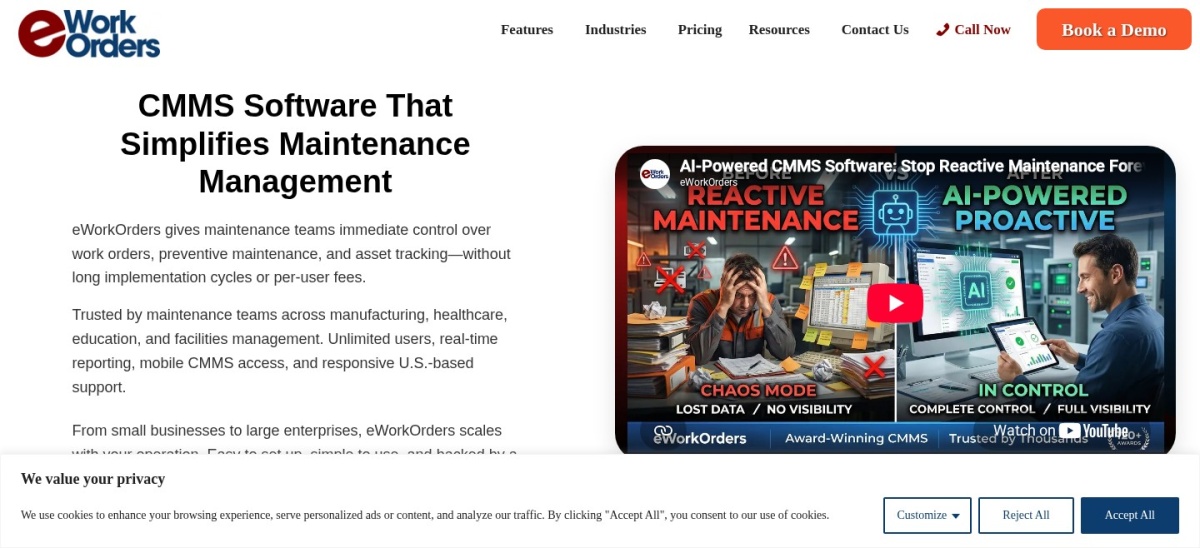
eWorkOrders homepage, captured Nov 2026.
eWorkOrders is a cloud CMMS and EAM platform for work orders, preventive maintenance and asset tracking. Its flat-rate Starter and Advanced plans include unlimited users, so adding technicians does not raise the licence count. The Enterprise plan adds an AI Maintenance Assistant.
The trade off is the small review base. Its 4.9 out of 5 Capterra rating is the highest here, but it rests on 121 reviews, far fewer than the leaders. It suits teams that want predictable flat-rate pricing and unlimited users.
What we like
Highest rating in this list at 4.9 out of 5
Unlimited users on flat-rate plans
Reporting included on every plan
AI Maintenance Assistant on Enterprise
Watch out for
Smallest review base in this list
No published price; plans are quoted
No permanent free plan
Flat-rate plans mean headcount growth does not raise the licence countVisit eworkorders.com
08
Tractian
4.8/5on Capterra (85 reviews, checked Nov 2026)
PricingCustom/yr
Best for sensor-based predictive maintenance
Free planNo, demo available
Entry paid planPer asset, quote
Sensors4G vibration and energy
OEE trackingYes, built in
tractian.com
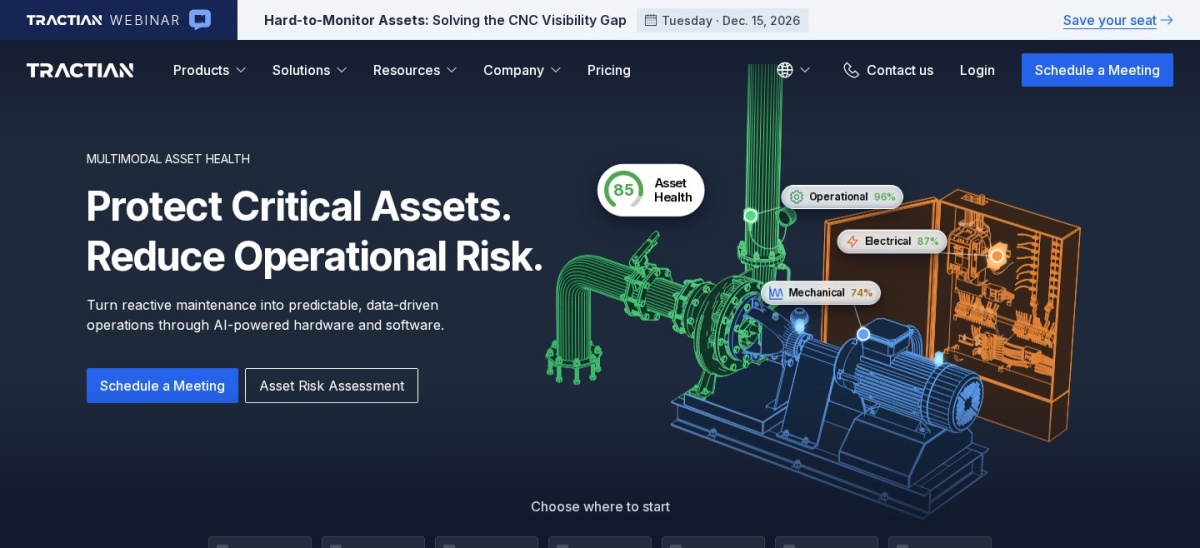
Tractian homepage, captured Nov 2026.
Tractian pairs a CMMS with its own 4G vibration and energy sensors for predictive maintenance. It tracks OEE, monitors machine health and raises work orders from sensor data, priced per asset rather than per user. Its Capterra rating is 4.8 out of 5 from 85 reviews.
The trade off is scope and price. Tractian is quoted per asset, so costs depend on how many machines you monitor, and the review base is small. It suits plants that want to watch a set of critical machines with sensors instead of buying a full CMMS rollout.
What we like
Bundled sensors with no separate hardware vendor
OEE and machine health tracking built in
Per-asset pricing suits small critical fleets
Rated 4.8 out of 5 on Capterra
Watch out for
Priced per asset, so costs scale with machines
Small review base of 85 reviews
Less of a general-purpose CMMS than the top picks
Sensor hardware and monitoring are bundled with the softwareVisit tractian.com
09
FMX
4.7/5on Capterra (454 reviews, checked Nov 2026)
PricingCustom/yr
Best for multi-site maintenance planning
Free planNo, demo available
Entry paid planQuote only
Capital planningYes, included
Fleet trackingYes, included
gofmx.com
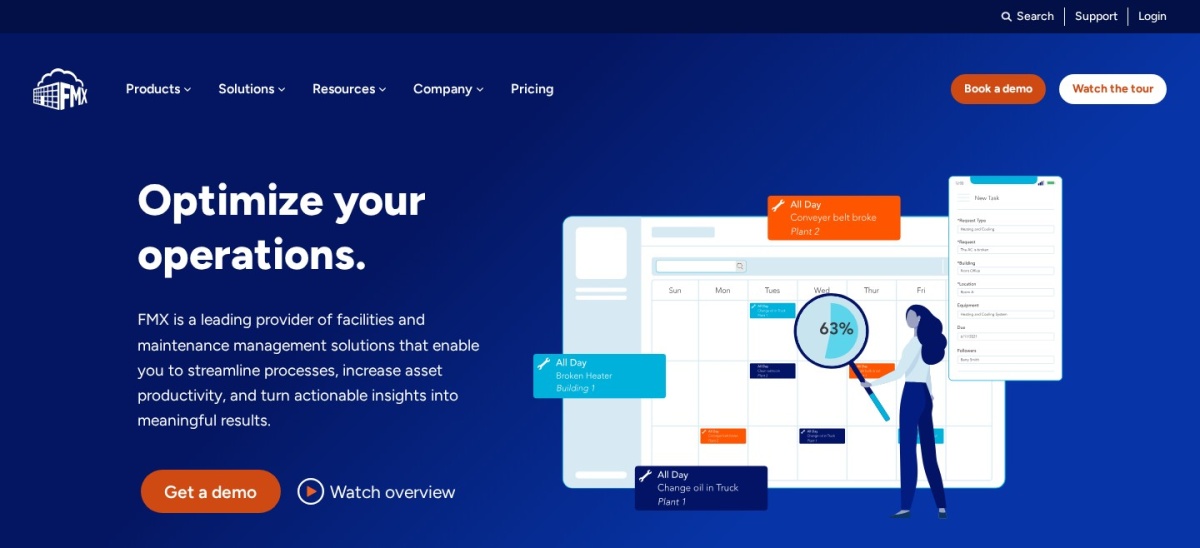
FMX homepage, captured Nov 2026.
FMX is a cloud CMMS for work orders, preventive maintenance, asset tracking, inventory, fleet and capital planning. It covers multi-building and multi-site teams with scheduling and space management beside maintenance. Its Capterra rating is 4.7 out of 5 from 454 reviews.
The trade off is focus and price. FMX is strongest in facilities and education rather than heavy manufacturing, and every plan is quoted. It suits multi-site operations that want maintenance, scheduling and capital planning in one system.
What we like
Maintenance, fleet and capital planning in one system
Strong multi-site and scheduling coverage
Rated 4.7 out of 5 from 454 reviews
93% of reviewers recommend it on Capterra
Watch out for
No published price; every plan is quoted
Strongest in facilities, not heavy manufacturing
No permanent free plan
Quotes cover work orders, PM, assets, inventory and fleetVisit gofmx.com
Six tools publish no price: how to compare them
Limble, eMaint, Fracttal, eWorkOrders and Tractian all sell through quotes, and FMX does too. That is normal in this niche, where price depends on users, assets and sites, but it makes the shortlist harder to budget.
Ask each vendor for the same thing: the tier that includes preventive maintenance scheduling, parts inventory, offline mobile access and integrations. Entry quotes often exclude one of those.
Compare the licence model as well as the number. Per-user pricing grows with headcount, per-asset pricing grows with machines, and flat-rate plans such as eWorkOrders stay fixed as the team grows.
Get the quote in writing with the user or asset count it covers. A low first-year quote can hide a renewal jump, so ask what the second year costs before signing.
How we chose
We started from the CMMS tools most often shortlisted for manufacturing plants, then kept those with a public Capterra rating and a clear manufacturing fit.
Prices come from each vendor's pricing page, checked on 25 November 2026. Ratings and review counts come from Capterra on the same day. Where a vendor shows a sale, the list shows the regular price.
We left out tools with no public rating and enterprise EAM platforms sold only through long implementation projects. No vendor paid for a place, and we do not claim to have used these tools ourselves.
How to choose a CMMS for manufacturing
Start with how your technicians actually work, then match the software to the plant.
Count who needs a paid seat. Some tools charge per technician, others per asset or a flat rate. Requesters are free on MaintainX and Fiix, so count only the people who close work.
Check offline mobile access. Shop floors lose signal. Confirm the plan you would buy includes offline mode before you shortlist it.
Match PM triggers to your machines. Calendar PMs suit most plants, but meter-based and condition-based triggers matter for high-use equipment.
Price the tier you will actually need. Entry plans often exclude parts inventory, offline mode and integrations. Ask for a quote on the tier with those features included.
FAQ
What is the best CMMS software for manufacturing?
MaintainX is the best pick for most manufacturing plants. Its free Basic plan covers unlimited work orders, Essential costs $20 per user a month with annual billing, and it is rated 4.8 out of 5 on Capterra from 1,080 reviews.
How much does CMMS software for manufacturing cost?
Published entry prices here run from $20 to $45 per user a month with annual billing. Six of the nine tools publish no price and sell through quotes, so expect a sales call before you can budget those.
Is there a free CMMS for manufacturing plants?
Yes. MaintainX offers a free Basic plan with unlimited work orders and 2 active repeating work orders, and Fiix offers a free plan with up to 25 active preventive maintenance tasks. Both charge for parts inventory and deeper reporting.
Do I need sensors or IoT with a CMMS?
No. Most plants start with work orders and calendar-based preventive maintenance. Tractian bundles vibration and energy sensors for predictive maintenance, while eMaint and Fiix connect to sensors you already own.
What is the difference between CMMS and EAM software?
A CMMS focuses on maintenance work: work orders, preventive schedules, assets and parts. EAM covers the full asset lifecycle, including procurement, depreciation and disposal, and usually costs more and takes longer to implement.
Can a CMMS work without internet on the shop floor?
It depends on the plan. Limble includes offline mobile access, while UpKeep reserves offline mode for a higher quoted plan. Confirm offline support is in the tier you buy, not just in the product.
SaaS SEO and WordPress specialist with about 8 years of experience. Rakib compares WordPress plugins, themes, hosting and software using public pricing, documentation and user reviews. See how we rank.