Amazon Web Services is the best cloud computing platform for most teams, with more than 200 services and a Lightsail server from $5 a month. Pick Google Cloud for AI and analytics, or DigitalOcean if you want the simplest $4 server.
How we make this list: we compare pricing pages, product documentation and public user reviews, then re-check every price before each update. No product paid for a place. Disclosure.
AWS leads with 200+ services and a $5 Lightsail server, rated 4.7/5 on G2.
Google Cloud has the best free tier: one e2-micro VM free every month, plus $300 in credit.
DigitalOcean is the simplest start, with a flat $4 Droplet and a 4.6/5 G2 rating from 756 reviews.
Fly.io is the cheapest entry at $2.19 a month, but there is no free tier and no spending cap.
Heroku is in sustaining engineering since February 2026, so expect fixes, not new features.
Entry prices run from $2.19 to $7.59 a month, but disks, addresses and transfer are billed on top.
What to look for in a cloud platform
Cloud platforms charge for what you use, so the headline price is only the start. A $4 virtual machine still needs a disk, an IP address and data transfer, and those lines are billed separately on most platforms.
Start with the workload, not the brand. A simple website or side project fits a flat-priced Droplet or Nanode, while a team with many services, databases and queues needs a hyperscaler such as AWS, Google Cloud or Azure.
Free tiers differ a lot. Google Cloud gives away a small virtual machine every month, AWS and Azure give credits and 12 months of free services, and DigitalOcean and Linode offer no permanent free plan. Our guide on what a VPS is explains the virtual server at the heart of most of these plans.
Support varies too. Linode includes 24/7 phone support on every plan, so check what help the entry price buys on the platform you pick.
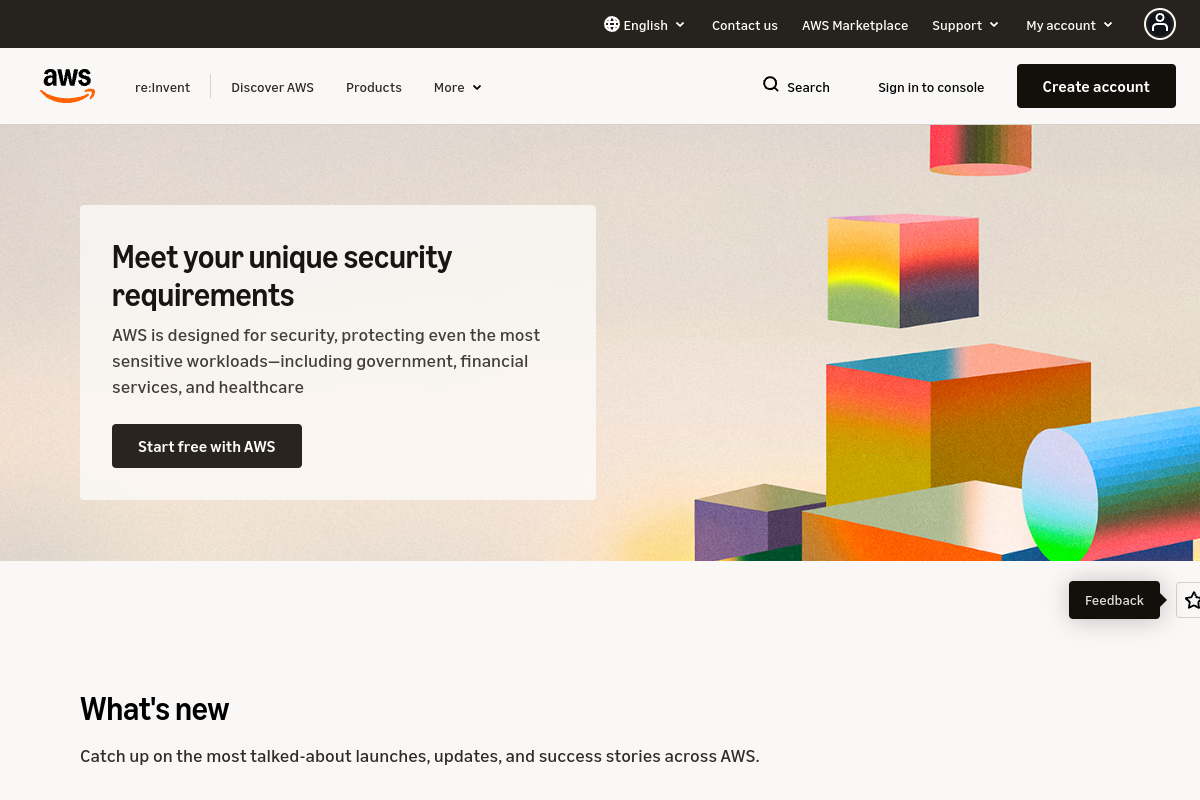
Amazon Web Services (AWS) homepage, captured Nov 2026.
Amazon Web Services (AWS) is the largest cloud platform, with more than 200 services for compute, storage, databases and AI. The cheapest way in is Lightsail, a bundled virtual server from $5 a month with 0.5 GB of memory, 2 vCPUs, 20 GB of SSD storage and 1 TB of transfer. New accounts also get a 12-month free tier on many services.
The trade off is complexity. The console and the bill both grow fast as you add services, and the cheapest EC2 virtual machines are priced by the hour with storage, transfer and IP addresses billed separately. It suits teams that need the widest choice of services and can invest time in learning the platform.
What we like
Largest catalogue of cloud services
Free tier for the first 12 months
Lightsail gives a simple $5 starting server
Strongest ecosystem of guides and third-party tools
Watch out for
Billing is hard to predict across services
Console takes time to learn
Paid support and reserved servers cut the bill for steady workloadsVisit aws.amazon.com
02
Google Cloud
4.5/5on G2 (4 reviews, checked Nov 2026)
Paid from$6.11/mo
Best for AI, data and analytics
Entry VMe2-micro, $6.11/mo
Free tier1 e2-micro, always free
New-account credit$300 for 90 days
BillingPer-second, pay as you go
cloud.google.com
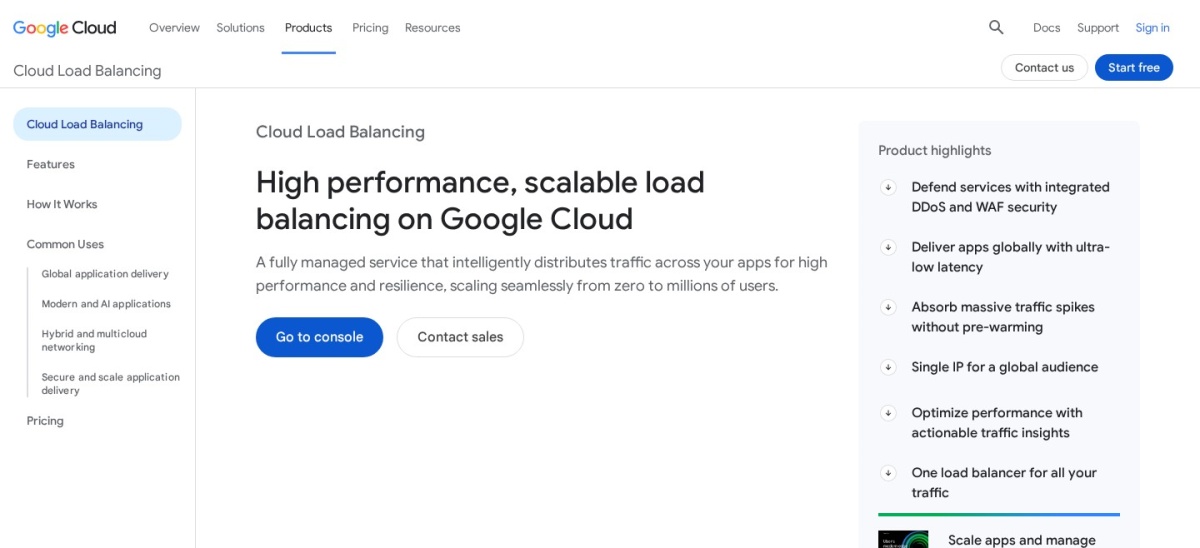
Google Cloud homepage, captured Nov 2026.
Google Cloud is Google's cloud platform, built around Compute Engine virtual machines, BigQuery analytics and its Gemini AI models. The smallest virtual machine, the e2-micro with 2 shared vCPUs and 1 GB of memory, lists at $6.11 a month in the Iowa region, and one e2-micro is free every month in three US regions. New accounts get $300 in credit for 90 days.
The trade off is the bill. Storage, IP addresses and data transfer are charged separately, so a $6.11 virtual machine costs more once you add a disk and an address. It suits teams that already use Google Workspace or BigQuery, and developers who want strong AI and data tools beside their servers.
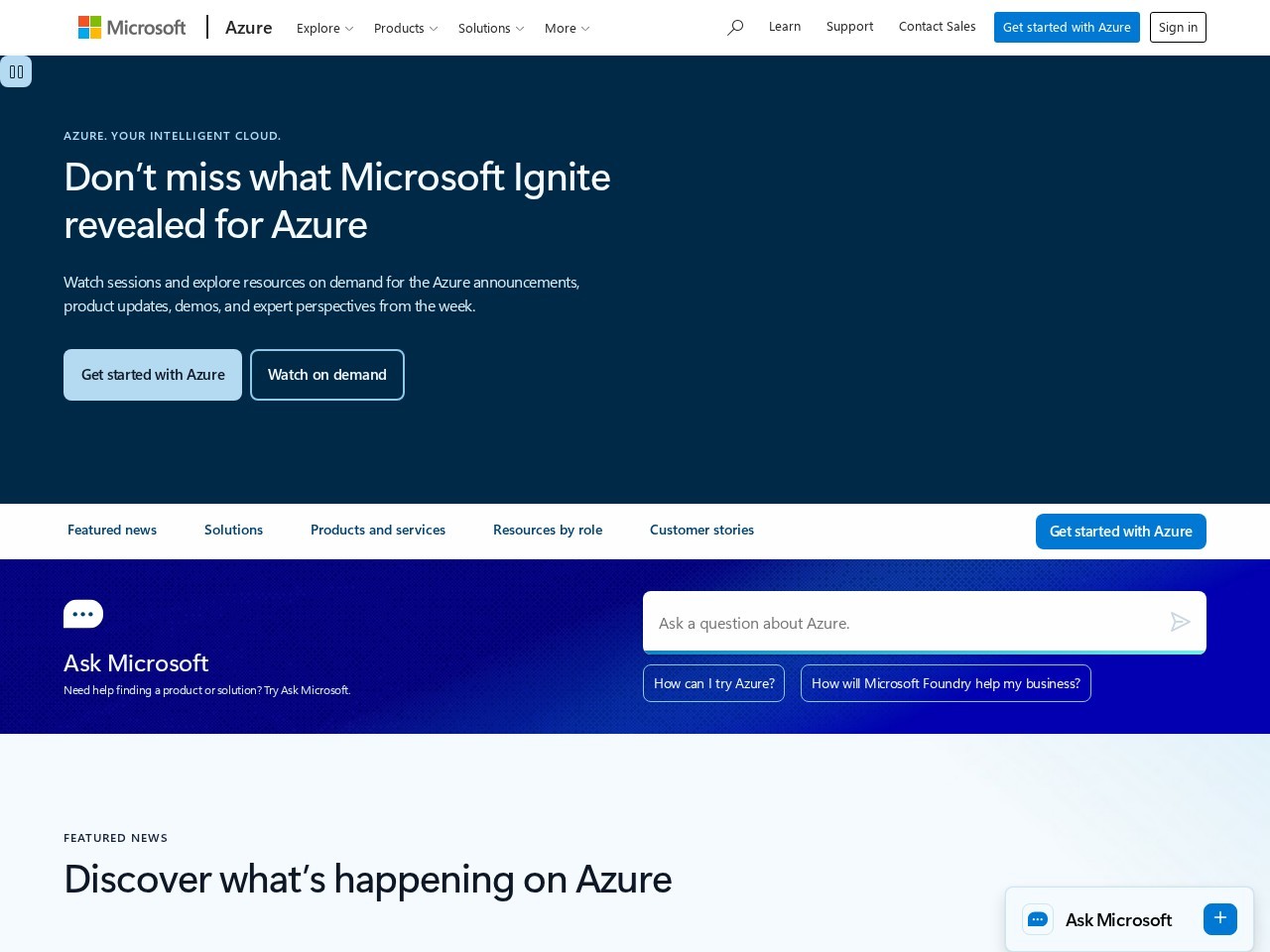
Microsoft Azure is Microsoft's cloud platform, with virtual machines, databases and AI services that sit beside Windows Server, Active Directory and Microsoft 365. The cheapest virtual machine, the burstable B1s with 1 vCPU and 1 GB of memory, costs $0.0104 an hour, about $7.59 a month in East US. A free account adds $200 in credit for 30 days.
The trade off is price complexity. The B1s is a burstable machine that banks CPU credits, so it is wrong for sustained load, and a public IP address adds about $3.65 a month. It suits teams that run Microsoft software, need hybrid cloud with on-site servers, or answer to strict governance rules.
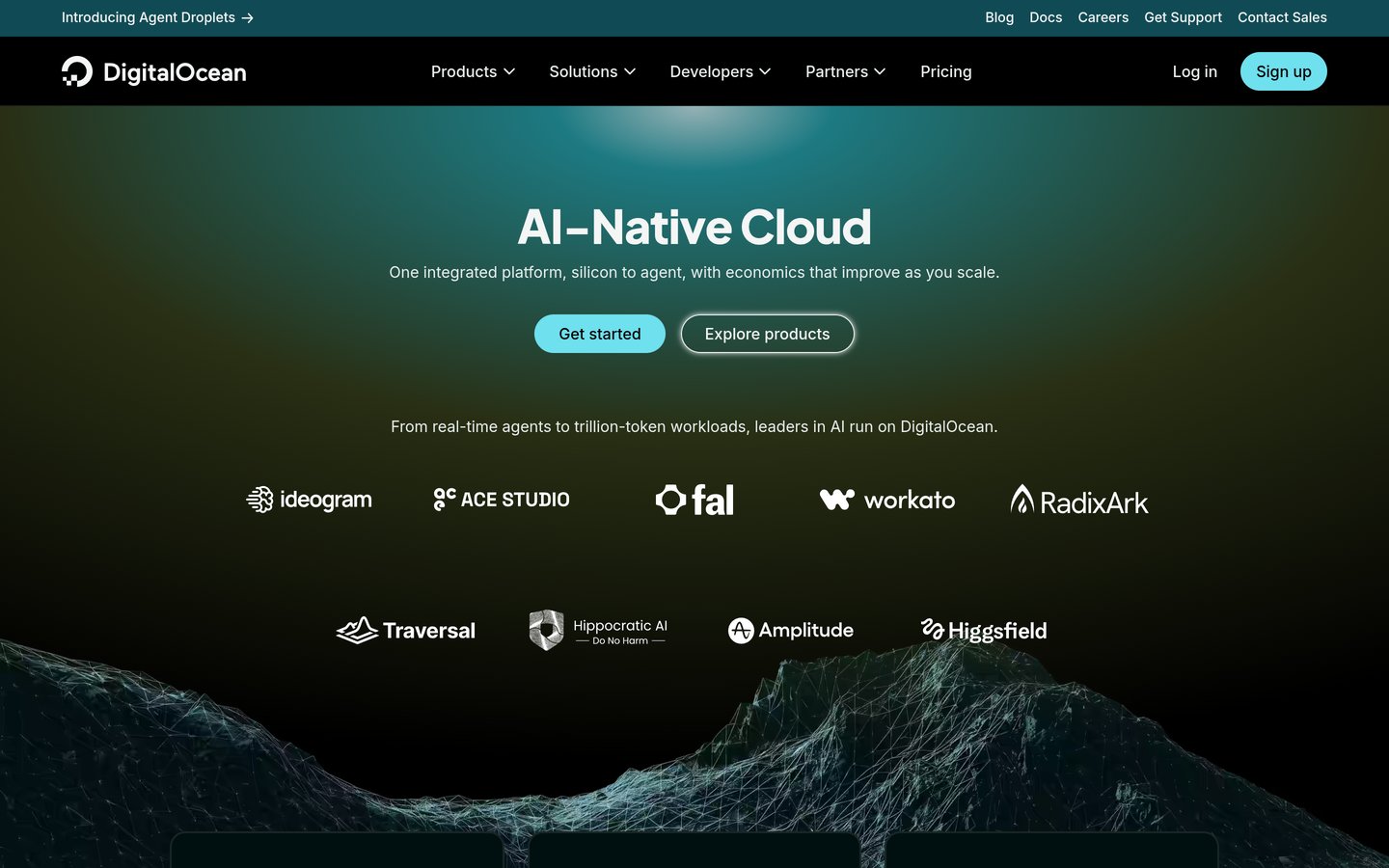
DigitalOcean is a developer cloud built around Droplets, simple virtual machines with flat monthly prices. The smallest Basic Droplet costs $4 a month and gives 1 vCPU, 512 MB of memory, 10 GB of SSD storage and 500 GB of transfer. Managed databases, Kubernetes and App Platform run beside Droplets in the same dashboard.
The trade off is scale. DigitalOcean covers the common services well but has a smaller catalogue than the big three, and there is no permanent free plan, only promotional credits for new users. It suits small teams and solo developers who want a server running in minutes without learning a large console.
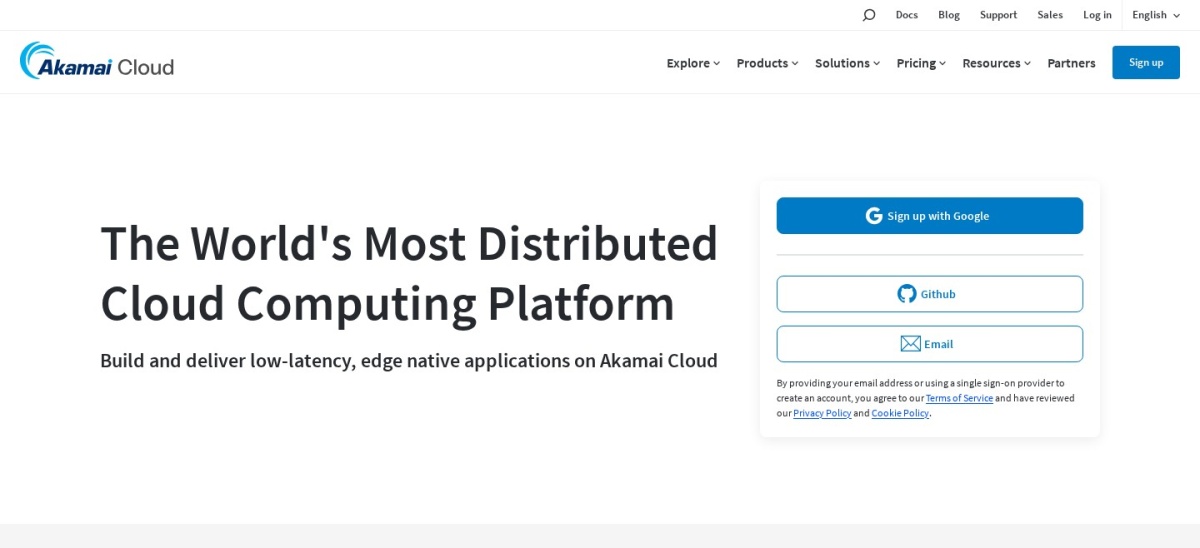
Linode (Akamai Cloud) homepage, captured Nov 2026.
Linode is a developer cloud, now sold as Akamai Cloud after Akamai bought it in 2022. The cheapest shared-CPU plan, the Nanode 1 GB, costs $5 a month for 1 vCPU, 1 GB of memory, 25 GB of storage and 1 TB of transfer. New accounts get a $100 credit, and every plan includes 24/7 phone support.
The trade off is polish. The console and docs are plain next to DigitalOcean, and some regions cost more than the base price, such as $6 in Jakarta and $7 in Sao Paulo. It suits developers who want predictable flat pricing and a bigger transfer allowance than the $5 plans elsewhere.
What we like
Flat $5 entry with 1 TB of transfer
Rated 4.6 out of 5 from 406 G2 reviews
24/7 phone support on every plan
No intro price, the listed price is the ongoing price
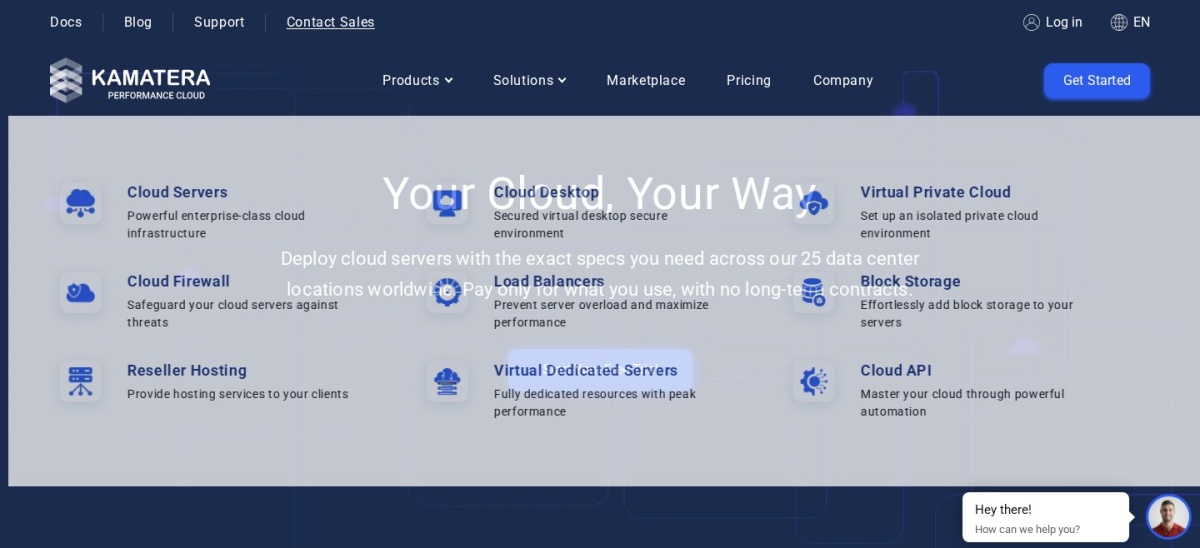
Kamatera is a cloud provider that lets you build a server to exact specs instead of picking a fixed size. The entry Linux server costs $4 a month for 1 vCPU, 1 GB of memory, 20 GB of NVMe storage and 5 TB of traffic. A 30-day trial with up to $100 in credit lets you run a real server before paying.
The trade off is management. The $4 server is unmanaged, so patching, backups and firewall rules are yours unless you pay for the managed tier, and a monthly server cancelled mid-month is still charged in full. It suits people who already run Linux servers and want to choose every part.
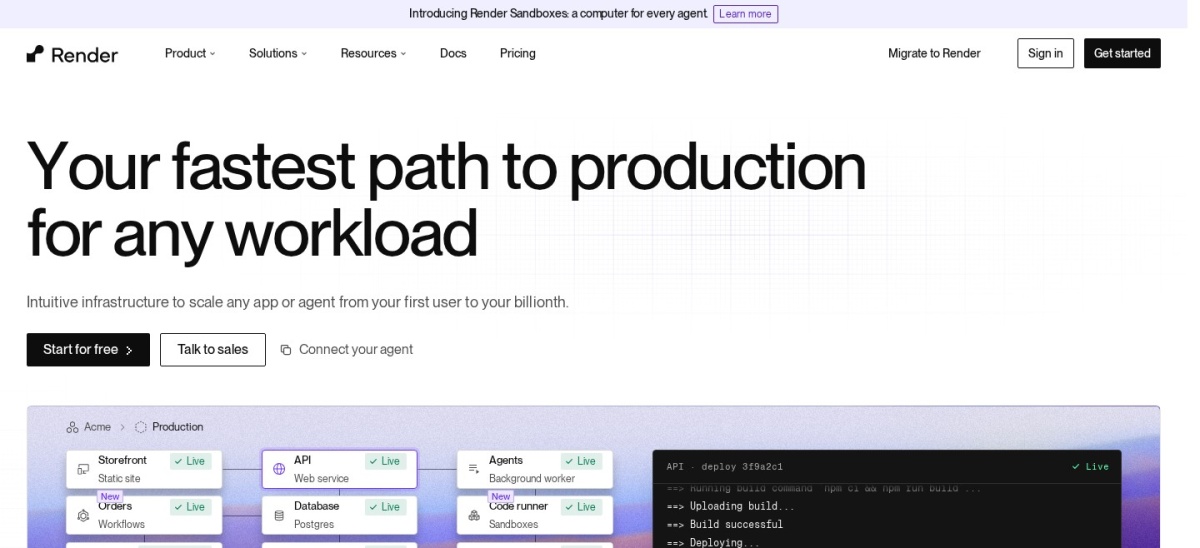
Render is a cloud platform that deploys web services, background workers and cron jobs from a Git repository. The smallest paid web service, Starter, costs $7 a month for 0.5 CPU and 512 MB of memory, and a free tier covers static sites and small web services. Managed Postgres, Redis and cron jobs run in the same dashboard.
The trade off is cost at scale. Render is cheap to start, but reviewers note the bill grows as you add services, and the free tier sleeps, so it is not for always-on production apps. It suits small teams that want git-push deploys without managing a server.
What we like
Rated 4.7 out of 5 from 84 G2 reviews
Free tier for static sites and small services
Git-push deploys with auto scaling
One dashboard for apps, jobs and databases
Watch out for
Free tier sleeps, so it is not for production
Costs rise as you add services
Standard services from $25 a month add more CPU and memoryVisit render.com
08
Heroku
4.1/5on G2 (154 reviews, checked Nov 2026)
Starts at$5/mo
Best classic PaaS for fast deploys
Entry dynoEco, $5/mo
Always-on dynoBasic, $7/mo
Free planNo free tier
DatabasesPostgres from $5/mo
heroku.com
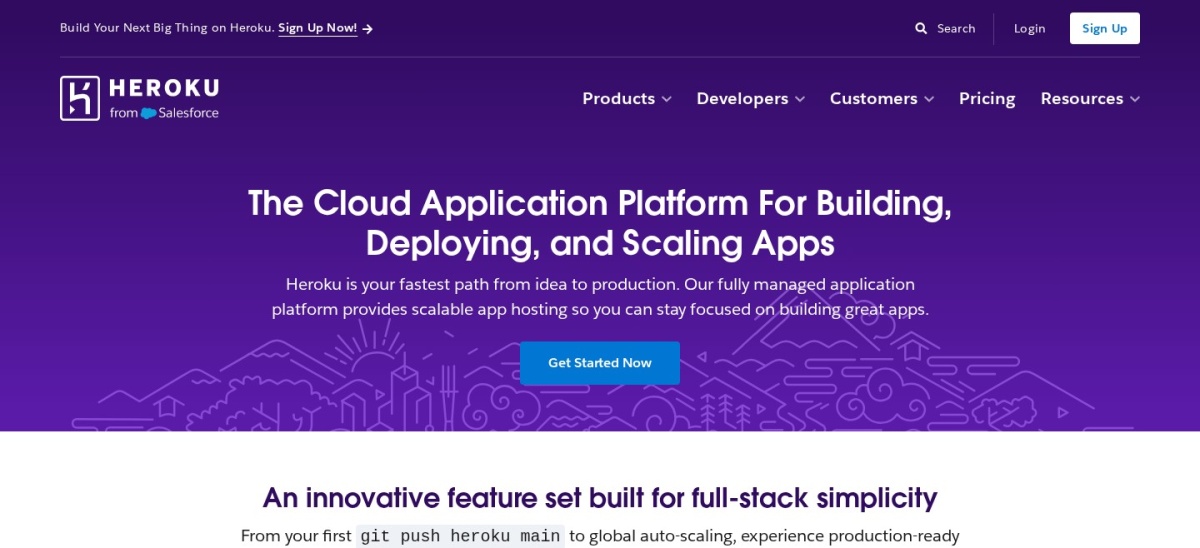
Heroku homepage, captured Nov 2026.
Heroku is the classic platform as a service: push code with git and Heroku builds, runs and scales it. The cheapest dyno, Eco, costs $5 a month for a shared pool of 1,000 dyno hours, and the always-on Basic dyno costs $7. Heroku Postgres starts at $5 a month for the Essential-0 plan with 1 GB of storage.
The trade off is the future. Heroku moved to sustaining engineering in February 2026, so it gets stability and security fixes rather than new features, and costs climb fast as you add dynos and add-ons. It suits teams with an existing Heroku app, or a small project that must ship this week.
What we like
Fastest git-push path from code to live app
Huge add-on marketplace for databases and tools
Simple pricing per dyno and add-on
Long track record since 2007
Watch out for
No new features since February 2026
No free tier since November 2022
Standard dynos from $25 a month add scaling and prebootVisit heroku.com
09
Fly.io
4.7/5on G2 (3 reviews, checked Nov 2026)
Starts at$2.19/mo
Best for apps in many regions
Entry Machineshared-cpu-1x, $2.19/mo
Free tierNo, 2-hour trial
BillingPer second, no platform fee
MachinesFirecracker microVMs
fly.io
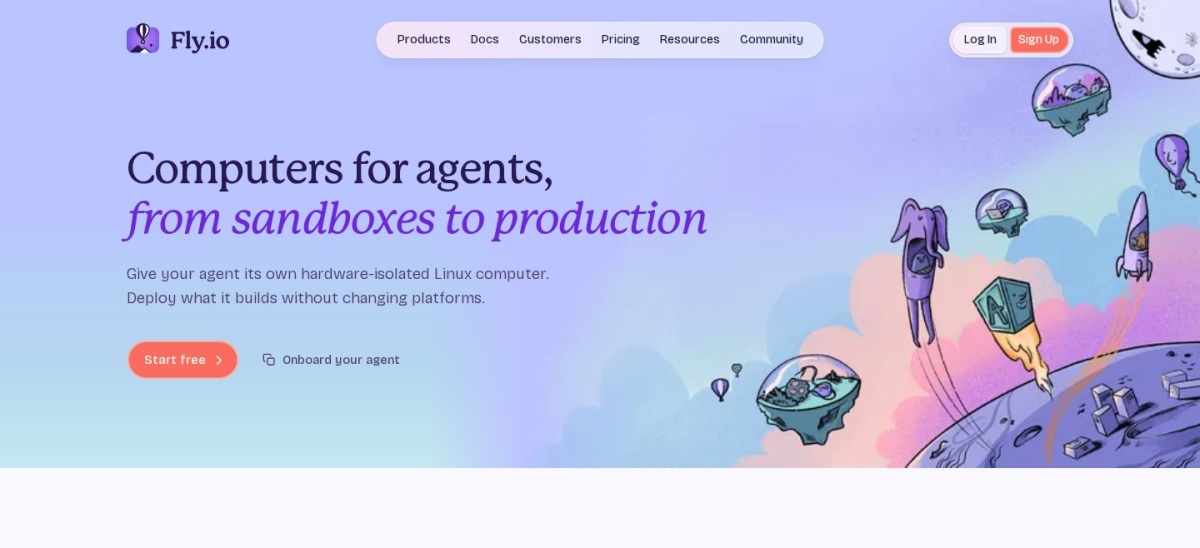
Fly.io homepage, captured Nov 2026.
Fly.io is a developer cloud that runs apps as Machines, small Firecracker microVMs you place close to your users. The smallest always-on Machine, shared-cpu-1x with 256 MB of memory, costs $2.19 for 30 days in the Ashburn region. There is no monthly platform fee, and Machines bill by the second while they run.
The trade off is rough edges. There is no free tier, only a 2-hour trial, and reviewers report billing surprises from volumes, snapshots and egress, with no spending cap. It suits developers who are happy with a command line and want the same app running in several regions at once.
Pay-as-you-go vs fixed prices: what the entry price buys
Most platforms in this list bill by the hour or second, with a monthly cap on the small plans. DigitalOcean caps a $4 Droplet at $4, and Linode caps the $5 Nanode the same way, so a server left running all month costs the listed price.
The hyperscalers bill each part separately. An AWS, Google Cloud or Azure virtual machine is one line; the disk, the IP address and the data transfer are more lines, so the monthly total is higher than the entry price.
PaaS prices are simpler to read. Heroku, Render and Fly.io charge per dyno, service or Machine, so the bill follows the number of running apps rather than the parts inside a server.
A free tier is not a free server forever. Google Cloud's always-free e2-micro stays free, but AWS and Azure free tiers mostly end after 12 months.
How we chose
We started from the cloud platforms with the largest review bases on G2, then kept nine that cover hyperscalers, developer clouds and PaaS, from AWS and Google Cloud to DigitalOcean, Render and Fly.io.
Prices come from each vendor's pricing page and G2 pricing data, checked on 24 November 2026. Ratings and review counts come from G2 on the same day. Entry prices are the cheapest paid virtual machine, dyno or service, and the list shows the regular price, not a sale.
We left out platforms whose homepages blocked every screenshot attempt, including Vultr, Oracle Cloud, UpCloud and Cloudways, and replaced them with Kamatera and Fly.io. No vendor paid for a place, and we do not claim hands-on testing for this list.
How to choose a cloud computing platform
Match the platform to the workload, then check the total monthly cost before you commit.
Work out what you are running. A single website or API fits a flat-priced Droplet, Nanode or Machine. A system with many services, queues and databases needs a hyperscaler.
Add up the whole bill. Price the disk, IP address and transfer beside the virtual machine, and check what the free tier covers after the first year.
Pick PaaS if you hate servers. Render, Heroku and Fly.io deploy from git and skip server setup, but they cost more per unit of compute than a raw virtual machine.
Try the free tier or trial first. Spin up the smallest size, deploy your real app, and watch one full bill before you move anything that matters.
FAQ
What is the best cloud computing platform?
Amazon Web Services is the best pick for most teams. It has more than 200 services, a Lightsail server from $5 a month, and a 4.7 out of 5 G2 rating from 84 reviews.
What is the cheapest cloud computing platform?
Fly.io has the cheapest entry at $2.19 a month for a shared-cpu-1x Machine with 256 MB of memory. DigitalOcean and Kamatera follow at $4 a month, but all three charge extra for storage, volumes and data transfer.
Which cloud platform has the best free tier?
Google Cloud has the best free tier, with one e2-micro virtual machine free every month in three US regions, plus $300 in credit for 90 days. AWS and Azure offer 12 months of free services instead, while DigitalOcean and Linode have no permanent free plan.
Is AWS better than Google Cloud and Azure?
AWS has the widest service range, with more than 200 services, while Google Cloud leads on AI and analytics and Azure fits Microsoft shops best. The right pick depends on the tools your team already uses, not on the rating alone.
Do I need a hyperscaler for a small website?
No. A small website runs well on a $4 DigitalOcean Droplet, a $5 Linode Nanode or a $7 Render service, all of which are simpler to manage than AWS or Azure. Move to a hyperscaler when you need many managed services, not before.
Why is Heroku in sustaining engineering?
Heroku announced in February 2026 that it would focus on stability, security and support rather than new features, with no change to pricing or service for existing customers. It still works well for existing apps, but new projects should weigh that future.
SaaS SEO and WordPress specialist with about 8 years of experience. Rakib compares WordPress plugins, themes, hosting and software using public pricing, documentation and user reviews. See how we rank.