Vercel is the best cloud app deployment platform for most teams, with Git-push deploys, preview links and a free Hobby plan, rated 4.6/5 on G2. Pick Render for full-stack apps with databases, or Railway for the cheapest always-on start at $5 a month.
How we make this list: we compare pricing pages, product documentation and public user reviews, then re-check every price before each update. No product paid for a place. Disclosure.
Vercel leads for frontend work: preview deploys on every pull request and Pro at $20 per user a month.
Render is the best full-stack pick: an always-on Starter service costs $7 a month, with managed Postgres from $6.
Railway and Heroku both start at $5 a month, but Railway includes $5 of usage while Heroku Eco dynos sleep.
Fly.io is the cheapest always-on compute here at $2.19 a month, but it has no free plan.
Cloud Run and Elastic Beanstalk charge no platform fee, so you pay only for the compute your app uses.
What a cloud app deployment platform should cover
A cloud app deployment platform takes code from a Git repo or a container image and turns it into a live app, with builds, HTTPS, scaling and rollbacks handled for you.
The main split is between frontend-first platforms such as Vercel and Netlify, and full-stack platforms such as Render, Railway and Heroku that also run APIs, workers and databases.
Pricing splits three ways: flat monthly instances on Render, Heroku and DigitalOcean; usage credits on Railway and Netlify; and pay-as-you-go on Fly.io, Cloud Run and Elastic Beanstalk. Our guide on deploying WordPress with GitHub Actions shows the same Git-push idea in a WordPress setup.
Free tiers are real but limited. Most sleep, pause or cap usage, so treat them as a way to try a platform, not as production hosting.
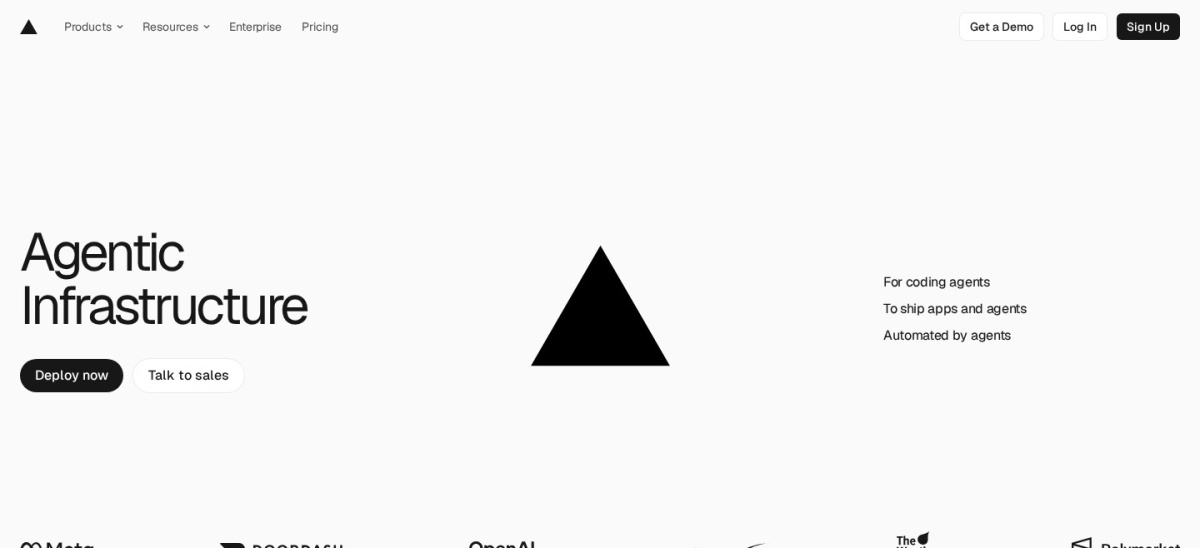
Vercel is a frontend cloud that deploys web apps straight from Git, with a preview link for every pull request, automatic HTTPS and a global edge network. The free Hobby plan covers personal projects, and Pro costs $20 per user a month and includes $20 of usage credit.
The trade off is cost at scale. Pro is priced per user, and usage billing can climb as traffic grows, while long-running backends need separate services. It suits frontend and Next.js teams that want the fastest path from a Git push to a live URL.
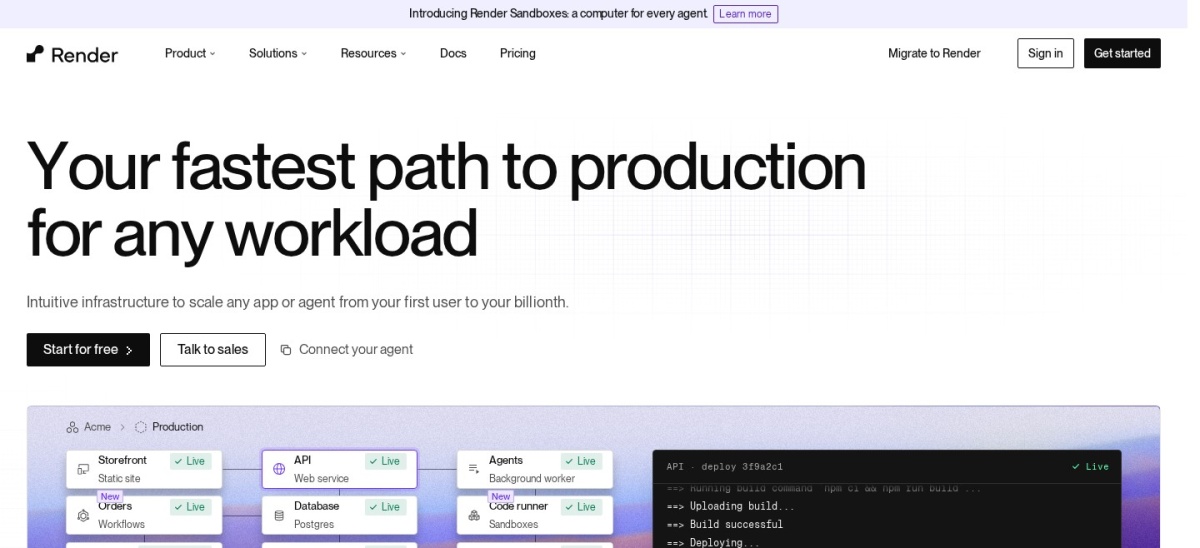
Render is a full-stack platform that deploys web services, background workers, cron jobs and static sites from GitHub or GitLab. An always-on Starter service costs $7 a month with 512 MB of memory, and managed Postgres starts at $6 a month. Free web services sleep after 15 minutes without traffic.
The trade off is that the database is billed separately, so a real app with Postgres costs about $13 a month before bandwidth. It suits small teams that want one platform for the API, the worker and the database.
What we like
Web services, workers, cron and databases in one place
Fixed monthly prices that are easy to budget
Free static sites and a free service tier
Watch out for
Free services sleep after 15 minutes idle
Database and storage add to the monthly bill
Autoscaling needs the $25 Pro workspace
Pro workspace adds autoscaling and full-stack previewsVisit render.com
03
Railway
4.4/5on G2 (96 reviews, checked Nov 2026)
Paid from$5/mo
Best for fast MVPs and side projects
Entry paid planHobby, $5/mo
Free plan$1 usage credit/mo
Included usage$5 credit on Hobby
DatabasesTemplates, billed as usage
railway.com
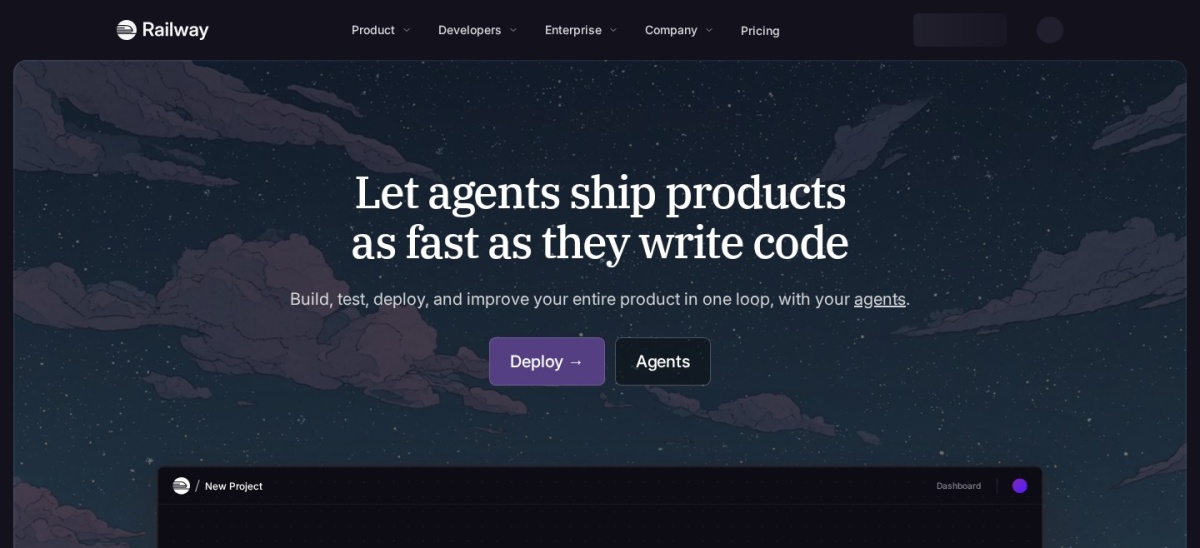
Railway homepage, captured Nov 2026.
Railway is a deployment platform that turns a GitHub repo into running services, databases, workers and cron jobs on one canvas. Hobby costs $5 a month and includes $5 of resource usage, while Pro costs $20 a month per workspace and includes $20 of usage. The free plan gives $1 of usage a month.
The trade off is billing. The plan fee is a usage credit, not a cap, so a busy app can cost more than $5 a month and the bill is hard to predict. It suits prototypes, MVPs and side projects that need to go live fast.
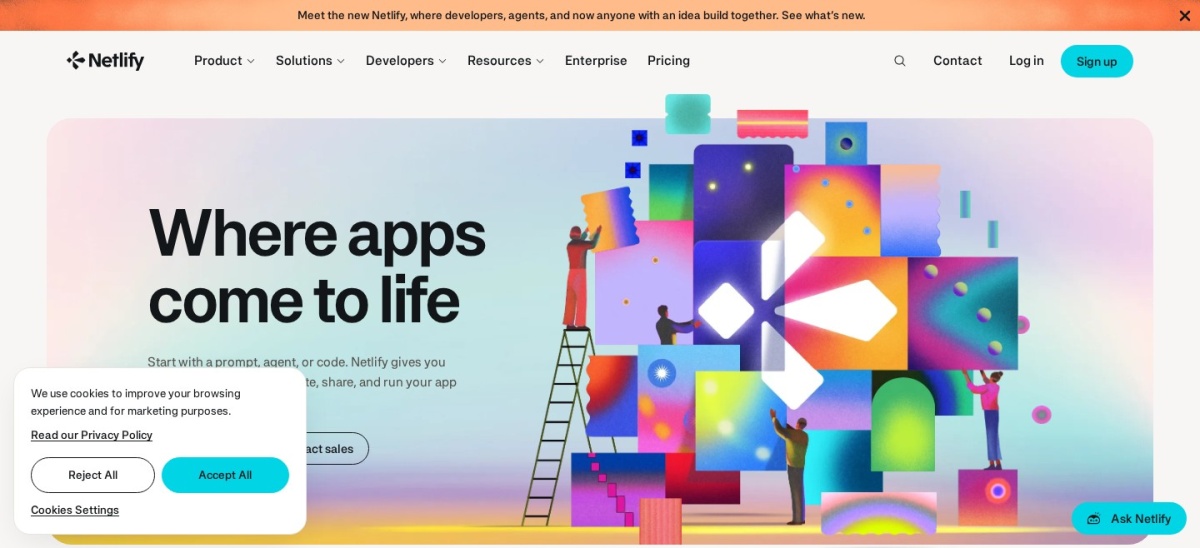
Netlify is a Git-based hosting platform for static sites and frontend apps, with a preview deploy for every pull request, forms and serverless functions. The free plan gives 300 credits a month, and Personal costs $9 a month for 1,000 credits. Pro costs $20 a month for 3,000 credits and unlimited team members.
The trade off is the credit model. Bandwidth, builds and compute all draw from one credit pool, so costs are hard to predict, and long-running backends belong elsewhere. It suits static sites, docs and marketing pages.
What we like
Preview deploy for every pull request
Pro covers unlimited team members for $20
Forms and serverless functions built in
Watch out for
Credit billing is hard to predict
Free plan pauses when credits run out
Not made for long-running backends
Pro adds more credits, private repos and longer analyticsVisit netlify.com
05
Fly.io
4.7/5on G2 (3 reviews, checked Nov 2026)
Starts at$2.19/mo
Best for global multi-region apps
Entry paid planshared-cpu-1x, $2.19/mo
Free planNo free plan, $1 trial
BillingPer second, no platform fee
PostgresManaged, from $38/mo
fly.io
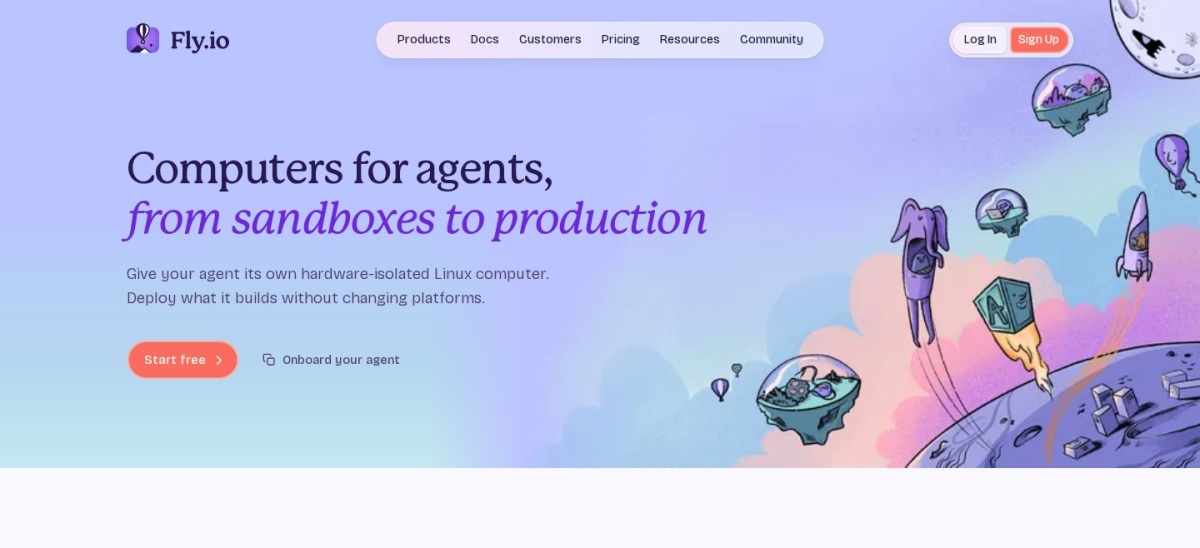
Fly.io homepage, captured Nov 2026.
Fly.io is a container platform that runs Docker images as Firecracker microVMs close to users, with global Anycast routing and machines that stop and start on demand. The smallest always-on Machine costs $2.19 a month in the lowest-priced regions, and there is no monthly platform fee.
The trade off is the learning curve. Deploys are CLI-first with a Dockerfile, there is no free plan beyond a $1 trial, and managed Postgres starts at $38 a month. It suits Docker-first teams that want apps running in many regions.
What we like
Cheapest always-on compute in this list
Machines run close to users worldwide
Per-second billing with no platform fee
Watch out for
No free plan, only a $1 trial
CLI-first workflow takes time to learn
Managed Postgres is pricey for small apps
Larger Machines and managed Postgres add to the billVisit fly.io
06
Heroku
4.2/5on G2 (148 reviews, checked Nov 2026)
Starts at$5/mo
Best for the simplest git-push workflow
Entry paid planEco, $5/mo
Always-on dynoBasic, $7/mo
PostgresEssential from $5/mo
Free planNo free tier
heroku.com
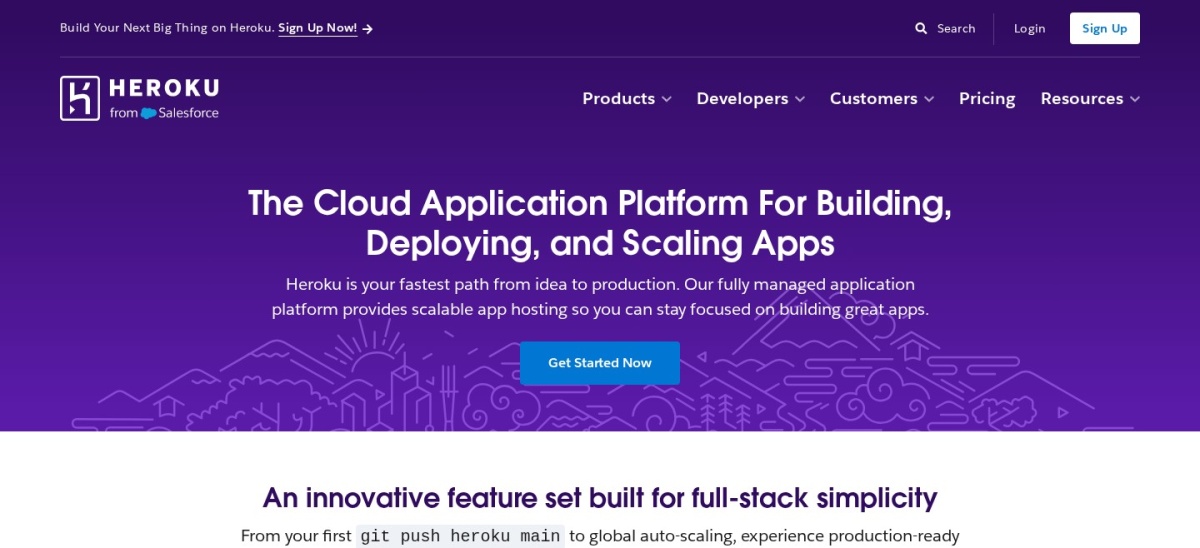
Heroku homepage, captured Nov 2026.
Heroku is the original git-push platform: buildpacks detect your language, dynos run your code and add-ons attach databases and tools. Eco costs $5 a month for a shared pool of 1,000 dyno hours, and a Basic dyno costs $7 a month and stays always on. Heroku Postgres starts at $5 a month.
The trade off is that Eco dynos sleep after 30 minutes without traffic, there is no free tier, and Salesforce moved Heroku to sustaining engineering in February 2026, so new features are unlikely. It suits existing Heroku apps and simple deploys.
What we like
Simplest git-push deploy in this list
Buildpacks handle most languages
Large add-on marketplace for databases and tools
Watch out for
No free tier since the free dynos ended
Eco dynos sleep after 30 minutes idle
Now in sustaining engineering, with few new features
DigitalOcean App Platform homepage, captured Nov 2026.
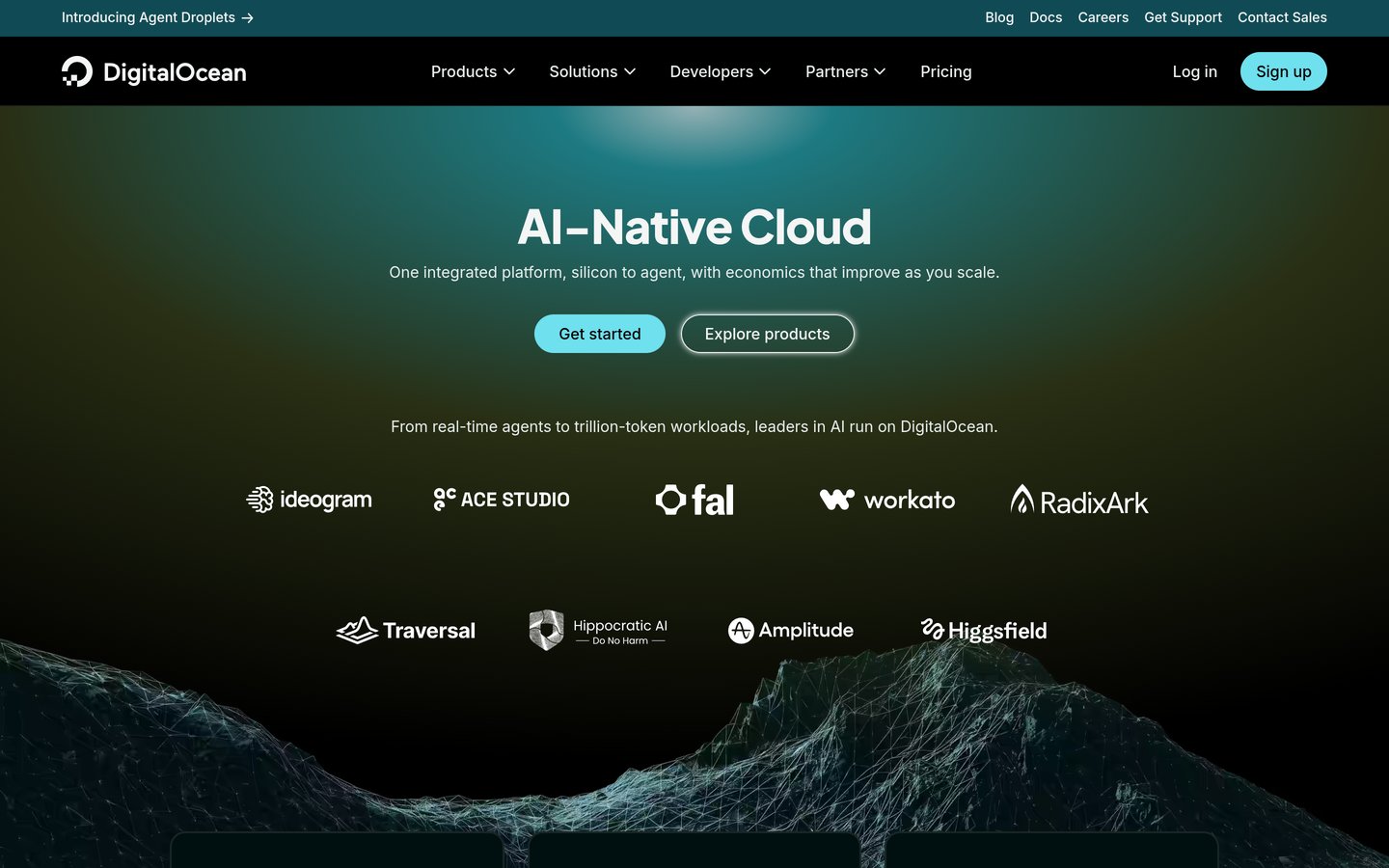
DigitalOcean App Platform is a fully managed platform that deploys apps from GitHub, GitLab or container images, with automatic HTTPS, rollbacks and a global CDN. Three static-site apps are free, and apps that run code start at $5 a month for one shared vCPU, 512 MiB of memory and 50 GiB of transfer.
The trade off is scaling. Autoscaling needs a dedicated container, and the free tier covers static sites only, so a dynamic app always costs at least $5 a month. It suits teams that want one flat monthly bill.
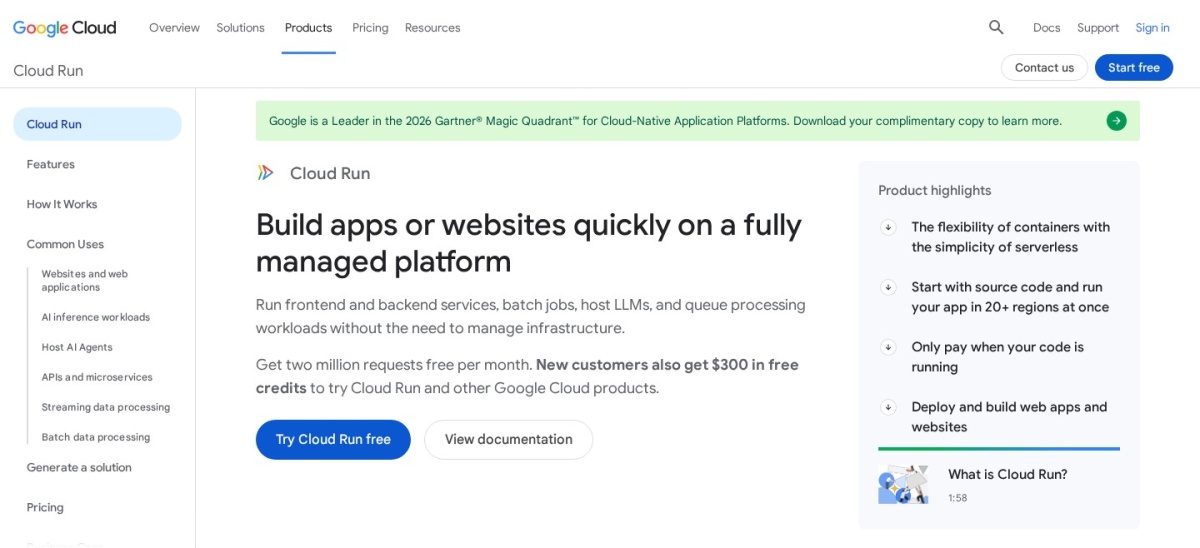
Google Cloud Run is a serverless container platform that runs your image or source code without servers to manage, and scales to zero when idle. The free tier includes 2 million requests a month, and new customers get $300 in free credits. You pay only when your code is running.
The trade off is billing. There is no fixed monthly price, so the bill follows traffic, and quiet services can face cold starts on the first request. It suits containerised APIs and services already running on Google Cloud.
What we like
Scales to zero, so idle apps cost nothing
2 million free requests a month
Deploys from source code or a container image
Watch out for
No fixed monthly price to budget against
Cold starts can delay quiet services
Logs and monitoring sit across Google Cloud services
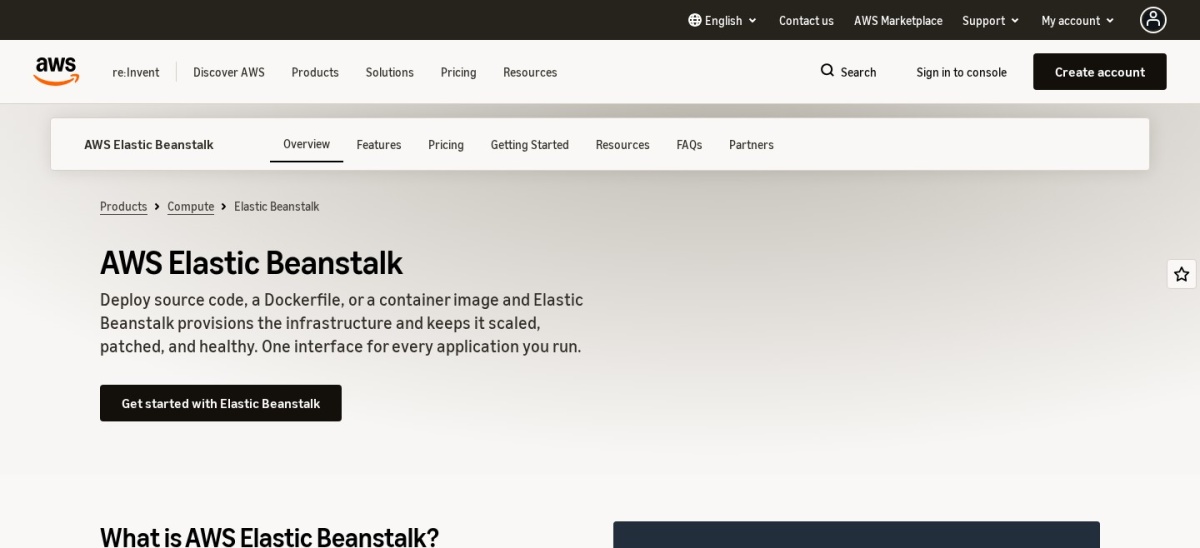
AWS Elastic Beanstalk homepage, captured Nov 2026.
AWS Elastic Beanstalk is a platform that takes your source code, Dockerfile or container image and provisions the EC2 instances, load balancing and scaling for you. There is no extra charge for Beanstalk itself, and it plugs into RDS, S3 and the rest of AWS. New accounts can use the AWS free tier for the underlying resources.
The trade off is the bill. You still pay for the EC2 instances, databases and storage underneath, and auto scaling can push costs up without warning. It suits teams already running on AWS that want a simpler deploy path.
Flat pricing wins for budgeting. Render, Heroku and DigitalOcean charge a set amount per instance, so you know the monthly bill before you deploy.
Metered billing wins for spiky workloads. Railway, Netlify, Fly.io and Cloud Run charge for what you use, so a quiet month costs little, but a busy month can surprise you.
Pay-as-you-go platforms with no platform fee look cheapest on paper. Cloud Run and Elastic Beanstalk both list $0, yet the compute underneath still has a price. See how much WordPress hosting costs per month for a sense of how small bills add up.
If you cannot estimate usage yet, start on a flat plan. Move to metered billing once you have a month of real traffic to measure.
How we chose
We started from the platforms developers name most for deploying web apps, then kept nine with a public pricing page and a public rating on G2.
Prices come from each vendor's pricing page or its documentation, checked on 25 November 2026. Ratings and review counts come from G2 on the same day. Where a vendor shows a sale, the list shows the regular price.
We left out platforms with no public pricing and Kubernetes-only tools that need you to run your own cluster. No vendor paid for a place, and we do not claim to have used these tools ourselves.
How to choose a cloud app deployment platform
Match the platform to what your app runs, not to the brand name.
Decide what your app needs to run. A static site fits Vercel or Netlify. An API with a database and a worker fits Render, Railway or Heroku.
Pick a billing model you can predict. Flat instances are easiest to budget. Metered plans such as Railway and Netlify need a usage estimate first; see how much WordPress hosting costs per month for a sense of how small bills add up.
Check the free tier limits. Free services often sleep after idle time or pause when credits run out. Confirm the limit before you point a real domain at it.
Test the deploy path before you commit. Push a small app, check the build logs and roll it back once. A platform that deploys cleanly on day one usually stays simple.
FAQ
What is the best cloud app deployment platform?
Vercel is the best pick for most teams, with Git-push deploys, preview links on every pull request and a free Hobby plan, rated 4.6 out of 5 on G2. Render is the stronger choice for full-stack apps that also need an API, a worker and a database.
What is the cheapest way to deploy a small app?
Fly.io is the cheapest always-on option here at $2.19 a month for its smallest Machine. Railway Hobby and Heroku Eco both cost $5 a month, while Render Starter is $7 a month and Vercel Pro is $20 per user a month.
Do these platforms have a free plan?
Seven of the nine do. Vercel, Netlify, Render, Railway, DigitalOcean App Platform, Cloud Run and Elastic Beanstalk all offer a free tier, though free services often sleep, pause or cap usage. Heroku and Fly.io have no free plan.
Is Vercel or Render better for a full-stack app?
Render is better for full-stack apps because it runs web services, background workers, cron jobs and managed Postgres on one platform. Vercel is stronger for frontend apps and serverless functions, and it needs separate services for long-running backends.
What does pay-as-you-go mean for Cloud Run and Elastic Beanstalk?
It means there is no monthly platform fee and no fixed bill. Cloud Run charges for the requests and compute your app uses, and Elastic Beanstalk charges only for the AWS resources it provisions, so quiet months cost little and busy months cost more.
Can I deploy a Docker container on these platforms?
Yes, on most of them. Fly.io and Cloud Run are built around containers, Render and Railway accept Dockerfiles, and Elastic Beanstalk takes a Dockerfile or a container image. Vercel and Netlify focus on code from Git rather than raw containers.
SaaS SEO and WordPress specialist with about 8 years of experience. Rakib compares WordPress plugins, themes, hosting and software using public pricing, documentation and user reviews. See how we rank.