Best Client Onboarding Software in 2026: 9 Tools Compared
WLWPLegible EditorsLast verified 24 Nov 2026How we rank12 min read
★ Short answer
Rocketlane is the best client onboarding software for most B2B teams, with a branded client portal, project templates and time tracking from $19 per user a month, rated 4.7 out of 5 on G2. Onboard.io suits small teams at $25 a month, and ClickUp is the cheapest flexible option at $12 per user a month.
How we make this list: we compare pricing pages, product documentation and public user reviews, then re-check every price before each update. No product paid for a place. Disclosure.
Rocketlane leads at $19 per user a month, with a branded portal, templates and time tracking, rated 4.7 out of 5 on G2.
Onboard.io is the highest rated here at 5.0 out of 5 on G2, though from only 45 reviews, and starts at $25 a month.
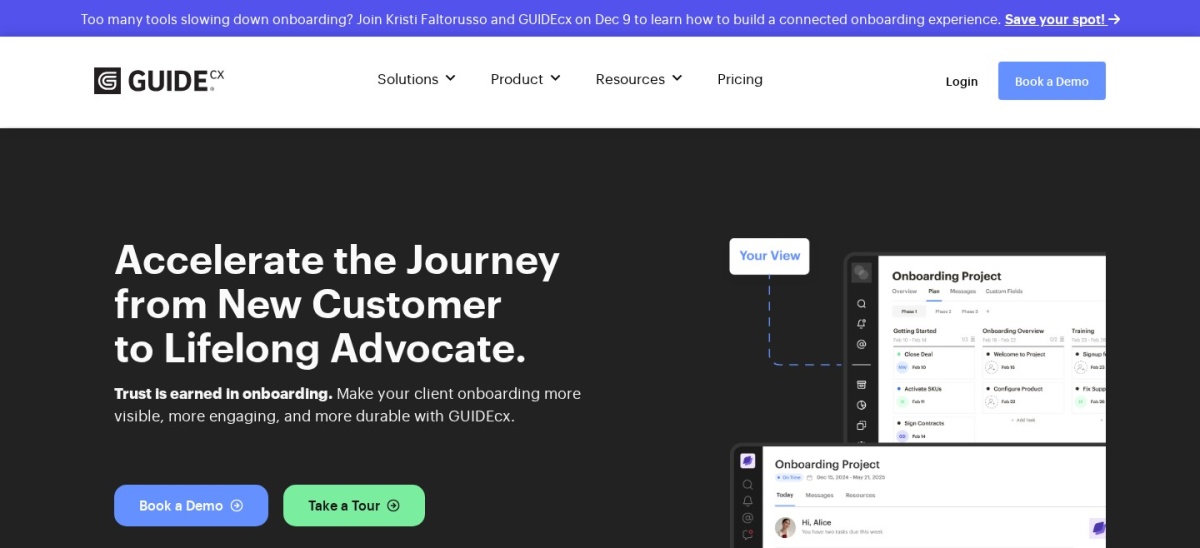
GuideCX is the only tool with no public price: G2 data puts its Starter tier at $4,700 a year for 4 licences.
Dock has a free plan, but its paid Standard plan at $350 a month is the most expensive entry in this list.
monday.com has the cheapest paid plan at $9 per user a month, but paid plans need at least 3 seats.
What client onboarding software should cover
Client onboarding starts when a deal closes and ends when the client is live and getting value. The gap in between is usually filled with email threads, spreadsheets and missed handoffs.
A good tool gives the client one place to see what happens next, who owns each step and when it is due. Templates matter most: if every onboarding starts from scratch, the tool saves little time.
Portals are the clearest split in this list. Rocketlane, Onboard.io, GuideCX and Dock give clients a branded space, while ClickUp, Process Street and monday.com track the work internally. Our guide on choosing hosting for agency client sites covers the same handoff problem from the agency side.
Price models split three ways: per user, per team and quote-only. Per-user tools look cheap until the team grows, and quote-only tools need a sales call before you can budget at all.
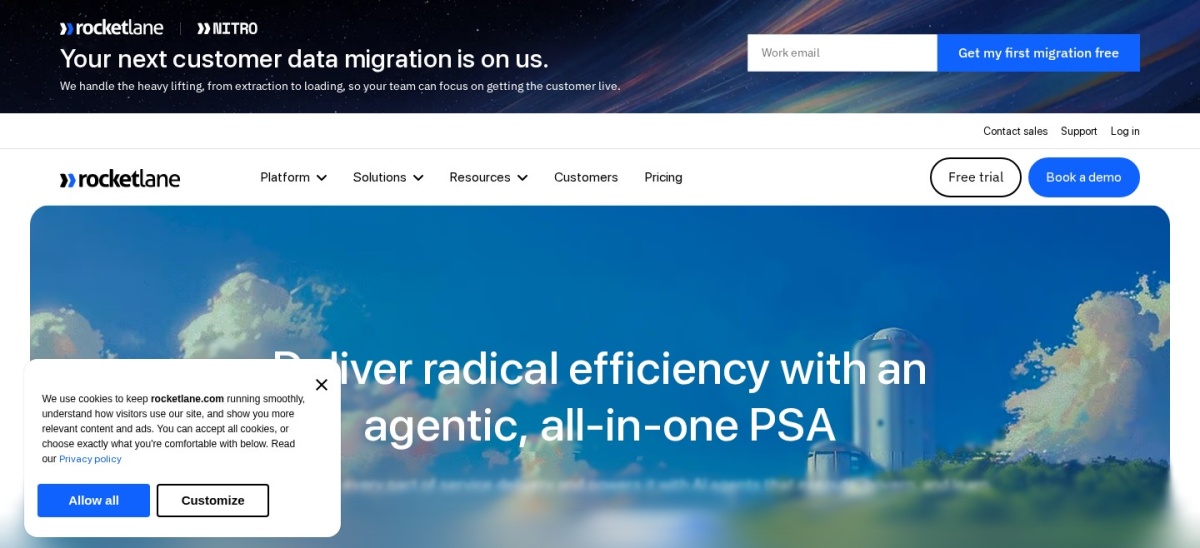
Rocketlane is a customer onboarding and professional services platform built around a branded client portal. The Essential plan starts at $19 per user a month billed yearly, and includes project templates, time tracking, Zapier integration and a 14-day free trial.
The trade off is depth. Resource management, billing and the Nitro AI agents sit on higher plans from $49 per user a month, and the Essential plan needs at least 5 seats. It suits B2B SaaS and services teams that run onboarding as a client-facing project.
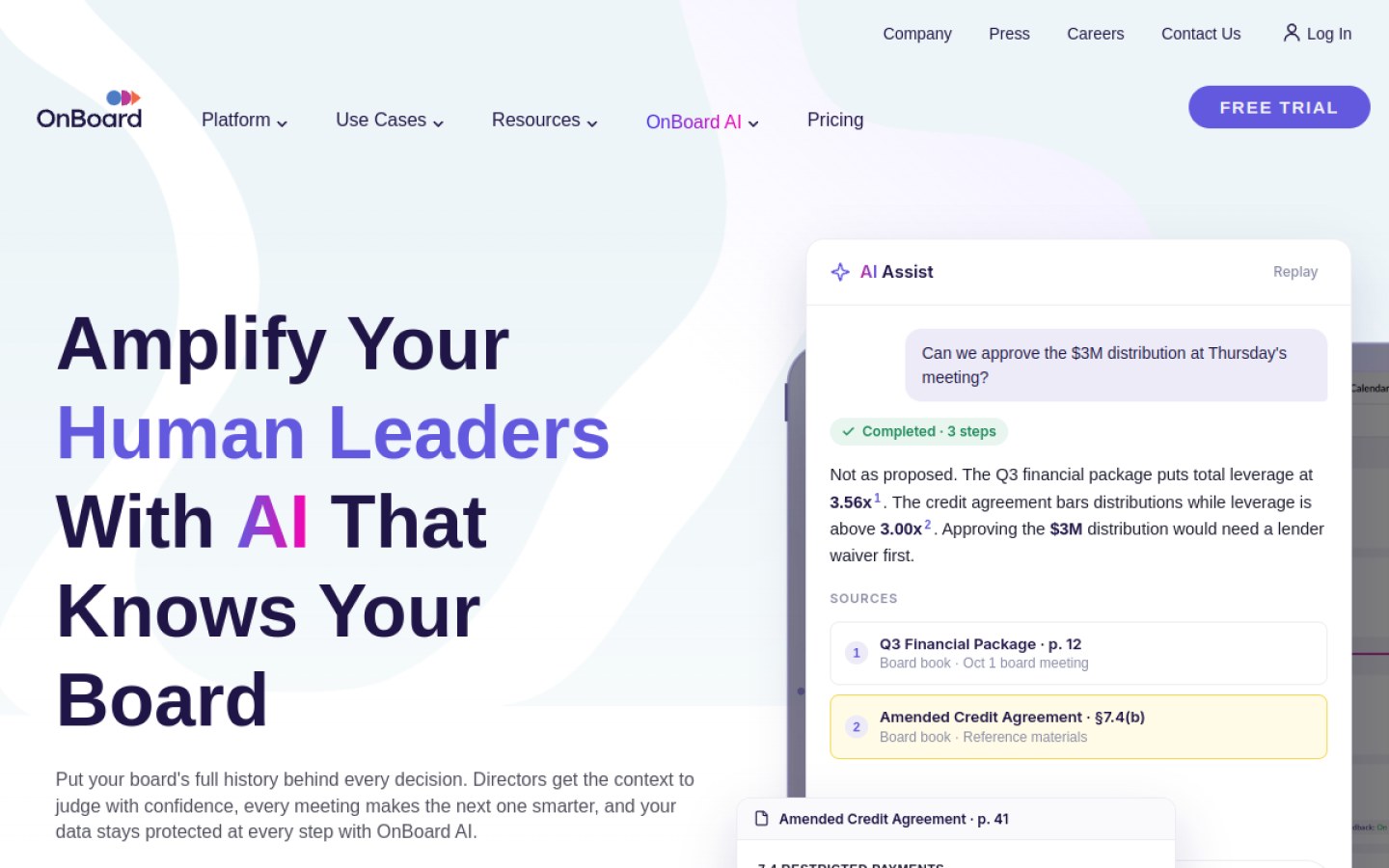
Onboard.io is a dedicated client onboarding platform that replaces spreadsheets with dynamic launch plans and a magic-link customer portal. The Starter plan costs $25 a month, covers 1 paid seat and up to 25 active projects, and includes templates, task management and unlimited customers.
The trade off is scale. CRM integrations with Salesforce and HubSpot, workflows and automation start with Essentials at $300 a month, and Starter has no contributor seats. It suits a single onboarding owner or a small team that wants structure without a big setup.
GuideCX is a client onboarding and implementation platform for rollouts with many external stakeholders. Customers can complete tasks from an email link without logging in, and every plan includes unlimited projects and customers, with billing per internal project manager.
The trade off is price. GuideCX publishes no prices, so every plan is a quote, and G2 data puts the Starter tier at $4,700 a year for 4 licences. It suits mid-market teams whose clients include many occasional stakeholders.
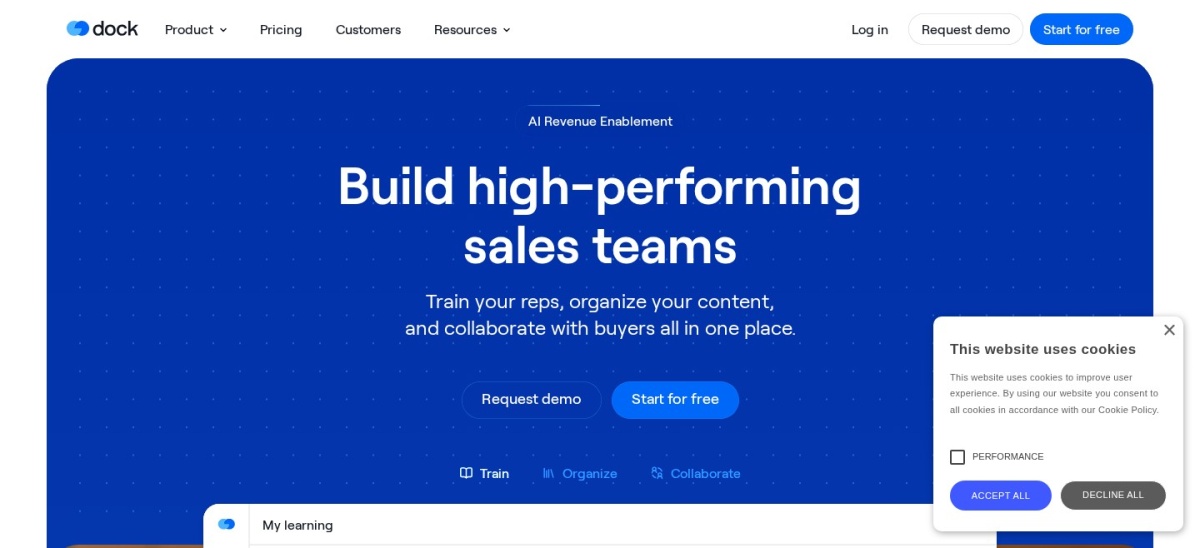
Dock is a shared client workspace that carries a customer from sales through onboarding to renewal in one place. The free plan covers 10 workspaces and 25 content assets, while Standard at $350 a month adds 5 users, a content library, slides and Salesforce and HubSpot integrations.
The trade off is price. Standard is $350 a month for 5 users, so it is the most expensive paid entry in this list, and learning and order forms sit on higher plans. It suits revenue teams that want one polished space for every client-facing step.
What we like
Free plan to start
One workspace from sales to renewal
Rated 4.6 out of 5 on G2 from 481 reviews
Templates and engagement tracking included
Watch out for
Paid entry is $350 a month
Learning tools need the $1,000 Premium plan
Some users report a template learning curve
Premium adds learning, webhooks and priority supportVisit dock.us
05
HoneyBook
4.4/5on G2 (253 reviews, checked Nov 2026)
Starts at$19/mo
Best for small service businesses
Client portalYes, workspaces
ContractsYes, e-signatures
InvoicingYes, with payments
Paid planStarter, $19/mo
honeybook.com
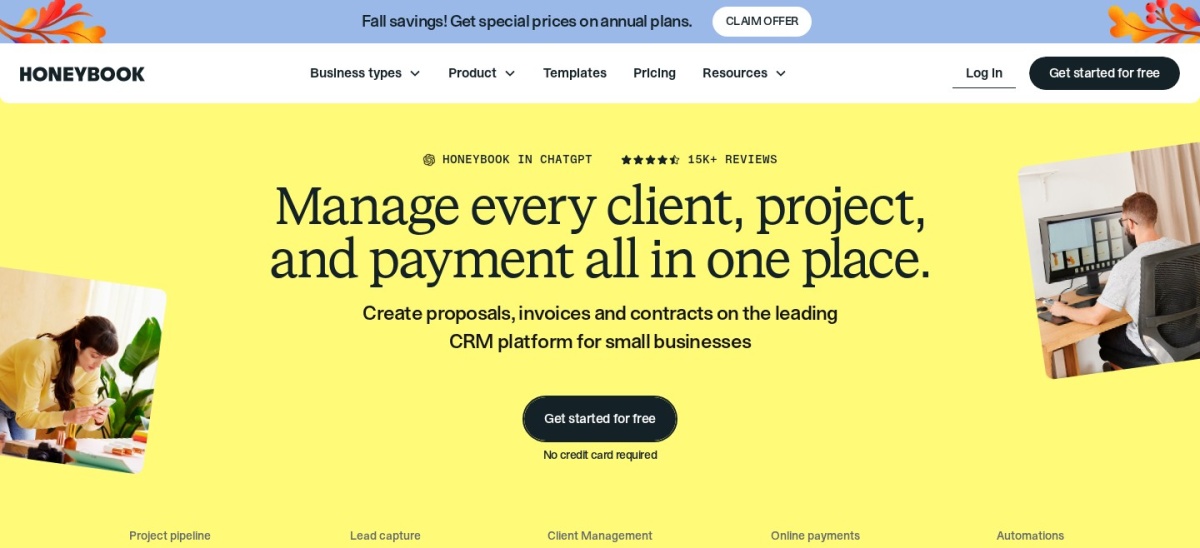
HoneyBook homepage, captured Nov 2026.
HoneyBook is a clientflow platform for independent service businesses such as photographers, planners and consultants. The Starter plan costs $19 a month and covers unlimited clients and projects, with dedicated client workspaces, invoices, payments and contracts in one place.
The trade off is fit. HoneyBook is built for small service businesses, not B2B SaaS implementations, and its scheduling and automation tools sit on the $39 Essentials plan. It suits solo operators and small firms that onboard clients with contracts and payments.
Process Street is a checklist and workflow platform that turns a repeatable onboarding process into step-by-step runs with approvals and audit trails. It has a free plan, and the Pro plan costs $30 a month per user, with conditional logic, automations and integrations through Zapier.
The trade off is the client view. Process Street is an internal checklist tool first, so it has no branded client portal like Rocketlane or Dock, and small teams face a 5-user minimum on paid plans. It suits operations teams that run the same onboarding the same way every time.
ClickUp is an all-in-one work platform that many small teams bend into a client onboarding system with docs, tasks, dashboards and guest access. The free plan covers unlimited tasks, and Core costs $12 per user a month billed yearly, with custom fields, Gantt charts and 1,000 automations a month.
The trade off is setup. ClickUp has no ready-made onboarding portal or launch plan, so the team builds its own templates and client views from scratch. It suits small teams that already use ClickUp and want onboarding in the same tool.
HubSpot Service Hub is the customer service arm of HubSpot, with a customer portal, knowledge base, tickets and onboarding playbooks tied to the HubSpot CRM. Free tools cover the basics, and Service Hub Starter costs $20 per user a month, with ticket automation and simple reporting.
The trade off is cost creep. The Starter plan is light, Professional jumps to $100 per user a month, and the best onboarding features sit on higher tiers. It suits teams that already run HubSpot CRM and want onboarding beside support.
monday.com is a visual work platform that teams use to track client onboarding on boards with statuses, timelines and templates. The free plan covers up to 2 seats, and Basic costs $9 per user a month billed yearly, with unlimited items, free viewers and 1,000 AI credits a month.
The trade off is the minimum. Paid plans need at least 3 seats, so the real entry cost is $27 a month, and automations start on Standard at $12 per user a month. It suits teams that want a visual, easy-to-learn board for every onboarding.
The first mistake is buying a portal nobody opens. If clients must create an account and learn a new tool, many will fall back to email, so check whether guests can act without a login.
The second mistake is pricing by the headline rate. Per-user tools multiply fast, and monday.com needs at least 3 seats while Rocketlane needs at least 5, so work out the bill for your real team size.
The third mistake is skipping the handoff. Onboarding fails when sales notes never reach the delivery team, so pick a tool that connects to your CRM or at least imports the deal details.
How we chose
We started from the best-known client onboarding platforms on G2, then added widely used work and service tools that teams adapt for onboarding, keeping only established products with public ratings.
Prices come from each vendor's pricing page or G2 pricing data, checked on 24 November 2026, using the regular yearly-billed rate where the vendor publishes one. Ratings and review counts come from G2 on the same day. Where a vendor shows a sale, the list shows the regular price.
We left out tools with no public rating and tools that only sell by quote with no price signal at all. No vendor paid for a place, and we do not claim to have used these tools ourselves.
How to choose client onboarding software
Start with who does the work, then match the tool to the client, not the other way round.
Count the people who need seats. Per-user tools multiply fast, and several here have seat minimums, so price the plan for your real team before you compare features.
Decide how clients should take part. If clients must complete tasks, pick a portal tool such as Rocketlane, Onboard.io or GuideCX. If only your team tracks the work, a board or checklist tool is enough.
Check the CRM handoff. Onboarding breaks when sales notes stay in the CRM, so confirm the integration you need is on the plan you would actually buy.
Trial it with a real onboarding. Run one live client through the trial with your own template, and watch whether the client opens the portal or falls back to email.
FAQ
What is the best client onboarding software?
Rocketlane is the best client onboarding software for most B2B teams. It combines a branded client portal, project templates and time tracking from $19 per user a month, and it is rated 4.7 out of 5 on G2 from 758 reviews.
What is the cheapest client onboarding software?
monday.com has the cheapest paid plan in this list at $9 per user a month billed yearly, though paid plans need at least 3 seats. ClickUp is next at $12 per user a month, and both have free plans.
Is there free client onboarding software?
Yes. Dock, Process Street, ClickUp, HubSpot Service Hub and monday.com all have free plans, though paid features such as automations and CRM sync usually need a paid plan.
Do clients need an account to use these tools?
It depends on the tool. Onboard.io lets clients join by magic link without a password, and GuideCX lets them complete tasks from an email link. Most other tools ask clients to log in to a portal.
How much does client onboarding software cost?
Prices in this list run from $9 per user a month on monday.com to $350 a month on Dock Standard, plus one quote-only tool, GuideCX. Per-user tools cost more as the team grows, so check the seat minimums.
Can I use a project tool instead of onboarding software?
Yes, for simple onboardings. ClickUp and monday.com work well when the team tracks the work internally, but they have no dedicated client portal, so a purpose-built tool fits better when clients must complete steps.