HoneyBook is the best client management software for most photographers: rated 4.5 out of 5 on G2, its Starter plan costs $29 a month billed annually and covers unlimited clients and projects, proposals, contracts, invoices and payments. Pick Pixieset for a free start with galleries built in, or Studio Ninja for the lowest photography-only price at $16 a month.
How we make this list: we compare pricing pages, product documentation and public user reviews, then re-check every price before each update. No product paid for a place. Disclosure.
HoneyBook is the best overall pick: Starter at $29 a month billed annually covers unlimited clients and projects, and G2 rates it 4.5 out of 5 from 253 reviews.
Pixieset is the only tool here with a free plan that includes contracts and invoices, and Plus costs $12 a month billed annually.
Studio Ninja is the cheapest photography-only CRM at $16 a month, but Starter caps you at 5 active jobs.
ShootProof has the highest rating in the list at 4.9 out of 5 on G2, and its paid plans start at $8.33 a month billed annually.
Paid plans run from $8.33 a month for ShootProof to $60 a month for 17hats, and only Pixieset, ShootProof and 17hats offer a free plan.
What photographers need from client management software
Photographers sell a session, not a product off a shelf. The job starts with an inquiry, moves through a quote, a signed contract and a deposit, and ends with a gallery delivery and a final invoice.
The core kit is the same across the tools here: an inquiry form, a quote, a contract with an e-signature, an invoice with a deposit, and a client portal where the client finds everything in one place.
Booking is the part that varies most. Some tools include online scheduling on every plan, while others sell it as an add-on or reserve it for a higher tier. Our guide on adding appointment booking to WordPress shows what a booking flow needs to cover.
Prices below are the cheapest paid plan per tool, in USD, checked on 25 November 2026. Where a vendor shows a sale price, the list shows the regular price.
The 9 best client management software for photographers
01
HoneyBook
4.5/5on G2 (253 reviews, checked Nov 2026)
Starts at$29/mo
Best client management software overall
Entry planStarter, $29/mo annual
Free trial30 days, no card
Team membersOwner only on Starter
Card payment fee2.9% + 25¢ per payment
honeybook.com
HoneyBook homepage, captured Nov 2026.
HoneyBook is an all-in-one clientflow platform for independent service businesses, and photographers are its largest user group. Starter costs $29 a month billed annually ($348 a year) after a 30-day trial, and covers unlimited clients and projects, proposals, contracts, invoices, payments, a client portal and 2 live lead forms.
The trade off is automation. The scheduler, workflow automations, SMS reminders and QuickBooks sync need Essentials at $49 a month billed annually, and every card payment carries a 2.9% + 25¢ fee. It suits solo photographers who want one flow from inquiry to payment without stitching tools together.
What we like
Unlimited clients and projects on every plan
Proposals, contracts, invoices and payments in one flow
30-day trial with no card required
Largest review base in this list, 253 G2 reviews
Watch out for
Automations and scheduler cost extra on Essentials
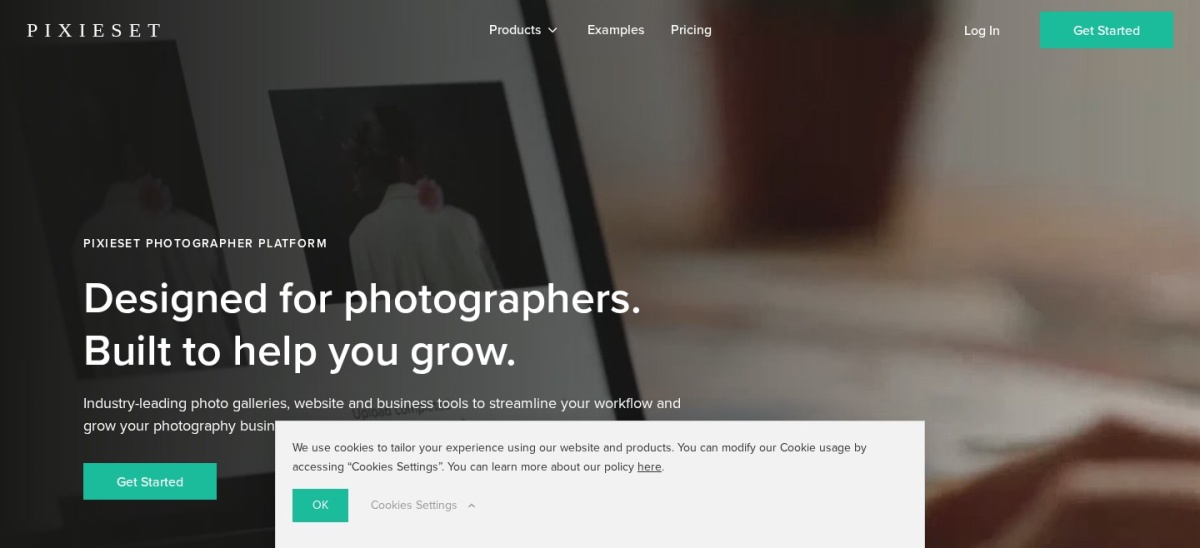
Pixieset Studio Manager homepage, captured Nov 2026.
Pixieset Studio Manager is the client management arm of Pixieset, a gallery-first platform for photographers. The free plan includes unlimited invoices, 3 contracts, 3 quotes or questionnaires and 1 active session type, and Plus at $12 a month billed annually ($144 a year) adds unlimited contracts and custom branding.
The trade off is depth. Its contract and workflow tools are lighter than HoneyBook or Dubsado, with no multi-step workflow builder, and the Capterra rating covers the whole Pixieset platform rather than Studio Manager alone. It suits portrait and wedding photographers who live in their galleries and want client tools on the same bill.
What we like
A real free plan with contracts and invoices
Galleries, store and Studio Manager from one company
0% commission on paid-plan store sales
Custom branding on the Plus plan
Watch out for
Capterra rating is platform-wide, from only 33 reviews
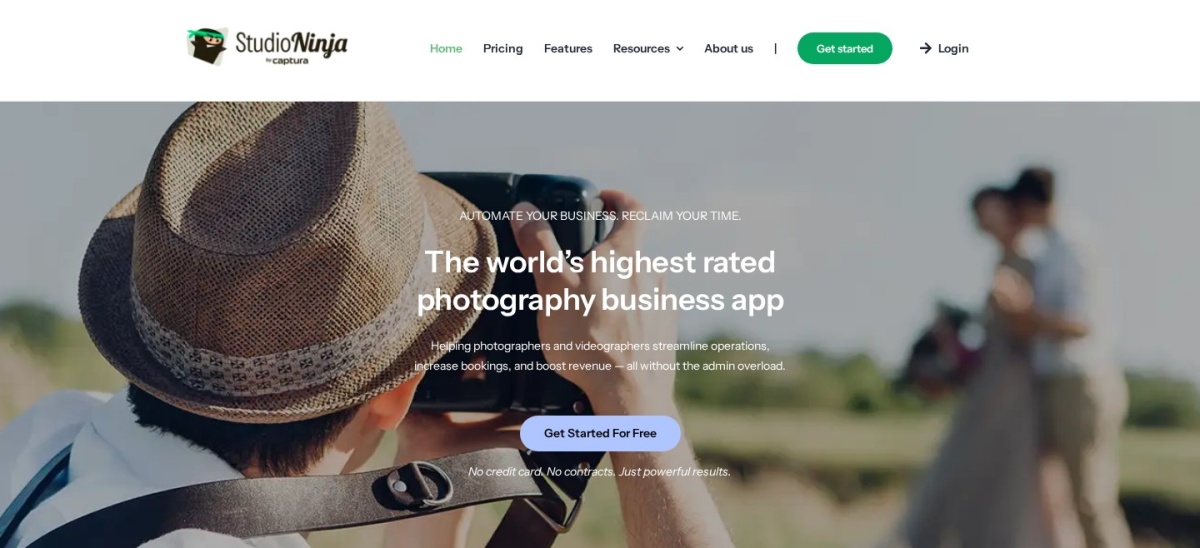
Studio Ninja is a studio management CRM built only for photographers, covering leads, quotes, contracts, invoices, questionnaires and workflows around photography jobs. Starter costs $16 a month or $160 a year after a 7-day free trial, and every plan includes online booking forms and payment collection.
The trade off is the job cap. Starter allows only 5 active jobs, so busy wedding photographers need Pro at $27 a month for unlimited jobs and workflow automation, and there are no built-in galleries. It suits photographers who book on volume and want a tool that speaks in jobs, shoots and sessions.
What we like
Built only for photography workflows
Lowest photography-only entry price in this list
Gallery integrations with Pic-Time, ShootProof and Pixieset
Fast setup praised in Capterra reviews
Watch out for
5 active job cap on the Starter plan
No built-in client galleries
Reviewers report slower feature development since the ImageQuix acquisition
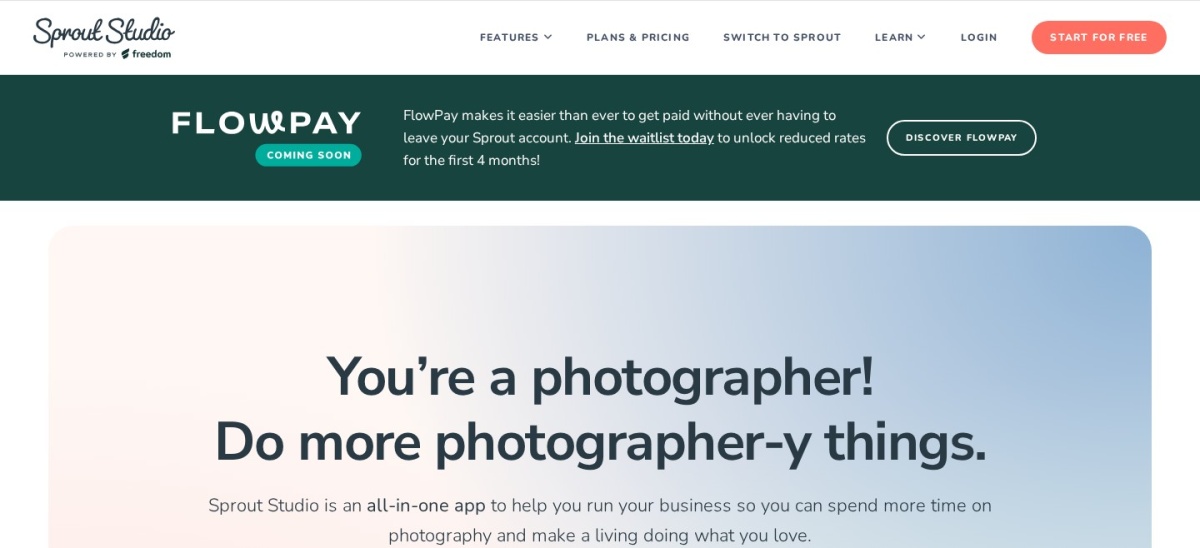
Sprout Studio is an all-in-one studio platform that combines CRM, invoicing, online booking and client galleries in one subscription. Lite costs $19 a month and includes 10 active shoots plus galleries, 50GB of photo storage, up to 3 users and 2 brands, with a 30-day trial and no card required.
The trade off is the cap and the split verdict. Lite limits shoots and storage, higher tiers run to $36, $51 and $69 a month, and G2 rates it 3.6 out of 5 from 12 reviews against 4.5 on Capterra. It suits established photographers who want to replace a CRM, a gallery platform and a scheduler with one bill.
What we like
Native galleries, so no separate gallery bill
Scheduling and workflows included on every plan
Bring your own Stripe or PayPal, no processor lock-in
Design proofing and price lists built in
Watch out for
G2 rating is much lower than its Capterra rating
Lite caps at 10 active shoots
Reviewers cite slow loading and a steep learning curve
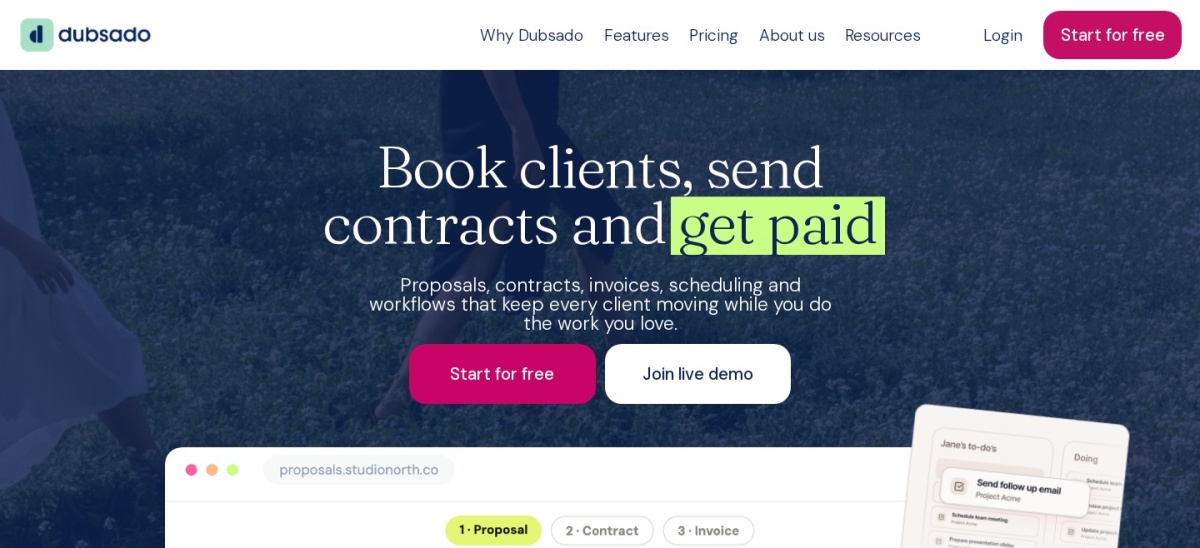
Dubsado is a client management platform built around forms, contracts and automated workflows for service businesses. Starter costs $35 a month or $335 a year, and includes unlimited clients and projects, invoices, contracts, client portals and 1 lead form, with a 21-day trial of the top plan and no card required.
The trade off is that the version people praise costs more. Automated workflows (Flows) and the scheduler need Premier at $55 a month ($525 a year), and setup is the steepest in this list, with Capterra rating ease of use 3.6 out of 5. It suits photographers who want onboarding to run itself once it is built.
What we like
Most flexible form builder, with conditional logic
Unlimited clients and projects on every plan
3 users included on every plan
Longest trial in this list at 21 days
Watch out for
No automation or scheduler on the Starter plan
Steep setup, and some users hire a setup specialist
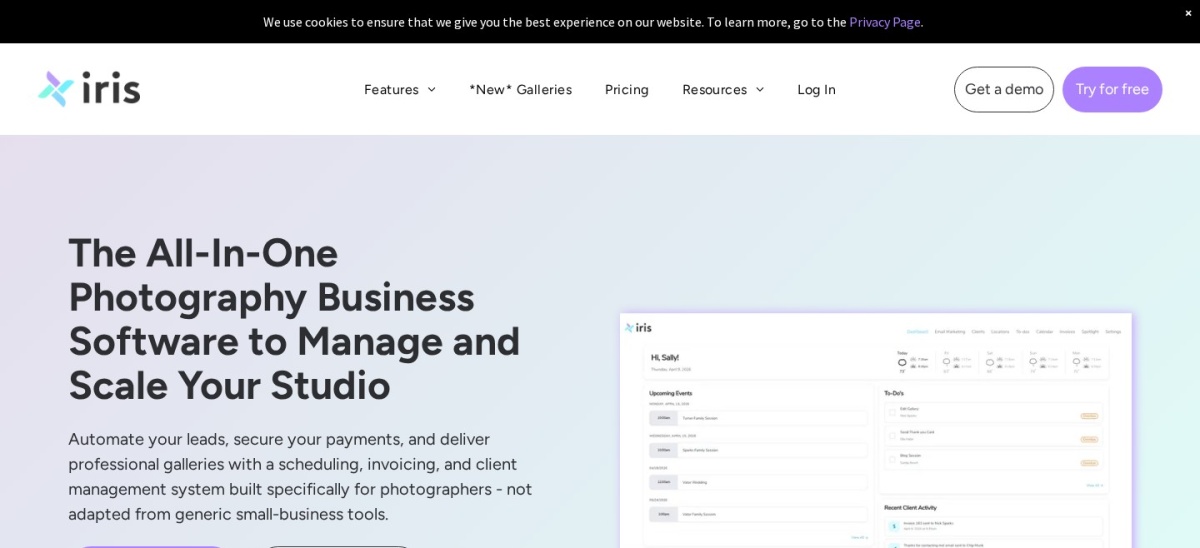
Iris Works is a simple studio management system built by a photographer who found other tools too complex. Starter costs $14.95 a month or $149 a year, and covers online booking, a booking website, online payment processing, e-contracts and invoice templates, with a 14-day trial and free data migration.
The trade off is that the useful extras sit higher up. Workflows, lead pages and quotes need Basic at $29.95 a month, there are no built-in galleries, and booking plus email marketing together needs the top Pro Plus plan at $49.95 a month. It suits portrait, family and senior photographers who want a simple back office.
What we like
Lowest starting price in this list
Built around sessions, retainers and balance payments
Free data migration from another CRM
Pre-built questionnaires for wedding, portrait and newborn sessions
ShootProof is a gallery and print-sales platform that adds contracts, invoicing and booking to its paid plans. The free plan holds 100 photos, and Starter costs $8.33 a month billed annually ($9.99 a month billed monthly) with 20GB of storage, e-sign contracts, invoicing and 0% commission on sales.
The trade off is that client management is not the core product. Online booking is a paid add-on on every plan, the free plan has no contracts or invoicing, and unlimited photos costs $50 a month billed annually. It suits wedding photographers who sell prints and want contracts beside the gallery.
What we like
Highest G2 rating in this list, 4.9 out of 5
0% commission on every plan, including free
Contracts and invoicing on paid plans
Print labs built in, with orders routed automatically
Watch out for
Booking costs extra on every plan
Client management is lighter than a full CRM
Storage caps push high-volume shooters up the tiers
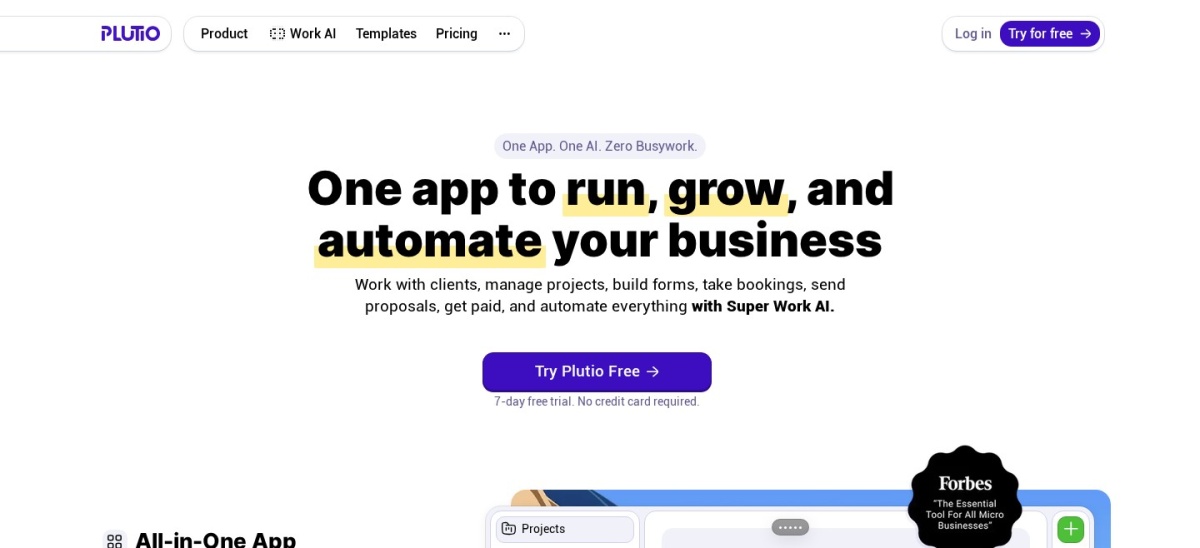
Plutio is a general all-in-one business platform for freelancers and small agencies, covering projects, proposals, contracts, forms, scheduling, time tracking, invoices and a branded client portal. Core costs $19 a month or $190 a year, and every plan includes the same feature set, with a 7-day trial and no card required.
The trade off is that it is not built for photography. Core caps you at 9 active clients and solo use only, there are no galleries and no session workflow, and Pro at $49 a month is the step up for unlimited clients and 30 contributors. It suits photographers who also run other services from the same account.
What we like
Every feature included on every plan
Flat pricing with no per-seat fees
Strong Capterra rating from 162 reviews
Time tracking included on the entry plan
Watch out for
9 active client cap on the Core plan
No photography-specific workflow or galleries
White label costs $9 a month extra on Core and Pro
17hats is an all-in-one business platform on a single plan, with quotes, contracts and invoices combined into one 3-in-1 document for the client. The plan costs $60 a month billed monthly, $600 a year, or $800 for two years, and a free CRM tier covers unlimited contacts and projects with 4 invoices per quarter.
The trade off is price. It has the highest entry price in this list, scheduling, time tracking and bank connect are paid add-ons from $5 a month each, and a steep learning curve is the most common complaint in reviews. It suits solo photographers who want one plan with no feature gating by tier.
Gallery-first vs CRM-first: pick your starting point
Gallery-first tools (Pixieset, Sprout Studio and ShootProof) start with the images. The client proofing, delivery and print store are the core product, and contracts, invoices and booking sit beside them.
CRM-first tools (HoneyBook, Dubsado, Studio Ninja, Iris Works, Plutio and 17hats) start with the booking. The inquiry, contract, invoice and payment flow is the core product, and galleries are either missing or added through an integration.
If you already pay for galleries, a CRM-first tool is usually cheaper overall, since you avoid paying twice for delivery. If you do not, a gallery-first tool folds delivery into one bill, and the saving is real.
Watch the payment fees as well as the subscription. HoneyBook charges 2.9% + 25¢ per card payment, while Sprout Studio lets you bring your own Stripe or PayPal account. Our payment gateway guide explains what a gateway does before you compare fees.
How we chose
We started from the studio management and CRM tools photographers actually name in reviews and round-ups, then kept the nine with a real client-management core: contracts, invoices and booking or scheduling.
Prices come from each vendor's pricing page, checked on 25 November 2026. Ratings come from G2, Capterra or GetApp on the same day, and the list shows the regular price where a vendor shows a sale.
We left out tools with no public rating, including Táve (now VSCO Workspace), whose pricing changed after the VSCO acquisition. No vendor paid for a place, and we do not claim to have used these tools ourselves.
How to choose client management software for photographers
Start with how you book now, then match the tool to the gaps in that flow.
Count your active jobs each month. If you run fewer than 10 shoots a month, a capped plan such as Studio Ninja Starter or Sprout Studio Lite is enough. Busy wedding studios need unlimited jobs.
Decide whether galleries live in the same tool. If you already pay for Pixieset or ShootProof galleries, a CRM-first tool avoids paying twice. If not, a gallery-first tool folds delivery into one bill.
Check what the entry plan leaves out. Automation, scheduling and extra users often sit on a higher tier. See how to add appointment booking to WordPress if booking is the gap you need to fill.
Run the trial on a real booking. Take one inquiry from form to signed contract and paid deposit before you commit. A 7-day trial is short for a tool with a steep setup.
FAQ
What is the best client management software for photographers?
HoneyBook is the best overall pick for most photographers. Its Starter plan costs $29 a month billed annually, covers unlimited clients and projects, and is rated 4.5 out of 5 on G2 from 253 reviews.
Is there a free client management tool for photographers?
Yes. Pixieset Studio Manager has a free plan with unlimited invoices and 3 contracts, ShootProof is free for 100 photos, and 17hats offers a free CRM tier with unlimited contacts and 4 invoices per quarter.
How much does client management software for photographers cost?
Paid plans in this list run from $8.33 a month billed annually for ShootProof to $60 a month for 17hats. Most photography-first tools sit between $12 and $35 a month on their entry plan.
Do photographers need a CRM or a gallery platform?
Most need both, and the choice is whether to buy them together or separately. Gallery-first tools bundle delivery with light client tools, while CRM-first tools handle booking better and link out to a gallery platform.
What is the cheapest photography CRM with contracts and invoices?
Iris Works is the cheapest here at $14.95 a month, or $149 a year, on Starter. Note that workflows and quotes need the Basic plan at $29.95 a month, so the real cost depends on what you need.
Can I manage photography clients without a monthly subscription?
Partly. Pixieset, ShootProof and 17hats all offer a free tier, and every paid tool here offers a trial of 7 to 30 days. A free tier covers a few clients, but growing studios outgrow the caps quickly.
SaaS SEO and WordPress specialist with about 8 years of experience. Rakib compares WordPress plugins, themes, hosting and software using public pricing, documentation and user reviews. See how we rank.