HubSpot is the best client database software for most teams, with a free plan for up to 2 users and 1,000 contacts and a 4.4/5 G2 rating. Choose monday CRM for visual boards, Freshsales for the lowest paid start at $9 a user a month, or Capsule for the simplest setup.
How we make this list: we compare pricing pages, product documentation and public user reviews, then re-check every price before each update. No product paid for a place. Disclosure.
HubSpot leads with a free plan for 2 users and 1,000 contacts, rated 4.4/5 on G2 from 14,364 reviews.
Freshsales has the lowest paid entry here at $9 a user a month billed annually, with phone and email built in.
Capsule is the highest rated tool in this list at 4.7/5 on G2, but it is a simpler database with less automation.
Zoho CRM is the cheapest full-featured option with a free plan, at $14 a user a month on Standard.
Paid plans in this list run from $9 to $29 a user a month, and 3 of the 9 tools have a free plan.
What a client database should do
A client database is the single record of every person and company you work with: contact details, notes, emails, calls and deals, all in one place.
The tools in this list are CRMs built for that job. They store contacts, track the history of each relationship and show what needs attention next.
Look first at contact limits and the free plan. A free plan that caps at 1,000 contacts is fine for a small team, but it will force an upgrade as the list grows.
Price is usually per user per month, billed annually. Our guide on creating a contact form in WordPress shows how new contacts can flow into that database.
Automation, reporting and integrations sit on higher tiers in most of these tools, so check which plan holds the features you will actually use.
HubSpot is a free-to-start CRM that stores contacts, companies, deals and the full history of emails, calls and meetings in one record. The free plan covers up to 2 users and 1,000 contacts, with 1 deal pipeline, email tracking and a shared inbox. It is rated 4.4 out of 5 on G2 from 14,364 reviews.
The trade off is the price climb. Starter costs $20 a seat a month, and the automation, sequences and custom workflows most growing teams want sit on Professional, which costs far more. It suits small teams that want a strong free database and room to grow into one platform.
What we like
Free plan covers contacts, deals and email tracking
Rated 4.4/5 on G2 from more than 14,000 reviews
More than 2,000 integrations with other tools
Easy to set up, with no seat minimum
Watch out for
Key automation is reserved for Professional
Starter still shows HubSpot branding on forms and chat
Costs rise fast as seats and contacts grow
Professional adds workflows, sequences and custom reportingVisit hubspot.com
02
monday CRM
4.5/5on G2 (1,991 reviews, checked Nov 2026)
Starts at$12/mo
Best visual client database
Free planNo, 14-day trial
Paid planBasic, $12/seat/mo
Minimum seats3 seats
G2 rating4.5/5, 1,991 reviews
monday.com
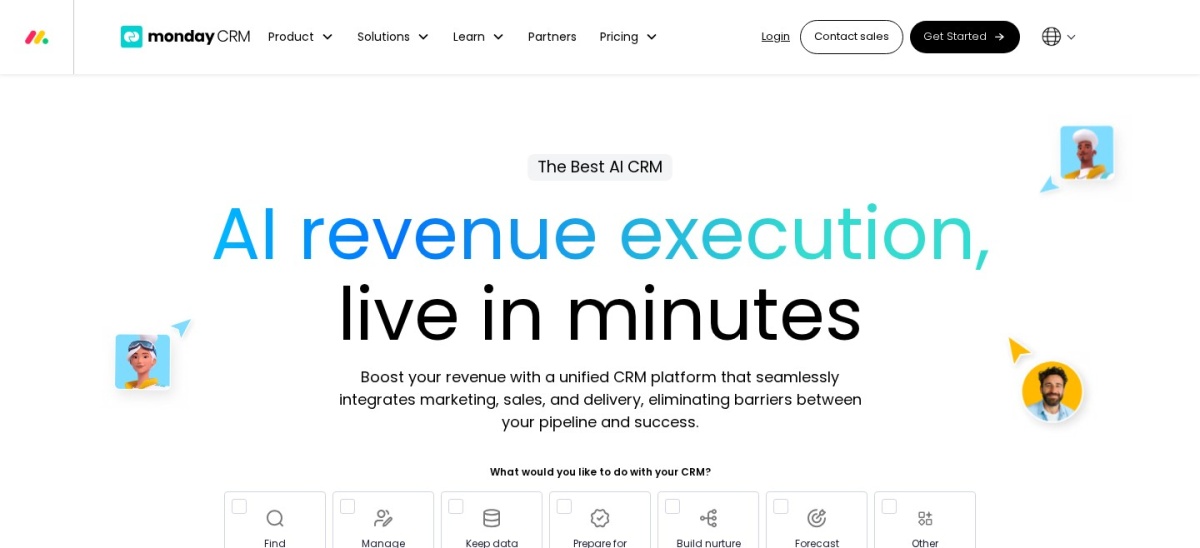
monday CRM homepage, captured Nov 2026.
monday CRM is a visual client database built on boards, with pipelines, contact records, email tracking and automations that non-sales teams can also use. Basic costs $12 a seat a month billed annually, with a 3-seat minimum, so the smallest bill is $36 a month. It is rated 4.5 out of 5 on G2 from 1,991 reviews.
The trade off is the seat minimum and the price climb, since useful automation and integrations sit on higher tiers. Standard costs $17 a seat a month and adds email sync and 250 automation actions a month. It suits teams that already work visually and want sales beside project work.
What we like
Visual boards are easy for any team to read
Works well beside project management
Strong automation on higher plans
Watch out for
No free plan, only a trial
3-seat minimum on paid plans
Automation is limited on Basic
Standard adds email sync and automation at $17 a seat a monthVisit monday.com
03
Freshsales
4.5/5on G2 (1,234 reviews, checked Nov 2026)
Starts at$9/mo
Best budget client database
Free planNo, 14-day trial
Paid planGrowth, $9/user/mo
AI assistantFreddy AI
G2 rating4.5/5, 1,234 reviews
freshworks.com
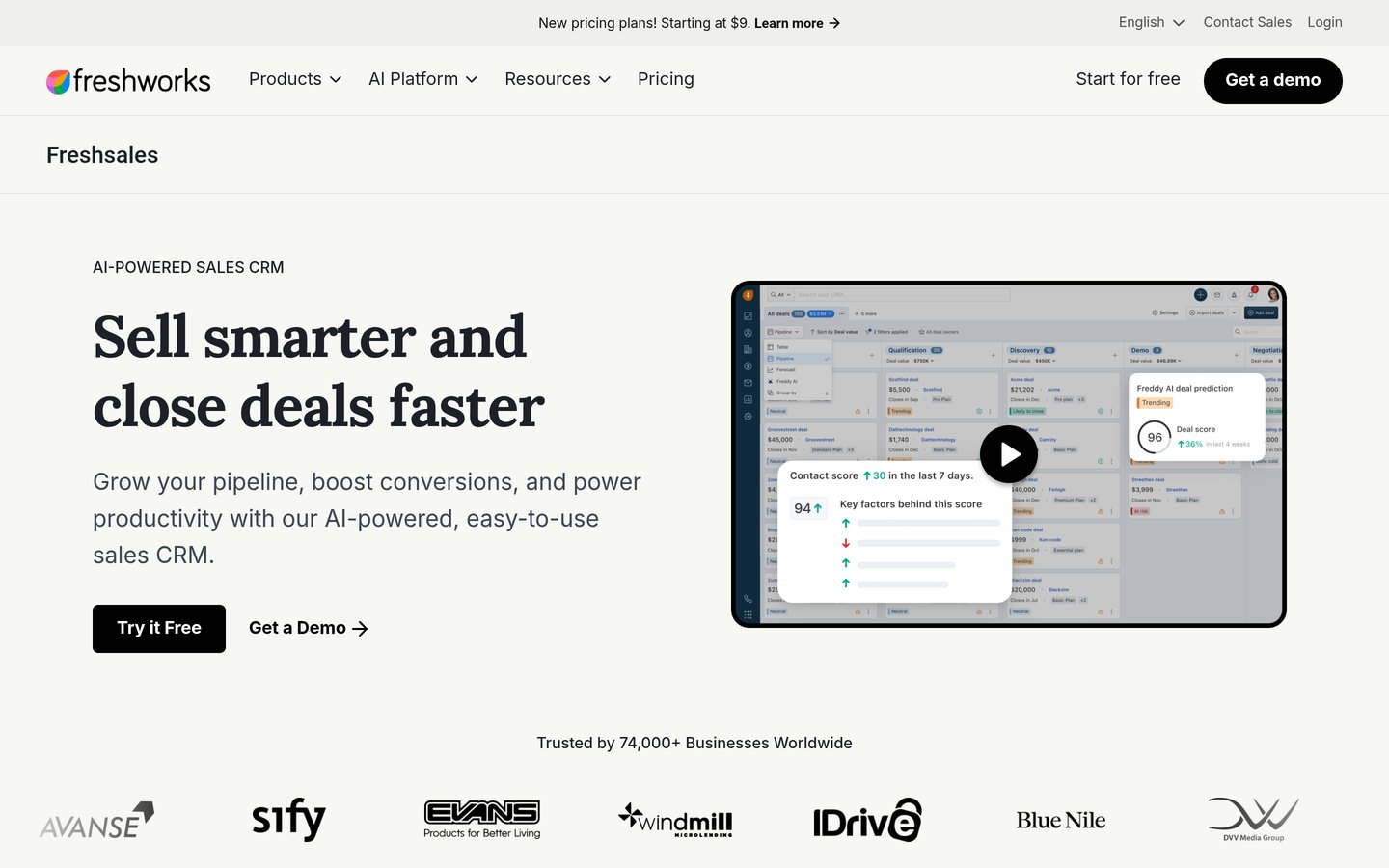
Freshsales homepage, captured Nov 2026.
Freshsales is the CRM from Freshworks, with built-in phone and email, deal pipelines, contact lifecycle stages and the Freddy AI assistant. Growth costs $9 a user a month billed annually, the lowest paid entry in this list, and includes a kanban view, custom fields and basic workflows. It is rated 4.5 out of 5 on G2 from 1,234 reviews.
The trade off is the jump to Pro at $39 a user a month, where most growing teams land for contact scoring, deal insights and sales sequences. It suits small teams that want calling, email and AI help at a low starting price.
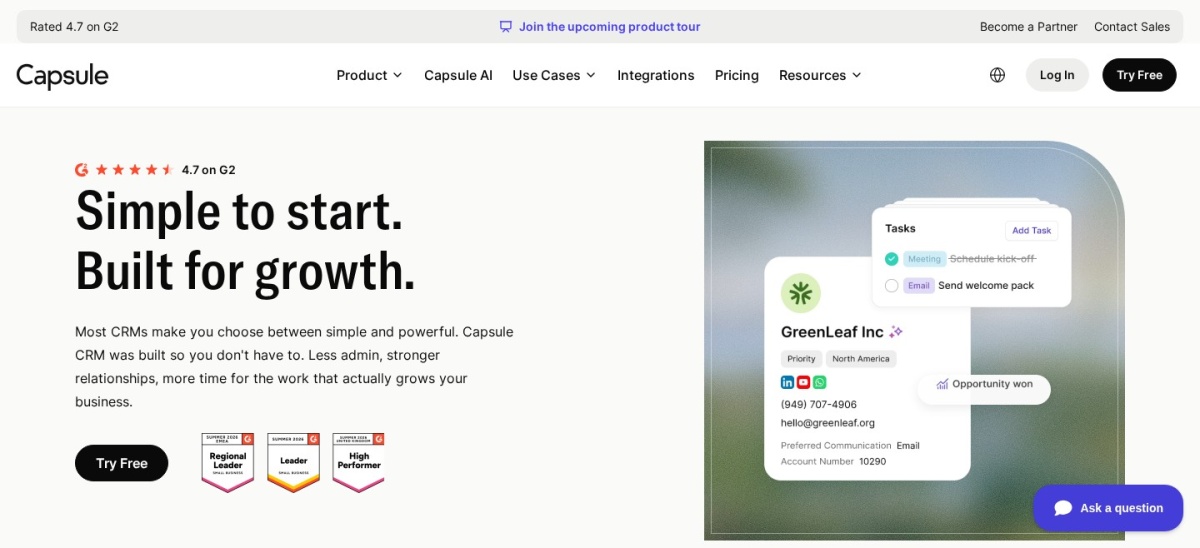
Capsule is a simple CRM for small teams, with contacts, tasks, sales pipelines and email integration without the weight of a large platform. Starter costs $18 a user a month billed annually and covers 50,000 contacts. It is rated 4.7 out of 5 on G2 from 529 reviews.
The trade off is depth, since teams that need heavy automation or marketing tools will outgrow it and need another system. It suits small teams that want a tidy client database without a long setup.
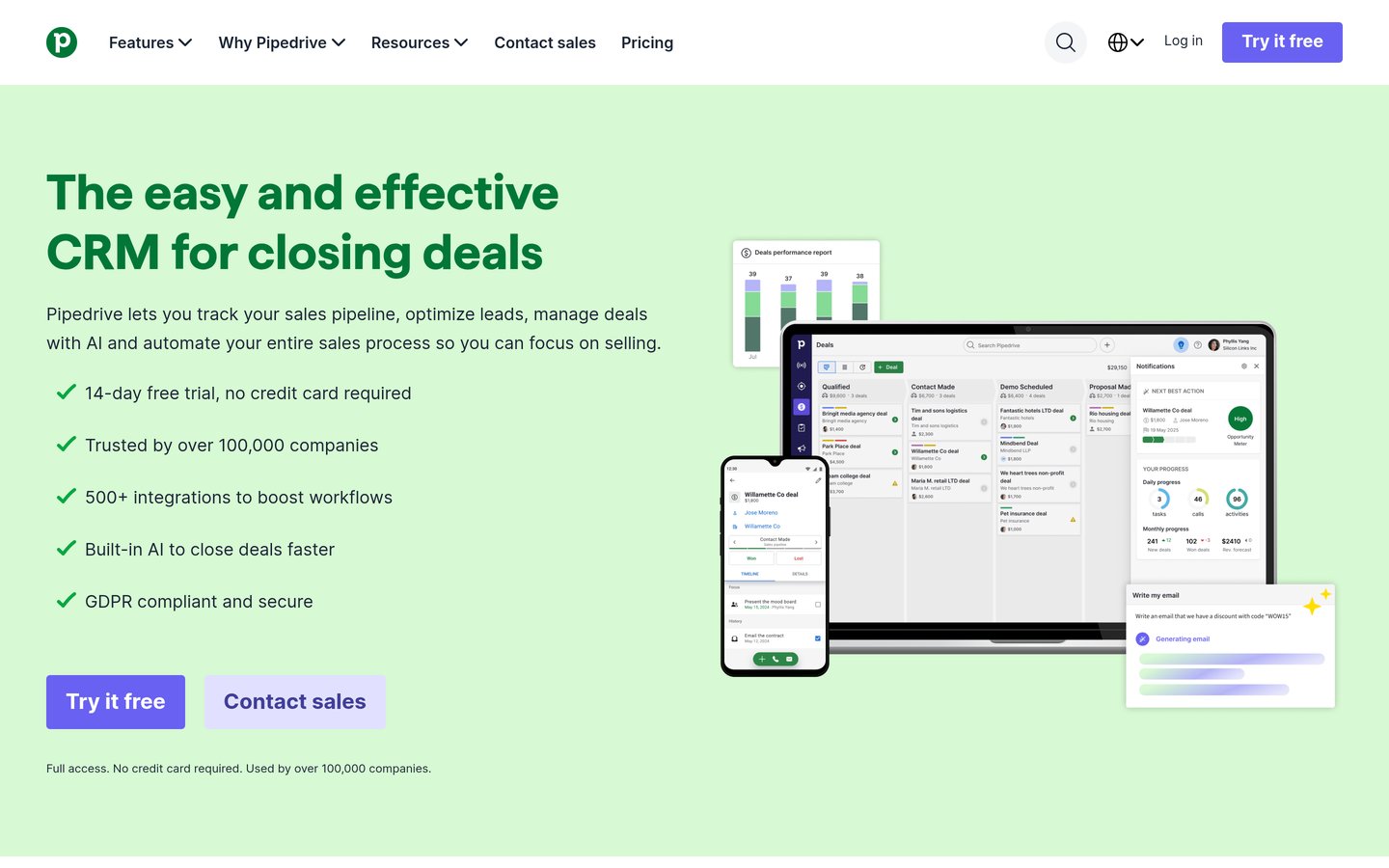
Pipedrive is a sales CRM built around a visual pipeline, where deals move by drag and drop and an activity view tells each rep what to do next. Lite costs $14 a user a month billed annually and covers the pipeline, contact and deal management, with 3,000 open deals. It is rated 4.3 out of 5 on G2 from 5,123 reviews.
The trade off is automation, which Lite does not include, so teams that want two-way email sync and workflow automations must move to Growth at $39 a user a month. It suits sales teams that live in the pipeline view and want the simplest daily workflow.
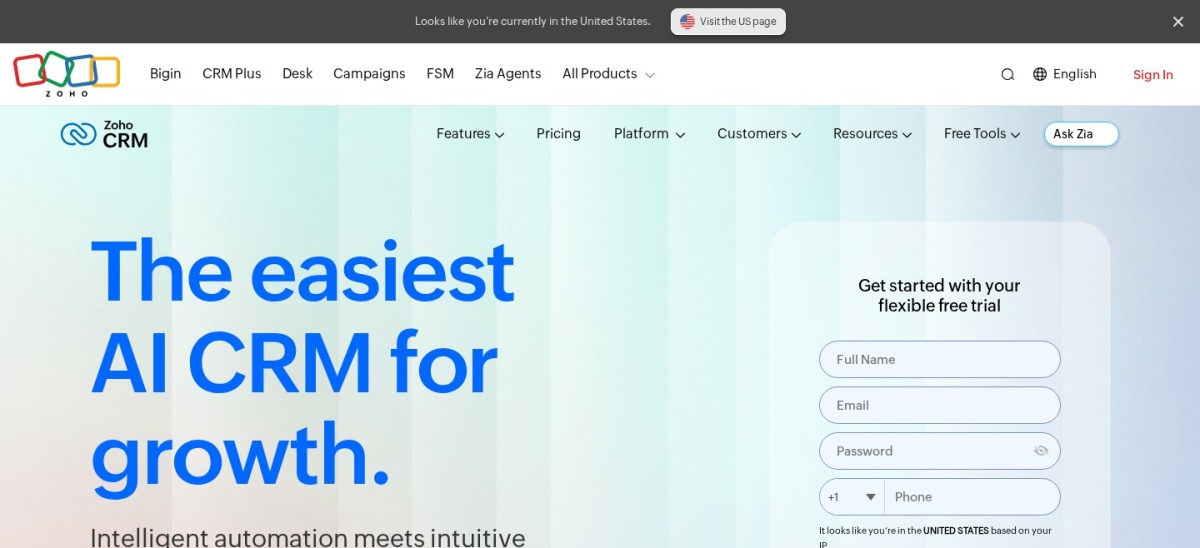
Zoho CRM is a low-cost, wide-feature CRM with a free plan for up to 3 users and four paid editions priced per user. Standard costs $14 a user a month billed annually, or $20 billed monthly, and adds multiple sales pipelines, built-in calling, sales forecasting and 100,000 records. It is rated 4.1 out of 5 on G2 from 2,937 reviews.
The trade off is setup. The settings are crowded and the learning curve is steeper than HubSpot or Capsule, and premium support costs extra. It suits small teams that want a full-featured database at the lowest price and are willing to spend time setting it up.
What we like
Free plan for up to 3 users
Lowest price for a full-featured CRM
Multiple pipelines from Standard
Watch out for
Steeper learning curve than rivals
Support quality scores lower on G2
Premium support is a paid add-on
Professional adds automation and inventory at $23 a user a monthVisit zoho.com
07
ClickUp
4.7/5on G2 (9,207 reviews, checked Nov 2026)
Paid from$12/mo
Best all-in-one workspace with CRM
Free planYes, Free Forever
Paid plan$12/user/mo
AI add-onBrain AI, $9/user/mo
G2 rating4.7/5, 9,207 reviews
clickup.com
ClickUp homepage, captured Nov 2026.
ClickUp is a work platform that also works as a client database, with contacts, custom fields and list, board and table views for tracking clients and deals. The Free Forever plan has no user limit, and paid plans start at $12 a user a month. It is rated 4.7 out of 5 on G2 from 9,207 reviews.
The trade off is focus. ClickUp is built for projects and tasks first, so its CRM side is less purpose-built than HubSpot or Pipedrive, and teams must set up their own client views. It suits teams that want client records beside their project work in one place.
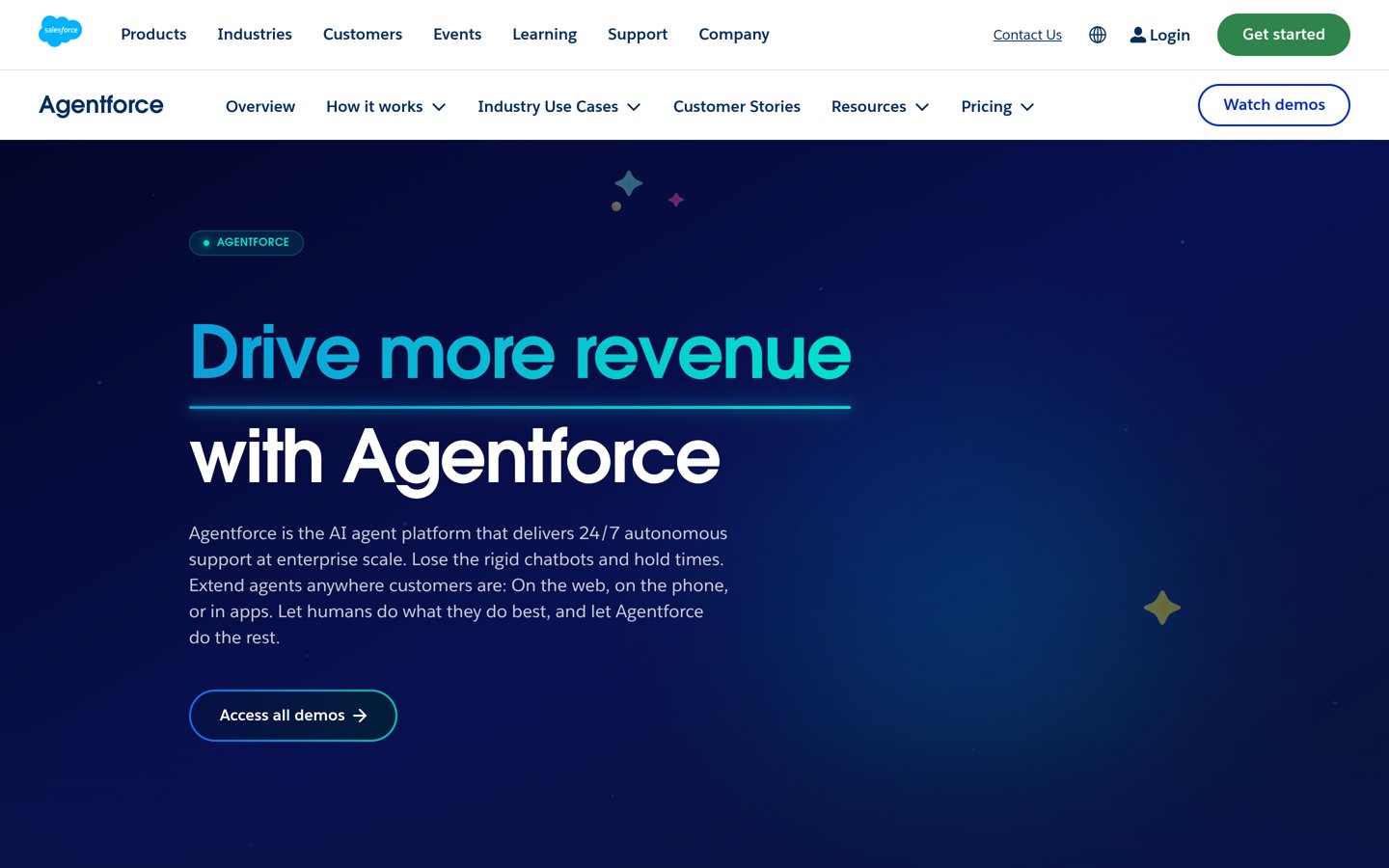
Salesforce Sales Cloud homepage, captured Nov 2026.
Salesforce Sales Cloud is the most-reviewed CRM in this list, with lead, account, contact and opportunity management, built-in sales flows and a marketplace of thousands of apps. Starter Suite costs $25 a user a month and covers the core client database, with a free suite for up to 2 users. It is rated 4.4 out of 5 on G2 from 27,592 reviews.
The trade off is cost and complexity. Starter lacks the automation and forecasting larger teams need, so most deployments land on higher tiers, and setup usually needs an admin or a partner. It suits large sales teams that need deep customisation and the widest integration ecosystem.
What we like
Most-reviewed CRM on G2 in this list
Deep customisation and forecasting on higher tiers
Insightly is a CRM that links sales to project delivery, so a won deal can turn into a project with tasks, milestones and files. Plus costs $29 a user a month billed annually and includes pipelines, email and project tools. It is rated 4.2 out of 5 on G2 from 950 reviews.
The trade off is price, since $29 a user a month is the highest entry price in this list. It suits teams that sell a service and then deliver it as a project, and want both sides on one client record.
What we like
Sales and projects share one record
Good reporting on Plus
Integrates with Google Workspace and Microsoft 365
Free plans cover the basics well. HubSpot, Zoho CRM and ClickUp all let a small team store contacts, track deals and log activity without paying.
Paid plans mostly add automation and limits. You get more contacts, more pipelines, email sync and workflow automations that save time every day.
If your client list is small and you only need one shared record, a free plan can last a long time. Once you need automation or more than a few seats, the cheapest paid plan is usually the better buy.
How we chose
We started from the most-used client database and CRM tools on G2, then kept 9 established products that store contacts, track deals and publish a clear paid price.
Prices come from each vendor's pricing page, checked on 24 November 2026, and ratings and review counts come from G2 on the same day. Where a vendor shows a sale, the list shows the regular price. HubSpot Starter is shown at $20 and ClickUp at $12, under the price rulings used for this batch.
We left out tools with no published price and niche databases built for one industry only. No vendor paid for a place, and we do not claim hands-on testing for this list.
How to choose client database software
Start with your contact list, then match the tool to how your team actually works.
Count your contacts and users first. Free plans cap at 1,000 contacts on HubSpot and 3 users on Zoho CRM, so a list bigger than that needs a paid plan from day one.
Pick the view your team will use daily. Choose monday CRM for boards, Pipedrive for a pipeline, or Capsule if a simple contact list is enough.
Check which plan holds automation. Email sync, workflows and sequences often sit one tier above the cheapest plan, so price the plan you need, not the entry price.
Try the free plan or trial with real data. Import a small set of real contacts, log a few calls and check that reports and exports work before you move the whole list.
FAQ
What is the best client database software?
HubSpot is the best client database software for most teams. Its free plan covers up to 2 users and 1,000 contacts, and it is rated 4.4 out of 5 on G2 from 14,364 reviews.
What is the cheapest client database software?
Freshsales is the cheapest paid option in this list, at $9 a user a month billed annually on Growth. HubSpot, Zoho CRM and ClickUp also have free plans, so a small team can start without paying.
Is there a free client database tool?
Yes. HubSpot is free for up to 2 users and 1,000 contacts, Zoho CRM is free for up to 3 users, and ClickUp has a Free Forever plan. The other tools in this list offer a 14-day trial instead.
What is the difference between a client database and a CRM?
They are mostly the same thing. A client database stores contact details and history, while a CRM adds deals, pipelines and follow-up tasks on top of that record.
Which client database is best for a small team?
Capsule is the simplest choice for a small team, with a 4.7/5 G2 rating and 50,000 contacts on Starter. HubSpot is the better pick if the team wants a free plan and room to grow.
Can I move my contacts from a spreadsheet into these tools?
Yes. Every tool in this list can import contacts from a spreadsheet, and most also import from email or another CRM. Clean up duplicate names and old addresses before you import.
SaaS SEO and WordPress specialist with about 8 years of experience. Rakib compares WordPress plugins, themes, hosting and software using public pricing, documentation and user reviews. See how we rank.