Altium Designer is the best circuit simulation software for most engineers, combining mixed-signal simulation with full PCB design. KiCad is the best free option, with a built-in SPICE simulator and no licence cost.
How we make this list: we compare pricing pages, product documentation and public user reviews, then re-check every price before each update. No product paid for a place. Disclosure.
Altium Designer is the top pick at $1,990 a year for the first seat, with mixed-signal simulation inside a full PCB suite.
KiCad is the best free pick: open source, with a built-in ngspice simulator and no licence cost.
PSpice starts at $2,400 a year according to reseller EMA, with the deepest SPICE analysis here.
EasyEDA Premium is $19.90 a month billed annually, the cheapest paid step, and the free plan allows commercial use.
DipTrace Starter is $75 once, the only perpetual licence in the list, while Proteus is quote-only.
What circuit simulation should cover
Circuit simulation tools fall into two groups. SPICE simulators such as PSpice, KiCad and DipTrace model voltages and currents before you build anything, while suites such as Altium Designer, Proteus and EasyEDA add schematic capture and PCB layout around the simulator.
Free tools cover most learning and hobby work. KiCad, CircuitMaker and Tinkercad cost nothing, and EasyEDA's free plan allows commercial use. Paid tools start at $75 once for DipTrace and rise to $2,400 a year for PSpice.
Ratings come from G2, checked in November 2026. Proteus scores 5.0 out of 5 but from a single review, so treat that score with care. Famous free simulators such as LTspice have no G2 rating, so they do not appear in this list.
Match the tool to the job. Learning and Arduino projects suit Tinkercad, hobby PCB work suits KiCad or EasyEDA, and professional analog design suits PSpice or Altium Designer.
Altium Designer is the professional standard for circuit simulation inside a full PCB design suite, pairing mixed-signal simulation with schematic capture, layout and component management in one tool. Its simulator handles analog, digital and mixed-signal circuits, and Altium 365 adds cloud collaboration so teams share designs and libraries. It is rated 4.5 out of 5 on G2 from 954 reviews.
The trade off is price and platform. The first seat of Altium Develop costs $1,990 a year, which puts it out of reach for hobbyists and small teams, and the desktop tool runs on Windows only. The free trial lets you check the simulator before you commit, but there is no free tier for ongoing work.
What we like
Mixed-signal simulation in the same tool as PCB layout
Strong manufacturer part libraries and 3D models
Altium 365 cloud collaboration for teams
Rated 4.5 out of 5 on G2 from 954 reviews
Watch out for
$1,990 a year for the first seat
Windows only on the desktop
Steep learning curve for new users
First seat is $1,990 a year; extra author seats are $995 a year.Visit altium.com
02
KiCad
4.5/5on G2 (69 reviews, checked Nov 2026)
PriceFree
Best free circuit simulation
PriceFree, open source
PlatformWindows, macOS, Linux
SimulationBuilt-in ngspice simulator
PCBUp to 32 copper layers
kicad.org
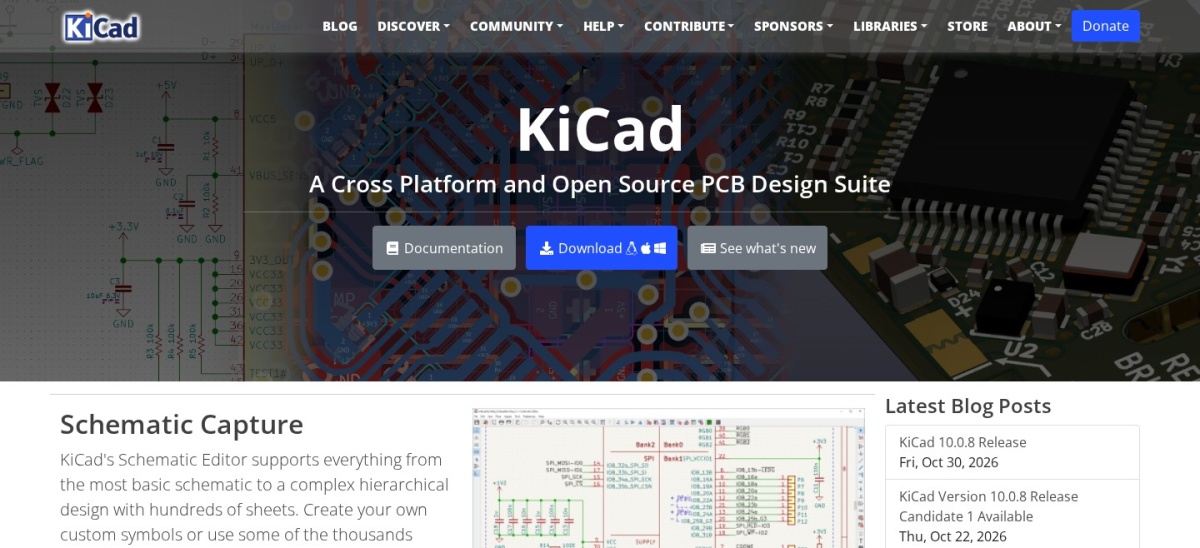
KiCad homepage, captured Nov 2026.
KiCad is a free, open-source suite for schematic capture, circuit simulation and PCB layout, with no licence fee and no account needed. Its built-in ngspice simulator runs DC, AC and transient analysis straight from the schematic, and the tool handles boards up to 32 copper layers. It is rated 4.5 out of 5 on G2 from 69 reviews, and version 10.0.8 was released in October 2026.
The trade off is polish and support. KiCad has no vendor support line, so help comes from the community and the documentation, and the interface is less refined than paid tools such as Altium Designer. The component libraries are smaller than commercial ones, so you may build symbols and footprints yourself.
What we like
Free forever with no licence or account
Built-in ngspice simulation in the schematic
Runs on Windows, macOS and Linux
Active open-source development, version 10 in 2026
Watch out for
No vendor support, community help only
Smaller part libraries than paid rivals
Interface feels less polished than Altium
Free and open source, with no paid tier to upgrade to.Visit kicad.org
03
PSpice
4.4/5on G2 (11 reviews, checked Nov 2026)
Starts at$2,400/yr
Best SPICE analysis depth
Price$2,400 a year, from reseller
PlatformWindows
SimulationAnalog, mixed-signal, Monte Carlo
Models33,000+ parameterized models
pspice.com
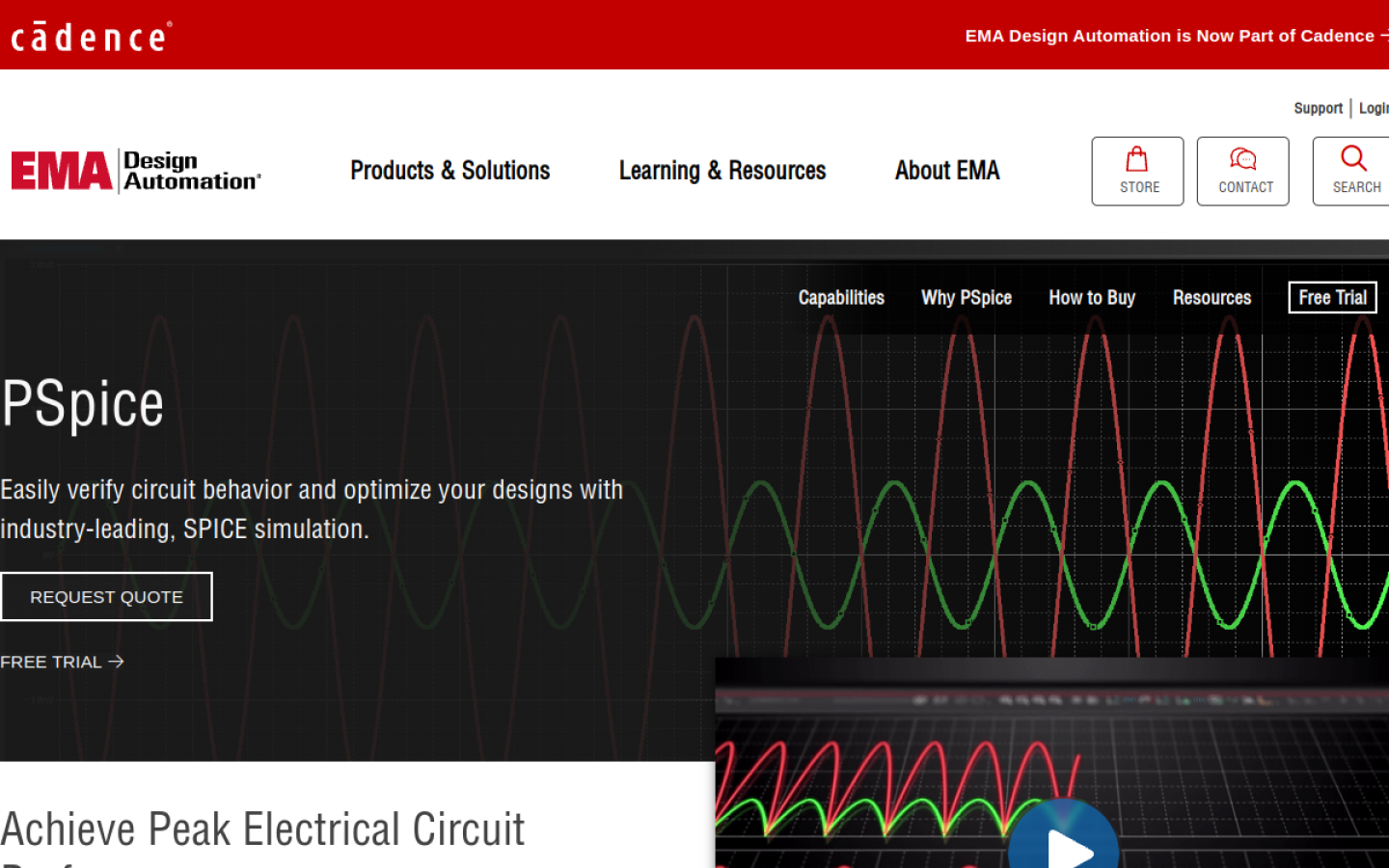
PSpice homepage, captured Nov 2026.
PSpice is Cadence's SPICE simulator for analog and mixed-signal circuits, built for engineers who need deep analysis rather than a quick check. It runs DC, AC, transient, Monte Carlo, sensitivity and worst-case analysis, and ships with more than 33,000 parameterized models. It is rated 4.4 out of 5 on G2 from 11 reviews, and a 30-day free trial is available.
The trade off is cost and openness. Cadence publishes no price of its own, and the $2,400-a-year starting figure comes from its reseller EMA, so you need a quote to confirm what you will pay. PSpice is Windows only, and the full tool is aimed at professional teams rather than casual users.
What we like
Deep analysis: Monte Carlo, sensitivity, worst-case
33,000+ parameterized models included
Industry-standard SPICE engine from Cadence
30-day free trial to check it first
Watch out for
No published price from Cadence itself
Windows only
Aimed at professional teams, not hobbyists
Starts at $2,400 a year according to reseller EMA; Cadence itself lists no price.Visit pspice.com
04
NI Multisim
4.3/5on G2 (42 reviews, checked Nov 2026)
Starts at$1,869/yr
Best for electronics teaching
PriceBase $1,869 a year
PlatformWindows
SimulationUp to 20 analyses
ComponentsUp to 55,000 verified parts
ni.com
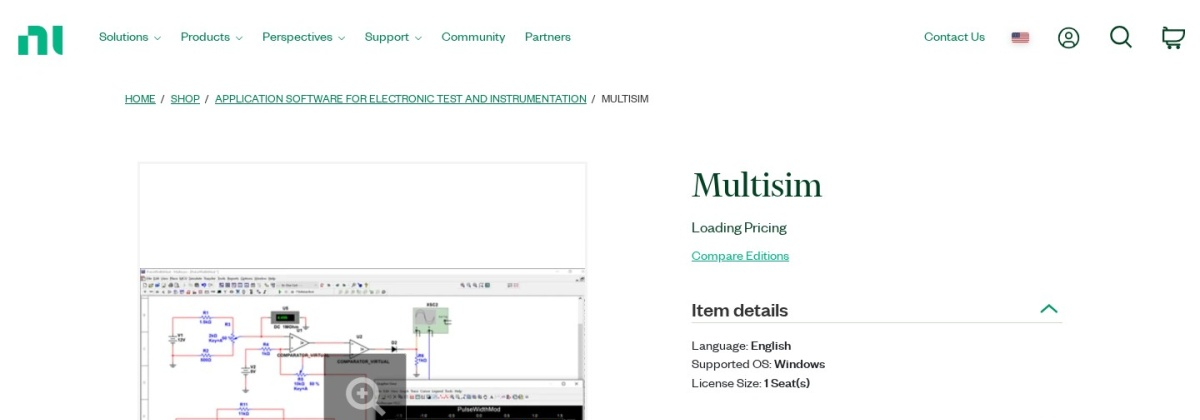
NI Multisim homepage, captured Nov 2026.
NI Multisim is National Instruments' circuit simulator for design and electronics education, pairing SPICE simulation with virtual instruments that mimic bench equipment. The Base edition includes 47,000 manufacturer-verified components and 4 virtual instruments, while Power Pro adds 55,000 parts, 20 analyses and 30 instruments. It is rated 4.3 out of 5 on G2 from 42 reviews.
The trade off is the Windows-only desktop and the price ladder. The Base edition costs $1,869 a year, and the Full and Power Pro editions cost more again, so a full setup is a serious budget item. Students get a cheaper Student Edition, but the professional tool is built for labs and engineering teams.
What we like
Virtual instruments that mimic real bench gear
Up to 55,000 manufacturer-verified components
Strong choice for teaching and lab work
Free trial available
Watch out for
Windows only
Base is $1,869 a year, higher editions cost more
Priced for labs and teams, not hobbyists
Base is $1,869 a year; Full is $3,267 and Power Pro is $4,838 a year.Visit ni.com
05
EasyEDA
4.4/5on G2 (20 reviews, checked Nov 2026)
Paid from$19.9/mo
Best browser-based simulation
PriceFree plan; Premium $19.9 a month
PlatformBrowser, Windows, macOS, Linux
SimulationBrowser SPICE simulation
Users6.58 million engineers worldwide
easyeda.com
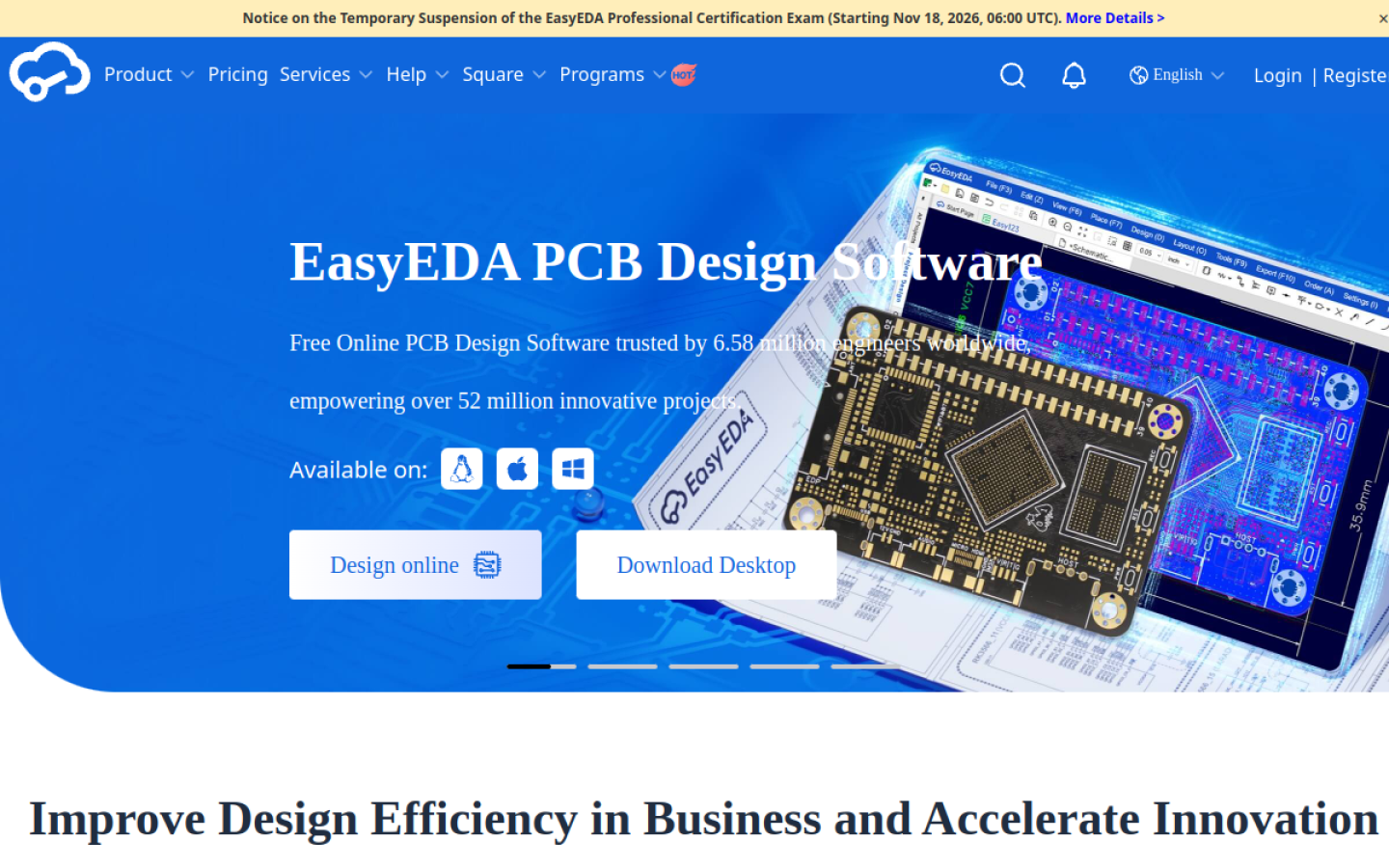
EasyEDA homepage, captured Nov 2026.
EasyEDA is a free, browser-based tool for schematic capture, circuit simulation and PCB layout, with nothing to install. It runs SPICE simulation in the browser, links straight to JLCPCB for ordering boards, and the vendor says it is trusted by 6.58 million engineers on more than 52 million projects. It is rated 4.4 out of 5 on G2 from 20 reviews.
The trade off is depth and ads. The free plan shows ads and caps storage at 0.5 GB, and its simulation is lighter than desktop tools such as PSpice or Proteus. Premium costs $19.90 a month billed annually, which removes ads and raises storage to 10 GB, but serious analog work may still need a desktop simulator.
What we like
Free plan with commercial use allowed
Runs in a browser, nothing to install
Built-in SPICE simulation and PCB ordering
Premium is $19.90 a month billed annually
Watch out for
Free plan shows ads and caps storage at 0.5 GB
Simulation is lighter than desktop tools
Tied to the JLCPCB supply chain for ordering
Free forever; Premium is $19.90 a month, billed annually at $238.80 a year.Visit easyeda.com
06
Proteus
5/5on G2 (1 reviews, checked Nov 2026)
PricingQuote/yr
Best microcontroller simulation
PriceQuote; perpetual licences
PlatformWindows
SimulationMicrocontroller co-simulation
Library15 million+ parts
labcenter.com
Proteus homepage, captured Nov 2026.
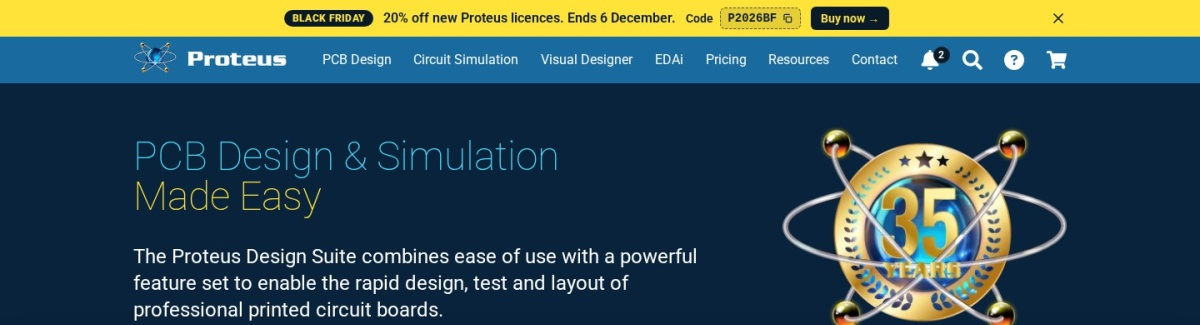
Proteus is Labcenter's design suite for schematic capture, simulation and PCB layout, best known for simulating microcontroller firmware alongside the circuit. Its VSM engine co-simulates code on Arduino, STM32 and PIC chips with the hardware around them, backed by a library of more than 15 million parts. It is rated 5.0 out of 5 on G2, though from a single review.
The trade off is price transparency and platform. Proteus sells perpetual licences on a quote, with custom configurations from £150, so there is no simple list price to compare. It runs on Windows only, and the 5.0 rating rests on one G2 review, so treat the score with care.
What we like
Co-simulates firmware with the circuit
Library of more than 15 million parts
35-plus years of continuous development
Free demo to try before you buy
Watch out for
Quote-only pricing, no list price
Windows only
G2 rating rests on a single review
Perpetual licences on a quote; custom configurations start from £150.Visit labcenter.com
07
CircuitMaker
4.3/5on G2 (110 reviews, checked Nov 2026)
PriceFree
Best free Altium alternative
PriceFree, community edition
PlatformWindows
SimulationMixed-signal simulation
Projects5 private projects included
circuitmaker.com
CircuitMaker homepage, captured Nov 2026.
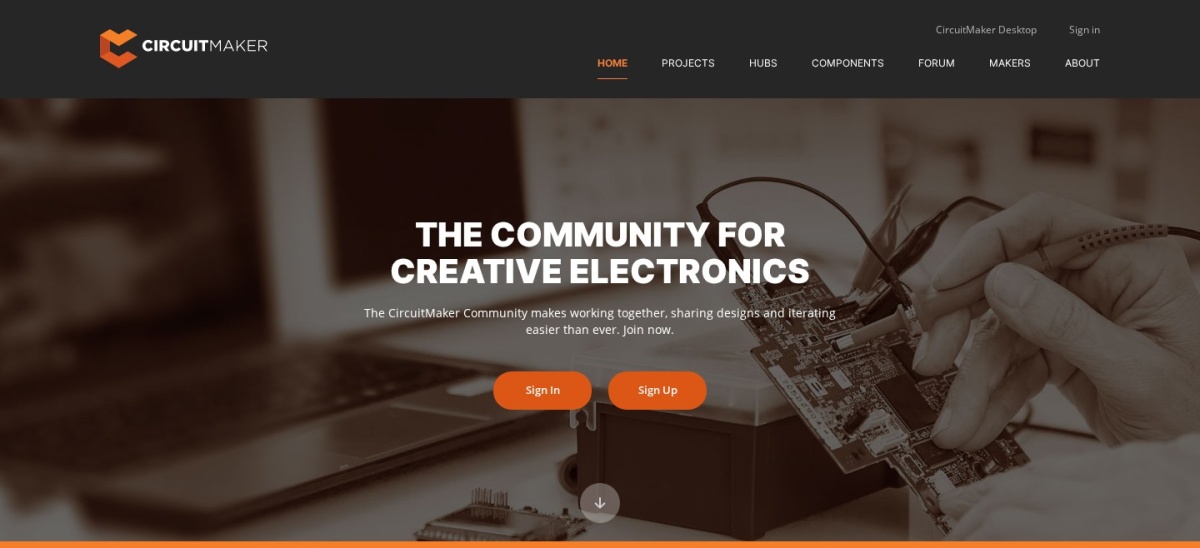
CircuitMaker is Altium's free community tool for schematic capture, simulation and PCB layout, aimed at makers and open hardware. It uses the same design engine as Altium Designer, with mixed-signal simulation and a shared community library of parts. It is rated 4.3 out of 5 on G2 from 110 reviews, and there is no paid tier to upgrade to.
The trade off is privacy and scale. Designs are public by default, with only 5 private projects included, so it does not suit commercial work you need to keep secret. It is Windows only, and community support replaces the vendor support that comes with paid Altium tools.
What we like
Free with no paid tier
Altium's design engine and community library
Mixed-signal simulation included
Rated 4.3 out of 5 on G2 from 110 reviews
Watch out for
Designs public by default, 5 private projects only
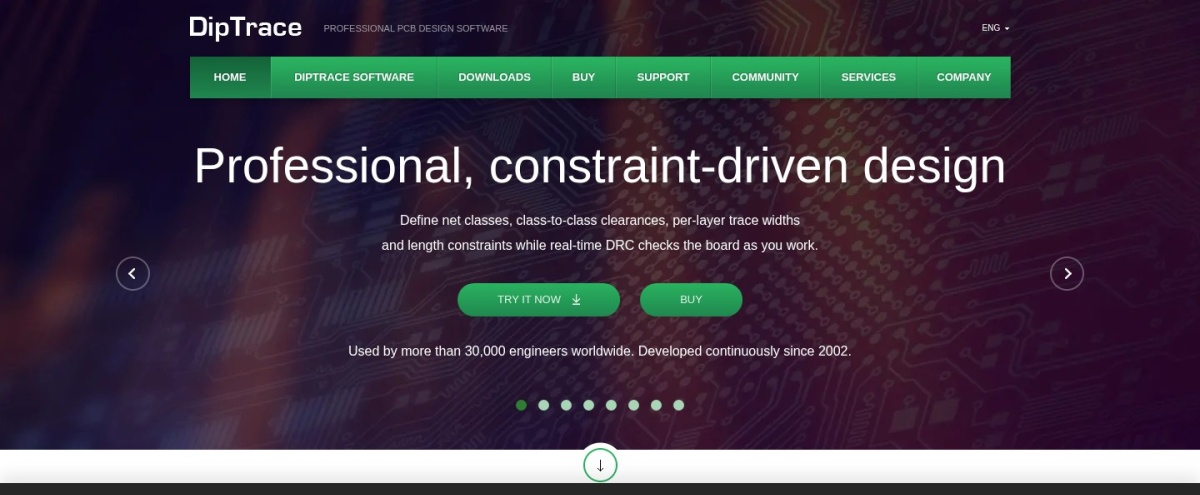
DipTrace is a low-cost suite for schematic capture, SPICE simulation and PCB layout, sold as a perpetual licence you buy once. Its schematic editor includes a built-in analog and digital SPICE simulator for DC, AC, transient and noise analysis, and the vendor says more than 30,000 engineers use it. It is rated 4.3 out of 5 on G2 from 46 reviews.
The trade off is that simulation is a secondary feature. The SPICE simulator is useful for checking a design, but it is not as deep as PSpice or Altium's tools, and the part libraries are smaller than the big commercial suites. The Starter edition costs $75 once, with higher editions up to $995.
What we like
Perpetual licence from $75, no subscription
Built-in analog and digital SPICE simulation
Runs on Windows, macOS and Linux
Free version available to try
Watch out for
Simulation is secondary to layout
Smaller part libraries than big suites
Interface is dated next to newer tools
Starter is $75 once; Lite $145, Standard $395, Extended $695, Full $995.Visit diptrace.com
09
Tinkercad
4.5/5on G2 (120 reviews, checked Nov 2026)
PriceFree
Best for learning circuits
PriceFree, no paid plan
PlatformBrowser
SimulationCircuits with Arduino simulation
UsersClassrooms and beginners
tinkercad.com
Tinkercad homepage, captured Nov 2026.
Tinkercad is Autodesk's free, browser-based tool for 3D design, circuits and block coding, aimed at beginners and classrooms. Its Circuits workspace lets you build and simulate circuits in the browser, including Arduino boards and code, with nothing to install. It is rated 4.5 out of 5 on G2 from 120 reviews.
The trade off is depth. Tinkercad Circuits suits learning and simple projects, but it has no SPICE analysis, no PCB layout and no advanced part libraries, so real engineering work needs a tool such as KiCad or EasyEDA. It is a starting point, not a design suite.
Free tools cover the whole first project well. KiCad, CircuitMaker and Tinkercad cost nothing, and EasyEDA's free plan allows commercial use, so you can design, simulate and order a board without paying.
Paid plans add depth, libraries and support. PSpice brings 33,000 models and Monte Carlo analysis, Altium adds manufacturer libraries and cloud collaboration, and Proteus adds microcontroller co-simulation.
If you might sell boards, start on a tool whose paid step is affordable. Our guide to free vs premium plugins explains how to weigh a free plan against a paid upgrade before you commit.
The cheapest paid step is DipTrace Starter at $75 once; the dearest is PSpice at $2,400 a year.
How we chose
We started from the tools most often named in 2026 comparisons for circuit simulation, then kept 9 established products with a public review footprint and a published price or a clear quote route.
Prices come from each vendor's pricing page or its reseller, checked on 24 November 2026, and ratings are G2 scores from the same week. PSpice is the exception: Cadence publishes no price, so its figure comes from reseller EMA. Where a vendor shows a sale, the list shows the regular price.
We left out tools with no public review score, however well known, and niche tools with too few reviews to judge. No vendor paid for a place, and we do not claim hands-on testing for this list.
How to choose circuit simulation software
Start with the circuits you simulate every day, then check price, platform and the analysis you cannot work without.
Decide what you simulate first. Simple Arduino circuits suit Tinkercad or EasyEDA, hobby PCBs suit KiCad or DipTrace, and professional analog work needs PSpice or Altium Designer.
Check the platform. Altium Designer, PSpice, Multisim, Proteus and CircuitMaker are Windows only, while KiCad, EasyEDA and DipTrace run on more systems or in a browser.
Confirm the analysis you need. Basic DC, AC and transient checks are in every tool here, but Monte Carlo, sensitivity and worst-case analysis are mainly in PSpice and Altium Designer.
Try the free option on a real circuit. Simulate one real circuit before you pay, and check the part libraries, the export formats and the support before you commit.
FAQ
What is the best circuit simulation software?
Altium Designer is the best circuit simulation software for most engineers. It combines mixed-signal simulation with full PCB design and is rated 4.5 out of 5 on G2 from 954 reviews, though the first seat costs $1,990 a year.
What is the best free circuit simulation software?
KiCad is the best free circuit simulation software. It is open source with a built-in ngspice simulator, runs on Windows, macOS and Linux, and is rated 4.5 out of 5 on G2 from 69 reviews.
Is LTspice on this list?
No. LTspice is a well-known free simulator, but it has no G2, Capterra or Trustpilot rating, and this list only includes tools with a public review score. It remains a solid free choice for analog simulation.
How much does PSpice cost?
PSpice starts at $2,400 a year according to Cadence reseller EMA, which also lists a 30-day free trial. Cadence itself publishes no price, so you need a quote to confirm the exact cost for your tier.
Can I simulate circuits in a browser?
Yes. EasyEDA runs SPICE simulation in the browser with a free plan that allows commercial use, and Tinkercad Circuits simulates Arduino projects in the browser too. Both are free to start with nothing to install.
Which circuit simulator is best for Arduino?
Proteus is the strongest choice for Arduino work, since it co-simulates microcontroller firmware with the circuit. Tinkercad Circuits is the best free start for learning Arduino, with browser-based simulation and block coding.
SaaS SEO and WordPress specialist with about 8 years of experience. Rakib compares WordPress plugins, themes, hosting and software using public pricing, documentation and user reviews. See how we rank.