Best Chromebook Management Software in 2026: 9 Tools Compared
WLWPLegible EditorsLast verified 24 Nov 2026How we rank14 min read
★ Short answer
Google Admin Console is the best Chromebook management software for most fleets, with the deepest native ChromeOS policies at $50 per device per year. Pick ManageEngine MDM Plus for a free start up to 25 devices, or Scalefusion for the cheapest full UEM at $2 per device per month.
How we make this list: we compare pricing pages, product documentation and public user reviews, then re-check every price before each update. No product paid for a place. Disclosure.
Google Admin Console is the only native option, with the deepest ChromeOS policies at $50 per device per year.
ManageEngine MDM Plus is free for up to 25 devices, and its paid cloud plans start at $1.28 per device per month.
Hexnode and Scalefusion are the cheapest full UEM tools, at $2.20 and $2 per device per month.
GoGuardian, Lightspeed, Securly and Blocksi add filtering and classroom tools, but all four price by quote.
FileWave is the pick for mixed fleets, managing ChromeOS, Mac, Windows, iOS and Android from one console.
What Chromebook management software should cover
Chromebooks need management once a fleet grows past a handful of devices. Without it, every setting, app and update is handled by hand.
The first choice is the base layer. Google's Admin console enforces policies on the device itself, while other tools add filtering, classroom control or cross-platform cover on top.
Admin roles matter too. Give enrolment and policy rights to as few people as possible, and review them when staff change. Our guide on managing user roles securely explains the same idea for site admins.
Price is usually per device, so the total depends on fleet size. Five tools in this list publish no price at all, so request at least two quotes before budgeting.
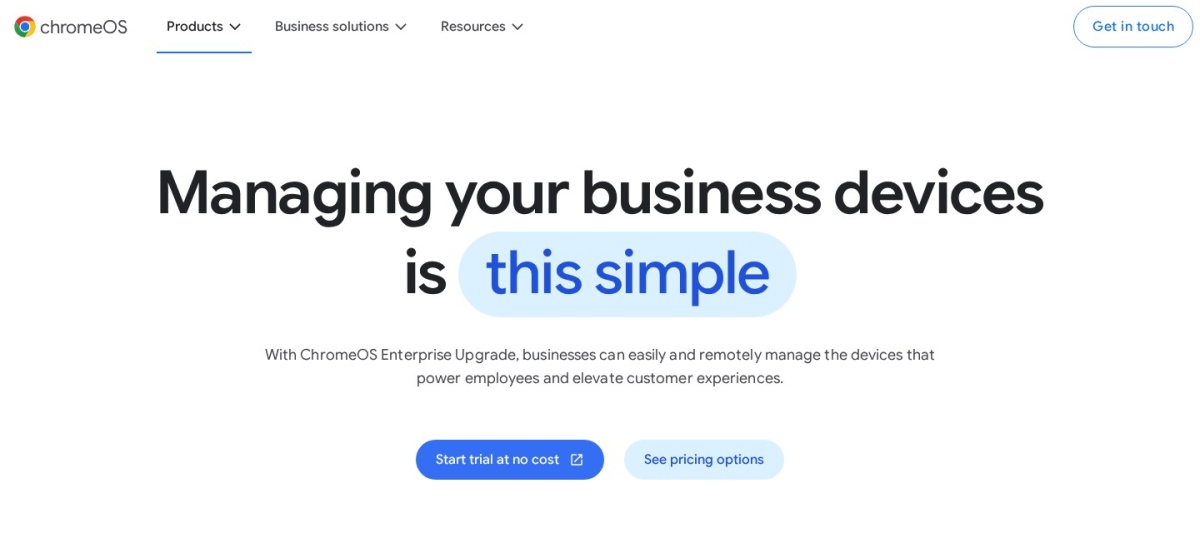
Google Admin Console is the native console for managing Chromebooks, through the ChromeOS Enterprise Upgrade. It handles enrolment, forced apps and extensions, OS update controls, device wipe and sign-in rules from one place, and it works with the Google Workspace accounts most schools and businesses already use.
The trade off is cost and scope. At $50 per device per year the licence adds up across a large fleet, and the console has no built-in web filtering or classroom tools, so most schools pair it with a filter. It suits fleets that want Google's own controls as the base layer.
What we like
Deepest ChromeOS policy controls, straight from Google
ChromeOS supportYes, plus iOS, Android, Windows, macOS
Kiosk modeYes, all editions
Paid planStandard cloud, $1.28/device/mo
manageengine.com
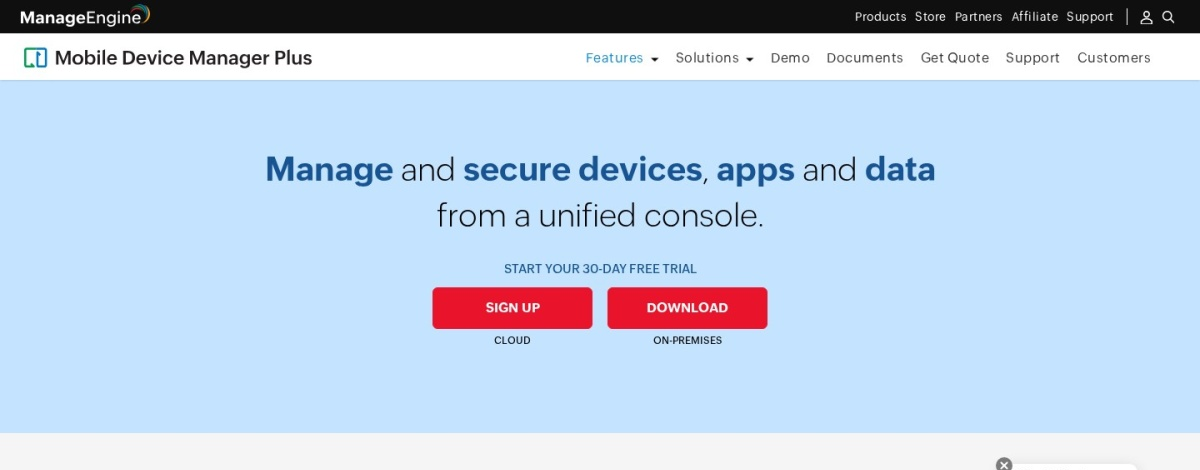
ManageEngine Mobile Device Manager Plus homepage, captured Nov 2026.
ManageEngine Mobile Device Manager Plus is the MDM from Zoho's ManageEngine, and it is free for up to 25 devices with the full Professional feature set. It covers ChromeOS alongside iOS, Android, Windows, macOS and tvOS, with enrolment, app deployment, kiosk mode and remote commands, and it runs in the cloud or on-premises.
The trade off is the band pricing. Paid cloud plans start at $645 a year for 50 devices, so a fleet just over 25 devices pays for 50, and extra technician seats cost $445 a year each. It suits small fleets and teams that need an on-premises option.
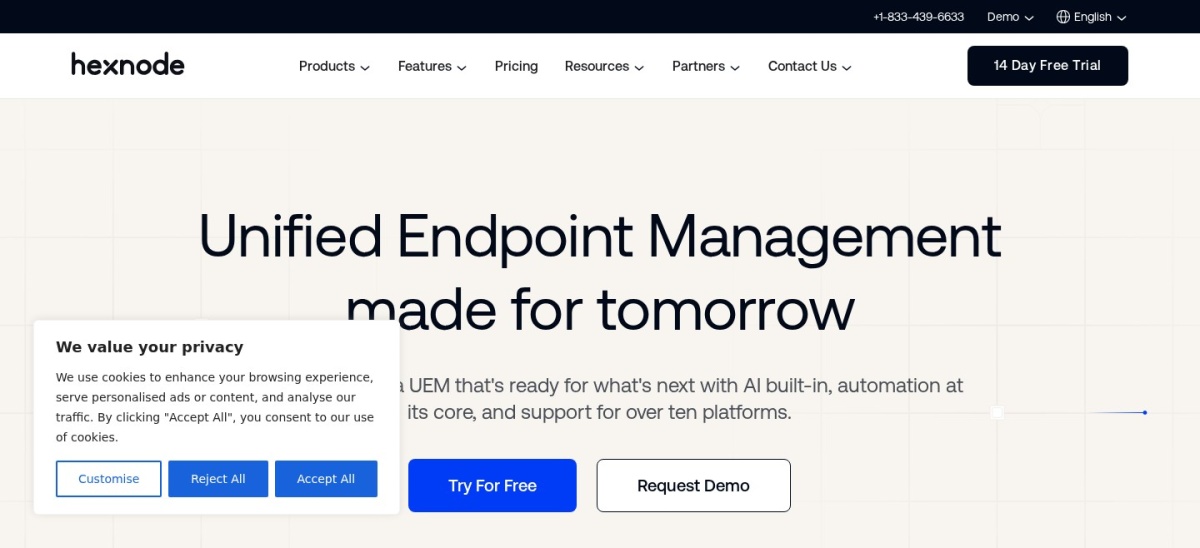
Hexnode UEM is a cross-platform UEM that manages ChromeOS beside Windows, macOS, iOS, Android, tvOS and more from one console. The Pro plan lists at $2.20 per device per month on annual billing, with kiosk modes, policy controls and compliance checks, and a 15-device minimum applies.
The trade off is plan gating. Remote view and desktop management start at Enterprise for $3.20 per device per month, and the Ultra plan with patch management is quote only. It suits mixed fleets that want one console for every device type.
What we like
Published per-device pricing, rare in this category
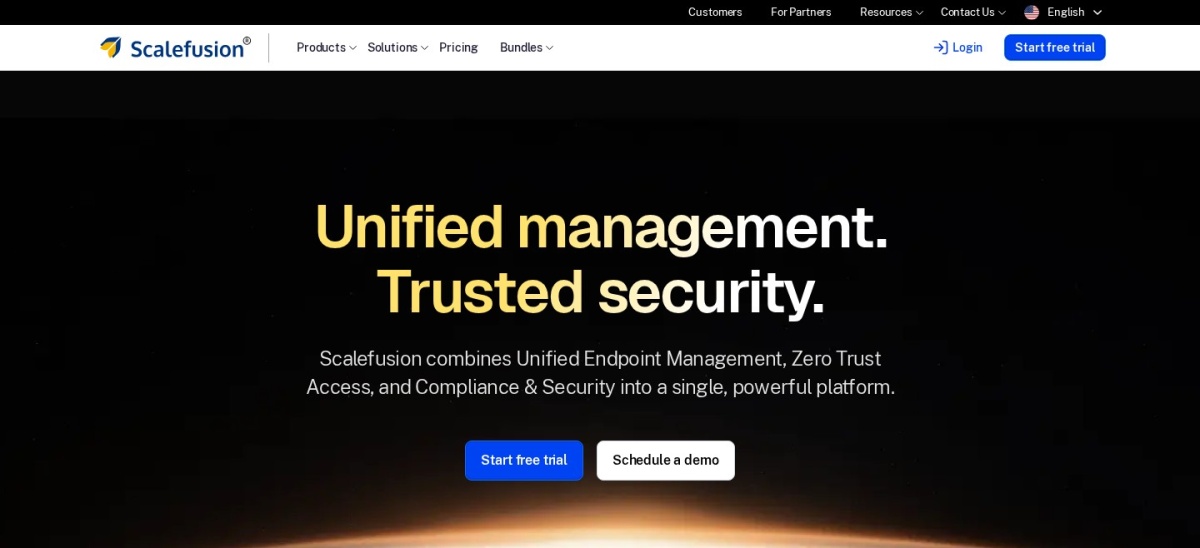
Scalefusion is a UEM that manages ChromeOS, Windows, macOS, iOS, Android and Linux from one dashboard, with kiosk lockdown, remote troubleshooting and geofencing. The Essential plan lists at $2 per device per month billed annually, and a 14-day trial unlocks every feature.
The trade off is depth and add-ons. Some G2 reviewers report limited ChromeOS and Linux depth, and identity (OneIdP) and security (Veltar) are paid add-ons at $3 to $5 per device per month. It suits mixed fleets that want kiosk control plus UEM in one place.
What we like
Lowest entry price among full UEM tools here
Identity and endpoint security built into the platform
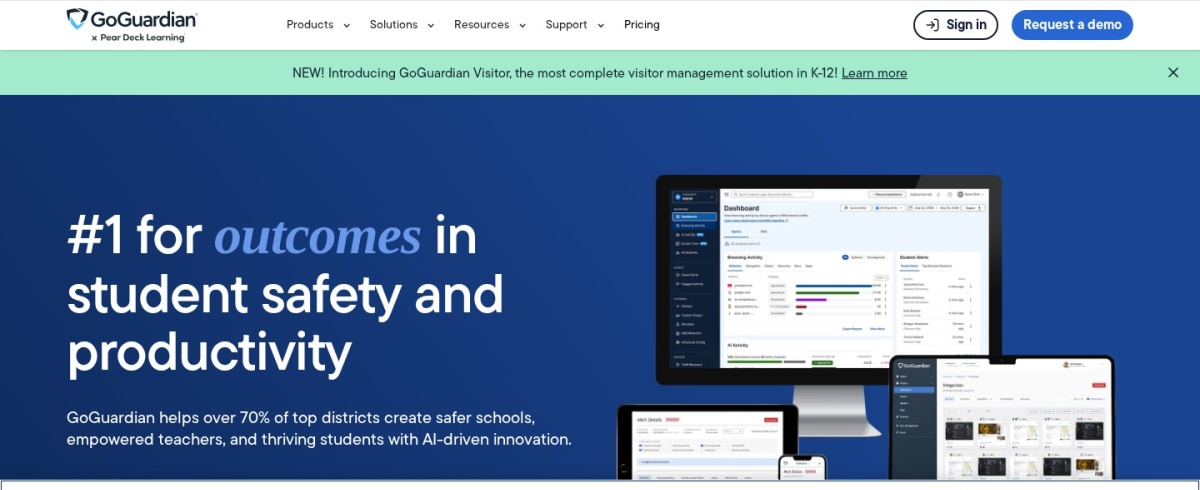
GoGuardian Admin is the filtering core of GoGuardian's school platform, built for Chromebook fleets. It blocks content by category with AI, manages policies across devices and tracks browsing, and it works with Teacher for classroom control, Beacon for safety alerts and Fleet for device inventory.
The trade off is price opacity. GoGuardian publishes no price, so every school requests a quote, and the modules are sold separately, so a full bundle costs more than Admin alone. It suits Chromebook-only schools that want filtering, classroom and safety from one vendor.
What we like
Strongest Chromebook filtering in this list
Google Classroom, Clever and ClassLink integrations
Teacher, Beacon and Fleet modules share one platform
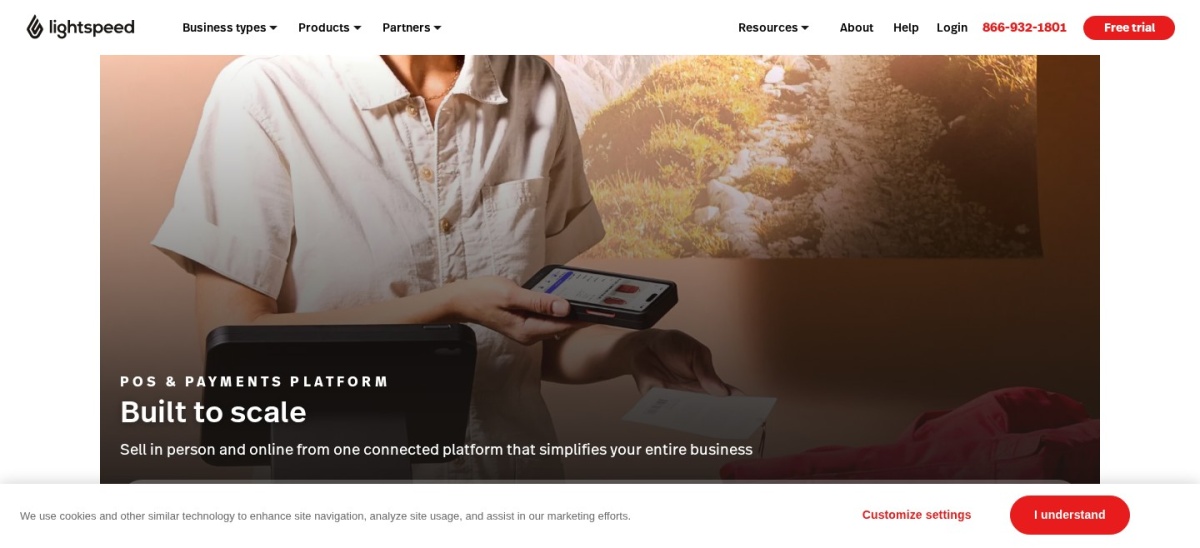
Lightspeed Systems is a school platform that combines web filtering, classroom management and device management. Its Filter uses a large category database, always-on crawling and machine learning, while Classroom lets teachers see student screens and lock devices, and MDM covers Apple, Windows, ChromeOS and Android.
The trade off is price and reporting. Lightspeed publishes no price, so districts negotiate a quote, and reporting depth varies by tier, with some reviewers finding the console less flexible than GoGuardian. It suits districts running mixed fleets that want one K-12 vendor.
What we like
Filtering, classroom and MDM from one vendor
Covers four platforms in one console
Built for K-12, not adapted business software
Machine-learning categorisation of new sites
Watch out for
No published price, quote only
Reporting depth varies by tier
Console less flexible than GoGuardian, per some reviewers
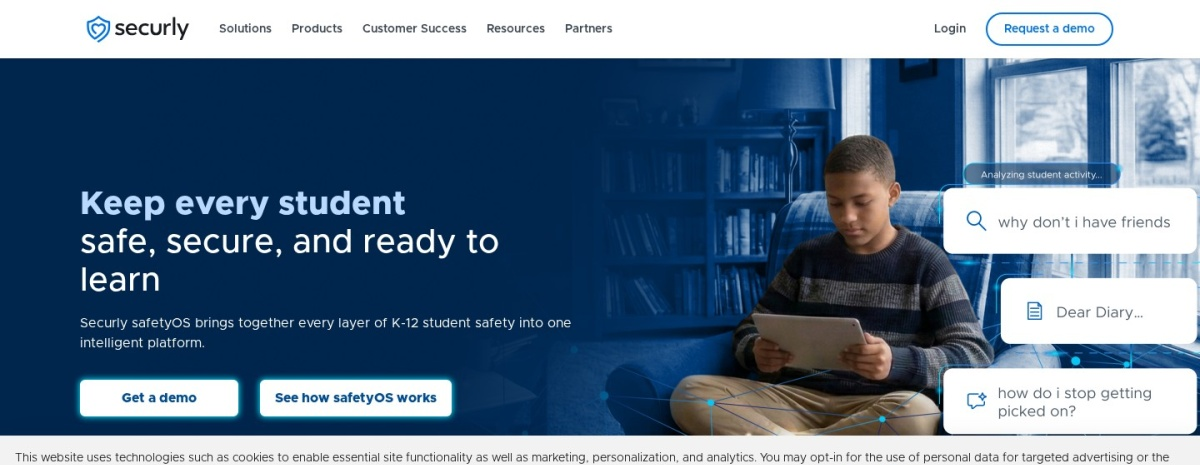
Securly Filter is a cloud filter built for schools that follows students on and off campus. It enforces CIPA-compliant category blocking, applies different rules per Google Workspace unit, and its AI flags signs of cyberbullying, self-harm and violence with an audit trail behind each alert.
The trade off is price and scope. Securly publishes no price, so schools request a quote, and the full value needs the wider platform, with Aware and Classroom adding cost. It suits schools that put student safety alerts first.
What we like
CIPA-compliant filtering that follows students home
AI safety alerts with a visual audit trail
Google Workspace unit-based policies
Strong G2 rating from school IT staff
Watch out for
No published price, quote only
Full value needs Aware and Classroom
Some reviewers report overblocking of school sites
Blocksi is a cloud K-12 platform that combines classroom management, district-wide content filtering and student safety monitoring. Its filtering spans more than 85 web categories and 30 YouTube categories, with AI safety alerts reviewed by people, and it deploys as a force-installed Chrome extension.
The trade off is the extension. Monitoring relies on a Chrome extension, so it can be spotty when a device delays syncing, and G2 reviewers report the admin dashboard was tiered separately in one contract. It suits schools that want filtering, classroom and safety in one platform.
What we like
Filtering, classroom and safety in one platform
AI safety alerts with human review
Force-installed extension students cannot remove
Reviewers praise its cost-to-feature ratio
Watch out for
Extension-based monitoring can be spotty
No published price, quote only
Weak Mac filtering, per G2 reviewers
Free trial available; admin dashboard may be tiered separatelyVisit blocksi.net
09
FileWave
4.7/5on G2 (20 reviews, checked Nov 2026)
PricingCustom/yr
Best for mixed fleets with Chromebooks
PlatformsChromeOS, Mac, Windows, iOS, Android
DeploymentCloud or self-hosted
ImagingYes, plus patching
PricingQuote only
filewave.com
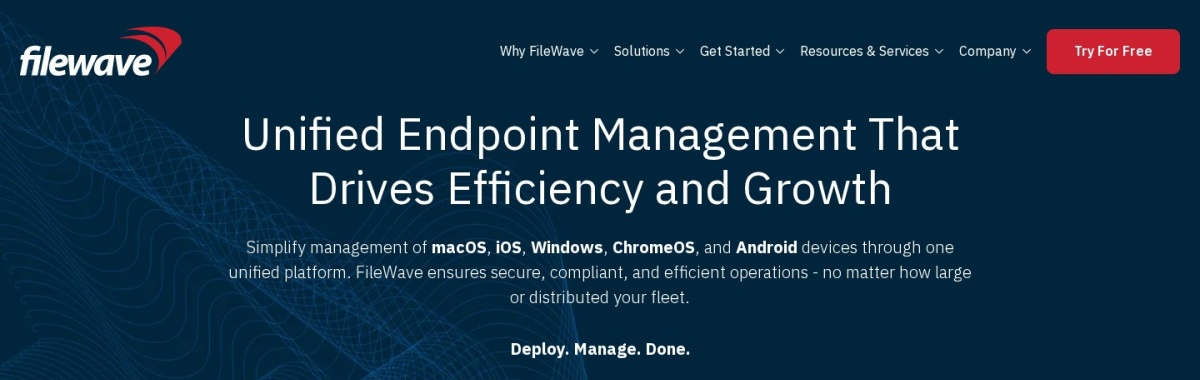
FileWave homepage, captured Nov 2026.
FileWave is a cross-platform endpoint manager that many schools use when the fleet mixes Chromebooks with Mac, Windows, iOS and Android. It handles imaging, app deployment, patching and device policies from one console, and a self-hosted option suits districts with data residency needs.
The trade off is price and pace. Pricing is quote only with no published entry price, the interface feels dated next to cloud-only rivals, and setup takes longer because the product surface is large. It suits schools whose fleet spans four or more platforms.
What we like
Manages five platforms from one console
Imaging and patching included
Self-hosted option for data residency
4.7 out of 5 on G2, joint-highest here
Watch out for
Quote only pricing, no published entry price
Interface feels dated
Setup takes longer than cloud-only rivals
Education pricing starts with a quote; free trial availableVisit filewave.com
Device management vs filtering: what each tool actually does
Device management and web filtering solve different problems. Management enrols the device, sets policies, pushes apps and wipes lost hardware. Filtering decides which sites students can open.
Google Admin Console, ManageEngine, Hexnode, Scalefusion and FileWave are device managers first. GoGuardian, Lightspeed, Securly and Blocksi are filtering and classroom tools that sit on top of the Admin console.
Most schools need both layers. Start with the Admin console, then add one filtering tool, and avoid paying for two tools that do the same job.
How we chose
We started from the tools schools and IT teams actually use to manage Chromebooks, from Google's own console to cross-platform UEM tools and K-12 filtering platforms, then kept the nine with the clearest Chromebook support.
Prices come from each vendor's pricing page, checked on 24 November 2026. Ratings and review counts come from G2 on the same day. Where a vendor shows no price, the list says quote only instead of guessing.
We left out Apple-only MDM tools and tools with no Chromebook support. No vendor paid for a place, and we do not claim to have used these tools ourselves.
How to choose Chromebook management software
Start with your fleet, then match the tool to the job it has to do.
Count the fleet and the platforms. A Chromebook-only fleet can run on the Admin console plus a filter. A mixed fleet needs a UEM such as Hexnode, Scalefusion or FileWave.
Decide whether you need filtering. If students use the devices, add GoGuardian, Lightspeed, Securly or Blocksi for category blocking and classroom control. Business fleets can usually skip this layer.
Check the free tier first. ManageEngine covers 25 devices free, and Google offers a 30-day trial for 50 devices. Use the trial to test enrolment before paying.
Get two quotes for quote-only tools. Five tools in this list publish no price, and quotes vary by fleet size and term. Compare at least two before signing.
FAQ
What is the best Chromebook management software?
Google Admin Console is the best pick for most fleets, because it is Google's own console with the deepest ChromeOS policy controls, at $50 per device per year. Schools that also need filtering usually add GoGuardian or Lightspeed on top of it.
Is there free Chromebook management software?
ManageEngine Mobile Device Manager Plus is free for up to 25 devices with the full Professional feature set, which suits small fleets and pilots. Google offers a 30-day trial of ChromeOS Enterprise Upgrade for 50 devices, and Chrome Enterprise Core is free for browser-only management.
Do I need the Admin console if I buy another MDM?
Yes, in most cases. Third-party tools manage apps, policies and inventory, but Chromebooks still enrol through Google's console, and the Enterprise Upgrade licence is what unlocks device management. Treat the Admin console as the base layer, not a rival.
How much does Chromebook management cost per device?
Published prices in this list run from $1.28 per device per month for ManageEngine to $50 per device per year for Google's upgrade. Five tools publish no price, so their cost depends on fleet size and the modules chosen.
What is the difference between MDM and filtering software?
MDM enrols devices, sets policies, pushes apps and wipes lost hardware. Filtering decides which websites users can open and watches for unsafe activity. Schools usually need both, while business fleets often need MDM only.
Can one tool manage Chromebooks and Windows laptops?
Yes. Hexnode, Scalefusion, ManageEngine and FileWave all manage ChromeOS alongside Windows, macOS, iOS and Android from one console. If the fleet is Chromebook-only, the Admin console plus a filter is usually simpler and cheaper.