Quicken Classic is the best check register software for most households, with Starter at $53.88 a year, connections to more than 14,000 banks and a 4.3 out of 5 G2 rating. Pick Moneydance for a $65 one-time licence, or CountAbout for the cheapest yearly plan at $19.99.
How we make this list: we compare pricing pages, product documentation and public user reviews, then re-check every price before each update. No product paid for a place. Disclosure.
Quicken Classic is the top pick: Starter costs $53.88 a year and connects to more than 14,000 banks.
Moneydance is the only one-time purchase here at $65, with no yearly bill for the licence.
CountAbout is the cheapest yearly plan at $19.99, with a projected register balance on every plan.
Banktivity costs $83.88 a year for Bronze and runs only on Mac, iPhone and iPad.
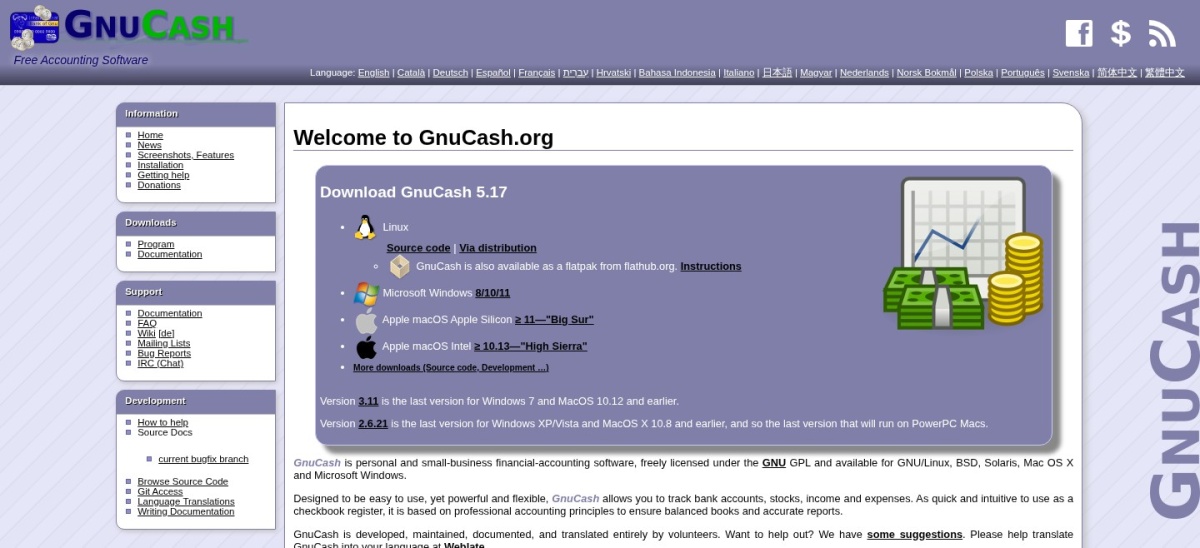
GnuCash is free and open source, with a checkbook-style register and no paid tier at all.
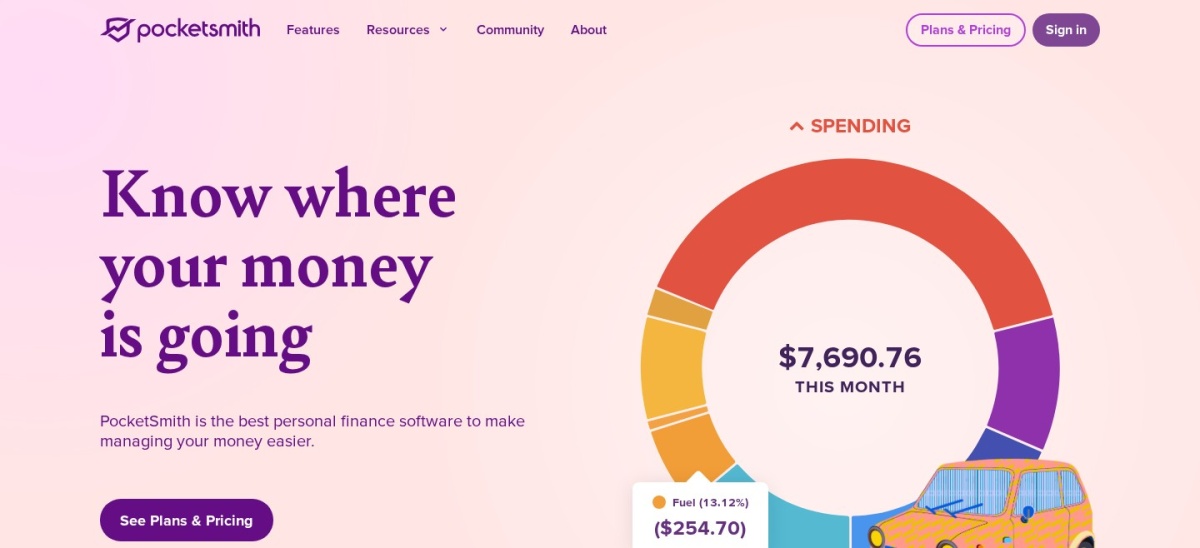
PocketSmith is the dearest here: Foundation costs $119.88 a year, though a free plan covers 2 accounts.
What a check register tool should cover
A check register is the running list of what went in and out of an account, with a balance after every line. The paper version is gone, but the job is the same: record each check, card payment and deposit, then match it against the bank statement.
The best register tools make that match easy. Look for running balances, cleared and reconciled flags, split transactions and a search that finds a payee in seconds. Bank downloads help, but manual entry should stay quick for cash and checks.
Price is the other split. Some tools charge every year, one charges once, and four have a free plan or are free outright. Our guide on how to budget for a WordPress website covers the same habit this list rewards: write the plan down, then check it against reality.
This list covers personal registers and small-business books together, because the register itself is the same. Business-only features such as invoicing and payroll sit in the specs where they matter.
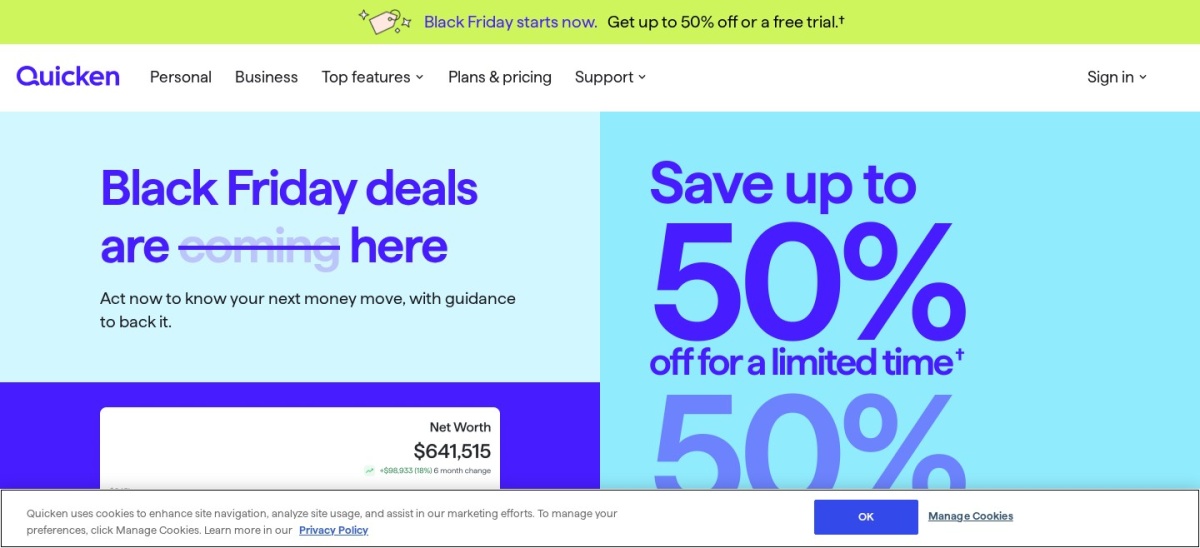
Quicken Classic is the best-known desktop register, with more than 20 million customers over four decades and connections to over 14,000 banks. Starter costs $53.88 a year and covers accounts, budgets, bill tracking and reconciliation, and it is rated 4.3 out of 5 on G2 from 76 reviews.
The trade off is the yearly bill and the dated desktop feel. Deluxe costs $83.88 a year and adds investment tracking, debt tools and reports, so most households should budget for that tier. It suits people who want one deep desktop register and do not mind paying every year.
What we like
Deepest register, with reconciliation to the penny
Connects to more than 14,000 banks
Budgets, debt tools and tax reports in one file
Rated 4.3 out of 5 on G2
Watch out for
No free plan or free trial build
Yearly subscription, with first-year promo prices that rise on renewal
Desktop interface feels dated next to cloud tools
Deluxe at $83.88 a year adds investments and debt toolsVisit quicken.com
02
Moneydance
4.3/5on Capterra (8 reviews, checked Nov 2026)
Starts at$65/one-time
Best one-time purchase register
Check registerYes, with reconciliation
PlatformsWindows, Mac, Linux
Free planNo, trial to 100 transactions
Cheapest paid plan$65 one-time licence
moneydance.com
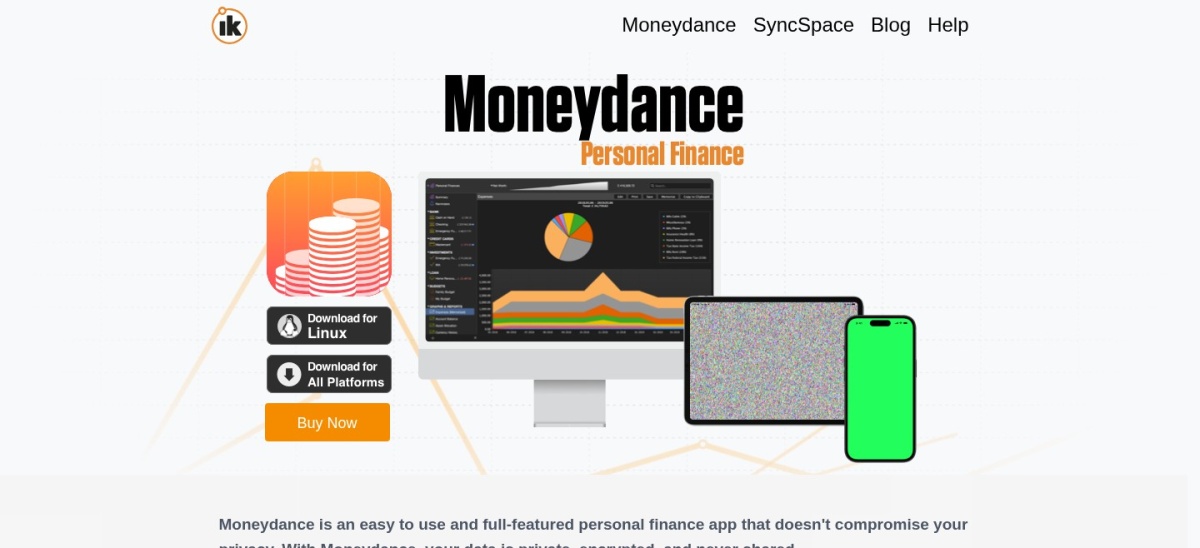
Moneydance homepage, captured Nov 2026.
Moneydance is a desktop personal finance app for Windows, Mac and Linux that keeps your data file on your own computer. A licence costs $65 once and covers registers, budgeting, bill reminders, investment tracking and multi-currency accounts, and it is rated 4.3 out of 5 on Capterra from 8 reviews.
The trade off is bank sync. Automatic downloads from over 11,000 banks need the optional Moneydance+ subscription, which costs $40 a year for licence owners. It suits people who hate subscriptions and are happy to import files by hand.
Banktivity is a native Mac, iPhone and iPad app from IGG Software, now in version 10. Bronze costs $83.88 a year and covers bank connections, budgets, goals and reports, with a 30-day free trial. It is rated 2.8 out of 5 on Trustpilot from 35 reviews.
The trade off is the platform lock-in. Banktivity runs only on Apple devices, so a move to Windows means a move to a different app. It suits Mac owners who want a native register with envelope budgets and investment tracking on Silver and Gold.
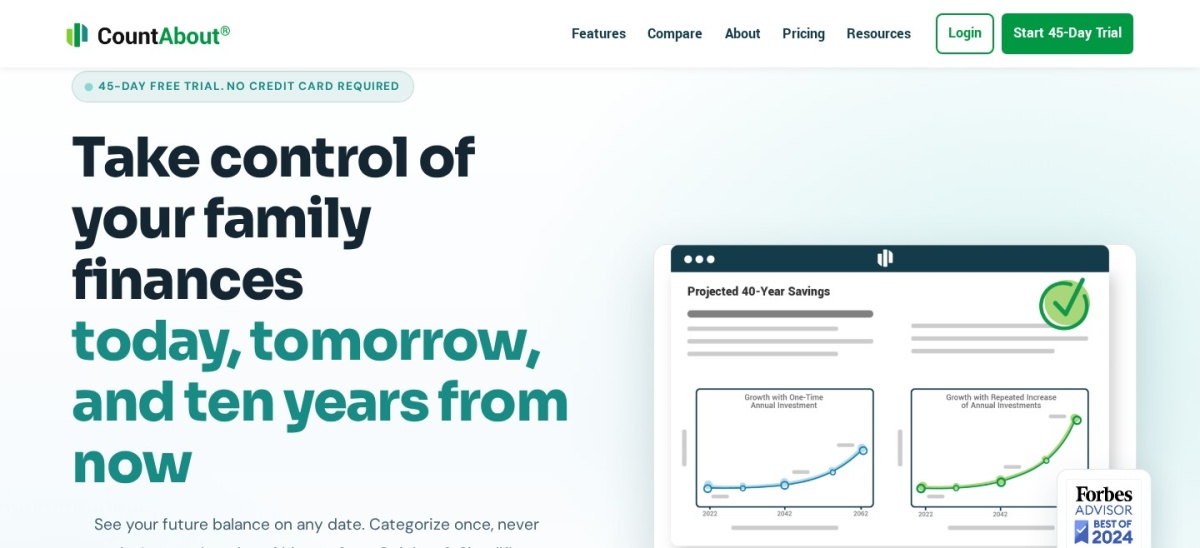
CountAbout is a web-based register and budgeting app that imports your full Quicken history. Basic costs $19.99 a year and includes unlimited accounts and categories, split transactions and a projected register balance, with a 45-day free trial. It is rated 4.2 out of 5 on the App Store from 106 ratings.
The trade off is bank sync. Basic is manual entry and file import only, and automatic downloads need Premium at $54.99 a year. It suits Quicken switchers and couples who want a cheap register with a future balance on any date.
PocketSmith is a forecasting-first personal finance app that shows future balances on a calendar. The free plan covers 2 accounts, 12 budgets and a 6-month projection, and Foundation costs $9.99 a month billed annually. It is rated 2.9 out of 5 on Trustpilot from 14 reviews.
The trade off is price for a register. Foundation costs $119.88 a year, the dearest here, and its strength is forecasting rather than reconciliation. It suits households that plan months ahead and want to see every future balance on one timeline.
What we like
Best future-balance forecast in this list
Free plan covers 2 accounts
Calendar view of bills and income
Unlimited accounts and budgets on paid plans
Watch out for
Dearest paid plan in this list
Only 14 Trustpilot reviews, so the rating is thin
Forecasting focus, not a reconciliation-first register
Wave is free accounting software for freelancers and small service businesses, owned by H&R Block. The free Starter plan includes unlimited invoices, bills and bookkeeping records, and it is rated 4.3 out of 5 on G2 from 328 reviews.
The trade off is bank import. Automatic import of bank transactions needs Pro at $19 a month, or $190 a year, and receipt scanning sits behind the same plan. It suits tiny businesses that want a free register and invoicing in one place.
What we like
Free Starter plan with unlimited invoices
Rated 4.3 out of 5 on G2
Simple books for freelancers
No charge per user on Pro
Watch out for
Bank import needs the $190 a year Pro plan
No inventory or project tracking
Card payments cost 2.9% plus $0.60 per transaction
Zoho Books is cloud accounting with a free plan for businesses under $50,000 in annual revenue. Standard costs $15 a month billed annually and covers 3 users, 5,000 invoices a year and automatic bank feeds, and it is rated 4.4 out of 5 on G2 from 329 reviews.
The trade off is the revenue ceiling. The free plan ends once a business passes $50,000 a year, and inventory and multi-currency tools need higher tiers. It suits small businesses that already use Zoho apps and want cheap, clean books.
What we like
Free plan for small businesses
Rated 4.4 out of 5 on G2
Automatic bank feeds on paid plans
Low $15 a month Standard plan
Watch out for
Free plan ends above $50,000 revenue
Inventory needs the Professional plan
Extra users cost $3 a month each
Professional at $480 a year adds inventory and projectsVisit zoho.com
08
FreshBooks
4.5/5on G2 (981 reviews, checked Nov 2026)
Starts at$23/mo
Best register for client invoicing
Check registerYes, expense and bank tracking
Free planNo, 30-day trial
Billable clients on Lite5
Cheapest paid planLite, $276/yr
freshbooks.com
FreshBooks homepage, captured Nov 2026.
FreshBooks is invoicing-first accounting for freelancers and small service firms. Lite costs $23 a month for up to 5 billable clients, with unlimited invoicing, expense tracking and tax-time reports, and it is rated 4.5 out of 5 on G2 from 981 reviews.
The trade off is the client cap. A sixth billable client means Plus at $43 a month, and each team member costs $11 a month on top of every plan. It suits solo owners with a small client list who invoice every week.
What we like
Highest G2 rating in this list at 4.5
Clean invoicing and time tracking
Tax-time reports on every plan
30-day free trial, no card needed
Watch out for
Lite covers only 5 billable clients
Team members cost $11 a month each
First-year promo prices rise sharply after the offer ends
GnuCash is free, open-source accounting software for Windows, Mac and Linux, now at version 5.17. Its checkbook-style register supports split transactions, scheduled entries and reconciliation, and it is rated 4.5 out of 5 on Capterra from 53 reviews.
The trade off is the learning curve. Double-entry books and manual bank imports take time to learn, and there is no automatic bank feed or paid support line. It suits patient users who want a free register with no subscription at all.
GnuCash and the free tiers of Wave, Zoho Books and PocketSmith cost nothing to start. They cover the register, categories and basic reports, which is enough for one account and simple books.
Paid plans mostly add bank downloads, multi-user access and deeper reports. Wave keeps automatic bank import behind Pro at $190 a year, and Zoho Books keeps bank feeds on paid plans too.
The dearest tools are not always the best registers. PocketSmith charges $119.88 a year for Foundation, yet its strength is forecasting, not reconciliation. Pay for the register you will use every week, not the forecast you will check once a year.
How we chose
We started from personal finance and small-business accounting tools with a real register view, then kept the nine that publish prices and have public user ratings.
Prices come from each vendor's pricing page or a page quoting it, checked on 24 November 2026. Ratings come from G2, Capterra or Trustpilot on the same day, except CountAbout, whose rating comes from the App Store because it has no G2 or Capterra page. Where a vendor shows a sale, the list shows the regular price.
We left out tools with no published price and register-only mobile apps with too few reviews to judge. No vendor paid for a place, and we do not claim hands-on testing for this list.
How to choose a check register tool
Match the tool to how you keep your books, not to the longest feature list.
Decide desktop or cloud. A desktop register keeps your file on your own computer. A cloud tool syncs everywhere but charges every year.
Check your bank connects. Bank downloads save hours, but only if your bank is supported. Confirm it on the vendor's list before you pay.
Count what the cheapest plan leaves out. Bank import, multi-user access and check printing often sit on higher tiers. Add those costs before you compare prices.
Try the trial with real transactions. Import a month of statements, reconcile one account and run one report. If that flow feels slow, the tool will not get faster.
FAQ
What is the best check register software?
Quicken Classic is the best pick for most households. Starter costs $53.88 a year, connects to more than 14,000 banks and reconciles accounts to the penny. Moneydance is the best one-time purchase at $65, and CountAbout is the cheapest yearly plan at $19.99.
Is there a free check register app?
Yes. GnuCash is completely free with no paid tier, and its register supports splits, scheduled entries and reconciliation. Wave Starter is also free, Zoho Books is free under $50,000 in revenue, and PocketSmith has a free plan for 2 accounts.
Can I print checks from these tools?
Banktivity lists check printing on its Gold plan at $131.88 a year. The other tools in this list focus on the register itself, so check printing is the exception here rather than the rule.
Do I need bank downloads for a check register?
No. A register works with manual entry, and CountAbout Basic is built for exactly that at $19.99 a year. Bank downloads save time when you have many transactions, but they add cost on most tools in this list.
What is the cheapest check register software?
GnuCash costs nothing, with no paid tier at all. The cheapest paid plan is CountAbout Basic at $19.99 a year, and the cheapest one-time purchase is Moneydance at $65, with no yearly bill for the licence.
Can I switch from Quicken without losing history?
Yes. CountAbout imports your full Quicken history, including decades of transactions. The other desktop tools import standard bank files, so export a QIF or CSV file from Quicken first and keep the original file as a backup.
SaaS SEO and WordPress specialist with about 8 years of experience. Rakib compares WordPress plugins, themes, hosting and software using public pricing, documentation and user reviews. See how we rank.