Tidio is the best chatbot app for most teams, pairing live chat with its Lyro AI agent in one inbox, rated 4.6 out of 5 on G2 from 2,031 reviews with a free plan. Pick Intercom for AI-first support at scale and ManyChat for Instagram and Messenger automation.
How we make this list: we compare pricing pages, product documentation and public user reviews, then re-check every price before each update. No product paid for a place. Disclosure.
Tidio leads with 4.6 out of 5 on G2, a free plan, and its Lyro AI agent from $33 a month.
Intercom's Fin agent costs $0.99 per resolved outcome on top of $29 seats.
Zendesk chat starts at Suite Team, $55 per agent a month, with 5 AI resolutions included per agent.
HubSpot, Freshchat, ManyChat and Crisp all have free plans; LiveChat, Intercom, Zendesk and ChatBot do not.
Paid plans run from $14 a month for ManyChat to $55 per agent a month for Zendesk.
What to look for in a chatbot app
A chatbot app should do more than answer a few set questions. The best ones greet visitors, qualify leads, hand tricky chats to a human, and keep the full conversation in one inbox.
AI billing is the first thing to check. Some tools include the AI agent in the plan, some charge per resolved chat, and some charge per AI session, so two tools with the same monthly price can cost very different amounts at volume.
Channels matter as much as price. A website widget suits a store or a blog, while Instagram, Messenger and WhatsApp matter more for brands that sell through social messages.
If you run WordPress, start with our guide on adding an AI chatbot to WordPress before you pick a tool, so you know what the widget needs to connect to.
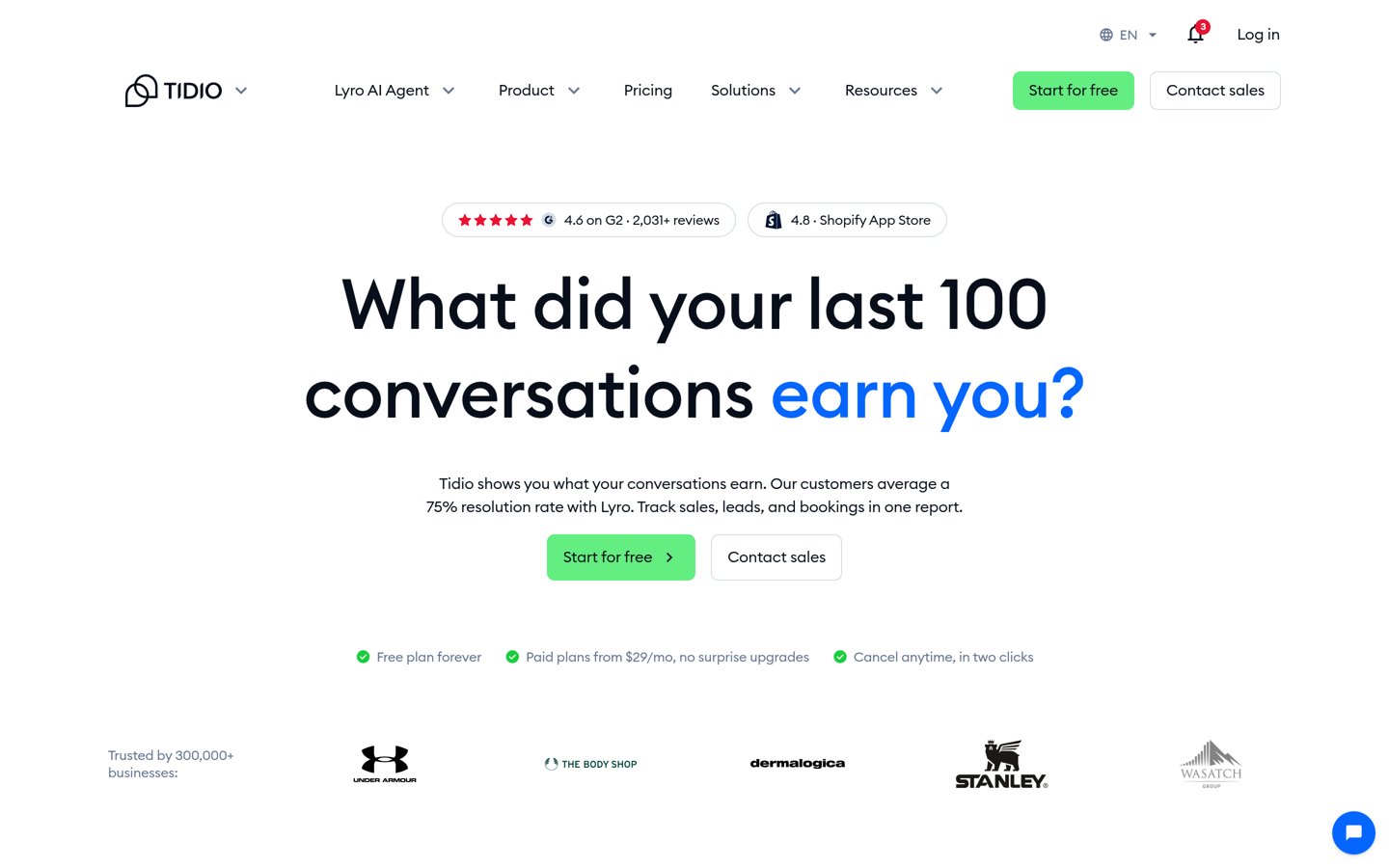
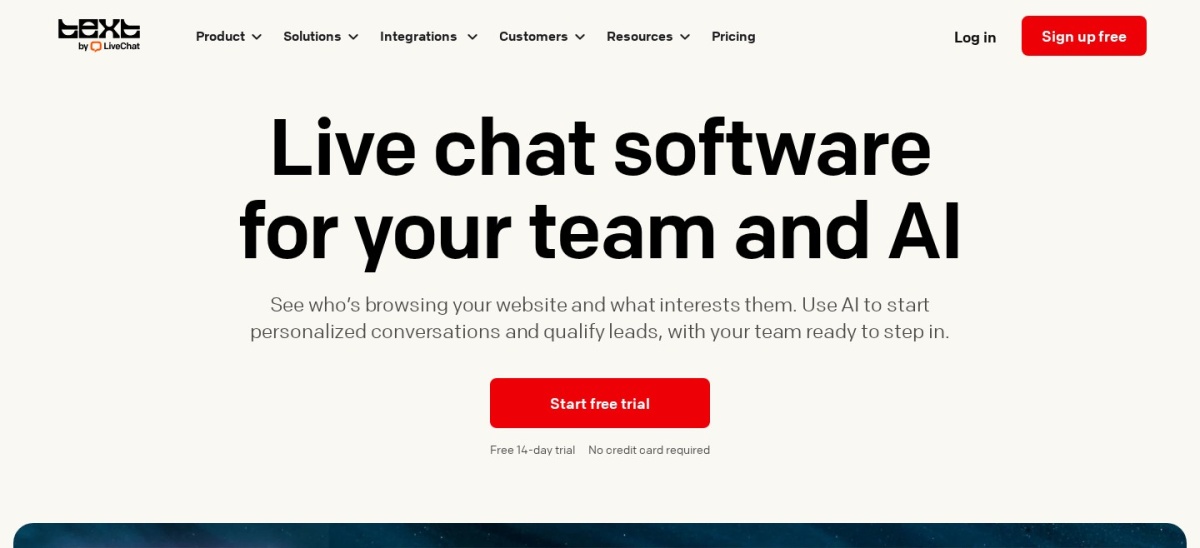
Tidio is a live chat and help desk app with an AI agent called Lyro in the same inbox. The free plan covers 50 handled conversations a month, live chat, ticketing and 50 one-off Lyro conversations, and Starter costs $24.17 a month billed annually for 100 conversations.
The trade off is that costs climb with volume. Extra conversations and Lyro chats are billed on top, so a busy store can outgrow Starter fast. It suits small teams and online stores, above all on Shopify, that want chat, tickets and AI in one place.
What we like
Free plan with live chat, ticketing and some AI
Lyro AI shares the inbox with human agents
Highest G2 rating in this list at 4.6 out of 5
Watch out for
Bill rises with conversation volume
Advanced team features need the Growth plan
Lyro AI plans start at $33 a month billed annuallyVisit tidio.com
02
Intercom
4.5/5on G2 (3,921 reviews, checked Nov 2026)
Starts at$29/mo
Best AI-first support desk
AI agentFin, $0.99 per outcome
Free planNo, 14-day trial
Help centerIncluded on every plan
Paid planEssential, $29/seat/mo annual
intercom.com
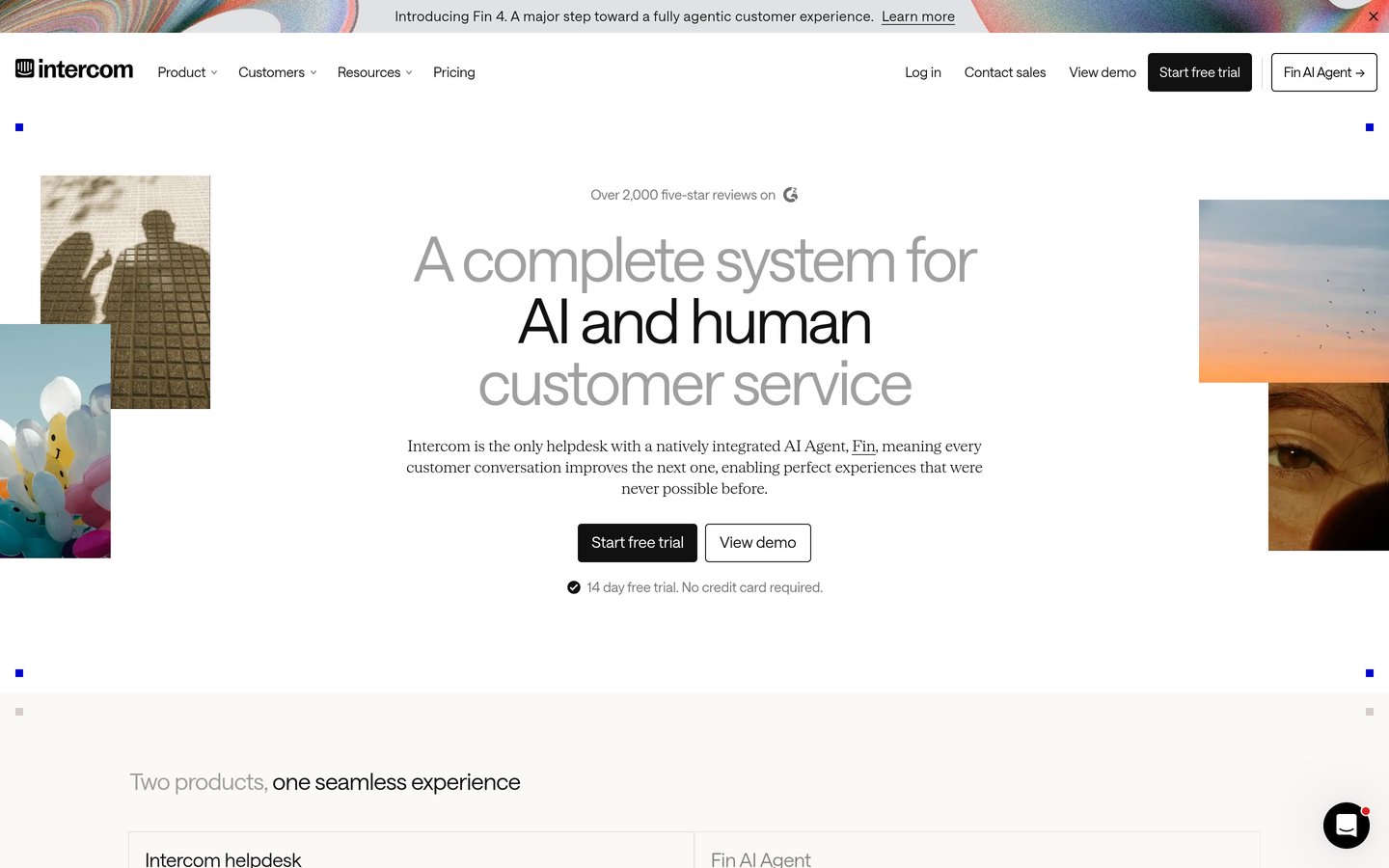
Intercom homepage, captured Nov 2026.
Intercom is a customer service platform built around its Messenger, a shared inbox and its Fin AI agent. Every plan includes live chat, ticketing, a help center and Fin, which answers from $0.99 per resolved outcome, and Essential costs $29 per seat a month billed annually.
The trade off is that AI usage is billed separately. At high volumes the outcome charges can pass the seat cost, so teams should set a monthly outcome limit. It suits SaaS teams that want the AI agent to take the first reply.
What we like
Fin resolves chats and charges only on success
Live chat, inbox, ticketing and help center in one place
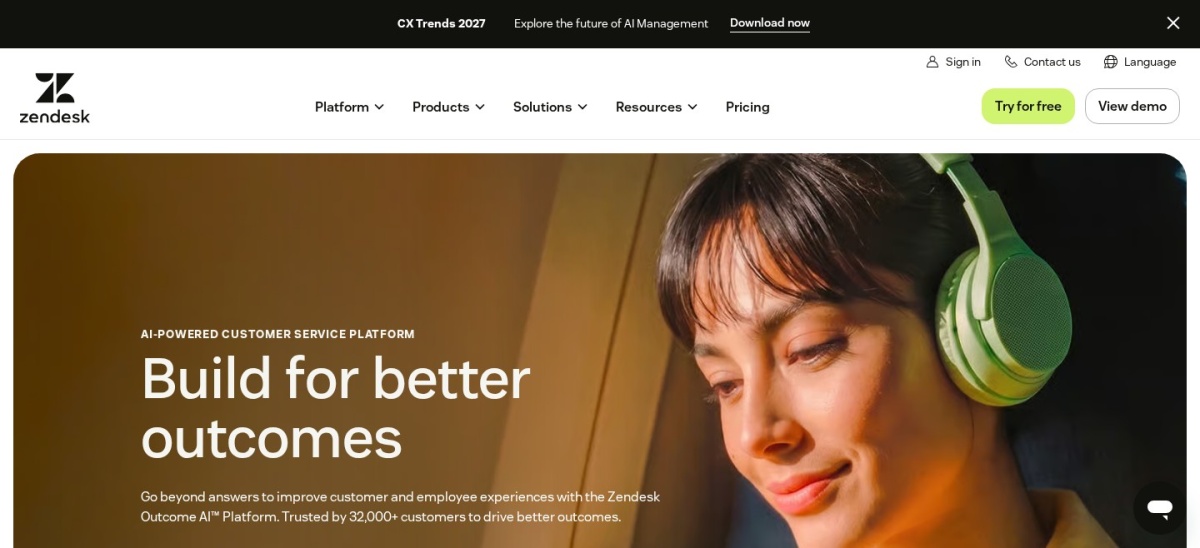
Zendesk is a customer service suite that combines messaging, live chat, email, voice and a help center. Chat and its AI agents start with Suite Team at $55 per agent a month billed annually, which includes 5 automated resolutions per agent a month.
The trade off is price and complexity. Extra AI resolutions cost $1.50 each, and phone minutes are billed on top. It suits mid-size and large teams that need deep ticketing, routing and reporting beside chat.
What we like
Largest review base in this list
Deepest ticketing, routing and reporting
AI agents included on every Suite plan
Watch out for
No free plan
Most expensive entry price in this list
Extra AI resolutions cost $1.50 each after the allowanceVisit zendesk.com
04
HubSpot
4.4/5on G2 (3,018 reviews, checked Nov 2026)
Paid from$20/mo
Best chatbot tied to a free CRM
Free planChatbot builder, 2 users
AI agent$0.50 per resolution, Pro and up
CRMIncluded, every chat becomes a contact
Paid planService Hub Starter, $20/seat/mo
hubspot.com
HubSpot homepage, captured Nov 2026.
HubSpot is a customer platform whose free CRM includes live chat and a rule-based chatbot builder for up to 2 users. Every chat becomes a contact record, and Service Hub Starter costs $20 per seat a month.
The trade off is the price cliff. The AI Customer Agent, billed at $0.50 per resolution, needs a Professional seat, so full AI support costs far more than Starter. It suits teams that already run their CRM in HubSpot.
What we like
Free CRM, live chat and chatbot builder
Every chat carries full contact history
Cheapest AI resolution rate in this list
Watch out for
Real AI automation needs a Professional seat
Starter to Professional is a steep price jump
Customer Agent costs $0.50 per resolution on Pro and upVisit hubspot.com
05
Freshchat
4.4/5on G2 (504 reviews, checked Nov 2026)
Paid from$19/mo
Best free plan for a whole team
Free planUp to 10 agents
AI agentFreddy, $49 per 100 sessions
ChannelsWeb, mobile, WhatsApp, social
Paid planGrowth, $19/agent/mo annual
freshworks.com
Freshchat homepage, captured Nov 2026.
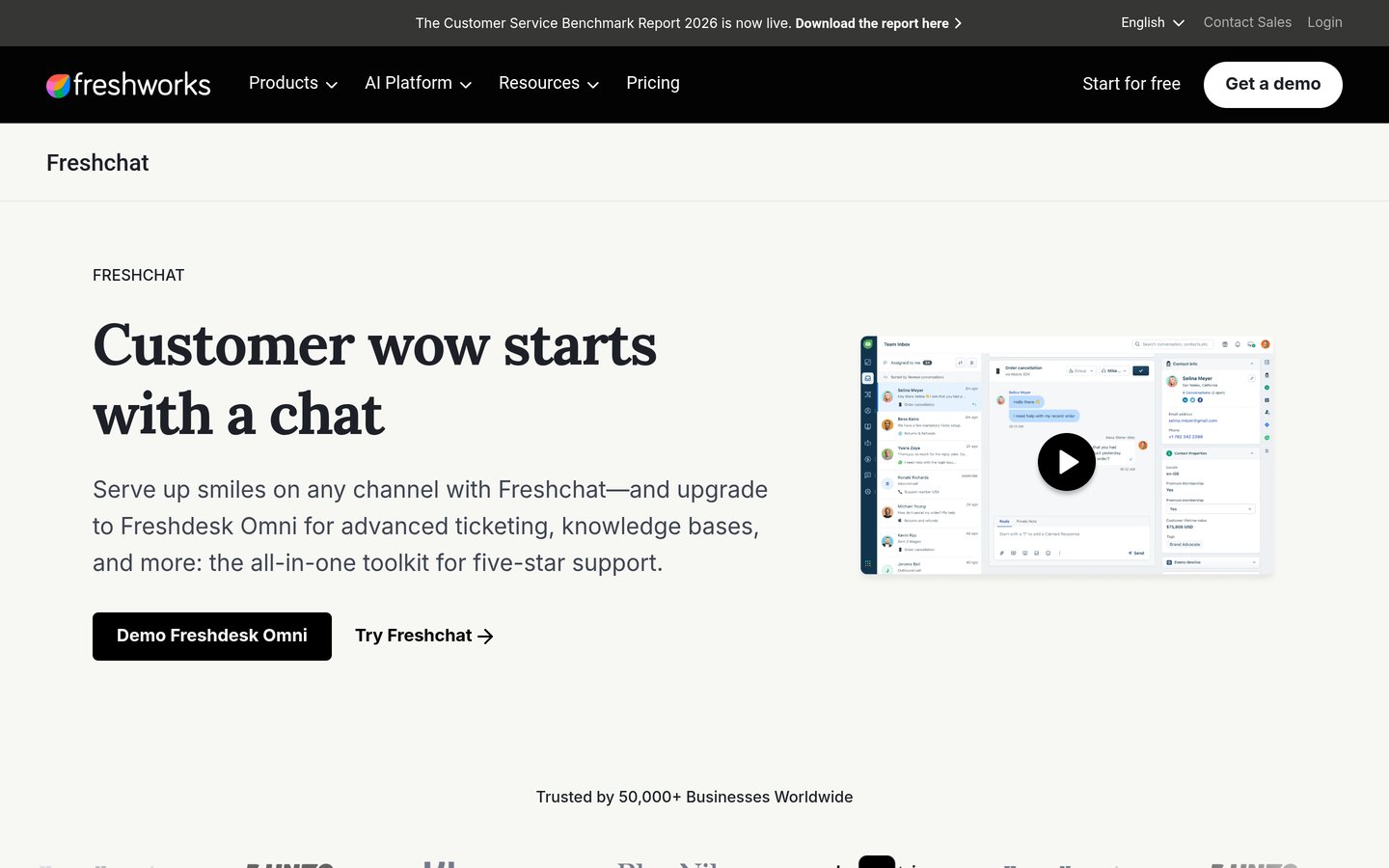
Freshchat is the messaging app from Freshworks, with live chat, email and social messages in one inbox. The free plan covers up to 10 agents, and Growth costs $19 per agent a month billed annually with the Freddy AI agent included.
The trade off is that AI is metered. Growth includes 500 Freddy AI sessions, then each extra 100 sessions costs $49. It suits small teams that want a free plan for the whole team and low per-agent pricing.
LiveChat is a live chat app with ticketing, chat routing and more than 200 integrations. Starter costs $19 per agent a month billed annually, with a 60-day chat history and basic widget customization.
The trade off is the seat limit. Starter covers a single seat, so any team of two or more agents needs the Team plan at $49 per agent a month. It suits solo operators and small teams that want a focused chat tool.
What we like
Long-running, focused chat product
More than 200 integrations
Strong reporting for a chat-only tool
Watch out for
No free plan
Starter is limited to one seat
Teams of 2 or more agents need Team at $49 per agent a monthVisit livechat.com
07
ManyChat
4.5/5on G2 (165 reviews, checked Nov 2026)
Paid from$14/mo
Best for Instagram and Messenger sales
Free plan25 active contacts a month
AI repliesPro, $29/mo annual
ChannelsInstagram, Messenger, WhatsApp, TikTok
Pricing unitActive contacts per month
manychat.com
ManyChat homepage, captured Nov 2026.
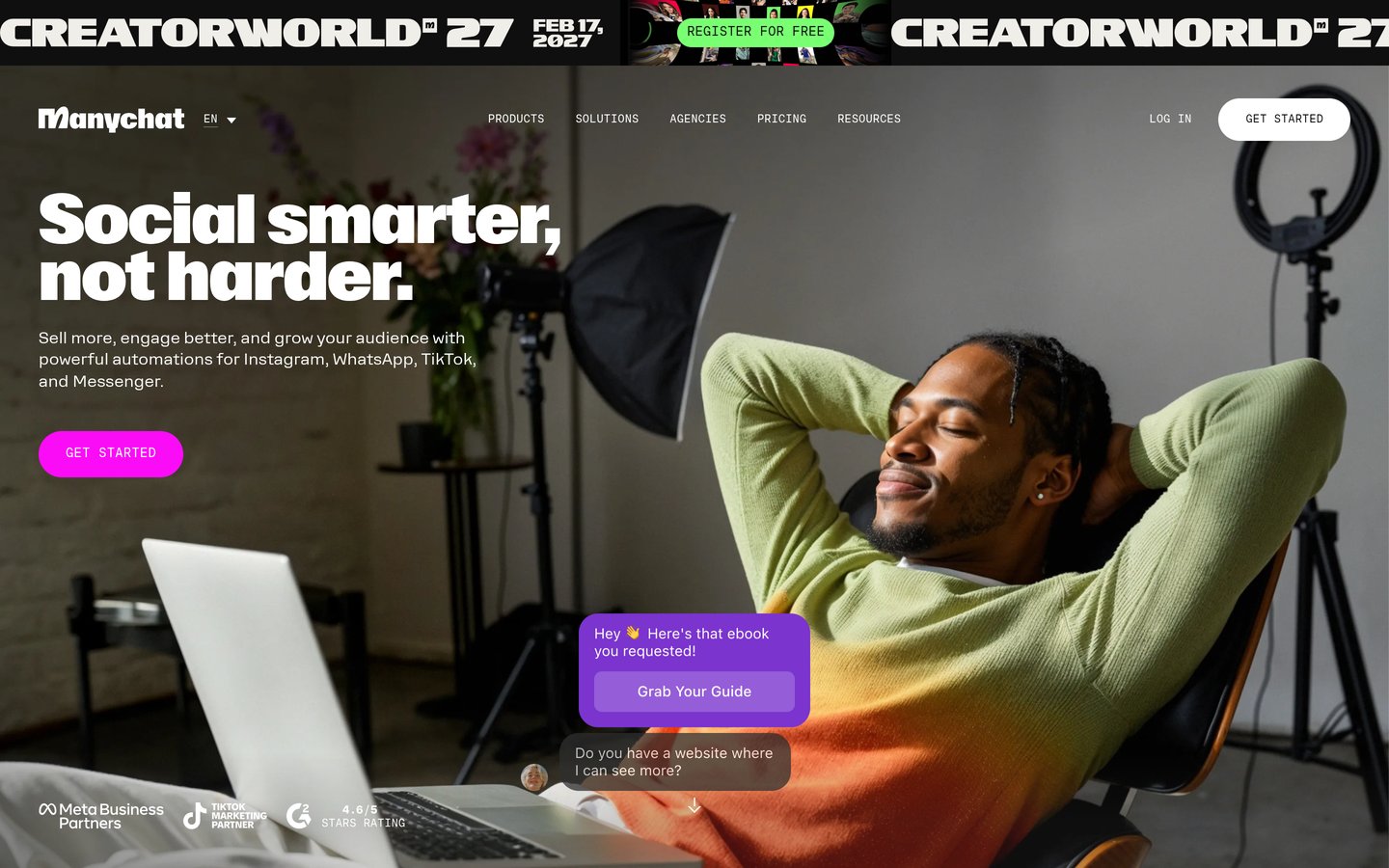
ManyChat is a chat marketing app that automates Instagram DMs, Facebook Messenger, WhatsApp, TikTok and Telegram. The free plan covers 25 active contacts a month, and Essential costs $14 a month billed annually for 250 contacts.
The trade off is that AI costs extra. Manychat AI arrives with Pro at $29 a month billed annually, and the bill grows with active contacts. It suits creators and brands that sell through social DMs.
What we like
Best comment-to-DM automation in this list
Cheapest paid plan in this list
Free plan to start with no card
Watch out for
AI replies need the $29 Pro plan
Active-contact billing can surprise busy accounts
Manychat AI is included from Pro at $29 a month billed annuallyVisit manychat.com
08
Crisp
4.5/5on G2 (207 reviews, checked Nov 2026)
Paid from$45/mo
Best flat per-workspace pricing
Free plan2 seats
AI agentHugo, from $5 credit a month
PricingPer workspace, not per agent
Paid planMini, $45/workspace/mo, 4 seats
crisp.chat
Crisp homepage, captured Nov 2026.
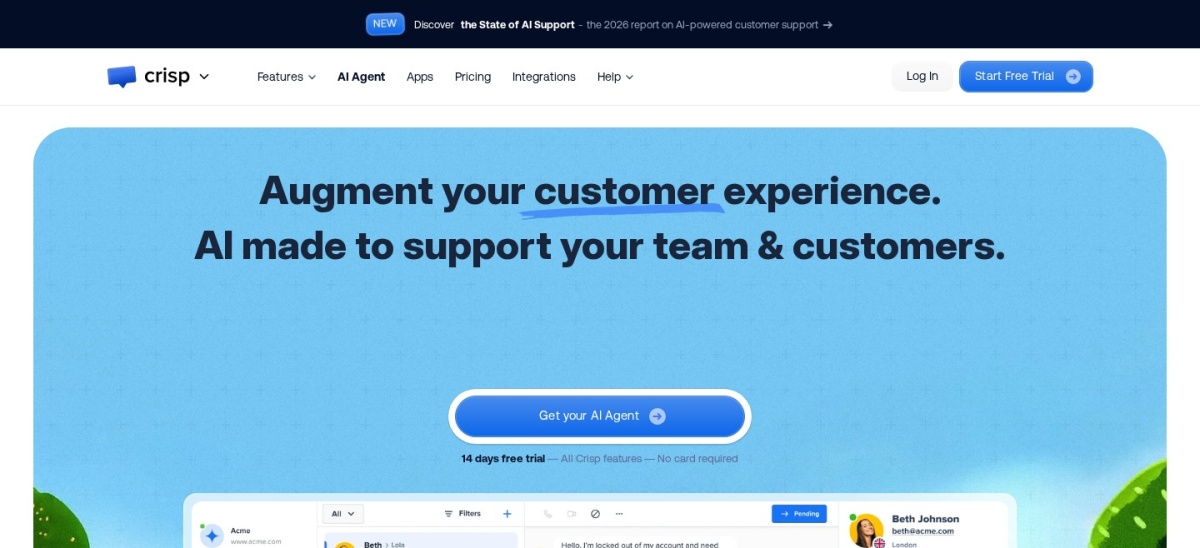
Crisp is a customer messaging app with website chat, a shared inbox, a knowledge base and a CRM in one workspace. The free plan covers 2 seats, and Mini costs $45 a month per workspace for 4 seats.
The trade off is AI credits. The Hugo AI agent runs on included monthly credit, $5 on Mini, and stops answering when credits run out unless pay-as-you-go is on. It suits small teams that want flat per-workspace pricing.
What we like
Flat price per workspace, not per agent
Chat, inbox, knowledge base and CRM in one place
Free plan with 2 seats
Watch out for
Hugo AI stops when credits run out
Trustpilot reviews are far weaker than G2
Essentials costs $95 a month for 10 seats with more AI creditVisit crisp.chat
09
ChatBot
4.4/5on G2 (31 reviews, checked Nov 2026)
Starts at$52/mo
Best dedicated no-code bot builder
BuilderVisual, no code
AI AssistChatGPT-powered replies
HandoverNative to LiveChat
Paid planStarter, $52/mo
chatbot.com
ChatBot homepage, captured Nov 2026.
ChatBot is a no-code chatbot builder from the makers of LiveChat, with a visual flow builder and ChatGPT-powered AI Assist. Starter costs $52 a month, and bots hand chats to a human in LiveChat without a rebuild.
The trade off is a thin review base and no free plan. G2 shows 4.4 out of 5 from only 31 reviews, and live chat itself needs a separate LiveChat subscription. It suits small teams that want a dedicated bot builder.
Five of the nine tools have a free plan. Most free plans cover a website bot or a small number of chats, contacts or agents.
Paid plans mostly add volume and AI. You get more chats, more contacts, more seats and an AI agent that answers on its own.
The catch is metering. Several tools charge AI answers on top of the plan, so a free or cheap plan can still produce a large bill at high volume.
If your bot will answer hundreds of chats a month, price the AI usage first. Our email marketing cost guide shows the same volume trap in a related channel.
How we chose
We started from the best-known chatbot apps on G2, then kept nine established tools that cover website chat, social messaging and AI agents.
Prices come from each vendor's pricing page and G2 listings, checked on 25 November 2026. Ratings and review counts come from G2 on the same day. Where a vendor shows a sale, the list shows the regular price.
We left out Drift and tools with no published price. No vendor paid for a place, and we do not claim to have used these tools ourselves.
How to choose a chatbot app
Start with where your customers already message you, then match the price to how many chats the bot will handle.
List your channels first. Website chat alone points to Tidio, LiveChat or Crisp. Instagram and Messenger sales point to ManyChat.
Check the free plan limits. Free plans cap chats, contacts or agents. Pick the tool whose free tier covers a normal week, not just a test.
Price the AI, not just the seat. Ask what one AI answer costs after the included allowance. See how to add an AI chatbot to WordPress before you commit.
Test the handover to a human. A bot that cannot pass a chat to an agent with full context will frustrate buyers. Try that flow on the trial before you pay.
FAQ
What is the best chatbot app?
Tidio is the best chatbot app for most teams. It combines live chat, ticketing and its Lyro AI agent in one inbox, holds 4.6 out of 5 on G2 from 2,031 reviews, and starts with a free plan for 50 conversations a month.
Are there free chatbot apps?
Yes. Tidio, HubSpot, Freshchat, ManyChat and Crisp all have free plans. Free tiers cap chats, contacts or agents, and most charge extra for AI answers, so check the limits before you rely on one.
How much does a chatbot app cost?
Paid plans in this list run from $14 a month for ManyChat to $55 per agent a month for Zendesk. AI is often billed on top, from $0.50 per resolution at HubSpot to $0.99 per outcome at Intercom.
Do I need a separate live chat tool with a chatbot app?
Usually not. Most apps in this list include live chat and hand bot chats to a human agent. ChatBot is the exception: it builds bots, and human chat needs a separate LiveChat subscription.
Which chatbot app is best for Instagram and Messenger?
ManyChat is the best fit for social messaging. It automates Instagram DMs, Facebook Messenger, WhatsApp and TikTok, with comment-to-DM flows, from a free plan for 25 active contacts a month.
Can a chatbot app replace human support?
No. Bots handle common questions, lead capture and routing well, but they escalate unusual or sensitive chats. Keep a human handover path open and staff it during your busiest hours.
SaaS SEO and WordPress specialist with about 8 years of experience. Rakib compares WordPress plugins, themes, hosting and software using public pricing, documentation and user reviews. See how we rank.