Intercom is the best chat software for websites for most teams, rated 4.5 out of 5 on G2, with live chat, a shared inbox and the Fin AI agent from $29 a seat a month. Pick LiveChat for focused chat at $19 an agent a month, or Tidio for the highest G2 rating at 4.7 and a free plan.
How we make this list: we compare pricing pages, product documentation and public user reviews, then re-check every price before each update. No product paid for a place. Disclosure.
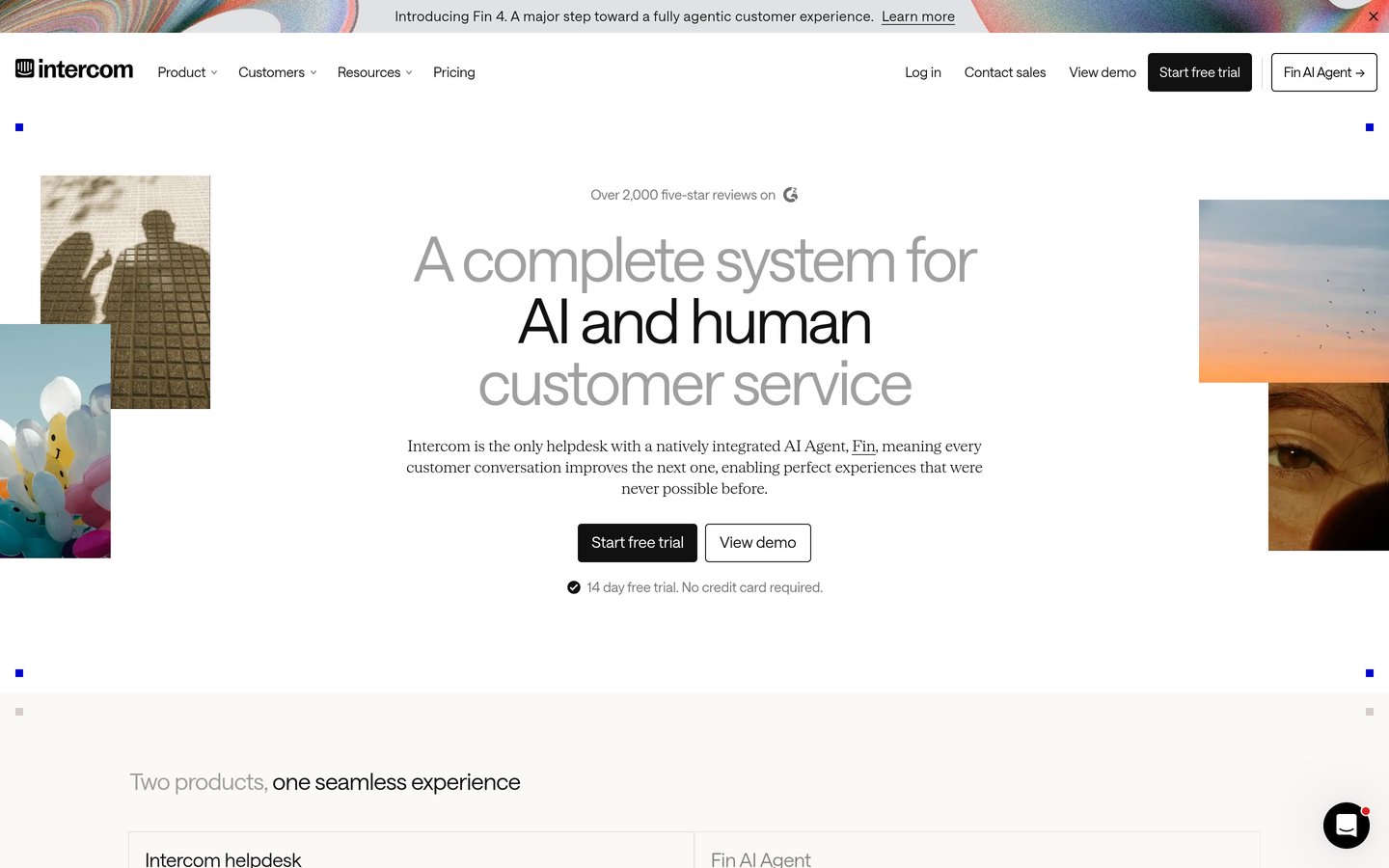
Intercom is the top pick: live chat, helpdesk and Fin AI in one place, from $29 a seat a month.
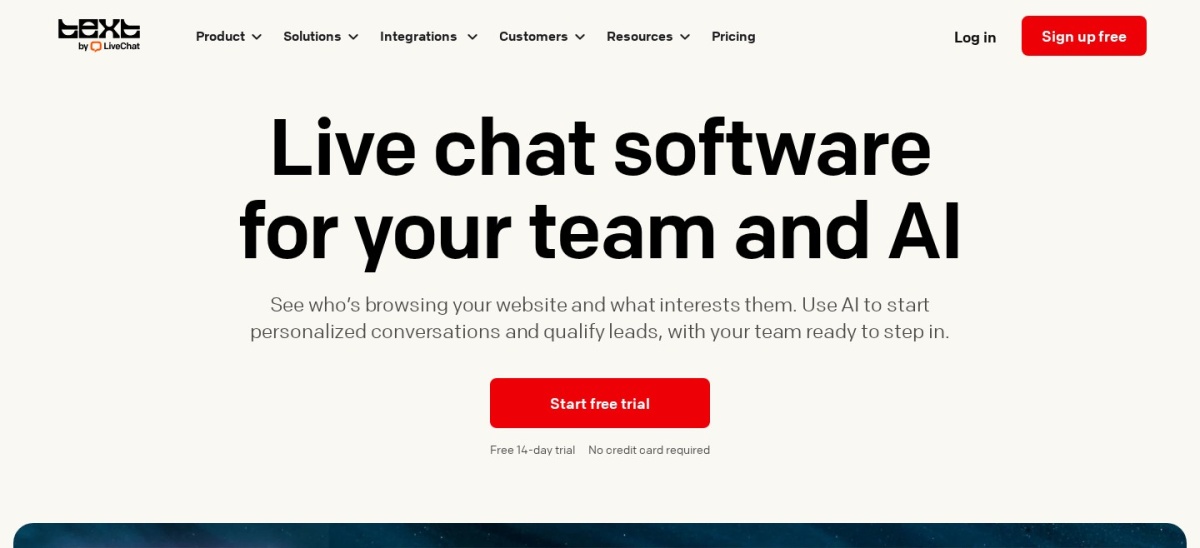
LiveChat is the best focused chat tool at $19 an agent a month, but the entry plan covers one agent only.
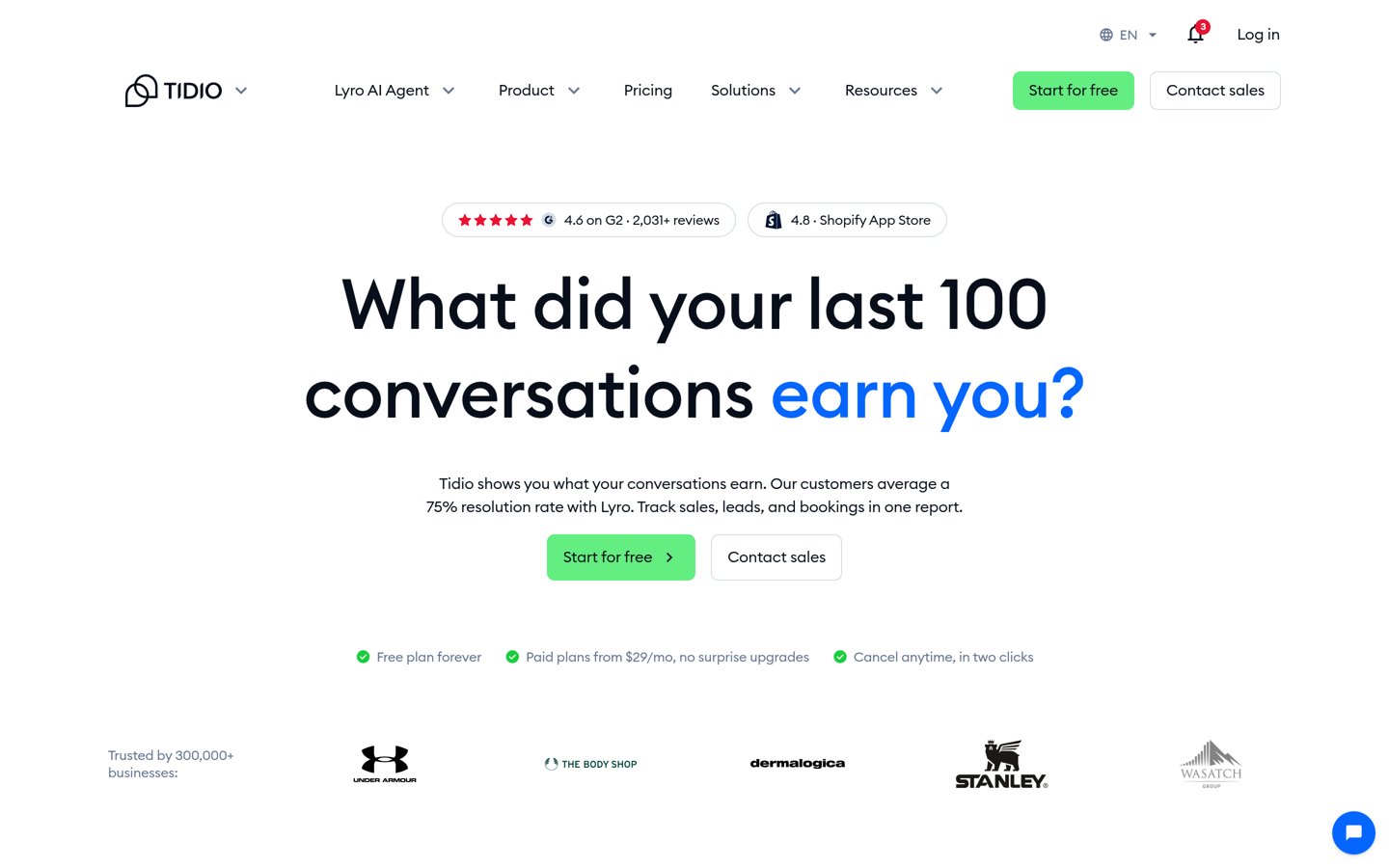
Tidio has the highest G2 rating in this list at 4.7 out of 5, with a free plan for 50 conversations a month.
Five of the 8 tools have a free plan; Crisp charges a flat $45 a month per workspace instead of per seat.
Zendesk is the priciest entry at $55 an agent a month, because live chat only starts on the Suite Team plan.
What to look for in chat software for websites
Live chat turns a quiet website into a conversation. Visitors ask a question instead of leaving, and a good widget answers in seconds.
Look for a widget you can shape to match your site, canned replies for repeat questions, and a shared inbox so two agents never answer the same visitor twice.
AI agents now answer common questions before a human steps in. Check how the AI is billed: Intercom charges $0.99 per Fin outcome, while Tidio and Freshchat sell AI conversations in metered bundles.
Price models differ more than features do. Some tools charge per agent, Crisp charges per workspace, and Tidio charges per conversation, so compare the bill for your team size and chat volume, not the headline price. Our guide on adding an AI chatbot to WordPress shows how a widget fits a WordPress site.
Intercom is a customer service platform built around its Messenger live chat and the Fin AI agent. Essential costs $29 per seat a month on annual billing and includes the Messenger, a shared inbox, ticketing, a public help center and basic automation. Fin answers from your help content and costs $0.99 per resolved outcome on top of the seat price.
The trade off is the bill. There is no free plan, only a 14-day trial, and seat plus outcome pricing climbs as your team and chat volume grow. New customers are shown a lower first-year price, so budget on the $29 regular price. It suits teams that want AI answers and human support in one place.
LiveChat is a focused live chat tool with canned responses, chat tags, visitor tracking and reports. The entry plan costs $19 an agent a month on annual billing and covers the chat widget, Messenger and WhatsApp, plus AI text suggestions. It has more than 200 marketplace integrations.
The trade off is the seat limit. The entry plan covers one agent only, so a team of two or more needs a higher plan, and there is no email ticketing built in. It suits solo operators and small teams that mainly need chat, not a full helpdesk.
Tidio is a live chat and helpdesk platform for small businesses and online stores. Its free plan covers 50 billable conversations a month for up to 10 agents, and Starter costs $24.17 a month on annual billing for 100 conversations. Lyro, its AI agent, answers from your help content.
The trade off is metering. Lyro is billed separately from the base plan, and Starter caps at 100 conversations a month, so busy stores move to Growth from $49.17 a month. It suits small stores that want chat, tickets and AI without a large support team.
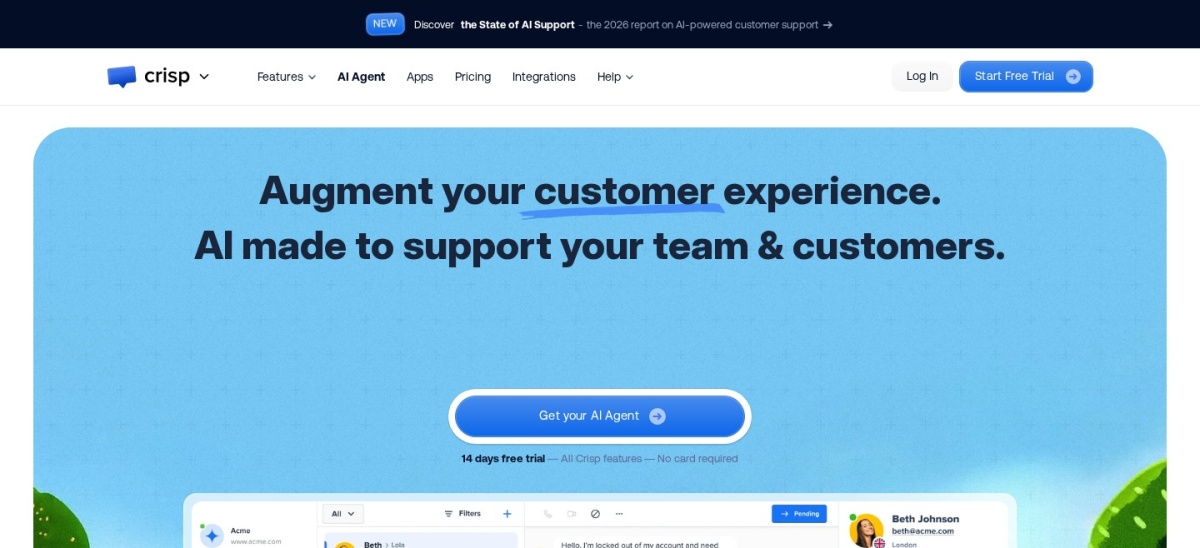
Crisp is a live chat and shared inbox tool that charges a flat price per workspace instead of per seat. The free plan covers 2 seats with unlimited conversations, and Mini costs $45 a month for 4 seats, chat triggers and shortcuts. A WordPress plugin adds the widget to a site.
The trade off is the step up. WhatsApp, Instagram and the omnichannel inbox need the $95 Essentials plan, and the review base is small at 204 G2 reviews. It suits small teams that want one predictable monthly bill whatever their chat volume.
What we like
Flat price per workspace, not per seat
Free plan with unlimited conversations
WordPress plugin for the chat widget
Live typing preview and co-browsing
Watch out for
Omnichannel inbox needs the $95 plan
Small review base on G2
AI credits are limited on Mini
Essentials adds omnichannel inbox and a knowledge baseVisit crisp.chat
05
Zendesk
4.3/5on G2 (7,085 reviews, checked Nov 2026)
Starts at$55/mo
Best for large support teams
AI agentAI agents on Suite plans
Free planNo, 14-day trial
ChannelsEmail, chat, voice and social
Cheapest paid planSuite Team, $55/agent/mo
zendesk.com
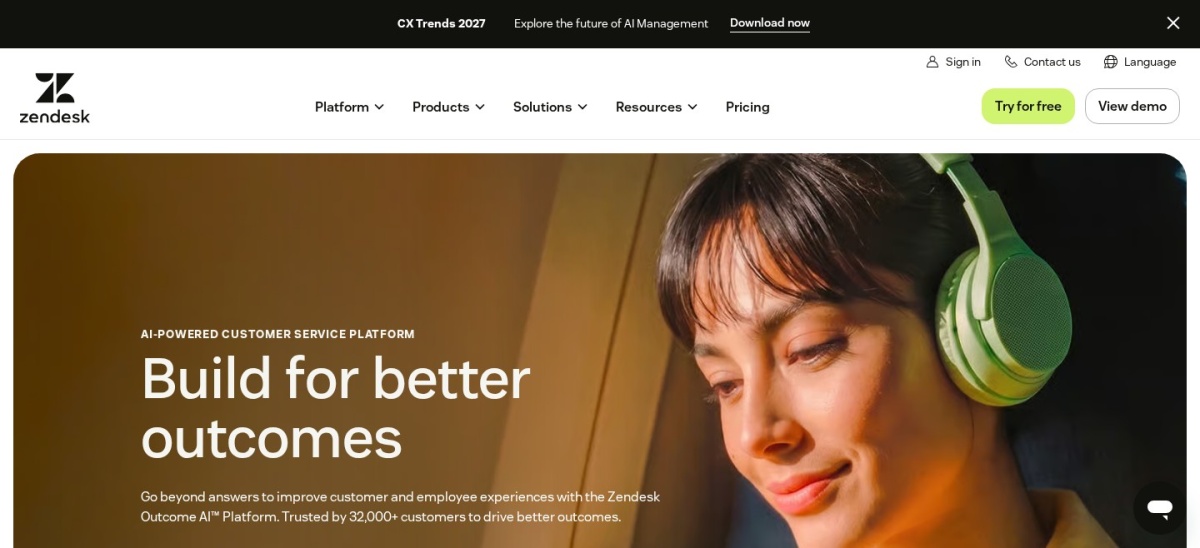
Zendesk homepage, captured Nov 2026.
Zendesk is a customer service suite with ticketing, live chat, messaging and AI agents. Suite Team costs $55 per agent a month on annual billing and is the first plan with live chat; it adds a knowledge base, omnichannel routing and telephony. Each seat includes 5 AI resolutions a month.
The trade off is price and size. There is no free plan, only a 14-day trial, and the cheaper $19 Support Team plan covers email only, so chat buyers start at $55. It suits larger teams that already run support across email, chat and voice.
What we like
Largest review base in this list at 7,085 G2 reviews
Deep ticketing, routing and reporting for large teams
AI agents, knowledge base and voice in one suite
Watch out for
No free plan and a high $55 entry price
G2 rating covers the whole suite, not chat alone
Complex setup for a small team
Suite Professional adds Copilot options at $115 a monthVisit zendesk.com
HubSpot is a CRM platform whose free tools include live chat and a chatbot builder for up to 2 users. Every chat is logged to the contact record, and the builder covers lead capture, meeting booking and support deflection. Service Hub Starter costs $20 per seat a month.
The trade off is the AI ceiling. The free chatbot follows rules you set, while the Customer Agent that answers on its own needs Service Hub Professional. It suits teams that already run sales and marketing in HubSpot and want chat tied to the CRM.
What we like
Free chatbot builder with full CRM contact history
Chats, tickets and sales records in one place
Starter at $20 a seat is low for a full service hub
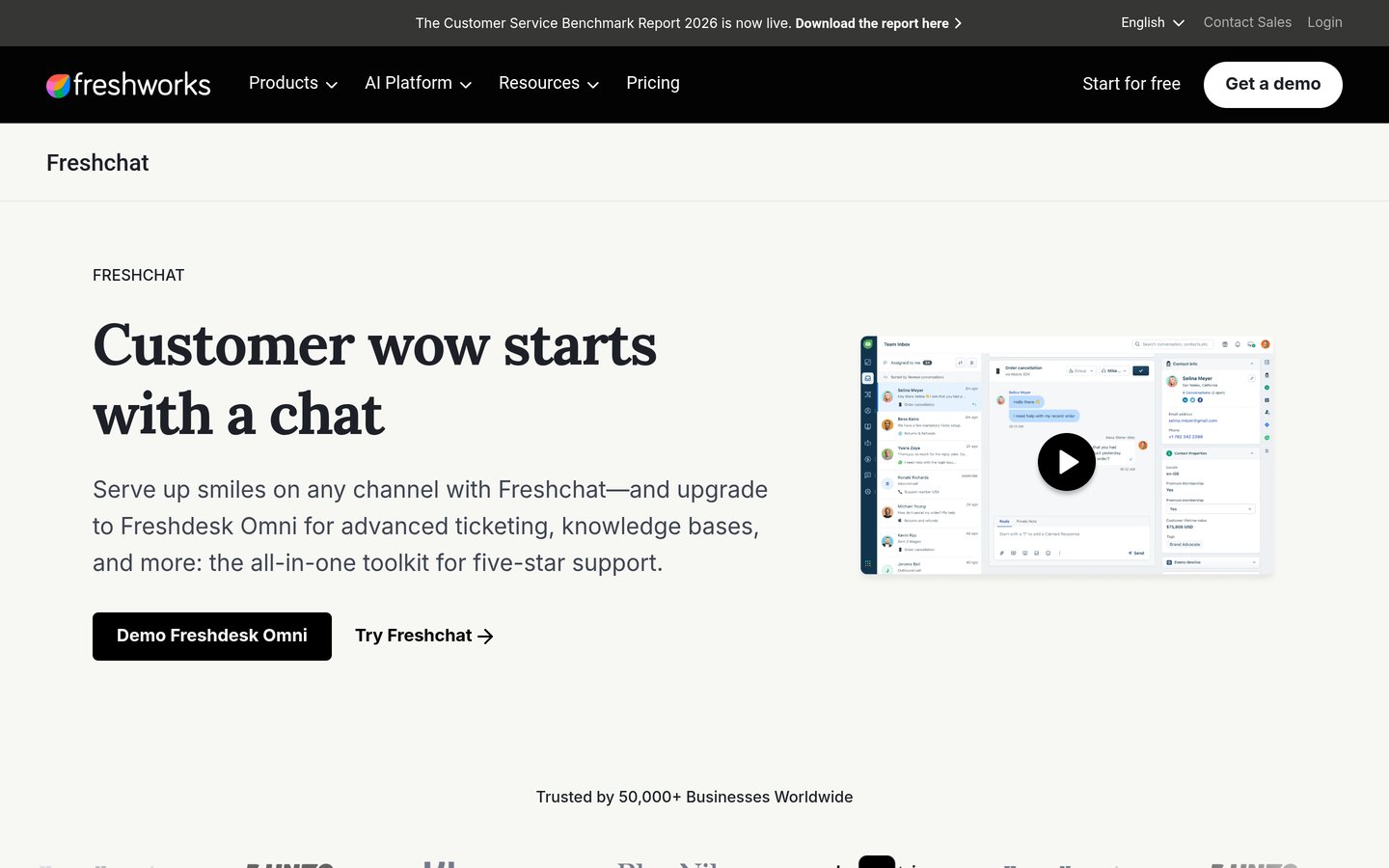
Freshchat is the live chat and messaging product from Freshworks. Its free plan covers up to 10 agents with a chat widget, a shared inbox and email. Growth costs $19 per agent a month on annual billing and adds social messengers, text messaging, reporting and the Freddy AI Agent.
The trade off is AI billing. Freddy costs $49 per 100 sessions after 500 free sessions given once per account, so heavy AI use adds a separate metered bill. It suits small teams that want a free multi-agent start and can add AI gradually.
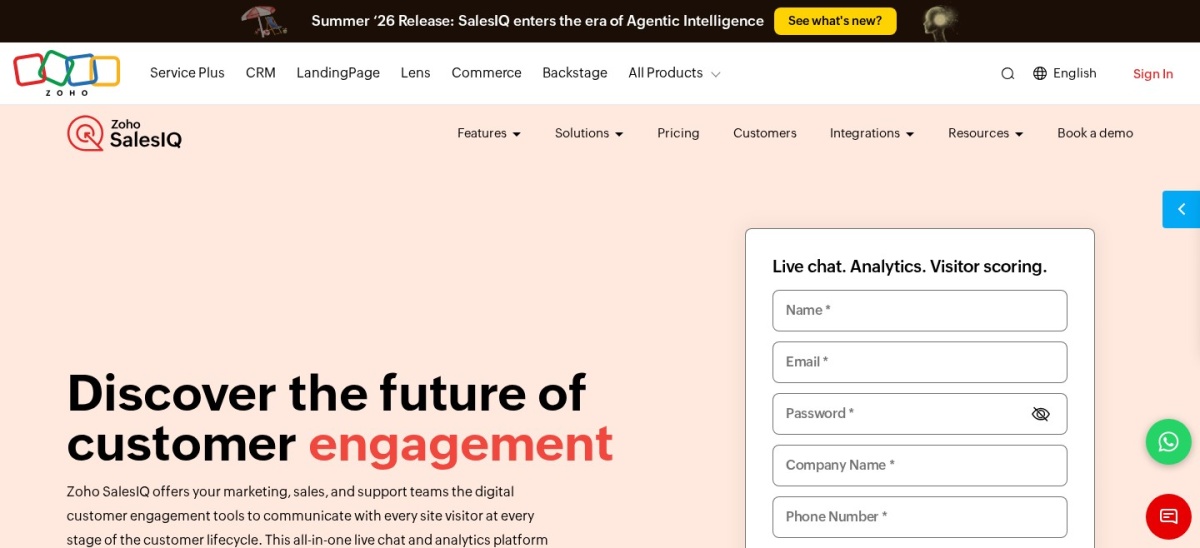
Zoho SalesIQ is a live chat and visitor tracking tool from Zoho. Its free plan covers 3 operators, 100 chat sessions a month and 10,000 tracked visitors a month. Basic costs $7 per operator a month on annual billing and adds 1,000 sessions, a chatbot and messaging channels.
The trade off is depth. It tracks visitors and answers chats well, but ticketing depends on Zoho Desk or another integration, and the full generative Answer Bot is held for Enterprise. It suits small teams inside the Zoho suite that want visitor tracking on a tight budget.
What we like
Cheapest paid plan in this list at $7 a month
Free plan for 3 operators
Visitor tracking and proactive chat triggers
Watch out for
No ticketing built in; needs Zoho Desk
Full Answer Bot only on Enterprise
Free plan caps at 100 sessions a month
Professional adds unlimited sessions at $12.75 a monthVisit zoho.com
Free vs paid: what you give up
Free plans cover the basics well. Most include a chat widget, a shared inbox and a small number of seats or conversations each month.
Paid plans mostly add volume and automation. You get more conversations, more agents, AI answers, reporting and channels such as WhatsApp.
If chat brings in sales, the first paid plan often pays for itself in a month. Start free, watch where you hit the limit, and upgrade only when the limit costs you replies.
How we chose
We started from the best-known live chat tools for websites, then kept 8 established products with a public pricing page and a G2 rating.
Prices come from each vendor's pricing page, checked on 24 November 2026, with annual billing used for the yearly totals. Ratings and review counts come from G2 on the same dates.
We left out tools with no published price, such as Drift, and tools aimed only at enterprises. No vendor paid for a place, and we do not claim hands-on testing for this list.
How to choose chat software for your website
Start with your team size and chat volume, then match the billing model to them.
Count your agents and chats. Per-agent tools suit a fixed team, while Tidio's per-conversation pricing suits a small team with spiky traffic.
Try the free plan first. Five tools here have one. Run it for two weeks and check whether you hit the conversation or seat limit.
Check how AI is billed. Intercom charges per Fin outcome and Freshchat per Freddy session, so estimate AI use before you commit.
Test the widget on your own site. Check it on mobile, where most visitors arrive, and confirm it loads fast and matches your branding.
FAQ
What is the best chat software for websites?
Intercom is the best overall pick for most teams. It combines live chat, a shared inbox, ticketing and the Fin AI agent, is rated 4.5 out of 5 on G2, and starts at $29 a seat a month on annual billing.
Is there a free live chat tool for a website?
Yes. Tidio, Crisp, HubSpot, Freshchat and Zoho SalesIQ all have free plans, with limits on conversations, seats or features. Tidio's free plan covers 50 conversations a month, Freshchat covers up to 10 agents, and Zoho SalesIQ covers 3 operators.
How much does live chat software cost?
Entry prices in this list run from $7 an operator a month for Zoho SalesIQ to $55 an agent a month for Zendesk, on annual billing. Most small teams pay $19 to $29 a month per agent, while Crisp charges a flat $45 a month per workspace.
Do I need an AI agent with live chat?
Not at first. A human team with canned replies handles most small sites well, and AI adds a separate metered cost on most tools here. Add an AI agent when repeat questions take up a large share of your agents' time.
Can I add live chat to WordPress?
Yes. Most tools here offer a WordPress plugin or a small code snippet you paste into your theme or a plugin. Crisp and Tidio both ship a WordPress plugin, and HubSpot connects chat to its CRM plugin.
What is the cheapest paid chat software here?
Zoho SalesIQ is the cheapest, at $7 an operator a month on annual billing. LiveChat and Freshchat both start at $19 an agent a month, and Tidio Starter costs $24.17 a month when billed yearly.
SaaS SEO and WordPress specialist with about 8 years of experience. Rakib compares WordPress plugins, themes, hosting and software using public pricing, documentation and user reviews. See how we rank.