Best Cash Management Software in 2026: 7 Tools Compared
WLWPLegible EditorsLast verified 22 Nov 2026How we rank12 min read
★ Short answer
Float is our top cash management software pick for businesses needing forward-looking visibility, with a 13-week cash view and forecasts extending up to 12 months on its Small Business plan. Cash Flow Frog is better for businesses using varied accounting platforms, while Xero suits those wanting cash tracking and accounting together.
How we make this list: we compare pricing pages, product documentation and public user reviews, then re-check every price before each update. No product paid for a place. Disclosure.
Float earns 4.8/5 from 67 Capterra reviews and offers a 13-week cash view, with its Small Business plan costing $105 per month on annual billing.
Cash Flow Frog supports forecasts up to 36 months and 10 users on its entry Pro plan, with regular annual billing at $55 per month before promotional discounts.
Xero starts at $27 per month at its regular price and includes a 30-day cash forecast on the Early plan.
QuickBooks Online offers a free entry plan with 1 bank connection and 2 invoices per month; its cheapest paid plan costs $38 per month.
Zoho Books has a free accounting plan, while Standard starts at $15 per month billed annually and supports 3 users.
Jirav targets finance teams needing connected budgeting and cash projections, with Starter priced at $10,000 per year.
What to look for in cash management software
Cash management software helps a business understand how much money is available, where it is going and whether upcoming payments can be covered. Some products focus on short-term liquidity, while others combine cash tracking with accounting or financial planning.
The most useful feature is a cash flow forecast that accounts for expected customer payments, bills, recurring expenses and planned spending. Forecasting helps identify a potential shortfall before it becomes an immediate problem.
Bank connections and accounting integrations matter because forecasts depend on current financial data. Look for automatic transaction imports, reconciliation, editable payment assumptions and a clear way to separate actual balances from projected balances.
Scenario planning is especially useful when deciding whether to hire, purchase equipment or delay an expense. Reporting, permissions and multi-entity support become more important as a finance team grows.
Compare the cheapest paid plans carefully. An entry-level accounting plan may offer basic cash tracking but fewer forecasting tools than dedicated software. Annual billing discounts, introductory promotions and feature restrictions can also make advertised prices difficult to compare.
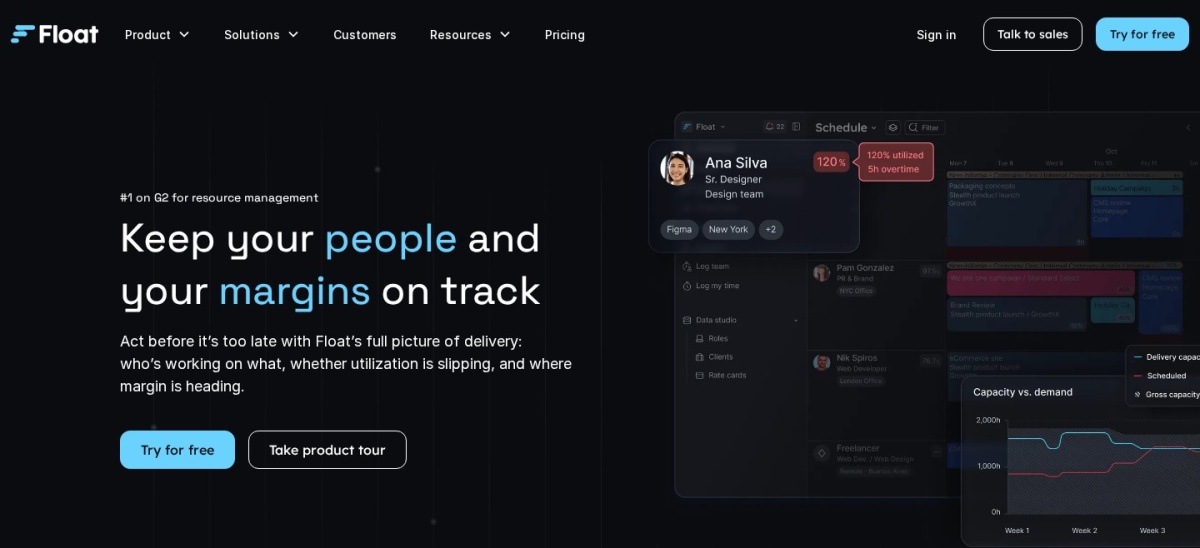
Float is a cash flow forecasting platform that connects with QuickBooks and Xero to turn accounting data into forward-looking cash projections. Its Small Business plan includes a 13-week cash view, forecasts up to 12 months, 8 scenarios and unlimited users, with a 14-day free trial.
The trade off is its subscription cost and limited accounting-platform compatibility. Small Business costs $105 per month billed annually, or $130 on monthly billing, making it more expensive than basic accounting software. It suits growing businesses that need regular cash forecasts and decisions based on expected payment dates.
What we like
13-week view supports short-term cash planning
Scenario planning included in the entry plan
Unlimited users on the Small Business plan
Automatic connections to QuickBooks and Xero
Clear separation between cash forecasts and historical accounting
Watch out for
More expensive than entry-level accounting software
Requires a supported accounting platform
Small Business forecasts stop at 12 months
Multi-entity consolidation requires higher plans
Growth adds longer forecasting, while Scale adds multi-entity consolidation.Visit floatapp.com
02
Cash Flow Frog
4.6/5on QuickBooks App Marketplace (146 reviews, checked Nov 2026)
Starts at$55/mo
Best for automated cash flow projections
Entry planPro, Tier 1
Forecast horizonUp to 36 months
Included usersUp to 10
Pricing basisAnnual business revenue
cashflowfrog.com
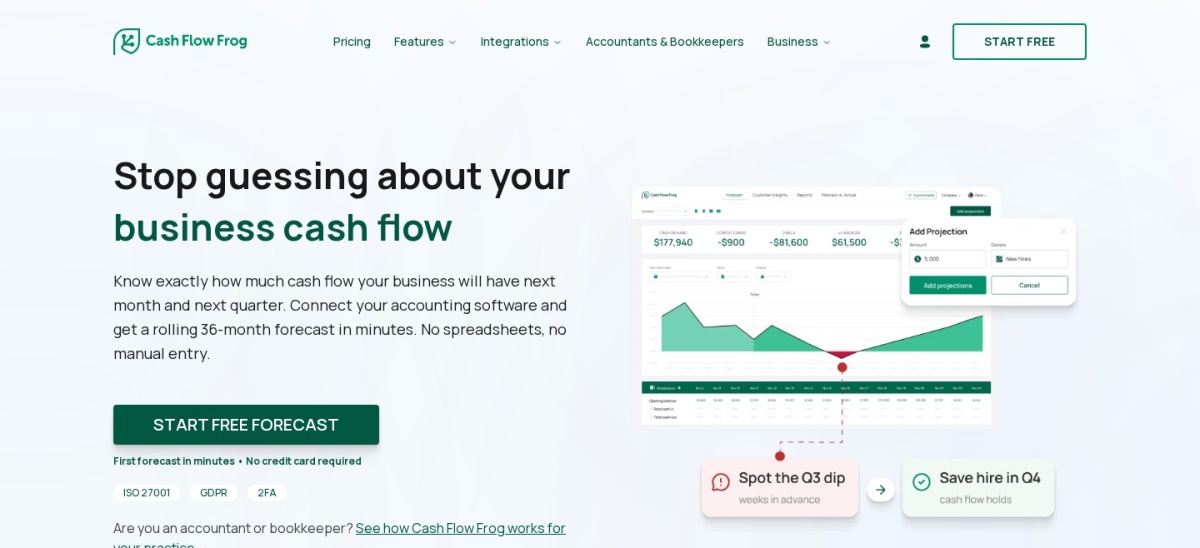
Cash Flow Frog homepage, captured Nov 2026.
Cash Flow Frog is a forecasting and cash planning platform that connects to accounting software or banking data. Its entry Pro plan supports projections up to 36 months, scenario planning and up to 10 users, with integrations for QuickBooks, Xero, Zoho Books, FreshBooks and other systems.
The trade off is revenue-based pricing, which increases as the business moves into higher tiers. The entry plan displays $55 per month on regular annual billing, alongside a temporary early-bird offer of $33 per month. It suits businesses wanting automated projections without maintaining separate forecasting spreadsheets.
4.4/5on Capterra (3,344 reviews, checked Nov 2026)
Starts at$27/mo
Best for integrated accounting and cash tracking
Entry planEarly
Cash forecast30 days
InvoicesUp to 20 on Early
BillsUp to 5 on Early
xero.com
Xero homepage, captured Nov 2026.
Xero is cloud accounting software that combines invoicing, bank reconciliation, reporting and cash visibility. Its Early plan includes a 30-day cash flow forecast, up to 20 invoices, 5 bills, transaction reconciliation and basic financial reports.
The trade off is that the entry plan limits transaction volume and forecasting depth. Early normally costs $27 per month, although a temporary promotion reduces the introductory cost; Growing and Established expand forecasting to 60 and 180 days respectively. It suits businesses wanting accounting and cash tracking in the same system.
What we like
Accounting and cash tracking in one platform
Bank feeds and transaction reconciliation
Built-in cash forecasting
Large ecosystem of connected business applications
No per-user license fees
Watch out for
Entry plan limits invoices and bills
Longer forecasts require higher plans
Some advanced features require upgrades
Growing adds a 60-day forecast; Established extends it to 180 days.Visit xero.com
04
QuickBooks Online
4.3/5on Capterra (8,555 reviews, checked Nov 2026)
Paid from$38/mo
Best for managing everyday business cash
Entry paid planSimple Start
Free planAvailable
Free bank connections1
Paid plan users1, plus accountant access
quickbooks.intuit.com
QuickBooks Online homepage, captured Nov 2026.
QuickBooks Online is accounting software for tracking income, expenses, invoices, bank activity and business financial performance. Its free plan includes 1 bank connection, up to 2 invoices per month and basic reports, while Simple Start expands bookkeeping and accountant collaboration.
The trade off is that specialized forecasting and advanced cash planning are not the focus of its entry plan. Simple Start normally costs $38 per month, although an introductory discount is currently advertised. It suits small businesses that first need accurate records, cash visibility and payment tracking.
Zoho Books is online accounting software for managing receivables, payables, expenses and bank reconciliation. Its free plan includes invoicing, recurring invoices, payment reminders and financial reports, while Standard adds connected bank feeds, recurring expenses and custom reporting for 3 users.
The trade off is that dedicated cash forecasting is less central than transaction management and accounting automation. Standard costs $15 per month billed annually, or $20 on monthly billing. It suits smaller businesses prioritizing affordable cash records, collections and payment administration.
What we like
Permanent free accounting plan
Affordable Standard subscription
Bank reconciliation and payment reminders
Custom reports on Standard
Connections within the Zoho application ecosystem
Watch out for
Not primarily a dedicated forecasting platform
Free plan has user restrictions
Some banking features require a paid plan
More advanced accounting features need higher tiers
Standard adds bank feeds, recurring expenses, custom reports and API access.Visit zoho.com
06
LivePlan
4.5/5on Capterra (203 reviews, checked Nov 2026)
Starts at$15/mo
Best for cash planning and business forecasts
Entry planStandard
Cash flow forecastIncluded
Financial statementsP&L, cash flow, balance sheet
Annual billing$15 per month
liveplan.com
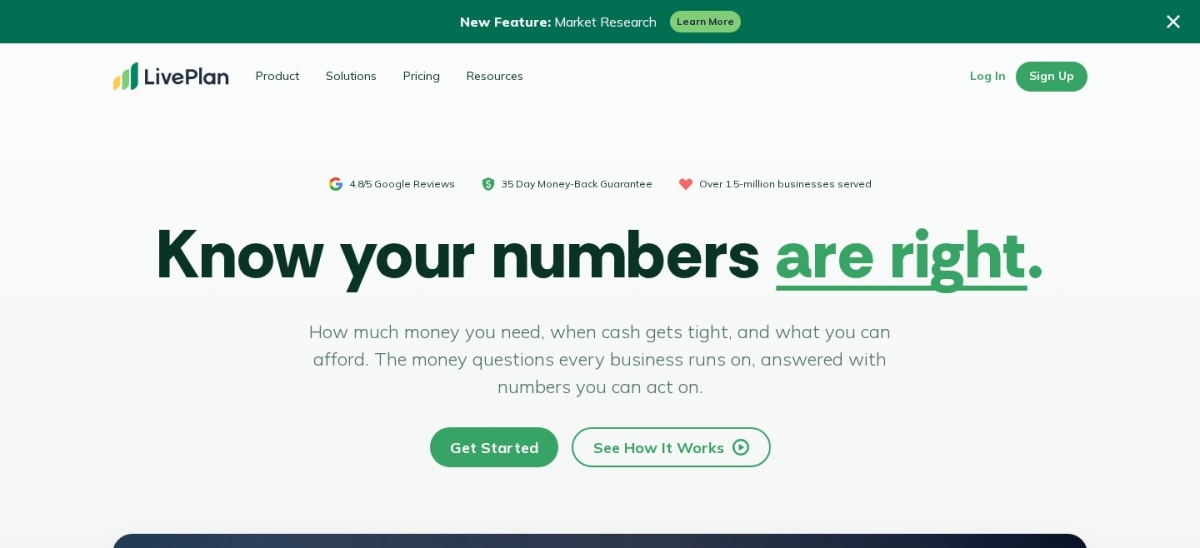
LivePlan homepage, captured Nov 2026.
LivePlan is business planning and financial forecasting software that combines budgets, projected cash flow and linked financial statements. Its Standard plan includes cash forecasts, profit and loss projections, balance sheets, guided planning and more than 550 sample plans.
The trade off is that LivePlan concentrates on financial projections rather than operating bank accounts or executing payments. Standard costs $15 per month billed annually, or $20 on monthly billing. It suits founders and business owners planning future spending, funding requirements and financial performance.
What we like
Cash flow projections included in Standard
Linked financial statements
Guided financial planning
Scenario-oriented business forecasting
Useful reports for funding discussions
Watch out for
Not a banking or payment execution platform
No permanent free plan
Less suitable for daily treasury operations
Some ongoing monitoring features require higher tiers
Higher plans add more advanced business monitoring and planning capabilities.Visit liveplan.com
07
Jirav
4.7/5on G2 (195 reviews, checked Nov 2026)
Starts at$10,000/yr
Best for finance teams and driver-based planning
Entry planStarter
ForecastingCash flow and balance sheet
PlanningCompany-level
Starting annual price$10,000
jirav.com
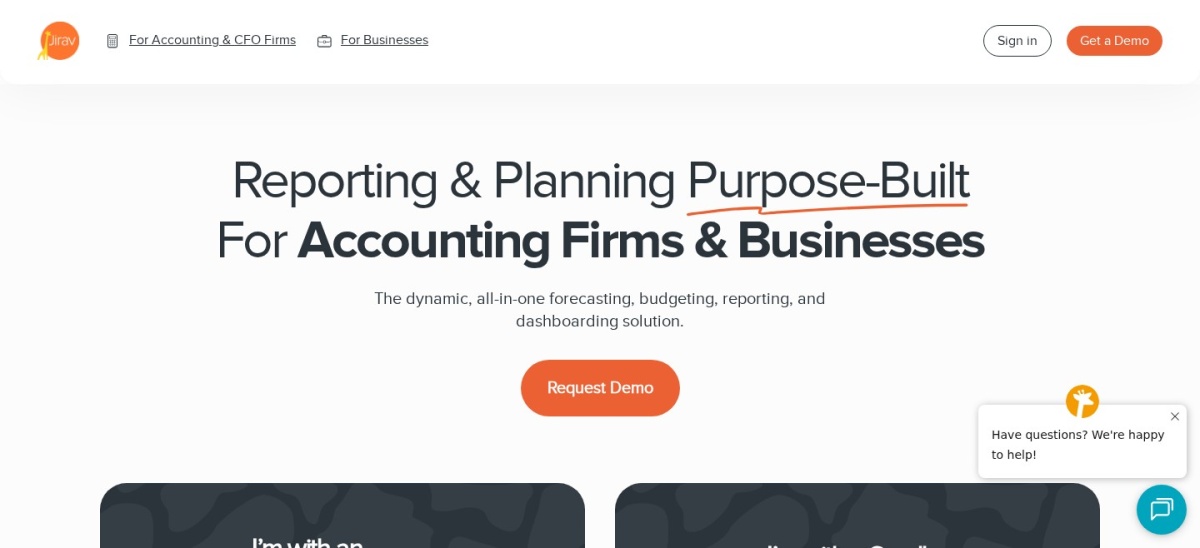
Jirav homepage, captured Nov 2026.
Jirav is a financial planning and analysis platform that connects accounting and operational data to budgets, forecasts and management reports. Its Starter plan includes cash flow and balance sheet projections, company-level planning, budget-versus-actual analysis, dashboards and guided implementation.
The trade off is its enterprise-oriented price and greater setup requirements. Starter costs $10,000 per year, while Pro is listed at $15,000 per year for expanded planning capabilities. It suits established finance teams needing connected financial models rather than simple cash balance tracking.
What we like
Connected cash flow and balance sheet projections
Driver-based financial forecasting
Budget-versus-actual reporting
Accounting and operational integrations
Guided implementation and support
Watch out for
High annual subscription cost
More setup work than basic cash trackers
Unnecessary complexity for simple bookkeeping
Advanced planning requires a higher tier
Pro adds multi-year planning, departmental budgeting and expanded scenarios.Visit jirav.com
Cash flow forecasting software vs accounting software
Accounting software records money that has already moved or is owed. It tracks invoices, expenses, bills, bank balances and financial statements. These records are essential for knowing the current financial position.
Cash forecasting software uses that information to estimate what happens next. Float and Cash Flow Frog are designed around future cash balances, expected payment dates and financial scenarios.
Xero, QuickBooks Online and Zoho Books focus more broadly on accounting. They offer varying levels of cash visibility, but their entry plans may not provide the detailed scenarios available in dedicated forecasting tools.
LivePlan and Jirav approach cash from a planning perspective. They help translate business assumptions, projected revenue and expenses into financial forecasts.
For many businesses, the practical arrangement is an accounting system as the source of financial records, with a forecasting platform added when cash planning becomes more demanding.
Why a cash forecast matters more than today's bank balance
A positive bank balance does not necessarily mean a business can afford new spending. Unpaid supplier bills, payroll, taxes and other upcoming obligations may already account for much of that money.
A cash forecast compares the opening balance with expected incoming and outgoing payments. It helps identify when cash might fall below an acceptable level.
Forecast quality depends on accurate assumptions. An invoice due next week may actually be paid later, and unexpected expenses can change the result. Tools with editable payment dates and scenario planning make those uncertainties easier to examine.
Use forecasts for decisions, not guarantees. Review them alongside actual balances, outstanding invoices and updated expense information.
How we chose
We compared established cash forecasting, accounting and financial planning platforms with relevant cash management features. The shortlist emphasizes cash visibility, forecast capabilities, banking or accounting connectivity, reporting, software maturity and public customer feedback.
Prices were checked against official vendor pricing pages on 23 November 2026 for this article dated 22 November 2026. Public ratings and review counts were checked on Capterra, G2 and the QuickBooks marketplace. Regular subscription prices were used instead of introductory promotions, with annual-billing rates identified where applicable.
We excluded products without a publicly verifiable paid entry price, products requiring custom quotes for every plan and tools without sufficient public feedback. No vendor paid for a place, and we do not claim testing for this list.
How to choose cash management software
Identify your most important cash management task before comparing features, integrations and subscription costs.
Decide whether you need tracking or forecasting. Choose an accounting platform if the main problem is recording transactions and reconciling balances. Choose dedicated forecasting software if the priority is predicting cash shortages, evaluating payment timing or comparing future scenarios.
Check connections to your financial records. Look for compatibility with your existing accounting platform and bank accounts. Automatic data imports reduce repeated spreadsheet work, but confirm that the required transaction types and account connections are supported.
Match the forecast to your planning needs. A short forecast can help with immediate bills and payroll. Longer forecasts support hiring, investment and growth planning. Check whether the plan includes scenarios, editable assumptions and comparisons between projected and actual cash.
Compare the full recurring cost. Calculate the annual cost using the regular subscription price. Check whether additional companies, users, integrations or advanced reports increase the bill. Avoid choosing a tool solely because an introductory discount makes its first billing period look inexpensive.
FAQ
What is the best cash management software in 2026?
Float is our top choice for businesses that primarily need cash forecasting. Its Small Business plan offers a 13-week cash view and projections extending up to 12 months. Cash Flow Frog is another strong choice when broader accounting integrations and automated projections are important.
What is the difference between cash management and cash flow forecasting?
Cash management covers monitoring available funds, tracking payments, handling liquidity and planning financial obligations. Cash flow forecasting is one part of that process, estimating future incoming and outgoing money. Some software concentrates on forecasts, while accounting and treasury platforms address other cash management tasks.
Is there free cash management software?
Yes. QuickBooks Online and Zoho Books offer free accounting plans with features for tracking income, expenses and financial activity. These can be useful for basic cash visibility, although they do not provide the same specialized forecasting features as dedicated paid platforms.
How much does cash management software cost?
Prices vary substantially by product type. LivePlan Standard and Zoho Books Standard each start at $15 per month on annual billing, while Float Small Business starts at $105 per month billed annually. More complex financial planning platforms, such as Jirav, can cost considerably more.
Can cash management software predict a cash shortage?
Forecasting tools can identify periods when projected outgoing payments exceed expected cash availability. Their usefulness depends on the accuracy of accounting records and assumptions about collections and expenses. They cannot guarantee outcomes, so businesses should update forecasts whenever payment schedules or financial conditions change.
Does cash management software connect to bank accounts?
Many products connect directly to banks or synchronize financial information through accounting systems. Xero, QuickBooks Online and Zoho Books provide banking-related accounting features, while Float connects through supported accounting platforms. Check connection availability and data refresh behavior before selecting a product.
Is QuickBooks enough for cash management?
QuickBooks Online can be sufficient when the main requirements are tracking income, expenses, invoices and account balances. Businesses needing detailed forward-looking scenarios may benefit from a dedicated forecasting application. The right combination depends on how often cash forecasts are prepared and how complex the business finances are.
Which cash management software is best for a small business?
Small businesses needing inexpensive accounting and cash records can consider Zoho Books or Xero. Businesses with more complex cash timing requirements may prefer Float or Cash Flow Frog. LivePlan is a useful alternative when forecasts are tied closely to business plans and funding decisions.
Can cash management software replace an accountant?
No. Software can automate financial data collection, reporting, reconciliation and projections, but it does not eliminate the need for professional judgment. An accountant or finance professional may still be needed to validate records, interpret forecasts, manage compliance and review important financial decisions.