Best Canary Deployment Tools in 2026: 9 Tools Compared
WLWPLegible EditorsLast verified 24 Nov 2026How we rank12 min read
★ Short answer
LaunchDarkly is the best canary deployment tool for most teams, with percentage rollouts, kill switches and 882 G2 reviews behind it. Pick Harness for canary pipelines with automatic rollback, or ConfigCat for flat $110 monthly pricing with unlimited seats.
How we make this list: we compare pricing pages, product documentation and public user reviews, then re-check every price before each update. No product paid for a place. Disclosure.
LaunchDarkly leads on breadth: percentage rollouts, kill switches and a 4.5/5 G2 rating from 882 reviews.
Harness pairs flags with delivery pipelines, adding guardrails and automatic rollback to canary releases.
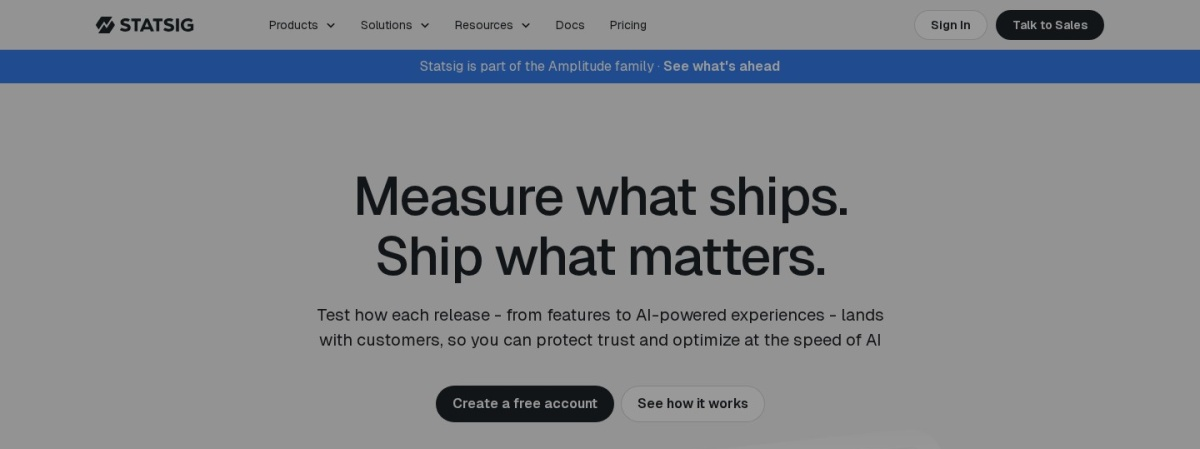
Statsig is the only pick that bundles flags, experiments, analytics and session replay on one $150 monthly plan.
ConfigCat is the cheapest predictable paid plan at $110 a month with unlimited seats.
Flagsmith and Unleash are the open-source picks; both offer a free self-hosted edition.
Harness and Optimizely publish no price, so budget for a quote and a sales cycle.
What to look for in a canary deployment tool
A canary deployment releases a change to a small share of users first, then watches error rates and key metrics before it reaches everyone else. If the numbers move the wrong way, the release rolls back without a full redeploy.
Two routes get you there. Feature flags switch a feature on for 1% of users inside the running code, while delivery pipelines shift traffic between the old and new version of a service. Most tools in this list use flags; Harness covers both.
Guardrails decide whether a canary is safe or just slow. Look for percentage targeting, a kill switch, metric checks that can stop a rollout, and an audit log that shows who changed what. Our guide on deploying WordPress with GitHub Actions shows the same deploy-then-release split in a smaller setup.
Pricing is the hardest part to compare. Some tools charge per seat, some per request or event, and some by monthly active users. A $45 plan can cost more than a $110 plan once volume is counted, so work out the real monthly cost before you commit.
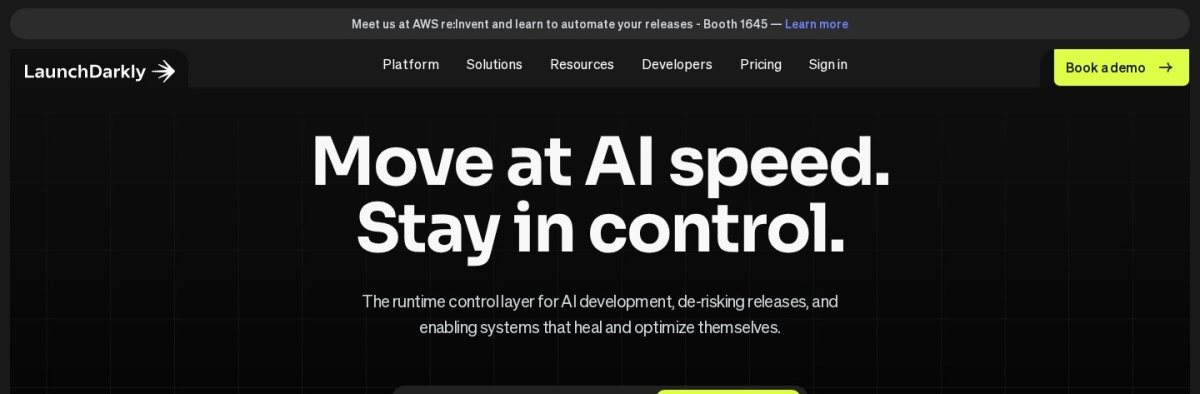
LaunchDarkly is the feature management platform most large engineering teams measure others against for canary releases. The free Developer plan includes unlimited seats and unlimited flags, with targeting, percentage rollouts and kill switches across more than 30 SDKs.
The trade off is usage pricing. Foundation bills per service connection from $10 a month plus client-side monthly active users, so a high-traffic app costs more than the headline rate suggests. It suits large or regulated teams that need approvals, audit trails and SDK breadth.
What we like
Unlimited seats and flags on every plan
Approvals, audit trails and workflows on Enterprise
30+ SDKs, including mobile and edge
Watch out for
Usage pricing is hard to forecast
Audit logs and SSO need Enterprise
Free plan covers 1 project and 3 environments only
Foundation adds unlimited projects and environments; governance needs EnterpriseVisit launchdarkly.com
02
Harness Feature Management & Experimentation
4.6/5on G2 (330 reviews, checked Nov 2026)
PricingCustom/yr
Best canary releases inside Harness
Canary rolloutProgressive, with guardrails
Kill switchYes, with auto-rollback
Free planYes, free plan
Cheapest paidCustom quote
harness.io
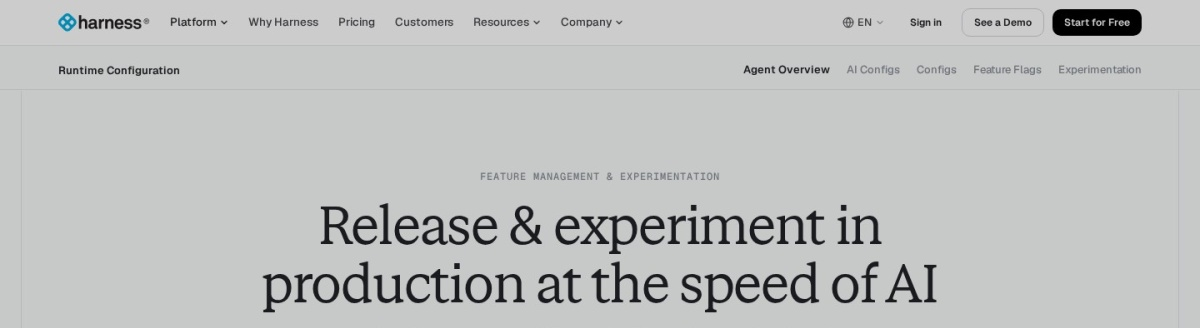
Harness Feature Management & Experimentation homepage, captured Nov 2026.
Harness Feature Management & Experimentation is the flag and experiment product inside the Harness delivery platform, formerly sold as Split. It covers progressive rollouts, targeting, guardrails and warehouse-native experiments with one statistical engine.
The trade off is price and fit. Harness publishes no starting price, so teams need a quote, and the strongest case is for teams already running Harness CI/CD. It suits enterprises that want flags, governance and delivery pipelines from one vendor.
Statsig is a product platform that puts feature flags, experiments, dynamic configs and product analytics on one meter. The free Developer plan includes 2 million metered events a month, unlimited flag checks and session replays.
The trade off is the event meter. Pro costs $150 a month for 5 million metered events, then $0.05 per 1,000 extra events, so heavy logging raises the bill. It suits product teams that want every canary tied to a measured outcome.
What we like
Flags, experiments and analytics under one account
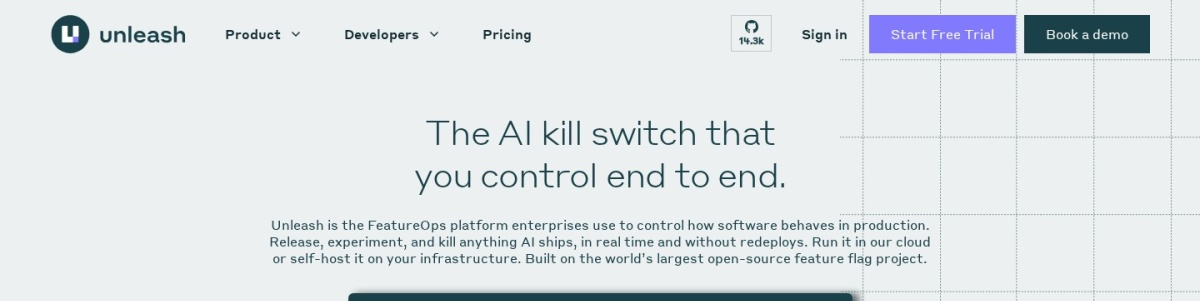
Unleash is an open-source feature management platform built for teams that run flags on their own infrastructure. The free self-hosted edition covers 1 project, 2 environments and 5,000 flags, with 25+ SDKs and local evaluation.
The trade off is governance. SSO, approvals and change-request workflows need the paid cloud plan at $75 per seat a month, which includes 53 million API requests. It suits regulated teams that need data control and audited releases.
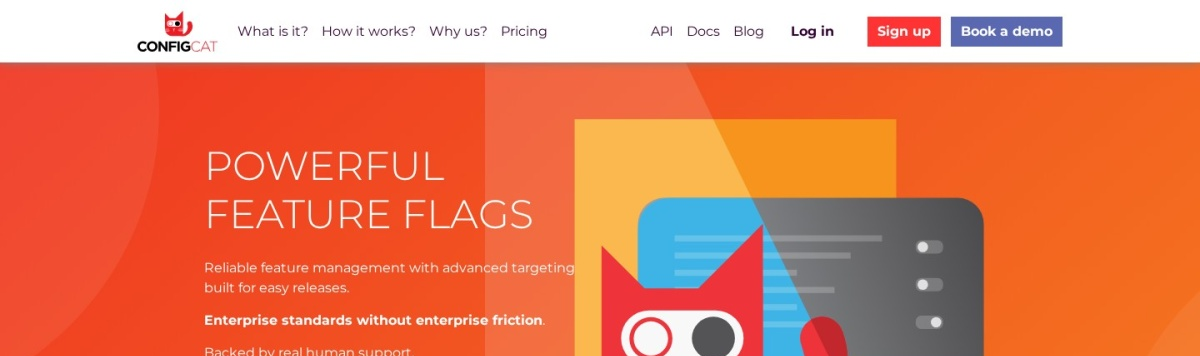
ConfigCat is a focused feature flag service built for teams that want safe releases without extra complexity. The free plan covers 10 flags, 2 products and 5 million config downloads a month, with unlimited team members on every plan.
The trade off is depth. Pro costs $110 a month for 100 flags, and built-in experimentation is light, so teams that run serious A/B tests pair it with an analytics tool. It suits small and mid-size teams that want a fixed bill.
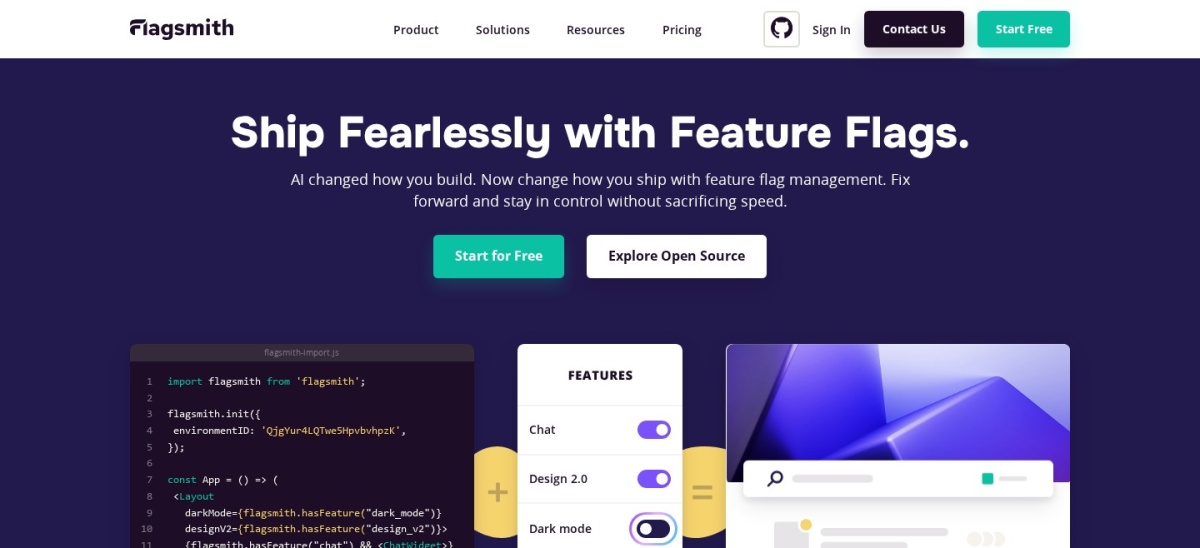
Flagsmith is an open-source feature flag platform with remote config, segments and multivariate flags. The free cloud plan covers 50,000 requests a month with unlimited flags and environments, and the code can be self-hosted.
The trade off is team size. Start-Up costs $45 a month for 1 million requests and 3 team members, and audit logs and approvals need higher plans. It suits teams that want open code and a hosted option they can run themselves.
GrowthBook is an open-source experimentation platform that runs feature flags and A/B tests against data already in your warehouse. The free Starter plan covers up to 3 users with unlimited flags, experiments and traffic.
The trade off is the seat meter. Pro costs $40 per seat a month for up to 30 users, and advanced permissioning and approval workflows sit on higher tiers. It suits data teams that refuse to duplicate their warehouse.
DevCycle is a feature flag platform built around OpenFeature, with SDKs that evaluate flags at the edge. The free plan includes unlimited seats, unlimited flags and 1,000 client-side monthly active users.
The trade off is the jump to paid. Business costs $500 a month billed annually for 100,000 MAUs, and the monthly rate is $625, so small teams outgrow the free plan fast. It suits teams that want OpenFeature support and edge evaluation.
Optimizely Feature Experimentation homepage, captured Nov 2026.
Optimizely Feature Experimentation is the server-side flagging and testing product from Optimizely, formerly Full Stack. It offers 20+ SDKs with sub-millisecond local evaluation and a 99.9% uptime SLA on paid plans.
The trade off is access. Pricing is by quote, and the free Rollouts plan runs one experiment at a time, so serious use means an enterprise deal. It suits large teams that already run Optimizely and need strict statistics and governance.
A flag canary lives inside the code. The new code ships to everyone, but the flag keeps it off until you turn it on for a small group, so rollback is a toggle flip, not a redeploy.
A pipeline canary lives outside the code. The deploy tool runs the new version beside the old one and moves 1%, then 10%, then all traffic across, rolling back by shifting traffic back.
Flags suit product releases that need targeting by user, plan or region. Pipelines suit infrastructure changes where the whole service version changes at once.
Many teams use both: flags for features, pipelines for services. A staging site still helps before either canary reaches real users.
How we chose
We started from the progressive delivery and feature flag tools that appear most often in engineering evaluations, then kept nine established products with a free plan or trial, public documentation and a canary or percentage rollout.
Prices come from each vendor's pricing page, checked on 23 and 24 November 2026. LaunchDarkly's Foundation price was read from its official pricing page at $10 per service connection a month; G2 lists the same plan at $12 a month. Ratings and review counts come from G2 on the same dates. Flagsmith's $45 monthly rate did not render on its pricing page in our crawl, so it is corroborated by secondary pricing comparisons.
We left out tools built mainly for analytics or marketing tests, and Kubernetes-only controllers we could not verify from a public rating or pricing page today. No vendor paid for a place, and we do not claim hands-on testing for this list.
How to choose a canary deployment tool
Count your users, your services and your traffic before you compare prices.
Decide flag canary or pipeline canary. Flags gate features inside running code; pipelines shift traffic between service versions. Shortlist only the tools that cover your main route.
Work out the real monthly cost. Multiply per-seat rates by your team, and estimate requests, events or users for usage plans. A $45 plan can cost more than a $110 plan once volume is counted.
Check guardrails before you buy. Metric checks, automatic rollback, approvals and audit logs sit on different tiers, so confirm which plan holds the controls your reviewers will ask for.
Run the free plan on one service first. Ship one real change behind a flag or a 1% canary, watch the metrics, then roll it back. That round shows whether the SDKs, dashboard and pricing fit your team.
FAQ
What is the best canary deployment tool?
LaunchDarkly is the best pick for most teams. It combines percentage rollouts, targeting, kill switches and guarded rollouts with a 4.5 out of 5 G2 rating from 882 reviews, though its usage pricing needs careful forecasting.
What is a canary deployment?
A canary deployment releases a change to a small share of users first, then expands it in steps while error rates and key metrics are watched. If the metrics get worse, traffic shifts back to the old version before most users ever see the change.
Can I do canary deployments with feature flags?
Yes. A flag turns a feature on for 1% of users inside the running code, then expands the share in steps. Rollback is a toggle flip rather than a redeploy, which is why flag tools lead this list.
What is the cheapest canary deployment tool?
GrowthBook starts at $40 per seat a month, Flagsmith at $45 a month and ConfigCat at a flat $110 a month with unlimited seats. Unleash, Flagsmith and GrowthBook also offer free self-hosted editions for teams that run their own infrastructure.
Do I need a Kubernetes tool for canary deployments?
Only if your services run on Kubernetes. Flag tools work on any stack, while Kubernetes controllers shift traffic between service versions. Many teams start with flags and add a pipeline tool when traffic routing becomes the bottleneck.
How do I pick a canary percentage?
Start at 1% for risky changes and 5 to 10% for routine ones, then double the share after each clean check. Keep the first step small enough that a bad release affects few users, and set a metric threshold that stops the rollout automatically.