Best Calculator Builder Software in 2026: 9 Tools Compared
WLWPLegible EditorsLast verified 24 Nov 2026How we rank14 min read
★ Short answer
Outgrow is the best calculator builder for most teams, with 1,000+ templates and a 4.7/5 G2 rating. Pick ConvertCalculator for complex pricing formulas, and Calconic for the cheapest paid plan at $6 a month.
How we make this list: we compare pricing pages, product documentation and public user reviews, then re-check every price before each update. No product paid for a place. Disclosure.
Outgrow leads with 1,000+ templates, 9 content types and a 4.7/5 G2 rating from 333 reviews.
involve.me is the only tool here with a free built-in CRM and email workflows on every plan.
ConvertCalculator has the strongest formula engine for pricing pages, with VLOOKUP and data imports, at $20 a month.
Calconic is the cheapest paid plan in the list at $6 a month, with a free plan covering 5 calculators.
Three tools rest on thin ratings: Calculoid has 5 Capterra reviews, LeadQuizzes 9 G2 reviews and uCalc 6 SaaSWorthy ratings.
What a calculator builder should cover
A calculator builder lets a visitor answer a few questions and see a price, a saving or a score at once, without waiting for a sales call. Service businesses use them for instant quotes, software firms for ROI, and finance sites for lead capture.
The formula engine matters most. Simple quote tools need sliders and dropdowns, while pricing pages with tiers, discounts and lookups need Excel-style formulas or VLOOKUP. Check that before you check the price.
Watch the usage cap as well. Most tools charge by visits, impressions or responses per month, and a calculator that gets shared can hit its cap in days. A free plan helps you test the builder, but most free plans add branding or cap visits low.
Form builders such as Jotform can add calculation fields to a form, which suits simple estimates. A dedicated builder wins when the formula itself is the hard part.
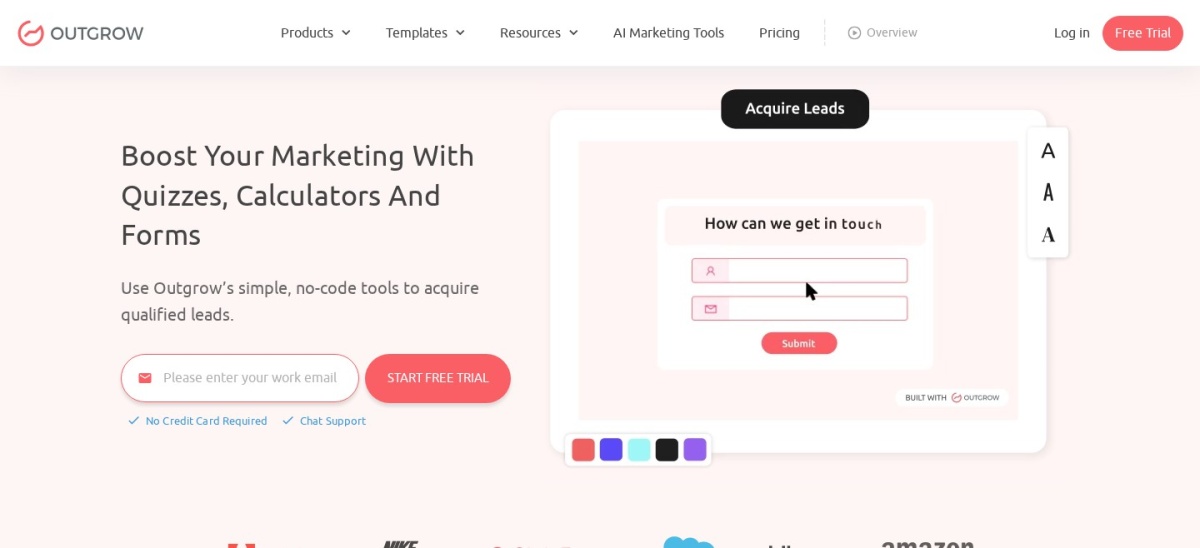
Outgrow is a no-code interactive content platform, and calculators are one of its main content types. You pick from more than 1,000 templates, edit the fields, formulas and result page in a visual editor, and embed the result on any page. The builder supports conditional logic and outcome pages that show a different message for each result band.
The trade off is price and the free plan. The free plan covers forms and surveys only, so calculators start with Freelancer at $22 a month, which allows 5 content pieces and 250 leads a month. It suits marketing teams that want calculators, quizzes and assessments in one place.
What we like
Widest template library, with 1,000+ options
Strong conditional logic and outcome pages
Many CRM and email integrations
Built-in analytics with funnel views
Watch out for
Free plan excludes calculators
Entry plan allows only 5 content pieces
Paid tiers jump steeply, from $95 to $600 a month billed annually
Paid plans add calculators, more content pieces and branding removalVisit outgrow.co
02
involve.me
4.7/5on G2 (108 reviews, checked Nov 2026)
Paid from$49/mo
Best for calculators inside a lead funnel
Templates300+
Free plan2 live funnels
Built-in CRMYes, free
Cheapest paidStart, $49/mo
involve.me
involve.me homepage, captured Nov 2026.
involve.me is a funnel builder that puts a calculator inside a wider flow. A visitor works through the calculator, sees a personal result, and gets a follow-up email, all inside one tool. Start allows 3 live funnels and 1 user, with a free CRM that holds every lead, plus 300+ templates and 60+ integrations.
The trade off is that calculators are part of a funnel, not a standalone widget. Vendor branding stays on Start until Grow at $69 a month billed annually, and A/B testing waits for Scale at $139 a month. It suits small teams that want a calculator to capture, qualify and follow up with leads in one place.
What we like
Calculator, CRM and email follow-up in one tool
Lead scoring qualifies every visitor
300+ templates and 60+ integrations
Free plan lets you test the builder
Watch out for
Vendor branding stays on Start
A/B testing waits for Scale
Paid plans cap live funnels, not traffic
Grow removes branding and adds HubSpot and custom domainsVisit involve.me
03
ConvertCalculator
4.8/5on Capterra (37 reviews, checked Nov 2026)
Paid from$20/mo
Best for complex pricing formulas
Formula engineFormulaScript, VLOOKUP
Free plan100 visits/mo
PaymentsStripe in the widget
Cheapest paidHobby, $20/mo
convertcalculator.co
ConvertCalculator homepage, captured Nov 2026.
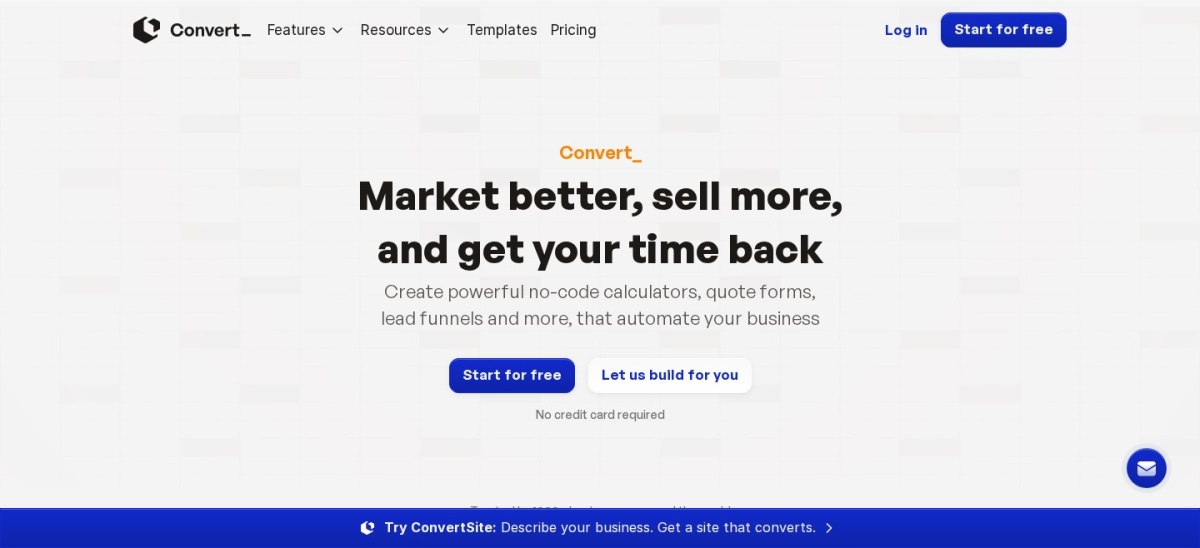
ConvertCalculator is built for calculators where the maths is the hard part. Its FormulaScript engine handles Excel-like formulas, lookups, nested conditions and demand-based pricing, which suits product configurators and custom quotes. The widget embeds on any site, with native links for WordPress, Webflow, Shopify and Wix.
The trade off is usage and follow-up. Hobby at $20 a month allows 2,000 visits but no form submissions, so lead capture starts with Pro at $40 a month. It suits businesses that want a pricing or quote widget layered onto their own site and design, rather than a hosted funnel.
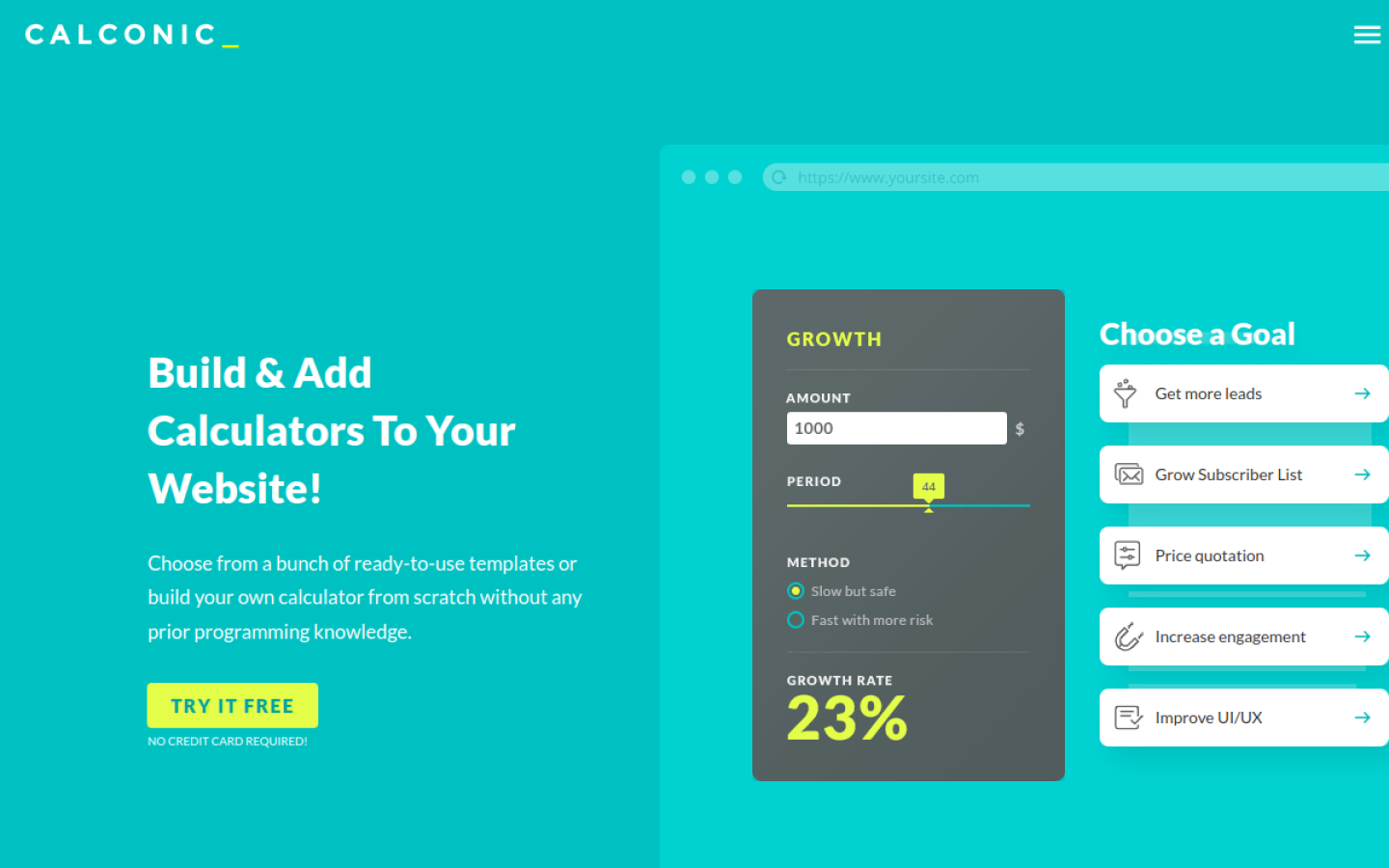
Calconic is one of the oldest dedicated calculator builders, and it stays focused on one job. You build a calculator from a template or from scratch, add fields such as sliders and dropdowns, then set the formula with a visual editor. The result can show a price or a saving, and the visitor can send it by email.
The trade off is depth. The formula editor is moderate, so complex lookups may need a stronger tool, and integrations run through Zapier with no native CRM links. It suits small businesses that need a cheap embeddable quote calculator on a service page.
What we like
Lowest paid price in this list
Simple drag-and-drop builder
Graphical formula editor
PayPal payments on paid plans
Watch out for
Free plan caps impressions at 500 a month
Design options are more basic than Outgrow or involve.me
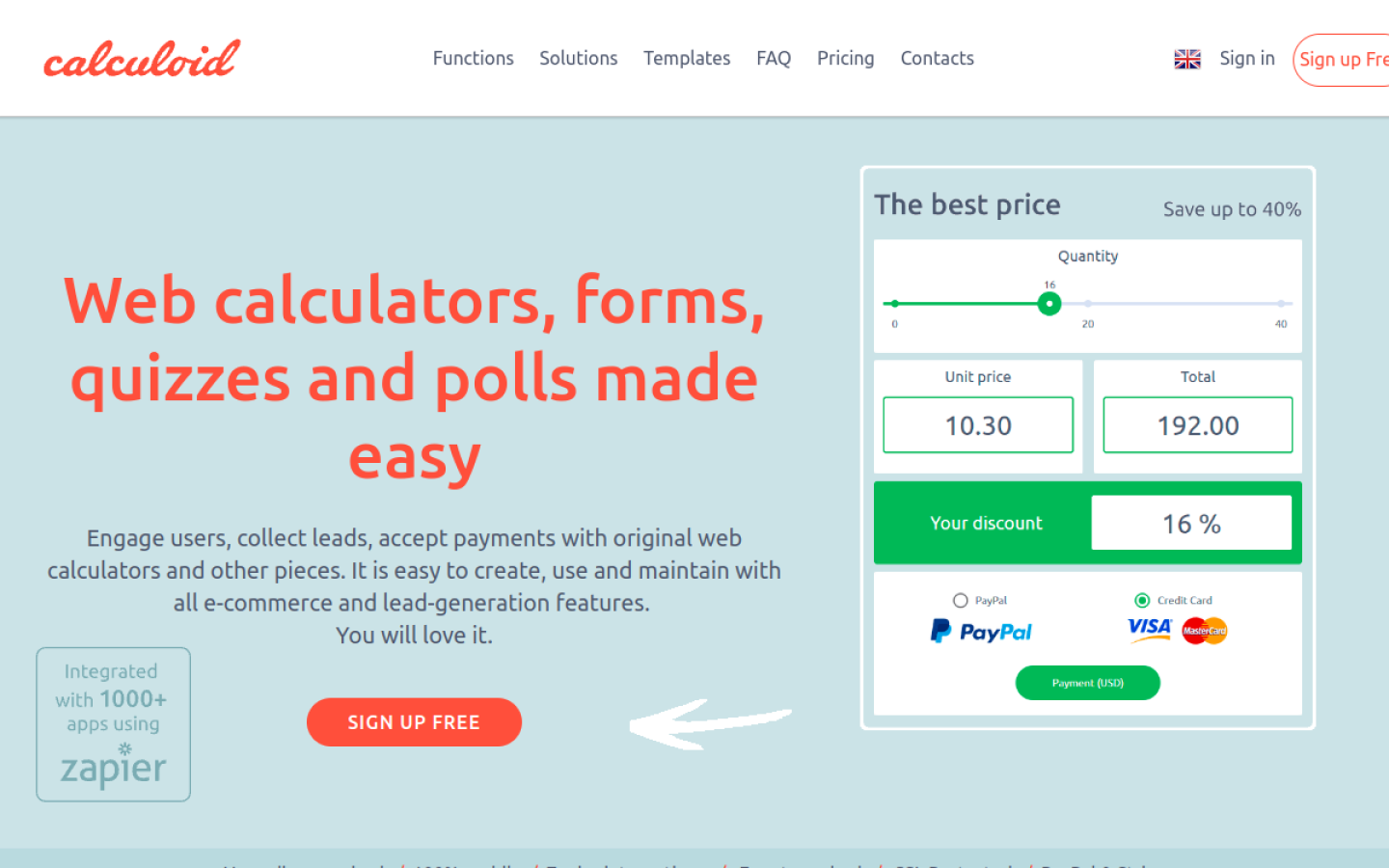
Calculoid is a calculator builder that works like a spreadsheet mapped to form fields. Each input has a variable name, and you write calculation rules that reference those variables directly. The standout feature is PDF output: after a visitor finishes the calculator, they can receive a formatted PDF of the result.
The trade off is polish and proof. The interface feels older than newer rivals, the free plan is very limited, and its 4.2 Capterra rating rests on only 5 reviews. It suits businesses that need Excel-style formulas and a PDF quote the visitor can keep.
ScoreApp is a scorecard builder: a visitor answers questions, gets a score by category, and sees advice matched to that score. Each scorecard has a landing page, a lead form and a result page for each score band. The builder includes an AI quiz builder, unlimited questions, jump logic and dynamic result pages.
The trade off is price and proof. Starter at $39 a month allows 3 live scorecards and 100 responses a month, while PDF reports and custom domains wait for Business at $99 a month. It suits consultants and coaches that want a scored scorecard as a lead magnet.
What we like
Score bands with a dynamic result page each
AI quiz builder on every plan
PDF reports and split testing on higher plans
Watch out for
PDF reports and custom domains wait for Business
G2 rating rests on only 21 reviews
Business adds PDF reports, custom domains and 1,000 responsesVisit scoreapp.com
07
LeadQuizzes
4.2/5on G2 (9 reviews, checked Nov 2026)
Starts at$49/mo
Best budget quiz funnel with scoring
Free planNo, 14-day trial
AI quiz builderYes, every plan
Responses2,500/mo on Standard
Cheapest paidStandard, $49/mo
leadquizzes.com
LeadQuizzes homepage, captured Nov 2026.
LeadQuizzes is a lead generation quiz platform, and its calculator support sits inside that quiz-first design. You build a quiz or calculator, add scoring rules, gate the result behind an email field, and send the lead to your marketing platform. An AI quiz builder is included on every plan.
The trade off is the cap and the proof. There is no permanent free plan, only a 14-day trial, and plans are capped by monthly responses, with overage fees over the limit. It suits small businesses that want a low-cost lead quiz with scoring on every plan.
uCalc is a lightweight calculator and order form builder for small businesses. You pick a template by industry, then edit the fields and formulas in a visual editor. The builder supports sliders and dropdowns, and it can show a price, collect an order and take a payment.
The trade off is depth and proof. Basic at $9 a month allows 5 projects and 300 email notifications a month, while logical branching and booking start on Standard. It suits small businesses that need a simple price calculator at a low price.
What we like
Very low starting price
Visual builder with templates by industry
Lightweight embed that loads fast
Order form and booking features on higher plans
Watch out for
No permanent free plan
Basic lacks logical branching and booking
No published rating on G2 or Capterra
Standard adds logic jumps, booking and 1,000 notificationsVisit ucalc.pro
09
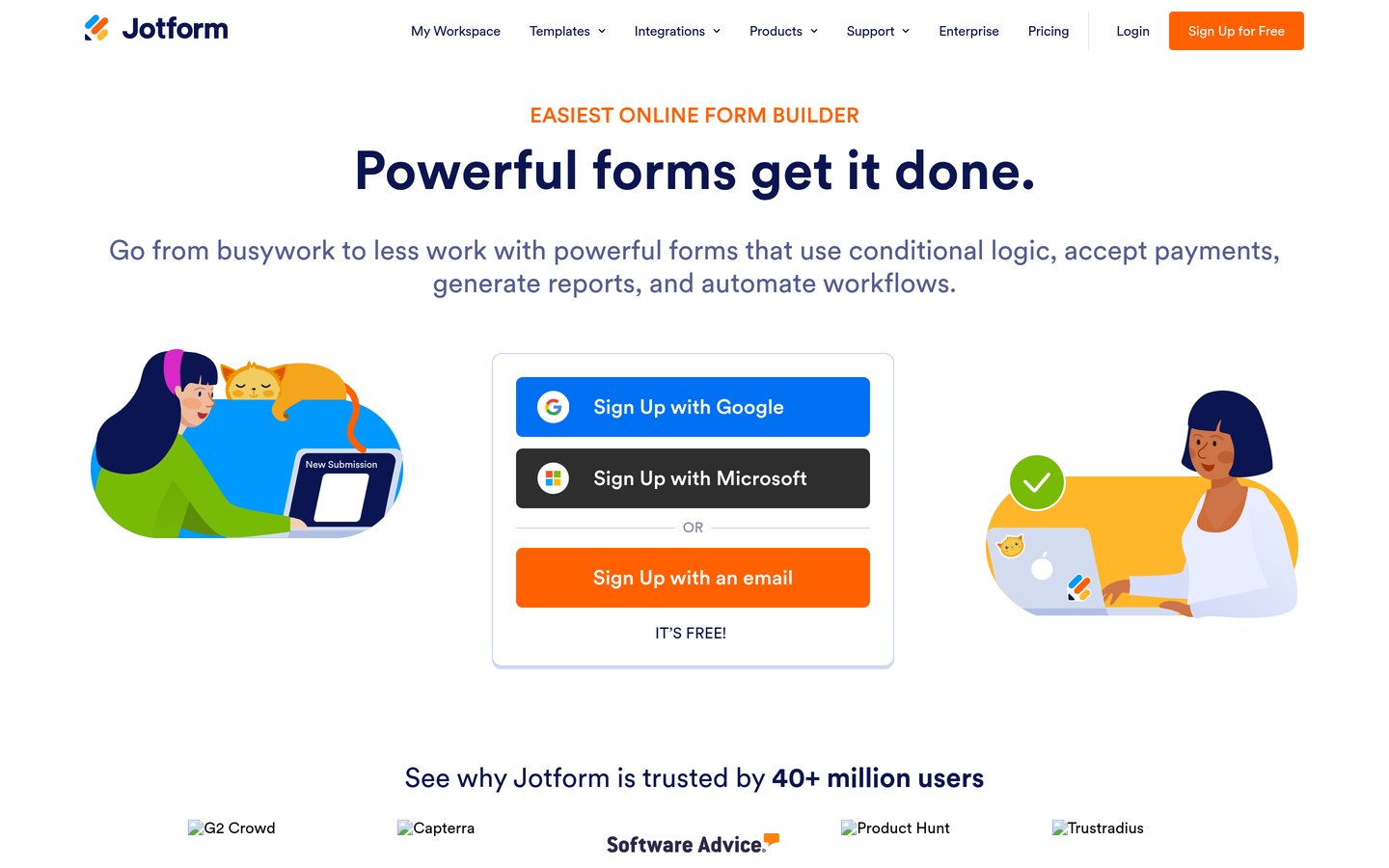
Jotform
4.7/5on G2 (4,400+ reviews, checked Nov 2026)
Paid from$39/mo
Best if you already use Jotform
Free plan5 forms, 100 replies
Templates20,000+
PaymentsStripe, PayPal, Square
Cheapest paidBronze, $39/mo
jotform.com
Jotform homepage, captured Nov 2026.
Jotform is a form builder with calculation fields, not a dedicated calculator builder. With 20,000+ templates and a mature drag-and-drop editor, it handles simple to moderate calculation work well. Calculation fields support basic maths plus conditional logic, and payments run through Stripe, PayPal or Square.
The trade off is formula power. Calculation fields are basic compared with dedicated builders: no VLOOKUP, no complex data tables and no formula builder. It suits teams that already use Jotform and need to add basic calculation to existing forms.
What we like
No new tool needed if you already use Jotform
Massive template library, 20,000+ templates
Strong payment integrations
HIPAA compliance on the Gold plan
Watch out for
Calculation fields are basic, with no VLOOKUP
Free plan allows only 100 submissions a month
Single user on all non-Enterprise plans
Bronze raises the cap to 25 forms and 1,000 submissionsVisit jotform.com
Free vs paid: what you give up
Free plans cover the basics well. Most include a working calculator, an embed and some lead capture, with branding on the result.
Paid plans mostly add volume and polish. You get more visits or impressions, more calculators, branding removal and payments inside the widget.
The gap is widest at Outgrow, where the free plan covers forms and surveys only, so calculators need a paid plan from $22 a month.
For a page that brings in enquiries every week, a paid plan is cheap insurance against a capped free plan switching your calculator off.
How we chose
We started from every dedicated calculator builder with a visual editor, custom formulas, an embed and lead capture, then added form builders whose calculation fields cover simple quotes.
Prices come from each vendor's pricing page, checked on 24 November 2026, or from a vendor-published comparison where the pricing page did not render its prices. Ratings come from G2 or Capterra on the same day, with the review count shown.
We left out tools with no published price and AI app builders that do not ship a calculator widget. No vendor paid for a place, and we do not claim hands-on testing for this list.
How to choose a calculator builder
Start with the maths, then check the cap and the embed.
Write the formula on paper first. List every input, rate and edge case, then check the builder can handle it. Lookups and tiered pricing need a stronger engine than sliders alone.
Check what your form tool already does. If you already pay for a form builder, its calculation fields may cover a simple estimate. See what WPForms includes for free before buying a second tool.
Match the cap to your traffic. Compare the visit, impression or response limit with your page traffic. A calculator that switches off mid-month costs more than a higher plan.
Test the embed on a phone. Copy the embed code into a test page and open it on mobile. Check load time, layout and whether the result keeps your brand colours.
FAQ
How much does calculator builder software cost?
Paid plans in this list start at $6 a month for Calconic and run to $49 a month for involve.me and LeadQuizzes. Annual billing cuts most prices by 20 to 40 percent. Check the visit or response cap before you buy, since a busy calculator can push you to a higher plan.
Can I build a calculator for free?
Yes, seven of the nine tools here have a free plan, including Calconic, ConvertCalculator and involve.me. Free plans usually add vendor branding, limit the number of calculators, or cap visits at a low level. Calconic gives 5 calculators and 500 impressions a month for free.
Which calculator builder is best for a small business?
Calconic is the best fit for most small businesses at $6 a month, with a free plan and lead capture in one simple builder. uCalc is a close second at $9 a month. Pick ConvertCalculator or Calculoid when your formula needs lookups, payments or a PDF quote.
Do I need code to embed a calculator on my website?
No, none of the tools in this list need code to build a calculator. You use a visual editor to add fields and set formulas, then copy an embed code into your page. Test the embed on desktop and mobile before you publish.
Can a calculator builder collect payments?
Yes, several tools in this list collect payments inside the calculator, including Calconic, ConvertCalculator, uCalc and Calculoid. Calconic supports PayPal, while ConvertCalculator and Calculoid support Stripe and PayPal. Payment support usually sits on a paid plan.
What is the difference between a calculator builder and a form builder?
A calculator builder is built around the maths: formulas, lookups and a live result. A form builder such as Jotform adds calculation fields to a form, which suits simple estimates but not tiered pricing. Pick the calculator builder when the formula is the hard part.