Best CAD Software for Jewelry Design in 2026: 9 Tools Compared
WLWPLegible EditorsLast verified 23 Nov 2026How we rank11 min read
★ Short answer
Rhino is the best CAD base platform for jewelry design. It costs $995 once, it writes the precise NURBS files every bench expects, and it is rated 4.4 out of 5 on G2. Pick 3Design for jewelry-only parametric work, or ZBrush for sculptural pieces.
How we make this list: we compare pricing pages, product documentation and public user reviews, then re-check every price before each update. No product paid for a place. Disclosure.
Rhino is the engine most professional jewelry design runs on, at $995 once, with Grasshopper for parametric variations.
3Design is the only dedicated jewelry CAD here with a published user rating: 4.0 out of 5 on Trustpilot, from 8 reviews.
ZBrush is the pick for organic, sculptural pieces at $399 a year, but its meshes need cleanup before casting.
Fusion and Blender cover most jewelry work for $680 a year or $0, with parametric history in Fusion and free sculpting in Blender.
MatrixGold, the ring-focused industry standard at $5,995, has no public rating on G2, Capterra or Trustpilot, so it is not scored here.
What jewelry CAD software should cover
Jewelry CAD turns an idea into a model a bench can cast. The tools split by job: precise NURBS modelling for rings and settings, parametric history for resizing, and sculpting for organic forms.
Jewelry-specific tools decide most purchases. Ring builders, pavé and stone libraries only come with dedicated jewelry software, while general CAD means building every setting by hand.
Pricing runs from $0 to $4,400 once in this list, and MatrixGold sits above that at $5,995. Monthly billing costs far more than yearly on every subscription here, so compare the annual figure and the free tier before you commit.
Our guide on how much a WordPress site redesign costs makes the same point about design tools: the licence is only part of the cost, and learning time matters too.
Rhino is the NURBS modelling engine most professional jewelry design runs on. A ring shank holds exact dimensions and a stone seat lands precisely where the setter expects it, and Grasshopper builds parametric variations of a design from one master file. It costs $995 once for Windows and Mac, with upgrades at $595. It is rated 4.4 out of 5 on G2 from 192 reviews.
The trade off is that it is not jewelry-specific out of the box. Ring builders, gem libraries and pavé tools come from plug-ins such as MatrixGold or RhinoArtisan, which cost extra, and there is no free tier, only a 90-day evaluation. It suits designers who want one affordable 3D platform under everything.
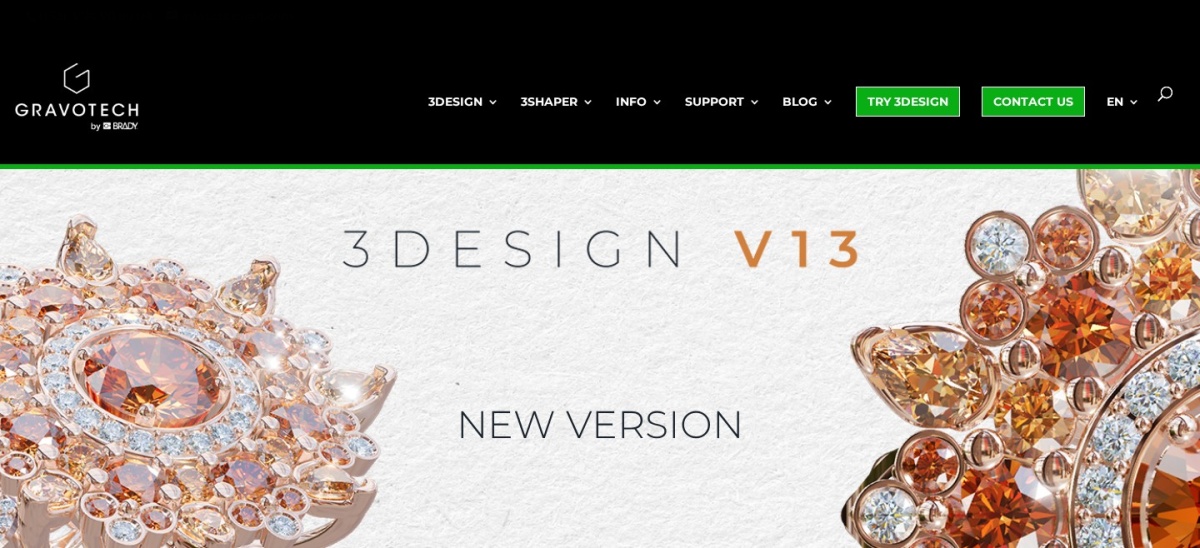
3Design is the standalone alternative to the Rhino-based jewelry tools: a jewelry-only CAD program that runs on its own, with no Rhino licence needed. It tracks every step of the design tree, so changing a ring size or gem layout updates the whole piece, and it includes pavé, ring builders and weight reports. The Atelier edition costs $4,400 once through an authorised reseller. It is rated 4.0 out of 5 on Trustpilot from 8 reviews.
The trade off is price transparency. Gravotech publishes no price, so the $4,400 figure comes from a reseller listing and you buy through a rep, and the full Pro edition costs more. It suits studios that want a dedicated jewelry CAD tool without a Rhino dependency.
ZBrush is the digital sculpting tool for organic, high-detail jewelry: animals, flowers, faces and textured surfaces. It handles millions of polygons with ease, so a sculpted piece keeps fine detail all the way to the print. It costs $399 a year, or $33.25 a month billed annually. It is rated 4.7 out of 5 on G2 from 104 reviews.
The trade off is the mesh. Sculpted meshes need cleanup before casting, the interface is famously hard to learn, and there is no parametric history for resizing a ring. It suits designers making sculptural, art-jewelry pieces.
Autodesk Fusion is a cloud workspace for product design that packs CAD, CAM, simulation and PCB design into one subscription. Jewelry makers use its parametric history to resize rings and its CAM tools to mill wax models, and hobbyists get a free personal-use plan for non-commercial projects under $1,000 a year. It is rated 4.5 out of 5 on G2 from 520 reviews.
The trade off is that it is not jewelry-specific. There are no ring builders or gem libraries, files live in Autodesk's cloud, and the free plan edits only 10 documents at a time. It suits designers who also need CAM and cloud collaboration in the same subscription.
Blender is a free, open-source 3D app that covers sculpting, modelling and photoreal rendering. Jewelry makers use it to sculpt organic forms and render gemstones and metals in Cycles before exporting meshes for print, with a huge library of free tutorials behind it. It is rated 4.6 out of 5 on G2 from 319 reviews.
The trade off is precision. Blender is a mesh modeller, not parametric CAD, so exact ring sizes and stone seats need manual care, and meshes need cleanup before casting. It suits hobbyists, students and startups at zero software cost.
Shapr3D is a professional CAD app built for sketching with an Apple Pencil or mouse, and the result is a precise solid with real dimensions. Jewelry designers sketch a ring or pendant on an iPad, then export STEP files for engineering or STL for print. The free Basic plan covers 2 projects, and Pro costs $299 a year per seat. It is rated 4.8 out of 5 on G2 from 173 reviews.
The trade off is the free tier and the focus. Two projects and low-resolution exports are enough to learn on, but real work needs Pro, and there are no jewelry-specific tools. It suits designers who sketch concepts on an iPad and want proper CAD.
What we like
Fastest CAD learning curve on iPad
Precise solids, not mesh sketches
Free Basic plan to learn on
Highest rating here at 4.8 from 173 reviews
Watch out for
Free plan allows only 2 projects
No jewelry-specific tools
Pro is $299 a year per seat
Pro adds unlimited projects and high-resolution exportsVisit shapr3d.com
07
Onshape
4.7/5on G2 (724 reviews, checked Nov 2026)
Paid from$1,500/yr
Best for jewelry teams in a browser
Entry price$1,500 per user/yr Standard
Free planYes, public documents only
CollaborationReal-time, multi-user editing
PlatformBrowser, iOS, Android
onshape.com
Onshape homepage, captured Nov 2026.
Onshape is cloud-native CAD that runs entirely in a web browser. Two designers can edit the same assembly at once, every change is versioned like source code with branching and merging, and there is nothing to install or update. It is rated 4.7 out of 5 on G2 from 724 reviews.
The trade off is the free plan and the focus. It is for non-commercial use and every free document is public, while Standard costs $1,500 per user per year, and there are no jewelry-specific tools. It suits distributed jewelry teams that want real-time collaboration without a file server.
FreeCAD is a free, open-source parametric 3D modeller for designing real objects of any size. Jewelry makers use its feature-based modelling and constraints to build rings and settings that resize cleanly, with STEP export for manufacturing. It is rated 4.1 out of 5 on G2 from 61 reviews.
The trade off is polish and jewelry tools. The interface is rougher than paid tools, there are no gem libraries or ring builders, and support comes from the community. It suits hobbyists and small shops that need real parametric CAD for no money.
Tinkercad is Autodesk's free browser tool for first-time 3D modelling. You drag shapes together, group them and export an STL file for a 3D printer, with nothing to install and no paid tier at all. It is rated 4.5 out of 5 on G2 from 120 reviews.
The trade off is ceiling. It handles a simple ring, pendant or charm well, but it has no parametric history or precise dimension tools for fine settings. It suits complete beginners printing a first simple piece.
MatrixGold is what most American custom jewelers mean when they say jewelry CAD. It is the ring-focused standard for bridal, rings and made-to-order work, backed by Stuller manufacturing and training.
The $5,995 bundle from Stuller includes the MatrixGold 3 licence, a Rhino 8 licence, six months of membership and support. Designers who already own Rhino 8 pay $5,495 for MatrixGold only.
It is not scored in this list because no public user rating could be verified for it on G2, Capterra or Trustpilot. The same applies to RhinoArtisan, CounterSketch, JewelCAD and Jewelry CAD Dream, which are also left out for that reason.
How we chose
We started from the jewelry CAD tools that appear most often in current roundups, then kept the nine with a verifiable public rating on G2 or Trustpilot and a published price or a free plan.
Prices come from each vendor's pricing page, checked on 23 November 2026, except 3Design, whose $4,400 price comes from an authorised reseller, and ZBrush, whose $399 price comes from independent price trackers. Ratings come from G2 or Trustpilot on the same day.
We left out jewelry-only tools with no verifiable public rating, including MatrixGold, RhinoArtisan, CounterSketch and JewelCAD. No vendor paid for a place, and we do not claim hands-on testing for this list.
How to choose CAD software for jewelry design
Start with what you make, since a bridal ring, a sculptural pendant and a production collection need different tools.
Name what you make first. Rings and settings need precise NURBS and parametric history, sculptural pieces need mesh sculpting, and production runs need a design tree that survives resizing.
Check for jewelry-specific tools. Ring builders, pavé and stone libraries only come with dedicated jewelry software, so general CAD means building every setting by hand.
Try the free tier with a real piece. Fusion personal use, Blender, FreeCAD and Tinkercad all let you model a real ring before paying, so test with your own work.
Compare the yearly price, not the monthly one. Monthly billing costs far more than yearly on every subscription here, so budget from the annual figure and the renewal terms.
FAQ
What is the best CAD software for jewelry design?
Rhino is the best base platform for most designers. It costs $995 once, it writes the precise NURBS files every bench expects, and it is rated 4.4 out of 5 on G2 from 192 reviews.
How much does MatrixGold cost?
MatrixGold costs $5,995 once with a Rhino 8 licence included, or $5,495 without Rhino, from Stuller. It is the ring-focused industry standard, but it has no public user rating, so it is not scored in this list.
Is there free CAD software for jewelry design?
Yes. Blender is the best free option for sculpting and rendering, FreeCAD covers parametric parts, and Tinkercad covers first simple prints, all at $0 with no paid tier.
What is the best CAD software for rings?
3Design is the best dedicated ring tool here, with a parametric design tree, pavé and ring builders, at $4,400 once. Rhino plus a jewelry plug-in is the flexible alternative.
Which CAD software is best for sculptural jewelry?
ZBrush is the best pick for organic, sculptural pieces. It costs $399 a year and handles millions of polygons, but its meshes need cleanup before casting.
Do I need Rhino for jewelry design?
No, but most professional jewelry design runs on it. 3Design works without Rhino, and Fusion, Blender and FreeCAD cover jewelry work without a Rhino licence.