WLWPLegible EditorsLast verified 23 Nov 2026How we rank13 min read
★ Short answer
Teamcenter is the best CAD PLM software for most manufacturers. It is rated 4.3 out of 5 on G2 from 1,469 reviews and covers the full product lifecycle from design to service. Pick Aras Innovator for a configurable platform, or OpenBOM for small teams on a published price.
How we make this list: we compare pricing pages, product documentation and public user reviews, then re-check every price before each update. No product paid for a place. Disclosure.
Teamcenter leads with 1,469 G2 reviews at 4.3 out of 5, the largest review base in this list by far.
Aras Innovator has the highest rating here at 4.4 out of 5, and its platform is built to be configured, not just used.
Only two tools publish a price: Vault Professional at $870 a year and OpenBOM at $30 a seat a month billed yearly.
The other seven PLM tools are quote-only, so budget for sales calls and implementation services on top of licences.
OpenBOM is the cheapest way in, with free read-only users and the first 2,000 data records free.
What CAD PLM software should cover
PLM software keeps every version of a product in one place: CAD files, bills of materials, change orders, suppliers and service records. Without it, teams pass spreadsheets and CAD files around by email and lose track of which revision is current.
CAD integration decides most purchases. Teamcenter, Windchill and ENOVIA each tie closely to one CAD family, while Aras and Arena work across several CAD tools and OpenBOM plugs into SolidWorks, Inventor, Fusion and Onshape.
Pricing is mostly hidden. Seven of the nine tools here publish no price and sell by quote, so the licence cost, implementation and yearly maintenance all need a sales conversation.
Our guide on how much a WordPress site redesign costs makes a similar point about design tools: the licence is only part of the cost, and training time matters too.
Siemens Teamcenter is a PLM platform for managing a product from first sketch to service. It covers CAD data, bills of materials, change management, requirements, manufacturing planning and service records in one system, and it is rated 4.3 out of 5 on G2 from 1,469 reviews.
The trade off is scope and cost. There is no published price, implementation usually needs a services partner, and the platform takes months to roll out. It suits mid-size and large manufacturers that need PLM across engineering, manufacturing and service.
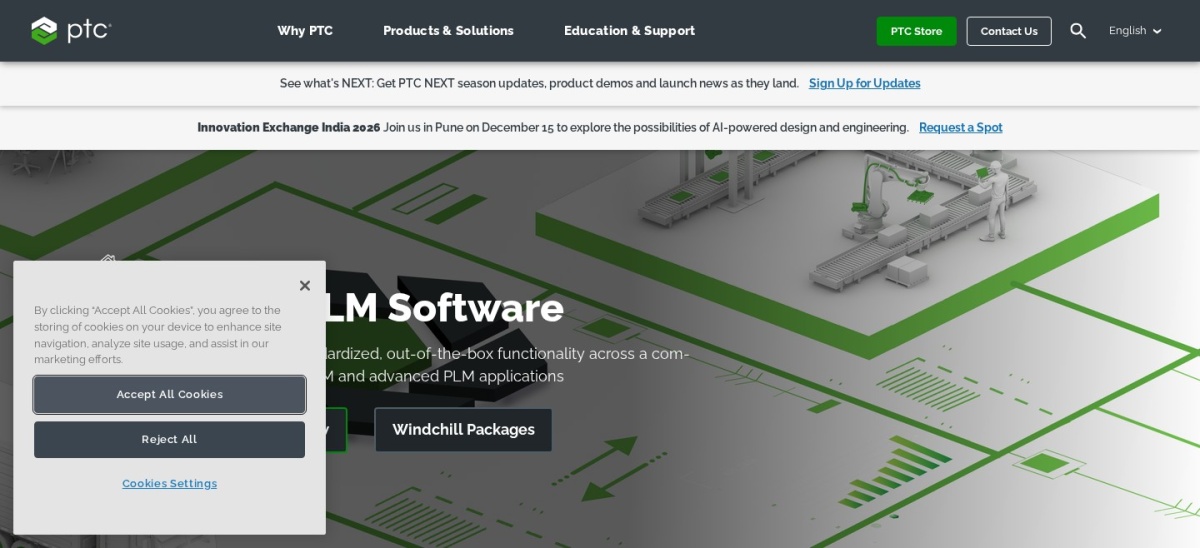
PTC Windchill is a PLM platform for engineering teams with complex, configurable products. It manages CAD data, BOMs, change processes and configuration, and it pairs natively with Creo, with multi-CAD support for other tools. It is rated 4.1 out of 5 on G2 from 121 reviews.
The trade off is price and complexity. There is no published price, and the full platform is built for large engineering organisations rather than small teams. It suits manufacturers with configurable products and deep Creo use.
What we like
Native integration with Creo
Strong BOM and configuration management
SaaS edition Windchill+ is available
Handles complex product variants
Watch out for
Quote-only pricing, no published price
Built for large teams, heavy for small ones
Smallest enterprise review base here
Pricing is by quote, with services usually neededVisit ptc.com
03
Dassault Systemes ENOVIA
4.1/5on G2 (77 reviews, checked Nov 2026)
PricingCustom/yr
Best for CATIA and SOLIDWORKS shops
Entry priceQuote only
CAD integrationCATIA, SOLIDWORKS
DeploymentCloud on 3DEXPERIENCE
Free planNo, demo on request
3ds.com
Dassault Systemes ENOVIA homepage, captured Nov 2026.
Dassault Systemes ENOVIA is a PLM platform built on the 3DEXPERIENCE platform. It manages product data, BOMs, change and project planning, and it ties directly into CATIA and SOLIDWORKS. It is rated 4.1 out of 5 on G2 from 77 reviews.
The trade off is cost. Reviewers cite price as a barrier more often than for Teamcenter or Windchill, and there is no published price. It suits manufacturers already designing in CATIA or SOLIDWORKS.
What we like
Native CATIA and SOLIDWORKS integration
Cloud platform with collaboration built in
35 years of PLM experience behind it
Strong change and project planning
Watch out for
Quote-only pricing, no published price
Reviewers cite cost as a barrier
Smallest review base in this list
Pricing is by quote on the 3DEXPERIENCE platformVisit 3ds.com
04
Aras Innovator
4.4/5on G2 (119 reviews, checked Nov 2026)
PricingCustom/yr
Best for complex products that need configuring
Entry priceQuote only
PlatformLow-code, configurable
DeploymentCloud or on-premise
Free planNo, demo on request
aras.com
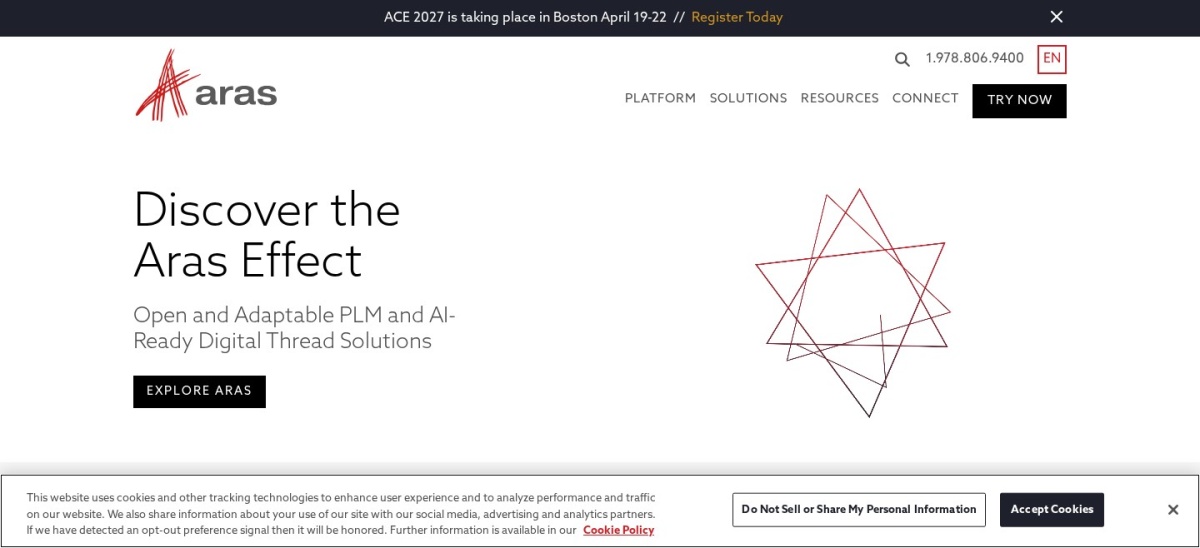
Aras Innovator homepage, captured Nov 2026.
Aras Innovator is a PLM platform built to be configured around a company's own processes. It covers product development, manufacturing, quality and field service, with a low-code layer for changing data models and workflows. It is rated 4.4 out of 5 on G2 from 119 reviews, the highest rating here.
The trade off is effort. Flexibility means the platform needs shaping to fit, and that work usually falls to internal staff or a partner. It suits manufacturers whose products and processes do not fit a standard template.
What we like
Highest G2 rating here at 4.4 out of 5
Low-code configuration of data and workflows
Open platform, not locked to one CAD tool
Covers quality and field service too
Watch out for
Quote-only pricing, no published price
Needs configuration work before it fits
Longer setup than cloud-first rivals
Pricing is by quote, with configuration servicesVisit aras.com
05
Arena PLM & QMS
4.2/5on G2 (464 reviews, checked Nov 2026)
PricingCustom/yr
Best cloud PLM for electronics and medical devices
Entry priceQuote only
DeploymentCloud only
QualityQMS included
Free planNo, free trial
arenasolutions.com
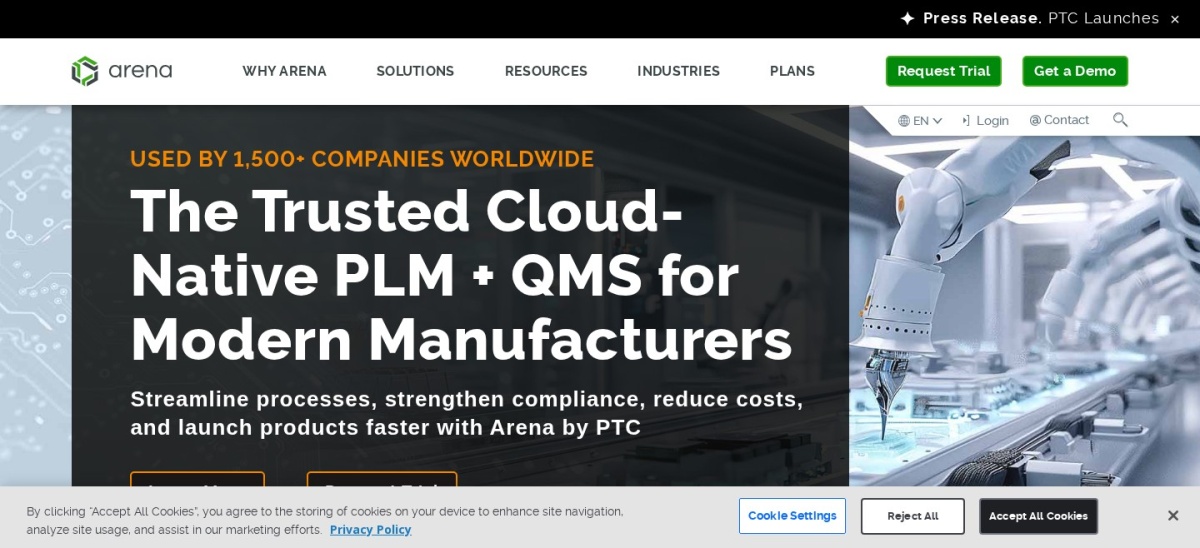
Arena PLM & QMS homepage, captured Nov 2026.
Arena PLM & QMS is PTC's cloud PLM platform for hardware, electronics and medical device makers. It combines BOM management, change control and quality management in one cloud system, and it is rated 4.2 out of 5 on G2 from 464 reviews. More than 1,500 companies use it.
The trade off is price transparency. There is no published price, and reviewers note it is expensive for small companies. It suits regulated hardware teams that need BOM-linked quality without running servers.
Autodesk Vault is product data management for teams designing in Inventor and AutoCAD. Vault Professional costs $870 per user per year and adds version control, lifecycle states and change orders, while Vault Basic comes free with Inventor Professional. It is rated 4.1 out of 5 on G2 from 54 reviews.
The trade off is scope. Vault is PDM, not full PLM, so it manages files and revisions rather than the whole product lifecycle. It suits Autodesk CAD teams that need controlled revisions without an enterprise PLM rollout.
What we like
Only enterprise-grade tool here with a published price
Vault Basic is free with Inventor Professional
Built for Autodesk CAD workflows
Named-user licence installs on 3 devices
Watch out for
PDM scope, not full PLM
Smallest G2 review base of the priced tools
On-premise server to run
Vault Office costs $215 a year; Basic is free with InventorVisit autodesk.com
07
OpenBOM
4.2/5on G2 (798 reviews, checked Nov 2026)
Paid from$30/mo
Best for small teams on a published price
Entry price$30/seat/mo billed yearly
CAD integrationSolidWorks, Inventor, Fusion
Free planYes, up to 2,000 records
Free usersUnlimited read-only users
openbom.com
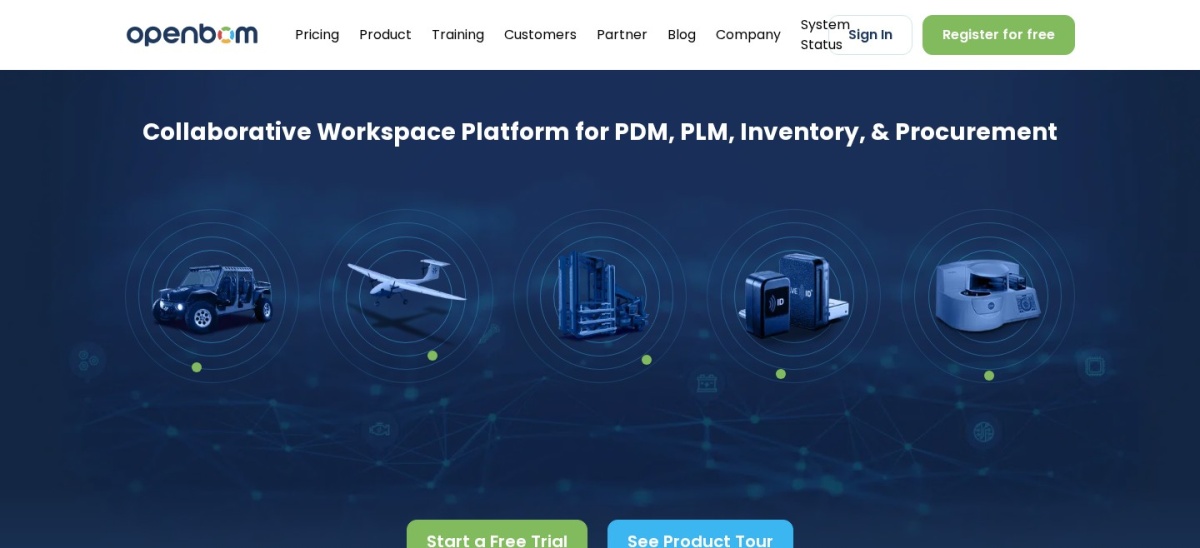
OpenBOM homepage, captured Nov 2026.
OpenBOM is a cloud BOM and product data tool for small engineering teams. The Professional Team plan costs $30 per seat a month billed yearly, read-only users are free on every plan, and the first 2,000 data records are free. It is rated 4.2 out of 5 on G2 from 798 reviews.
The trade off is depth. Full PDM and change management need the Company plan at $90 a seat a month, and CAD add-ins cost $25 a seat per CAD system a month. It suits hardware startups moving BOMs out of spreadsheets.
Propel combines PLM, product information management and quality management in one system built natively on Salesforce. It suits mid-size device and hardware companies that already run Salesforce, and its small-company tier lists annual licence fees from $10,000 to $150,000. It is rated 4.3 out of 5 on G2 from 146 reviews.
The trade off is the Salesforce tie. Teams not on Salesforce get little of the benefit, and the quoted range is wide enough to need a sales call. It suits Salesforce shops that want PLM and QMS in one place.
Autodesk Fusion Manage homepage, captured Nov 2026.
Autodesk Fusion Manage is a cloud PLM for design teams already working in Fusion or Inventor. It covers BOMs, change management and supplier collaboration in the cloud, at $1,115 per user per year. It is rated 4.3 out of 5 on G2 from 114 reviews.
The trade off is that the price is reported by third parties rather than published on Autodesk's own pricing page, so confirm it with Autodesk before budgeting. It suits Autodesk shops that want cloud PLM without an on-premise server.
What we like
Cloud PLM with no server to run
Ties into Fusion and Inventor workflows
Rated 4.3 out of 5 from 114 G2 reviews
Supplier collaboration built in
Watch out for
Price is third-party reported, not vendor-published
PDM manages CAD files and revisions. PLM manages the whole product: requirements, BOMs, changes, suppliers, quality and service records.
Vault and OpenBOM sit closer to PDM, while Teamcenter, Windchill, ENOVIA and Aras are full PLM. If you only need version control for CAD files, PDM is enough and costs far less.
Buy PLM when more than one department needs the same product data, or when audits and change approvals are part of daily work.
How we chose
We started from the PLM tools that appear most often in current roundups and G2's PLM rankings, then kept the nine with the strongest review record and a verifiable price or a clear quote-only position.
Prices come from each vendor's pricing page or published list, checked on 23 November 2026. Ratings come from G2 on the same day. Where a vendor publishes no price, the list says quote-only instead of guessing a figure.
We left out tools aimed only at fashion, food or retail brands. No vendor paid for a place, and we do not claim hands-on testing for this list.
How to choose CAD PLM software
Start with the CAD tools your team already uses, since PLM only works when it talks to them.
Name your CAD tools first. Teamcenter fits NX shops, Windchill fits Creo, ENOVIA fits CATIA and SOLIDWORKS, and Vault fits Inventor and AutoCAD, so the CAD choice narrows the PLM list fast.
Decide PLM or PDM. If you only need CAD version control, Vault or OpenBOM costs far less than full PLM. Buy PLM when quality, suppliers and service need the same data.
Ask for the full quote, not just licences. Seven tools here are quote-only, and implementation and yearly maintenance often cost more than the first year of licences, so get all three figures in writing.
Trial with a real product, not a demo file. Run one real BOM and one real change order through the trial, because that is where weak change control and CAD integration show up.
FAQ
What is the best CAD PLM software?
Teamcenter is the best pick for most manufacturers. It is rated 4.3 out of 5 on G2 from 1,469 reviews and covers design, manufacturing and service in one platform.
How much does PLM software cost?
Most enterprise PLM is quote-only, so there is no list price. The two published prices here are Vault Professional at $870 a user a year and OpenBOM at $30 a seat a month billed yearly.
What is the difference between PLM and PDM?
PDM manages CAD files and revisions. PLM manages the whole product, including requirements, BOMs, change orders, suppliers, quality records and service data.
Is there free PLM software?
There is no full free PLM here. OpenBOM has a free tier up to 2,000 records with unlimited free read-only users, and Vault Basic comes free with Inventor Professional.
Which PLM software is best for small teams?
OpenBOM is the best fit for small teams. It costs $30 a seat a month billed yearly, publishes its prices, and read-only users are free.
Do I need PLM if I already use CAD?
CAD alone does not track revisions, approvals or suppliers. You need PLM or PDM once more than one person edits the same parts or an audit asks who approved a change.