Best Business Card Scanner Apps in 2026: 9 Tools Compared
WLWPLegible EditorsLast verified 24 Nov 2026How we rank13 min read
★ Short answer
CamCard is the best business card scanner app for most people, with 100 free scans, multi-card capture and Excel export on its $49.99-a-year Premium plan. Pick Covve for offline scanning in 60+ languages, or Haystack if you want unlimited free scans.
How we make this list: we compare pricing pages, product documentation and public user reviews, then re-check every price before each update. No product paid for a place. Disclosure.
CamCard gives the most complete free start: 100 scans, multi-card capture and 16 languages, with Premium at $49.99 a year.
Covve is the only pick with no free plan, but it scans offline in 60+ languages and starts at $119 a year.
Haystack scans without a cap on its free plan, and its first paid plan is $54 a year.
HubSpot and Zoho Card Scanner cost nothing extra if you already use those CRMs.
Paid plans run from $29.99 to $240 a year, and CRM sync usually sits on a paid tier.
What to look for in a business card scanner
A business card scanner turns a paper card into a contact in seconds. The scan reads the name, title, company, phone and email, then saves them where you can find them again.
The first question is where the contact should land. Some apps keep it in their own list, some save it to your phone, and some write it straight into a CRM.
Free limits matter more than the headline price. One app may allow 100 scans in total, another 5 a month, and a third has no cap at all. Our guide on creating a contact form in WordPress covers the other half of the job, collecting details from people who visit your site.
Accuracy also varies by card. Busy designs, unusual fonts and scripts the app reads badly cause more errors, so check the first few scans before you pay for a year.
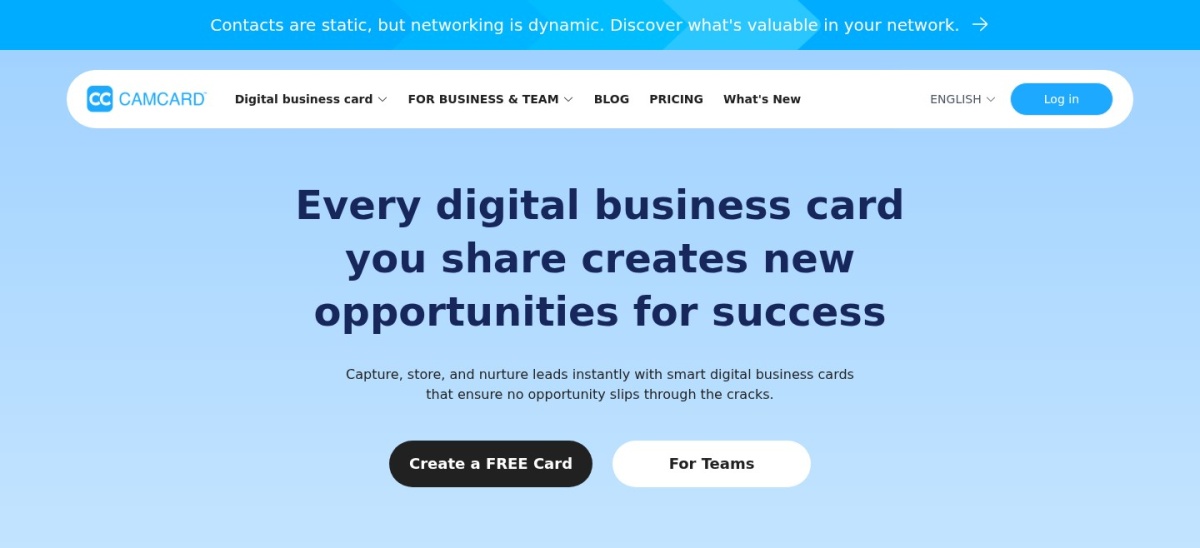
CamCard is the oldest dedicated card scanner in this list, from INTSIG, the maker of CamScanner. It reads cards in 16 languages, captures several cards in one scan, and the free plan allows 100 scans in total. Premium adds Excel and vCard export plus Salesforce sync.
The trade off is that the free plan shows ads and has no export or sync, so the app is only a list until you pay. Premium costs $49.99 a year, and team plans start at $21 per user a month with a 10-user minimum. It suits people who collect cards often and want them in a spreadsheet or CRM.
What we like
100 free scans, the largest free allowance among dedicated scanners
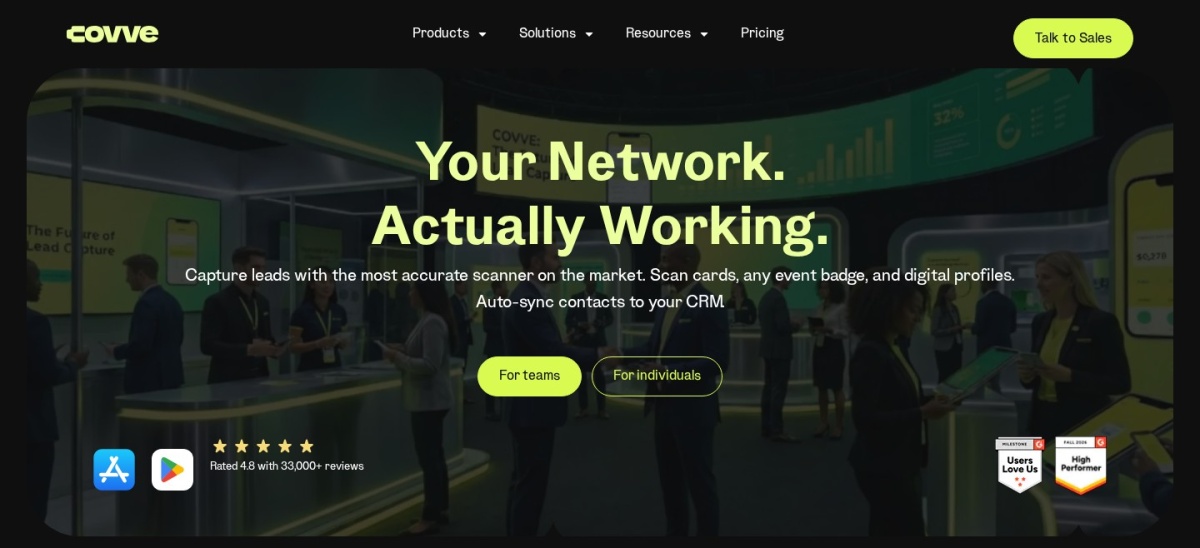
Covve is a scanner and lead capture app that works offline and reads cards in 60+ languages. Essential includes unlimited card and QR scanning, notes and groups, instant bios on leads, and export to phone contacts or Excel. Outlook, Google Contacts and Zapier connections are included too.
The trade off is price and the lack of a free plan. After a 14-day trial, scanning stops until you pay, and Essential costs $119 a year. It suits salespeople who scan at shows with poor signal and want the contact enriched right away.
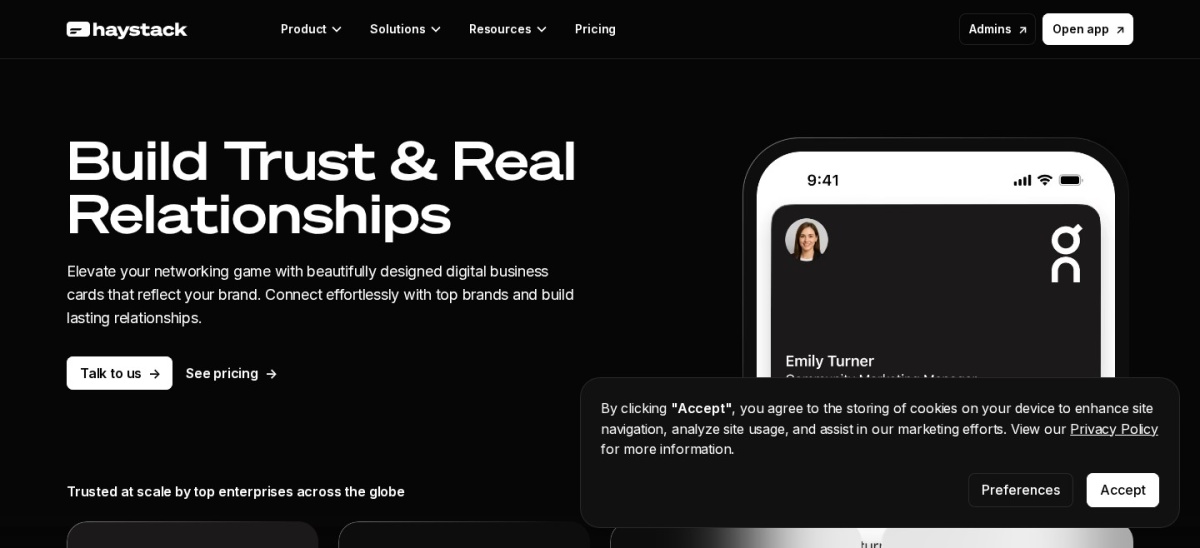
Haystack is a digital business card platform with an AI card scanner on its free Personal plan. The free plan includes unlimited digital cards, unlimited shares and unlimited card scans, with no stated cap. Scanned cards sit in your Haystack list and can sync to your phone contacts.
The trade off is that export and CRM connections are paid features. Pro costs $4.50 per user a month billed yearly, or $54 a year, and adds CRM integrations, smart email signatures and analytics. It suits one person who wants free scans next to a digital card of their own.
HubSpot is a CRM whose mobile app includes a free business card scanner. You frame the card, confirm the matched fields, and the contact is saved in HubSpot with its source logged as the business card scanner. The scanner works on every plan, including the free CRM for up to 2 users.
The trade off is that the contact lives in HubSpot and nowhere else. It reads one card at a time, does not work on iPad, and there is no badge mode. Starter costs $20 per seat a month. It suits teams that already run their pipeline in HubSpot.
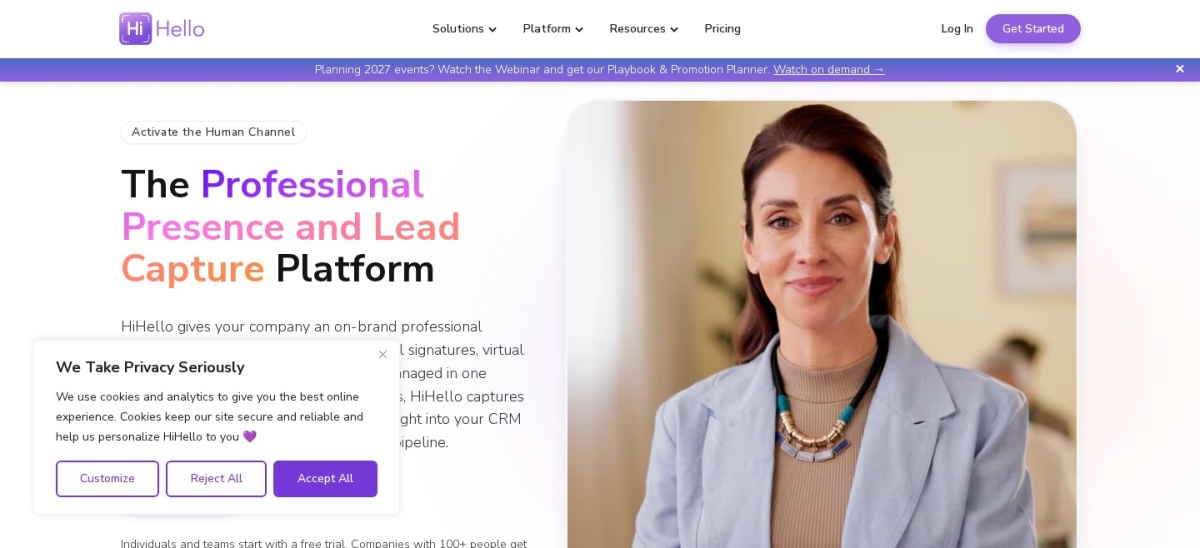
HiHello is a digital business card platform whose scanner reads paper cards, event badges and QR codes. The free Personal plan allows 5 card or badge scans a month, and every plan includes bulk scanning for about 100 cards in one sitting. Scanned contacts land in a Scanned group in HiHello Contacts.
The trade off is the monthly cap. Professional allows 20 scans a month for $6 a month billed yearly, or $72 a year, and unlimited scans need an add-on. It suits people who hand out a digital card and scan a few paper cards each month.
What we like
Bulk scanning on every plan, about 100 cards
Scans badges as well as paper cards
Strong G2 rating from 1,274 reviews
Digital card, wallet pass and email signature included
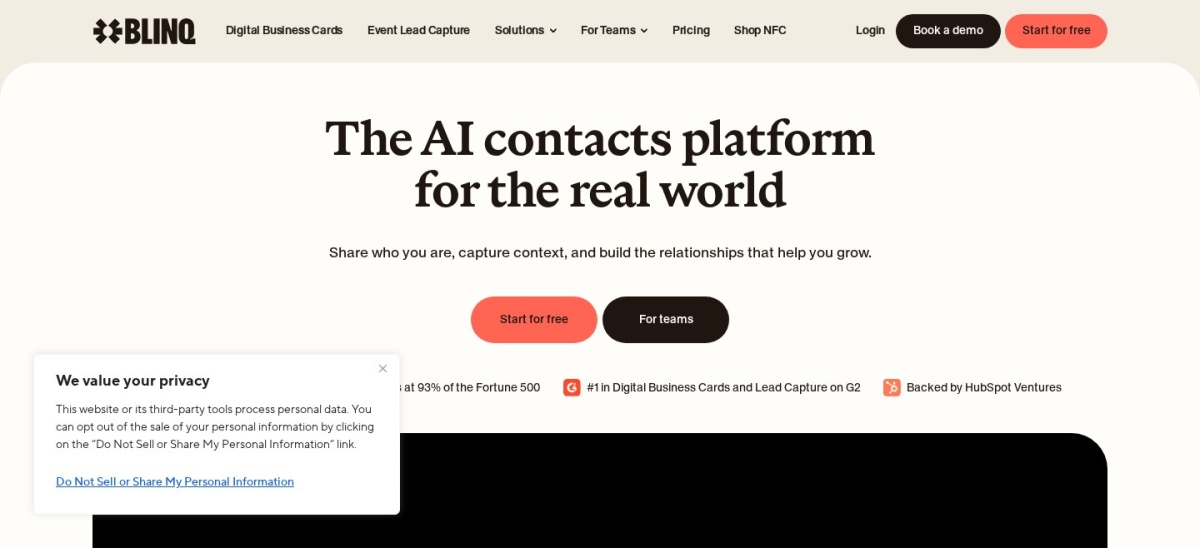
Blinq is a digital business card platform with a universal scanner for cards, badges, QR codes and LinkedIn QR codes. Scans queue on the phone with no connection and sync when you are back online. Premium includes the scanner with no stated cap, plus CSV export.
The trade off is that the scanner is a paid feature. Premium costs $7.33 a month billed yearly, or $87.99 a year, and CRM sync needs the Business plan. It suits teams that want each scan pushed to the CRM on its own.
What we like
Highest G2 rating in this list, 4.8 from 9,345 reviews
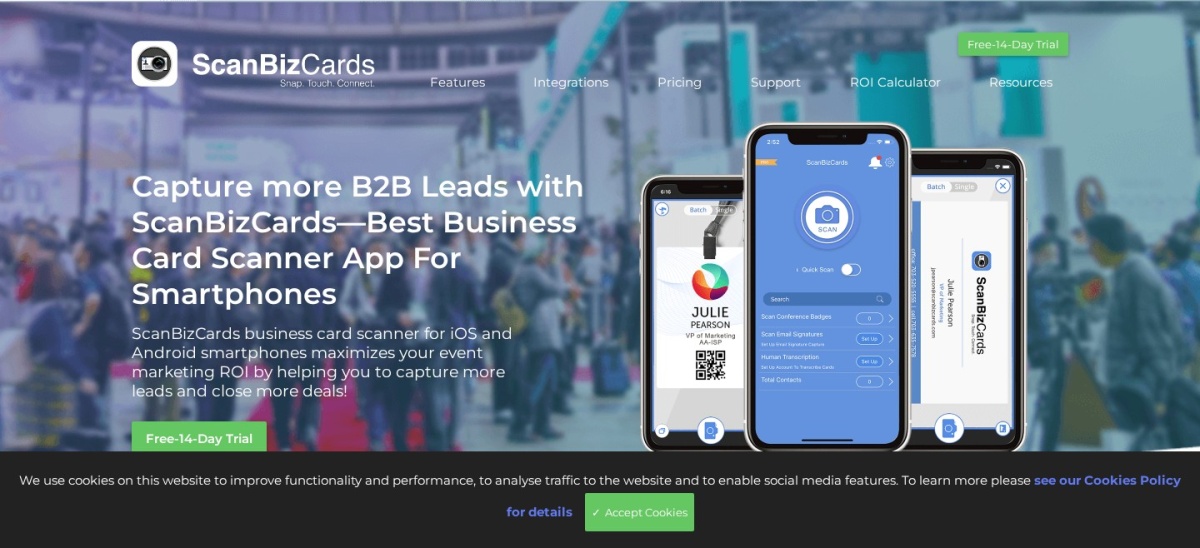
ScanBizCards is a card and conference badge scanner built for Salesforce teams. It reads cards with text recognition, and staff can transcribe hard-to-read cards by hand for a fee. The free Trail-Blazer plan includes scanning and 2 human transcriptions, once.
The trade off is the low review base and the paid team tier. Sales Ninja costs $100 per user a year for teams of up to 50 users, and badge scanning and CRM export are not on the free plan. It suits sales teams that meet messy cards at events.
4.6/5on App Store (20,565 reviews, checked Nov 2026)
Paid from$29.99/yr
Best for cards in many languages
Free scans10 in total
Card languages25
CRM syncSalesforce Leads
Paid planPremium, $29.99/yr
abbyy.com
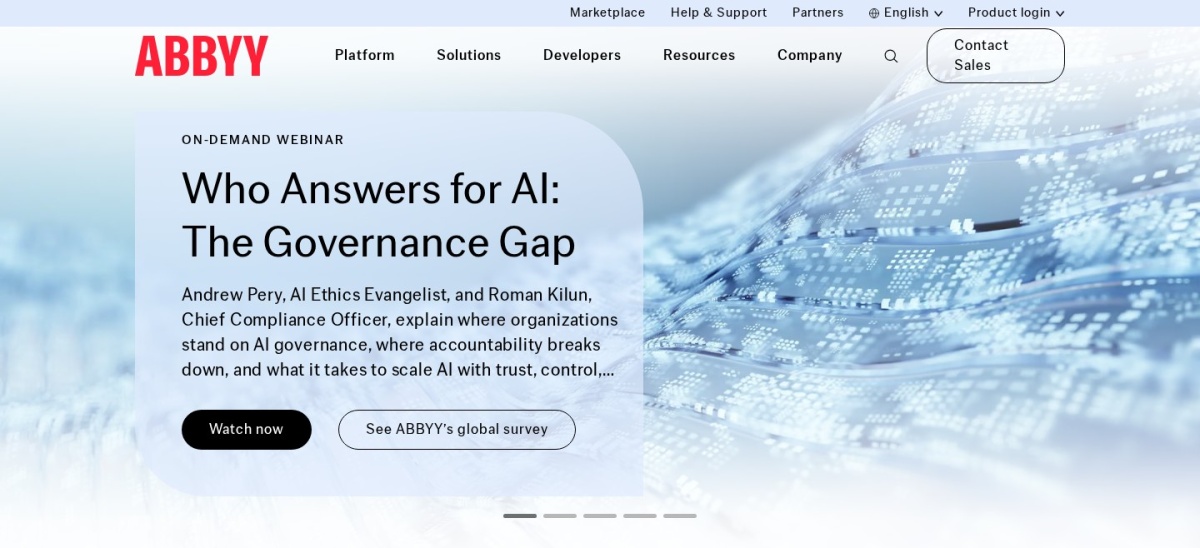
ABBYY Business Card Reader homepage, captured Nov 2026.
ABBYY Business Card Reader is an iPhone and iPad app from the company behind ABBYY OCR. It reads cards in 25 languages, marks doubtful characters for you to check, and saves contacts to the phone or the app's own card holder. The free version reads 10 cards in total.
The trade off is that Android is gone and sync is gone too. ABBYY ended the Android app in September 2023 and removed account sync, so scans stay on one phone. Premium costs $29.99 a year, with a $59.99 one-time option. It suits iPhone users with cards in many languages.
Zoho Card Scanner is a free companion app for Zoho CRM on iOS and Android. It reads a card with text recognition, lets you fix a wrong field by dragging the suggested text, and saves it as a Zoho CRM contact or lead. Zoho says there is no limit on how many cards you can store.
The trade off is that Zoho CRM is the destination. If you do not use Zoho, the contact has nowhere to go, and the Salesforce connector costs $4.99 a month. It suits teams that already run Zoho CRM on any edition.
What we like
Free scanner with no stated card limit
Saves straight into Zoho CRM as a lead or contact
Duplicate check by email address
Reads cards in 14 languages
Watch out for
Only useful inside Zoho CRM
No badge scanning documented
Salesforce sync is a paid add-on
Standard is the cheapest paid Zoho CRM editionVisit zoho.com
Free vs paid: what you give up
Free plans cover the basics well. Most include a set number of scans a month, or a lifetime allowance, and save the contact in the app.
Paid plans mostly add export and CRM sync. You get the contact out of the app and into your phone, a spreadsheet or your CRM without retyping it.
If you scan at events, check the badge and offline rules before you pay. Our guide on growing an email list with WordPress covers what to do with the contacts once you have them.
For a team that scans every week, the first year of a paid plan often costs less than the hours lost retyping cards by hand.
How we chose
We started from the scanner apps named most often in 2026 roundups, then kept the ones a buyer can still get today, with a live pricing page or store listing.
Prices come from each vendor's pricing page, store listing or help center, checked on 24 November 2026. Ratings come from G2 or Capterra on the same day, except ABBYY, where no G2 or Capterra rating was found and the App Store rating is used instead. Where a vendor shows a sale, the list shows the regular price.
We left out retired apps such as Microsoft Lens and the FullContact Card Reader, and apps with no published price. No vendor paid for a place, and we do not claim hands-on testing for this list.
How to choose a business card scanner app
Start with where the contact has to end up, then check the free limit against how many cards you collect.
Check where the contact lands. If your CRM is HubSpot or Zoho, use its own free scanner. If you need a spreadsheet, pick an app with export on its plan.
Count your cards per month. Five scans a month is enough for a casual networker, but one trade show can use up a whole month of HiHello in an afternoon.
Check offline and badge support. Show floors often have poor signal. Covve and Blinq keep scanning with no connection, and badge scanning is a paid feature in most apps.
Scan five of your own cards first. Use your busiest card, one with a logo and small text, and one in another language if you have it. Check the fields before you pay.
FAQ
What is the best business card scanner app?
CamCard is the best pick for most people. It gives 100 free scans, reads cards in 16 languages, captures several cards at once, and Premium costs $49.99 a year with Excel export and Salesforce sync.
Is there a free business card scanner app?
Yes. Haystack scans without a cap on its free plan, and HubSpot and Zoho Card Scanner are free inside those CRMs. CamCard allows 100 scans in total, while HiHello allows 5 a month on its free plan.
Which business card scanner works offline?
Covve captures scans with no connection and finishes reading them when you reconnect. Blinq queues scans on the phone the same way. HiHello needs a connection, and most other apps do not state offline support.
Do business card scanners work with a CRM?
Most do on a paid plan. HubSpot and Zoho write scanned cards straight into their own CRM for free. ScanBizCards exports to Salesforce, while Covve, Blinq and HiHello add CRM sync on team plans.
Can a scanner read event badges too?
Some can. HiHello and Blinq scan badges, Covve reads badge text on Pro, and ScanBizCards scans conference badges on its team plan. Most badge codes hold only an attendee ID, so the app reads the printed name and company instead.
What happens to my scans if I stop paying?
You keep the contacts you already captured in most apps, but scanning stops. Covve states this plainly: after the trial ends without payment, you cannot scan more cards, though the contacts you captured stay.