Best Business Analytics Tools in 2026: 9 Tools Compared
WLWPLegible EditorsLast verified 23 Nov 2026How we rank11 min read
★ Short answer
Power BI is the best business analytics tool for most teams: Desktop is free, Pro costs $14 a user a month, and it connects to hundreds of sources. Tableau suits visual exploration, while Looker Studio is the best free dashboard tool.
How we make this list: we compare pricing pages, product documentation and public user reviews, then re-check every price before each update. No product paid for a place. Disclosure.
Power BI is the best pick for most teams, with free Desktop and Pro at $14 a user a month.
Tableau is the best visual analytics tool, but Creator seats cost $75 a user a month.
Looker Studio and Google Analytics are both free and cover dashboards and web traffic.
Zoho Analytics is the best value paid option here, from $24 a month.
Metabase and Apache Superset are free and open source, but need your own servers.
What to look for in business analytics tools
Business analytics tools turn raw data into dashboards, reports and answers. They split into BI platforms for company data, product analytics for user behaviour, and web analytics for traffic.
Start with the data you have. Website traffic fits Google Analytics, product usage fits Mixpanel, and company data fits Power BI, Tableau or Zoho Analytics.
Then check the cost per user. Free tools cover small teams, but paid seats add up fast: Tableau Creator is $75 a user a month, while Power BI Pro is $14.
Power BI is Microsoft's analytics platform for dashboards, reports and data models. Desktop is free, Pro costs $14 a user a month billed yearly, and it connects to Excel, SQL databases and hundreds of other sources.
The trade off is the Microsoft stack. Power BI works best with Excel, Azure and Microsoft 365, and sharing reports needs a paid Pro licence. It suits teams that already live in Microsoft tools.
Tableau is the visual analytics platform for exploring data with drag-and-drop dashboards. Viewer costs $15 a user a month billed yearly, Explorer $42 and Creator $75, with a hosted cloud option that needs no servers.
The trade off is price. Creator seats cost $75 a user a month, so a team of analysts pays far more than Power BI, and the full feature set takes time to learn. It suits data teams that value visual exploration.
Looker Studio is Google's free dashboard tool for turning data into shareable reports. It connects to Google Analytics, Sheets and BigQuery, and the core is free, with Pro at $9 a user per project a month for teams.
The trade off is depth. Looker Studio is free and easy, but it lacks the data modelling and governance of Power BI or Tableau, and heavy reports can run slowly. It suits small teams and Google shops.
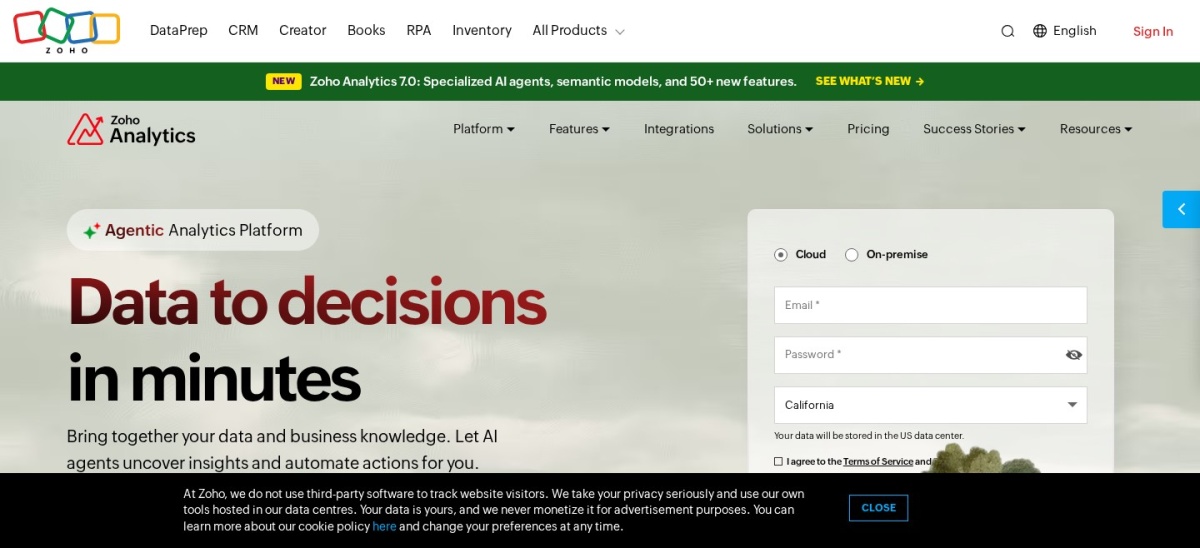
Zoho Analytics is a self-service analytics tool for small teams that want dashboards without a data team. It blends data from spreadsheets, databases and apps, with a free plan for 2 users and Basic from $24 a month billed yearly.
The trade off is scale. Zoho Analytics fits small teams well, but large data volumes and complex models push you to higher plans or other tools. It suits small businesses already using Zoho apps.
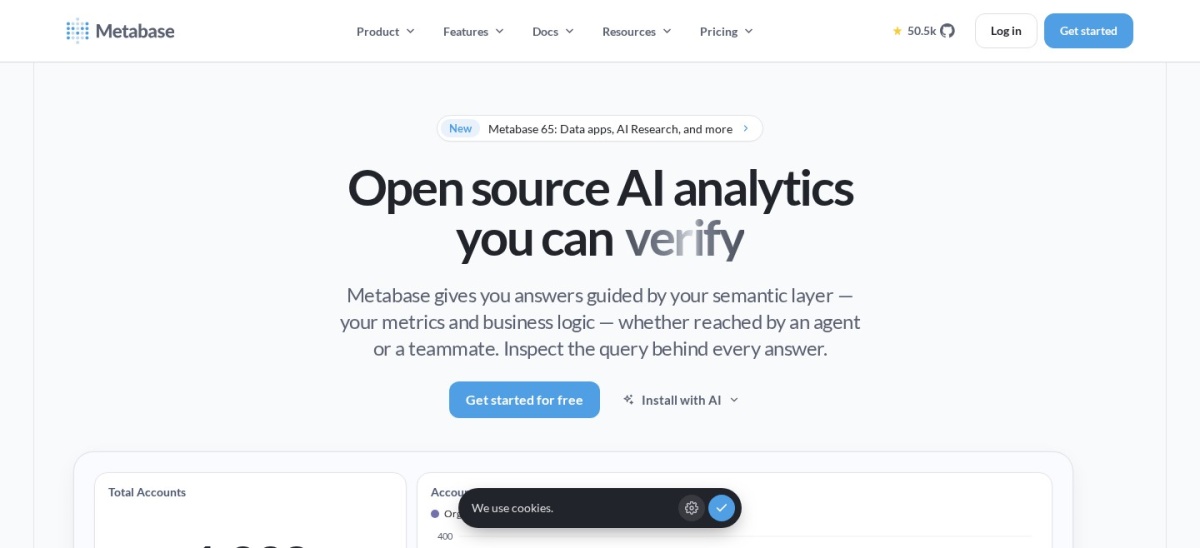
Metabase is an open-source analytics tool for asking questions of your data without SQL. The open-source version is free and self-hosted, while Cloud Starter costs $90 a month billed yearly for 5 users.
The trade off is the cloud price. Self-hosting is free but needs your servers, and Cloud Starter at $90 a month is dearer than Zoho or Looker Studio. It suits teams that want open source with a simple interface.
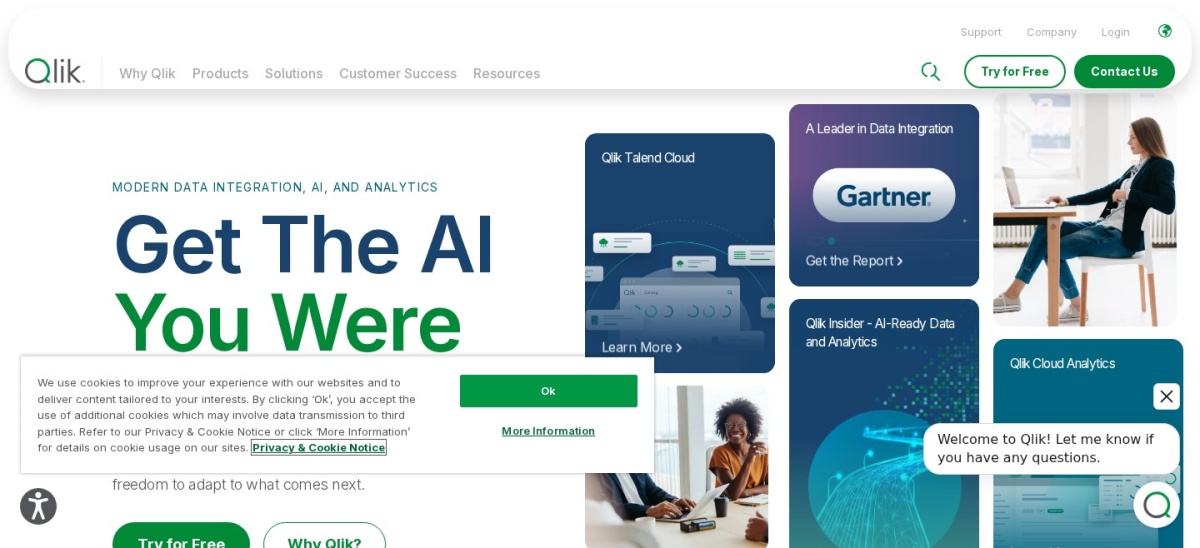
Qlik Sense is an analytics platform built around an associative engine that links data across sources. Starter costs $300 a month flat for 10 users billed yearly, and it suits teams that explore data rather than read fixed reports.
The trade off is price and complexity. At $300 a month flat, Qlik Sense costs more than Zoho or Metabase Cloud, and some sources list a $30 per user Business plan instead. It suits larger teams that need deep exploration.
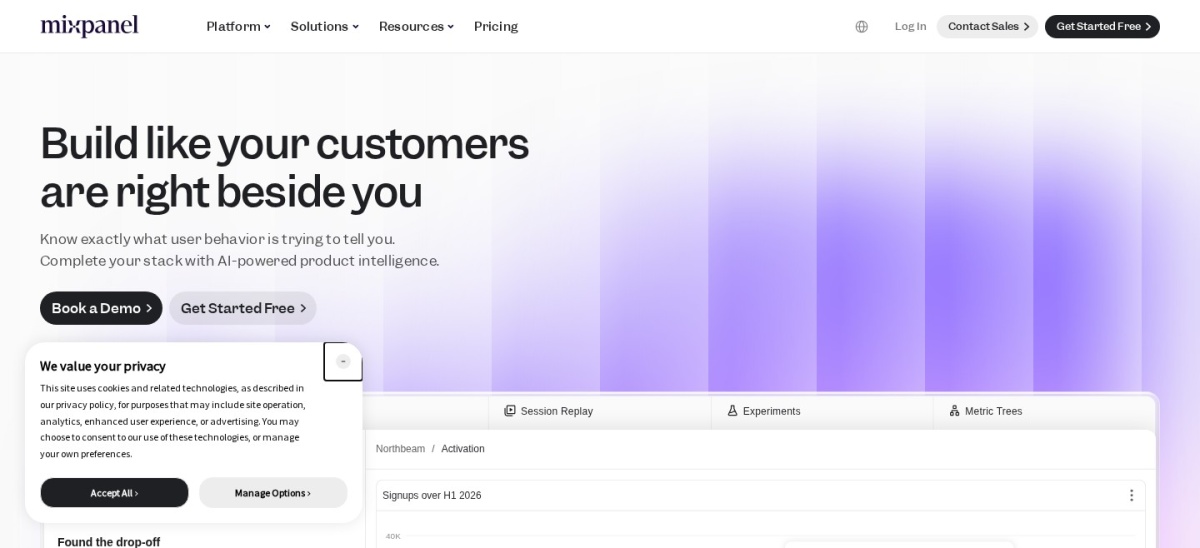
Mixpanel is a product analytics tool for tracking how users move through your product. It covers funnels, retention and cohorts, with a free plan and Growth from $20 a month billed yearly for 10,000 monthly tracked users.
The trade off is the price conflict. One listing puts Growth at $140 a month, far above the $20 figure, so check the pricing page before budgeting. It suits product teams that need funnels and retention.
Google Analytics is the free web analytics tool for tracking website and app traffic. It covers real-time visits, funnels and audiences, and it is free for most sites, with Analytics 360 for enterprises by quote.
The trade off is that it is web-only. Google Analytics tracks sites and apps, not business data such as sales or support, so pair it with a BI tool for full reporting. It suits any site that needs free traffic analytics.
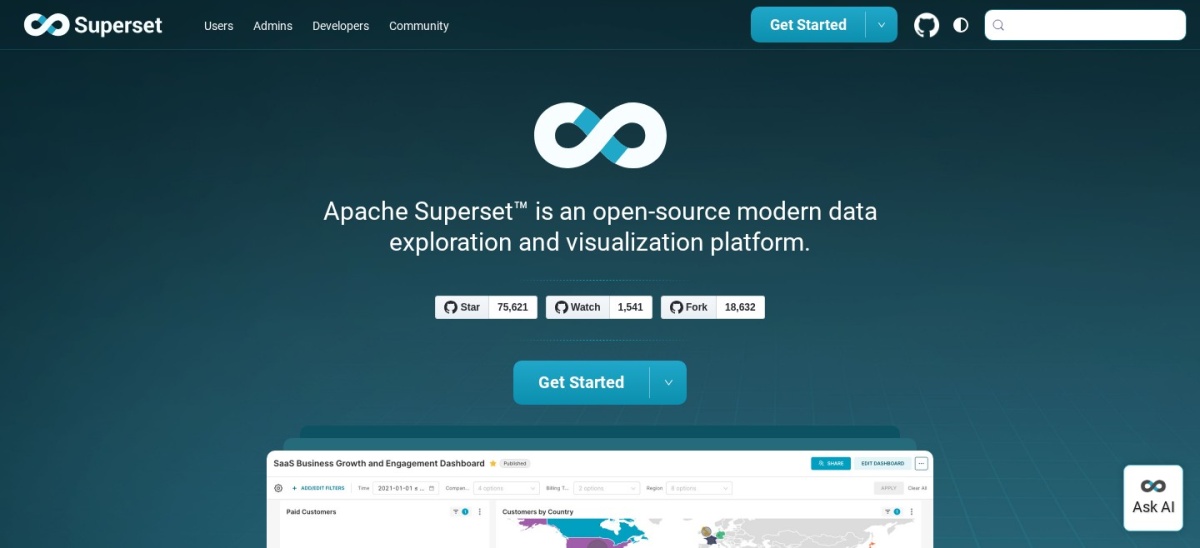
Apache Superset is a free, open-source BI platform for dashboards and data exploration. It offers more than 50 chart types and SQL Lab for queries, and it is free to self-host, with Preset Cloud from $20 a user a month.
The trade off is setup. Superset is powerful and free, but it needs technical setup and maintenance, so it suits data teams with engineering support rather than small business users.
Free tools cover a lot. Looker Studio, Google Analytics and Apache Superset cost nothing, and Power BI Desktop is free too, so a small team can report without paying.
Paid plans add sharing, governance and scale. Power BI Pro, Tableau Creator and Metabase Cloud all charge per user, and the bill grows with the team.
Start free, then pay for the seat that needs sharing or governance. If only one person builds dashboards, a single paid seat often covers the team.
How we chose
We started from the analytics tools most often named in business analytics comparisons, then kept nine that are actively sold, with public pricing, and widely used.
Prices come from each vendor's pricing page, checked on 23 November 2026. Ratings come from G2 on the same day. Mixpanel and Qlik Sense show conflicting prices by source, and Metabase Cloud lists different figures, so check the pricing page before budgeting. Where a vendor shows a sale, the list shows the regular price.
We left out quote-only enterprise platforms and tools with no public pricing. No vendor paid for a place, and we do not claim hands-on testing for this list.
How to choose a business analytics tool
Start with the data you need to report on, then match the tool to your team size.
Match the tool to your data. Web traffic fits Google Analytics, product usage fits Mixpanel, and company data fits Power BI, Tableau or Zoho Analytics.
Count the paid seats. Free tools cover small teams, but Tableau Creator at $75 a user a month adds up fast. Count who really needs a paid seat.
Check the connectors. Make sure the tool connects to your data sources before you commit, or you will pay for workarounds.
Try it on a real report. Build one real dashboard, not a demo, and check speed, sharing and exports before you standardise.
FAQ
What is the best business analytics tool?
Power BI is the best pick for most teams. Desktop is free, Pro costs $14 a user a month, and it connects to Excel, SQL databases and hundreds of other sources.
Is Power BI free?
Power BI Desktop is free. Sharing reports needs Pro at $14 a user a month billed yearly, and Premium Per User costs $24 a user a month for larger workloads.
Is Tableau worth the price?
Tableau is worth it for data teams that value visual exploration and drag-and-drop dashboards. Creator seats cost $75 a user a month, so small teams may prefer Power BI or Looker Studio.
What is the best free analytics tool?
Looker Studio is the best free dashboard tool, and Google Analytics is the best free web analytics tool. Both cost nothing, and they cover reports and traffic for small teams.
Is Google Analytics enough for business reporting?
No, on its own. Google Analytics tracks website and app traffic, not sales, support or finance data, so pair it with a BI tool such as Power BI or Zoho Analytics for full reporting.
Which analytics tool is best for small business?
Zoho Analytics is the best value for small business, from $24 a month with a free plan for 2 users. Looker Studio is free and also fits small teams that already use Google tools.