Best Business Activity Monitoring Software in 2026: 9 Tools Compared
WLWPLegible EditorsLast verified 24 Nov 2026How we rank13 min read
★ Short answer
Datadog is the best business activity monitoring software for most teams, with Infrastructure Pro at $15 per host per month and a 4.4 out of 5 G2 rating from 726 reviews. Dynatrace suits large enterprises that need AI-driven root-cause analysis, while New Relic suits small teams that want a free tier with 100 GB of monthly ingest.
How we make this list: we compare pricing pages, product documentation and public user reviews, then re-check every price before each update. No product paid for a place. Disclosure.
Datadog leads overall: Infrastructure Pro at $15/host/mo, rated 4.4/5 on G2 from 726 reviews.
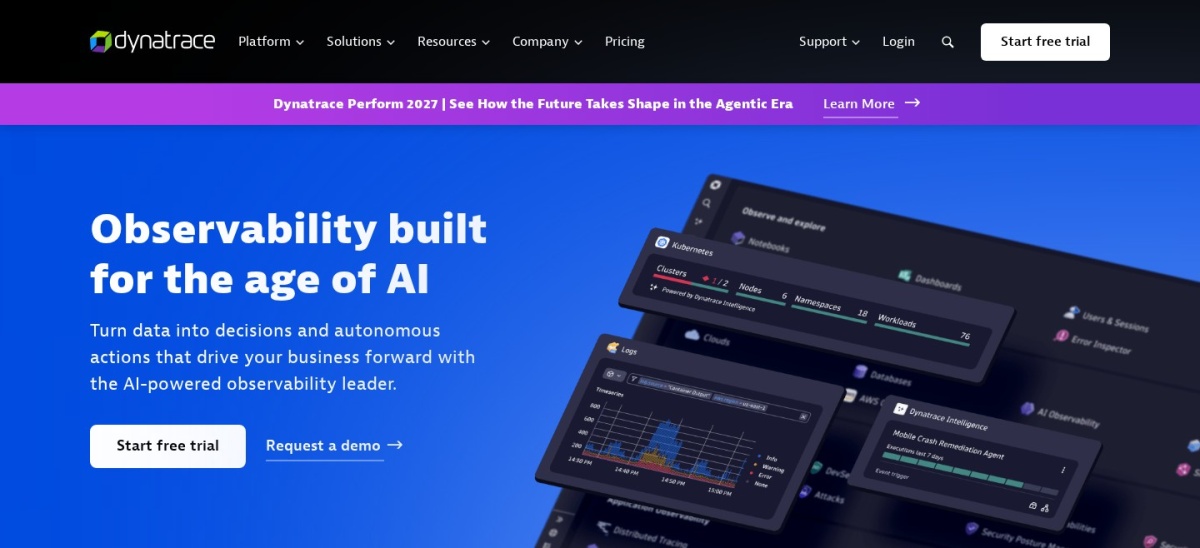
Dynatrace is the highest-rated enterprise option at 4.5/5, but full-stack monitoring is premium-priced.
New Relic has the most generous free tier: 100 GB of ingest a month and one full user.
Site24x7 is the cheapest paid start at $10 a month, and the highest-rated budget pick at 4.6/5.
PRTG has the highest G2 rating in the list at 4.7/5, with 100 sensors free.
What business activity monitoring should cover
Business activity monitoring means watching live business and system signals — orders, sign-ups, service health, uptime — and acting on them before customers notice a problem.
The tools in this list do that job in two ways. Observability platforms such as Datadog and Dynatrace track the systems behind the numbers, while dashboard tools such as Power BI turn the numbers themselves into KPI views for managers.
Look for real-time alerts, not just charts. A dashboard that updates once a day will not catch a checkout failure, so check how fast data refreshes and whether alerts reach email, SMS or chat. Our guide on what a good uptime percentage is explains the uptime numbers worth alerting on.
Pricing is the hardest part to compare. Some tools charge per host, some per user and some per GB of data, so the cheapest headline price is rarely the cheapest bill. Compare the ladder below on the same basis: one year of the cheapest paid plan.
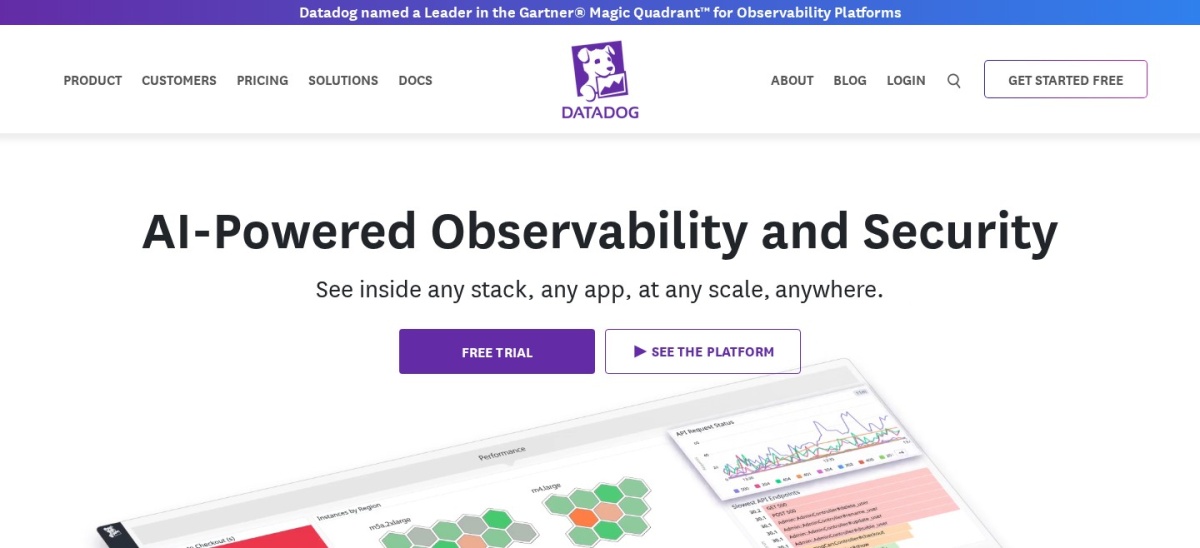
Datadog is a cloud monitoring platform that turns infrastructure, application and business metrics into live dashboards and alerts. The free tier covers up to 5 Basic hosts with 1-day retention, and Infrastructure Pro starts at $15 per host per month on annual billing, with 1,000+ integrations and 100 custom metrics per Pro host.
The trade off is the bill. APM starts at $31 per host per month, and logs, custom metrics and other products are metered separately, so costs grow with each signal you add. It suits teams that want one platform for operations and business metrics and can budget per host.
What we like
Broadest coverage of infrastructure, apps, logs and business metrics
1,000+ integrations with ready-made dashboards
Strong alerting with anomaly detection and Watchdog insights
Dynatrace is a full-stack observability platform that watches applications, infrastructure and digital experience from one data store. OneAgent discovers hosts, services and dependencies automatically, and Davis AI links alerts to a likely root cause instead of leaving teams with a wall of separate alarms.
The trade off is price. Infrastructure monitoring starts at $21 per host per month, and full-stack monitoring costs more, so small teams often find it steep. It suits mid-size and large teams running complex, hybrid systems where faster root-cause analysis is worth the premium.
What we like
Automatic discovery and dependency mapping
Davis AI points to likely root causes
Rated 4.5 out of 5 from 1,455 G2 reviews
Watch out for
Premium pricing, especially for full-stack monitoring
New Relic is a full-stack observability platform with dashboards, alerts and tracing for applications and infrastructure. The free tier includes 100 GB of data ingest a month and one full-platform user, with unlimited basic users who can view dashboards, and no per-host charge.
The trade off is user pricing. Extra full-platform users cost $99 each a month on Standard, and Pro users cost $349 each, so the bill grows with the team. It suits small teams that want a real free tier and predictable, data-based pricing.
What we like
Generous free tier: 100 GB a month and one full user
No per-host charges for containers or short-lived instances
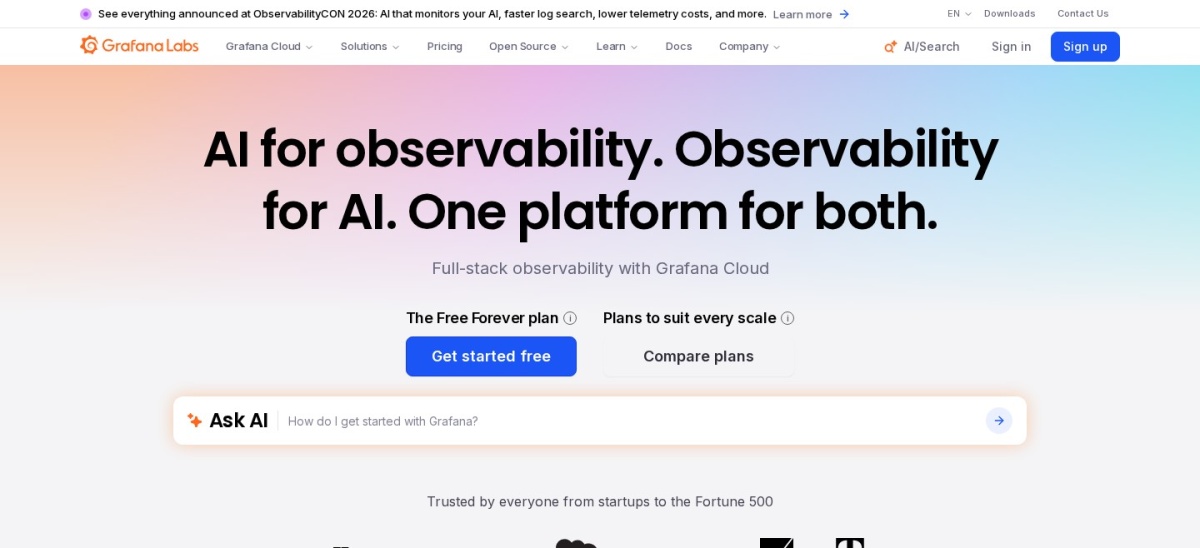
Grafana Cloud is the managed version of the open-source Grafana stack, with Prometheus-compatible metrics, Loki logs and Tempo traces behind familiar dashboards. The free tier covers 10,000 metric series and 50 GB each of logs and traces a month, with 3 active users and 14-day retention.
The trade off is usage billing. Pro starts at $19 a month, then adds $8 per active user and metered charges for series, logs and traces, so a busy setup costs more than the headline price. It suits teams already using Prometheus or Grafana dashboards who want a managed backend.
What we like
Open standards with PromQL and LogQL, so no lock-in
Generous free tier for small setups
Rated 4.5 out of 5 on G2
Watch out for
Usage-based charges can grow with telemetry volume
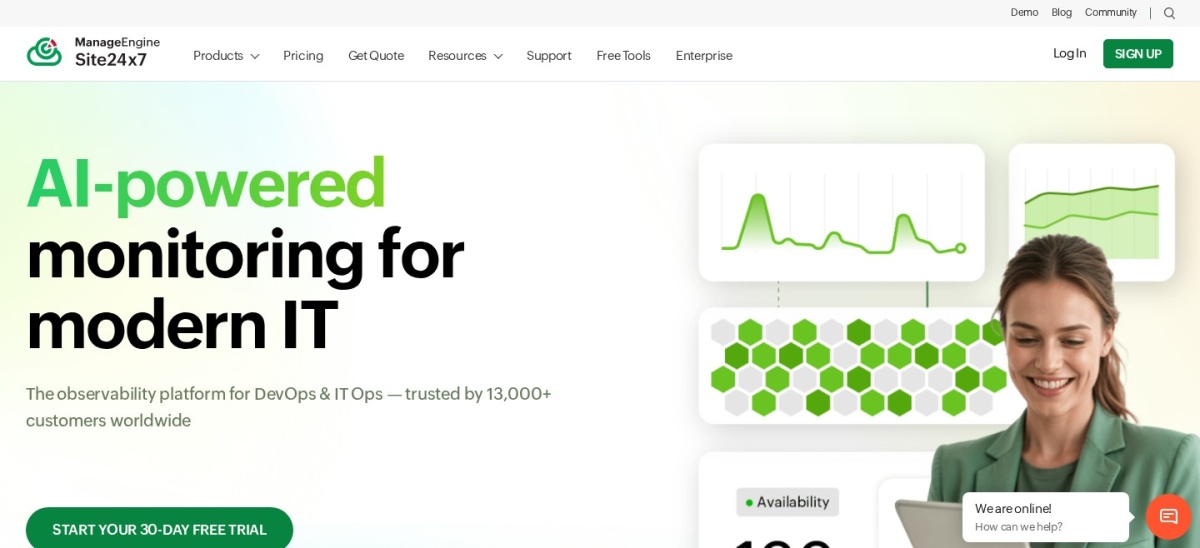
Site24x7 is a cloud monitoring platform from ManageEngine that tracks website uptime, servers, applications and networks from one console. The Starter plan costs $10 a month and covers 10 websites or servers, with status pages, alerts and 500 MB of logs.
The trade off is depth. It covers uptime and infrastructure well, but its application tracing and business analytics are lighter than Datadog or Dynatrace. It suits small and mid-size teams that need reliable uptime monitoring and alerts without enterprise pricing.
What we like
Rated 4.6 out of 5 from 852 G2 reviews
Low starting price with a free plan
Covers websites, servers, apps and networks in one place
Watch out for
Lighter APM and business analytics than the leaders
Entry plan limits logs to 500 MB
Higher plans add more monitors, logs and advanced featuresVisit site24x7.com
06
Power BI
4.5/5on G2 (1,661 reviews, checked Nov 2026)
Paid from$14/user/mo
Best for business KPI dashboards
Cheapest paid planPro, $14/user/mo, annual
Free optionDesktop and Fabric free account
Refresh limit8 scheduled refreshes a day on Pro
Premium Per User$24/user/mo
microsoft.com
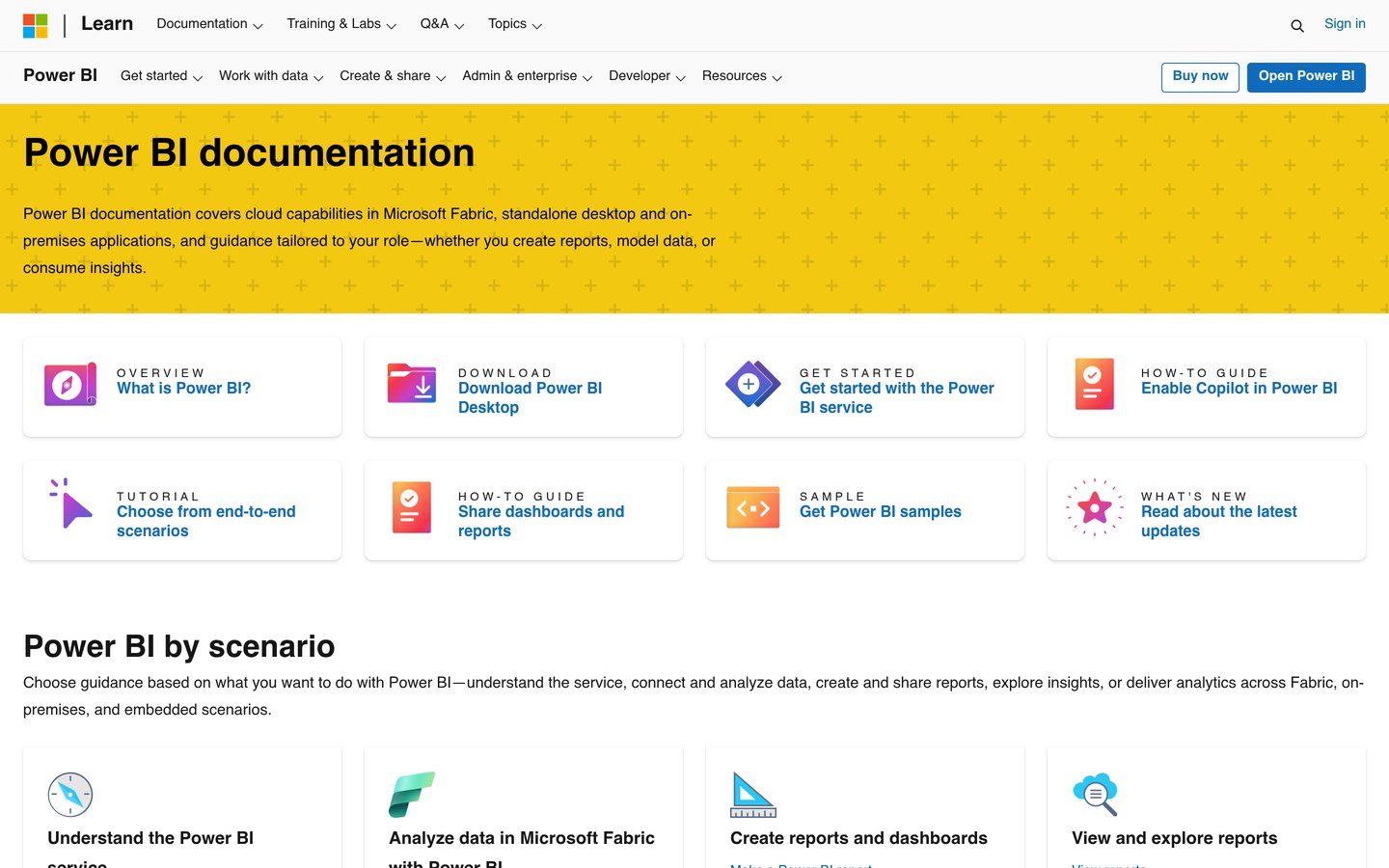
Power BI homepage, captured Nov 2026.
Power BI is Microsoft's business intelligence platform for building KPI dashboards and reports from sales, finance and operations data. The free Desktop app builds reports, and Pro costs $14 per user per month on annual billing to publish and share dashboards with a team.
The trade off is sharing. Reports cannot be shared without a Pro licence, and large models or frequent refreshes need Premium Per User at $24 a month. It suits teams already using Microsoft 365 who want low-cost dashboards on data they already hold.
What we like
Low per-user price for full BI dashboards
Deep links to Excel, Azure and Microsoft 365
Rated 4.5 out of 5 from 1,661 G2 reviews
Watch out for
Sharing needs a paid Pro licence for every viewer
Real-time streaming needs extra setup and capacity
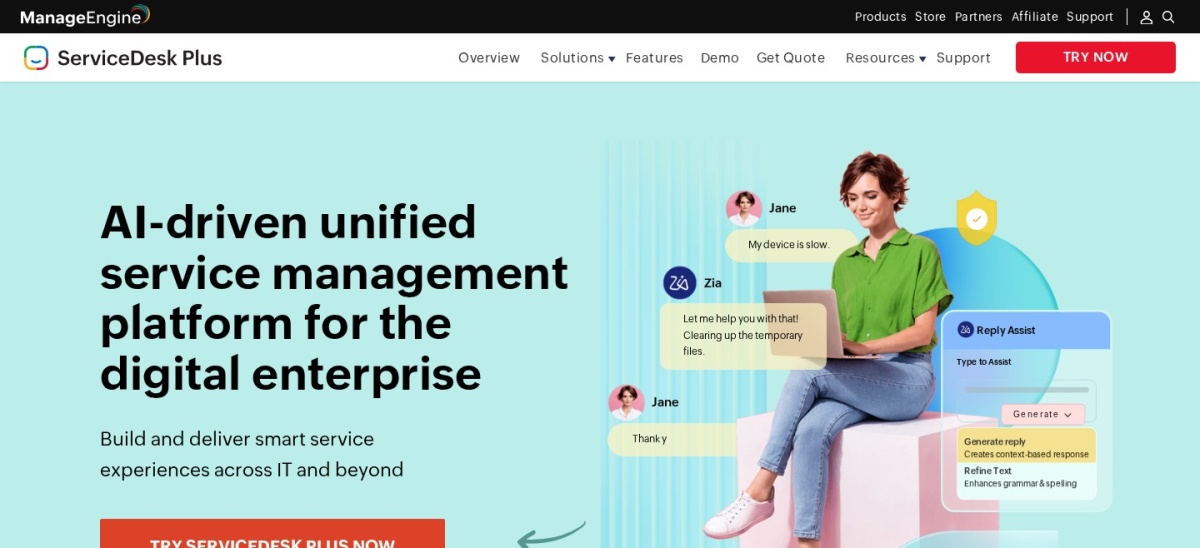
ManageEngine Applications Manager homepage, captured Nov 2026.
ManageEngine Applications Manager is an application and infrastructure monitoring tool that covers servers, databases, cloud services and business applications. The Professional edition starts at $395 a year, and the vendor lists more than 3,000 customers and support for 150+ technologies.
The trade off is scale pricing. The flat yearly price looks low, but larger environments move to the Enterprise edition at $9,595 a year. It suits mid-size IT teams that want predictable yearly pricing instead of per-host or per-user metering.
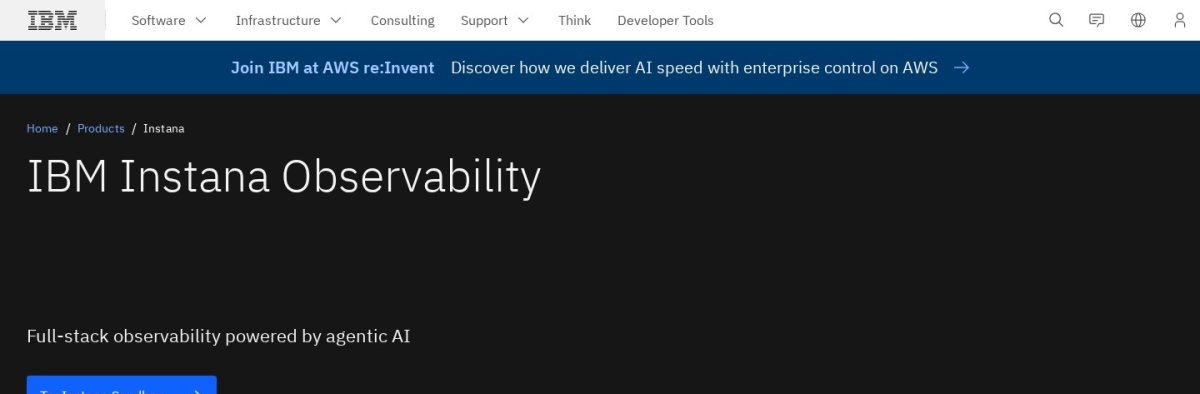
IBM Instana is an observability platform for cloud-native applications that discovers services and maps dependencies automatically. Essentials starts at $20 a month and covers infrastructure monitoring, end-user monitoring and 1-second granularity, with a free trial for evaluation.
The trade off is the jump to Standard. APM and tracing features that most teams need sit in the Standard tier at $75 a month, so the entry price is not the full story. It suits mid-size teams running Kubernetes and microservices who value automation.
What we like
Automatic discovery and dependency mapping
1-second granularity for fast-changing systems
Rated 4.4 out of 5 from 481 G2 reviews
Watch out for
APM and tracing need the $75 Standard tier
No permanent free tier, trial only
Standard adds APM, tracing and advanced analyticsVisit ibm.com
09
PRTG Network Monitor
4.7/5on G2 (372 reviews, checked Nov 2026)
Paid from$200/mo
Best for on-premises network monitoring
Cheapest paid planPRTG 500, $200/mo
Free plan100 sensors free
SensorsCount-based licensing
Next tierPRTG 1000, $358/mo
paessler.com
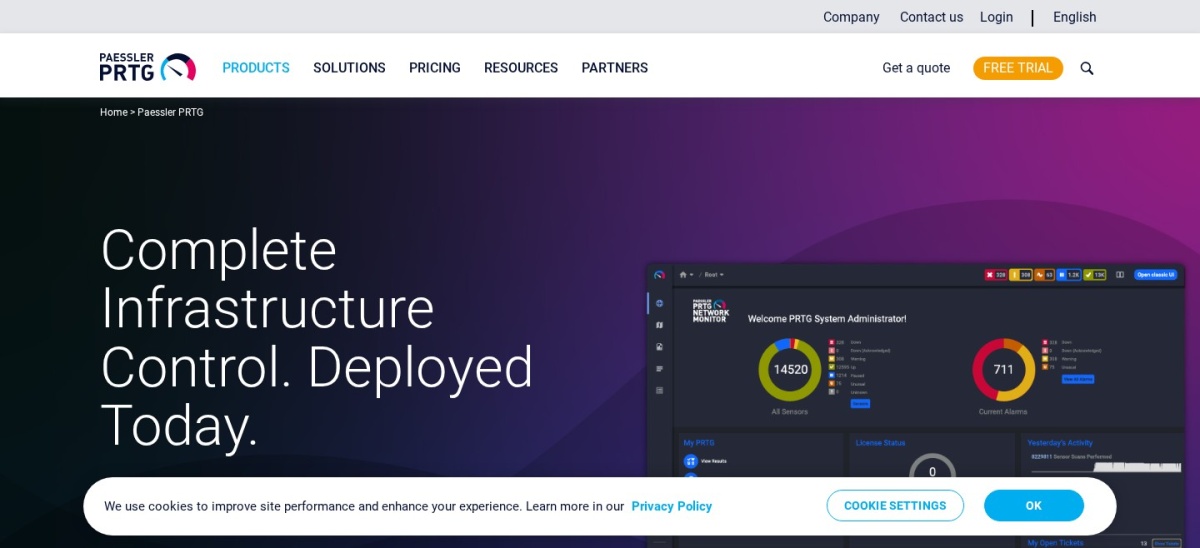
PRTG Network Monitor homepage, captured Nov 2026.
PRTG Network Monitor is Paessler's tool for watching networks, servers, cloud services and applications through sensors that each check one metric. The free plan covers 100 sensors, and the first paid tier, PRTG 500, costs $200 a month.
The trade off is sensor counting. Each device usually needs 5 to 10 sensors, so the count — and the price — grows faster than the device list suggests. It suits IT teams that monitor on-premises networks and want a single tool with a free starting tier.
What we like
Highest G2 rating in this list at 4.7 out of 5
Free plan with 100 sensors
One tool for network, server and cloud monitoring
Watch out for
Sensor counts grow fast, pushing teams up the tiers
Cloud-native tracing is lighter than Datadog or Dynatrace
Free tiers cover small setups well. New Relic gives 100 GB of ingest a month, Grafana Cloud gives 50 GB of logs and traces, and PRTG gives 100 sensors.
The limits appear as you grow. Datadog's free tier keeps only 1 day of metrics, Instana has no free tier at all, and Power BI will not let you share a report without a paid licence.
Pay when the free tier blocks a real workflow, not before. A trial or a free tier is enough to learn whether the dashboards and alerts fit your team.
How we chose
We started from the monitoring and observability platforms most often shortlisted for real-time business dashboards, then kept nine with public pricing, established review bases and live homepages.
Prices come from each vendor's pricing page or G2's pricing data, checked on 24 November 2026. Ratings come from G2, except ManageEngine Applications Manager, which uses Capterra. Where a vendor shows a sale, the list shows the regular price.
We left out tools with quote-only pricing and no public entry price, including Splunk Observability Cloud, whose homepage blocked our screenshot capture twice. No vendor paid for a place, and we do not claim hands-on testing for this list.
How to choose business activity monitoring software
Start with the signals that matter most to your business, then match the pricing model to how they grow.
List the signals you must watch live. Orders, sign-ups, uptime and error rates come first. If a tool cannot alert on them in minutes, it is not a monitoring tool for your business.
Match the pricing model to your growth. Per-host pricing suits stable fleets, per-user pricing suits small teams, and per-GB pricing suits low-volume data. Model a year, not a month.
Use the free tier with real data. Connect one live service and one dashboard before paying. See how to reduce server response time if slow systems pollute the numbers.
Check who gets the alerts. Alerts only help if they reach the person on call. Confirm email, SMS and chat options, and who can view dashboards without a paid seat.
FAQ
What is business activity monitoring software?
It is software that watches live business and system activity, such as orders, sign-ups, uptime and error rates, and alerts a team when a number moves outside its normal range. It turns raw events into dashboards and warnings instead of reports read days later.
What is the best business activity monitoring software?
Datadog is the best pick for most teams, with Infrastructure Pro at $15 per host per month and a 4.4 out of 5 rating on G2 from 726 reviews. Dynatrace suits large enterprises, while New Relic suits small teams that want a free tier.
Is there a free business activity monitoring tool?
Yes. New Relic gives 100 GB of ingest a month free, Grafana Cloud gives 50 GB of logs and traces, and PRTG gives 100 sensors free. Free tiers suit small setups, but retention and sharing limits usually push growing teams to a paid plan.
How much does business activity monitoring software cost?
Cheapest paid plans in this list run from $10 a month for Site24x7 Starter to $200 a month for PRTG 500. Most teams pay per host, per user or per GB of data, so the total depends on fleet size, team size and data volume.
What is the difference between BAM and APM?
Application performance monitoring tracks how software runs, such as response times and errors in code. Business activity monitoring tracks what the business is doing, such as orders and sign-ups, and it often uses APM data as one of its inputs.
Do I need a dashboard tool as well as a monitoring tool?
It depends on the audience. Monitoring tools such as Datadog already include dashboards for operations teams. A dashboard tool such as Power BI is worth adding when managers need KPI views that combine monitoring data with sales or finance figures.