Best Build Automation Software in 2026: 9 Tools Compared
WLWPLegible EditorsLast verified 23 Nov 2026How we rank12 min read
★ Short answer
GitHub Actions is the best build automation software for most teams: it runs builds next to your code, with 2,000 free minutes a month and a huge marketplace. Jenkins is free and open source, while GitLab CI covers code, CI and deploys in one platform.
How we make this list: we compare pricing pages, product documentation and public user reviews, then re-check every price before each update. No product paid for a place. Disclosure.
GitHub Actions is the best pick for teams that host code on GitHub.
Jenkins is free and open source, with more than 2,300 plugins.
GitLab CI covers code, CI, security and deploys in one platform from $29 a user a month.
Bitbucket Pipelines is the cheapest paid CI here at $3.65 a user a month.
TeamCity is the best pick for complex build chains, but Enterprise starts at $1,999 a year.
What to look for in build automation software
Build automation software runs your builds, tests and deploys whenever code changes. The tools split into hosted CI services, self-hosted servers and hybrid platforms that mix the two.
Start with where your code lives. GitHub teams get the most from GitHub Actions, GitLab teams from GitLab CI, and Bitbucket teams from Bitbucket Pipelines, while Jenkins and TeamCity work with any repo.
Then check the cost model. Free tiers cover small teams, but minutes and credits run out fast, so estimate a busy month before you commit. Self-hosted tools are free but need your own servers.
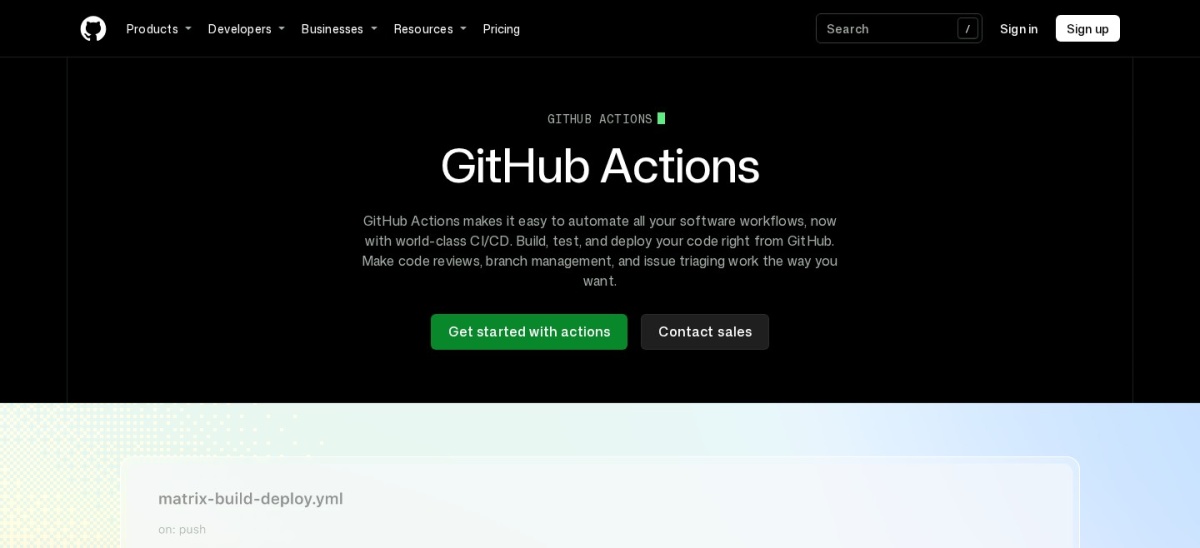
GitHub Actions is the CI tool built into GitHub, so builds run next to your code. It offers hosted and self-hosted runners, a large marketplace of actions, and matrix builds, with 2,000 free minutes a month for private repos and Team from $4 a user a month.
The trade off is the GitHub lock-in. Actions works best inside GitHub, and its G2 rating of 4.7 from 2,412 reviews covers GitHub as a whole, not Actions alone. It suits teams that already host code on GitHub.
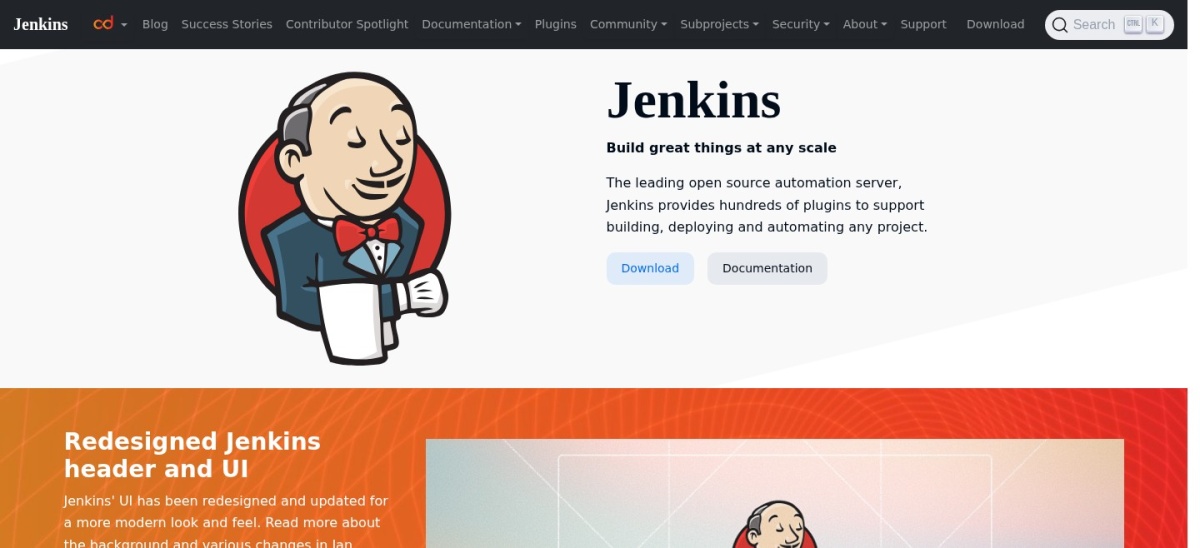
Jenkins is the free, open-source automation server that most CI pipelines grew up with. It runs builds, tests and deploys through declarative or scripted pipelines, with more than 2,300 plugins, and it costs nothing to install.
The trade off is maintenance. Jenkins is self-hosted, so you run the server, updates and plugins yourself, and the interface shows its age. It suits teams that want full control and zero licence cost.
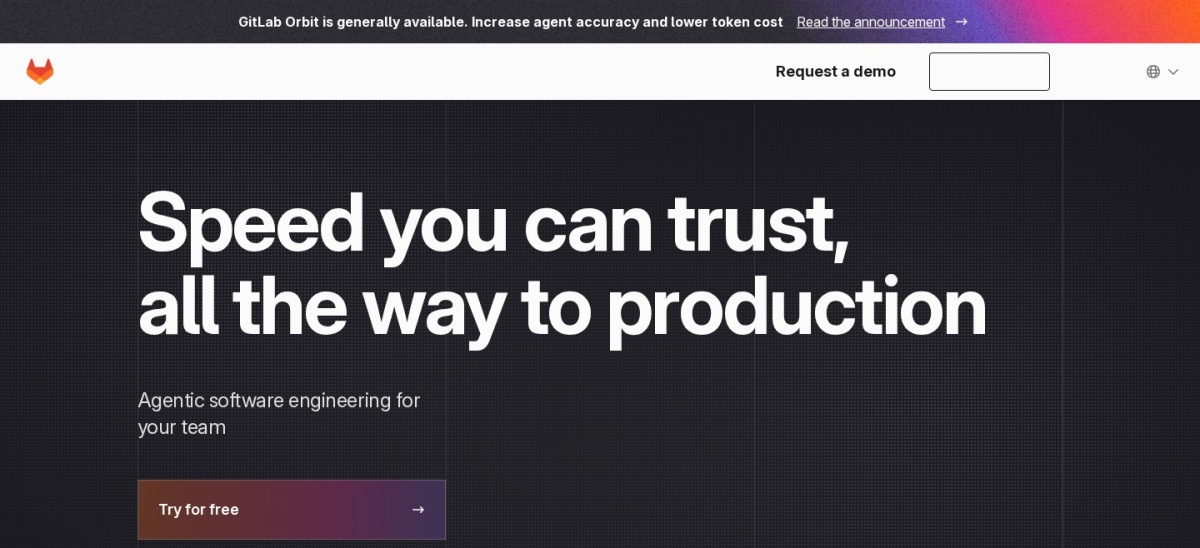
GitLab CI is the build automation built into GitLab, covering code, CI, security and deploys in one platform. It runs pipelines from the same repo as your code, with 400 free compute minutes a month and Premium from $29 a user a month.
The trade off is scope. GitLab is a full DevOps platform, so teams that only need builds pay for more than they use. It suits teams that want code, CI and deploys in one place.
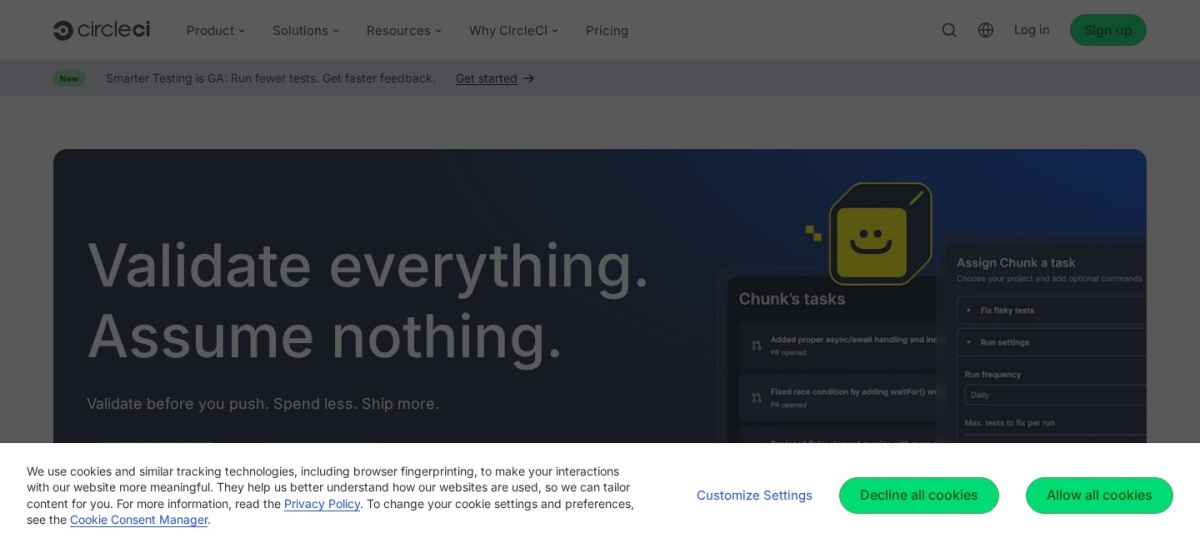
CircleCI is a cloud CI platform for fast builds and deploys. It runs jobs in parallel, caches Docker layers, and offers self-hosted runners, with a free tier of 30,000 credits a month and Performance from $15 a month.
The trade off is the credit meter. Free credits run out fast on busy repos, and pricing is by credits rather than flat, so a heavy month costs more. It suits teams that want fast cloud builds without servers.
What we like
Fast parallel cloud builds
Docker layer caching
Self-hosted runners available
Free tier for small teams
Watch out for
Credits run out fast on busy repos
Pricing by credits is hard to predict
No free plan for large teams
Performance starts at $15/mo; free tier has 30,000 creditsVisit circleci.com
05
Azure Pipelines
4.2/5on G2 (201 reviews, checked Nov 2026)
Paid from$40/mo
Best for Microsoft and Azure teams
Free plan1 hosted job, 1,800 min/mo
Paid planExtra hosted job, $40/mo
Self-hostedExtra job, $15/mo
ScopeAny language, any cloud
azure.microsoft.com
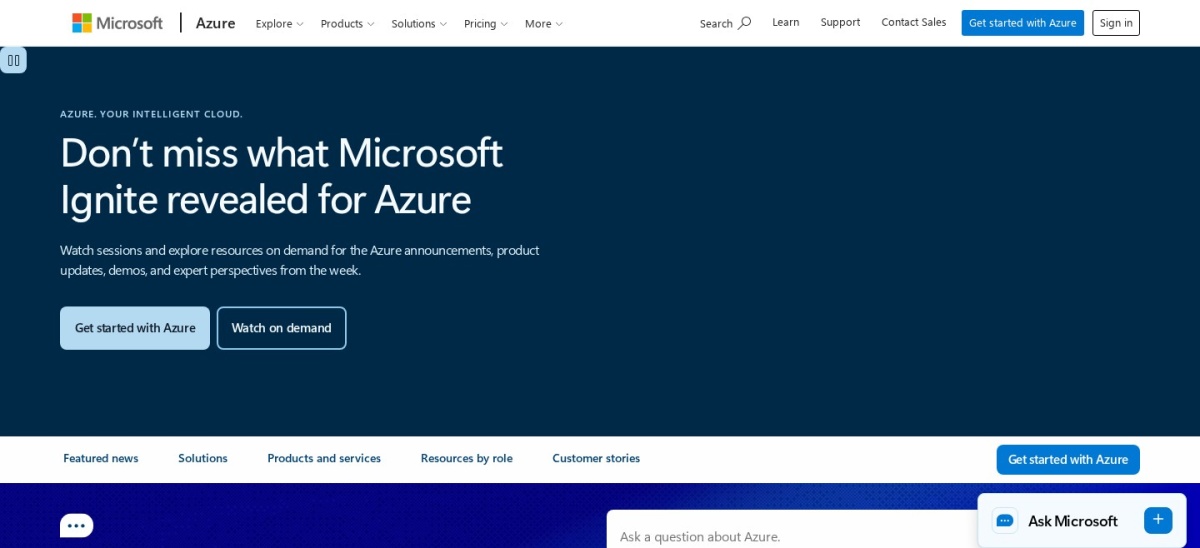
Azure Pipelines homepage, captured Nov 2026.
Azure Pipelines is Microsoft's CI service for building, testing and deploying any code on any cloud. It supports any language, runs on hosted or self-hosted agents, and includes one free hosted job with 1,800 minutes a month.
The trade off is the Microsoft ecosystem. Azure Pipelines works best with Azure DevOps and Azure, and its G2 review count varies by source, so treat the score as a guide. It suits Microsoft shops and mixed-cloud teams.
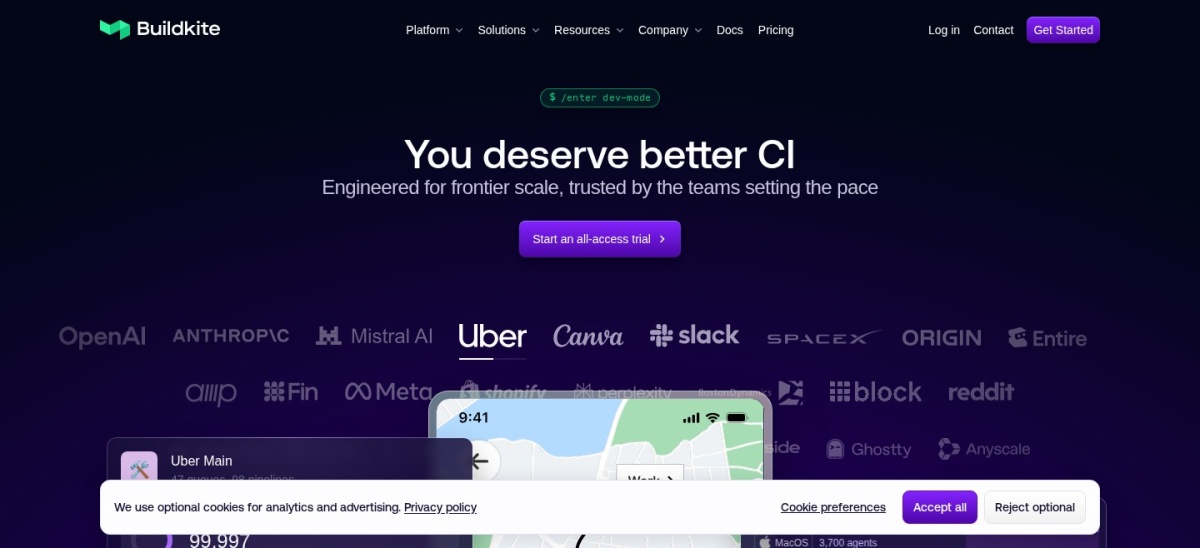
Buildkite is a hybrid CI platform that runs builds on your own machines and orchestrates them from the cloud. It gives fast, secure builds with no shared runners, and the free plan covers up to 5 users with 2,000 Linux vCPU-minutes.
The trade off is that you run the agents. Buildkite hosts the control plane, but your machines do the work, so you manage capacity yourself. It suits teams that want cloud control with private build machines.
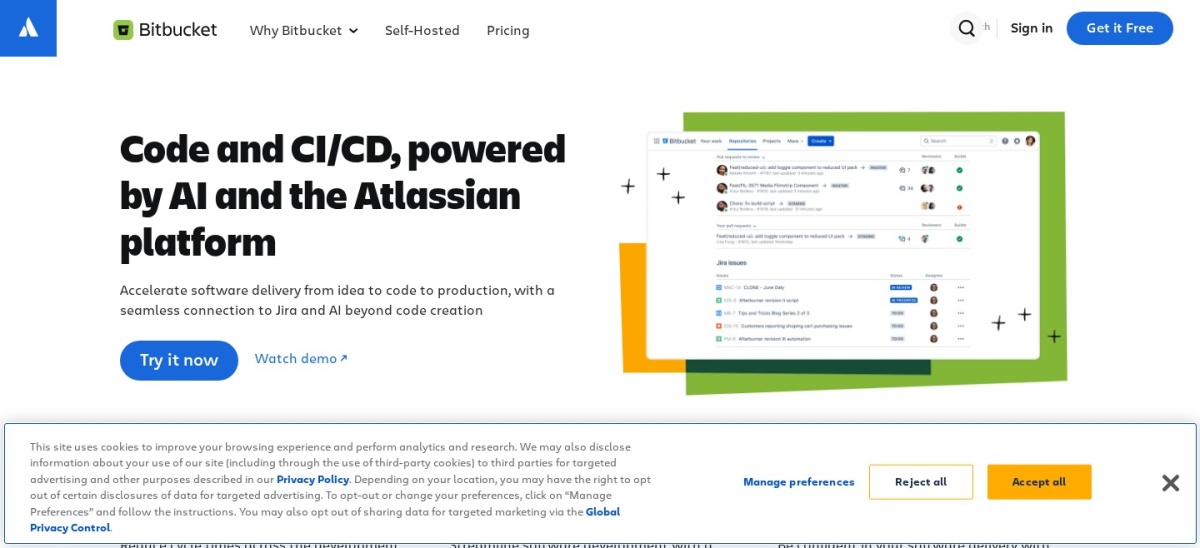
Bitbucket Pipelines is the CI built into Bitbucket Cloud, so builds run next to your repos. It uses simple YAML config, runs Docker-based steps, and costs $3.65 a user a month on Standard, with a free tier for up to 5 users.
The trade off is the free tier. Fifty build minutes a month is thin, so most teams pay, and Pipelines only works with Bitbucket Cloud. It suits small teams already on Bitbucket.
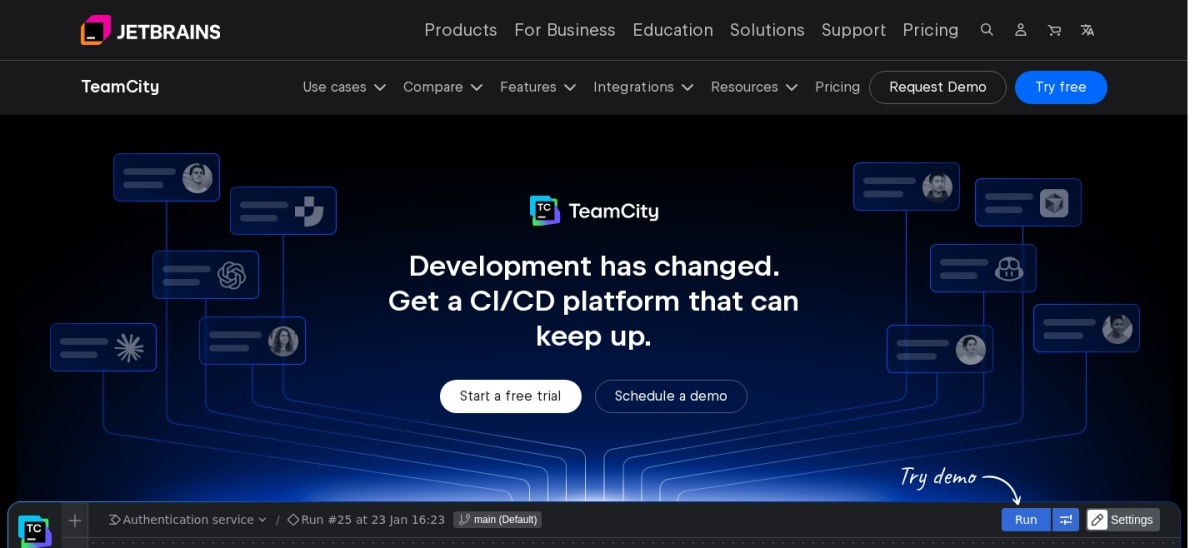
TeamCity is JetBrains' CI server for complex build chains and large teams. It handles build dependencies, templates and chains with a polished interface, and the free Professional plan covers 3 agents and 100 build configs.
The trade off is price. Enterprise starts at $1,999 a year, and some sources list higher figures, so confirm the quote, and the free plan caps at 3 agents. It suits large teams with complex build chains.
Travis CI is a simple cloud CI for small projects and open-source repos. It runs builds from a single config file, with usage-based pricing from $15 a month, though it lists no free plan for new teams.
The trade off is that it has fallen behind. Travis CI was an early CI leader, but its community and feature pace lag GitHub Actions and CircleCI today. It suits small teams that already use it and want simple builds.
Cloud CI is faster to start. GitHub Actions, CircleCI and Travis CI run builds without servers, and you pay by minutes or credits, which suits small teams.
Self-hosted CI gives control. Jenkins and TeamCity run on your machines, so builds stay private and costs stay flat, but you maintain the servers.
Hybrid tools split the difference. Buildkite and Azure Pipelines run builds on your machines and orchestrate them from the cloud, which suits teams that need both.
How we chose
We started from the build automation tools most often named in CI comparisons, then kept nine that are actively maintained, with public pricing, and widely used.
Prices come from each vendor's pricing page, checked on 23 November 2026. Ratings come from G2 on the same day. GitHub Actions has no standalone G2 page, so its rating covers GitHub as a whole, and Azure DevOps and TeamCity show conflicting figures by source. Where a vendor shows a sale, the list shows the regular price.
We left out quote-only enterprise platforms and tools with no public pricing. No vendor paid for a place, and we do not claim hands-on testing for this list.
How to choose build automation software
Start with where your code lives, then match the tool to your build volume.
Match the tool to your repo host. GitHub, GitLab and Bitbucket teams get the most from their built-in CI. Other repos fit Jenkins, TeamCity or CircleCI.
Estimate your build minutes. Free tiers cover small repos, but busy teams burn minutes fast. Count a heavy month before you pick a plan.
Decide who runs the servers. Cloud CI needs no servers. Self-hosted Jenkins or TeamCity gives control but needs maintenance.
Try it on a real pipeline. Build one real project, not a demo, and check build times, logs and failure alerts before you standardise.
FAQ
What is the best build automation software?
GitHub Actions is the best pick for most teams. It runs builds next to your code, with 2,000 free minutes a month for private repos and a huge marketplace of ready-made actions.
Is Jenkins still worth using in 2026?
Yes, for teams that want full control and zero licence cost. Jenkins is free, has more than 2,300 plugins and runs anywhere, though you maintain the server yourself.
Is GitHub Actions free?
GitHub Actions gives 2,000 free minutes a month for private repos, and public repos are unlimited. Team costs $4 a user a month with 3,000 minutes, and Enterprise costs $21 a user a month.
What is the cheapest CI tool?
Bitbucket Pipelines is the cheapest paid CI here at $3.65 a user a month on Standard. Jenkins is free, but you pay for your own servers, so the real cost depends on your setup.
Do I need a paid plan to run builds?
No. Jenkins is free, and GitHub Actions, GitLab CI, CircleCI and Bitbucket Pipelines all have free tiers. Paid plans add more minutes, agents and support.
Which CI tool is best for large teams?
GitLab CI and TeamCity suit large teams best. GitLab covers code, CI and deploys in one platform, while TeamCity handles complex build chains, though Enterprise starts at $1,999 a year.