Best Browser Automation Tools in 2026: 9 Tools Compared
WLWPLegible EditorsLast verified 23 Nov 2026How we rank12 min read
★ Short answer
Playwright is the best browser automation tool for most teams: free, driving Chromium, Firefox and WebKit from one API, and rated 4.8 out of 5 on G2. Pick Selenium for large enterprise suites and Cypress for JavaScript teams that want live debugging.
How we make this list: we compare pricing pages, product documentation and public user reviews, then re-check every price before each update. No product paid for a place. Disclosure.
Playwright is free, covers three browsers and is rated 4.8/5 on G2.
Selenium is still the enterprise standard, with the widest language support and no licence cost.
Cypress is free to run locally; its paid cloud starts at $67 a month billed yearly.
Katalon is the only low-code pick here, but Professional costs $1,800 per seat per year.
Octoparse and Apify offer no-code scraping from $19 a month, while Bardeen automates inside Chrome from $10 a month.
What to look for in a browser automation tool
Browser automation means driving a real browser with code: clicking, typing, scraping or running tests. The tools split into code frameworks, low-code recorders and cloud platforms that rent browsers by the hour.
Start with the browser matrix. If you only need Chrome, Puppeteer is enough. If you need Firefox and WebKit too, Playwright or Selenium cover all three from one script.
Then check the cost model. Frameworks such as Playwright, Selenium and Puppeteer are free, while cloud tools meter results, hours or compute units. A free runner can still cost money once runs are recorded or hosted.
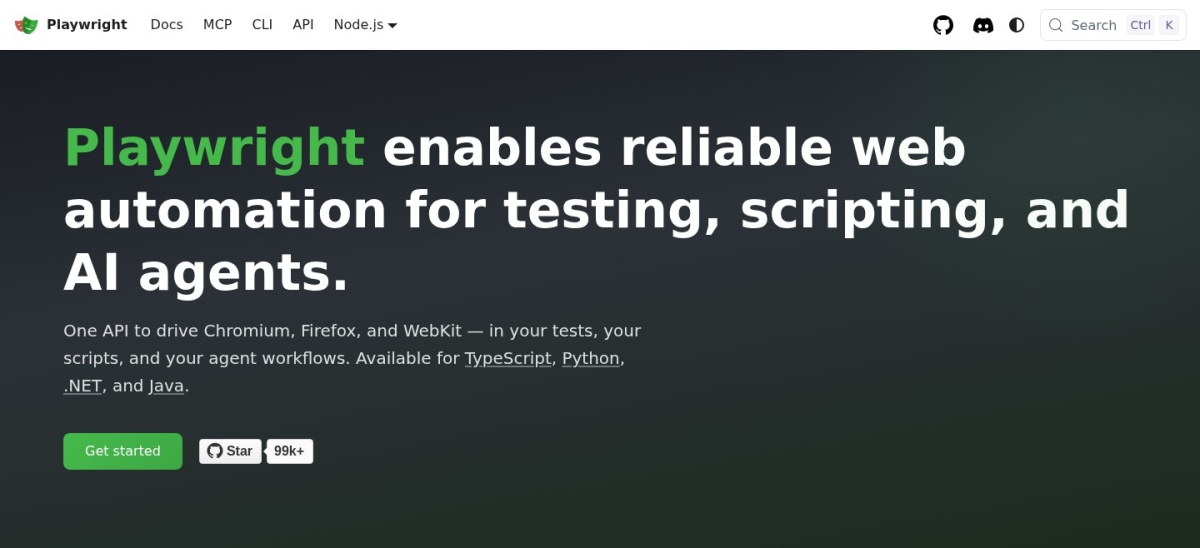
Playwright is Microsoft's free, open-source framework for driving Chromium, Firefox and WebKit from one API. It includes auto-waiting, a built-in test runner, code generation, tracing and parallel runs, with no licence fee and no paid tier.
The trade off is that it is code-first, so non-developers will find it harder to start than a low-code recorder. It suits developers and QA teams who want one free framework for end-to-end tests and browser automation.
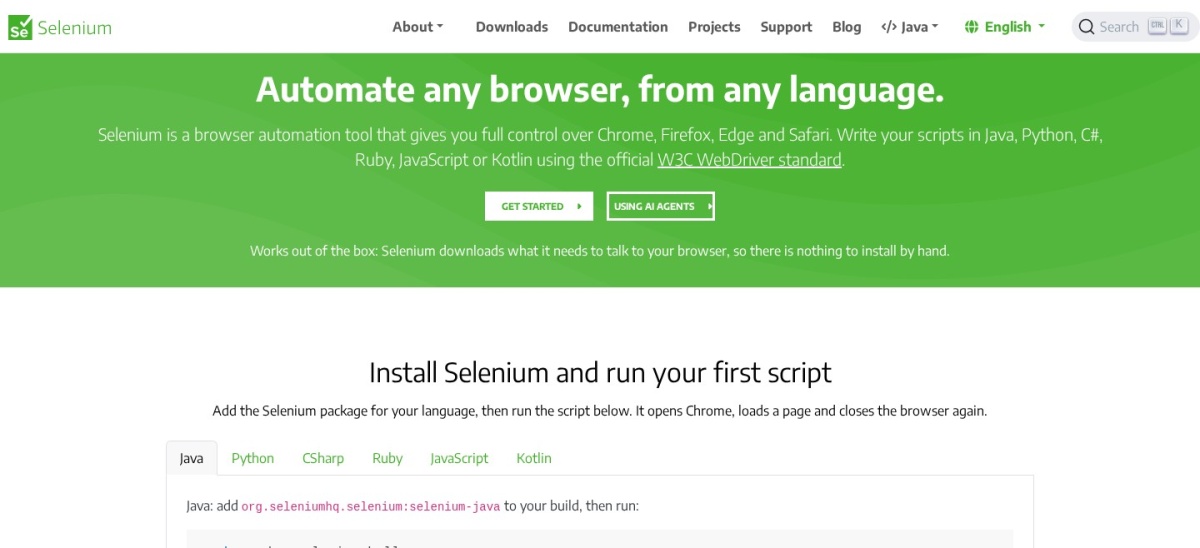
Selenium is the long-running open-source standard for browser automation, built around WebDriver. It drives every major browser, works in six programming languages and scales through Selenium Grid, with a recorder, Selenium IDE, for simple flows.
The trade off is age. Selenium gives you the browser driver and little else, so waits, assertions and reporting come from other libraries. It suits large teams with existing Selenium suites and mixed-language codebases.
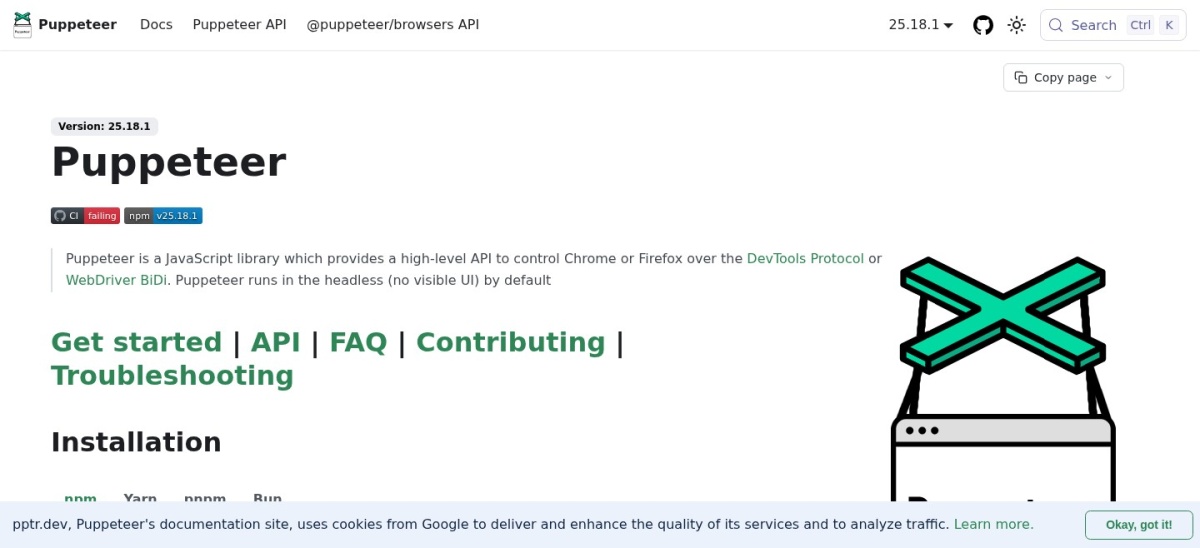
Puppeteer is Google's free JavaScript library for controlling Chrome or Firefox through the DevTools protocol. It handles screenshots, PDF output, form filling, scraping and quick scripts with a small, direct API.
The trade off is scope. Puppeteer is a browser driver, not a test framework, so it has no runner, assertions or built-in parallel runs. It suits developers who need short scripts, scraping jobs or screenshots rather than a full test suite.
What we like
Tiny API, fast to learn
Good for screenshots and PDFs
Free and open source
Works well in serverless jobs
Watch out for
No test runner or reporting built in
Chrome-first; other browsers are secondary
No paid plan; you pay only for your own hostingVisit pptr.dev
04
Cypress
4.7/5on G2 (107 reviews, checked Nov 2026)
Paid from$67/mo
Best developer experience for JS teams
BrowsersChrome, Edge, Firefox, Electron
Free tierStarter, 500 results a month
Test results120,000 a year on Team
Paid planTeam, $67/mo billed yearly
cypress.io
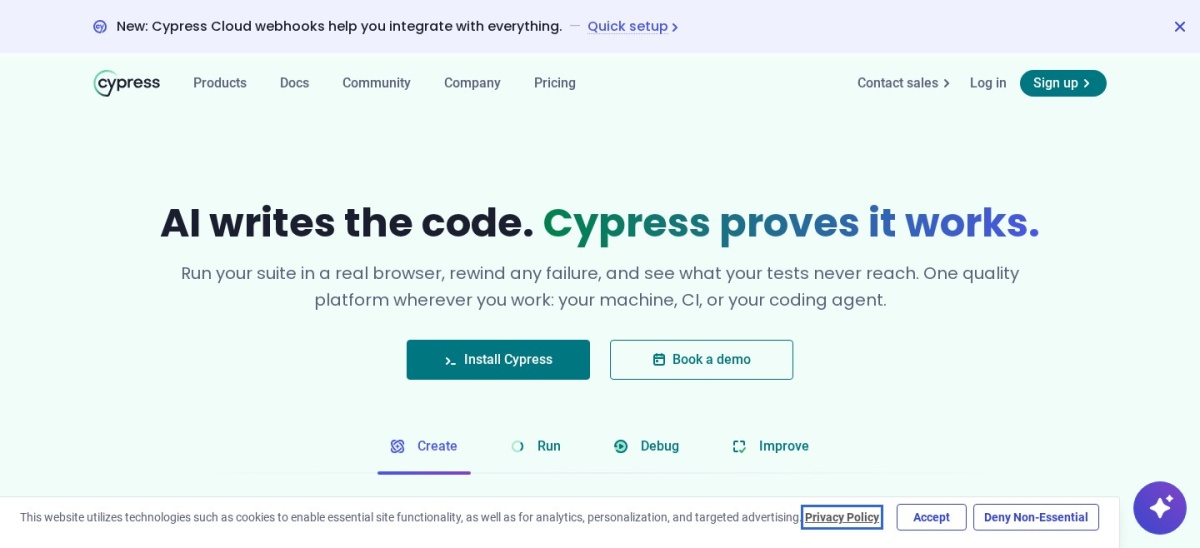
Cypress homepage, captured Nov 2026.
Cypress is a JavaScript end-to-end testing tool with a live test runner that shows each step as it happens. The free app includes time-travel debugging, automatic waiting and component testing, and Cypress Cloud adds recorded runs and flake detection.
The trade off is the meter. Local runs are free, but recorded results in Cypress Cloud cost $67 a month on the Team plan billed yearly, and the free tier caps at 500 results a month. It suits JavaScript teams that value fast feedback while writing tests.
What we like
Best live debugging in this list
Free runner with no time limit
Component testing included
Large plugin community
Watch out for
Paid cloud is metered by test results
No multi-tab or multi-browser runs in one test
Team adds flake detection and 120,000 results a yearVisit cypress.io
05
Bardeen
4.8/5on G2 (36 reviews, checked Nov 2026)
Paid from$10/mo
Best no-code browser automation
Runs inChrome, as an extension
Free plan100 credits a month
Paid planBasic, $10/mo
Use casesScraping, enrichment, workflows
bardeen.ai
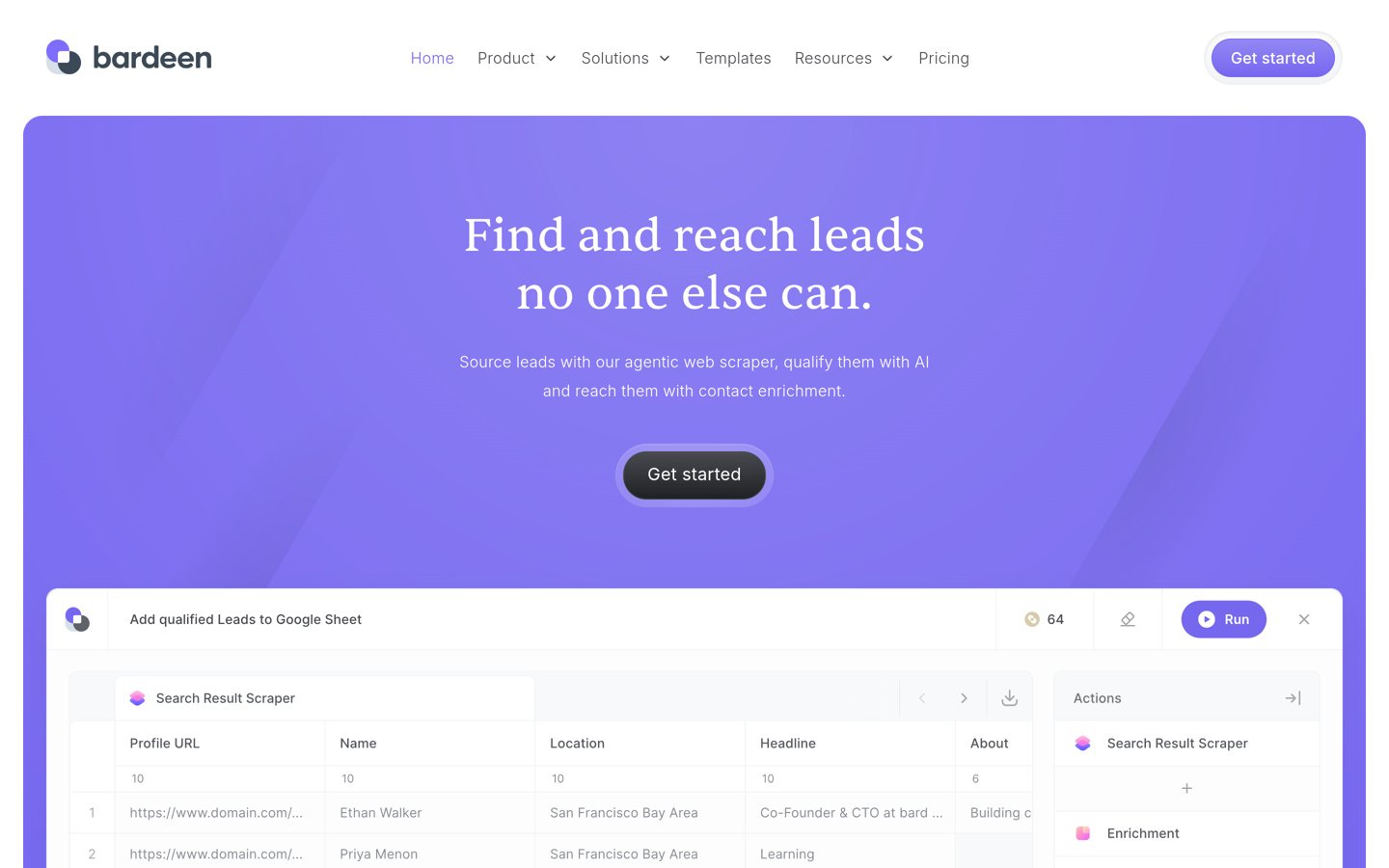
Bardeen homepage, captured Nov 2026.
Bardeen is a no-code browser automation tool that runs inside Chrome as an extension. It records playbooks for scraping lists, filling forms and moving data between apps, and its AI agent can scrape a page into a spreadsheet without code.
The trade off is the credit model. The free plan gives 100 credits a month, and scraping costs one credit a row, so large jobs burn through the allowance fast. It suits small, repeatable browser jobs rather than nightly crawls of thousands of pages.
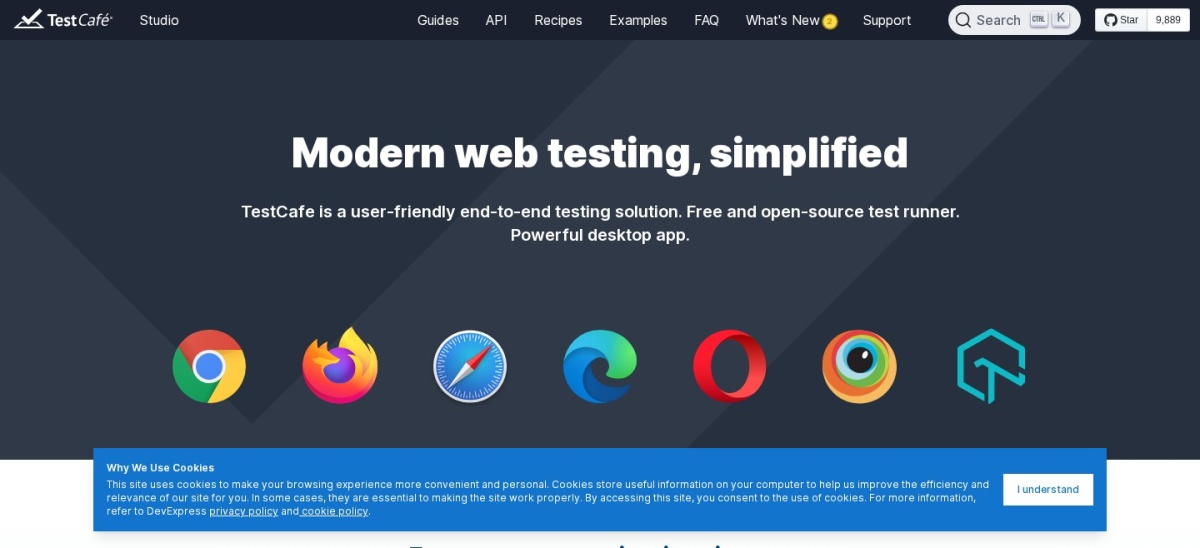
TestCafe is a free, open-source Node.js framework that runs end-to-end tests without installing browser drivers. It waits for elements on its own, runs tests in parallel, and works in any browser installed on the machine, including remote ones.
The trade off is momentum. TestCafe has a smaller community than Playwright or Cypress, so fewer plugins and answers exist. It suits JavaScript teams that want quick setup with no driver management and no licence cost.
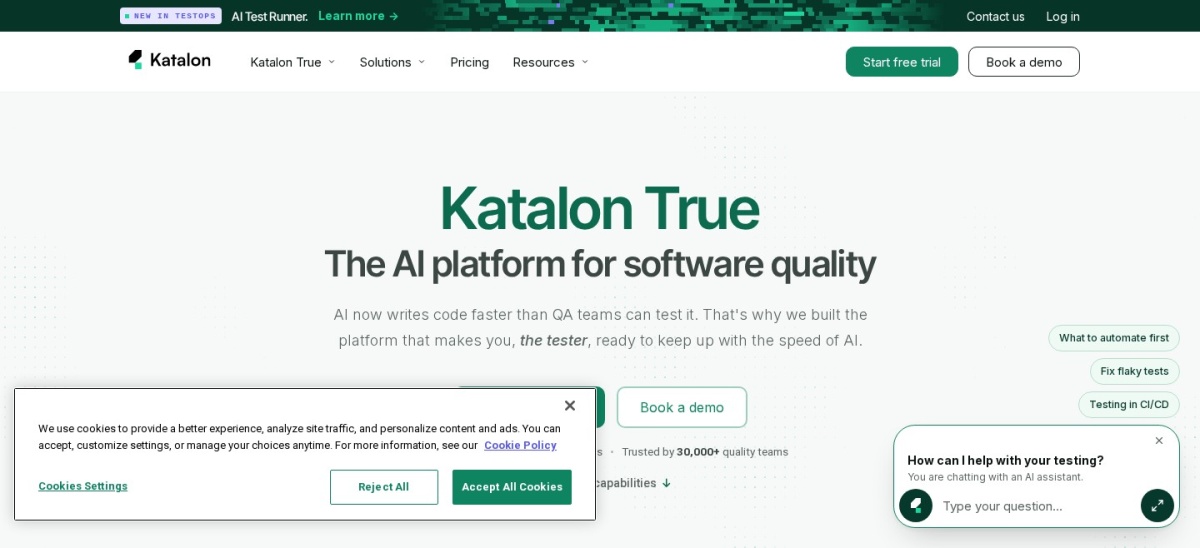
Katalon Studio is a low-code test platform for web, API, mobile and desktop apps. It offers a recorder, keyword-driven tests and full scripting, and it is built on Selenium and Appium, so teams can mix record-and-play with code.
The trade off is price. The free plan covers basic use, but Professional costs $1,800 per seat per year, and some sources list lower entry prices, so confirm the quote before budgeting. It suits QA teams with mixed coding skills.
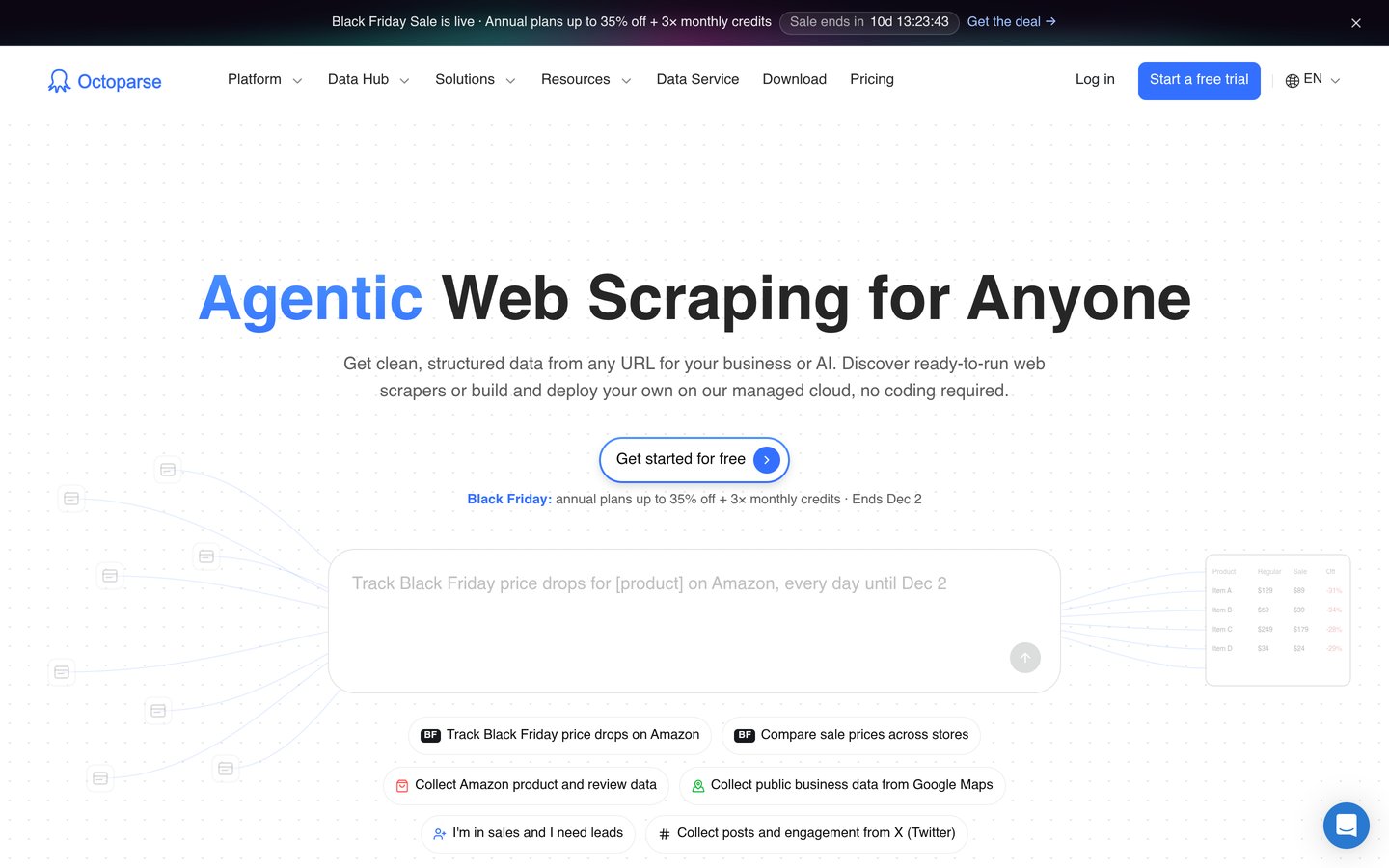
Octoparse is a no-code web scraper with a visual point-and-click builder and more than 400 preset templates. It detects fields on the page, handles logins, dropdowns and infinite scroll, and runs scheduled jobs in the cloud with IP rotation.
The trade off is price. Standard costs $69 a month billed yearly, or $83 billed monthly, and residential proxies and CAPTCHA solving bill separately. It suits beginners who want a visual builder rather than code.
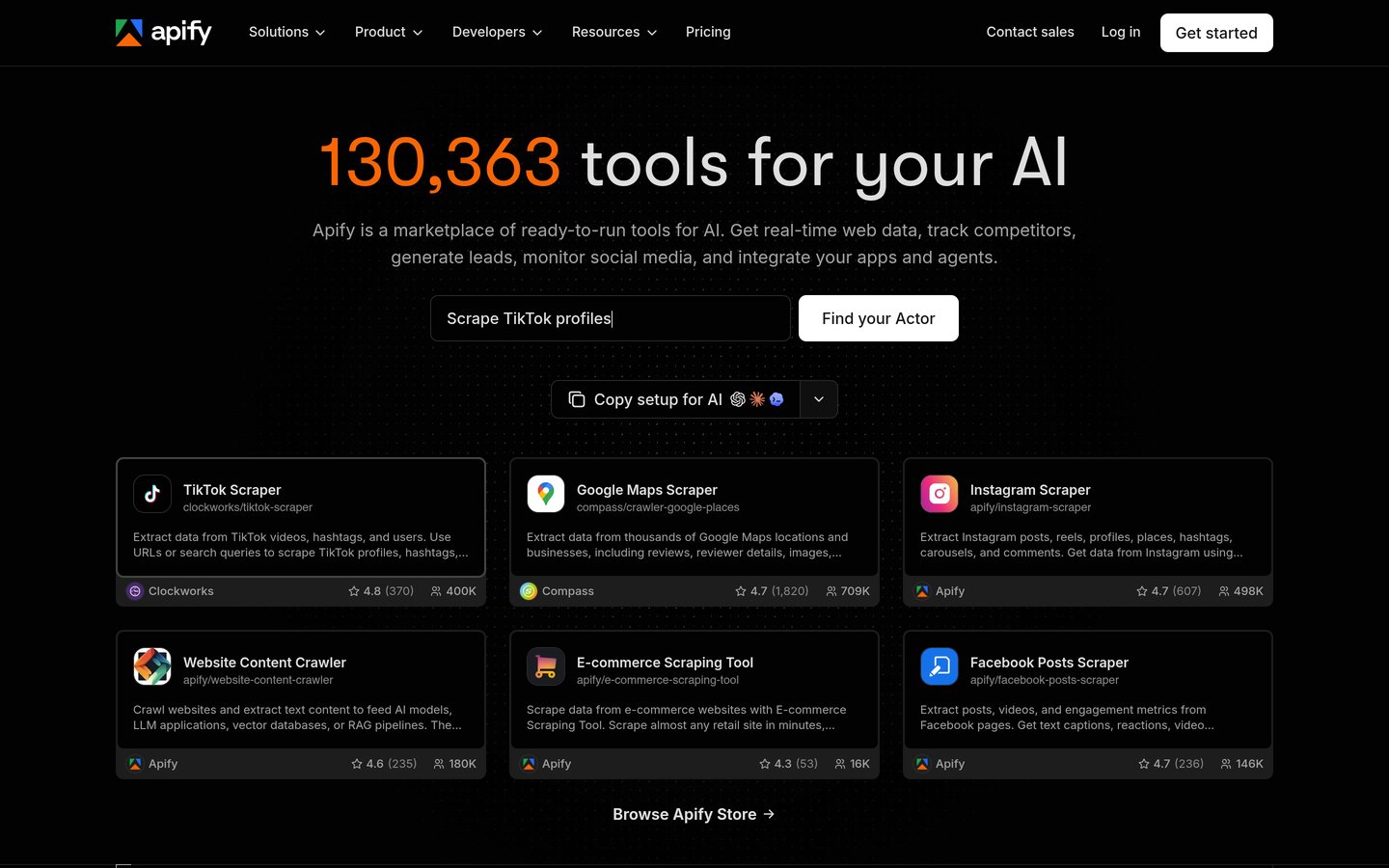
Apify is a cloud platform for web automation and scraping, built around Actors, small programs that run in the cloud. Its store holds thousands of ready-made actors for maps, social platforms and shops, or you can write your own in JavaScript or Python.
The trade off is metering. Starter costs $19 a month plus usage, and compute is billed by the unit, so large jobs cost more than the headline price. It suits teams that want ready-made automations instead of writing every scraper from scratch.
The frameworks here are free, but running them is not. CI minutes, cloud browsers and recorded results are the real costs, and they grow with suite size.
Cloud tools look cheap at the entry tier. Apify Starter is $19 a month plus usage, and Octoparse Standard is $69 a month billed yearly, so a busy month costs more than the headline price.
For most teams, a free framework plus their existing CI is the cheapest path. Pay for cloud only when you need real devices, parallel grids or agent infrastructure.
How we chose
We started from the frameworks and platforms most often named in browser automation comparisons, then kept nine that are actively maintained and widely used.
Prices come from each vendor's pricing page, checked on 23 November 2026. Ratings come from G2 on the same day. Puppeteer holds only one G2 review, so its 5.0 score is thin, and Katalon's entry price varies by source, so confirm the quote before budgeting. Where a vendor shows a sale, the list shows the regular price.
We left out quote-only enterprise platforms and tools with no public pricing. No vendor paid for a place, and we do not claim hands-on testing for this list.
How to choose a browser automation tool
Start with the browsers you must cover, then match the tool to your team's coding skill.
Match the browser matrix first. If you need Firefox and WebKit as well as Chrome, pick Playwright or Selenium. Chrome-only work fits Puppeteer or Cypress.
Count the cost beyond the licence. Free frameworks still need CI minutes. Cloud tools meter results, hours or compute, so estimate a busy month before you commit.
Pick the skill level your team has. Developers do well with Playwright or Selenium. Mixed QA teams get more from Katalon or Cypress, which add recorders and visual feedback.
Try the free tier on a real job. Run one real workflow, not a demo, and check the logs, screenshots and failure output before you standardise on a tool.
FAQ
What is the best browser automation tool?
Playwright is the best pick for most teams. It is free, drives Chromium, Firefox and WebKit from one API, and is rated 4.8 out of 5 on G2, with a built-in runner, tracing and parallel runs.
Is Selenium still worth using in 2026?
Yes, for large suites and mixed-language teams. Selenium is free, supports six languages and every major browser, and its Grid runs tests in parallel, though setup takes more wiring than Playwright.
Is Cypress free?
The Cypress app is free and open source, with unlimited local runs. Cypress Cloud is paid: the free Starter tier allows 500 recorded results a month, and Team costs $67 a month billed yearly.
Can I automate a browser without writing code?
Katalon Studio offers a recorder and keyword-driven tests for teams that do not want to code everything. Octoparse and Bardeen also cut coding, but Octoparse charges for cloud runs and Bardeen meters work by credits.
Which tool is best for web scraping?
Puppeteer and Apify fit scraping best. Puppeteer is a free library for Chrome scripts, while Apify adds ready-made actors, proxies and scheduling in the cloud from $19 a month.
Do I need a paid plan to run browser tests?
No. Playwright, Selenium, Puppeteer and TestCafe are all free, and you can run them on your own machines or CI. Paid plans add cloud browsers, recording and support.