Best Brand Asset Management Software in 2026: 9 Tools Compared
WLWPLegible EditorsLast verified 24 Nov 2026How we rank13 min read
★ Short answer
Bynder is the best brand asset management software for most teams, rated 4.5 out of 5 on G2 from 1,200 reviews, with AI search and brand guidelines in one place. Pick Frontify if living guidelines are the priority, or Air if you want a free plan and a $25-a-month start.
How we make this list: we compare pricing pages, product documentation and public user reviews, then re-check every price before each update. No product paid for a place. Disclosure.
Bynder leads overall at 4.5 out of 5 on G2 from 1,200 reviews, with AI search, guidelines and locked templates in one platform.
Frontify is the guidelines-first pick, with living brand guidelines linked straight to the asset library.
Five of the nine tools publish no price at all, so budget for a quoted contract with Bynder, Frontify, Brandfolder, Canto and Acquia DAM.
Air is the only tool here with a free plan, and its paid Starter is $25 a month billed annually.
Filecamp is the cheapest paid start at $29 a month, while Kontainer starts at $500 a month.
What brand asset management software should cover
Brand asset management software is the central library for a team's logos, photos, videos and templates. It replaces scattered drives and email attachments with one searchable place where everyone finds the approved version.
Search is the feature that matters most once the library grows. Metadata, filters and AI search decide whether a designer finds the right logo in seconds or gives up and reuses an old one.
File formats matter too. A good library handles images, video and documents, and converts files for different channels. Our guide to image format usage statistics shows which formats teams actually use.
Pricing is the hardest part of this market. Five of the nine tools here publish no price at all, so expect a quoted contract and ask what storage, seats and add-ons cost before you sign.
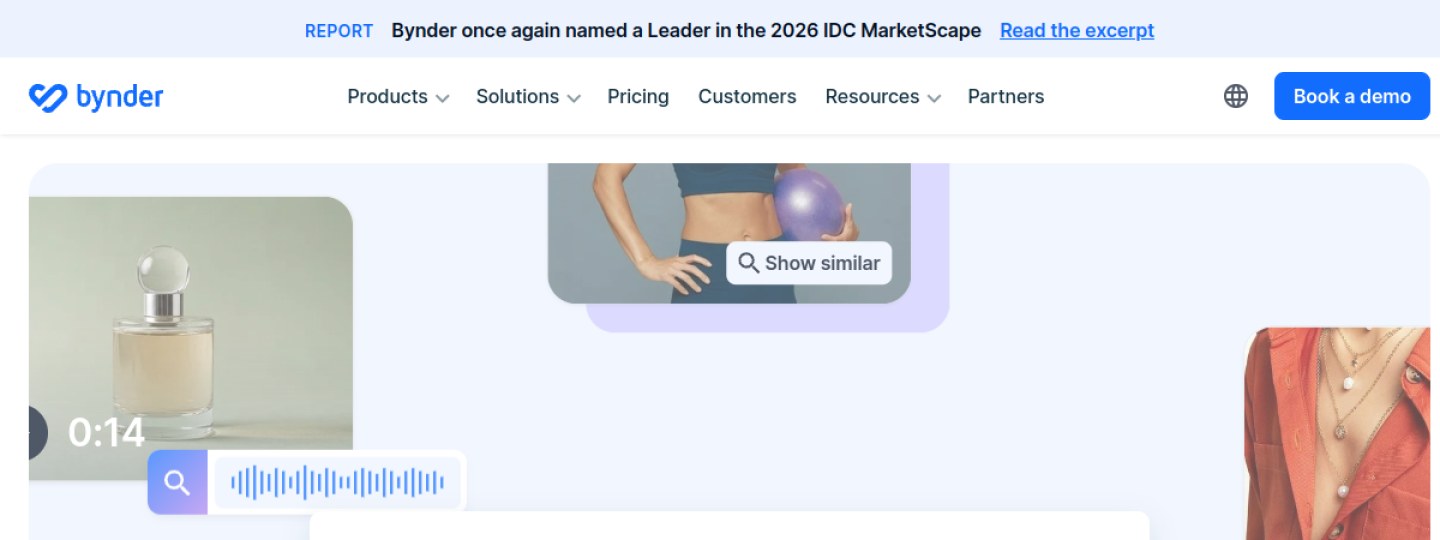
Bynder is a digital asset management platform that stores logos, photos, videos and templates in one searchable library. Its Brand Guidelines module keeps usage rules beside the files, and Studio lets teams build on-brand images, videos and GIFs from locked templates.
The trade off is price. Bynder publishes no prices and sells by quote, and reviewers describe it as expensive for smaller budgets, with some advanced features as add-ons. It suits mid-size and large teams that need governance across markets and can fund an enterprise contract.
What we like
AI-assisted search with smart filters and metadata
Guidelines, templates and DAM in one platform
Rated 4.5 out of 5 from 1,200 G2 reviews
135+ integrations with creative and marketing tools
Watch out for
No public pricing; every deal is a quote
Implementation takes about 3 months, per G2
Advanced features can cost extra as add-ons
Paid plans are quoted; ask what the base price includesVisit bynder.com
02
Frontify
4.5/5on G2 (216 reviews, checked Nov 2026)
PricingCustom/yr
Best for brand guidelines and templates
Brand guidelinesLiving, linked to assets
TemplatesLocked, on-brand
AI assistantAnswers from guidelines
Paid planCustom, per active user
frontify.com
Frontify homepage, captured Nov 2026.
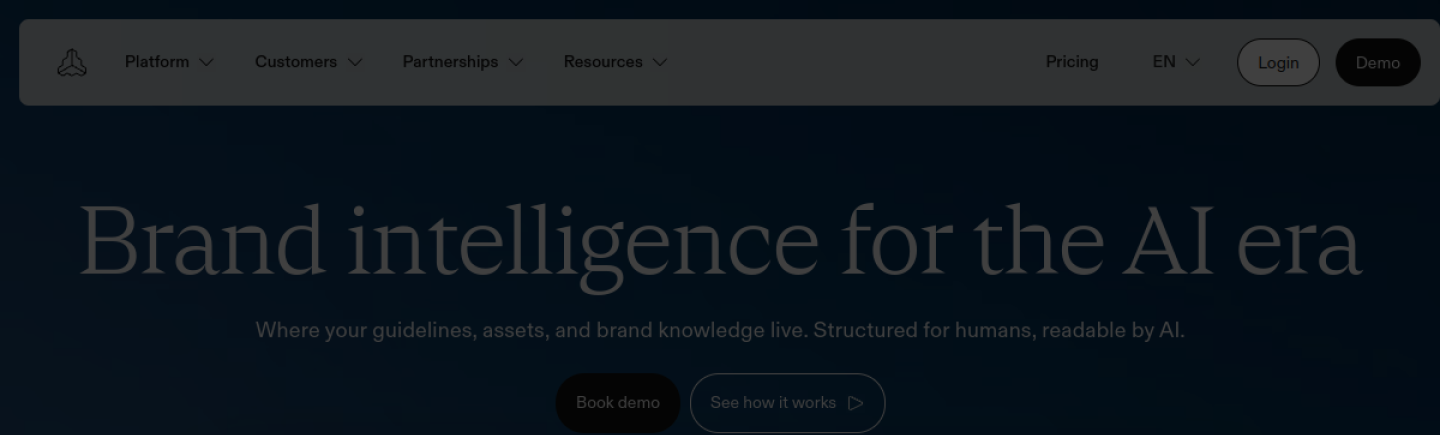
Frontify is a brand management platform that pairs living brand guidelines with a digital asset library. Logo rules, colours and tone of voice sit beside the approved files, and locked templates let regional teams create their own material without breaking the rules.
The trade off is that Frontify charges by monthly active user and shows no fixed price, so budgeting needs a sales call. There is no free plan or free trial. It suits marketing-led teams where inconsistent branding costs real money, not teams that only need tidier folders.
What we like
Strongest guidelines hub in this list
Templates and localisation for distributed teams
Analytics show how the brand is used
Figma and Adobe Creative Cloud integrations
Watch out for
No published price and no free trial
DAM depth is lighter than Bynder for huge libraries
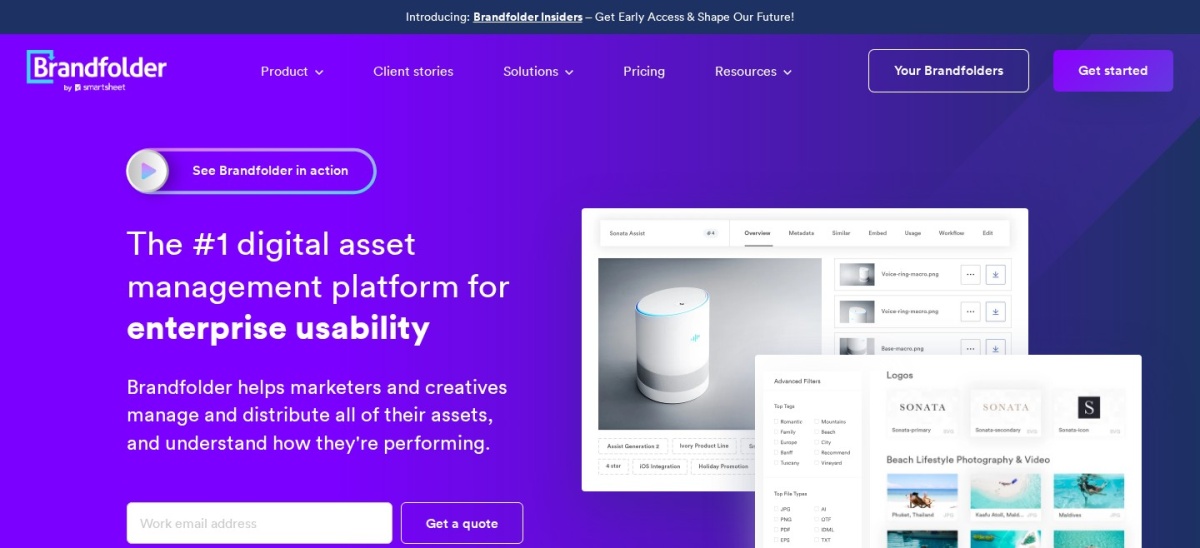
Brandfolder is a digital asset management tool from Smartsheet that keeps brand assets organised, searchable and easy to share. Reviewers praise its simple interface, and branded portals let partners and agencies download approved files without seeing the whole library.
The trade off is pricing transparency. Brandfolder publishes no prices, sells Premium and Enterprise by quote, and gates automations, analytics and extra admin seats as paid add-ons. It suits mid-market teams that want a DAM people actually use, and can absorb enterprise pricing.
What we like
Rated the easiest to use of the enterprise DAMs here
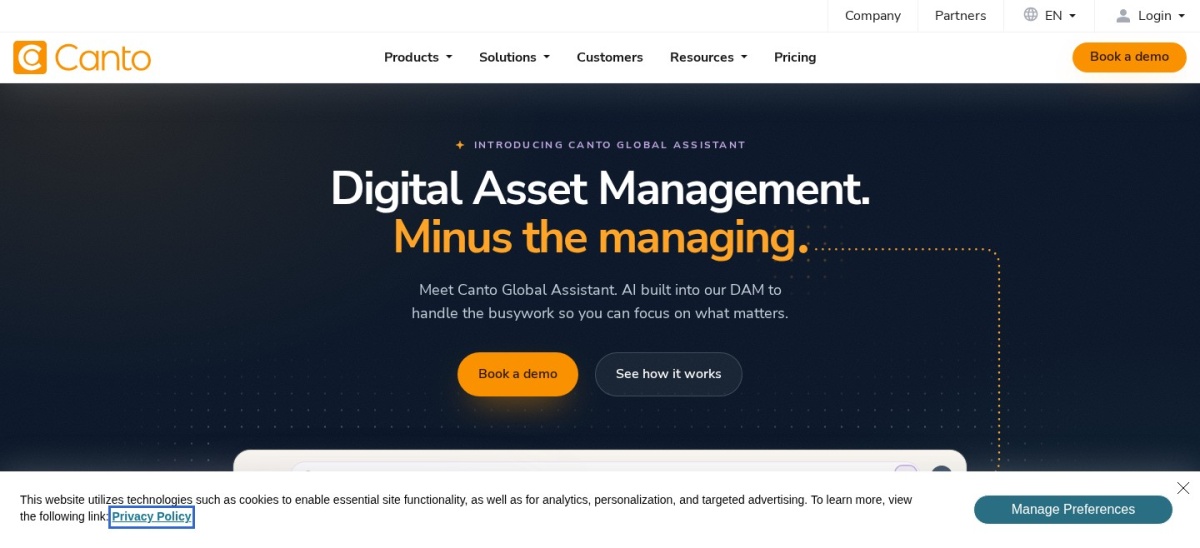
Canto is a digital asset management platform for teams moving from shared drives to a structured library. Four tiers run from Core Essentials to Advanced, with AI tagging, smart search and unlimited portals for sharing branded collections with partners.
The trade off is that pricing is custom-quoted, and third-party research puts the low end at roughly $600 a month, with storage-heavy plans far higher. It suits growing marketing teams that want a proven DAM with a clean interface and room to scale.
What we like
Clean interface with fast onboarding
Largest G2 review base in this list at 1,774
Unlimited portals with engagement analytics
Optional product-data tier for ecommerce brands
Watch out for
No public pricing
Storage costs can surprise on larger plans
Lighter brand governance than Bynder
Quoted pricing; confirm storage costs before signingVisit canto.com
05
Air
4.6/5on G2 (961 reviews, checked Nov 2026)
Paid from$25/mo
Best free plan for creative teams
Free planYes, 120 credits/mo
Paid planStarter, 600 credits/mo
UsersUnlimited on every plan
AI searchYes, conversational
air.inc
Air homepage, captured Nov 2026.
Air is a visual workspace for creative teams that stores assets on boards, with AI search, comments and approvals built in. The free plan includes 120 credits a month with no card required, and Starter at $25 a month billed annually raises that to 600 credits.
The trade off is the credit model. Storage and AI generation draw from one monthly pool, so heavy use runs it down fast, and the next step up is Business at $900 a month. It suits small creative teams that want a visual, collaborative library without an enterprise contract.
What we like
Only free plan in this list
Unlimited users on every plan
Boards, approvals and AI search included
Rated 4.6 out of 5 from 961 G2 reviews
Watch out for
Credits cover storage and AI together, so they run out fast
Big jump from Starter at $25 to Business at $900 a month
No user roles until the Business plan
Starter is $25/mo billed annually; Business is $900/moVisit air.inc
06
Acquia DAM (Widen)
4.4/5on G2 (631 reviews, checked Nov 2026)
PricingCustom/yr
Best for large, distributed libraries
MetadataCustom fields and tagging
PortalsBranded, with analytics
Free trialYes
Paid planWorkgroup to Enterprise
acquia.com
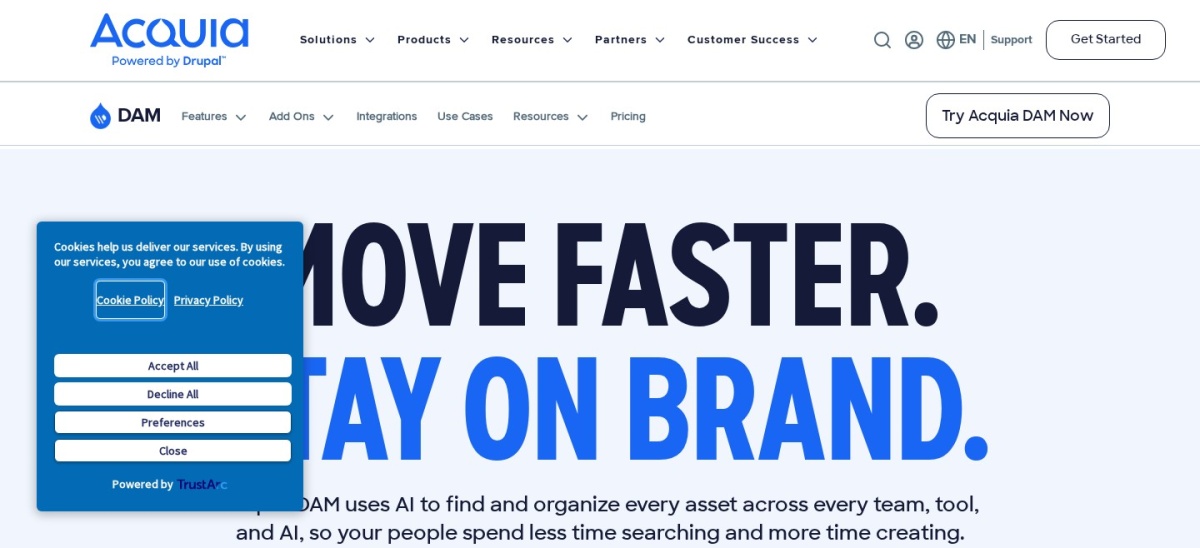
Acquia DAM (Widen) homepage, captured Nov 2026.
Acquia DAM (Widen) is an enterprise digital asset management platform for large, distributed libraries. It pairs custom metadata and search with branded portals, asset analytics and integrations, and G2 reviewers give its support 9.0 out of 10.
The trade off is scale and setup. Pricing is quoted, implementation averages about 4 months per G2, and reviewers call the interface slow with very large libraries. It suits enterprises and regulated teams that need metadata discipline and can fund a long rollout.
What we like
Strong metadata and search for big libraries
Branded portals with asset analytics
Support rated 9.0 out of 10 on G2
Free trial available
Watch out for
No public pricing
Implementation averages about 4 months
Interface can feel slow on large libraries
Quoted pricing across Workgroup, Mid-Market and EnterpriseVisit acquia.com
07
Dash
4.6/5on G2 (403 reviews, checked Nov 2026)
Starts at$109/mo
Best for small brands that want simple pricing
Free trialYes
AI searchYes
PlansStart-up to Growing brand
Paid planFrom $109/mo
dash.app
Dash homepage, captured Nov 2026.
Dash is a digital asset management tool built for small brands that want a simple library without enterprise sales calls. The Start-up plan costs $109 a month, with AI search and an interface reviewers rate highly for ease of use.
The trade off is depth. Dash is lighter on governance, workflows and brand guidelines than the enterprise tools above, and prices rise to $239 and $389 a month on the larger plans. It suits small teams that need a tidy, searchable library at a published price.
What we like
Published pricing from $109 a month
Rated 4.6 out of 5 from 403 G2 reviews
Fast setup with a clean interface
Free trial to test the library first
Watch out for
No free plan
Lighter governance than Bynder or Frontify
No brand guidelines hub
Start-up is $109/mo; larger plans are $239 and $389/moVisit dash.app
08
Filecamp
4.7/5on G2 (36 reviews, checked Nov 2026)
Starts at$29/mo
Best budget pick for small teams
Free trialYes
Paid planBasic, $29/mo flat
Branded portalsYes
PlansBasic to Professional
filecamp.com
Filecamp homepage, captured Nov 2026.
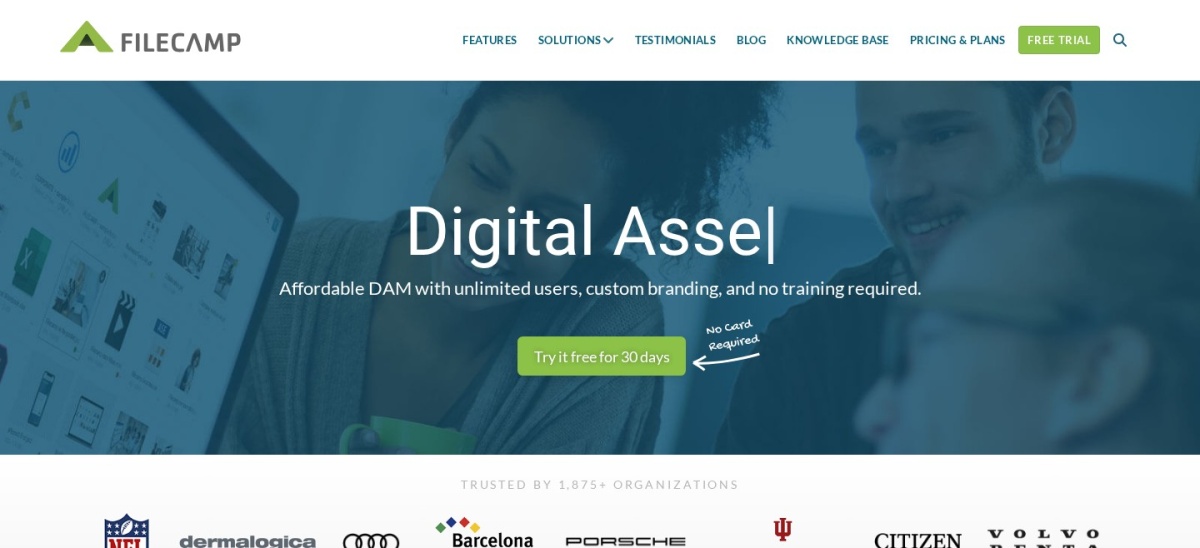
Filecamp is a simple digital asset management tool for small teams that need to share brand files without a big budget. The Basic plan costs $29 a month flat, with searchable metadata, branded portals and download links for clients and partners.
The trade off is scale. Filecamp has only 36 G2 reviews, the thinnest base in this list, and it lacks the AI search, templates and workflow depth of the enterprise tools. It suits small teams that want the cheapest honest DAM and can live without advanced features.
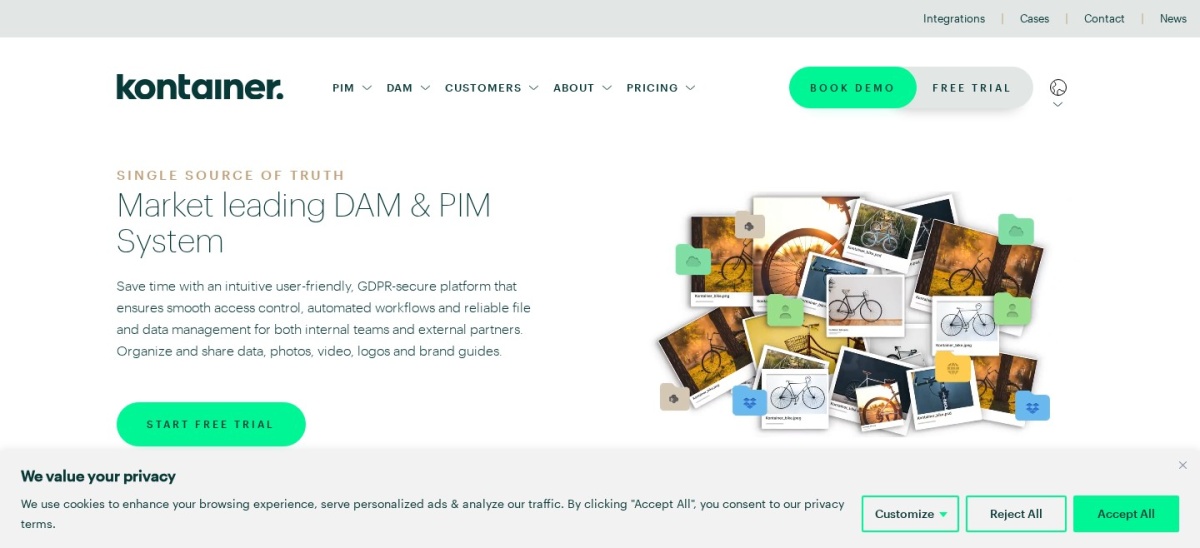
Kontainer is a digital asset management platform that pairs a brand asset library with product information management. The Core plan costs $500 a month, with branded portals for sharing product images, videos and documents with retailers and partners.
The trade off is price. At $500 a month it is the most expensive published starting price in this list, and larger plans reach $1,155 a month before Enterprise. It suits brands and retailers that manage product imagery and product data together.
Five of the nine tools here publish no price. Enterprise DAM vendors quote per library size, user count and storage, so two teams can pay very different amounts for the same plan.
Ask for the full quote in writing, including storage, extra seats, add-ons and renewal terms. Reviewers of Brandfolder and Frontify report add-ons and renewal rises that were not in the first quote.
If the quote is out of reach, the published-price tools are the fallback. Filecamp starts at $29 a month, Air at $25, and Dash at $109, all without a sales call.
How we chose
We started from the best-known brand asset management platforms on G2, then kept nine established tools with a public product, a pricing page or a quoted model, and a G2 rating.
Prices and ratings were checked on 24 November 2026. Ratings come from G2 on that day; prices come from each vendor's pricing page, and where a vendor publishes no price the list shows Custom.
We left out tools with no G2 rating or no public product page. No vendor paid for a place, and we do not claim hands-on testing for this list.
How to choose brand asset management software
Start with the size of your library, then match the tool to how strict your brand rules are.
Count the files and the people. A library under a few hundred files and one team fits Air or Filecamp. Thousands of files across markets point to Bynder, Canto or Acquia DAM.
Decide how strict the brand rules are. If the wrong logo keeps going out, you need living guidelines and locked templates, which points to Frontify or Bynder.
Test search with your own files. Upload a real folder and try finding files by tag, colour and description. If search fails on a trial library, it will fail at full size.
Get the full quote before you commit. Ask what storage, seats, add-ons and renewal increases cost. A quote that only lists the base plan hides the real yearly total.
FAQ
What is the best brand asset management software?
Bynder is the best pick for most teams, rated 4.5 out of 5 on G2 from 1,200 reviews, with AI search and brand guidelines in one place. Frontify leads if living guidelines matter most, and Air is the best free starting point.
How much does brand asset management software cost?
The cheapest published starts are Air at $25 a month and Filecamp at $29 a month, both billed monthly. Five of the nine tools here sell by quote only, and Kontainer has the highest published start at $500 a month.
Is there free brand asset management software?
Air is the only tool in this list with a free plan, offering 120 credits a month with no card required. The other tools offer a free trial or a demo instead, so test the library before paying.
What is the difference between a DAM and brand asset management software?
A DAM is the broad category for storing and finding any digital file. Brand asset management is the brand-focused side of it: approved logos and templates, usage rules, and portals that keep partners on brand.
Do I need brand guidelines software as well?
Not if you buy Frontify or Bynder, which include living guidelines beside the asset library. With Canto, Air, Dash or Filecamp, you will need a separate guidelines document or tool to cover logo rules.
Which brand asset management tool is best for small teams?
Air fits smallest teams with its free plan and $25-a-month Starter, and Filecamp is the cheapest paid option at $29 a month. Dash at $109 a month adds polish, while the enterprise tools are oversized for a small team.