Best Bookmark Manager Software in 2026: 7 Tools Compared
WLWPLegible EditorsLast verified 24 Nov 2026How we rank10 min read
★ Short answer
Raindrop.io is the best bookmark manager for most people, with unlimited bookmarks and collections free and a 4.2/5 G2 rating. Pick Instapaper for clean offline reading, Toby if your real problem is open tabs, and Bookmark Ninja if you want a plain paid dashboard.
How we make this list: we compare pricing pages, product documentation and public user reviews, then re-check every price before each update. No product paid for a place. Disclosure.
Raindrop.io gives the most free: unlimited bookmarks, collections and devices, with Pro at $28 a year adding full-text search and saved page copies.
Instapaper is the calmest place to read saved articles, with offline reading free and Premium at $59.99 a year.
Toby is the only pick built for open tabs, not archives: free up to 60 saved tabs, then $54 a year per member.
Bookmark Ninja is the simplest paid pick: a no-frills web dashboard at $23.88 a year after a 30-day trial.
Readwise Reader is the priciest pick at $95.88 a year and has no free plan, but its highlights sync to Notion and Obsidian.
What to look for in a bookmark manager
A bookmark manager earns its keep when you can find a link months later. Collections, tags and full-text search matter more than a pretty save button.
Free plans differ sharply. Raindrop.io lets you save without limit for free, Diigo caps free accounts at 500 bookmarks, and Toby stops at 60 saved tabs.
Archiving is the feature that separates a list from a library. Raindrop Pro and Readwise Reader keep a copy of the page, so a dead link does not erase the content.
If you plan in WordPress, a saved research library pairs with a publishing plan. Our guide on creating a content calendar shows how to turn saved links into scheduled posts.
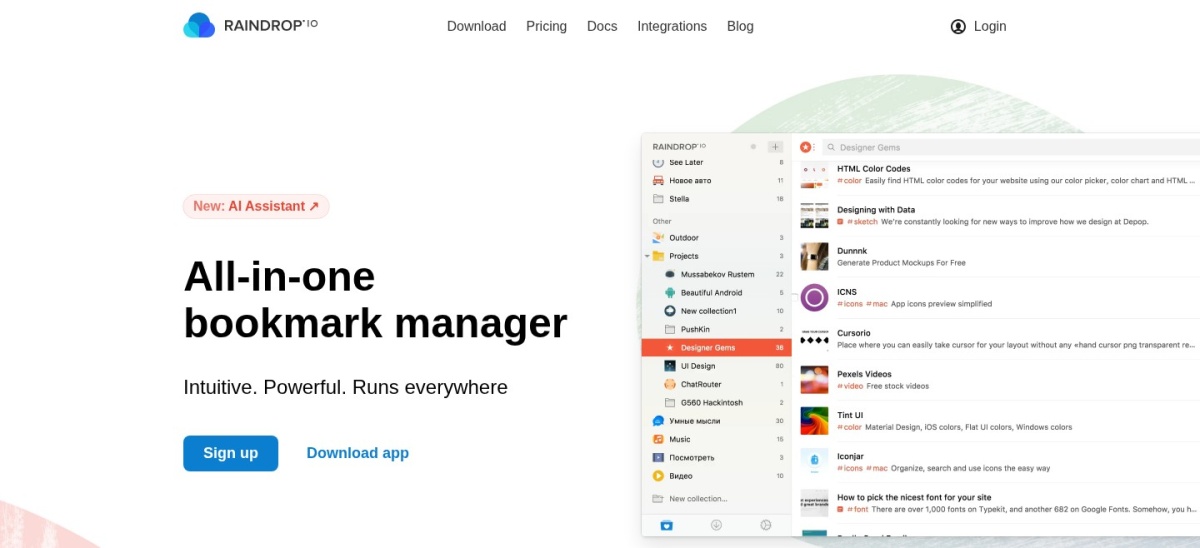
Raindrop.io is an all-round bookmark manager that stores links, articles, files and highlights in nested collections with tags. The free plan covers unlimited bookmarks, collections, highlights and devices, with sharing and collaboration included. It runs on the web, Mac, Windows, iPhone, Android and browser extensions.
The trade off is that the two features that make a large library findable need Pro at $28 a year: full-text search and permanent copies of saved pages. The free plan also caps file uploads at 100 MB a month. It suits researchers, designers and teams who want one organised library on every device.
What we like
Unlimited bookmarks and collections on the free plan
Apps and extensions on every major platform
Full-text search and saved page copies on Pro
Imports from browsers and Pocket exports
Watch out for
Full-text search needs Pro
The interface can feel dense at first
Pro adds full-text search, page copies and daily backupsVisit raindrop.io
02
Instapaper
4.4/5on G2 (10 reviews, checked Nov 2026)
Paid from$5.99/mo
Best for clean offline reading
Free planUnlimited saves
Offline readingYes, on mobile
Full-text searchPremium only
Entry paid planPremium, $59.99/yr
instapaper.com
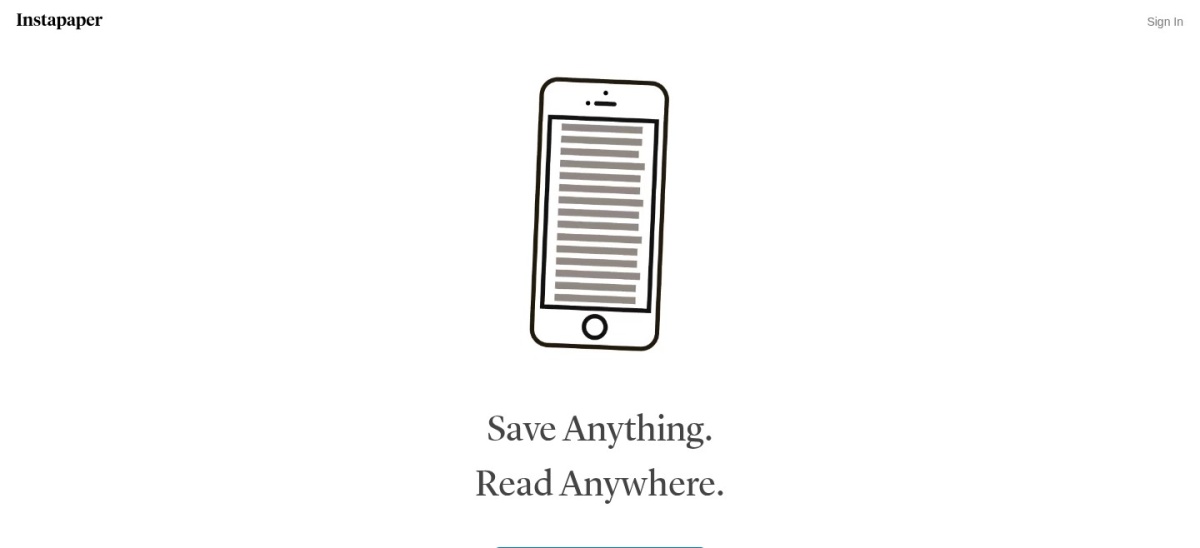
Instapaper homepage, captured Nov 2026.
Instapaper is a read-later app that saves articles and strips them down to a clean text view. The free plan covers unlimited saves, folders, tags, sync across web, iPhone and Android, and offline reading on phones. Free accounts also get 5 notes a month and 10 summaries a month on supported platforms.
The trade off is organisation. There are no collections, tags stay basic, and nothing archives the original page, so a changed or deleted page is gone. Premium costs $5.99 a month or $59.99 a year and adds full-text search, a PDF reader and a permanent archive. It suits readers who want a quiet queue and nothing more.
What we like
Cleanest reading view in this list
Offline reading on mobile for free
Kindle and Kobo delivery on Premium
Highlights export to Markdown, Obsidian and Notion
Watch out for
No collections and only basic tags
Full-text search and the archive need Premium
Free users see ads on the website
Premium adds full-text search, a PDF reader and a permanent archiveVisit instapaper.com
03
Toby
4.9/5on G2 (17 reviews, checked Nov 2026)
Paid from$4.50/member/mo
Best for saving open tabs
Free planUp to 60 saved tabs
Session savingYes, one click
Page archivingNo
Entry paid planProductivity, $54/yr
gettoby.com
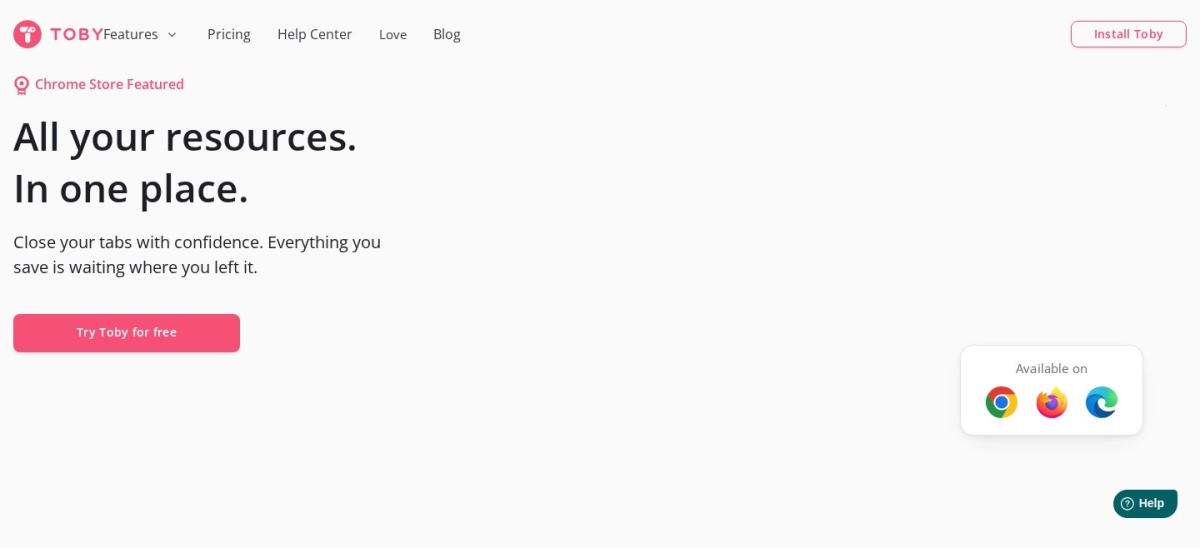
Toby homepage, captured Nov 2026.
Toby is a browser extension that saves open tabs into visual collections grouped in Spaces, one per project or team. A whole window can be stashed and reopened later, and collections can be shared with teammates or published as public links. The free Starter plan covers up to 60 saved tabs with unlimited members.
The trade off is scope. Toby stores links rather than page content, so there is no archiving, highlighting or full-text search, and a deleted page is gone for good. Unlimited tabs and advanced search need Productivity at $4.50 per member a month billed yearly. It suits browser-heavy workers whose real problem is sessions, not articles.
What we like
Saves a whole session in one click
Shared Spaces for teams
Rated 4.9 out of 5 on G2
Fast search across saved sessions
Watch out for
Free plan stops at 60 saved tabs
No page archiving or full-text search
Browser extension first, no desktop app
Productivity adds unlimited tabs, advanced search and AI organisationVisit gettoby.com
04
Diigo
4.3/5on G2 (10 reviews, checked Nov 2026)
Paid from$40/yr
Best for research and annotation
Free plan500 bookmarks, 100 highlights
AnnotationHighlights and sticky notes
Group librariesYes
Entry paid planStandard, $40/yr
diigo.com
Diigo homepage, captured Nov 2026.
Diigo is a bookmarking and annotation tool that lets you highlight and add sticky notes to web pages and PDFs in place. Groups can share annotated libraries, and the Outliner turns highlights into structured notes. The free plan is ad-supported, with lifetime caps of 500 cloud bookmarks and 100 highlights.
The trade off is age. The interface feels dated, the extension has drawn complaints about sync and reliability, and the free caps bite fast on a large library. Standard costs $40 a year and removes the ads and caps, with cached pages and Kindle highlight import. It suits students, teachers and research groups whose work product is the annotation itself.
What we like
Annotation in place on pages and PDFs
Group libraries for classes and teams
Outliner turns highlights into notes
Long track record in education
Watch out for
Free plan caps bookmarks and highlights for life
Interface feels dated
Recent extension reviews report sync problems
Standard removes ads and caps; Professional adds unlimited PDF storageVisit diigo.com
05
Start.me
4.3/5on G2 (49 reviews, checked Nov 2026)
Paid from$25/yr
Best as a visual start page
Free planYes, with ads
WidgetsNews, feeds and notes
Team workspacesPaid Teams plan
Entry paid planPersonal PRO, $25/yr
start.me
Start.me homepage, captured Nov 2026.
Start.me is a personal start page that presents bookmarks as a visual dashboard of groups, widgets, news feeds and notes. It works as the browser home page on any device, so daily links sit one click away. The free plan covers the dashboard and bookmark groups, with ads, and Personal PRO costs $25 a year.
The trade off is depth. Start.me is a dashboard first, not a read-later app, so there is no clean reading view, no archiving and no annotation. The design feels dated next to Raindrop.io, and team features sit on the $30-a-month Teams plan. It suits people who open the same set of sites every day and want them on one page.
What we like
Daily links on one visual page
Widgets for news, feeds and notes
Shareable pages for teams
Rated 4.3 out of 5 from 49 G2 reviews
Watch out for
No reading view or page archiving
Free plan shows ads
Design feels dated
Personal PRO adds more widgets, backup and no adsVisit start.me
06
Bookmark Ninja
4.2/5on G2 (8 reviews, checked Nov 2026)
Starts at$1.99/mo
Best no-frills web dashboard
Free plan30-day trial only
GroupingTabs and categories
Browser extensionsChrome and Firefox
Entry paid plan$1.99/mo billed yearly
bookmarkninja.com
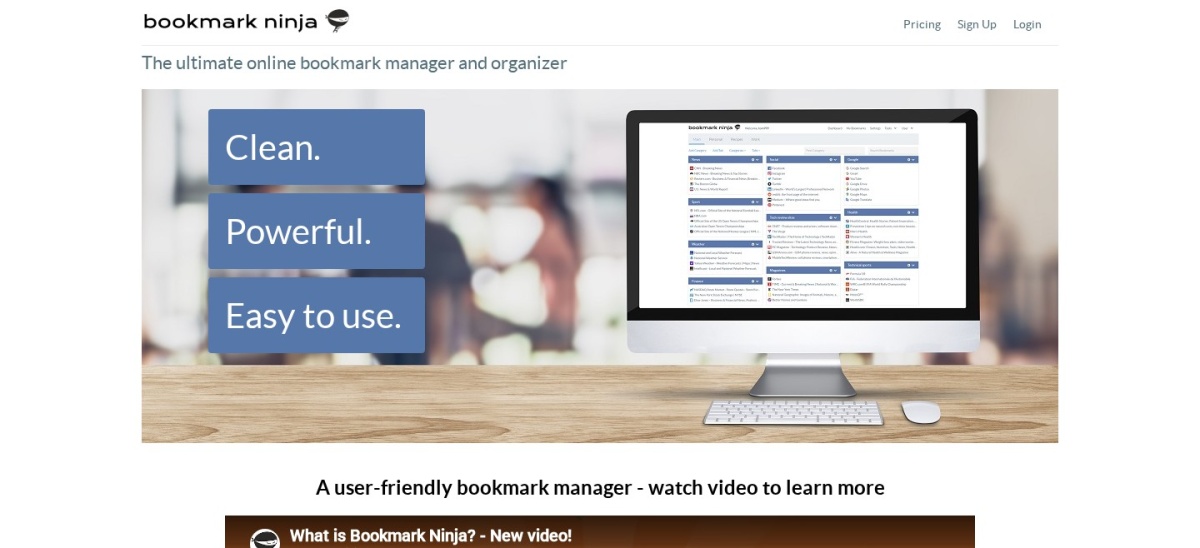
Bookmark Ninja homepage, captured Nov 2026.
Bookmark Ninja is a plain web dashboard for bookmarks that works in any browser without installing apps. You save pages with a bookmarklet, then sort them into tabs and categories with tags, and the dashboard works on computer, tablet or phone. A 30-day free trial comes first, then the plan costs $1.99 a month billed yearly.
The trade off is simplicity. There are only two levels of grouping, no free plan after the trial, and no page archiving or full-text search. The Firefox add-on was last released in June 2025 and the Chrome extension in May 2024, so updates are slow. It suits people who want a fast, no-frills start page of everyday links.
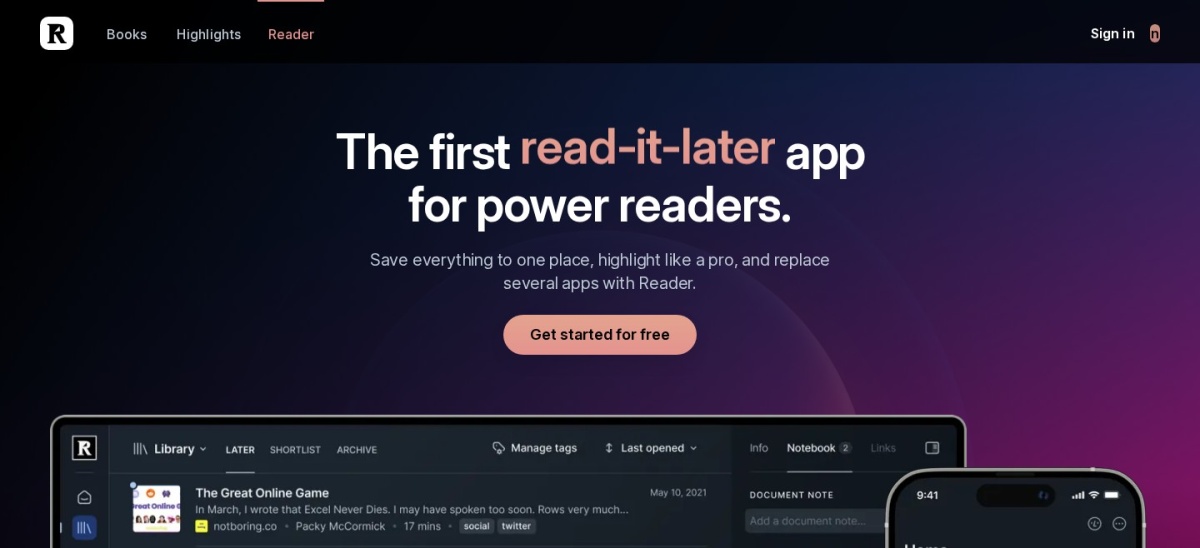
Readwise Reader is a reading inbox for articles, newsletters, PDFs, RSS feeds and social posts in one place. Every highlight you make syncs through Readwise into note apps such as Notion and Obsidian, and the app adds text to speech and strong search. It is sold as part of Readwise, so the price covers the bundle.
The trade off is price and focus. Reader costs $7.99 a month billed yearly, or $95.88 a year, while full Readwise with the Highlights tools costs $9.99 a month billed yearly. There is no free plan beyond a 30-day trial. It suits knowledge workers whose saved links become notes, quotes and published work.
What we like
Highlights sync to Notion and Obsidian
Articles, PDFs, newsletters and RSS in one inbox
Text to speech and strong search
Keyboard-first design
Watch out for
No free plan beyond a trial
Priciest pick in this list
Overkill if you never highlight
The full Readwise bundle adds more sync and library featuresVisit readwise.io
Pocket is gone: check export before you switch
Mozilla shut Pocket down on 8 July 2025, and export-only access ended on 12 November 2025, when data deletion began.
That shutdown is the reason to test export first. Every tool on this list imports a standard HTML bookmarks file, and Raindrop.io, Instapaper and Diigo all import Pocket exports.
Import a small batch, check that tags and folders survive, then export again and read the file. A manager that hands back readable links is one you can leave later without losing years of saves.
How we chose
We started from the bookmark managers people moved to after Pocket shut down, then kept the established tools with a real library: collections or tags, search, and a way to get your data back out.
Prices come from each vendor's pricing page and public listings, checked on 24 November 2026. Ratings come from G2 on the same day, except Readwise Reader, whose 4.6 rating comes from the App Store, since it has no public G2, Capterra or Trustpilot rating we could verify.
We left out Pocket itself, shut down by Mozilla in 2025, and browser-only start pages with no real library. No vendor paid for a place, and we do not claim hands-on testing for this list.
How to choose a bookmark manager
Name the job first, then test the switch with your real bookmarks before you commit.
Decide what you are actually saving. Links you need to find again call for collections and search, while articles you need to read call for a clean reading view and offline access.
Check the free plan against your library size. Raindrop.io is unlimited free, Diigo caps free accounts at 500 bookmarks, and Toby stops at 60 saved tabs, so import a real batch before you commit.
Test export before you import everything. Save a few links, export them, and read the file. If tags or folders are lost, try another tool while the library is still small.
Pay only when a limit bites. Full-text search, saved page copies and team sharing are the usual paid walls. Start free and upgrade when search or archiving becomes the bottleneck.
FAQ
What is the best bookmark manager software?
Raindrop.io is the best pick for most people. Its free plan covers unlimited bookmarks, collections and devices, Pro costs $28 a year, and it is rated 4.2 out of 5 on G2 from 13 reviews.
Is there a free bookmark manager?
Yes. Raindrop.io, Instapaper, Diigo, Toby and Start.me all have free plans, and Raindrop.io's is the most generous, with no limit on bookmarks or collections. Bookmark Ninja and Readwise Reader are paid only, with no free plan.
What happened to Pocket?
Mozilla shut Pocket down on 8 July 2025, and export-only access ended on 12 November 2025, when data deletion began. Most of its users moved to Raindrop.io, Instapaper or Readwise Reader, and all three import Pocket export files.
Can a bookmark manager save a copy of a page?
Some can. Raindrop Pro keeps a permanent copy of every saved page, and Readwise Reader keeps readable copies of articles and PDFs. Plain managers such as Toby, Start.me and Bookmark Ninja save the link only.
Which bookmark manager is best for research?
Diigo is the best pick for research. It lets you highlight and annotate pages and PDFs in place, share annotated libraries in groups, and turn highlights into structured notes with its Outliner. Its free plan caps at 500 bookmarks and 100 highlights.
Do I need to pay for a bookmark manager?
Most people do not. Start with a free plan and pay only when a limit bites, usually full-text search, saved page copies or team sharing. Bookmark Ninja costs $23.88 a year after a 30-day trial, while Start.me Personal PRO is $25 a year.