Best Booking Appointment Plugins for WooCommerce in 2026: 9 Tools Compared
WLWPLegible EditorsLast verified 22 Nov 2026How we test13 min read
★ Short answer
Amelia is the best booking appointment plugin for most WooCommerce stores, with a 4.6 out of 5 rating from 798 users and a free Lite version. Pick LatePoint for the highest-rated free flow at 4.9 out of 5, and WooCommerce Bookings only if bookings must be native WooCommerce products.
How we make this list: we compare pricing pages, product documentation and public user reviews, then re-check every price before each update. No product paid for a place. Disclosure.
Amelia is the strongest all-round pick: 4.6 out of 5 from 798 reviews, 90,000+ installs, and a free Lite version with Square payments.
LatePoint has the highest rating here at 4.9 out of 5 and includes every feature on every paid plan, starting at $99 a year.
WooCommerce Bookings is the only tool that sells bookings as native WooCommerce products, but it costs $249 a year and is rated 2.7 out of 5 on WooCommerce.com.
Simply Schedule Appointments holds a perfect 5.0 out of 5 from 155 reviews, but payments need the Professional plan at $249 a year.
Booking Calendar and Easy Appointments charge once, not yearly: $79 and $39 for a single site, with six months and one year of updates.
What to look for in a WooCommerce booking plugin
A booking plugin for a WooCommerce store does one of two jobs. Some turn a product into something bookable, so the booking is a WooCommerce order with the store's taxes, coupons and payment gateways. Others run their own appointment system beside the store and push payment through WooCommerce checkout.
Decide which shape fits first. If you sell time slots, rooms or rentals as products, a native bookable product keeps stock, coupons and reports in one place. If you sell a person's time, an appointment system with staff, services and reminders fits better. Our guide on free vs premium WordPress plugins explains when paying for a plugin is worth it.
Check the free version before you pay. Most tools here have one, but the limits differ: staff count, payment gateways and calendar sync are the usual paywalls. A free version that covers your whole booking flow is worth more than a cheap paid plan that still needs add-ons.
Price ladders in this category hide the real cost. First-year discounts of 30 to 70 percent are common, and several tools charge extra for deposits, SMS reminders or extra sites. The ladder below shows the regular price, not the sale price.
The 9 best booking appointment plugins for WooCommerce
01
Amelia
4.6/5on WordPress.org (798 reviews, checked Nov 2026)
Paid from$49/yr
Best booking plugin overall
Free planYes, Lite, 1 employee
Staff and locationsUnlimited on paid plans
PaymentsSquare free; Stripe paid
Paid planStarter, $49/yr
wpamelia.com
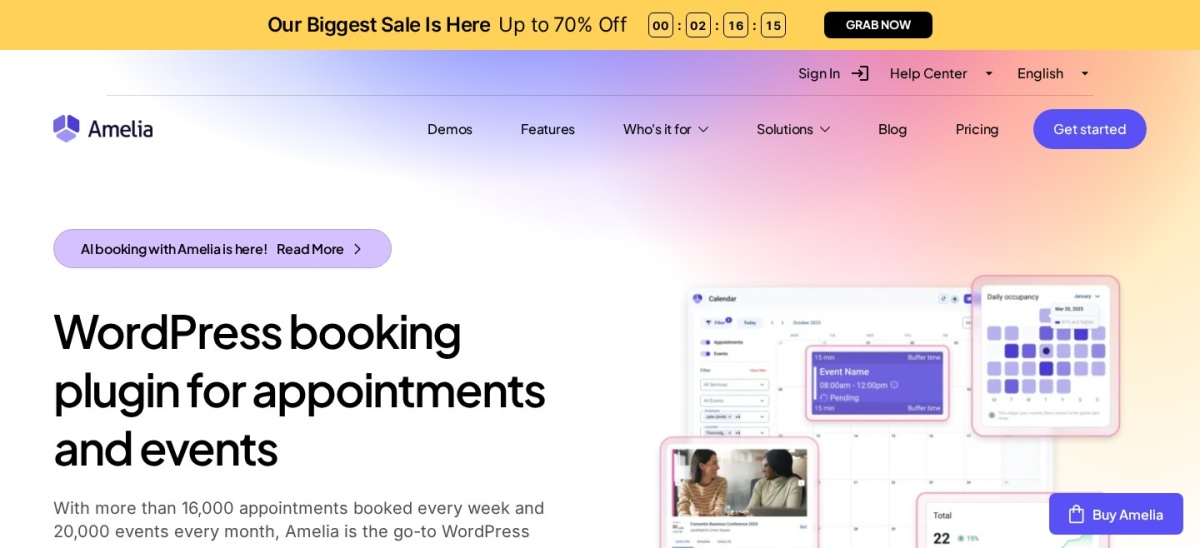
Amelia homepage, captured Nov 2026.
Amelia is a booking plugin for appointments and events, with more than 90,000 active installs and a 4.6 out of 5 rating from 798 users. The free Lite version covers step-by-step booking forms, a calendar, group bookings and Square payments for one employee on one domain.
The trade off is that the cheapest paid plan is thin. Starter costs $49 a year but still limits payments to Square, and Stripe, calendar sync and video meetings start at Standard for $99 a year. It suits salons, clinics and service teams that want a polished booking form and events in the same plugin.
What we like
Polished booking form customers find easy to use
Events and ticket sales in the same plugin
Free Lite version covers the basics well
Watch out for
Starter plan still limits payments to Square
Stripe and calendar sync need Standard at $99 a year
4.9/5on WordPress.org (109 reviews, checked Nov 2026)
Paid from$99/yr
Best for simple all-features pricing
Free planYes, Stripe only
Paid featuresAll, on every plan
Calendar syncGoogle, Outlook, Apple
Paid planStarter, $99/yr
latepoint.com
LatePoint homepage, captured Nov 2026.
LatePoint is an appointment booking plugin with more than 100,000 active installs and a 4.9 out of 5 rating from 109 users, the highest rating in this list. The free version covers unlimited services, staff and locations with Stripe payments, and every paid plan includes the same full feature set.
The trade off is the first-year price. Starter costs $79 in year one and renews at $99 a year for one site, and PayPal, calendar sync, Zoom and WhatsApp all need a paid plan. It suits single-location service businesses that want every feature without working out which tier holds it.
What we like
Highest WordPress.org rating in this list
All paid features on every plan, priced by site count
2.7/5on WooCommerce.com (60 reviews, checked Nov 2026)
Starts at$249/yr
Best native WooCommerce bookings
Free planNo, paid only
Bookable productsYes, native
Calendar syncGoogle Calendar
Paid plan$249/yr, 1 site
woocommerce.com
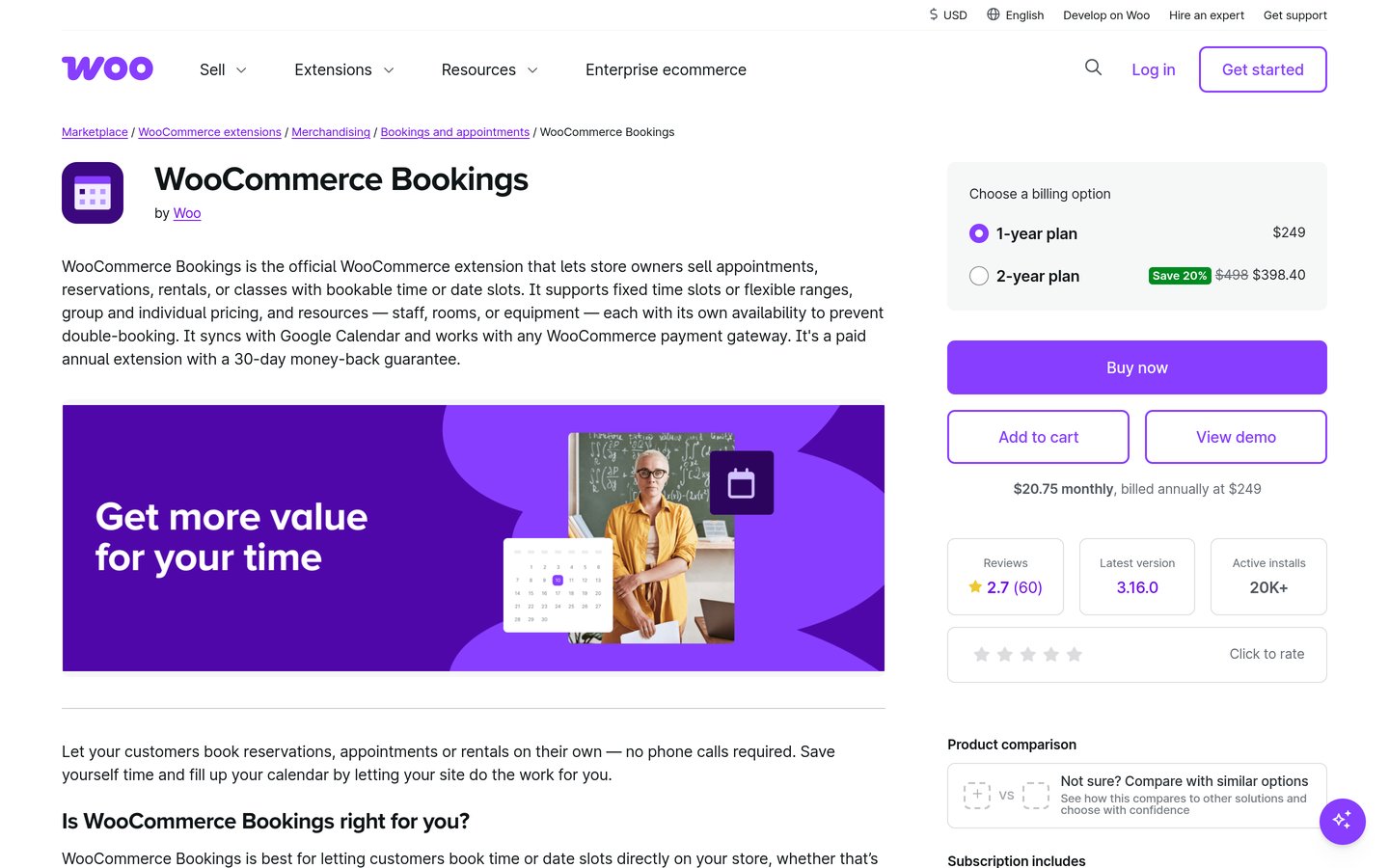
WooCommerce Bookings homepage, captured Nov 2026.
WooCommerce Bookings is the official WooCommerce extension that turns products into bookable time slots or date ranges, with more than 20,000 active installs. A booking becomes a WooCommerce order, so the store's taxes, coupons, reports and every payment gateway apply, and a 14-day free trial is included.
The trade off is price and reputation. It costs $249 a year with no free version, and it holds a 2.7 out of 5 rating from 60 reviews on WooCommerce.com, the lowest here. Deposits need the WooCommerce Deposits extension for another $219 a year. It suits stores that already run WooCommerce and need bookings to behave like products.
What we like
Bookings are real WooCommerce products and orders
Works with every WooCommerce payment gateway
Free Accommodation Bookings add-on for overnight stays
4.4/5on WordPress.org (587 reviews, checked Nov 2026)
Paid from$99/yr
Best budget pick with add-ons
Free planYes, 5 services, 1 staff
WooCommercePro, checkout integration
Calendar syncGoogle, in Pro
Paid planPro, $99/yr
booking-wp-plugin.com
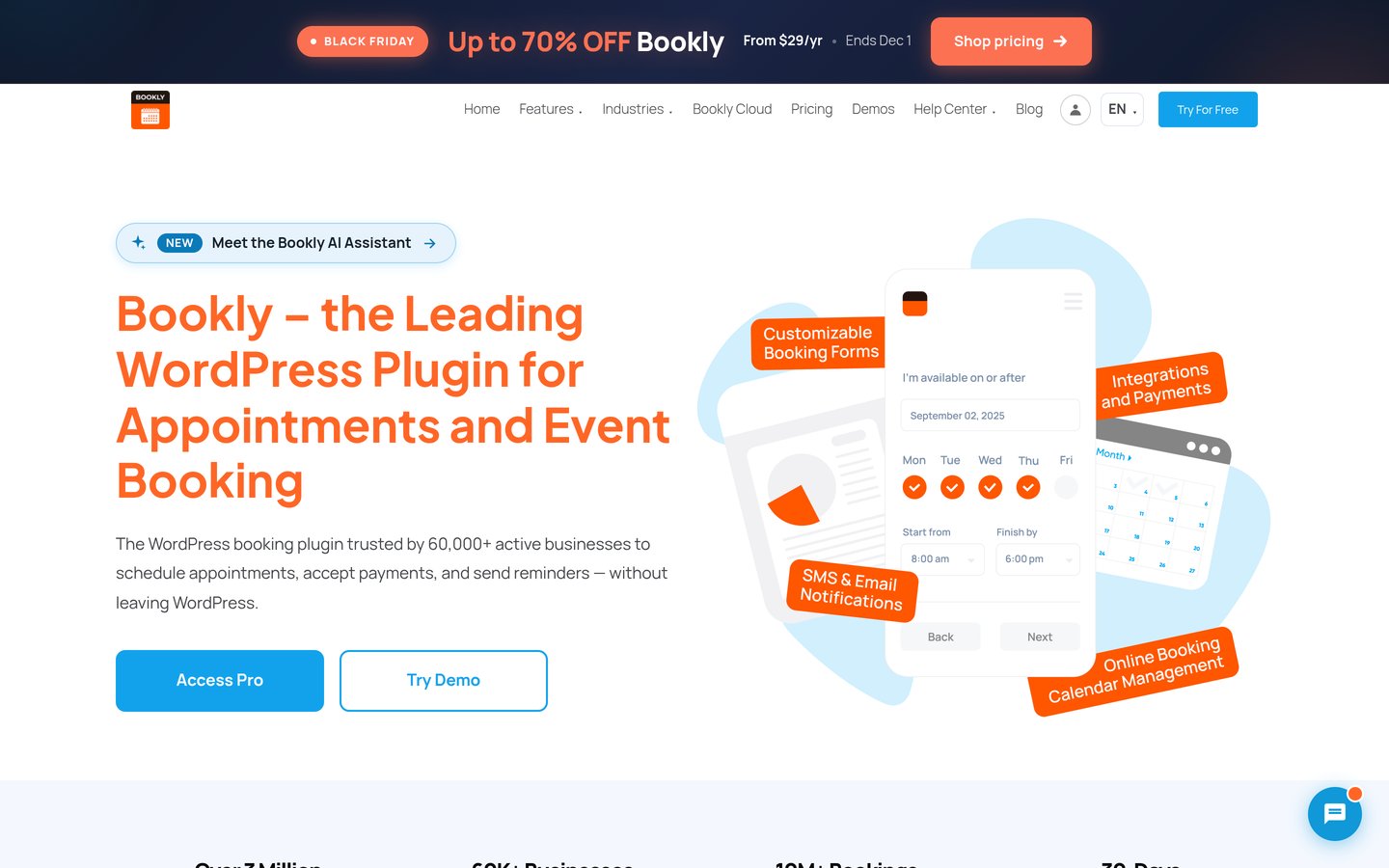
Bookly homepage, captured Nov 2026.
Bookly is a long-running booking plugin with more than 60,000 active installs and a 4.4 out of 5 rating from 587 users. The free version covers five services and one staff member with offline payments, and Pro adds unlimited staff and services, Google Calendar sync, Zoom and WooCommerce checkout.
The trade off is the add-on model. Pro costs $99 a year at the regular price after a $39 first-year offer, and Stripe, PayPal, deposits and recurring bookings sit in the higher Business plan. It suits small appointment businesses that want a cheap start and will pay for extras only as they need them.
What we like
Cheapest paid entry among the big names
More than 40 paid add-ons to pick from
WooCommerce checkout in Pro
Watch out for
Stripe and PayPal need the Business plan
Free version allows only five services and one staff member
5/5on WordPress.org (155 reviews, checked Nov 2026)
Paid from$129/yr
Best for solo consultants
Free planYes, Basic, unlimited types
Google CalendarPlus, two-way sync
PaymentsProfessional, Stripe
Paid planPlus, $129/yr
simplyscheduleappointments.com
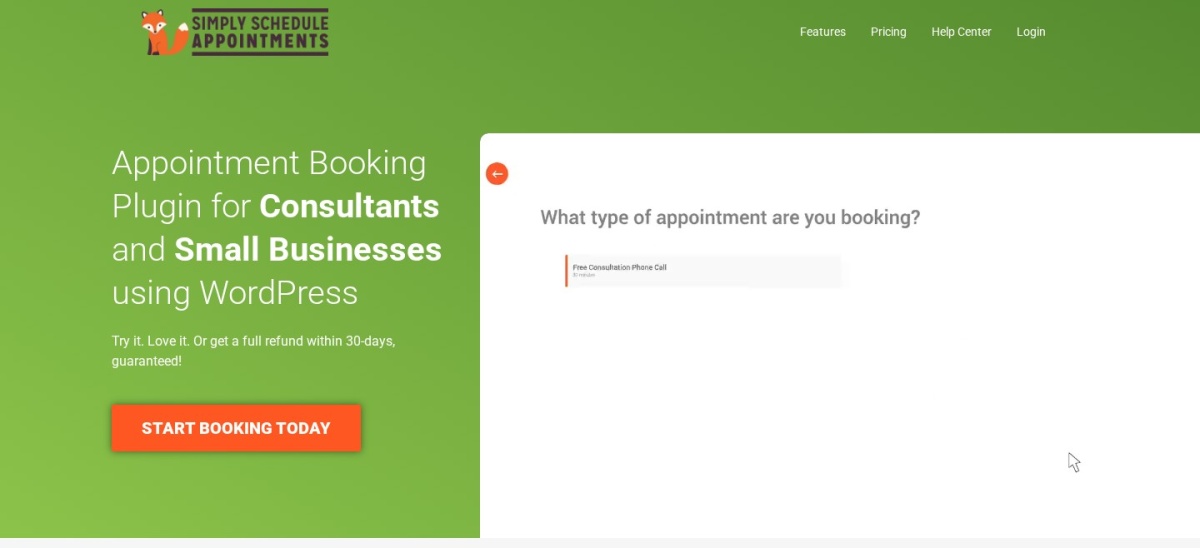
Simply Schedule Appointments homepage, captured Nov 2026.
Simply Schedule Appointments is a booking plugin for solo consultants and small businesses, with more than 50,000 active installs and a perfect 5.0 out of 5 rating from 155 users. The free Basic edition offers unlimited appointment types, a setup wizard, blackout dates and email notifications, with no payments or calendar sync.
The trade off is the steep ladder. Plus costs $99 in the first year and renews at $129 a year for Google Calendar and Zoom, while Stripe and PayPal need Professional at $249 a year. It suits one-person businesses that take payment outside the booking page and want the simplest setup in this list.
4.8/5on WordPress.org (657 reviews, checked Nov 2026)
Paid from$79/once
Best for rooms and rentals by the day
Free planYes, 1 calendar
Booking typeFull days or time slots
Calendar sync.ics with Airbnb
Paid planPersonal, $79 once
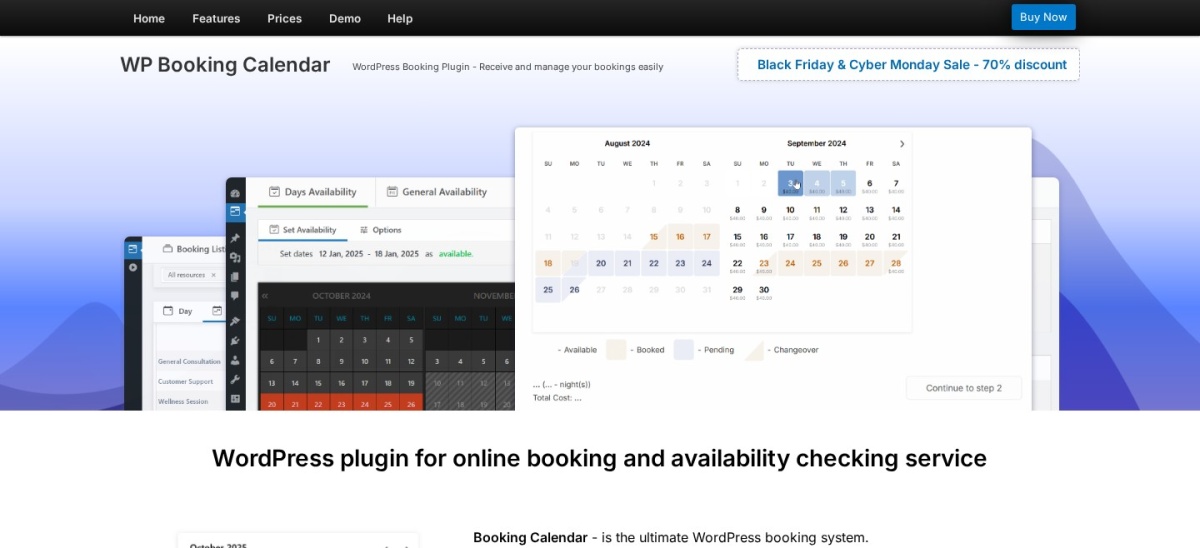
wpbookingcalendar.com
Booking Calendar homepage, captured Nov 2026.
Booking Calendar is one of the oldest WordPress booking plugins, with more than 40,000 active installs and a 4.8 out of 5 rating from 657 users. The free version gives you one bookable calendar with full-day or time-slot bookings, a form builder, double-booking prevention and two-way .ics sync with Airbnb, Booking.com and VRBO.
The trade off is that the paid versions are one-time licences. Personal costs $79 once for one site with six months of updates, and online payments start at Business Small for $149. It suits rooms, rentals and properties booked by the day, rather than staff appointments.
What we like
Two-way .ics sync with Airbnb and Booking.com free
4.7/5on WordPress.org (46 reviews, checked Nov 2026)
Paid from$79/yr
Best Calendly-style scheduler
Free planYes, one-on-one meetings
HostsUnlimited, even free
Calendar syncGoogle, Outlook, Apple
Paid planSolo, $79/yr
fluentbooking.com
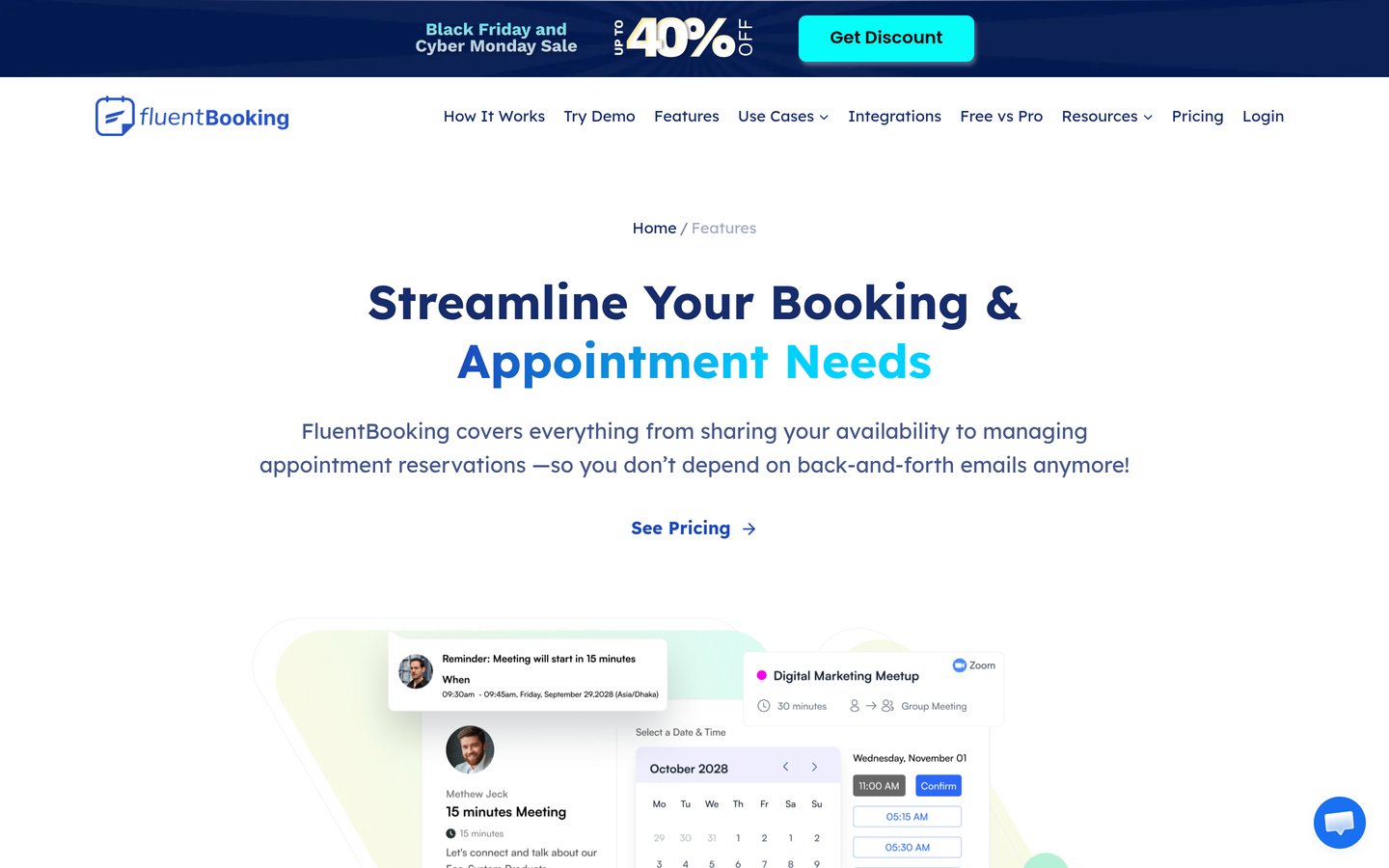
Fluent Booking homepage, captured Nov 2026.
Fluent Booking is a Calendly-style scheduler from the makers of FluentCRM and Fluent Forms, with more than 20,000 active installs and a 4.7 out of 5 rating from 46 users. The free version covers one-on-one meetings with unlimited hosts and calendars, in-person, phone or link locations, and FluentCRM and Fluent Forms integrations.
The trade off is that payments and video meetings are paid. Solo costs $79 a year at the regular price after a $47 first-year offer, and it adds group and round-robin meetings, payments, two-way calendar sync and Zoom. It suits coaches and consultants who already use FluentCRM or Fluent Forms.
4.9/5on WordPress.org (344 reviews, checked Nov 2026)
Paid from$79/yr
Best for daily rentals on a budget
Free planYes, 1 calendar
Booking typeDaily, by the day
PaymentsBusiness, from $149/yr
Paid planPersonal, $79/yr
wpbookingsystem.com
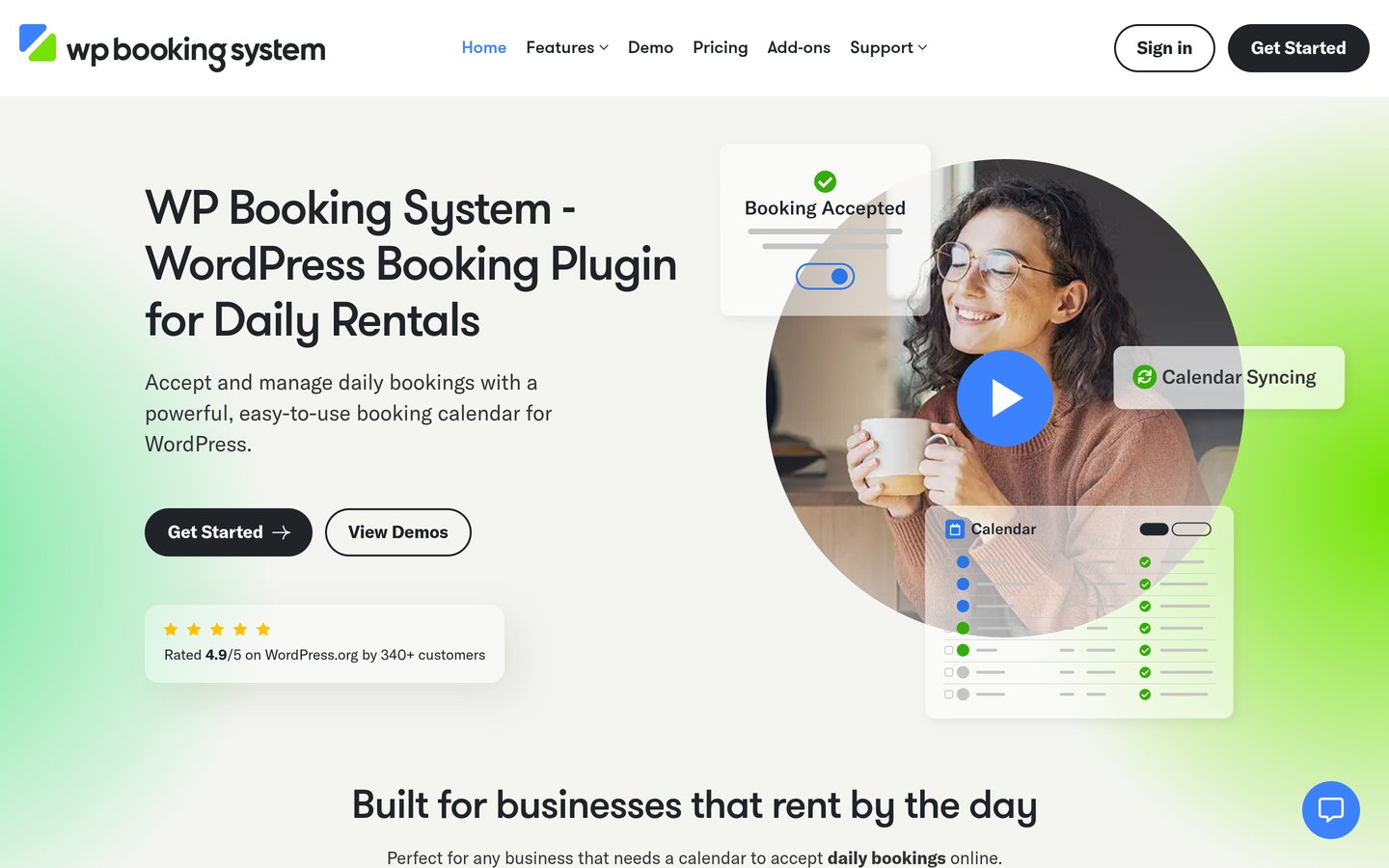
WP Booking System homepage, captured Nov 2026.
WP Booking System is a booking plugin built for daily rentals, with more than 10,000 active installs and a 4.9 out of 5 rating from 344 users. The free version covers one calendar with prices, availability and a booking form, and the Personal plan at $79 a year adds premium features for one site.
The trade off is that online payments cost more. Personal covers offline payments only, and Stripe or PayPal need the Business plan at $149 a year for five sites. It suits holiday lets, equipment hire and any business that rents by the day.
4.3/5on WordPress.org (131 reviews, checked Nov 2026)
Paid from$39/once
Best free multi-location basics
Free planYes, unlimited sites
LocationsUnlimited, free
PaymentsPro, Stripe and PayPal
Paid planPro, $39 once
easy-appointments.com
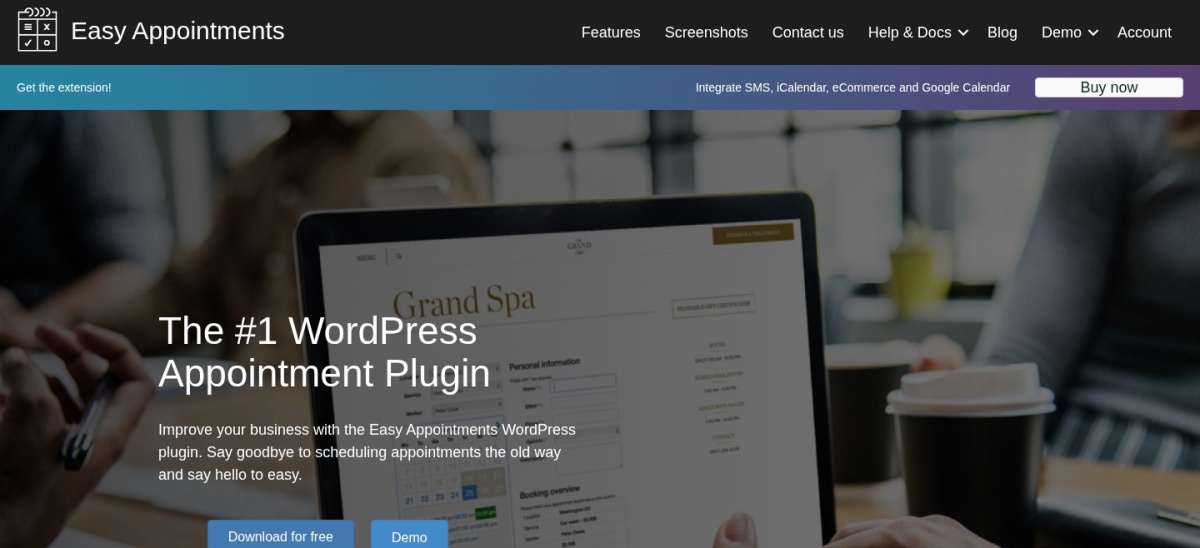
Easy Appointments homepage, captured Nov 2026.
Easy Appointments is a free booking plugin for multi-location businesses, with more than 10,000 active installs and a 4.3 out of 5 rating from 131 users. The free version covers unlimited locations, services and workers, email notifications, reCAPTCHA, CSV export and GDPR controls, with no cap on appointments.
The trade off is that the useful extras are paid. Google Calendar and Outlook sync, SMS and WhatsApp, Stripe, PayPal and WooCommerce payments need the Pro extension at $39 once for one site. It suits small chains and clinics with two or three branches that want the basics free.
Free versions cover the core job well. Amelia, LatePoint, Bookly, Simply Schedule Appointments, Fluent Booking, Booking Calendar, WP Booking System and Easy Appointments all take bookings without paying.
Paid plans mostly add payments, calendar sync and reminders. Those three are the usual paywalls, and they sit at different tiers in every tool, so check the tier before you buy.
Two tools charge once instead of yearly. Booking Calendar Personal costs $79 once with six months of updates, and Easy Appointments Pro costs $39 once with one year of updates. Both are cheap to start, but updates stop unless you renew.
Common mistakes when picking a booking plugin
Picking a rental tool for staff appointments is the most common mistake. Booking Calendar and WP Booking System are built around dates and rooms, while Amelia, LatePoint and Bookly are built around people and services.
Paying for WooCommerce Bookings when you do not sell products is the second. If bookings never share a cart with physical goods, an appointment plugin with WooCommerce checkout gives you the same payment flow for less.
Ignoring the renewal price is the third. Bookly, LatePoint, Simply Schedule Appointments and Fluent Booking all show a cheaper first year, so budget for the renewal, not the first-year offer.
How we chose
We started from every booking plugin on WordPress.org with more than 10,000 active installs, then added the official WooCommerce extension, which is sold on WooCommerce.com instead.
Prices come from each vendor's pricing page, checked on 22 November 2026. Ratings and install counts come from WordPress.org on the same day, except WooCommerce Bookings, which is rated on WooCommerce.com. Where a vendor shows a sale, the list shows the regular price.
We left out plugins not updated in the last 12 months and plugins with fewer than 10,000 installs. No vendor paid for a place, and we do not claim hands-on testing for this list.
How to choose a booking plugin for WooCommerce
Start with what you sell, then check the free version before you pay.
Decide whether bookings are products or appointments. If you sell time slots, rooms or rentals, pick a tool that makes bookings WooCommerce products. If you sell a person's time, pick an appointment system with staff and services.
Check the free version first. Every tool here except WooCommerce Bookings has a free version. Use it for a week before paying, so you know what the paid plan actually adds.
List the features you cannot do without. Payments, calendar sync and SMS reminders sit behind different paywalls in each tool. See which tier holds yours before you buy.
Check the renewal price, not the first year. Bookly renews at $99, LatePoint at $99 and Simply Schedule Appointments at $129 a year, all after cheaper first years. Budget for year two.
FAQ
What is the best booking plugin for WooCommerce?
Amelia is the best overall pick for most stores. It has more than 90,000 active installs, a 4.6 out of 5 rating from 798 users, and a free Lite version with booking forms, a calendar and Square payments.
Is WooCommerce Bookings worth $249 a year?
Only if bookings must be WooCommerce products. It is the official extension and the only tool here that turns a booking into a real WooCommerce order, but it is rated 2.7 out of 5 from 60 reviews and deposits cost another $219 a year.
Which booking plugin is best for a salon or clinic?
Amelia or LatePoint. Amelia has the most polished booking form and covers events too, while LatePoint has the highest rating at 4.9 out of 5 and includes every feature on every paid plan. Both handle staff, services and locations.
Can I take bookings for free?
Yes. Eight of the nine tools here have a free version, and Easy Appointments covers unlimited locations, services and workers without paying. Free versions usually leave out online payments and calendar sync, so check what yours needs first.
Do booking plugins work with WooCommerce checkout?
Some do. Bookly, Amelia, Fluent Booking and Easy Appointments can push payment through WooCommerce checkout on paid plans, and WooCommerce Bookings uses it by default. Simply Schedule Appointments has no WooCommerce checkout at any price.
Which booking plugin has the best rating?
Simply Schedule Appointments holds a perfect 5.0 out of 5 from 155 WordPress.org reviews, the only perfect score here. WP Booking System and LatePoint follow at 4.9 out of 5, from 344 and 109 reviews.