Best Blu-ray Ripper Software in 2026: 9 Tools Compared
WLWPLegible EditorsLast verified 24 Nov 2026How we rank14 min read
★ Short answer
MakeMKV is the best Blu-ray ripper for most people: it is free in beta and copies discs to MKV with no quality loss, keeping every audio track and subtitle. Pick DVDFab for the widest format support and HandBrake to shrink those large MKV files afterwards.
How we make this list: we compare pricing pages, product documentation and public user reviews, then re-check every price before each update. No product paid for a place. Disclosure.
MakeMKV is free in beta and makes perfect 1:1 MKV backups, but a Blu-ray rip runs 25 to 50 GB.
DVDFab is the most complete paid ripper at $99.99 for a lifetime licence, with 1,000+ output formats.
HandBrake and VLC are free, but neither decrypts a commercial Blu-ray on its own.
Leawo at $44.95 a year and EaseFab at $29.95 a year are the cheapest paid rippers here.
AnyMP4's decryption is disputed in 2026, so run its trial on your own discs before paying.
What a Blu-ray ripper should do
A Blu-ray ripper turns a disc you own into a video file you can play without the disc. The best tools decrypt the disc, keep the original quality, and save the audio tracks and subtitles you want.
Decryption is the hard part. Commercial discs carry AACS and BD+ protection, and new discs need updated keys, which is why free tools with no updates fall behind and paid tools charge for maintenance.
File size is the next decision. Lossless rips keep everything and run 25 to 50 GB per movie, while compressed MP4 files are a tenth of that size. Our guide on embedding a video in WordPress covers what happens once a video file is ready to publish.
Check the trial limits before you pay. Most paid rippers here cap trial conversions at 3 to 5 minutes, which is enough to check the interface but not to finish a movie.
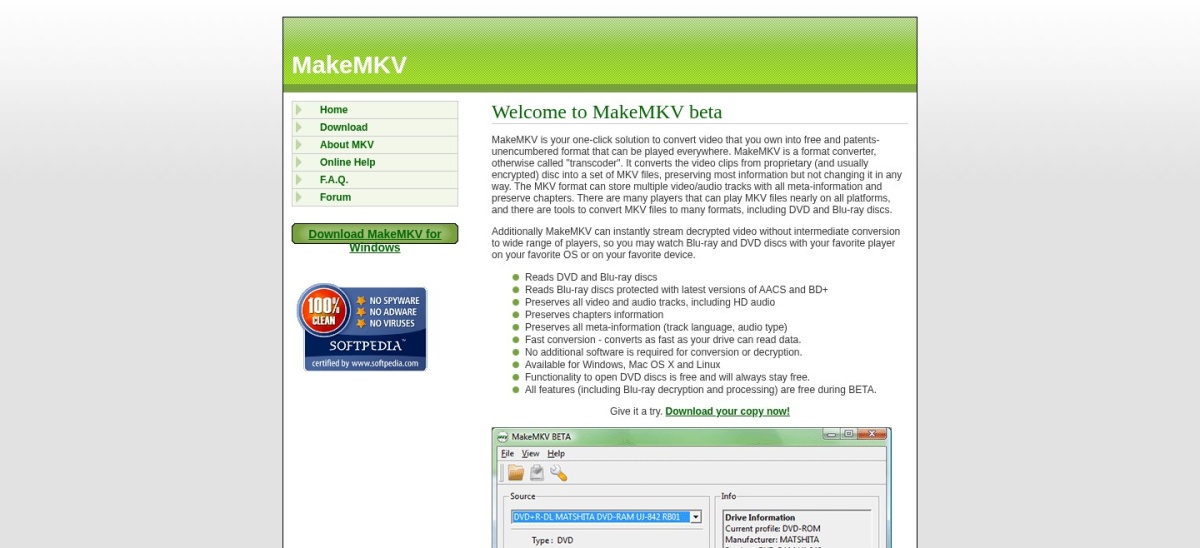
MakeMKV is a one-click ripper that copies a Blu-ray or DVD into MKV files without re-encoding anything, so the video and audio stay exactly as they are on the disc. It keeps every audio track, including HD audio, every subtitle and all chapters, and it reads discs protected with the latest versions of AACS and BD+. DVD ripping is free forever, and Blu-ray ripping is free while the program stays in beta.
The trade off is size and polish. A ripped Blu-ray runs 25 to 50 GB because nothing is compressed, the interface looks dated, and the free beta key must be refreshed every month or two. The $60 registration removes the key routine. It suits archivists building a media-server library who want perfect copies and do not mind large files.
4.4/5on Trustpilot (727 reviews, checked Nov 2026)
Starts at$99.99/once
Best paid all-in-one ripper
Output formats1,000+ video and audio
4K UHD discsYes
Copy protectionAACS, BD+, BD-J, Cinavia
PlatformsWindows, Mac
dvdfab.cn
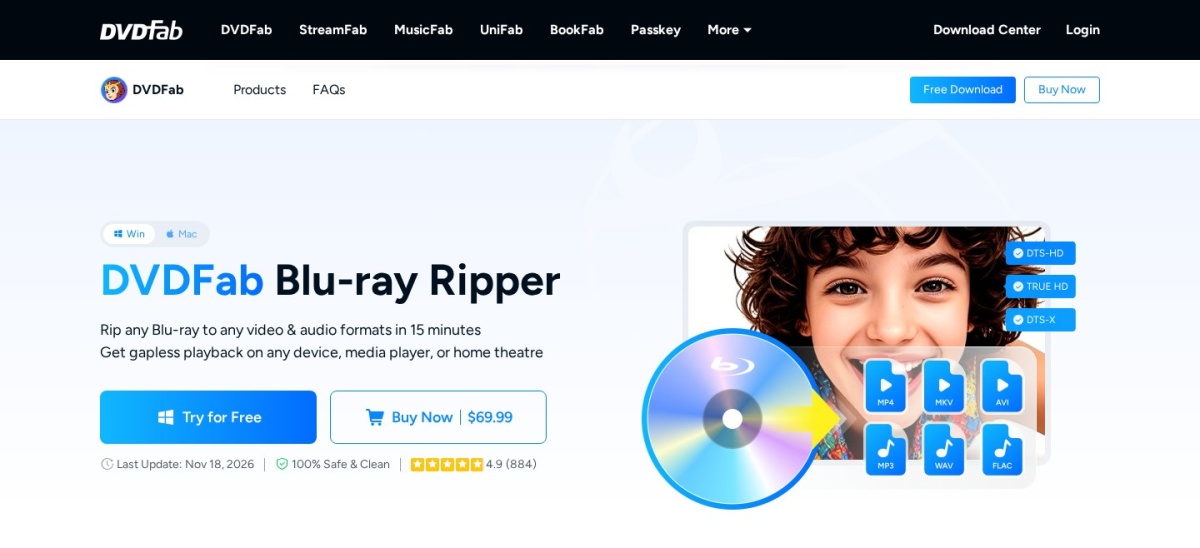
DVDFab Blu-ray Ripper homepage, captured Nov 2026.
DVDFab Blu-ray Ripper is the most complete paid ripper here, converting discs, folders and ISO files to more than 1,000 video and audio formats. It handles 4K UHD discs, preserves Blu-ray menus, and uses a cloud decryption service with over 40 updates a year for newly released discs. GPU acceleration speeds up large jobs, and lossless passthrough keeps DTS-HD and Dolby TrueHD audio intact.
The trade off is price. The lifetime licence lists at $99.99, Cinavia removal costs extra, and the interface carries upsell prompts for the wider DVDFab suite. A 30-day trial lets you check it on your own discs first. It suits collectors with large or heavily protected collections who want one app to do everything.
What we like
Strongest decryption with frequent updates
1,000+ output formats and 245 device presets
Lossless audio passthrough including DTS-HD
Batch ripping with a task queue
Watch out for
Most expensive lifetime licence in this list
Cinavia removal is a separate paid add-on
Interface pushes other DVDFab products
A 1-year licence is also sold; Cinavia removal costs extraVisit dvdfab.cn
03
HandBrake
4.7/5on G2 (155 reviews, checked Nov 2026)
PriceFree
Best free compressor for ripped files
OutputMP4, MKV, WebM
CompressionH.264, H.265, AV1
Copy protectionNone on its own
PlatformsWindows, Mac, Linux
handbrake.fr
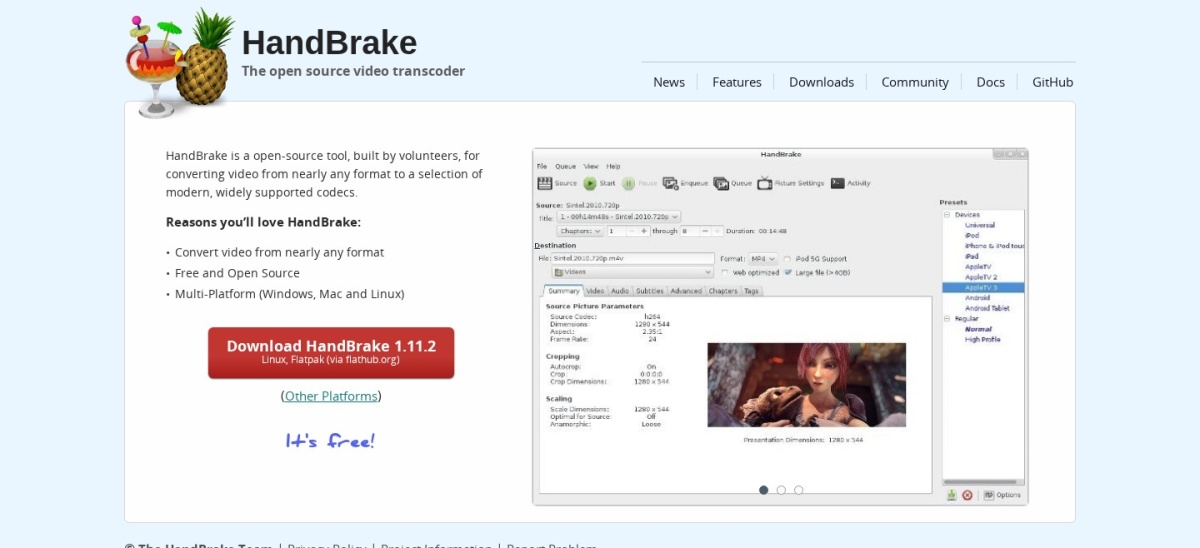
HandBrake homepage, captured Nov 2026.
HandBrake is a free, open-source video transcoder that turns a ripped MKV into a much smaller MP4 or MKV file. It offers H.264, H.265 and AV1 encoding, batch queues, device presets and fine control over quality, and it runs on Windows, Mac and Linux. It is the standard second step after MakeMKV in the free ripping workflow.
The trade off is that HandBrake is not a ripper by itself. It cannot defeat Blu-ray copy protection on its own, so it only works on discs that are already decrypted or unprotected. It suits anyone who has already ripped discs and wants smaller files for phones, tablets or a media server.
4.4/5on Trustpilot (159 reviews, checked Nov 2026)
Starts at$44.95/yr
Best value paid ripper
Output formats180+ video and audio
4K outputYes, up to 4K MP4/MKV
Trial limitFirst 5 minutes
PlatformsWindows, Mac
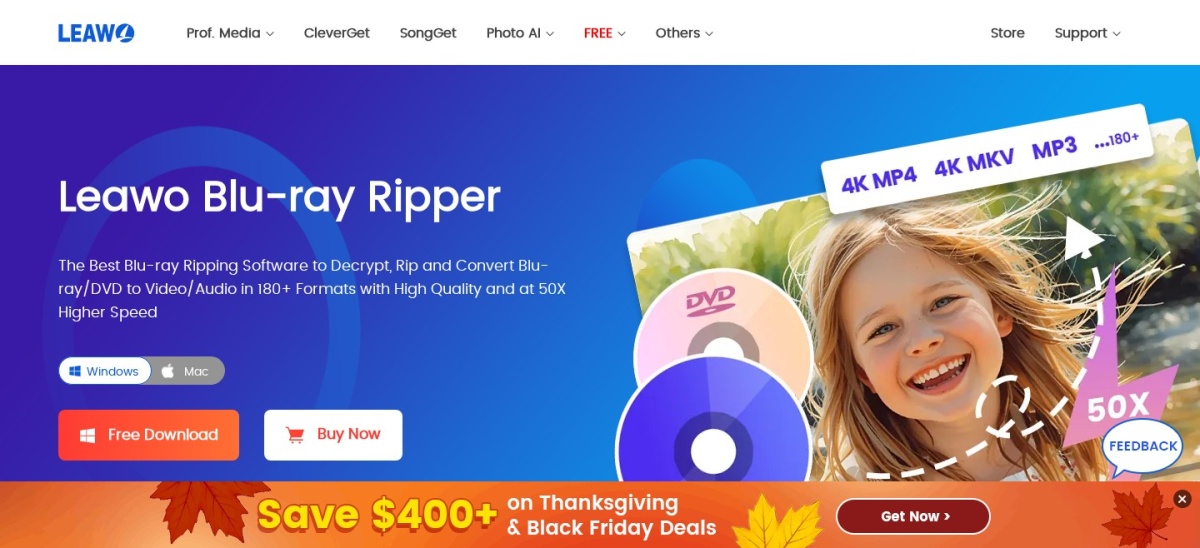
leawo.org
Leawo Blu-ray Ripper homepage, captured Nov 2026.
Leawo Blu-ray Ripper is a paid ripper that decrypts and converts Blu-ray and DVD discs to more than 180 formats, including 4K MP4 and MKV, with lossless multi-track output that keeps audio tracks and subtitles. It adds a built-in video editor for trimming, cropping and watermarks, plus 2D-to-3D conversion, and GPU acceleration keeps batch jobs moving.
The trade off is the trial. The free trial only converts the first 5 minutes of a disc, so you pay $44.95 a year or $99.95 for a lifetime licence to finish a movie. It suits buyers who want a capable paid ripper for less than DVDFab, with editing built in.
4.5/5on Trustpilot (332 reviews, checked Nov 2026)
Starts at$69.95/yr
Best for mixed DVD and Blu-ray collections
Output formats300+ video and audio
4K outputYes, up to 4K
Trial limit5 minutes per conversion
PlatformsWindows, Mac
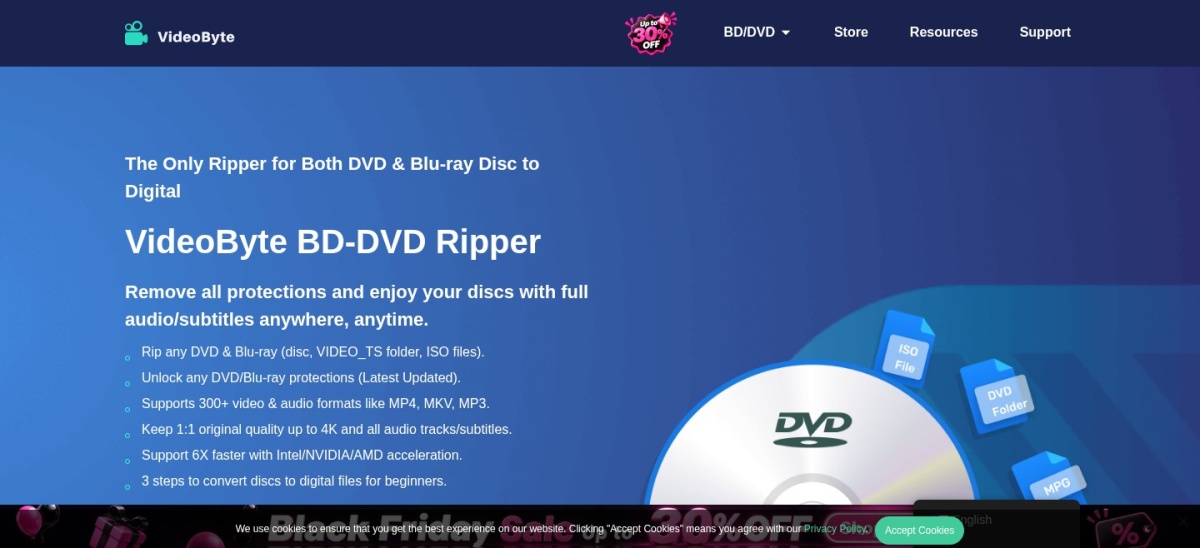
videobyte.org
VideoByte BD-DVD Ripper homepage, captured Nov 2026.
VideoByte BD-DVD Ripper is a paid ripper that handles both DVDs and Blu-rays in one app, converting discs, folders and ISO files to more than 300 formats. It decrypts AACS, BD+ and Cinavia-protected discs, keeps original audio tracks and subtitles, and offers lossless MKV output plus GPU acceleration across NVIDIA, AMD and Intel hardware.
The trade off is price structure. The 1-year plan costs $69.95 while the lifetime licence is only $84.95, so the yearly plan is poor value if you keep the software. It also does not handle 4K UHD Blu-ray discs. It suits owners of mixed DVD and Blu-ray shelves who want one tool for both.
4.2/5on Trustpilot (239 reviews, checked Nov 2026)
Starts at$55.96/once
Best for fast device-ready conversions
Output formats500+ video and audio
4K UHD discsYes, claimed
Trial limitFirst 5 minutes
PlatformsWindows, Mac
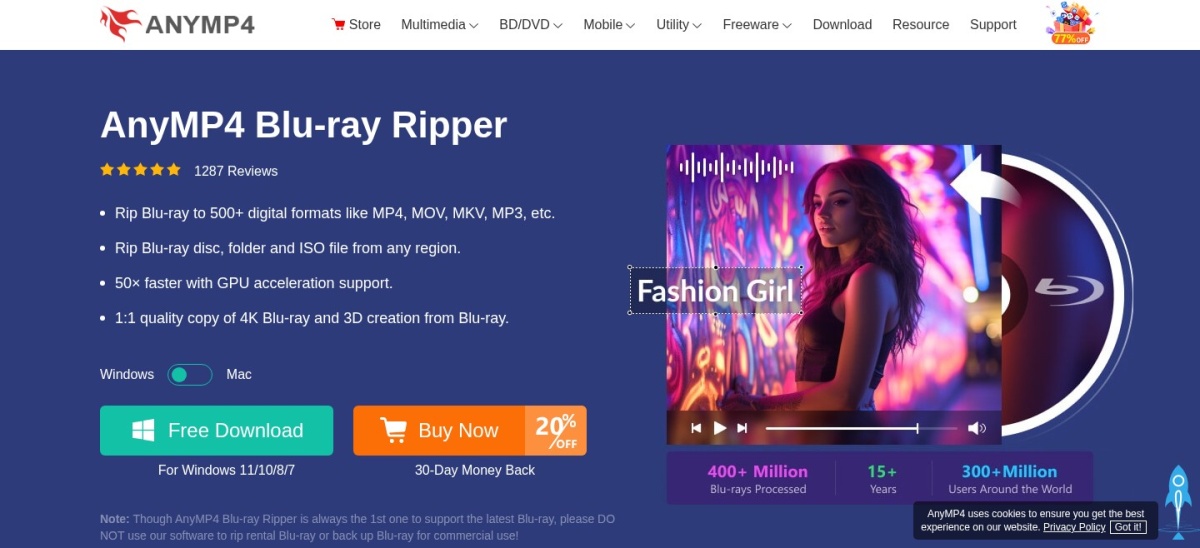
anymp4.com
AnyMP4 Blu-ray Ripper homepage, captured Nov 2026.
AnyMP4 Blu-ray Ripper is a paid ripper that converts Blu-ray discs, folders and ISO files to more than 500 formats, with device presets for phones, tablets and consoles. It advertises 50x faster conversion with GPU acceleration and 1:1 quality copies of 4K Blu-ray discs, and the interface is straightforward for beginners.
The trade off is uncertainty over decryption. One 2026 roundup reports the current version refuses copy-protected discs, while AnyMP4 still advertises disc support, so check the trial on your own discs before paying. The lifetime licence costs $55.96, with a $30 monthly licence also sold. It suits users converting unprotected or home-made discs to many devices.
4.6/5on Trustpilot (100 reviews, checked Nov 2026)
Starts at$29.95/yr
Best budget lossless backup
OutputMulti-track MKV, MP4, MOV
4K and 3DYes, 2D/3D/4K claimed
Trial limit3 minutes per conversion
PlatformsWindows, Mac
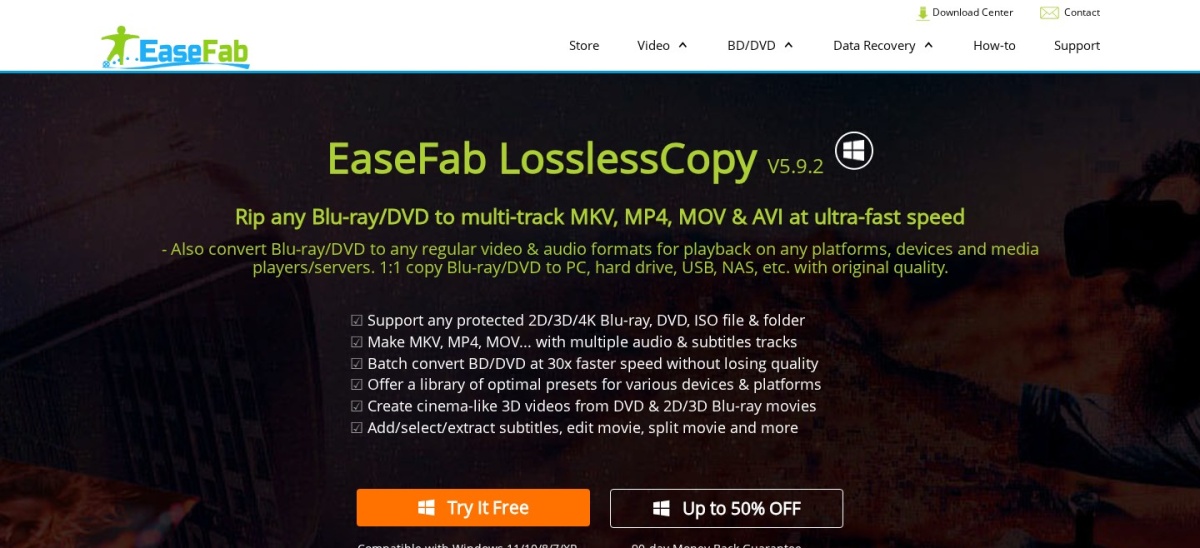
easefab.com
EaseFab LosslessCopy homepage, captured Nov 2026.
EaseFab LosslessCopy is a paid ripper that backs up Blu-ray and DVD discs to multi-track MKV, MP4, MOV and AVI files without quality loss, keeping multiple audio tracks and subtitles. It supports 2D, 3D and 4K discs, offers more than 200 device presets, and includes editing tools for trimming, splitting and adding subtitles.
The trade off is the trial and the brand. The free trial only converts 3 minutes of a disc, and EaseFab is a smaller vendor than DVDFab or Leawo, so long-term support is less certain. The 1-year licence costs $29.95 and the lifetime licence $44.95. It suits budget buyers who want lossless multi-track backups.
VLC media player is a free, open-source player that can also convert unprotected Blu-ray discs to MP4, MKV or TS files. It plays almost any format without extra codec packs, runs on Windows, Mac, Linux and mobile, and costs nothing with no ads or tracking.
The trade off is effort. Ripping a commercial Blu-ray needs manual setup of decryption libraries, the process is slow, and there is no batch queue or device preset workflow. It suits occasional rips of unprotected discs when you already have VLC installed.
3.9/5on Trustpilot (419 reviews, checked Nov 2026)
PriceFree
Best free Blu-ray backup to M2TS
OutputM2TS files or Blu-ray folder
Copy protectionAACS and BD+
QualityLossless, no re-encoding
PlatformsWindows only
winxdvd.com
WinX Blu-ray Decrypter homepage, captured Nov 2026.
WinX Blu-ray Decrypter is Digiarty's free backup tool for Blu-ray discs. It removes AACS and BD+ protection and copies the disc to M2TS video files or a Blu-ray folder with no quality loss, in full-disc or single-title modes. It is designed for personal, non-commercial backup of discs you own.
The trade off is age and output. M2TS is the only video output, the software has seen no meaningful updates in years, and it is Windows only. It suits Windows users who want a free decryption step before converting the files with HandBrake.
Free tools cover the two ends of the job well. MakeMKV rips losslessly for $0, and HandBrake compresses the result for $0, which is the whole workflow for patient users.
Paid tools mostly buy decryption maintenance and convenience. DVDFab updates its keys over 40 times a year, while Leawo, VideoByte and EaseFab add editing, device presets and batch queues.
Watch the licence terms. A lifetime licence usually covers one computer, and a yearly plan can cost almost as much as lifetime, as VideoByte shows at $69.95 a year against $84.95 for life.
If you only rip a few discs a year, the free pair is enough. Pay when you have a shelf of protected discs and want them converted without babysitting each one.
How we chose
We started from the Blu-ray rippers that still maintain decryption for current discs: the free remuxing standard, the free transcoder, and the established commercial rippers.
Prices come from each vendor's pricing page, checked on 24 November 2026. Ratings come from G2 or Trustpilot on the same day. Where a vendor shows a sale, the list shows the regular price.
We left out discontinued tools such as WinX Blu-ray Ripper. No vendor paid for a place, and we do not claim hands-on testing for this list.
How to choose a Blu-ray ripper
Start with the discs you own, then match the tool to how many you need to convert.
Count your discs and check their protection. A few unprotected or home-made discs need only free tools, while a shelf of commercial movies needs maintained decryption.
Pick lossless or compressed first. Choose MakeMKV for perfect archives, or a converter such as Leawo or DVDFab if you want smaller MP4 files straight away.
Run the trial on your own discs. Trials cap conversions at 3 to 5 minutes, so load a real protected disc and confirm it opens before you pay.
Compare the lifetime price, not the first year. A $29.95 yearly plan can cost more than a $44.95 lifetime licence within two years, so do the maths before checkout.
FAQ
What is the best Blu-ray ripper software?
MakeMKV is the best pick for most people. It is free in beta, copies discs to MKV with no quality loss, and keeps every audio track, subtitle and chapter. DVDFab is the best paid alternative, with 1,000+ output formats and the strongest decryption.
Is there a free Blu-ray ripper?
Yes. MakeMKV is free in beta for lossless MKV backups, HandBrake is free for compressing ripped files, VLC is free for unprotected discs, and WinX Blu-ray Decrypter is free for M2TS backups. None of them costs anything to download and use.
Can HandBrake rip a Blu-ray?
HandBrake can convert an unprotected Blu-ray or a file you have already ripped, but it cannot defeat the copy protection on a commercial disc by itself. Pair it with MakeMKV, which decrypts the disc first, then let HandBrake shrink the large MKV file.
Is it legal to rip a Blu-ray?
It depends on where you live and how you use the copy. Making a personal backup of a disc you own is allowed in some places and restricted in others, and sharing or selling copies is not. Check the copyright rules where you live before ripping protected discs.
How big is a ripped Blu-ray file?
A lossless rip runs 25 to 50 GB for a standard Blu-ray and more for 4K UHD, because nothing is compressed. Converting the same movie to H.265 MP4 with HandBrake can shrink it to 3 to 8 GB with little visible loss, depending on the settings you choose.
Which Blu-ray ripper is best for 4K UHD discs?
DVDFab is the safest paid choice for 4K UHD, with cloud decryption updates and lossless passthrough. MakeMKV also handles UHD discs with a compatible drive. VideoByte does not support 4K UHD discs, so skip it if UHD is your main format.