WLWPLegible EditorsLast verified 23 Nov 2026How we rank7 min read
★ Short answer
WordPress.com is the best blogging platform for most people, with a free plan, a full website and hosting handled for you. Pick WordPress.org for full control with free software, or Ghost if paid subscriptions are the business.
How we make this list: we compare pricing pages, product documentation and public user reviews, then re-check every price before each update. No product paid for a place. Disclosure.
WordPress.com is the best all-round pick: a free plan, the WordPress editor and hosting handled for you.
WordPress.org software is free, but you pay for hosting from about $3 a month and handle upkeep yourself.
Ghost costs a flat $18 a month and takes 0% of paid subscriptions, while Substack takes a 10% cut.
Wix and Squarespace bundle a website with the blog; Medium and Blogger are free but you do not own the audience.
Webflow blogging needs the Premium plan at $39 a month billed monthly, since Basic has no CMS.
What to look for in a blogging platform
A blogging platform is where you write, publish and find readers. The choice shapes how much you own, how much you pay and how readers reach you.
Hosted platforms such as WordPress.com, Wix and Squarespace handle hosting, updates and security. Self-hosted WordPress.org gives you full control, but you run the site yourself. Our guide on choosing hosting for a WordPress blog explains the trade-offs.
Ownership is the big split. WordPress.org, Ghost and Substack give you an exportable subscriber list, so you can move later. Medium and Blogger are free, but you do not own the audience or the rules.
Prices in this list are the regular monthly-billing prices from each vendor's pricing page, checked in November 2026. Where a vendor runs a sale, the list shows the regular price.
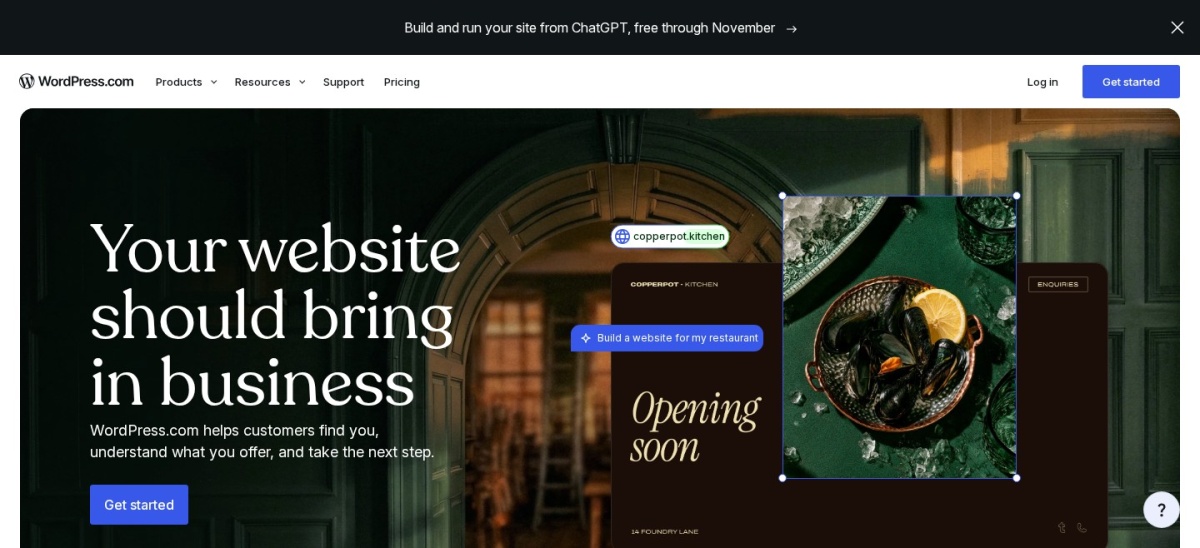
WordPress.com is the hosted version of WordPress, with a free plan and paid plans from Personal at $9 a month billed monthly. You get the full WordPress editor, themes and a real website, with hosting, updates and security handled for you.
The trade off is control. The free plan shows WordPress.com ads and uses a wordpress.com subdomain, and a custom domain needs a paid plan. It suits people who want a real website without server work.
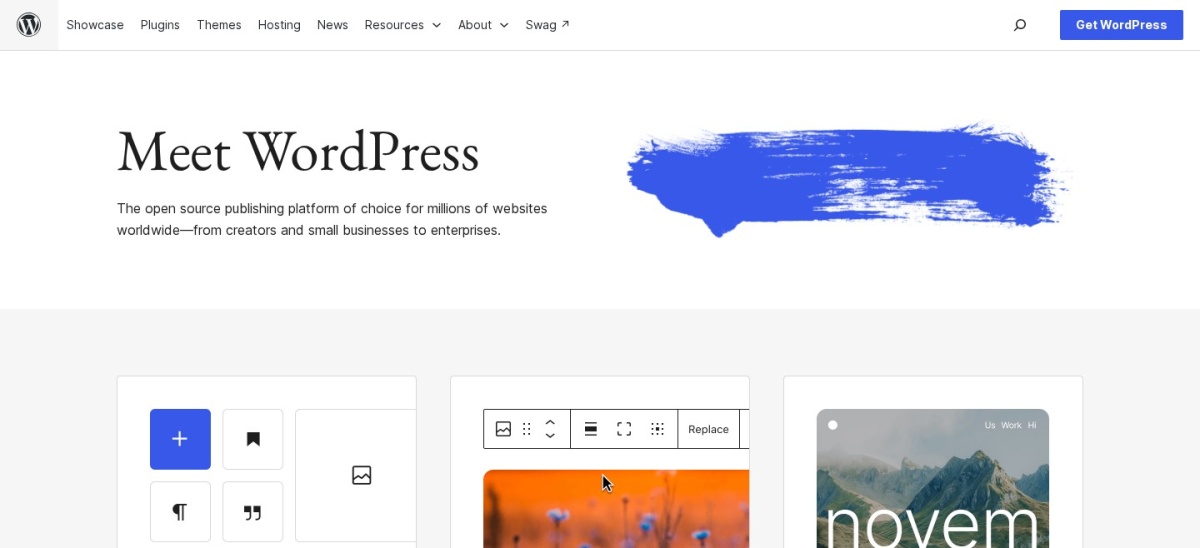
WordPress.org is free, open-source software that gives you a full website around the blog: pages, a portfolio, a shop and any plugin. You pick the host and the theme, and you own the site, the content and the subscriber list.
The trade off is setup. Hosting costs from about $3 a month, and you handle updates, security and backups yourself or pay for managed hosting. It suits people who want full control and a website, not just a blog.
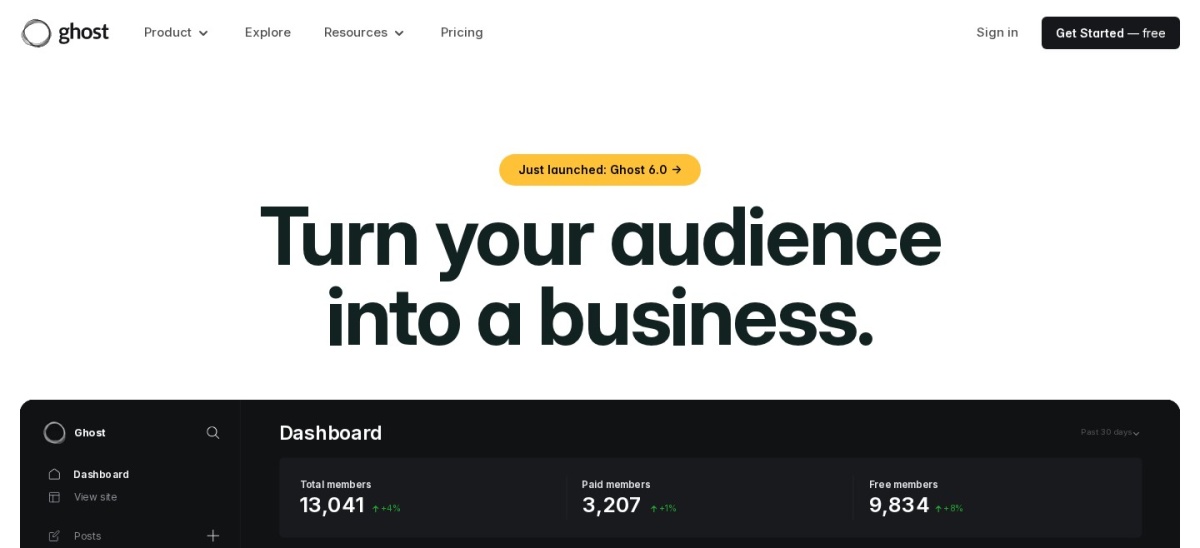
Ghost is a publishing platform built around writing, with a distraction-free editor, newsletters and memberships in one place. The Starter plan costs $18 a month, and Publisher at $35 a month adds paid subscriptions with a 0% platform cut.
The trade off is the monthly bill and the lack of a free plan. You pay from $18 a month before you earn, though self-hosting the open-source software is free. It suits writers whose subscriptions are the business.
What we like
Editor, newsletter and memberships in one place
0% cut on paid subscriptions
Fast, clean reading experience
Watch out for
No free plan, only a 14-day trial
Monthly fee rises with members
Publisher adds paid subscriptions and custom themesVisit ghost.org
04
Wix
4.2/5on G2 (1,888 reviews, checked Nov 2026)
Paid from$24/mo
Best for a blog inside a full website
Free planYes
Light plan$24/mo billed monthly
Storage2 GB on Light
Collaborators2 on Light
wix.com
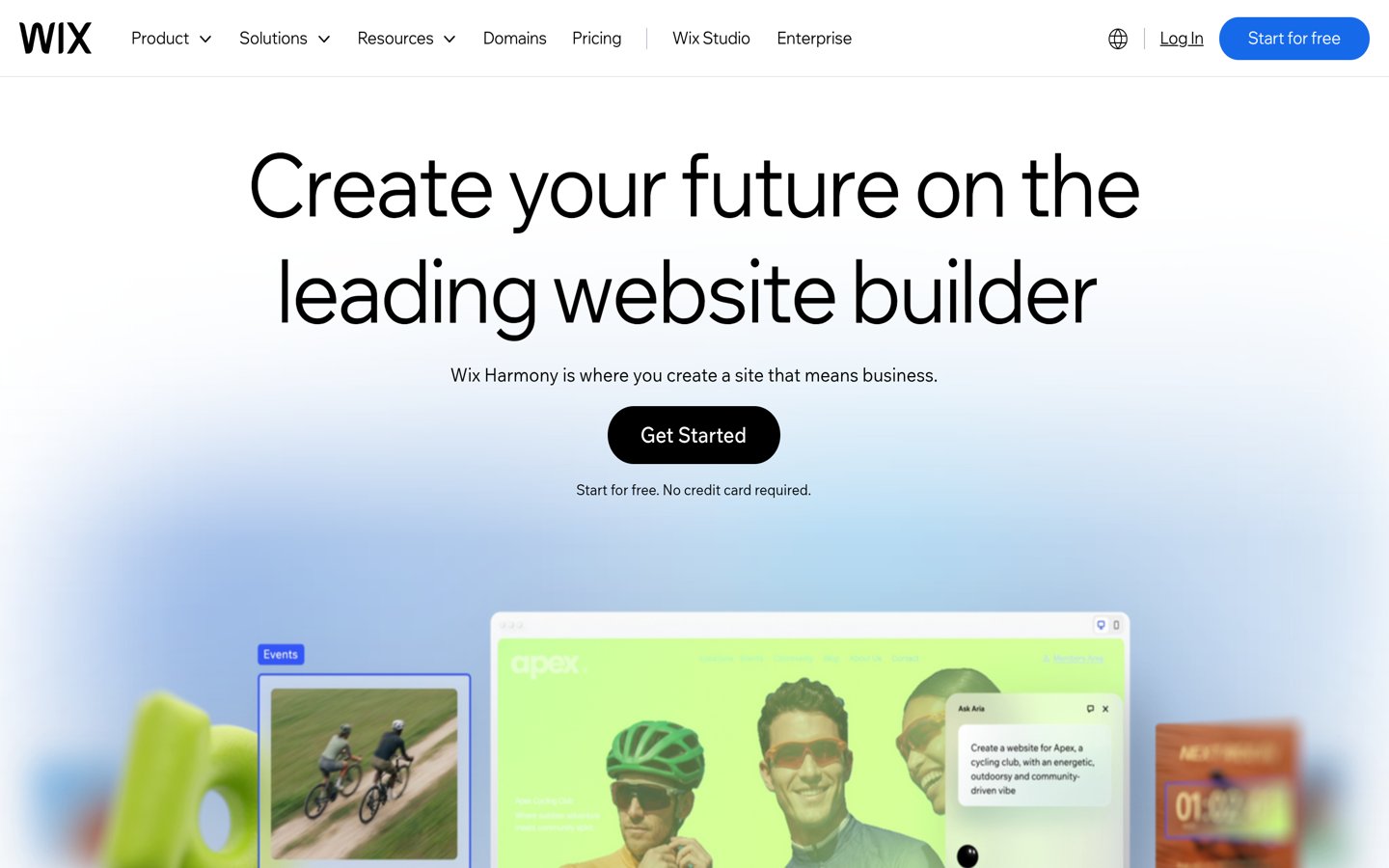
Wix homepage, captured Nov 2026.
Wix is a website builder with a blog built in, so a business can put a site, a shop and a blog in one place. The free plan works for trying it out, and Light costs $24 a month billed monthly with a free domain for the first year.
The trade off is writing depth. Wix is a website builder first, so the editor and publishing tools are thinner than Ghost or Medium, and moving a blog away from Wix is work. It suits small businesses that want one site for everything.
What we like
Free plan to try it out
Site, shop and blog in one place
Many templates and apps
Watch out for
Writing tools are thinner than rivals
Free plan shows Wix ads
Light removes Wix ads and adds a free domain for a yearVisit wix.com
05
Squarespace
4.4/5on G2 (1,133 reviews, checked Nov 2026)
Starts at$25/mo
Best for a polished blog and portfolio
Basic plan$25/mo billed monthly
Core plan$36/mo billed monthly
Contributors2 on Basic
Store fee2% on Basic
squarespace.com
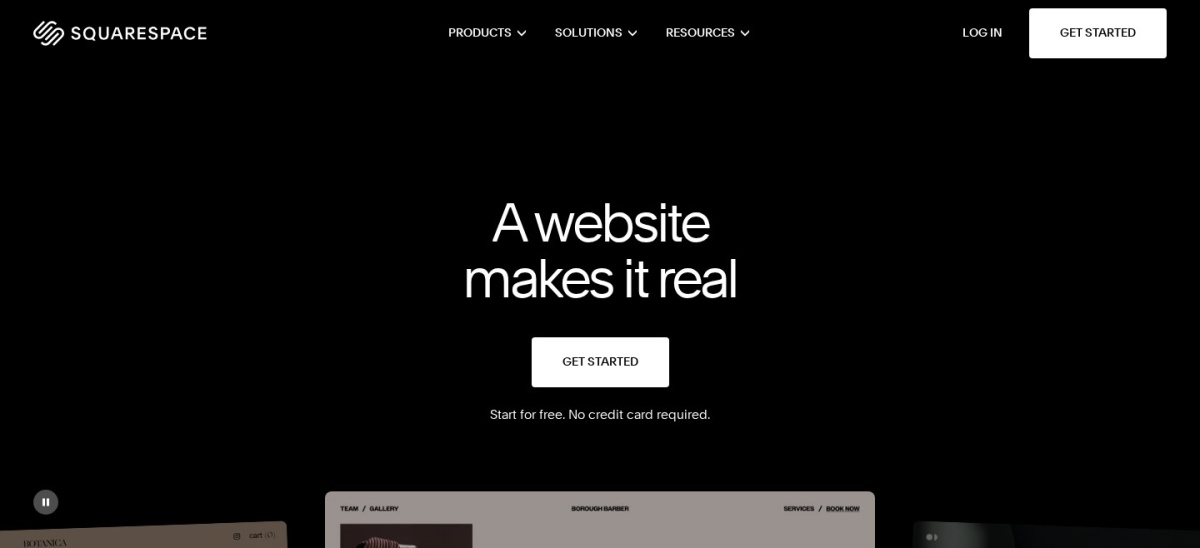
Squarespace homepage, captured Nov 2026.
Squarespace is a website builder with polished templates, so a blog, a portfolio and a shop can live on one site with little setup. The Basic plan costs $25 a month billed monthly, with a 14-day trial and no free plan.
The trade off is writing focus. Squarespace is a website builder first, so the writing experience and newsletter tools are thinner than Ghost or Substack, and a store on Basic pays a 2% fee. It suits authors who want a polished site around their work.
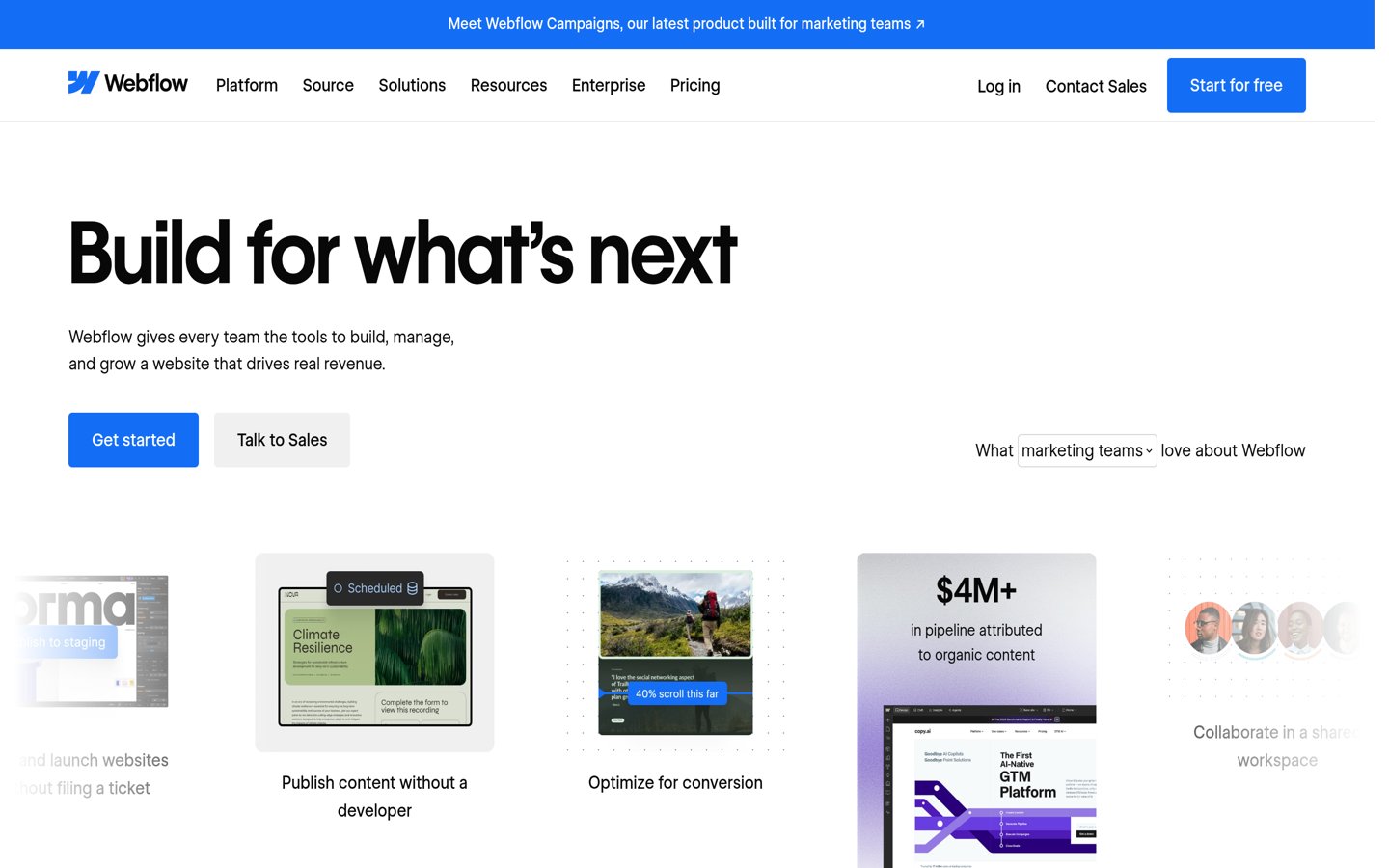
Webflow is a design-first website builder where you build the look of a site in the browser, with a blog powered by its CMS. The free Starter plan works for a draft site, and Basic costs $25 a month billed monthly.
The trade off is that blogging needs the Premium plan. Basic has no CMS, so a blog needs Premium at $39 a month billed monthly, and the learning curve is steep. It suits designers who want full control over the look.
Medium is a publishing platform with a large built-in readership and a clean, distraction-free editor. Publishing is free, publications accept outside submissions, and the Partner Program pays from the time paying members spend reading your stories.
The trade off is ownership. There is no subscriber list to export, a custom domain and the Partner Program both need the Member plan at $5 a month or $50 a year, and Medium sets the rules. It suits new writers who need readers now.
What we like
Readers built in from day one
Clean editor with nothing to set up
Publications accept outside writers
Watch out for
No exportable subscriber list
You do not own the site or audience
Member unlocks the Partner Program and a custom domainVisit medium.com
08
Substack
4.3/5on G2 (17 reviews, checked Nov 2026)
PriceFree
Best for newsletter-first blogging
Cost to publishFree, no subscriber limit
Platform fee10% of paid subscriptions
Payment feesStripe 2.9% + $0.30
Custom domainOne-time $50
substack.com
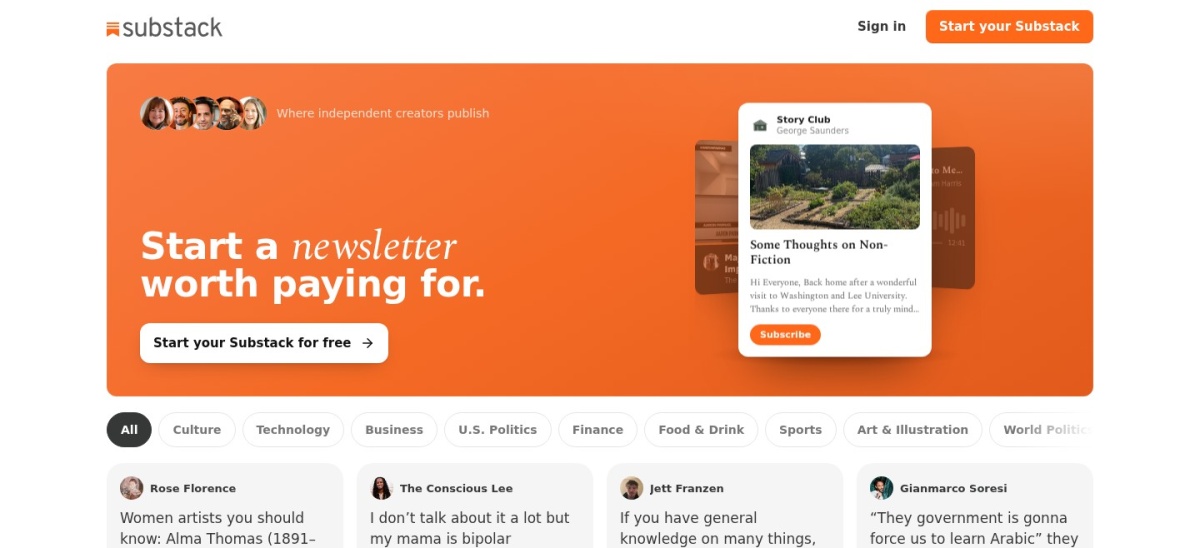
Substack homepage, captured Nov 2026.
Substack is a newsletter-first platform where a writer can start publishing in minutes at no cost and no list limit. Every post reaches subscribers by email and appears on a simple web page, and recommendations from other writers help a new newsletter find readers.
The trade off is the 10% cut. Once you charge readers, Substack keeps 10% of paid subscription revenue plus Stripe fees, and design options are limited. It suits newsletter writers building a subscriber list from zero.
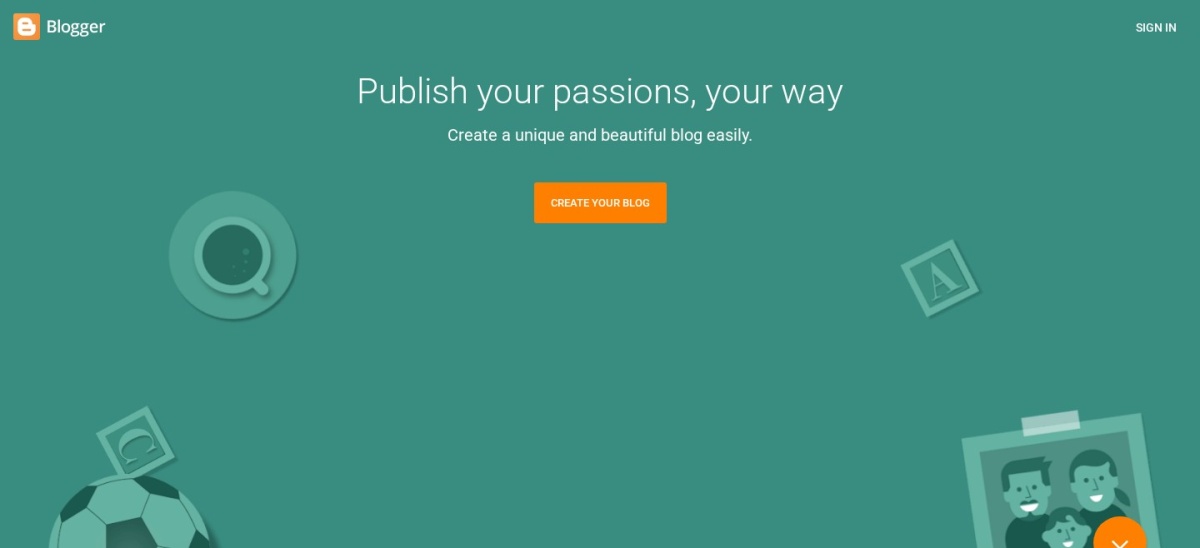
Blogger is Google's free blogging service, with hosting included and no plan to pay for. You get a blogspot.com address or connect your own domain, and AdSense and Analytics plug in without extra tools.
The trade off is age and control. Blogger has seen little new development, the design options are dated, and there is no built-in subscriber list or newsletter. It suits a hobby blog that needs to cost nothing.
Free plans cover the basics well. Most of these platforms let you publish free, and a custom domain usually costs extra.
Paid plans mostly add ownership and money. You get a custom domain, no ads, and a way to charge readers or sell.
If the blog is a hobby, a free plan is enough. For a blog that earns money, the first paid plan often costs less than one month of lost earnings.
Check the billing terms before you commit. Prices shown here are monthly-billing prices, and yearly billing is usually cheaper.
How we chose
We started from the blogging platforms with public pricing pages and a real blogging focus, then kept the nine that fit most people rather than businesses.
Prices come from each vendor's pricing page, checked on 23 November 2026. Ratings come from G2, except Blogger, whose rating is from Capterra. Where a vendor shows a sale, the list shows the regular price.
We left out tools without a public price and pure newsletter tools without a blog. No vendor paid for a place, and we do not claim hands-on testing for this list.
How to choose a blogging platform
Start with where your readers are, then check what you keep.
Decide what matters most. If readers matter most, pick Medium or Substack. If ownership matters most, pick WordPress.org or Ghost.
Check the export options. Make sure you can take your subscriber list and your posts with you if you move later.
Try the editor first. You will live in the editor daily. Use the free plan or trial and write a real post before you commit.
Work out the money split. A 10% cut suits a small list, while a flat fee suits a large one. Do the math at your expected subscriber count.
FAQ
What is the best blogging platform?
WordPress.com is the best pick for most people, with a free plan, the WordPress editor and hosting handled for you. WordPress.org is better for full control, and Ghost is better once paid subscriptions earn real money.
Can I start a blog for free?
Yes. WordPress.com, Medium, Substack and Blogger all let you publish free. A custom domain and paid subscriptions usually need a paid plan, and WordPress.org software is free if you have hosting.
What is the cheapest blogging platform?
Blogger costs nothing, and WordPress.com, Medium and Substack all have free plans. Ghost is the cheapest flat-fee route to paid subscriptions at $18 a month, with a 0% platform cut.
Is WordPress.com or WordPress.org better?
WordPress.com is better if you want hosting and updates handled for you. WordPress.org is better if you want full control, any plugin or theme, and to own the site outright.
Does Substack take a cut of my earnings?
Yes. Substack keeps 10% of paid subscription revenue, plus Stripe fees of about 2.9% plus $0.30 per payment. Publishing and free subscriptions cost nothing at any list size.
Can I move my blog to another platform later?
Usually, yes. Most platforms let you export your posts, and Substack, Ghost and WordPress.org let you export a subscriber list. Medium does not give you a subscriber list to take with you.