Best Blogging Platform for SEO in 2026: 8 Tools Compared
WLWPLegible EditorsLast verified 23 Nov 2026How we rank6 min read
★ Short answer
WordPress.org is the best blogging platform for SEO, with full control over URLs, schema, sitemaps and speed through plugins. Pick Ghost for clean technical SEO out of the box, or Medium for fast rankings on a high-authority domain.
How we make this list: we compare pricing pages, product documentation and public user reviews, then re-check every price before each update. No product paid for a place. Disclosure.
WordPress.org gives full SEO control, but rankings depend on your host and setup.
Ghost includes structured data, sitemaps and fast pages with no plugins.
WordPress.com needs the $40 Business plan before you can install SEO plugins.
Webflow gives full meta and schema control inside a designed site.
Medium ranks fast on its own domain authority, but you own none of the SEO settings.
What makes a blogging platform good for SEO
Search rankings rest on three things: technical setup, content quality and links. A platform controls the first one directly, through speed, clean code, sitemaps, structured data and meta controls.
WordPress.org wins on control because you can change anything, from server caching to schema markup, and pick from the widest SEO plugin choice. The cost is that you own the setup too.
Ghost and Webflow win on defaults. Both ship fast pages, clean URLs and structured data without plugins, which covers most blogs well.
Medium trades control for authority. Posts can rank quickly on its strong domain, but you cannot tune technical SEO, and you do not own the audience or the rankings.
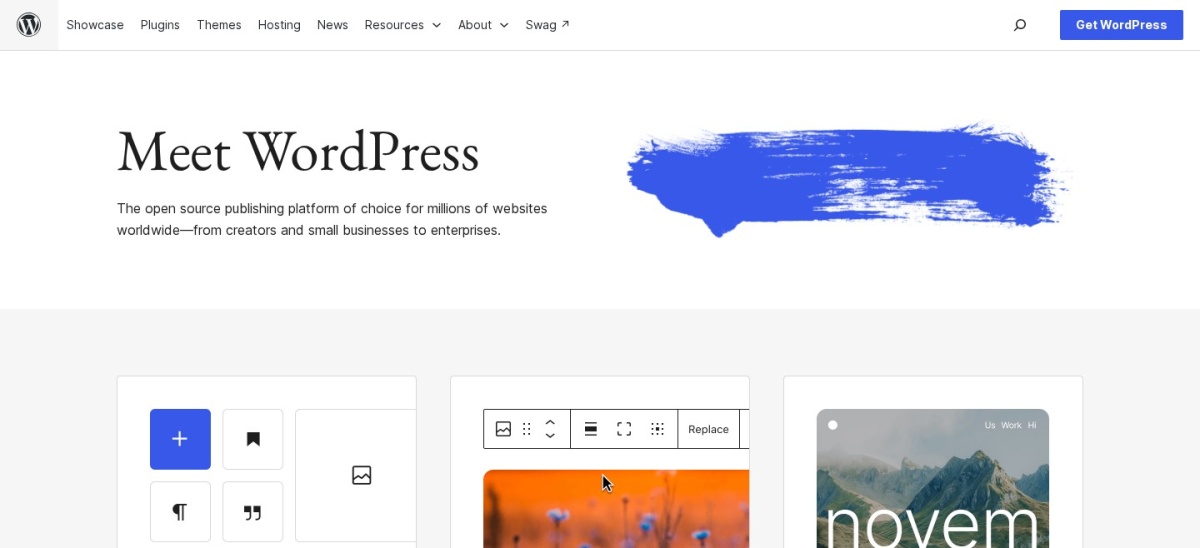
WordPress.org is free, open-source software that gives you full control over SEO: URLs, titles, meta data, schema, sitemaps and page speed. SEO plugins such as Yoast SEO and Rank Math add the checks and structured data that hosted platforms hide.
The trade off is responsibility. You choose the host, the caching and the plugin stack, so a slow host or a bad plugin can hurt rankings. It suits bloggers who want every SEO lever and will manage the setup.
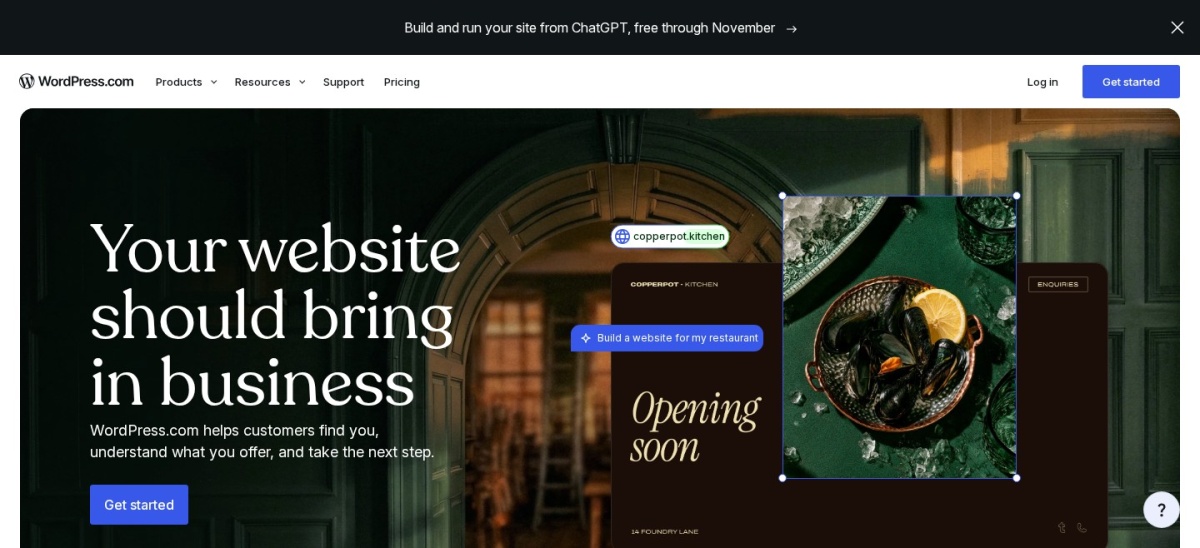
WordPress.com is the hosted version of WordPress, with managed updates, hosting and security included. The Business plan costs $40 a month billed monthly and unlocks plugins and themes, so you can install the same SEO plugins as self-hosted WordPress.
The trade off is the price of control. Cheaper plans block plugins, so real SEO work needs Business at $40 a month. It suits writers who want WordPress SEO without server work.
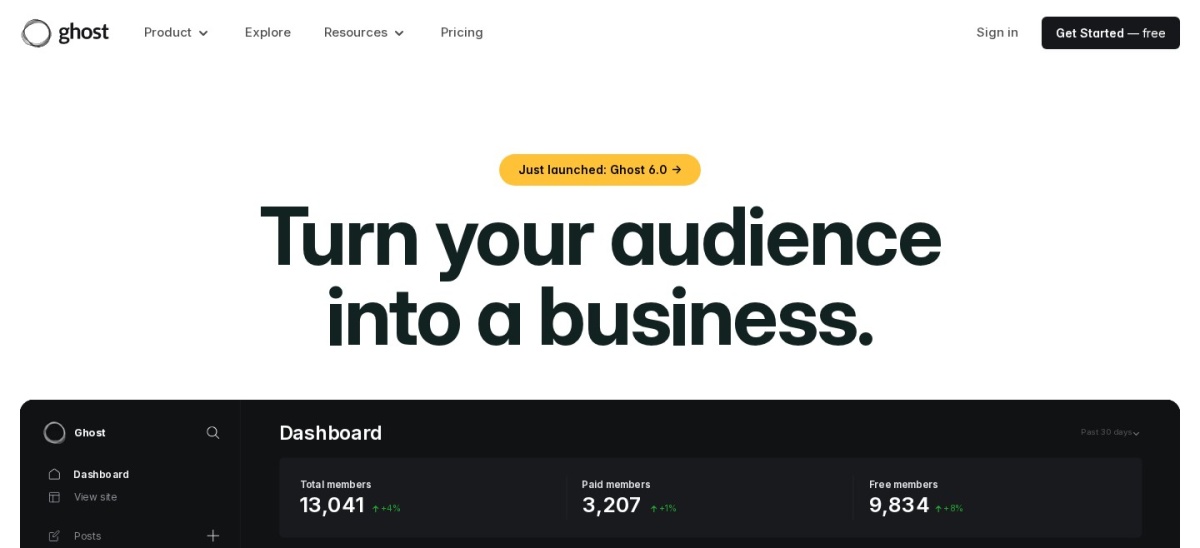
Ghost is a publishing platform built for speed, with clean code, automatic sitemaps, structured data and AMP-style fast pages from the start. The Starter plan costs $18 a month billed monthly, and content-first blogs get SEO depth that hosted builders cannot match.
The trade off is flexibility. Ghost has no plugin store, so advanced SEO work needs custom themes or code. It suits publishers who want fast, clean pages without tuning a plugin stack.
What we like
Structured data and sitemaps built in
Very fast default page speed
Clean URLs and meta controls
Watch out for
No SEO plugin ecosystem
Custom work needs theme code
Publisher adds paid subscriptions and custom themesVisit ghost.org
04
Webflow
4.4/5on G2 (995 reviews, checked Nov 2026)
Paid from$25/mo
Best for SEO inside a designed site
Free planYes, Starter
CMS plan$25/mo billed annually
BlogCMS collection in the same site
EcommerceSeparate plans
webflow.com
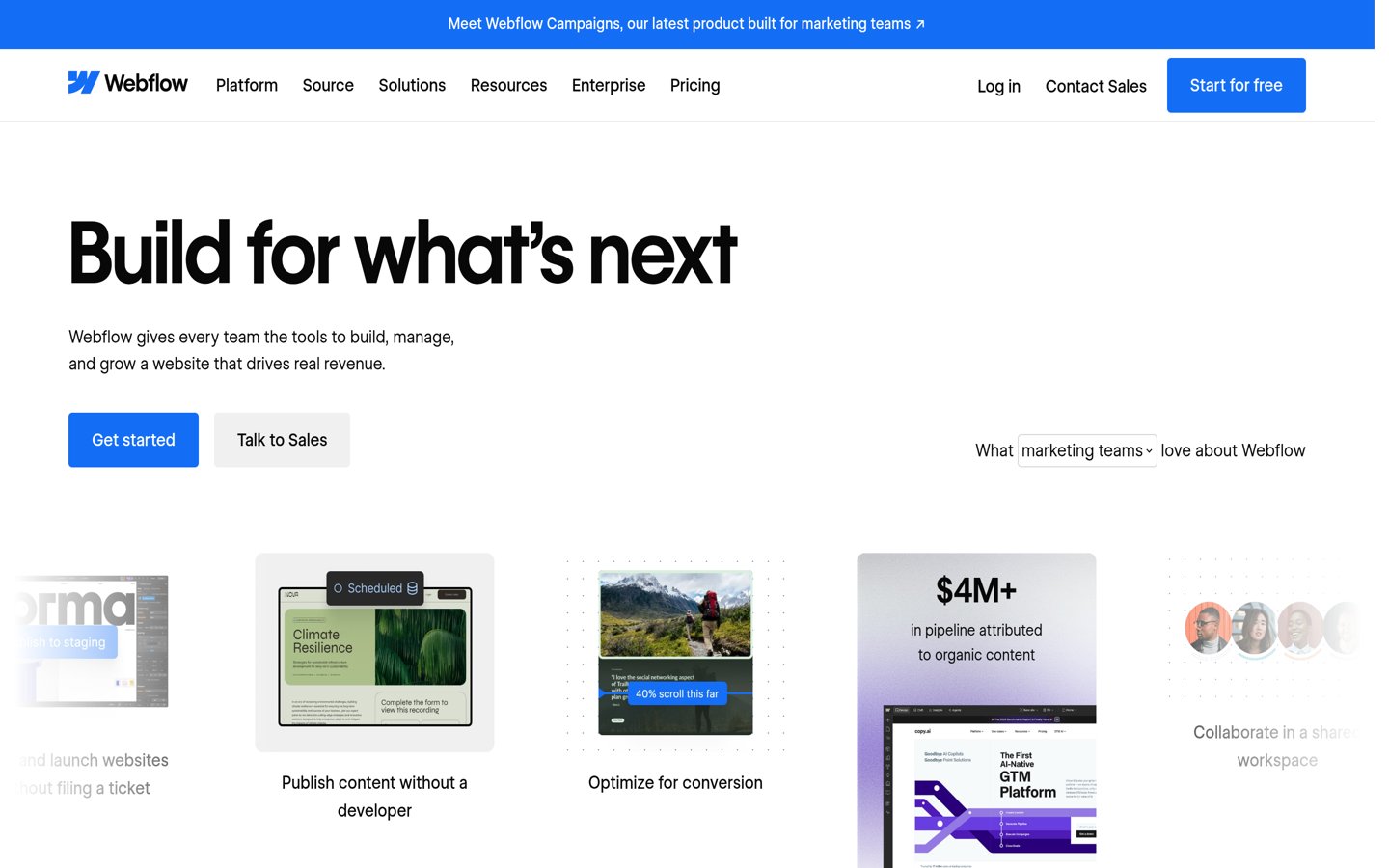
Webflow homepage, captured Nov 2026.
Webflow is a visual web platform where the blog is a CMS collection inside the same site you design. You control meta titles, descriptions, slugs, redirects and schema per page, and the CMS plan costs $25 a month billed annually.
The trade off is learning curve. Webflow rewards designers who learn its CMS model, and it costs more than a simple blog host. It suits brands that want the blog inside a designed, brand-owned site.
Squarespace is an all-in-one builder with SEO settings built in: meta titles, descriptions, clean URLs, sitemaps and SSL on every plan. The Basic plan costs $25 a month billed monthly, and no plugin or maintenance is needed.
The trade off is depth. You cannot add advanced SEO plugins or edit server settings, so technical SEO stops where Squarespace stops. It suits design-led blogs where the blog supports a business.
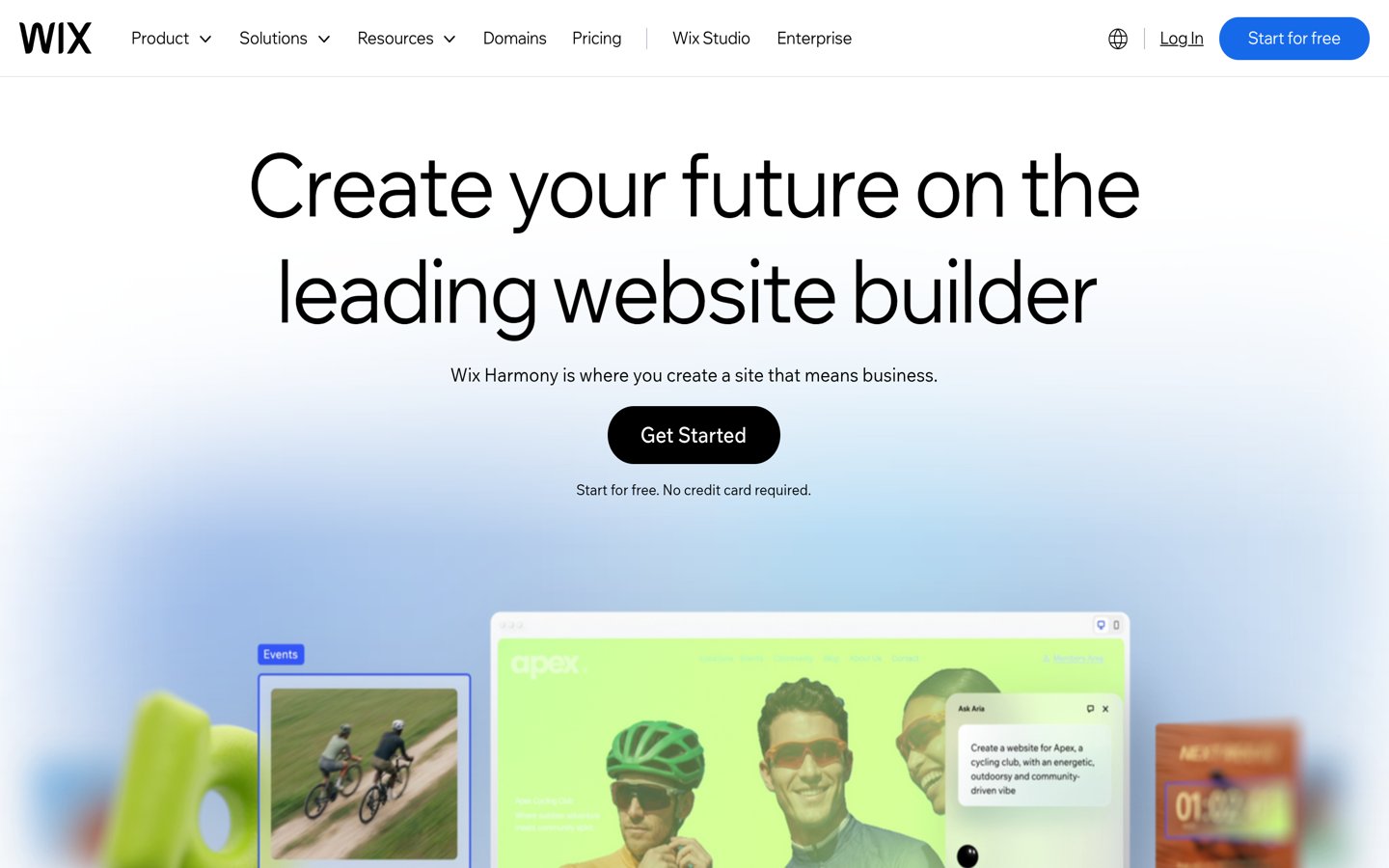
Wix is a drag-and-drop builder with a blog and guided SEO tools, including a setup checklist, meta controls and sitemaps. The free plan carries Wix branding, Light costs $24 a month billed monthly, and Core adds payments and lower fees.
The trade off is ceiling. Wix covers the basics well but offers less technical control than WordPress or Ghost, and moving away later is hard. It suits beginners who want one builder for everything.
What we like
Guided SEO setup for beginners
Meta and sitemap tools included
Free plan to start
Watch out for
Less technical SEO control
Hard to migrate away later
Core adds payments and lower membership feesVisit wix.com
07
HubSpot
4.7/5on G2 (926 reviews, checked Nov 2026)
Paid from$20/mo
Best for SEO tied to a CRM
Free CMS toolsYes, with hosting
Starter plan$20 per seat a month
BlogDrag-and-drop editor included
CRMBuilt in
hubspot.com
HubSpot homepage, captured Nov 2026.
HubSpot is a marketing platform with a blog, CRM and analytics in one place, so SEO work ties straight to leads and campaigns. Free CMS tools cover the basics with hosting included, and Starter costs $20 per seat a month.
The trade off is cost at scale. Prices rise per seat, and the platform suits marketing teams more than solo bloggers. It suits teams that want SEO results tracked against contacts and deals.
Medium is a publishing platform with a large readership and very high domain authority, so posts can rank fast without any SEO setup. Publishing is free, and the Member plan costs $5 a month or $50 a year for the Partner Program and a custom domain.
The trade off is ownership. You do not control the domain, the design or the SEO settings, and you cannot export a subscriber list. It suits writers who want reach now and accept platform rules.
What we like
High domain authority helps rankings
Built-in readers from day one
No SEO setup needed
Watch out for
No control over technical SEO
You do not own the audience
Member unlocks the Partner Program and a custom domainVisit medium.com
Speed is part of SEO now
Page speed affects rankings and readers. A slow blog loses visitors before they read a word, and search engines notice the same thing.
Ghost and Webflow are fast by default, WordPress.org is fast with a good host and caching, and builders vary by template. Check real page speed before you commit.
We started from the blogging platforms with public pricing pages and real SEO controls, then kept the eight with the clearest technical SEO story.
Prices come from each vendor's pricing page, checked on 23 November 2026. Ratings come from G2. Where a vendor shows a sale, the list shows the regular price.
We left out newsletter-only tools and pure website builders without a blog. No vendor paid for a place, and we do not claim hands-on testing for this list.
How to choose a blogging platform for SEO
Start with how much control you need, then check speed and ownership.
Decide how much control you need. If you want every SEO lever, pick WordPress.org. If clean defaults are enough, Ghost or Webflow will do.
Check page speed on a real post. Speed differs by template and host. Load a sample post and measure it before you commit.
Confirm the plugin or code access. SEO plugins need WordPress.com Business or self-hosted WordPress. Check the plan, not just the headline price.
Keep ownership of the domain. A custom domain you own protects your rankings if you move platforms later.
FAQ
What is the best blogging platform for SEO?
WordPress.org is the best pick for SEO, with full control over URLs, schema, sitemaps and speed. SEO plugins such as Yoast SEO and Rank Math add the checks and structured data that hosted platforms hide.
Is Ghost good for SEO?
Yes. Ghost ships with structured data, sitemaps and fast pages built in, so most blogs need no SEO plugins. It lacks a plugin store, so advanced work needs custom theme code.
Can a free blog rank on Google?
Yes. Medium posts can rank fast on its high-authority domain, and WordPress.org costs nothing but hosting. Both routes limit your control in different ways, so they suit writers who value reach over ownership.
Does WordPress.com have good SEO?
It does on the Business plan, which unlocks SEO plugins for $40 a month billed monthly. Cheaper plans block plugins, so they offer only basic meta and sitemap controls.
Is Wix bad for SEO?
No, not anymore. Wix covers the basics with guided setup, meta controls and sitemaps. It offers less technical control than WordPress or Ghost, which matters for demanding sites.
How important is page speed for SEO?
Speed matters for rankings and for readers. Fast platforms such as Ghost and Webflow help by default, while WordPress.org needs a good host and caching to match them.