Best Block Diagram Software in 2026: 9 Tools Compared
WLWPLegible EditorsLast verified 24 Nov 2026How we rank11 min read
★ Short answer
Lucidchart is the best block diagram software for most teams, with deep shape libraries for cloud, UML and network diagrams and a 4.5 out of 5 Capterra rating. Pick diagrams.net if you want a free tool with no limits, or Visio if your team already lives in Microsoft 365.
How we make this list: we compare pricing pages, product documentation and public user reviews, then re-check every price before each update. No product paid for a place. Disclosure.
Lucidchart leads on structured diagrams: AWS, Azure and GCP shapes, UML and ERD, with data linking on paid plans.
diagrams.net is the only full-featured tool here with no paid plan at all: free, no sign-up and no document limits.
Visio Plan 1 costs $5 a user a month, the cheapest paid entry, but the desktop app needs Plan 2 at $15.
SmartDraw's regular price is $10.95 a month billed yearly; new customers see lower introductory rates that rise at renewal.
Three tools have no free plan: Visio, SmartDraw and ConceptDraw start with a trial or a one-time purchase instead.
What block diagram software should cover
A block diagram turns a system into boxes and arrows: parts, connections and flow, without the detail of a schematic. Engineers, product teams and IT staff use them to explain architecture, processes and networks before anyone builds anything.
The best tool depends on how formal the diagram must be. Structured diagrammers keep shapes aligned, label connectors and export to Visio format, while whiteboards suit early sketches that change every hour.
Free plans differ more than prices do. Some cap the number of editable documents, others limit shapes or watermark exports, so count how many diagrams your team keeps live before you pick.
If a finished diagram ends up on a WordPress site, it usually travels as an image. Our guide on adding an image gallery in WordPress shows how to present images cleanly once the diagram is exported.
4.5/5on Capterra (2,263 reviews, checked Nov 2026)
Paid from$9/mo
Best block diagram software overall
Free plan3 editable documents
Cheapest paid planIndividual, $9/mo
Visio import/exportYes, on paid plans
Data linkingYes, on paid plans
lucidchart.com
Lucidchart homepage, captured Nov 2026.
Lucidchart is a web-based diagramming tool for structured diagrams such as flowcharts, org charts, network diagrams, UML and ERD. The free plan allows 3 editable documents, and paid plans add data linking, so shapes can pull values from a spreadsheet or database.
The trade off is the free cap. Three documents run out fast for a working team, and Individual at $9 a month covers one person only, so a team needs Team at $10 a user a month. It suits technical teams that need correct, presentable diagrams every week.
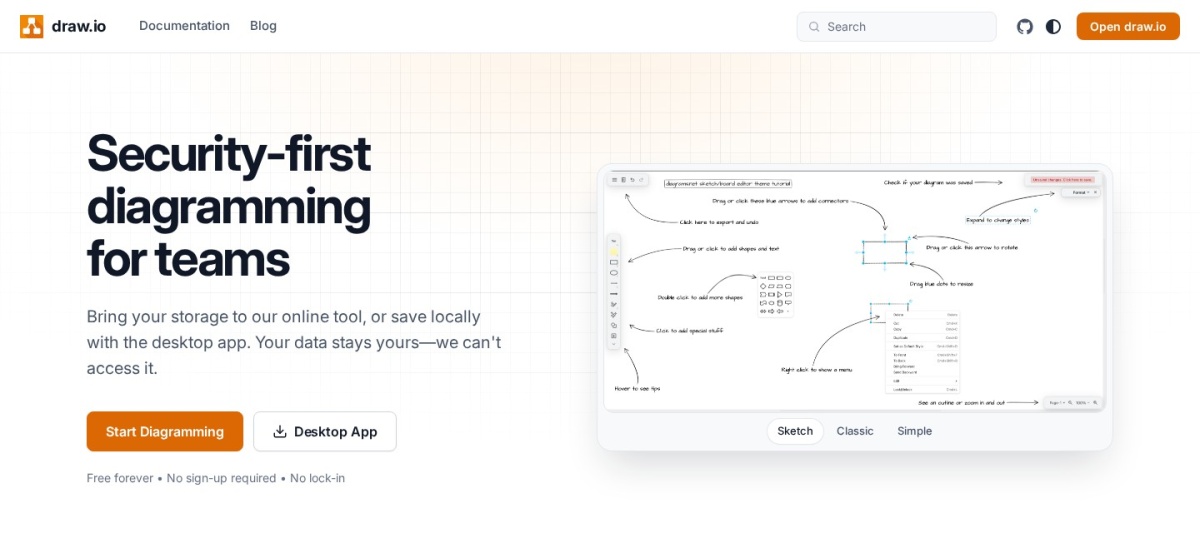
diagrams.net is a free, open-source diagram editor, still widely known as draw.io. The web app and desktop app cost nothing, need no sign-up and put no limits on documents or shapes, and diagrams save to your own storage such as Google Drive or OneDrive.
The trade off is teamwork. There is no shared team workspace, so collaboration depends on the storage you connect, and there is no built-in commenting or version history. It suits anyone who wants a full diagrammer free, and teams happy to share files through Drive.
Miro is an online whiteboard where diagrams grow out of workshops, sticky notes and brainstorming. The free plan allows 3 editable boards with unlimited members, and Starter at $8 a member a month billed yearly adds unlimited boards, private sharing and 25 AI credits per member each month.
The trade off is structure. Miro is looser than Lucidchart or Visio, so formal diagrams need more manual alignment, and every member on a paid plan takes a paid seat. It suits teams that sketch together live and then tidy the result into a diagram.
What we like
Free plan with unlimited members
Unlimited boards on Starter
Timer, voting and workshop controls
4,700+ diagram shapes on Business
Watch out for
Free plan caps at 3 editable boards
Loose canvas needs manual alignment
Every member takes a paid seat
Business at $20 adds guests, SSO and more shapesVisit miro.com
04
Microsoft Visio
4.2/5on G2 (694 reviews, checked Nov 2026)
Starts at$5/mo
Best for Microsoft 365 teams
Cheapest paid planPlan 1, $5/user/mo
Desktop appPlan 2, $15/user/mo
Free planNo, 30-day trial
Visio file formatNative .vsdx
microsoft.com
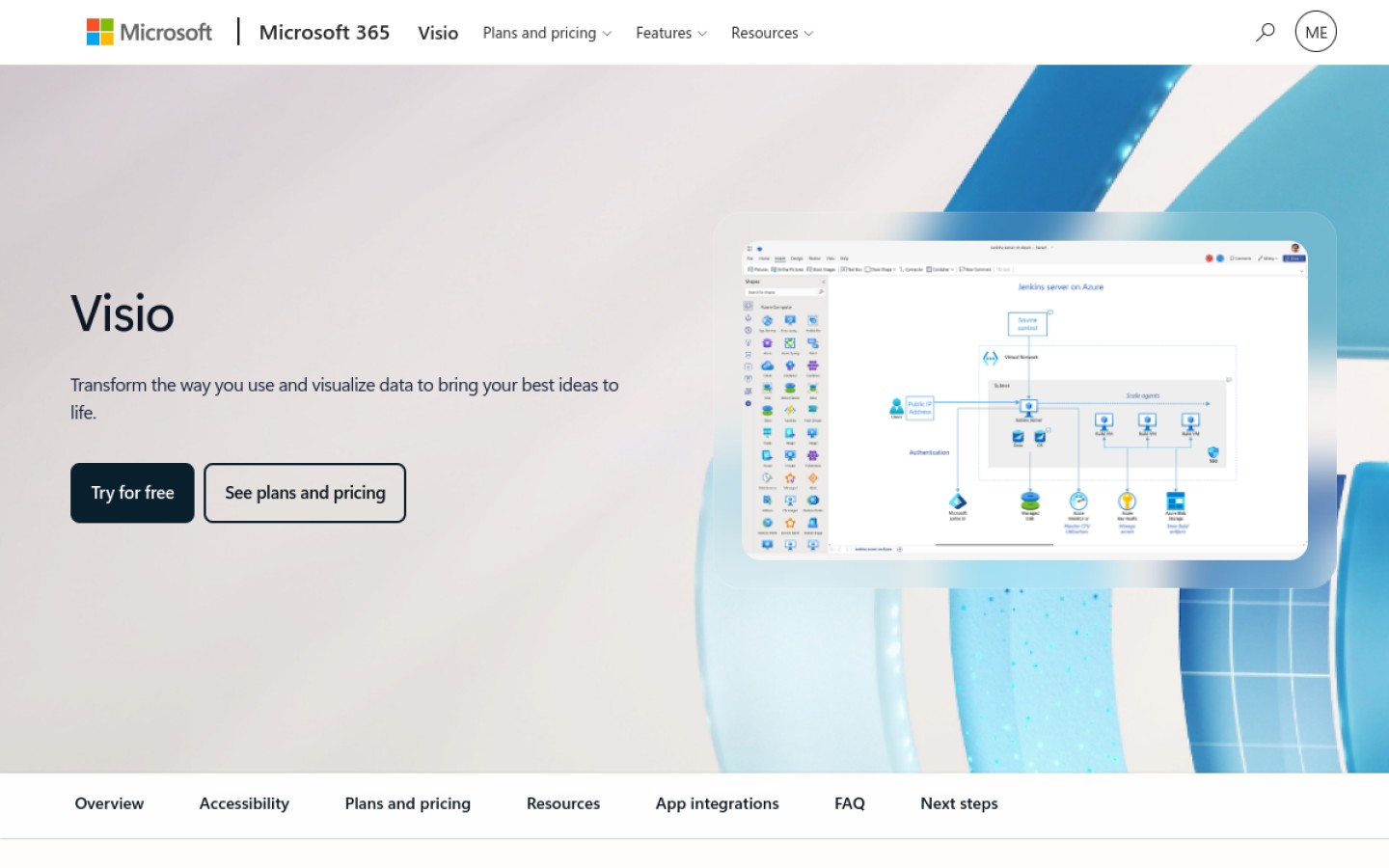
Microsoft Visio homepage, captured Nov 2026.
Microsoft Visio is the long-standing diagramming tool of the Microsoft world, for flowcharts, org charts, floor plans and network diagrams. Plan 1 costs $5 a user a month paid yearly and covers the web app, while a basic web version comes with many Microsoft 365 commercial plans.
The trade off is the desktop app. Plan 2 at $15 a user a month adds the Windows desktop app with offline files, BPMN 2.0 and data linking, and the desktop app runs on Windows only. It suits teams already standardized on Microsoft 365 that exchange .vsdx files.
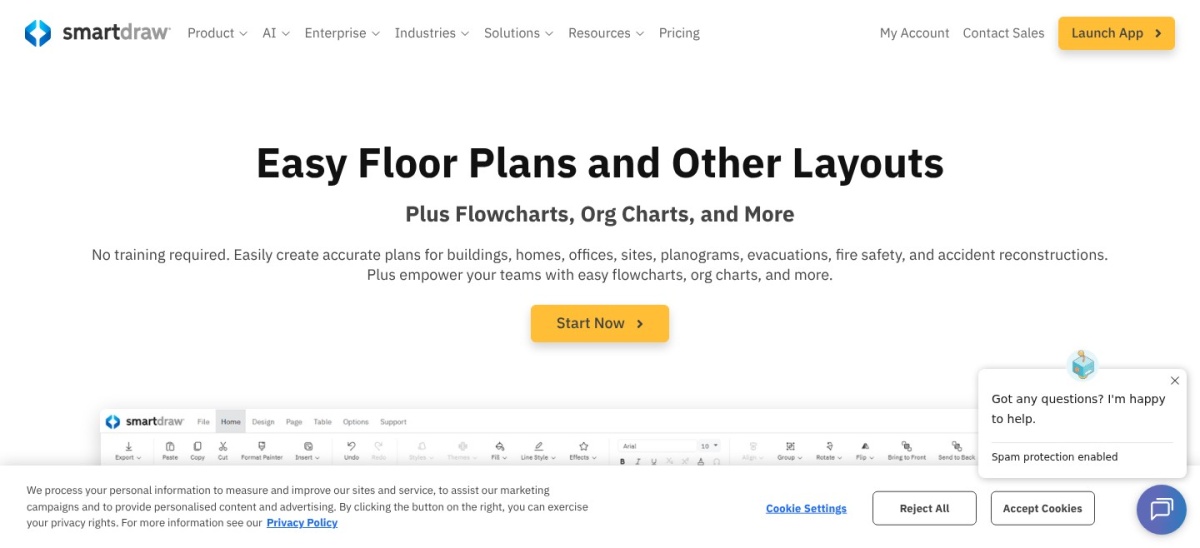
SmartDraw is a diagramming tool that formats diagrams automatically as you add shapes, covering flowcharts, org charts, floor plans and network diagrams. It imports and exports Visio files, and its library holds 4,500 templates and 34,000 symbols, including AWS and Azure shapes.
The trade off is price and billing. The regular rate is $10.95 a month billed yearly, and new customers see lower introductory rates that rise at renewal, with no month-to-month option. It suits business teams that want fast, tidy diagrams without fiddling with layout.
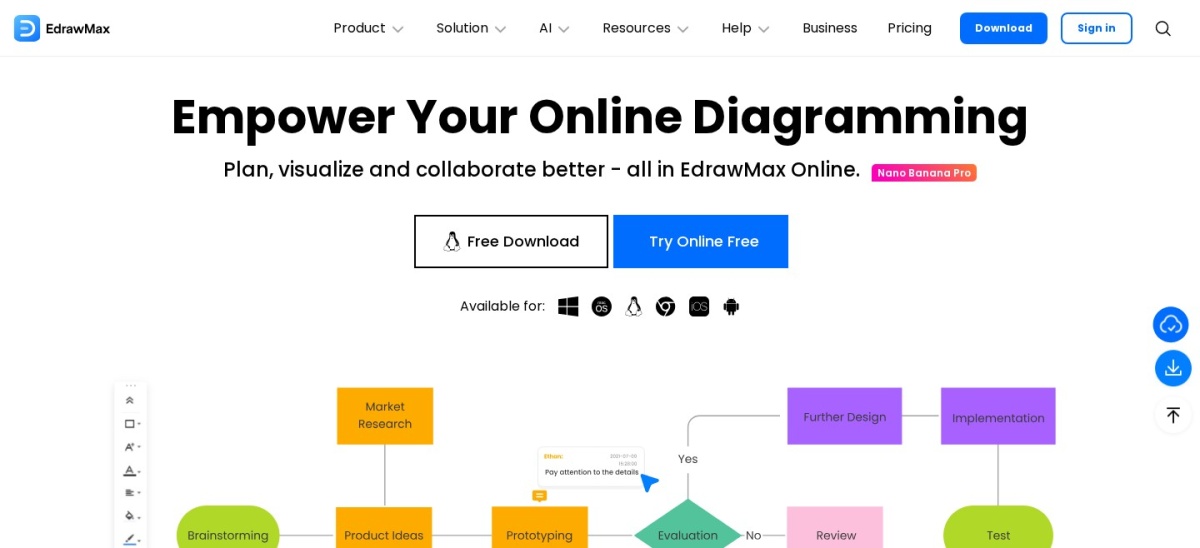
EdrawMax is a desktop and online diagrammer from Wondershare, pitched as an affordable Visio alternative. It covers 280+ diagram types, from flowcharts and org charts to network and floor plans, and the free plan lets you try the editor before paying.
The trade off is price clarity. The Individual plan lists at $99 a year, but other pages quote $119, so confirm the price on the pricing page before you buy. It suits solo users and small teams that want a desktop diagrammer without Visio prices.
Whimsical is a fast visual workspace for flowcharts, wireframes, mind maps and docs on one canvas. The free Starter plan allows unlimited members with 3,000 editable items, and Pro at $10 an editor a month billed annually removes the limit and adds unlimited AI generation.
The trade off is scope. Whimsical is lighter than Lucidchart or Visio, with fewer formal notation shapes, and only editors pay while viewers stay free. It suits product teams that want a quick, clean flowchart without learning a heavy diagrammer.
Mural is a visual collaboration workspace where teams map processes, plan projects and run workshops on a shared canvas. It offers diagram templates, sticky notes and facilitation tools such as timers and voting, and the free plan covers small teams getting started.
The trade off is price for a whiteboard. Team+ costs $9.99 a member a month billed yearly, which is more than Miro Starter for similar workshop features. It suits teams that plan visually and want structured facilitation rather than a pure diagrammer.
ConceptDraw DIAGRAM is a desktop diagrammer for flowcharts, org charts, network diagrams and floor plans on Windows and macOS. It imports and exports Visio files, and the one-time licence costs $199 with no subscription to renew.
The trade off is the review base. Only 24 G2 reviews back it, far fewer than the cloud tools here, and collaboration means sharing files rather than editing live together. It suits solo professionals who want to pay once and keep a desktop tool.
Free plans cover casual diagramming well. diagrams.net is fully free, and Lucidchart, Miro, Whimsical and Mural all let you start without paying.
Paid plans mostly add room and teamwork. You get more editable documents or boards, private sharing, version history and admin controls.
If diagrams are part of your job, the first paid year often costs less than the hours lost to free-plan caps. Check the renewal price too: SmartDraw's introductory rate rises after the first year.
One-time licences are the exception here. ConceptDraw DIAGRAM costs $199 once, which suits a solo user who dislikes subscriptions, but it has no live co-editing.
How we chose
We started from the best-known block diagram and diagramming tools, then kept nine that are still sold and maintained, from free editors to the Microsoft standard.
Prices come from each vendor's pricing page, checked on 24 November 2026, and show the regular price, not sale or introductory rates. Ratings come from G2 or Capterra on the same day, except Lucidchart, Visio and diagrams.net, whose ratings come from comparison pages that cite G2 or Capterra and were checked in October 2026.
We left out tools with no published price and no review base to judge. No vendor paid for a place, and we do not claim hands-on testing for this list.
How to choose block diagram software
Start with how formal your diagrams must be, then check the free limits before you pay.
Count your live diagrams. Free plans cap editable documents or boards, so a team with dozens of live diagrams will outgrow them fast.
Check the file format. If partners send .vsdx files, pick a tool that imports and exports Visio format, such as Lucidchart, Visio or diagrams.net.
Test the free plan first. Draw a real diagram, not a sample, and see whether the shape libraries and export options cover it before you pay.
Price it per seat, not per tool. Most paid plans charge per user each month, so multiply the headline price by your team size and check the renewal rate.
FAQ
What is the best block diagram software?
Lucidchart is the best pick for most teams. It has the deepest shape libraries for cloud, UML and network diagrams, Visio import and export, and a 4.5 out of 5 Capterra rating from more than 2,200 reviews.
What is the best free block diagram software?
diagrams.net is the best free option. It is a full-featured editor with no paid plan, no sign-up and no limits on documents or shapes, and it imports and exports Visio files free.
Is Microsoft Visio still worth it in 2026?
Yes, if your team already uses Microsoft 365. Plan 1 costs $5 a user a month for the web app, and the native .vsdx format is still what many companies expect to exchange.
Can I use block diagram software free?
Yes. diagrams.net is fully free, and Lucidchart, Miro, Whimsical and Mural all have free plans with caps on editable documents or boards. Paid plans add room, private sharing and admin controls.
Do these tools import Visio files?
Most do. Lucidchart, SmartDraw, EdrawMax, ConceptDraw DIAGRAM and diagrams.net all import and export Visio files, and Miro imports them on Starter and above. Visio itself uses the native format.
Which block diagram tool is best for a small team?
Miro or Whimsical fit small teams best. Miro Starter costs $8 a member a month with unlimited boards, while Whimsical Pro costs $10 an editor a month and keeps viewers free.