Best Benefits Administration Software in 2026: 8 Tools Compared
WLWPLegible EditorsLast verified 23 Nov 2026How we rank8 min read
★ Short answer
Gusto is the best benefits administration software for most small teams. It combines payroll, benefits and basic HR from $49 a month plus $6 per person, with published prices. Pick Rippling for growing companies and BambooHR for HR-first teams.
How we make this list: we compare pricing pages, product documentation and public user reviews, then re-check every price before each update. No product paid for a place. Disclosure.
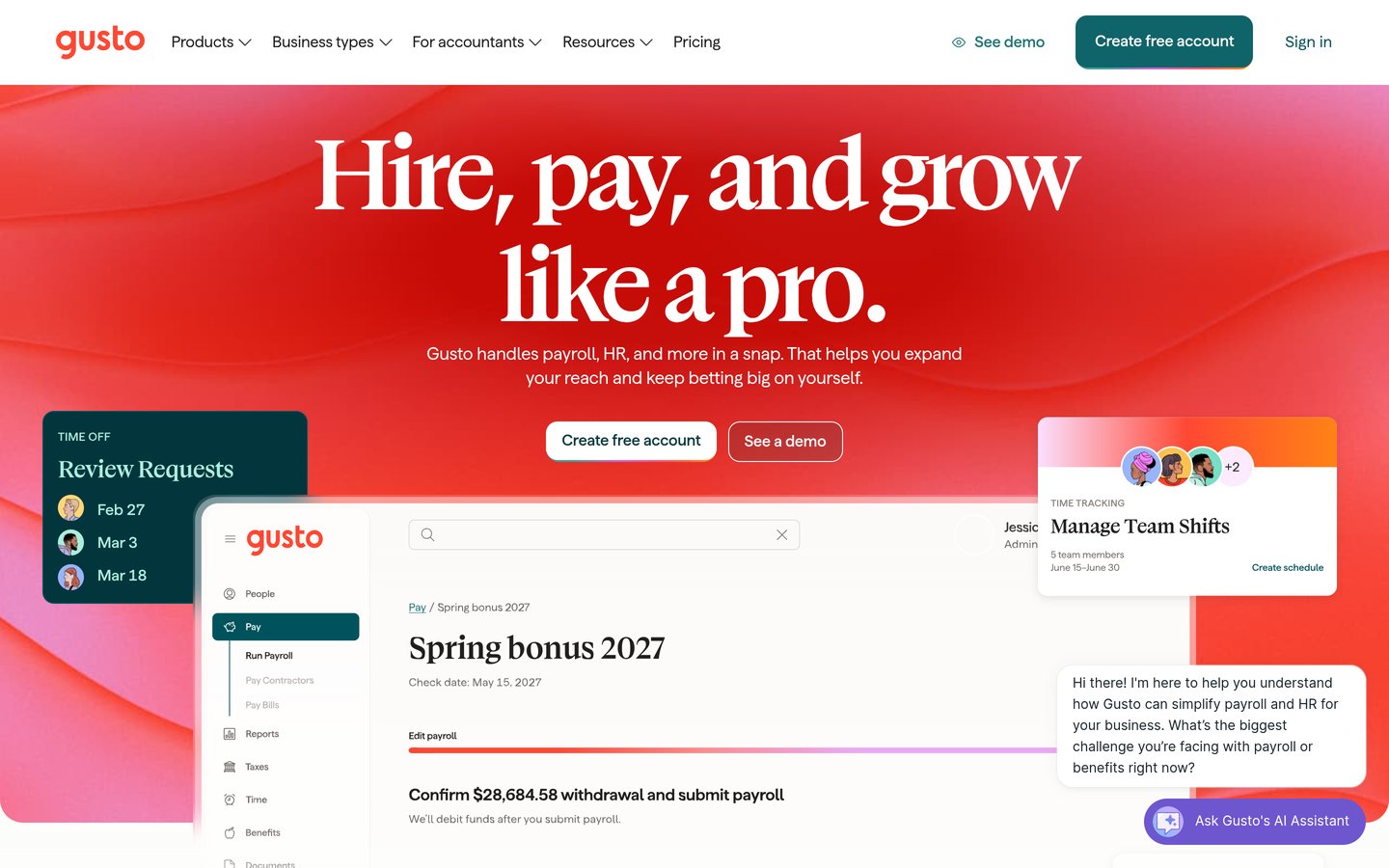
Gusto costs $49 a month plus $6 per person on Simple, with payroll, tax filing and benefits in one login.
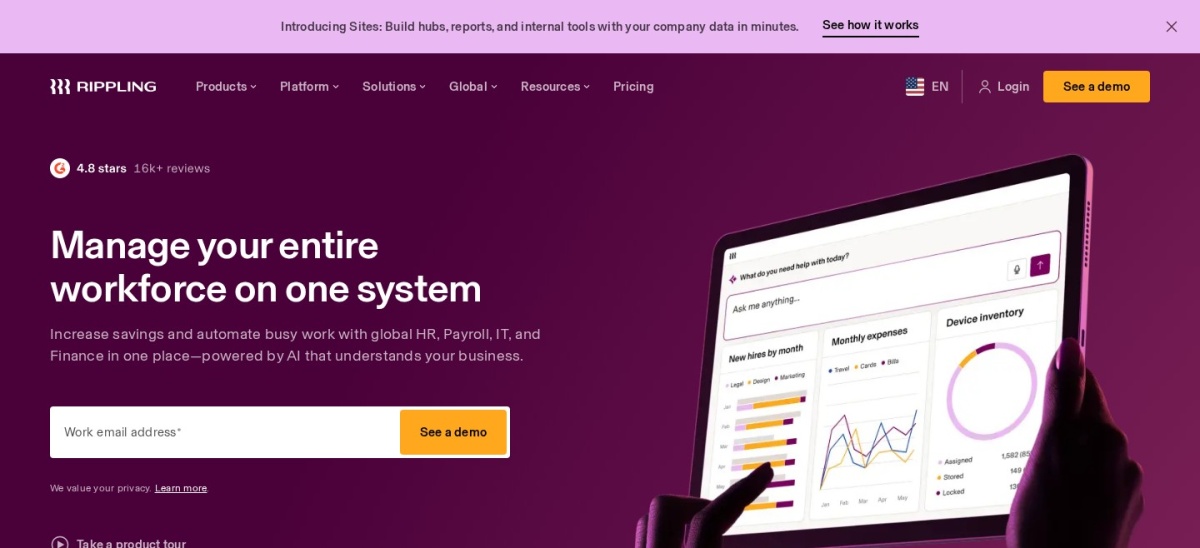
Rippling starts at $8 per user a month plus a $40 base fee, but payroll and benefits are separate quoted modules.
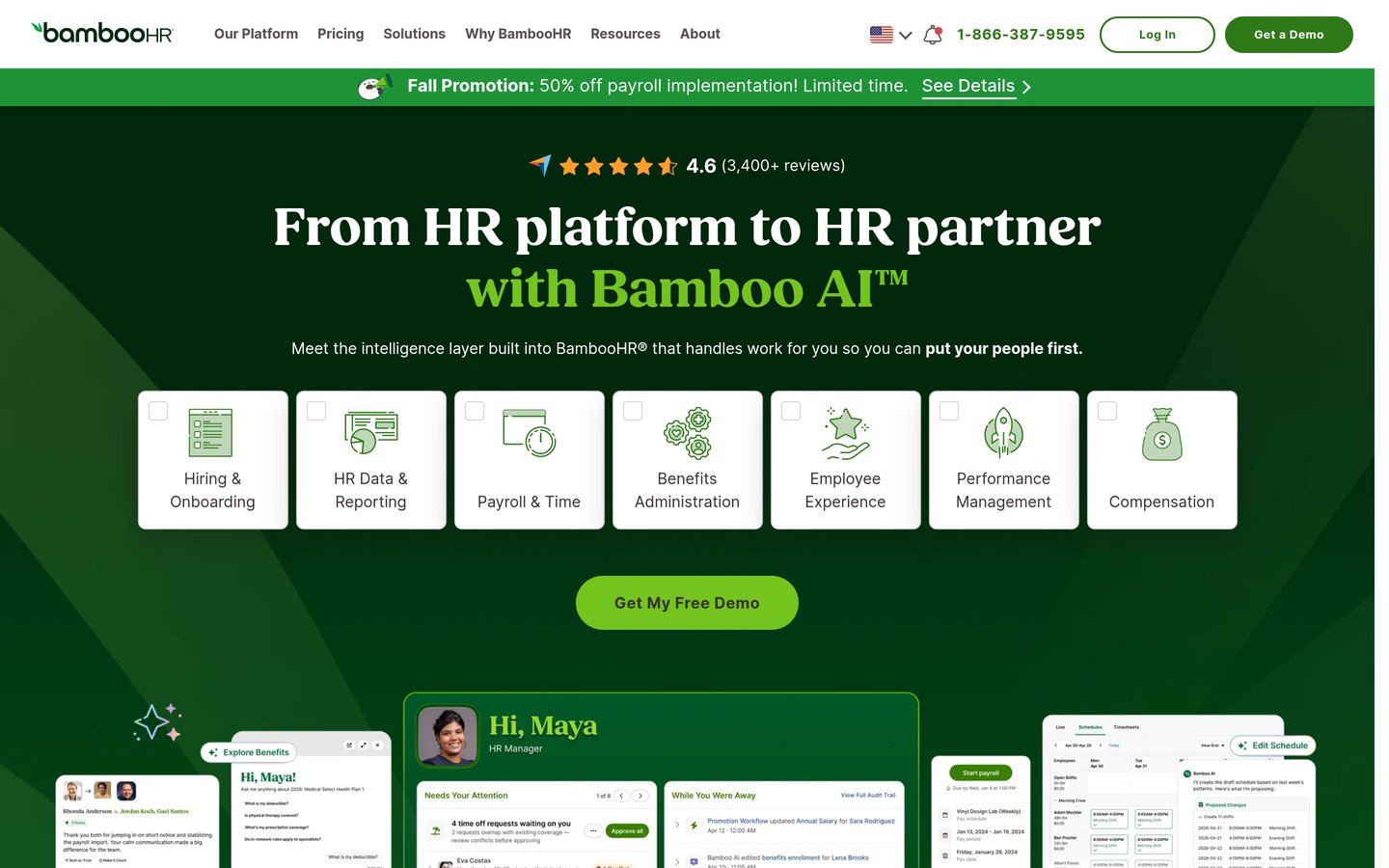
BambooHR Core costs $10 per employee a month, but benefits administration is a paid add-on.
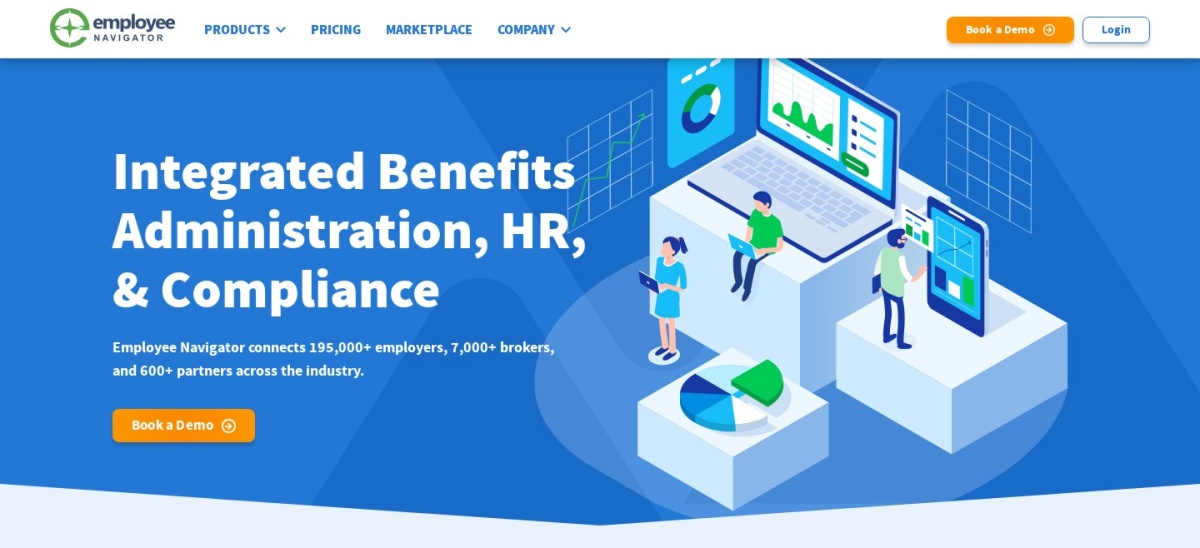
Employee Navigator is the reviewer favourite for broker-served companies, with 600-plus integrations and quote-only pricing.
Justworks PEO Basic costs $79 per employee a month, the dearest published price here, before premiums.
What benefits administration should cover
Benefits administration makes enrollment self-serve, keeps carrier data clean, handles COBRA and compliance in the background, and gives employees a portal they will actually use.
Two kinds of tools dominate. Payroll and HR bundles such as Gusto and Rippling add benefits to a wider system, while dedicated platforms such as Employee Navigator and PlanSource focus on enrollment, carrier feeds and compliance.
Pricing is rarely one number. Gusto charges a base fee plus per person, Rippling quotes each module, and dedicated platforms are often broker-sold with no published price.
Start with how benefits are bought. A small team that buys direct needs published prices, while a broker-served business should start with the platform its broker already runs.
Gusto is a payroll-first platform for small businesses, with benefits administration, onboarding and basic HR in one login. Simple costs $49 a month plus $6 per person, and covers full-service payroll, tax filing, direct deposit and benefits access as broker.
The trade off is the per-person maths. A 10-person team pays $109 a month on Simple, and multi-state payroll needs Plus at $80 plus $12 per person. It suits small teams that want payroll and benefits in one published price.
Rippling unifies HR, payroll, IT and finance on a single employee record. Onboarding a hire can create their payroll record, enroll them in benefits, provision their laptop and grant app access in one flow, starting at $8 per user a month plus a $40 monthly base fee.
The trade off is the quote. Payroll, benefits, IT and spend are separate modules, each quoted, so a working setup usually lands well above the $8 headline. It suits growing companies that want one record for everything.
BambooHR is a dedicated HR system for growing teams, covering employee records, hiring, onboarding, time off and benefits tracking. Core costs $10 per employee a month above 25 employees, or a flat $250 a month for 25 or fewer, with a 7-day trial.
The trade off is add-ons. Payroll, benefits administration and time tracking are paid add-ons with no published prices, so the $10 headline is not the whole bill. It suits teams moving off spreadsheets that want a clean HR system.
Employee Navigator is a benefits administration platform for brokers who run benefits for many employer clients. It covers online enrollment, carrier and payroll connections, 834 EDI feeds and ACA forms in one system, with 600-plus integrations.
The trade off is the channel. It sells through brokers and partners, so a business that buys benefits direct must establish a broker relationship first. It suits broker-served small and mid-size businesses focused on enrollment.
Namely is a human capital management platform for mid-size companies, covering HR, payroll, benefits and time. Namely Now costs $9 per user a month and includes payroll with managed benefits, so a growing team gets HR and benefits in one system.
The trade off is the rating. At 3.9 out of 5 on G2 it is the lowest-rated tool in this list, and deeper features sit on higher tiers. It suits mid-size companies that need HCM plus managed benefits.
Justworks is a professional employer organisation for small businesses that want payroll, benefits and compliance handled for them. PEO Basic costs $79 per employee a month, with published prices, no base fee games and support available around the clock.
The trade off is cost at scale. Per-employee pricing is simple but unforgiving: a 40-person company on Plus pays over $4,000 a month before premiums. It suits small teams that want a PEO without a sales call to learn the price.
Ease is a benefits administration platform for brokers and small businesses going paperless. It covers online enrollment, quoting and a 24/7 employee portal, with brokers reporting about 20 hours saved during open enrollment through online forms.
The trade off is the channel. Ease is quote-only and sold through brokers, so a business that buys direct must work through a broker. It suits broker-led small businesses that want fast, paperless enrollment.
PlanSource is a benefits administration platform for HR teams that want technology plus human service. It handles deep plan configurability, carrier connections and enrollment for large employers with complex plan designs and multiple carriers.
The trade off is the quote. No price is published, and it is built for larger employers rather than small teams. It suits large employers with layered eligibility, unions or multi-state workforces.
No tool here has a free plan. Trials and demos cover the first look, and every paid plan adds enrollment, carrier feeds and compliance tools.
Paid plans mostly add depth and service. You get carrier integrations, ACA forms, COBRA handling and support, plus payroll and HR in the wider bundles.
If benefits are bought through a broker, the broker often pays for the platform. Our guide to free vs premium plugins explains how to weigh a free plan against a paid upgrade before you commit.
Ask for the total before you sign. Base fees, per-person charges, module quotes and insurance premiums can triple a headline price.
How we chose
We started from the tools most often named in 2026 comparisons for this job, then kept 8 established products with published prices or a clear quote route and a public review footprint.
Prices come from each vendor's pricing page, checked on 23 November 2026, with the top 3 read on their official pages. Ratings are G2 or Capterra scores from the same week. Where a vendor shows a sale, the list shows the regular price.
We left out tools with no published price and no clear trial, and niche tools with too few reviews to judge. No vendor paid for a place, and we do not claim hands-on testing for this list.
How to choose benefits administration
Start with the job you do every day, then check price, trial terms and the features you cannot work without.
List the benefits you offer today. Write down health, dental, vision, 401(k), HSA and voluntary benefits before you compare plans, so a cheap plan without a key benefit does not win by default.
Count every employee and admin. Per-person pricing adds up fast, so total the base fee plus the per-employee charge at your real headcount, not the starter price.
Check carrier connections and enrolment. Confirm your carriers connect for enrolment and changes, because a tool without your carrier means manual entry every open enrolment.
Run open enrolment on the trial. Walk one enrolment cycle through the trial with real plan data, and check reporting, compliance notices and support before you commit.
FAQ
What is the best benefits administration software?
Gusto is the best pick for most small teams. It combines payroll, benefits and basic HR from $49 a month plus $6 per person, with published prices and no sales call, rated 4.6 out of 5 on G2.
How much does benefits administration software cost?
Software platforms typically run $6 to $25 per employee a month, with premiums billed separately. Gusto starts at $49 plus $6 per person, BambooHR at $10 per employee, and dedicated platforms are quote-only.
Is there free benefits administration software?
No tool here has a free plan. Gusto, BambooHR and Rippling offer trials or demos, while Ease, Employee Navigator and PlanSource are quote-only and sold through brokers or direct sales.
What is the difference between Gusto and Rippling?
Gusto is payroll-first with published prices, starting at $49 plus $6 per person. Rippling unifies HR, payroll, IT and benefits on one record, starting at $8 per user plus a $40 base fee, with modules quoted.
Do I need a broker for benefits administration?
Not always. Gusto and Justworks sell direct with published prices. Employee Navigator and PlanSource are typically sold through brokers, so a business that already has a broker should start with its platform.
Which benefits software is best for large employers?
PlanSource is the best pick for large employers, with deep plan configurability and multi-carrier support. It is quote-only, so budget time for a demo and a custom quote.