Best Beginner CAD Software for 3D Printing in 2026: 9 Tools Compared
WLWPLegible EditorsLast verified 23 Nov 2026How we rank8 min read
★ Short answer
Tinkercad is the best beginner CAD software for 3D printing for most people. It is free, runs in a browser and gets a first printable model out in under an hour. Pick Fusion for serious functional parts and FreeCAD for free parametric CAD.
How we make this list: we compare pricing pages, product documentation and public user reviews, then re-check every price before each update. No product paid for a place. Disclosure.
Tinkercad is free with no paid tier, and most people make a first printable model within an hour.
Autodesk Fusion is the best overall design-to-print tool, free for personal use and $680 a year for commercial work.
FreeCAD is the best fully free parametric option, with no revenue limit and no account needed.
Blender is free and the standard for organic shapes, rated 4.6/5 on G2 from 319 reviews.
SketchUp Go at $129 a year is the cheapest legal commercial step; Onshape Standard is $1,500 a year.
What beginner CAD should cover
Beginner CAD for 3D printing splits into two kinds. Shape builders such as Tinkercad stack blocks together, while parametric tools such as Fusion and FreeCAD let you type exact dimensions and change them later.
Free tiers carry licence catches. Fusion personal use bans commercial work and caps active documents at 10, Onshape Free makes every document public, and SketchUp Free is personal use only.
Exports matter more than the modeller. Every tool here exports STL, and most also export 3MF, which is what a slicer needs to prepare a print.
Start with the parts you will print. Simple signs and organisers suit Tinkercad, brackets and enclosures suit Fusion or FreeCAD, and figures suit Blender.
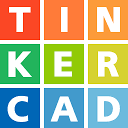
Tinkercad is Autodesk's free, browser-based modeller for beginners and classrooms. You build parts by dragging simple shapes onto a workplane, combining them and exporting an STL or 3MF file, with nothing to install and no paid tier.
The trade off is depth. Tinkercad has no parametric sketches, no exact constraints and no assemblies, so you outgrow it when a part needs precise dimensions. It suits a first printer, a child or a classroom.
Autodesk Fusion is a full parametric CAD program for functional parts, assemblies and mechanisms. Personal use is free for non-commercial projects under $1,000 a year in revenue, with a 30-day trial of the commercial plan, which costs $680 a year.
The trade off is the free licence. Personal use caps you at 10 active editable documents, bans commercial work and limits CAM and exports. It suits hobbyists who want professional-grade CAD and may sell prints later.
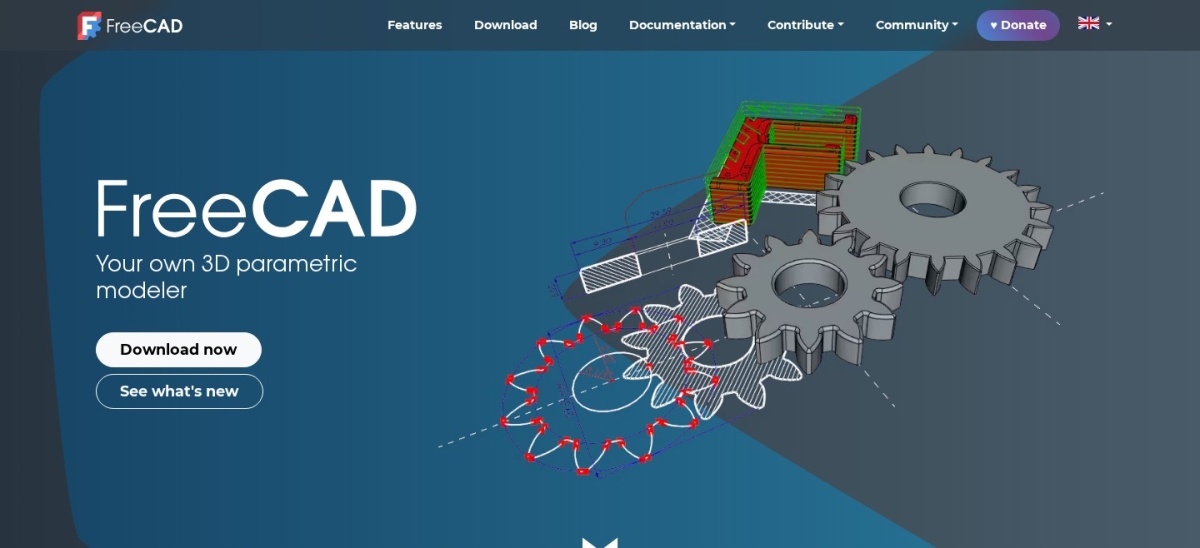
FreeCAD is a free, open-source parametric CAD program for mechanical and functional parts. You sketch constrained 2D profiles, extrude them into solids and edit any dimension later through the model history, with no account, no subscription and no revenue limit.
The trade off is polish. The interface is dated and the learning curve is steep, so beginners need tutorials before their first part. It suits makers who want real parametric CAD with no licence strings at all.
Blender is a free, open-source 3D suite for sculpting, modelling and rendering. Its sculpting tools shape characters, creatures and cosplay props that parametric CAD handles poorly, and the 3D Print Toolbox add-on checks meshes for printability.
The trade off is precision. Blender thinks in meshes, not dimensions, so exact brackets and enclosures are harder than in Fusion or FreeCAD. It suits makers printing figures, miniatures and organic shapes.
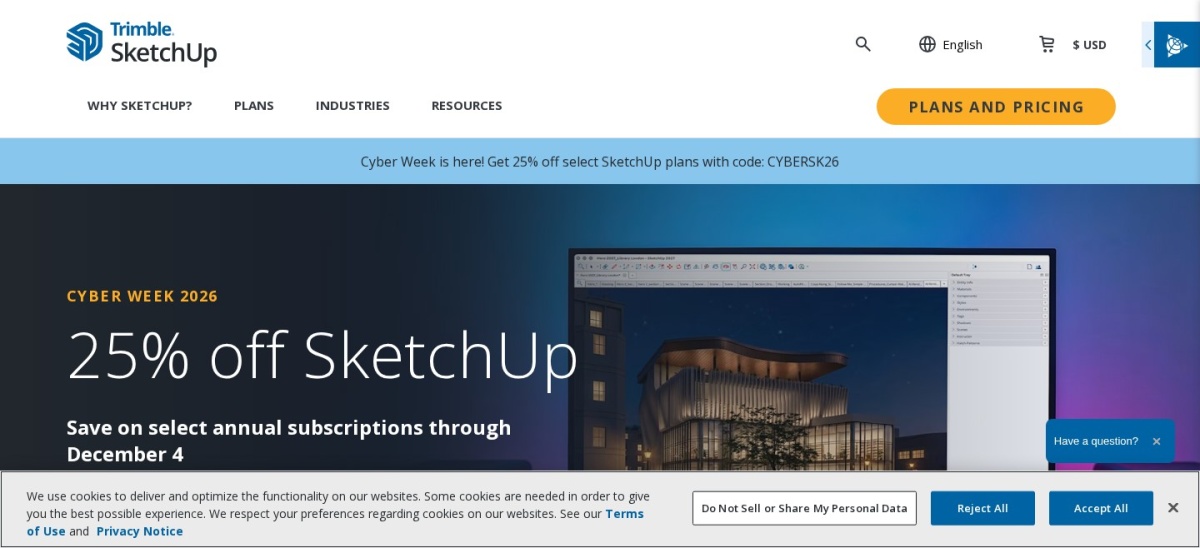
SketchUp is a fast 3D modeller where you draw a rectangle, push it into a box and pull faces into roofs and rooms. SketchUp Free runs in a browser for personal use with 10 GB of cloud storage, and Go costs $129 a year with desktop and iPad apps.
The trade off is the free licence. SketchUp Free is personal use only, with no extensions and no desktop app, and desktop modelling plus LayOut wait for Pro at $399 a year. It suits quick concept models and furniture.
Onshape is professional parametric CAD that runs entirely in a browser, with version control, branching and simultaneous editing built in. The free plan covers non-commercial use, and Standard costs $1,500 per user a year for private documents and commercial work.
The trade off is privacy on the free plan. Every free document is public, so anything you design can be seen by anyone. It suits classrooms, maker clubs and teams that want CAD on a Chromebook.
Shapr3D is a direct modelling CAD app built for iPad, macOS and Windows, with Apple Pencil sketching that feels natural for parts and products. Basic is free with two projects, and Pro costs $299 a year with high-resolution STL and 3MF export.
The trade off is the free tier. Basic limits you to two projects and low-resolution export, so serious printing needs Pro. It suits iPad owners who want to sketch parts and print the same evening.
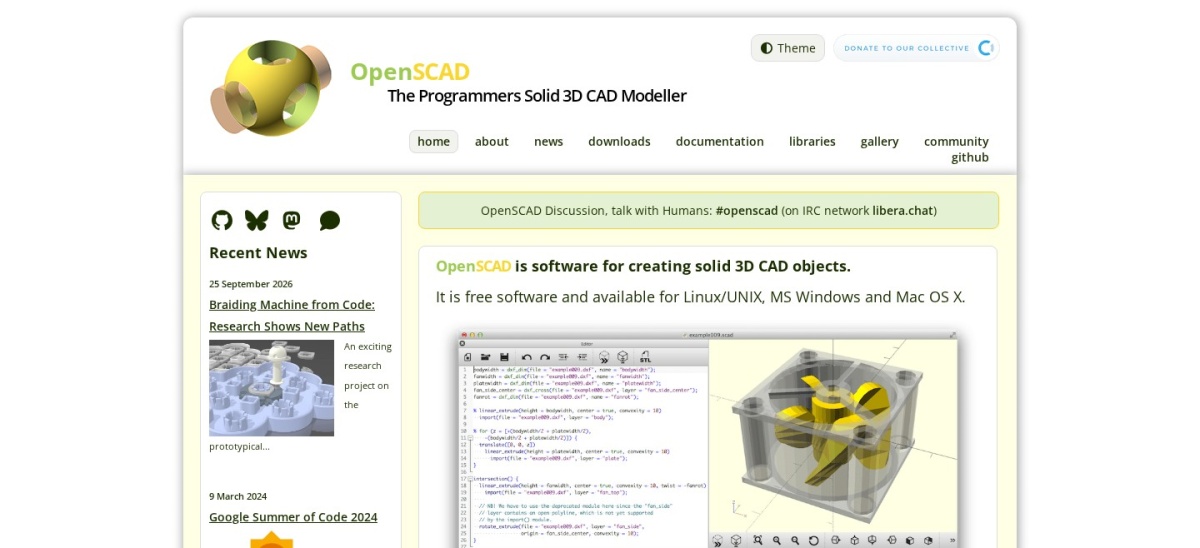
OpenSCAD is a free, open-source modeller for programmers who build parts by writing code instead of clicking. You describe shapes, holes and parameters in a script, so a part can be resized by changing one number and re-exporting an STL or 3MF file.
The trade off is the workflow. There is no visual modelling, so anyone who does not code will find it slow and abstract. It suits customisable, parametric parts such as brackets, mounts and enclosures.
SelfCAD is a beginner CAD tool that combines design, sculpting and slicing in one place, so a model can go from sketch to printer without a second app. Paid plans start at $14.99 a month, with a free plan for students and hobbyists.
The trade off is depth. It is simpler than Fusion or FreeCAD, so complex assemblies and precise engineering work will hit its limits. It suits beginners who want one app from design to print.
Free tools cover the whole first year well. Tinkercad, FreeCAD, Blender and OpenSCAD have no paid plan at all, so the software never becomes a bill.
Paid plans mostly add commercial rights and depth. You get private documents, high-resolution export, assemblies and support, plus the right to sell what you design.
If you might sell prints, start on a tool whose paid step is affordable. Our guide to free vs premium plugins explains how to weigh a free plan against a paid upgrade before you commit.
The cheapest legal commercial setup is SketchUp Go at $129 a year; the dearest is Onshape Standard at $1,500 a year per user.
How we chose
We started from the tools most often named in 2026 comparisons for this job, then kept 9 established products with published prices or a clear quote route and a public review footprint.
Prices come from each vendor's pricing page, checked on 23 November 2026, with the top 3 read on their official pages. Ratings are G2 or Capterra scores from the same week. Where a vendor shows a sale, the list shows the regular price.
We left out tools with no published price and no clear trial, and niche tools with too few reviews to judge. No vendor paid for a place, and we do not claim hands-on testing for this list.
How to choose beginner CAD
Start with the job you do every day, then check price, trial terms and the features you cannot work without.
Decide what you will print first. Simple signs and organisers suit a shape builder, while brackets and enclosures need parametric CAD with exact dimensions, and figures need sculpting tools.
Check the licence before you sell. Fusion personal use, Onshape Free and SketchUp Free all limit commercial work, while FreeCAD and OpenSCAD allow selling prints with no paid plan.
Confirm the export format. Every tool here exports STL, and most export 3MF too, which is what your slicer needs to prepare a print.
Try the free plan on a real part. Model and print one real part before you pay, and check the learning curve, the export quality and the support before you commit.
FAQ
What is the best beginner CAD software for 3D printing?
Tinkercad is the best start for most beginners. It is free, runs in a browser with nothing to install, and most people export a first printable STL within an hour, rated 4.5 out of 5 on G2.
Is Tinkercad really free?
Yes. Tinkercad is free for everyone with no paid tier, from Autodesk. It runs in a browser, needs only an Autodesk account, and includes circuits and block coding alongside 3D design.
Can I use Fusion for free for 3D printing?
Yes, for personal use. Fusion for personal use is free for non-commercial projects under $1,000 a year in revenue, with 10 active editable documents. Commercial work needs the $680-a-year subscription.
What is the best free CAD software for 3D printing?
FreeCAD is the best fully free option, with real parametric CAD, no revenue limit and no account. Tinkercad is the easiest free start, and Blender is the best free choice for organic shapes.
Do I need to pay to sell 3D prints?
It depends on the licence. FreeCAD and OpenSCAD allow commercial use for free. Fusion, Onshape and SketchUp Free do not, so selling prints legally needs SketchUp Go at $129, Fusion at $680 or Onshape at $1,500 a year.
Which CAD software is best on an iPad?
Shapr3D is the best iPad CAD tool, with Apple Pencil sketching and Pro at $299 a year. Tinkercad and Onshape also run in a browser on an iPad, and both are free to start.