Best Bank Reconciliation Software in 2026: 9 Tools Compared
WLWPLegible EditorsLast verified 22 Nov 2026How we rank13 min read
★ Short answer
QuickBooks is the best bank reconciliation software for most small businesses, with daily bank feeds and auto-matching from $38 a month, rated 4.0 out of 5 on G2. Pick Xero for unlimited users at $27 a month, and Zoho Books if you want reconciliation free.
How we make this list: we compare pricing pages, product documentation and public user reviews, then re-check every price before each update. No product paid for a place. Disclosure.
QuickBooks Simple Start costs $38 a month and pairs daily bank feeds with the largest US accountant network.
Xero Early costs $27 a month with unlimited users on every plan, and its one-click matching is the fastest in its class.
Zoho Books has a genuine free plan with bank reconciliation included, for businesses under $50,000 annual revenue.
Wave is free for invoicing and accounting, and Pro at $20 a month adds automatic bank connections.
FloQast, BlackLine, AutoRek and ReconArt are all quote-based, aimed at teams and enterprises rather than solo bookkeepers.
Sage Intacct adds reconciliation inside a full mid-market ERP, with multi-entity and multi-currency consolidation.
What bank reconciliation software should cover
Bank reconciliation is the monthly proof that your books match reality: every bank and credit card transaction accounted for, matched to the ledger, with discrepancies investigated and resolved.
For most small businesses, reconciliation already lives inside the accounting software. QuickBooks, Xero, Zoho Books and Wave all pull bank feeds and suggest matches, so a separate tool is only needed when volume or entities outgrow them.
The jump to a dedicated platform usually happens around 5 to 10 bank accounts or multiple entities. That is where FloQast, BlackLine, AutoRek and ReconArt take over, with checklists, audit trails and matching engines built for volume.
Watch the fee structure, not just the subscription. Our guide to WooCommerce Payments vs Stripe shows how payment add-ons change the real cost of accounting software too.
Best all-round bank reconciliation for small business
Cheapest paid planSimple Start, $38/mo
Bank feedsThousands of institutions
Users1 on Simple Start
Free trialYes
quickbooks.intuit.com
QuickBooks homepage, captured Nov 2026.
QuickBooks is the default accounting choice for US small businesses, and its reconciliation workflow is the reason many stay. Connect your bank, and transactions stream in daily; QuickBooks suggests matches against your books, learns your categorization rules, and flags what it cannot match.
The trade off is the cost curve. Intuit raised upper-tier prices in 2026, with Plus now at $140 a month and Advanced at $340, and payroll and payments are separate add-ons. It suits one-to-three-person businesses that want the largest accountant network behind them.
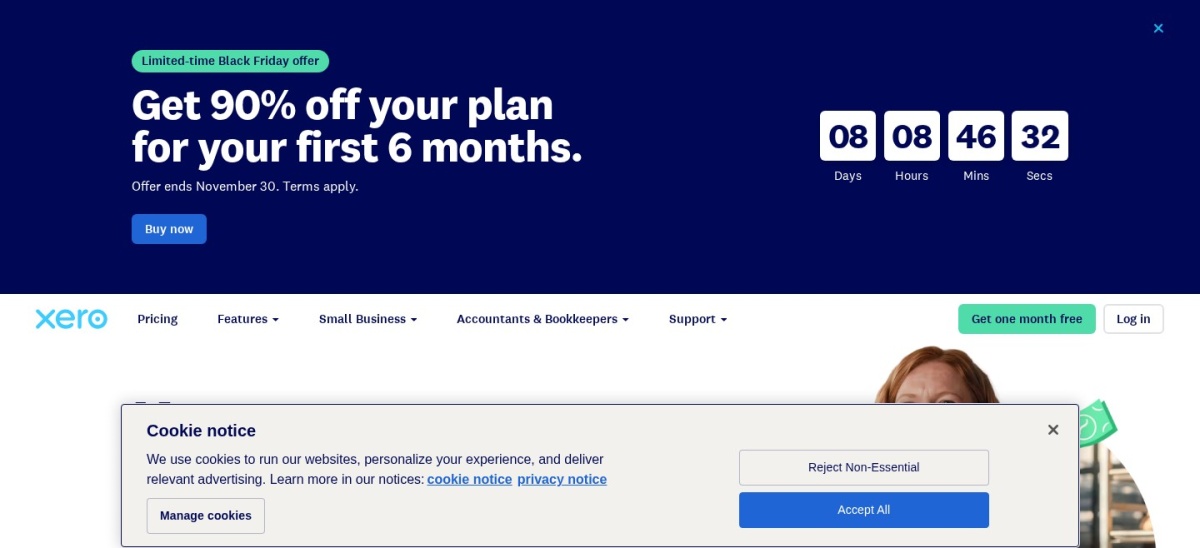
Xero is the small-business accounting platform with the best reconciliation workflow in its class. Daily bank feeds, one-click matching, cash coding for bulk transactions, and bank rules that improve over time make clearing hundreds of transactions fast. Early costs $27 a month.
The trade off is the Early plan cap. It limits you to 20 invoices and 5 bills a month, so growing businesses land on Growing at $59. It suits teams of two to fifty people who want clean bank reconciliation with unlimited users.
What we like
Unlimited users on every plan
Excellent bank feed matching
One-click matching clears batches fast
30-day free trial
Watch out for
Early caps invoices and bills
US payroll needs Gusto
No phone support
Growing at $59 a month removes the invoice capsVisit xero.com
03
Zoho Books
4.4/5on G2 (329 reviews, checked Nov 2026)
Paid from$20/mo
Best free plan with bank reconciliation
Free plan1 user, under $50K revenue
Cheapest paid planStandard, $20/mo
UsersPer organization, not per seat
Bank feedsPaid plans only
zoho.com
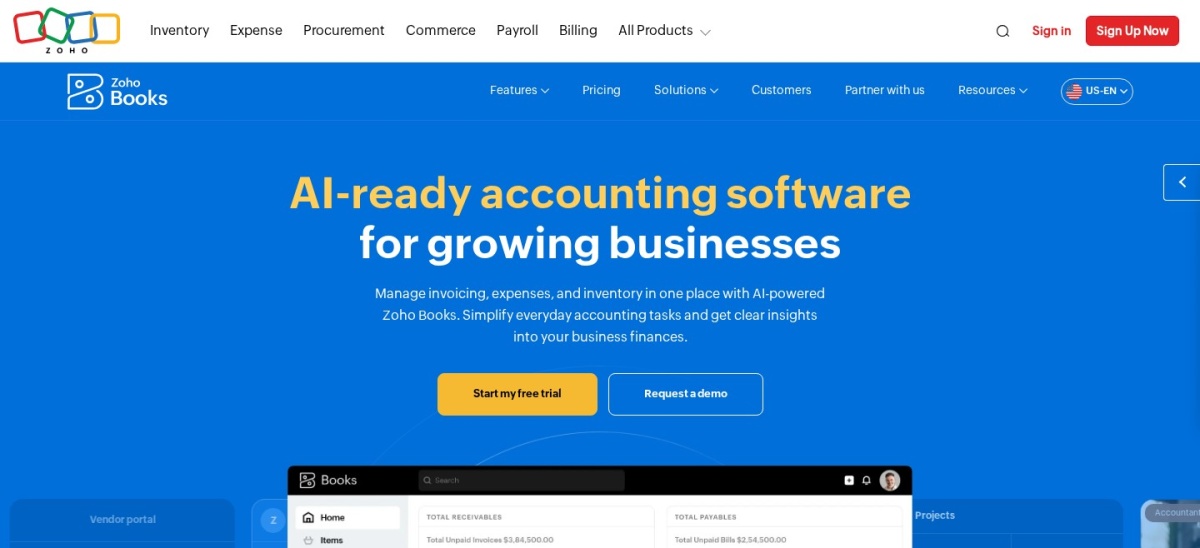
Zoho Books homepage, captured Nov 2026.
Zoho Books is one of the most functional free accounting plans anywhere. One user plus an accountant, up to 1,000 invoices a year, and bank reconciliation included, free for businesses under $50,000 annual revenue. The first paid tier, Standard, costs $20 a month.
The trade off is the free plan's bank feeds. Without automated feeds, you import statements manually, and Standard is needed for automatic bank and credit card feeds. It suits freelancers and micro-businesses that want real reconciliation at $0.
What we like
Genuine free plan including bank reconciliation
Per-organization pricing, not per seat
Strong international tax support
Standard still undercuts QuickBooks by nearly half
Watch out for
Automated bank feeds need the paid Standard plan
Payroll not included
Smaller US accountant network
Standard at $20 a month adds automated bank feedsVisit zoho.com
04
Wave
4.3/5on G2 (328 reviews, checked Nov 2026)
Paid from$20/mo
Best simplest free accounting for freelancers
Free planInvoicing, accounting, receipts
Paid planPro, $20/mo
Bank connectionsPro only
SupportEmail-first
waveapps.com
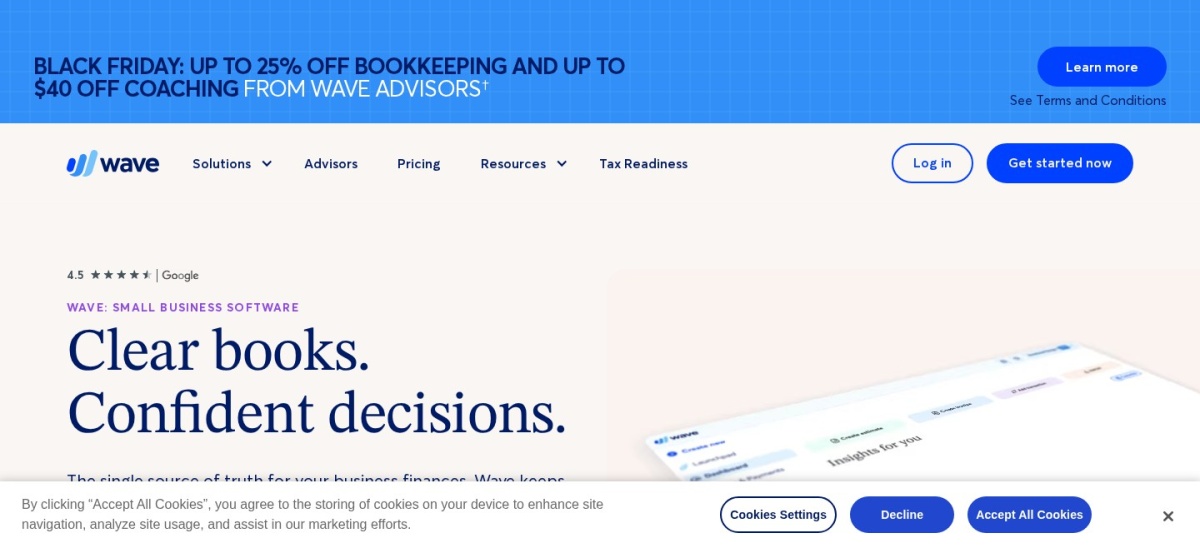
Wave homepage, captured Nov 2026.
Wave is the no-budget option that still reconciles. The free plan covers invoicing, accounting, receipt scanning and manual bank statement imports, which is enough for a freelancer to stay reconciled. Wave Pro at $20 a month adds automatic bank connections and receipt auto-import.
The trade off is depth. There is no inventory, limited reporting and no multi-currency depth, and support is email-first. It suits a business that is you plus a laptop, starting here and upgrading when the limits pinch.
What we like
Free invoicing, accounting and receipts
Easy for non-accountants
Honest double-entry bookkeeping
Paid Pro plan adds bank connections
Watch out for
No inventory management
Limited reporting
Support is email-first
Pro at $20 a month adds bank connections and receipt importVisit waveapps.com
05
FloQast
4.6/5on G2 (1,417 reviews, checked Nov 2026)
PricingCustom/yr
Best month-end close management for teams
TypeClose management, not accounting
MatchingAI-assisted
Integrates withMajor ERPs
PricingQuote-based
floqast.com
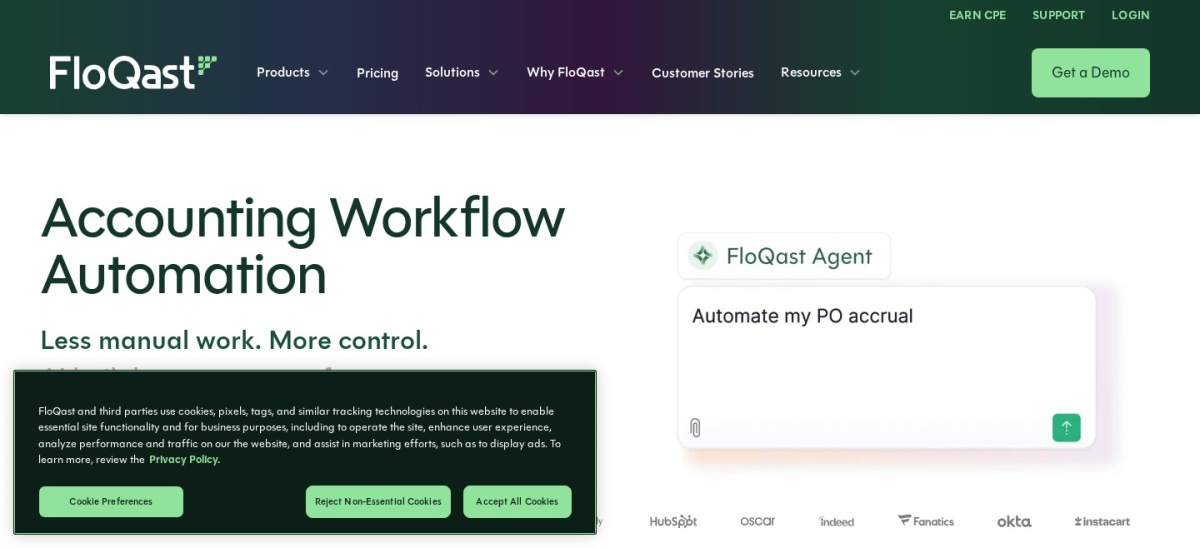
FloQast homepage, captured Nov 2026.
FloQast is not accounting software; it is the layer that manages the close. It connects to your ERP, organizes every reconciliation and close task into checklists with owners and deadlines, and applies AI-assisted matching to clear routine reconciliations automatically.
The trade off is scope and price. Pricing is quote-based and aimed squarely at accounting departments, typically mid-market and up. It suits teams where the close involves multiple preparers, reviewers and entities.
Best enterprise financial close and reconciliation
TypeFinancial close platform
MatchingMillions of transactions
Audit controlsSegregation of duties, full trails
PricingQuote-based
blackline.com
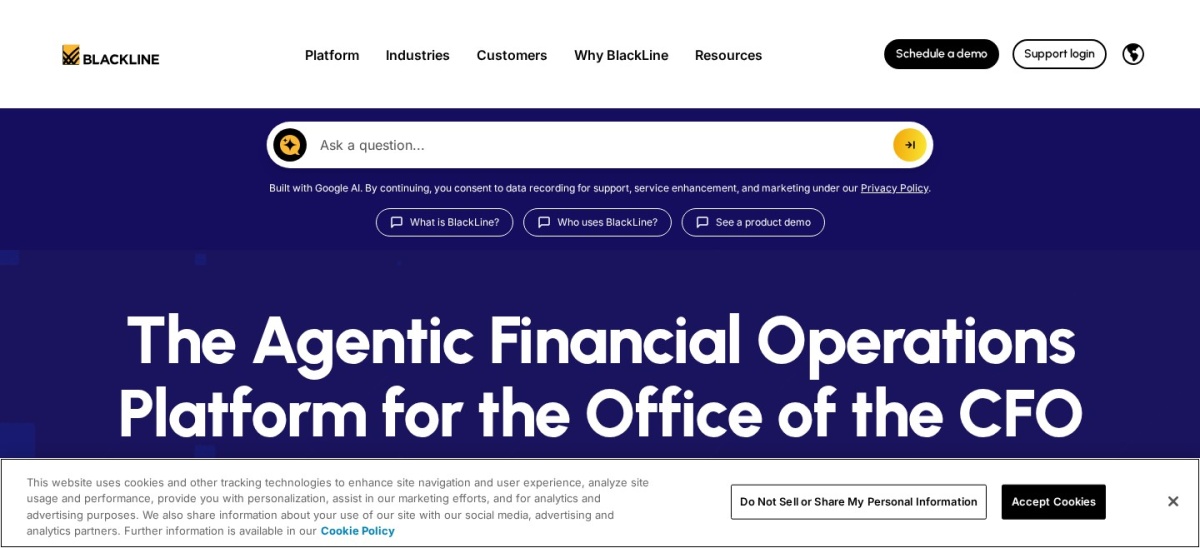
BlackLine homepage, captured Nov 2026.
BlackLine is the enterprise standard for the financial close. Its account reconciliation module automates balance-sheet reconciliations across entities, its transaction matching engine clears millions of transactions, and the whole platform is built for audit scrutiny with segregation of duties and full trails.
The trade off is the enterprise buying motion. Pricing is quote-based with a sales-led process, and implementation is measured in months. It suits public companies and large multi-entity organizations that run their closes on it.
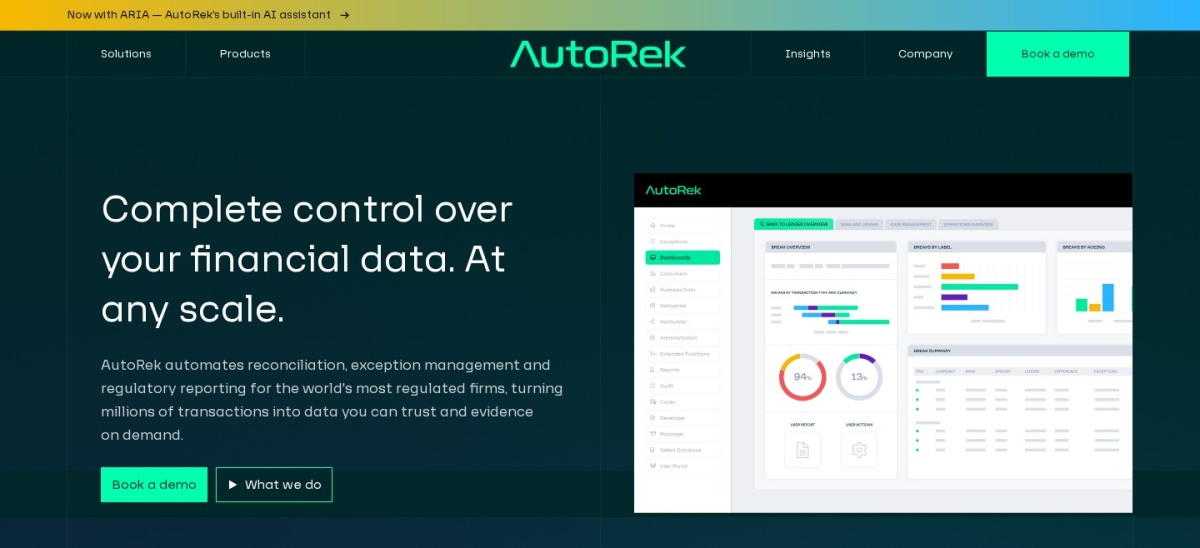
AutoRek is built for the hardest reconciliation problem: enormous transaction volumes. Banks, insurers, payment processors and asset managers use it to match millions of records across systems with configurable rules, exception workflows and full auditability.
The trade off is focus. If your reconciliation pain is volume, this is purpose-built for it; if your pain is a monthly close across entities, FloQast or BlackLine fit better. It suits financial-services teams where scale is the binding constraint.
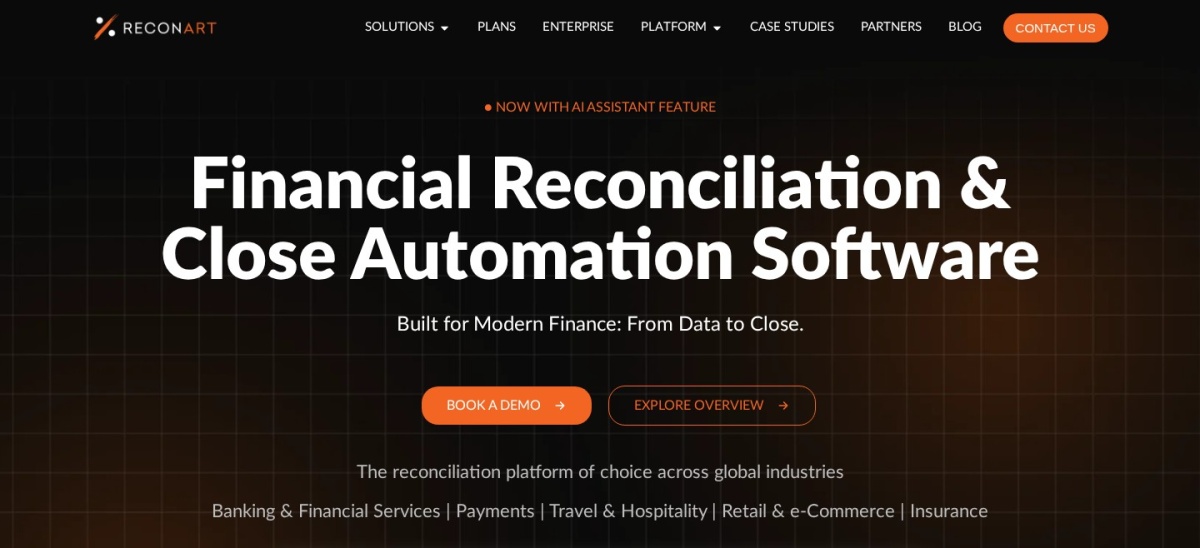
ReconArt is a dedicated reconciliation tool that sits between the accounting platforms and the enterprise giants. It ingests data from any source, applies no-code matching rules, and manages exceptions with workflow. Corporate finance teams use it for bank, credit card, intercompany and balance-sheet reconciliations.
The trade off is that it needs clean source data to shine, and pricing is quote-based like the rest of this tier. It suits mid-market teams outgrowing spreadsheet reconciliation but not ready for BlackLine.
Sage Intacct is a cloud financial management system for mid-market companies, and bank reconciliation comes as part of the package: automated feeds, matching rules, and multi-entity consolidation that rolls reconciled balances into group reporting.
The trade off is commitment. Pricing is quote-based, implementation is measured in weeks to months, and it needs a finance team to run it. It suits companies graduating from QuickBooks or Xero because entities and currencies outgrew them.
What we like
True multi-entity, multi-currency accounting
Automated bank reconciliation inside the ERP
Deep financial reporting
Consolidation rolls reconciled balances up
Watch out for
Quote-based pricing
Implementation project
More ERP than most small businesses need
Priced by entity and users, quoted per deploymentVisit sage.com
When to graduate from your accounting software
Your accounting software's reconciliation is fine until it is not. The warning signs: you maintain a separate spreadsheet to track what is reconciled, close takes more than a week, or nobody can say which accounts are still open.
Multi-entity books are the clearest trigger. Once several entities and currencies share one close, reconciling inside the ERP beats reconciling in spreadsheets and importing.
Volume is the other trigger. If matching eats days every month, a dedicated engine with auto-matching and exception workflows pays for itself in the first close.
How we chose
We started from the accounting platforms with built-in reconciliation and the dedicated close-management tools that reviewers recommend: QuickBooks, Xero, Zoho Books, Wave, FloQast, BlackLine, AutoRek, ReconArt and Sage Intacct.
Prices come from vendor pricing pages, checked on 22 November 2026. Ratings are G2 scores from the same period. Where a vendor publishes no price, the list says quote-based rather than repeating an estimate.
We left out spreadsheet-only workflows and tools without real bank-feed support. No vendor paid for a place, and we do not claim hands-on testing for this list.
How to choose bank reconciliation software
Start with your transaction volume and entity count, then check the price.
Count your bank accounts and entities. One entity with two accounts is accounting software territory. Five to ten accounts or several entities is where dedicated platforms earn their keep.
Test your actual bank feed. Use the free trial to connect your real bank. A feed that drops transactions or duplicates them will cost more time than it saves.
Check the matching quality on exceptions. Auto-matching is easy on clean data. Ask how the tool handles the messy 10 percent: duplicates, split payments and unidentified deposits.
Add up the real first-year cost. A $27 monthly plan costs $324 in a year, while a quote-based platform can run into five figures. Confirm implementation fees before you sign.
FAQ
What is the best bank reconciliation software?
QuickBooks is the best all-round pick for small business, with daily bank feeds and auto-matching from $38 a month. Xero is the best alternative for teams, with unlimited users at $27 a month.
Is bank reconciliation included in QuickBooks and Xero?
Yes. Both include bank feeds, auto-matching and bank rules in every paid plan. QuickBooks Simple Start costs $38 a month and Xero Early costs $27 a month.
What is the best free bank reconciliation software?
Zoho Books has the best free plan, with bank reconciliation included for businesses under $50,000 annual revenue. Wave is also free, with invoicing and accounting included.
When do I need FloQast or BlackLine?
When your close involves multiple preparers, reviewers and entities, or millions of transactions. For one person closing one entity, your accounting software's built-in reconciliation is enough.
How does bank reconciliation software match transactions?
It imports bank transactions through a feed or statement, then suggests matches against ledger entries using amounts, dates and payee names. Bank rules learn your categorization over time.
Does reconciliation software replace my accountant?
No. It clears the routine matching so your accountant spends time on exceptions, adjustments and review. The audit trail it keeps also makes their work faster.