Karbon is the best automation tool for most accounting practices, with a shared inbox, workflow automation and billing rated 4.7 out of 5 on G2 from 1,203 reviews, from $59 per user a month. TaxDome suits tax-heavy firms, while Financial Cents is the best value at $19 a month.
How we make this list: we compare pricing pages, product documentation and public user reviews, then re-check every price before each update. No product paid for a place. Disclosure.
Karbon leads on G2 with 4.7 out of 5 from 1,203 reviews, built around a shared inbox that turns client emails into jobs.
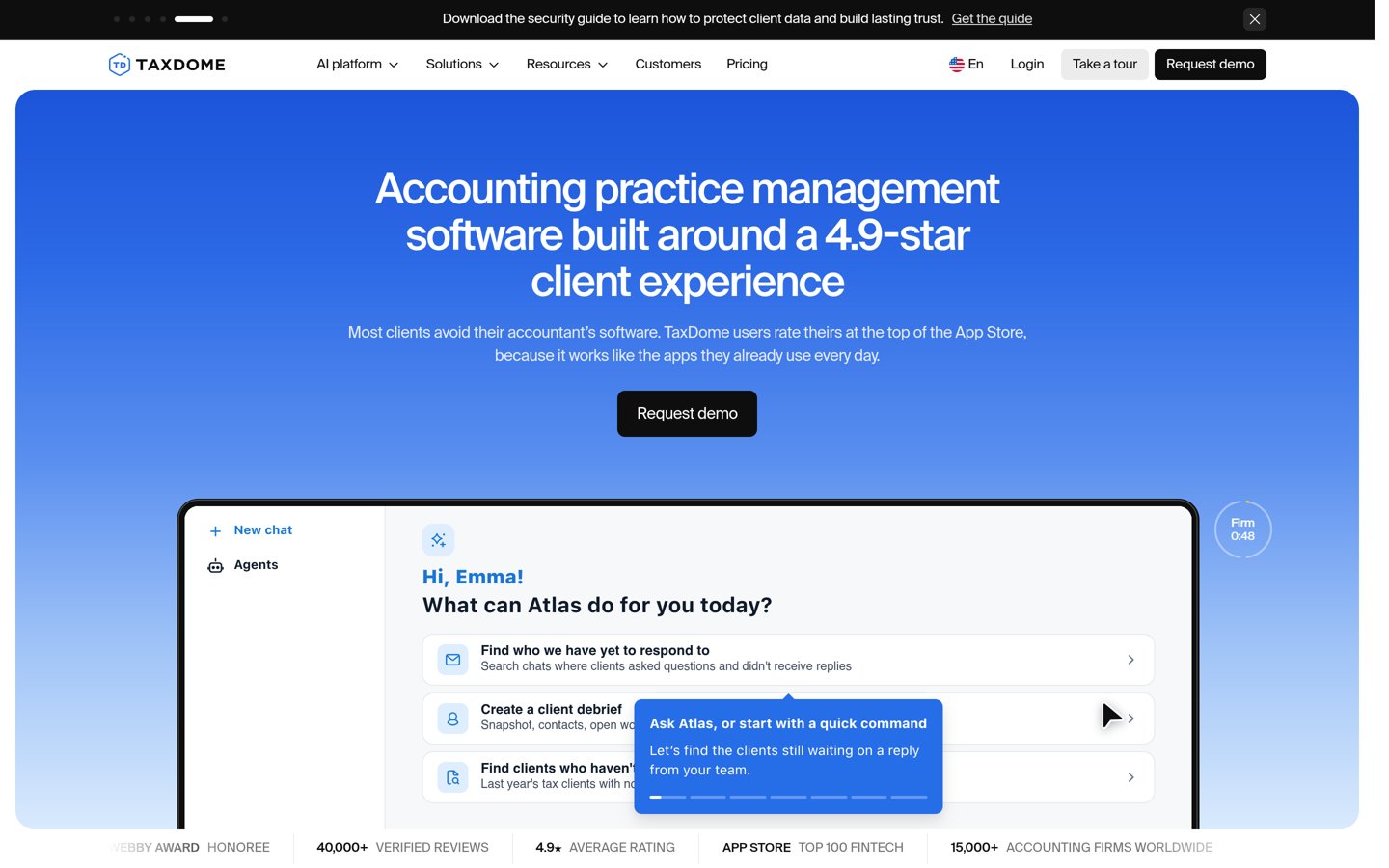
TaxDome charges $1,500 a year for up to 150 active clients with 20 staff seats included, instead of charging per user.
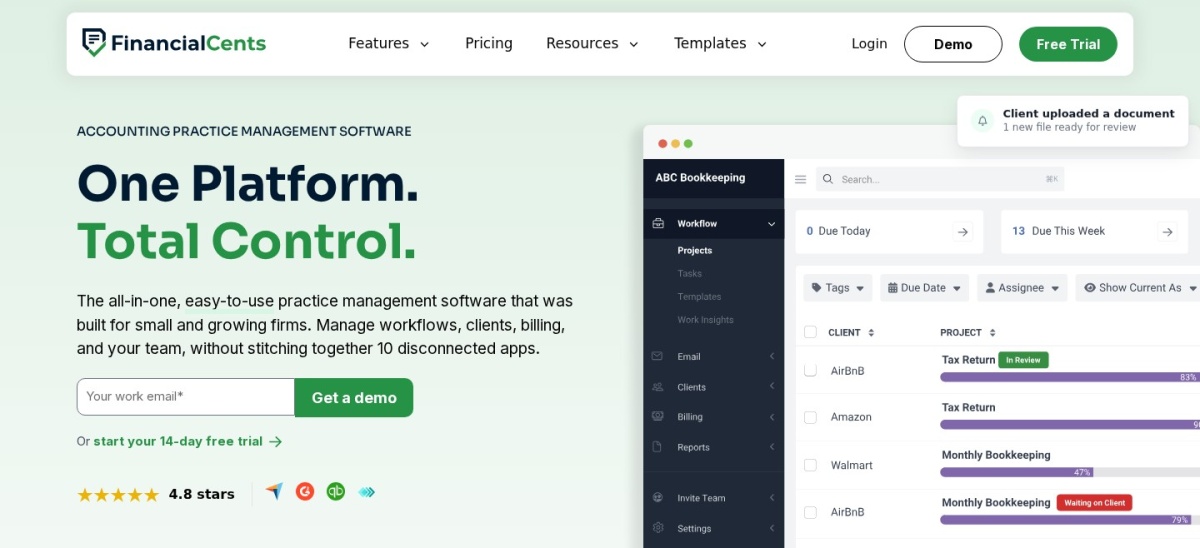
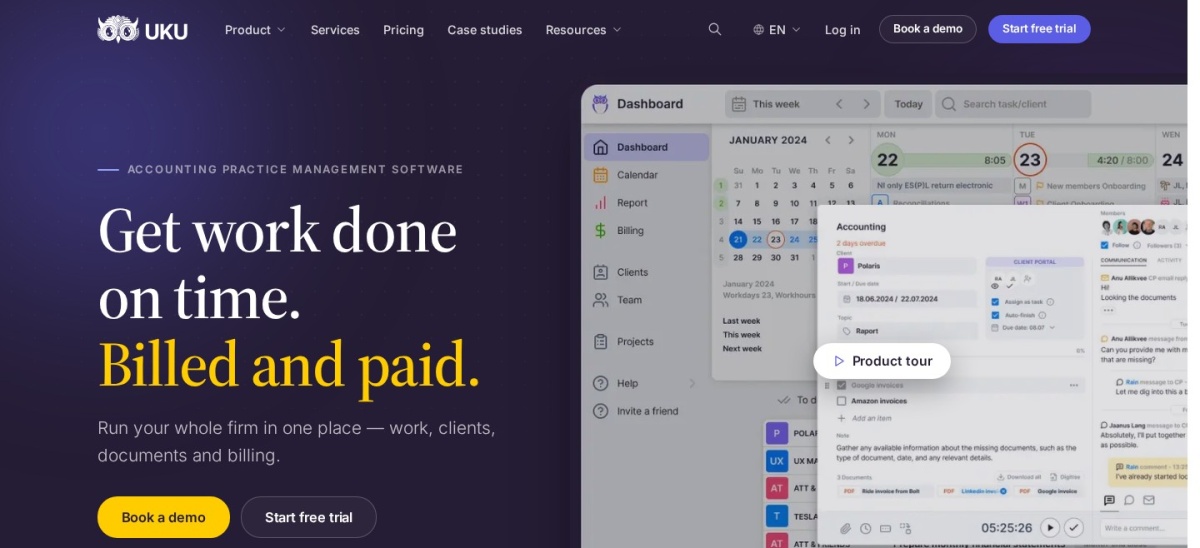
Financial Cents and Uku both start at $19 a month for a single user, the lowest entry prices in this list.
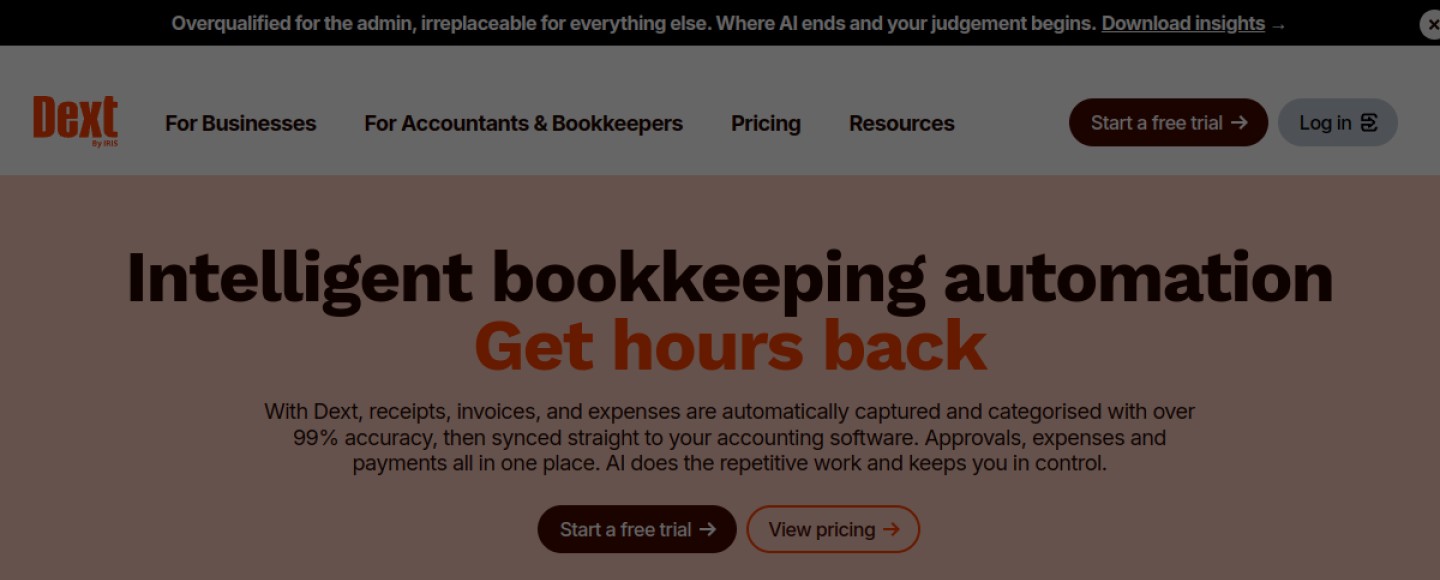
Dext is the specialist pick for document capture, starting at $25.21 a month billed annually for 250 documents.
No tool here has a free plan. Every entry price is a paid plan, and most offer a 14-day free trial instead.
What automation should do for an accounting practice
Most practice work is recurring: monthly bookkeeping, payroll, tax returns and year-end close. Automation should turn that repeat work into templates with owners, deadlines and reminders, so nothing waits on one person remembering it.
A good tool should also cut the chasing. Client portals, document requests and automatic reminders replace the email threads that eat up a week before every deadline.
Pricing models differ more than features do. Some tools charge per user, some per client, and some a flat monthly fee, so the cheapest tool for a solo firm can be the most expensive for a team of 15.
Check the integrations before you buy. A workflow tool that does not sync with your ledger, whether QuickBooks Online or Xero, will leave your team copying figures by hand.
The 9 best automation tools for accounting practices
01
Karbon
4.7/5on G2 (1,203 reviews, checked Nov 2026)
Starts at$59/mo
Best automation tool for accounting practices overall
Workflow automationBusiness plan
Client portalYes
Entry planTeam, $59/user/mo
IntegrationsQuickBooks, Xero
karbonhq.com
Karbon homepage, captured Nov 2026.
Karbon is a practice management platform built around a shared team inbox called Triage, which turns client emails into assigned jobs. The Team plan at $59 per user a month billed annually includes workflow templates, time tracking, budgets and billing, with QuickBooks Online and Xero integrations.
The trade off is that the automation most firms want sits on the Business plan at $89 per user a month, including task automation and automatic client reminders. It suits growing firms where client work arrives by email and needs to be tracked across the team.
What we like
Shared Triage inbox stops client emails getting lost
Ranked first on G2 practice management grids in 2025 and 2026
Workflow, time tracking and billing in one system
Watch out for
Task automation and reminders need the $89 Business plan
Monthly billing is only open to teams of four or more
TaxDome is an all-in-one platform for tax, bookkeeping and accounting firms, with a client portal, CRM, document storage, e-signatures and workflow automation in one plan. The single plan costs $1,500 a year for up to 150 active clients, with 20 staff seats included, and covers proposals, payments and IRS transcripts.
The trade off is the pricing model. Firms with few clients pay the same $1,500 as firms with 150, and AI and premium support cost extra each month. It suits tax-heavy firms that want one login for the whole client relationship.
What we like
One plan covers portal, CRM, e-signatures and billing
Per-client pricing means adding staff costs nothing extra
Client mobile app rated 4.9 out of 5
Watch out for
Annual billing only, with no month-to-month option
Same $1,500 starting price for firms with few clients
Financial Cents is practice management software for small and growing accounting, bookkeeping and tax firms. The Solo plan costs $19 a month for one user, while Team at $49 per user a month adds workflow automation, a client portal, document requests, time tracking and billing.
The trade off is depth. It covers the core workflow well but lacks the email triage of Karbon and the tax delivery tools of TaxDome. It suits small firms that want a simple all-in-one system at a low per-user price.
What we like
Lowest per-user entry price in this list
Clear per-user pricing with no per-client charges
Rated 4.8 out of 5 on Capterra
Watch out for
No shared email inbox like Karbon Triage
Month-end close is a paid add-on for QuickBooks Online
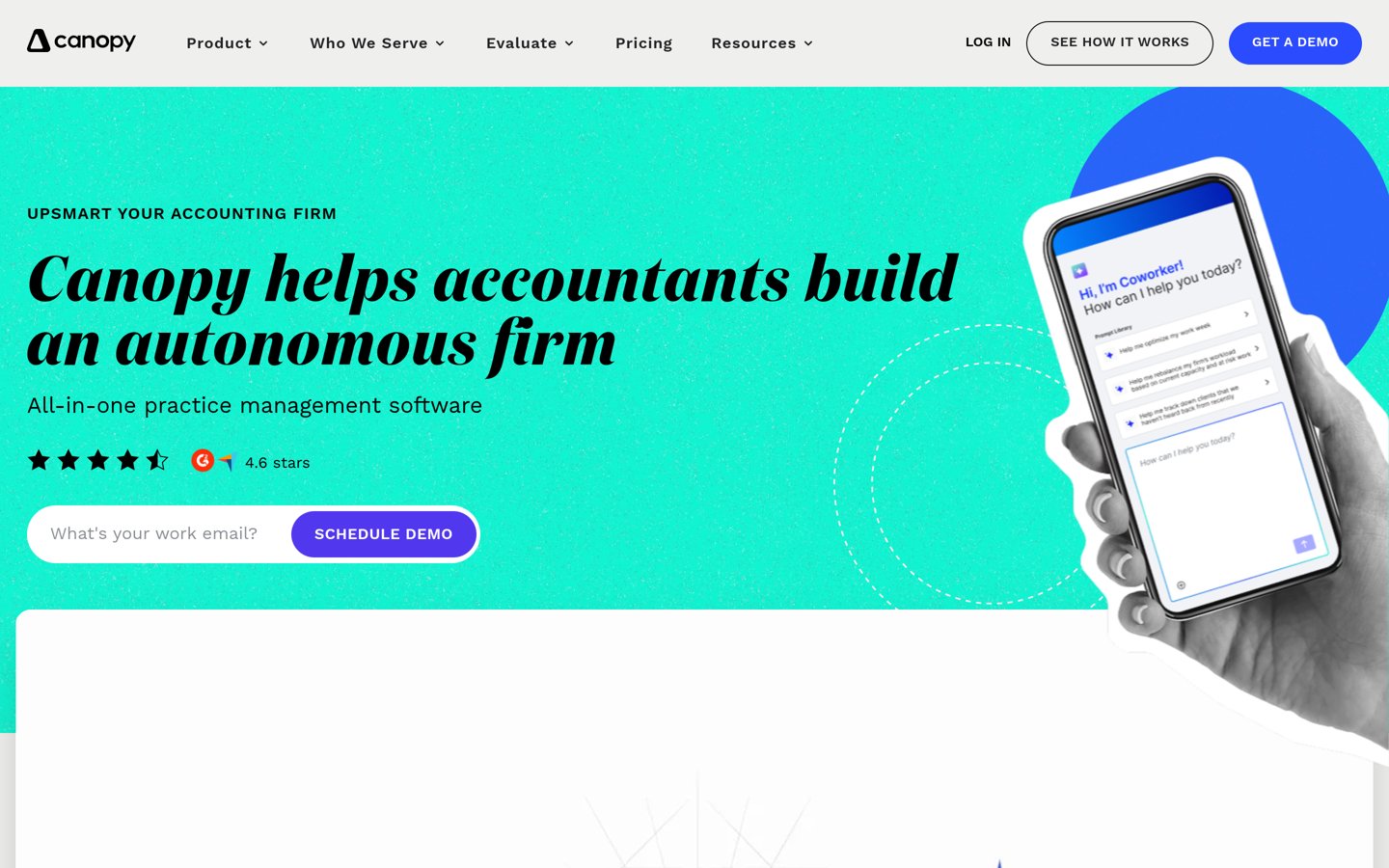
Canopy is an all-in-one practice management platform for accounting, CPA, tax and bookkeeping firms. The Standard plan at $74 per user a month billed annually includes the full platform: CRM, document management, a client portal, workflow and billing, with no features held back for higher tiers.
The trade off is price. Plus at $109 and Premium at $149 per user a month add deeper automation and reporting, so the bill rises fast as a firm grows. It suits firms that want one system for workflow, documents, billing and client contact.
What we like
Every plan includes the full platform, not a starter set
Ranked first on G2 for tax and accounting practice management in 2026
Client portal app rated 4.9 out of 5
Watch out for
Higher entry price than Financial Cents or Uku
Deeper automation needs the $109 Plus plan
Premium tier was still marked coming soon in late 2026
Uku is accounting practice management software with tasks, recurring workflows, time tracking, billing, a client portal and reporting in one place. The Solo plan costs $19 a month for one member and up to 20 active clients, while Team at $38 per member a month adds reporting and teamwork tools.
The trade off is reach. Uku is used by more than 1,000 firms in over 25 countries, but it has fewer reviews than the bigger names and no tax-prep-first tools. It suits growing firms that want Karbon-style workflow at a lower per-member price.
What we like
Solo plan starts at $19 a month with workflow automation included
No per-client charges on any plan
Rated 4.8 out of 5 across G2, Capterra and Trustpilot combined
Watch out for
Smaller review base than Karbon, TaxDome or Canopy
Dext is document automation software that captures receipts, supplier invoices and bank statements, extracts the data and publishes it to Xero, QuickBooks and more than 30 other platforms. The Business plan starts at $25.21 a month billed annually for 250 documents and 5 users.
The trade off is add-ons. Line-item, supplier-statement and bank-statement extraction each cost extra, and practice plans need at least 10 clients. It suits firms whose bottleneck is manual data entry from client documents.
What we like
Cuts manual data entry with AI extraction
Publishes to more than 30 accounting platforms
Connects with over 11,500 banks and institutions
Watch out for
Key extraction types cost extra on top of the plan
Practice plans need a 10-client minimum
Reviewers call the pricing steep for single-entity firms
Paid add-ons cover line-item and statement extractionVisit dext.com
07
Jetpack Workflow
4.8/5on Capterra (53 reviews, checked Nov 2026)
Starts at$40/mo
Best simple workflow tool for small firms
Workflow automationYes
Client portalNo
Entry planStarter, $40/user/mo
Free trial14 days
jetpackworkflow.com
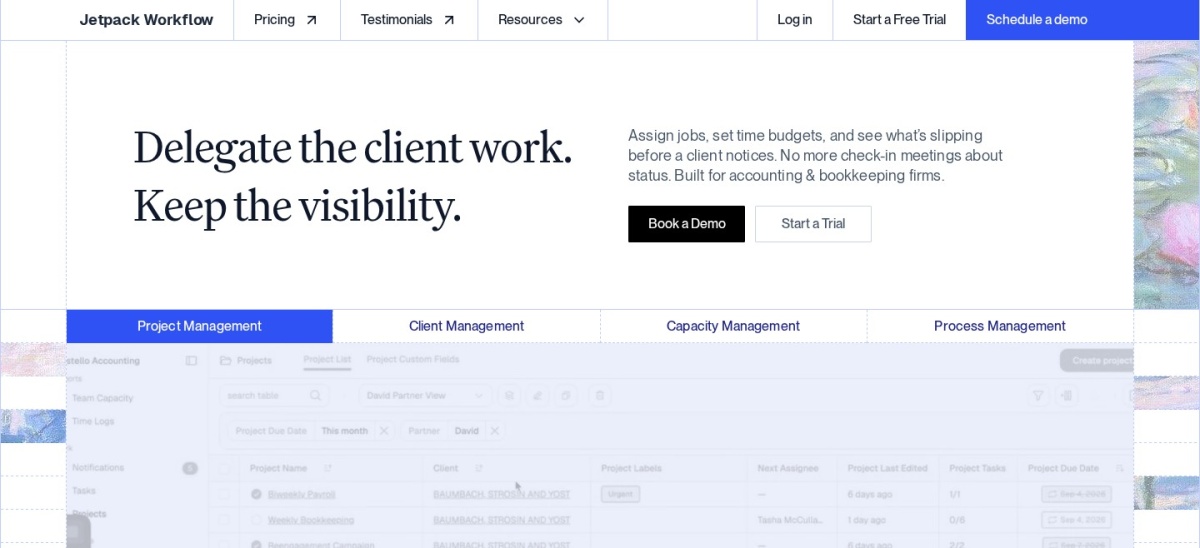
Jetpack Workflow homepage, captured Nov 2026.
Jetpack Workflow is workflow software for accounting, bookkeeping and tax firms that organises recurring client work with templates, deadlines and capacity views. The Starter plan costs $40 per user a month billed annually and includes recurring workflows, job tracking and QuickBooks Online integration.
The trade off is scope. There is no client portal, billing or e-signature tool, and time tracking needs Premium at $50 per user a month. It suits small firms moving from spreadsheets to structured recurring workflows.
What we like
Focused on recurring work with no extra modules
Rated 4.8 out of 5 on Capterra
Rated 4.9 out of 5 for customer service on Capterra
Pixie is a cloud practice management platform for accountants and bookkeepers, with workflow, recurring jobs, CRM, task automation, reminders and a client portal. It charges a flat monthly fee by client count, from $129 a month for fewer than 250 clients, with unlimited users on every tier.
The trade off is the flat fee. A small firm pays $129 a month even with few clients, and there is no mobile app. It suits firms that want unlimited seats and the same features on every plan.
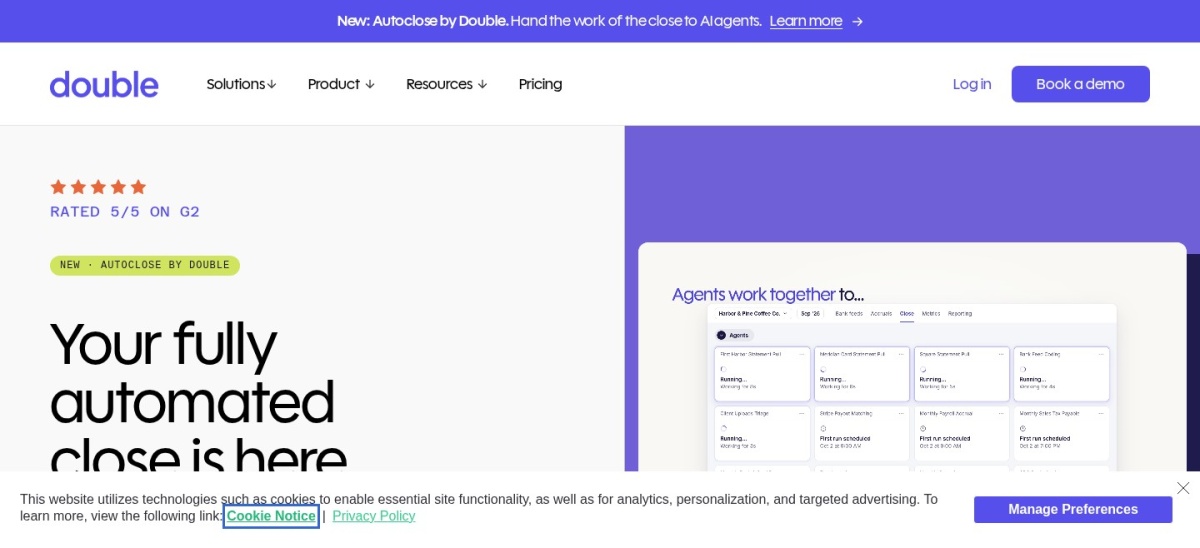
Double, formerly Keeper, is month-end close software for bookkeeping and client accounting firms. It reads a connected QuickBooks Online or Xero ledger, flags miscoded transactions and missing information, and gives the team a structured queue to work through before close.
The trade off is the pricing model. Core costs $10 per connected client a month with unlimited staff seats, so the bill grows with every client added. It suits bookkeeping firms that want automated transaction review above all else.
What we like
Catches ledger errors before they reach the return
Rated 4.9 out of 5 on G2 from 80 reviews
Unlimited staff seats on every tier
Watch out for
Per-client pricing grows with the client book
No invoicing, proposals or capacity tracking inside
Tax suite costs $200 a month extra on an annual commitment
Per-user pricing is the most common model here. Karbon, Financial Cents, Canopy, Uku and Jetpack Workflow all charge for each staff member, so the bill follows headcount.
Per-client pricing flips that. TaxDome charges by active client with 20 seats included, and Double charges per connected client with unlimited seats, so hiring is free but growth in clients costs more.
Flat-fee pricing is the simplest to budget. Pixie charges one monthly fee by client count with unlimited users, and Aero Workflow, which we did not list, charges by team-size bracket.
Work out the cost for your own firm size before you shortlist. A $19 per-user plan beats a $129 flat fee for a solo firm, but the flat fee wins once the team passes six or seven people.
How we chose
We started from the practice management and workflow tools most often named for accounting firms, then kept the nine with published pricing and a public rating on G2 or Capterra.
Prices come from each vendor's pricing page, checked on 26 November 2026. Ratings and review counts come from G2 or Capterra on the same day. Where a vendor shows a sale, the list shows the regular price.
We left out tools with no published price and tools with no public rating. No vendor paid for a place, and we do not claim to have used these tools ourselves.
How to choose an automation tool for your accounting practice
Start with the work you repeat every month, then match the tool to that work.
List your recurring work first. Write down the jobs that repeat each month, such as bookkeeping, payroll and tax returns. A tool should template those jobs, not just store tasks.
Price it for your real team size. Work out the yearly cost for your current staff and client count, not the headline monthly price. Add-ons and processing costs add up the same way, as our payment gateway fees guide shows.
Check the ledger integration. The tool must sync with QuickBooks Online or Xero, whichever your firm uses. If it does not, your team will keep copying figures by hand.
Trial the client portal with a real client. Use the 14-day trial to send a document request and collect a signature. If clients find it confusing, the automation will not save time.
FAQ
What is the best automation tool for accounting practices?
Karbon is the best pick for most firms. Its shared inbox, workflow automation and billing are rated 4.7 out of 5 on G2 from 1,203 reviews, and the Team plan starts at $59 per user a month billed annually.
How much do automation tools for accounting practices cost?
Entry prices in this list run from $10 per connected client a month for Double to $129 a month flat for Pixie. Per-user tools start at $19 a month for Financial Cents and Uku, and reach $74 a month for Canopy Standard.
Is TaxDome charged per user or per client?
TaxDome charges per active client, not per user. The single plan costs $1,500 a year for up to 150 active clients, with 20 staff seats included, and the price rises in bands as the client count grows.
Which tool is best for a solo accountant?
Financial Cents Solo and Uku Solo both cost $19 a month and include workflow, a client portal and billing. Jetpack Workflow is also worth a look at $40 a month if you only need recurring workflow tracking.
Do any of these tools have a free plan?
No. None of the nine tools in this list offers a free plan. Most offer a 14-day free trial, and TaxDome offers a demo instead of a trial in the United States.
What is the difference between Karbon and TaxDome?
Karbon charges per user and is built around a shared email inbox for client work, while TaxDome charges per active client and is built around tax delivery with a client portal. Karbon suits email-heavy firms, and TaxDome suits tax-heavy firms.
SaaS SEO and WordPress specialist with about 8 years of experience. Rakib compares WordPress plugins, themes, hosting and software using public pricing, documentation and user reviews. See how we rank.