Best Autodialer Software in 2026: 9 Tools Compared
WLWPLegible EditorsLast verified 24 Nov 2026How we rank12 min read
★ Short answer
Kixie is the best autodialer for most sales teams, rated 4.8 out of 5 on G2, with multi-line power dialing that logs every call to HubSpot or Salesforce. Pick PhoneBurner for one-to-one dialing with the fewest spam flags, or CloudTalk from $25 a month for global numbers and a low entry price.
How we make this list: we compare pricing pages, product documentation and public user reviews, then re-check every price before each update. No product paid for a place. Disclosure.
Kixie has the highest G2 rating in this list at 4.8 out of 5 from 868 reviews, and its multi-line dialer rings up to 4 lines at once.
PhoneBurner is the priciest per seat at $140 a month, but it dials one line at a time with no pause, which protects your numbers from spam flags.
CloudTalk is the cheapest way in at $25 a month, with local numbers in 160+ countries, though its Power Dialer costs $15 extra until Expert at $49.
Five9 and Talkdesk are contact-center suites, not simple dialers: Five9 Core starts at $159 a seat with a 50-seat minimum, and Talkdesk sells its dialer as a quoted add-on.
Every tool here charges per user per month, and none has a free plan, so a 10-seat team pays from $250 to $1,590 a month before add-ons.
What an autodialer does, and which mode you need
An autodialer calls the next number on a list for you, so reps spend their time talking instead of dialing. The main modes are power dialing, which calls one number at a time, predictive dialing, which calls several numbers per free agent, and preview dialing, which shows the record first.
The mode matters more than the brand. Predictive dialing suits large lists where speed beats personalisation, while power and preview dialing suit smaller lists where each call needs context.
Most tools in this list are cloud phone systems or CRMs with a dialer inside, not dialers alone. That is usually a good thing: calls, texts and notes land in the CRM without extra work. Our guide on adding an AI chatbot to WordPress covers the same idea for inbound calls that arrive after hours.
Prices below are the cheapest paid plan for each tool, checked on 24 November 2026. Where the dialer itself sits on a higher plan or an add-on, the tool card says so, and where a vendor hides its price behind a quote, the list says so instead of guessing.
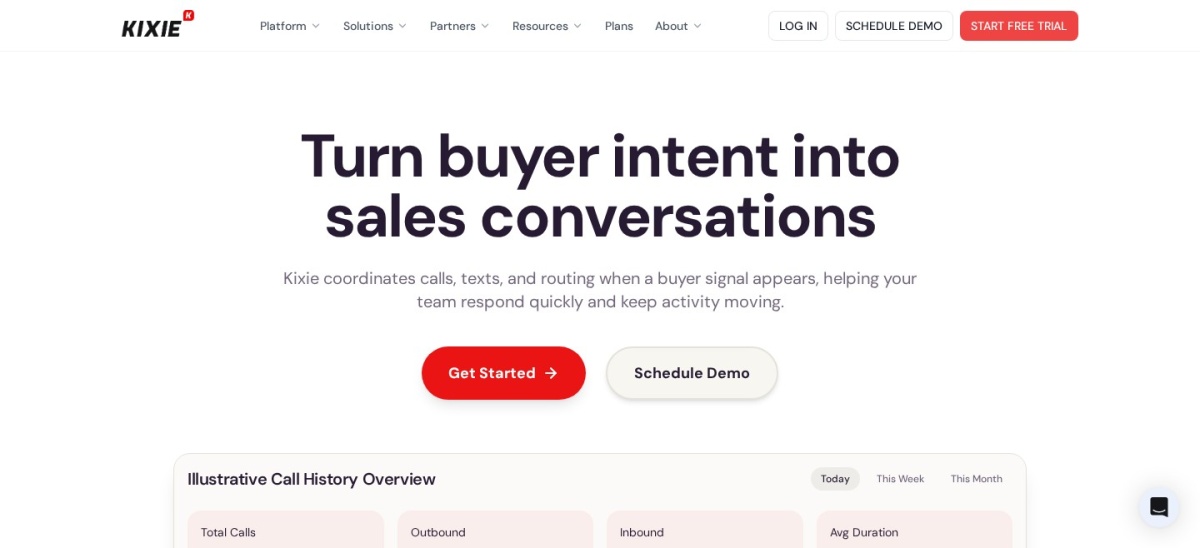
Kixie is a sales dialer that lives inside your CRM, so reps click to call from a contact record and every outcome logs back automatically. Its Multi-Line PowerDialer rings up to 4 lines at once and connects the first live answer, with voicemail drop, SMS and local presence numbers in 65 countries.
The trade off is pricing. Kixie advertises plans from $35 a user a month, but the multi-line dialer sits on higher tiers and seat prices beyond that are quoted, so you talk to sales before you can budget. It suits HubSpot and Salesforce teams that dial mostly in the US and Canada.
What we like
Highest G2 rating in this list at 4.8 out of 5
Dials up to 4 lines at once with voicemail drop
Calls, texts and notes sync to the CRM automatically
Unlimited calling in the US and Canada on every plan
Watch out for
Multi-line dialing needs a higher, quoted tier
Add-ons for local presence and AI detection push the real price up
No published seat price beyond the from-$35 figure
Higher tiers add the multi-line dialer and AI voice detectionVisit kixie.com
02
PhoneBurner
4.7/5on G2 (291 reviews, checked Nov 2026)
Starts at$140/mo
Best for answer rates and one-to-one dialing
DialingSingle-line power, no pause
Voicemail dropOne-click, on every plan
Contact imports10,000 a month on Standard
Free trialYes
phoneburner.com
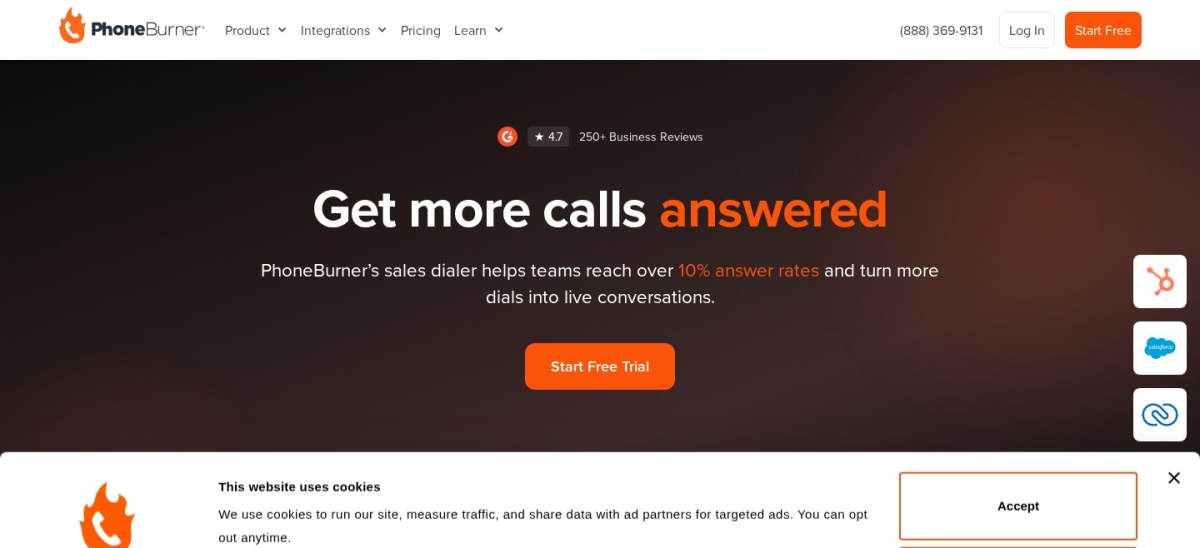
PhoneBurner homepage, captured Nov 2026.
PhoneBurner is a power dialer built for one-to-one calling, with no pause between the answer and the rep speaking. It dials one contact at a time, drops a pre-recorded voicemail in one click, and logs calls, emails and follow-ups in its built-in CRM.
The trade off is price. Standard costs $140 a user a month billed annually, or $165 month to month, which makes it the dearest seat for a small team, and it only dials numbers in the US and Canada. It suits reps who care more about answer rates than raw dial volume.
What we like
No delay between answer and rep, so fewer hang-ups
Voicemail drop and workflow automation on every plan
Unlimited calling with no per-minute charges
ARMOR spam-flag monitoring is available as an add-on
Watch out for
$140 a month is the highest entry price for a small team
US and Canada numbers only
Spam protection and Connect Scores cost extra
Professional adds softphone dialing, live coaching and the open APIVisit phoneburner.com
03
CloudTalk
4.4/5on G2 (1,961 reviews, checked Nov 2026)
Starts at$25/mo
Best value for global outbound teams
DialingPower, Smart and Parallel modes
Local numbers160+ countries
Integrations100+ CRM and helpdesk tools
Free trial14 days
cloudtalk.io
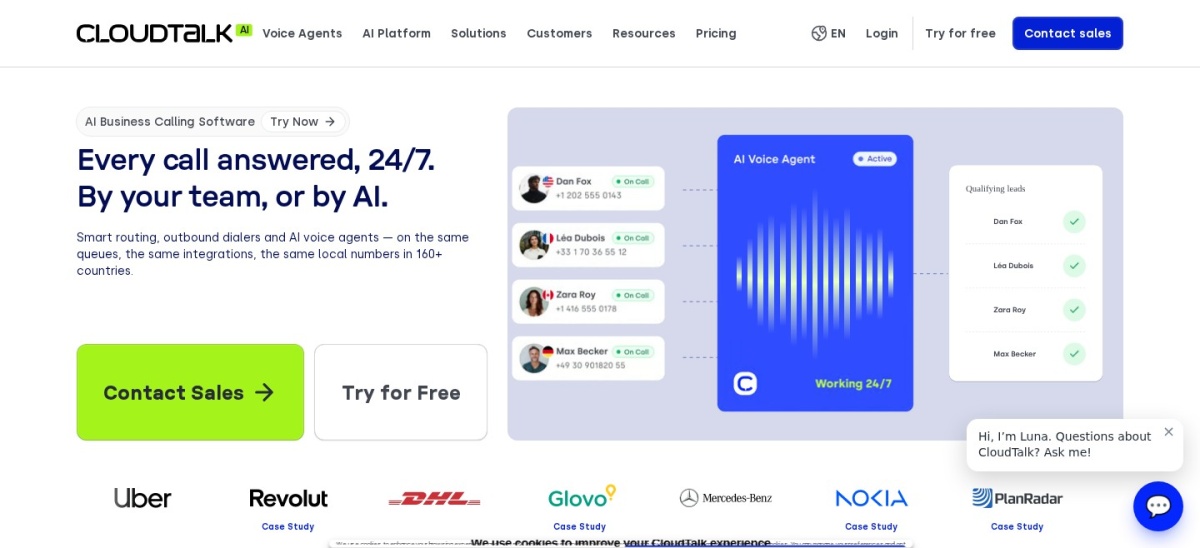
CloudTalk homepage, captured Nov 2026.
CloudTalk is a cloud phone system with a full outbound dialer built in, including power, smart and parallel dialing that rings up to 10 lines at once. It offers local numbers in more than 160 countries and syncs calls to over 100 CRM and helpdesk tools.
The trade off is that the Power Dialer is not in the $25 Starter plan. It costs $15 a user a month as an add-on, or comes with Expert at $49, which needs at least 3 seats. It suits growing teams that call abroad and want the dialer inside their phone system.
What we like
Lowest entry price in this list at $25 a month
Local numbers in 160+ countries
Parallel dialing rings up to 10 lines at once
Single-seat plans with no seat minimum
Watch out for
Power Dialer is a $15 add-on below Expert
Expert needs at least 3 seats
No predictive dialing mode
Expert adds the Power Dialer, Salesforce sync and 24/7 phone supportVisit cloudtalk.io
04
Close
4.7/5on G2 (2,093 reviews, checked Nov 2026)
Starts at$99/mo
Best CRM with a dialer built in
DialingPower on Growth, Predictive on Scale
Calling costsAbout $0.02 a minute on top
Free trial14 days
AI credits1,500 a month on Growth
close.com
Close homepage, captured Nov 2026.
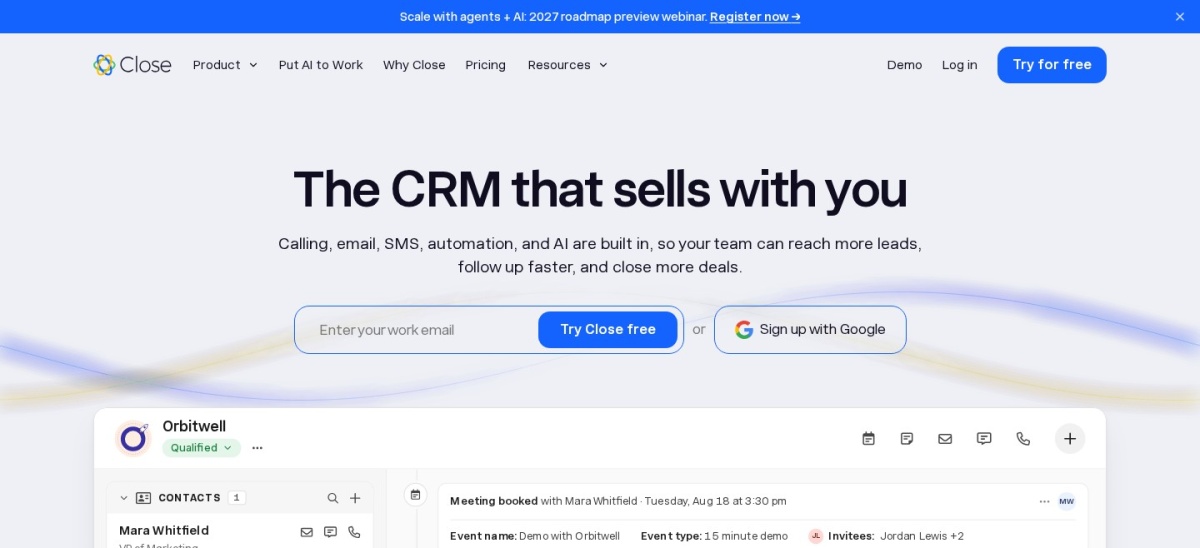
Close is a sales CRM with calling, email and SMS built into the pipeline, so reps never switch tabs to dial. The Power Dialer starts on Growth at $99 a user a month, and the Predictive Dialer arrives on Scale at $139, with workflows and bulk email on both.
The trade off is that the dialer is not cheap to reach. The $9 Solo and $35 Essentials plans include calling but no power dialer, and calls cost about $0.02 a minute on top of the seat price. It suits small teams that want to replace their CRM and dialer with one tool.
What we like
CRM, calling, email and SMS in one login
Power Dialer plus workflows on Growth
Predictive Dialer and live coaching on Scale
14-day free trial with no credit card needed
Watch out for
Power Dialer needs the $99 Growth plan
Calls are metered at about $0.02 a minute
No free plan, and the dialer tiers jump steeply in price
Scale adds the Predictive Dialer, live coaching and unlimited recordingVisit close.com
05
JustCall
4.3/5on G2 (2,394 reviews, checked Nov 2026)
Starts at$29/mo
Best low-cost dialer with SMS built in
DialingPower on Pro, predictive on SalesPro
Seat minimum2 seats on every plan
Integrations100+ tools
Free trial14 days
justcall.io
JustCall homepage, captured Nov 2026.
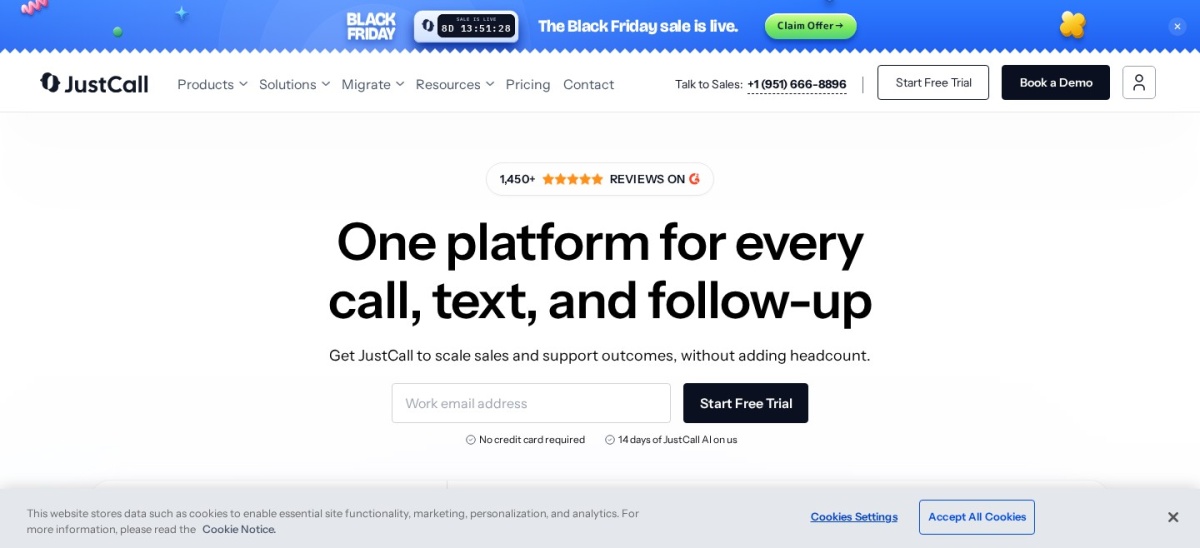
JustCall is a cloud phone system that pairs calling with SMS, so reps can text a prospect who does not answer and keep the thread in one place. It lists over 100 integrations, logs calls to the CRM automatically, and starts at $29 a user a month on Team.
The trade off is that the serious dialing sits higher up. Power dialing starts on Pro at $49 a user a month, and predictive and 10-line parallel dialing need the quoted SalesPro plan. It suits small teams that text as much as they call.
What we like
Low entry price for a phone-plus-SMS dialer at $29
SMS automation and AI coaching on higher plans
Over 100 integrations with CRMs and helpdesks
14-day free trial
Watch out for
Power dialing needs the $49 Pro plan
Predictive dialing is quote-only on SalesPro
Two-seat minimum on every plan
Pro adds power dialing, AI coaching and deeper automationVisit justcall.io
06
Aircall
4.4/5on G2 (1,618 reviews, checked Nov 2026)
Starts at$50/mo
Best for teams already on Aircall
DialingPower Dialer on Professional
Seat minimum3 licenses on every plan
Integrations250+ native tools
Free trial7 days
aircall.io
Aircall homepage, captured Nov 2026.
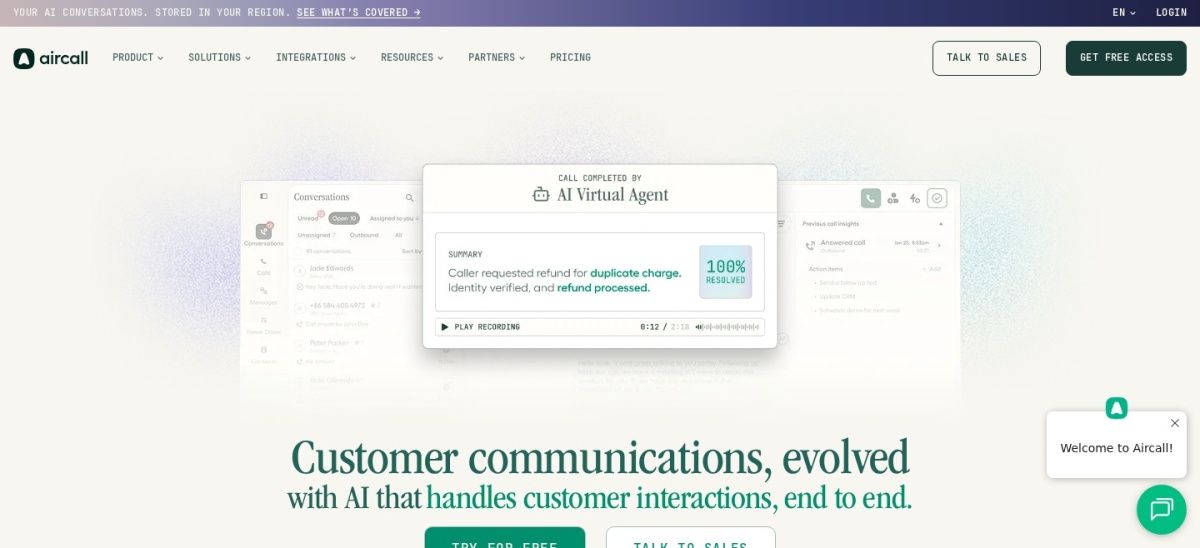
Aircall is a cloud phone system built around its integrations, with more than 250 native connections to CRMs and helpdesks. Its Power Dialer imports up to 1,000 numbers, dials them in sequence and drops a pre-recorded voicemail in one click.
The trade off is the tier the dialer sits on. The Power Dialer and voicemail drop need Professional at $50 a license a month, and every plan carries a 3-license minimum, so the smallest bill is $150 a month. It suits teams that already run Aircall for support calls.
What we like
250+ native integrations, the widest here
Power Dialer with voicemail drop on Professional
AI call summaries included from Professional
Unlimited calls in the US and Canada
Watch out for
Power Dialer needs the $50 Professional plan
3-license minimum means a $150 monthly floor
No predictive dialing mode
Custom adds unlimited global calls, SSO and a dedicated SLAVisit aircall.io
07
Talkdesk
4.4/5on G2 (2,609 reviews, checked Nov 2026)
Starts at$105/mo
Best enterprise dialer with AI detection
DialingPredictive, preview, power, agentless
Dialer priceQuoted add-on, not published
Voice planEssentials, $105 a user a month
Free trialDemo only, no free trial
talkdesk.com
Talkdesk homepage, captured Nov 2026.
Talkdesk is a cloud contact center platform whose Advanced Dialer covers predictive, preview, power and agentless dialing, with AI answering machine detection that connects agents only to live answers. Voice Essentials at $105 a user a month adds voice engagement, routing and speech recognition.
The trade off is that the dialer is not in the plan price. It is sold as a quoted add-on on top of Voice Essentials, and Talkdesk prices assume a three-year commitment, so the true cost only appears in a sales quote. It suits mid-market contact centers that want one suite for voice and AI.
What we like
Four dialing modes, including predictive and agentless
AI answering machine detection built in
Strong routing, Studio flows and CRM integrations
Published per-user prices from $85 to $225
Watch out for
Dialer price is quoted, never published
Three-year commitment behind the listed prices
No free trial, demo only
Elite adds both channels, workforce management and a choice of add-onsVisit talkdesk.com
08
RingCentral RingCX
4.1/5on G2 (185 reviews, checked Nov 2026)
Starts at$65/mo
Best for RingCentral customers adding a dialer
DialingPreview, progressive, predictive
ChannelsVoice plus 20+ digital channels
MinutesUnlimited domestic minutes
Free trial14 days
ringcentral.com
RingCentral RingCX homepage, captured Nov 2026.
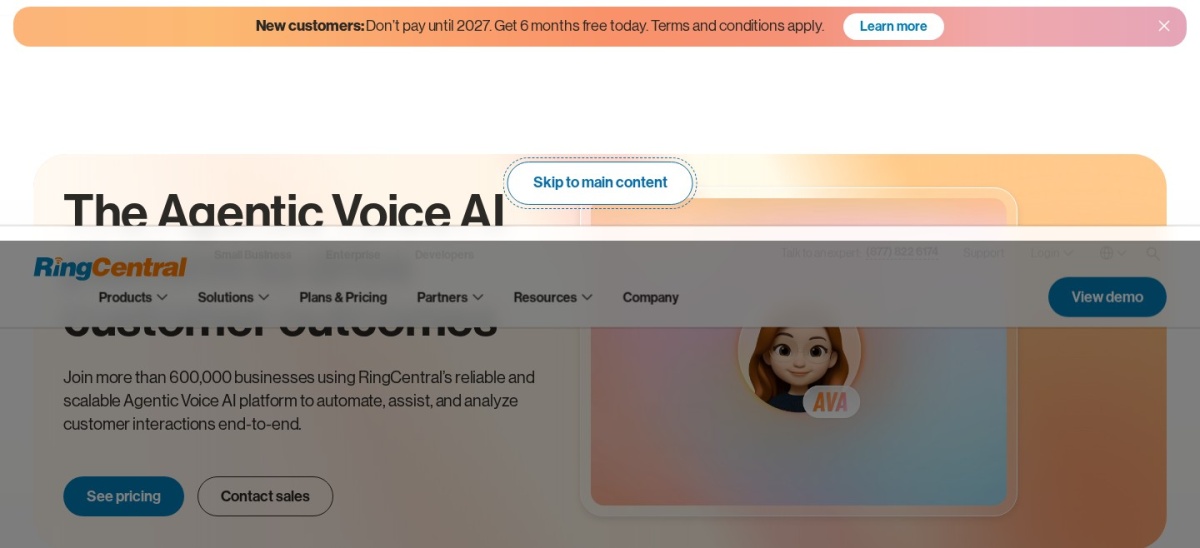
RingCentral RingCX is the native contact center that sits beside the RingEX phone system, so teams already on RingCentral add outbound dialing without a second vendor. Standard at $65 an agent a month includes preview, progressive and predictive dialing, plus IVR, recording and AI summaries.
The trade off is that RingCX is a second product, not a plan upgrade. Moving from RingEX to RingCX more than doubles the per-seat cost, and AI quality tools wait until Professional at $95. It suits RingCentral shops that want voice and digital channels on one bill.
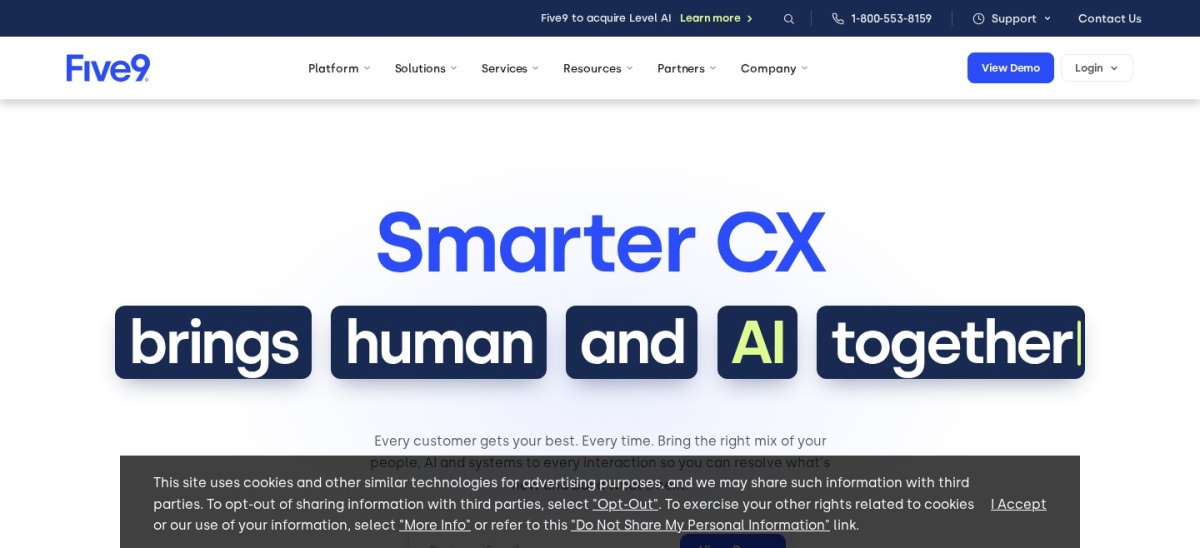
Five9 is a cloud contact center platform in which the dialer is one module beside inbound routing, quality management and workforce scheduling. Core at $159 a concurrent seat a month includes voice, chat, email and SMS, recording, a dialer and one CRM adapter.
The trade off is the 50-seat minimum. A five-agent team still pays for 50 concurrent seats, which is $7,950 a month for Core before usage charges, so Five9 is a poor fit for a small team. It suits large outbound floors that need predictive pacing and compliance tooling.
What we like
Four dialing modes with predictive pacing
Blended inbound and outbound on one platform
Certified Caller program protects outbound numbers
Deep reporting and workforce tools on higher tiers
Watch out for
50-seat minimum sets a $7,950 monthly floor
Usage charges and telecom fees sit on top
No free trial, and setup takes weeks
Plus, Pro and Enterprise are quote-only and add AI and workforce toolsVisit five9.com
Power, predictive or preview: pick the right mode
Power dialing calls one number at a time and moves on the moment a call ends. It is the safest mode for small lists, because it never dials a prospect nobody can talk to.
Predictive dialing calls several numbers per free agent and connects the first answer. It wins on large, cold lists, but it can drop calls when every agent is busy, so check the abandonment rules in your region before you switch it on.
Preview dialing shows the record before the call goes out, which suits high-value lists where the rep needs context. Most tools here offer at least two modes, and the contact-center suites offer all of them.
How we chose
We started from the best-known autodialers on G2, then kept nine that are still sold, still supported and aimed at outbound sales or contact-center teams. Quote-only enterprise suites stayed in only where the dialer is a core part of the product.
Prices come from each vendor's own pricing page, checked on 24 November 2026. Ratings and review counts come from G2 on the same day. Where a vendor shows a sale, the list shows the regular price, and where a price is quoted, the list says so.
We left out tools that only send voice broadcasts, and tools with no published dialer at all. No vendor paid for a place, and we do not claim to have used these tools ourselves.
How to choose an autodialer
Start with your list size and your CRM, then let the dialing mode and the real per-seat cost decide.
Count your seats and your list. A five-seat team pays a 50-seat minimum on Five9 and a 3-license minimum on Aircall, so work out the monthly floor, not just the per-seat price.
Match the dialing mode to the list. Use power or preview dialing for small, warm lists and predictive dialing for large, cold lists, and check the abandonment rules before you switch predictive on.
Check the dialer tier, not the headline price. The cheapest plan often has no dialer at all. CloudTalk charges $15 extra for its Power Dialer, Aircall gates it to Professional, and Talkdesk quotes it separately.
Test answer rates before you commit. Use the free trial to dial a real list and watch the connect rate and spam flags. A dialer that gets numbers flagged costs more than its seat price.
FAQ
What is the best autodialer software?
Kixie is the best autodialer for most sales teams. It is rated 4.8 out of 5 on G2 from 868 reviews, its multi-line dialer rings up to 4 lines at once, and every call logs back to HubSpot, Salesforce, Pipedrive or Zoho automatically.
How much does autodialer software cost?
Entry prices in this list run from $25 a user a month for CloudTalk Starter to $159 a concurrent seat for Five9 Core. Most small teams pay $25 to $50 a seat, but the dialer itself often sits on a higher plan or an add-on, so check the tier before you budget.
What is the difference between a power dialer and a predictive dialer?
A power dialer calls one number at a time and moves to the next call when the last one ends. A predictive dialer calls several numbers per free agent and connects the first live answer, which is faster on large lists but can drop calls when no agent is free.
Do autodialers work with a CRM?
Yes, every tool in this list syncs calls to at least one CRM. Kixie, Close and Aircall go deepest, logging calls, texts, notes and outcomes to the contact record without manual entry, while the contact-center suites connect through native adapters or an API.
Can an autodialer get my number flagged as spam?
Yes, if it dials too fast or from a small pool of numbers. Single-line dialers such as PhoneBurner and tools with spam monitoring, such as Kixie ConnectionBoost, lower the risk, but no dialer can promise a number will never be flagged.
Is there a free autodialer?
No tool in this list has a free plan. Seven of the nine offer a free trial of 7 or 14 days, including Kixie, PhoneBurner, CloudTalk, Close, JustCall, Aircall and RingCentral, while Talkdesk and Five9 sell through demos instead.