Best Auto Dialer Software with CRM Integration in 2026: 9 Tools Compared
WLWPLegible EditorsLast verified 22 Nov 2026How we rank13 min read
★ Short answer
Kixie is the best auto dialer software with CRM integration for most outbound teams, dialing up to 10 lines at once from inside HubSpot, Salesforce or Pipedrive at 4.8 out of 5 on G2. Pick CloudTalk for global numbers on a lower budget and Close if you want the CRM built in.
How we make this list: we compare pricing pages, product documentation and public user reviews, then re-check every price before each update. No product paid for a place. Disclosure.
Kixie leads with a 4.8/5 G2 rating and a multi-line power dialer that calls up to 10 numbers at once.
CloudTalk is the cheapest strong pick at $25 per user a month, with numbers in 160+ countries.
JustCall adds the power dialer on its $49 Pro plan and pairs it with SMS campaigns.
PhoneBurner is the priciest dedicated dialer here at $140 per user a month, with no multi-line dialing.
Five9 is for large teams only: Core costs $159 per concurrent seat a month with a 50-seat minimum.
What an auto dialer with CRM integration should do
An auto dialer calls numbers from a list so reps spend less time dialing and more time talking. With CRM integration, each call, note and outcome lands on the right contact record without manual logging.
Dialer types matter. A power dialer calls one number at a time and moves to the next when the call ends. A parallel dialer calls several numbers at once, and a predictive dialer paces calls to match how many reps are free.
Check where the dialer lives in the price. Several tools in this list charge a low entry price for calling, then put the power dialer on a higher plan or sell it as an add-on.
Also check what usage costs on top. Minutes, SMS and extra numbers are often billed apart from the seat price, so read the pricing page before you budget.
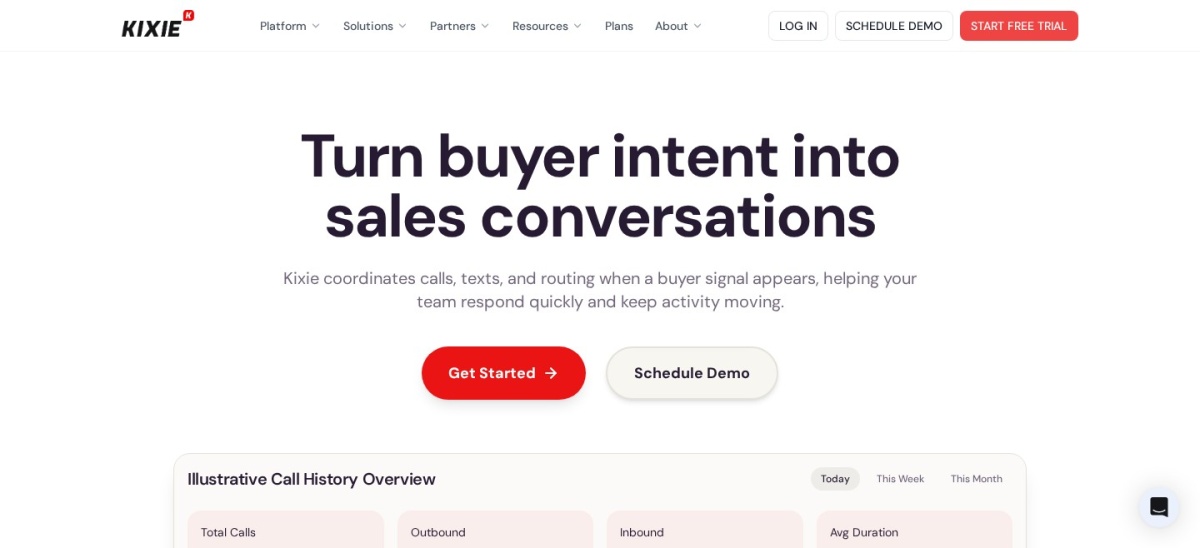
Kixie is a sales dialer that lives inside your CRM, so a rep clicks to call from a contact record and the call logs back automatically. The Integrated plan starts at $35 per user a month, billed quarterly, with local presence dialing, voicemail drop and SMS automation.
The trade off is that the full multi-line PowerDialer sits on the higher Outbound PowerCall plan at $95 per user a month, and calling minutes are not included in the base price. It suits outbound teams that already live in HubSpot, Salesforce or Pipedrive and dial in volume.
What we like
Highest G2 rating in this list at 4.8/5
Dials up to 10 lines at once on the top plan
Calls log back to the CRM record automatically
Local presence dialing across 65 countries
Watch out for
Multi-line dialer needs the $95 plan
Minutes are billed apart from the seat price
Bills quarterly, not monthly
Higher plans add the multi-line dialer and coachingVisit kixie.com
02
CloudTalk
4.4/5on G2 (1,965 reviews, checked Nov 2026)
Starts at$25/mo
Best value for global outbound teams
Dialer typePower Dialer on Expert; Parallel Dialer add-on
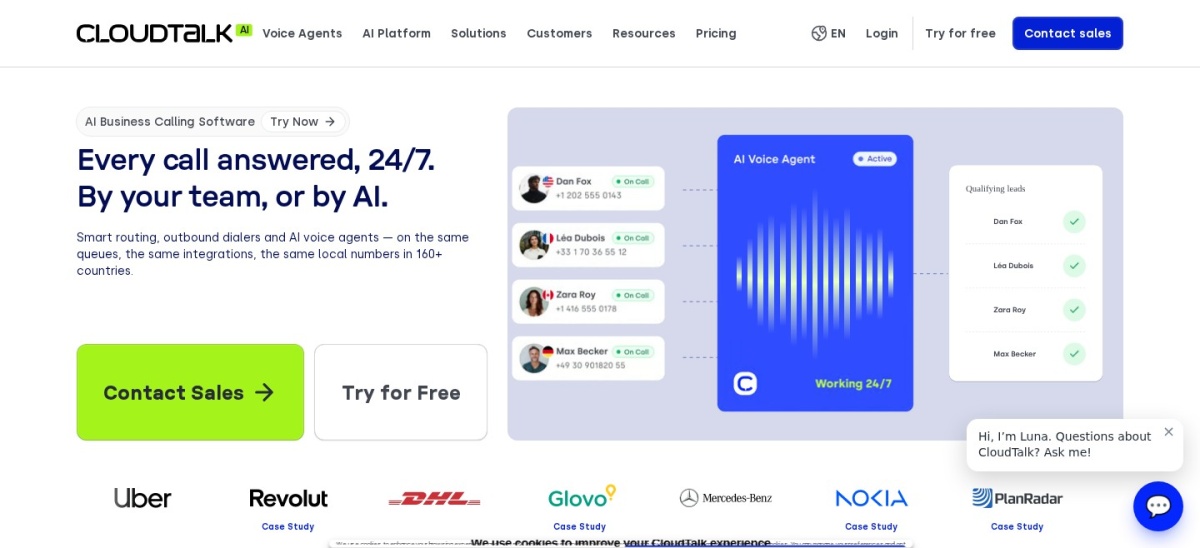
CloudTalk is a cloud phone system with a dialer built in, covering calls, SMS and CRM sync in one seat. The Starter plan costs $25 per user a month billed annually, and Essential at $29 adds the Smart Dialer plus CRM and helpdesk integrations.
The trade off is that the Power Dialer is included only on Expert at $49 per user a month, or as a $15 add-on on lower plans, and the Parallel Dialer costs $39 extra. It suits small and mid-sized teams that call across several countries and want one phone bill.
Dialer typePower Dialer on Pro; Sales Dialer on SalesPro
CRM integrations100+ incl. Salesforce and HubSpot on Pro
Free planNo, 14-day trial
Paid planTeam, $29/user/mo billed annually
justcall.io
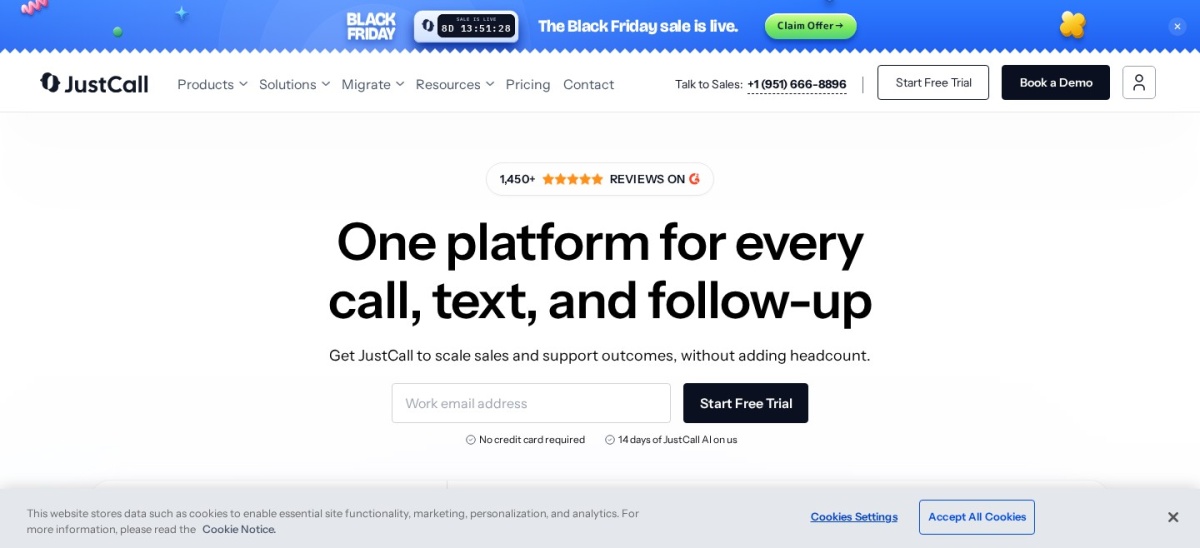
JustCall homepage, captured Nov 2026.
JustCall is a cloud phone system for revenue teams that call and text from the same seat. The Team plan costs $29 per user a month billed annually with unlimited calling in the US and Canada, unlimited AI transcription and 500 SMS segments a month.
The trade off is that the Power Dialer starts on Pro at $49 per user a month, and predictive dialing needs the quote-only SalesPro tier. It suits outbound teams that run SMS campaigns beside voice calls and want calls logged in Salesforce or HubSpot.
CRM integrationsSalesforce, HubSpot, Zoho, plus built-in CRM
Free planNo free plan
Paid planStandard, $140/user/mo billed annually
phoneburner.com
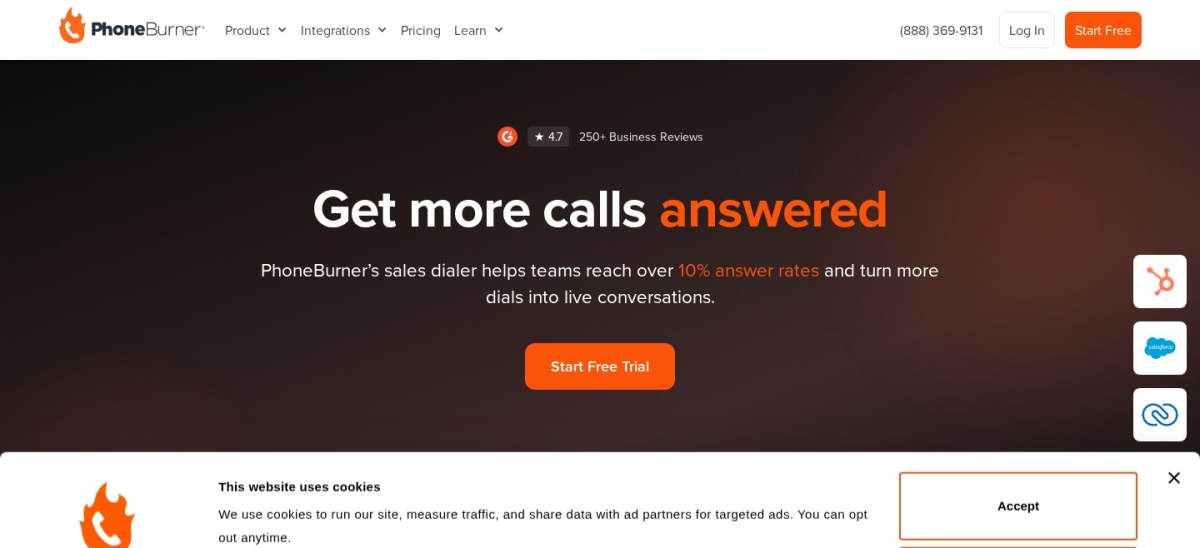
PhoneBurner homepage, captured Nov 2026.
PhoneBurner is a power dialer that moves a rep through a list with no pause between calls, with one-click voicemail drop, email and a built-in contact manager. The Standard plan costs $140 per user a month billed annually, or $165 billed monthly, with unlimited dialing and no per-minute fees.
The trade off is price and pace. It dials one line at a time, so there is no parallel or predictive dialing, and texting comes only with Premium at $183 a month. It suits reps who want steady, high-quality calls without abandoned calls from multi-line dialing.
Dialer typePower Dialer on Growth; predictive on Scale
CRM integrationsBuilt-in CRM; no separate CRM needed
Free planNo, 14-day trial
Paid planGrowth, $99/user/mo billed annually
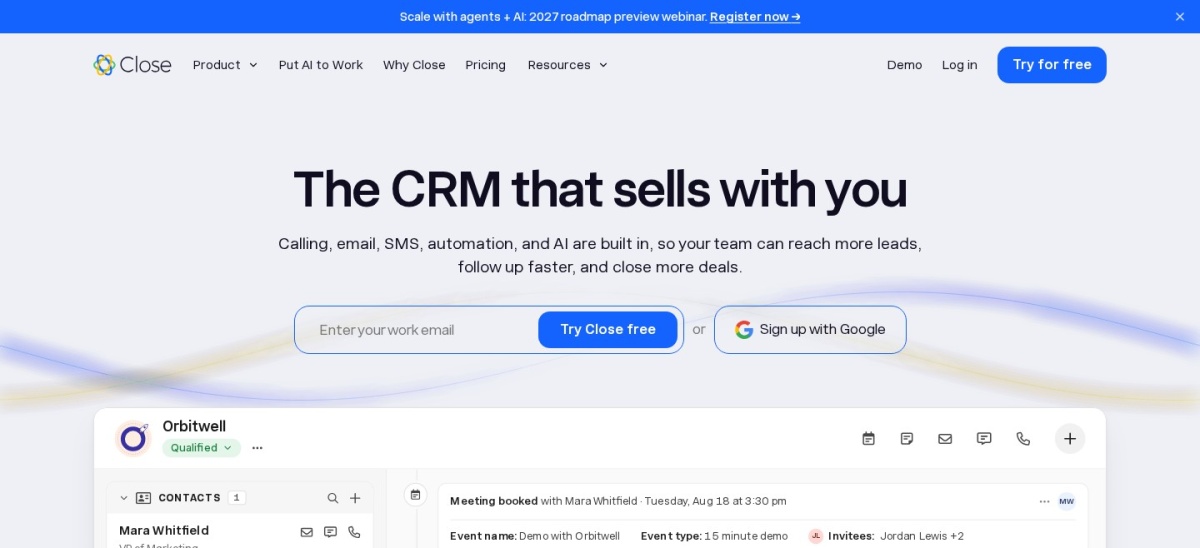
close.com
Close homepage, captured Nov 2026.
Close is a sales CRM with calling, SMS and email built into the same lead page, so every call logs on the contact timeline automatically. The Power Dialer starts on Growth at $99 per user a month billed annually, with workflows, bulk email and voicemail drop included.
The trade off is that calling minutes cost about $0.02 a minute on top of the seat price, and the predictive dialer needs Scale at $139 a month. It suits small sales teams that want one login for the pipeline and the phone, instead of a CRM plus a separate dialer.
What we like
CRM and dialer in one login
Power dialer works through lead lists automatically
Call, text and email on one timeline
Rated 4.7/5 on G2 from 2,169 reviews
Watch out for
Power dialer needs the $99 Growth plan
Calling minutes billed on top of seats
Predictive dialer only on Scale at $139
Scale adds the predictive dialer and live coachingVisit close.com
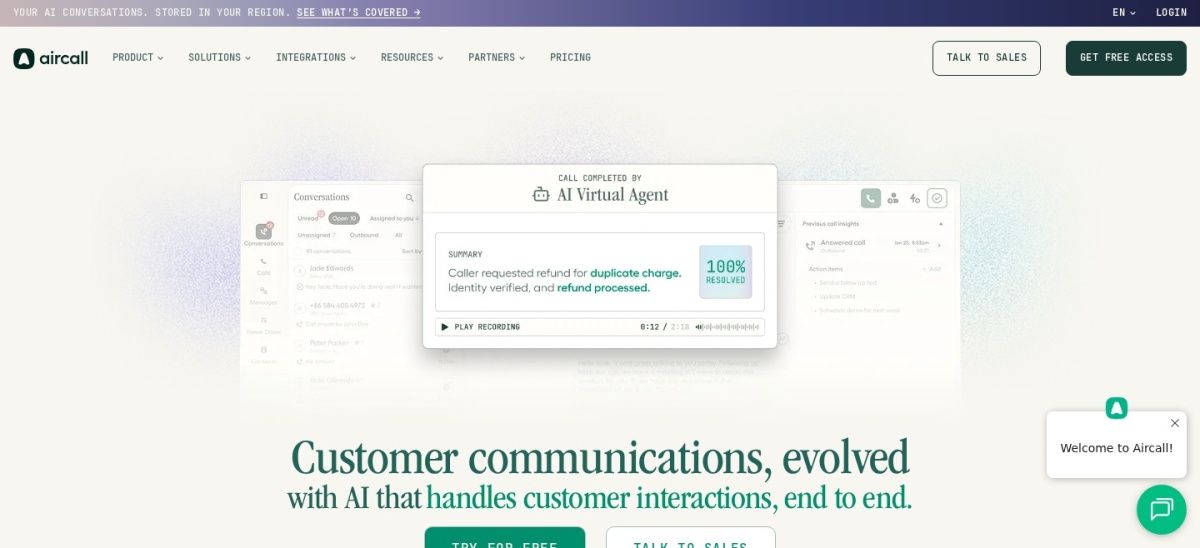
Aircall is a cloud phone system for sales and support teams, with call routing, recordings, AI transcripts and CRM sync in one workspace. The Professional plan costs $50 per user a month billed annually and adds the power dialer and voicemail drop.
The trade off is the seat minimum. Both published plans need at least 3 licences, so the smallest Professional bill is $150 a month, and the entry Essentials plan at $30 has no power dialer. It suits teams that already work inside HubSpot or Salesforce and want a polished phone app.
What we like
100+ native integrations with CRMs and helpdesks
Unlimited calling in the US and Canada
AI transcripts included on every plan
Simple setup for small teams
Watch out for
Power dialer needs the $50 Professional plan
3-licence minimum on both paid plans
No predictive dialer
Professional adds the power dialer and voicemail dropVisit aircall.io
07
Dialpad
4.4/5on G2 (4,250+ reviews, checked Nov 2026)
Starts at$39/mo
Best for AI coaching on outbound calls
Dialer typeOutbound dialer in Dialpad Sell
CRM integrationsSalesforce, HubSpot and 70+ apps on Pro
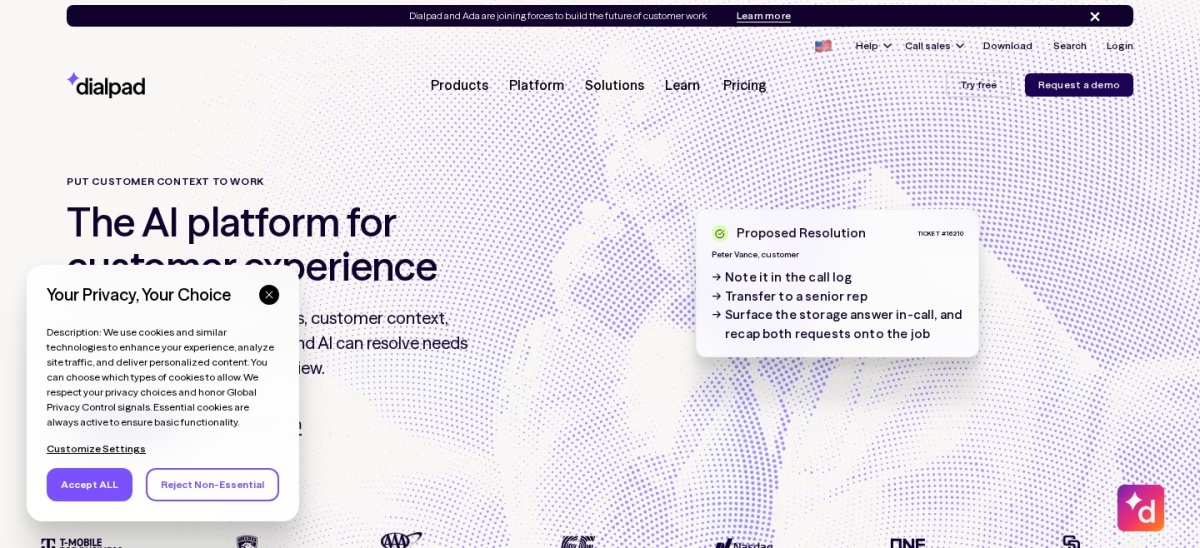
Dialpad Sell is the outbound product in the Dialpad family, with AI transcripts, call summaries and live coaching prompts during calls. Sell Essentials costs $39 per user a month billed annually, with recording and AI summaries included.
The trade off is the split product line. The $15 Connect phone plan has no sales dialer, and local presence dialing needs Sell Advanced at $59 a month. It suits teams that want AI coaching for new reps more than raw dialing speed.
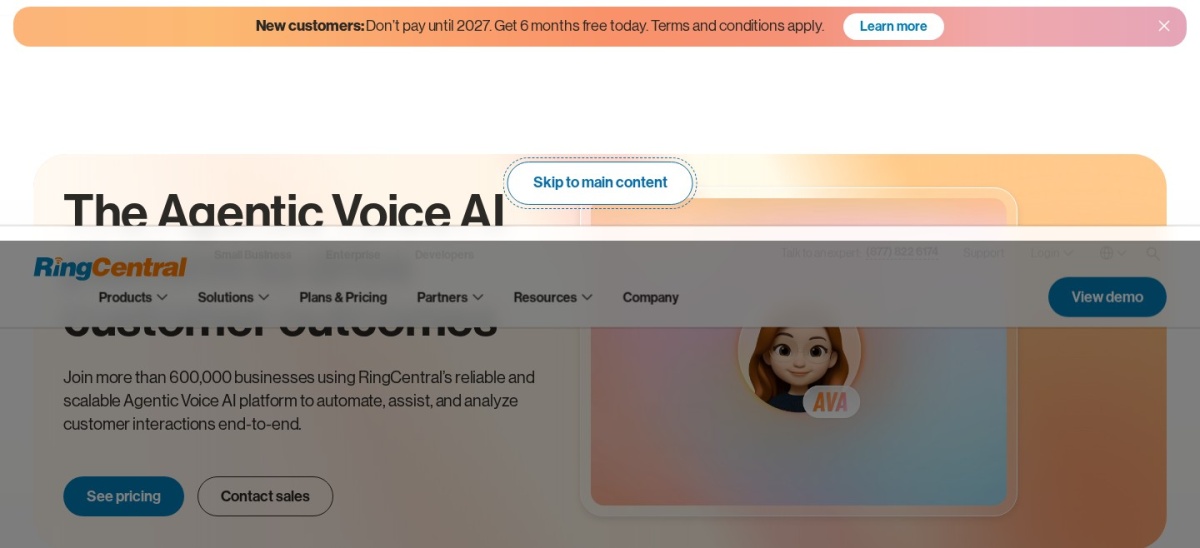
RingCentral RingCX is the contact center arm of RingCentral, with voice and 20+ digital channels, skills-based routing and five dial modes. The Standard plan costs $65 per agent a month billed annually, with screen recording and AI transcription included.
The trade off is that the phone plans do not dial outbound. RingEX Core at $20 and Advanced at $25 have no outbound dialer, so dialer buyers must pay for RingCX. It suits larger teams that want phone, video, messaging and a contact center from one vendor.
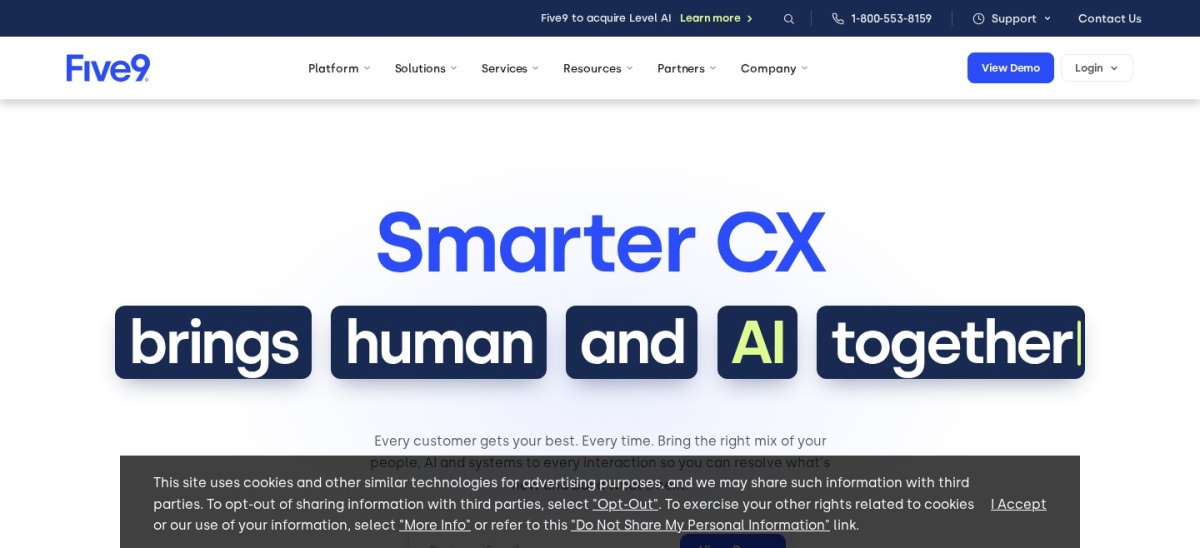
Five9 is a cloud contact center platform where the dialer sits beside inbound routing, quality management and workforce scheduling. Core costs $159 per concurrent seat a month and includes voice, a dialer, call recording, AI summaries and one CRM adapter.
The trade off is scale. Every bundle has a 50-seat minimum, so the smallest Core order is $7,950 a month before usage, and the higher Plus, Pro and Enterprise bundles are quote-only. It suits large blended contact centers, not small sales teams.
Dialer types explained: power, parallel and predictive
A power dialer calls one number at a time and moves to the next when the call ends. It is the safest choice for small teams, because no call is ever dropped.
A parallel dialer calls several numbers at once and connects the rep to the first person who answers. It raises connect rates, but it can drop calls when two people answer together.
A predictive dialer uses a pacing algorithm to call ahead of free reps. It is built for large teams, and in some regions it is limited by calling rules, so check your local rules before you use one.
How we chose
We started from the established auto dialer and cloud phone vendors with a published dialer and a CRM integration, then kept the nine with the clearest pricing and review record.
Prices come from each vendor's pricing page, checked on 22 November 2026. Ratings and review counts come from G2 on the same day. Where a vendor shows a sale, the list shows the regular price.
We left out quote-only dialers with no published price and tools with no CRM integration. No vendor paid for a place, and we do not claim hands-on testing for this list.
How to choose an auto dialer with CRM integration
Start with your list size and your CRM, then match the dialer type to the team.
Check your CRM first. Pick a dialer with a native integration for the CRM your team already uses, so calls log without extra tools.
Match the dialer to your list size. A power dialer fits small lists, while parallel and predictive dialers fit large teams with many reps free at once.
Price the dialer tier, not the entry tier. Several tools put the dialer on a higher plan or sell it as an add-on, so budget for that plan from the start.
Run a trial with a real list. Use the free trial to dial a real list and check call quality, CRM logging and answer rates before you commit.
FAQ
What is the best auto dialer software with CRM integration?
Kixie is the best pick for most outbound teams. It dials up to 10 lines at once from inside HubSpot, Salesforce or Pipedrive and holds a 4.8/5 rating on G2 from 866 reviews.
What is the cheapest auto dialer with CRM integration?
CloudTalk is the cheapest strong pick at $25 per user a month billed annually. Its Power Dialer costs extra, though, so budget $49 for Expert or $15 as an add-on if you need it.
Do auto dialers log calls in the CRM automatically?
Most tools in this list do. Kixie, CloudTalk, JustCall, Close and Aircall all log calls, notes and outcomes to the contact record when the native CRM integration is connected.
What is the difference between a power dialer and a predictive dialer?
A power dialer calls one number at a time and moves on when the call ends. A predictive dialer calls several numbers ahead of free reps, which raises volume but can drop calls.
Do I need a separate CRM if I buy an auto dialer?
Not always. Close has a CRM built in, and PhoneBurner includes a contact manager. The other tools here connect to a CRM you already use, such as HubSpot or Salesforce.
Are auto dialers legal to use?
They are legal in many places, but calling rules vary by region and cover consent, calling hours and do-not-call lists. Check the rules that apply to your contacts before you dial.