Best Audio Transcription Software Free in 2026: 9 Tools Compared
WLWPLegible EditorsLast verified 24 Nov 2026How we rank13 min read
★ Short answer
TurboScribe is the best free audio transcription tool for most people, with 3 free transcriptions a day of up to 30 minutes each and no credit card needed. Pick Otter.ai for live meeting notes and Fathom for unlimited free meeting recordings.
How we make this list: we compare pricing pages, product documentation and public user reviews, then re-check every price before each update. No product paid for a place. Disclosure.
TurboScribe gives the most generous free file plan: 3 transcriptions a day, each up to 30 minutes, in 98+ languages.
Otter.ai gives 300 free minutes a month for live meetings, but each conversation stops at 30 minutes.
Fathom records and transcribes meetings free with no minute cap, but advanced summaries need Premium at $16 a month.
Notta looks cheap at $8.17 a month, yet its free plan caps every recording at 3 minutes.
Rev and Sonix are the picks when accuracy matters most, but their free allowances are small: 45 minutes a month and a 30-minute trial.
What to look for in a free transcription tool
Free transcription plans differ in one big way: some meter minutes per month, while others meter files per day. A daily file allowance can beat a monthly minute allowance if you transcribe short recordings often.
Check the per-recording cap before you sign up. A 120-minute monthly allowance means little when each recording stops at 3 minutes, as it does on Notta.
Exports matter as much as the transcript. Look for TXT, DOCX and SRT exports on the free plan, so you can keep and reuse your text without paying.
4.4/5on Trustpilot (403 reviews, checked Nov 2026)
Paid from$10/mo
Best free audio transcription overall
Free plan3 files a day, 30 min each
Languages98+
Max file on paid plan10 hours or 5 GB
Paid planUnlimited, $10/mo billed yearly
turboscribe.ai
TurboScribe homepage, captured Nov 2026.
TurboScribe is a browser-based transcription service built on OpenAI Whisper that turns audio and video files into text. The free plan allows 3 transcriptions a day, each up to 30 minutes, with no credit card needed, plus speaker labels and exports in TXT, DOCX, SRT and PDF.
The trade off is priority and volume. Free files queue behind paid ones and upload one at a time, so long files wait longer. It suits people who transcribe short recordings most days and want a simple upload-and-download workflow.
What we like
Most generous free file allowance in this list
Handles audio and video in 98+ languages
No credit card needed for the free plan
Flat $10 a month for unlimited transcription
Watch out for
Free files run at lower processing priority
No live meeting notetaker
Purchases are non-refundable, per its terms
Unlimited adds 10-hour files, 50 uploads at once and top priorityVisit turboscribe.ai
02
Otter.ai
4.4/5on G2 (505 reviews, checked Nov 2026)
Paid from$8.33/mo
Best for live meeting transcription
Free plan300 minutes a month
Per-conversation cap30 minutes on free plan
Meeting platformsZoom, Meet and Teams
Paid planPro, $8.33/mo billed yearly
otter.ai
Otter.ai homepage, captured Nov 2026.
Otter.ai is an AI meeting assistant that joins Zoom, Google Meet and Microsoft Teams calls, transcribes live, identifies speakers and writes summaries with action items. The free Basic plan includes 300 transcription minutes a month, live transcription and 3 lifetime file imports.
The trade off is the 30-minute cap per conversation on the free plan, so longer calls are cut short. Pro costs $8.33 a month billed yearly and raises the allowance to 1,200 minutes with a 90-minute cap. It suits people who live in short meetings.
What we like
Live transcription with speaker labels
AI summaries and searchable meeting history
Joins Zoom, Meet and Teams automatically
Lowest paid plan among the meeting tools here
Watch out for
Free conversations stop at 30 minutes
Only 3 file imports in total on the free plan
Free plan keeps only the 25 most recent conversations
Pro adds 1,200 minutes a month and unlimited historyVisit otter.ai
03
Fathom
5/5on G2 (6,962 reviews, checked Nov 2026)
Paid from$16/mo
Best free plan for meeting recordings
Free planUnlimited recordings and transcripts
Advanced summaries5 a month on free plan
Languages38
Paid planPremium, $16/mo billed yearly
fathom.video
Fathom homepage, captured Nov 2026.
Fathom is an AI notetaker that records Zoom, Google Meet and Microsoft Teams calls and turns them into transcripts and summaries. The free plan includes unlimited recordings and transcripts, instant summaries and integrations, with no monthly minute cap.
The trade off is that advanced summaries are limited to 5 a month on the free plan, and AI action items and follow-up emails need Premium at $16 a month billed yearly. It suits solo users who record many calls and want a reliable transcript after each one.
What we like
Unlimited free recordings and transcripts
Highest G2 rating in this list at 5.0 out of 5
Transcribes in 38 languages
No bot joins the call for basic capture
Watch out for
Advanced summaries capped at 5 a month free
Action items need the paid plan
No file-upload transcription on the free plan
Premium adds action items, follow-up emails and custom summariesVisit fathom.video
04
Notta
4.3/5on G2 (347 reviews, checked Nov 2026)
Paid from$8.17/mo
Best value paid plan for heavy use
Free plan120 minutes a month
Per-recording cap3 minutes on free plan
AI summaries10 a month on free plan
Paid planPro, $8.17/mo billed yearly
notta.ai
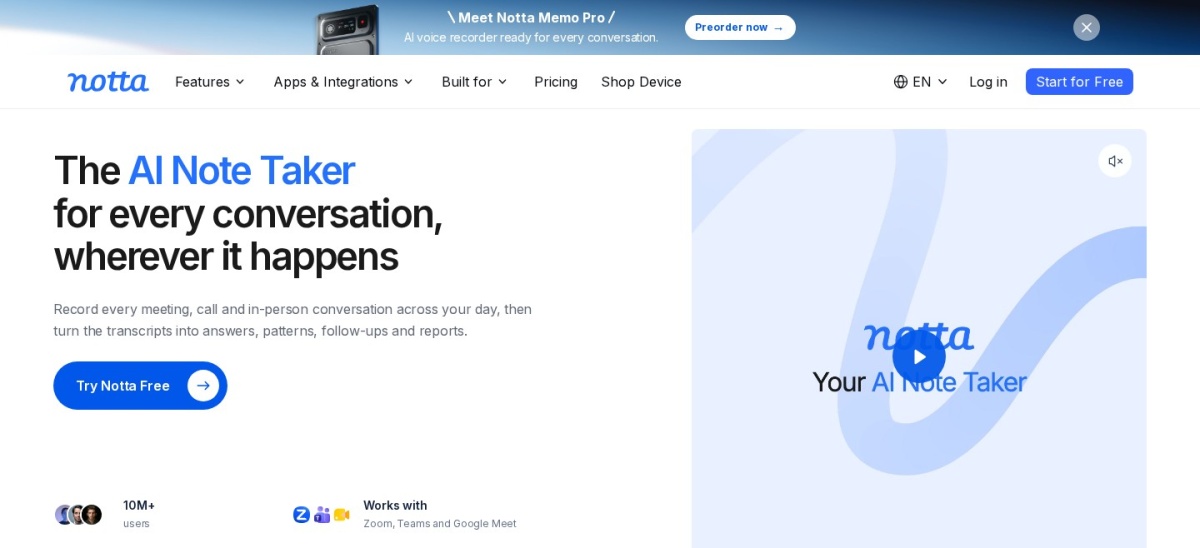
Notta homepage, captured Nov 2026.
Notta is an AI transcription and meeting-notes app that records web meetings, identifies speakers and writes AI summaries. The free plan includes 120 transcription minutes a month, 50 file uploads a month and 10 AI summaries a month, with no credit card needed.
The trade off is the 3-minute cap per conversation on the free plan, which rules out a full meeting. Pro costs $8.17 a month billed yearly and gives 1,800 minutes a month with recordings up to 5 hours. It suits heavy users who pay for the yearly plan.
What we like
Cheapest paid plan in this list at $8.17 a month
Pro gives 1,800 minutes a month
Speaker labels and transcript translation on Pro
Works across Zoom, Meet, Teams and Webex
Watch out for
Free recordings stop at 3 minutes each
Free exports are limited
Custom vocabulary is limited to English and Japanese
Pro adds exports, translation and 1,800 minutes a monthVisit notta.ai
05
Fireflies.ai
4.7/5on G2 (754 reviews, checked Nov 2026)
Paid from$10/mo
Best free meeting search and CRM links
Free planUnlimited transcription with auto-join
Storage400 minutes per team
Languages100+
Paid planPro, $10/seat/mo billed yearly
fireflies.ai
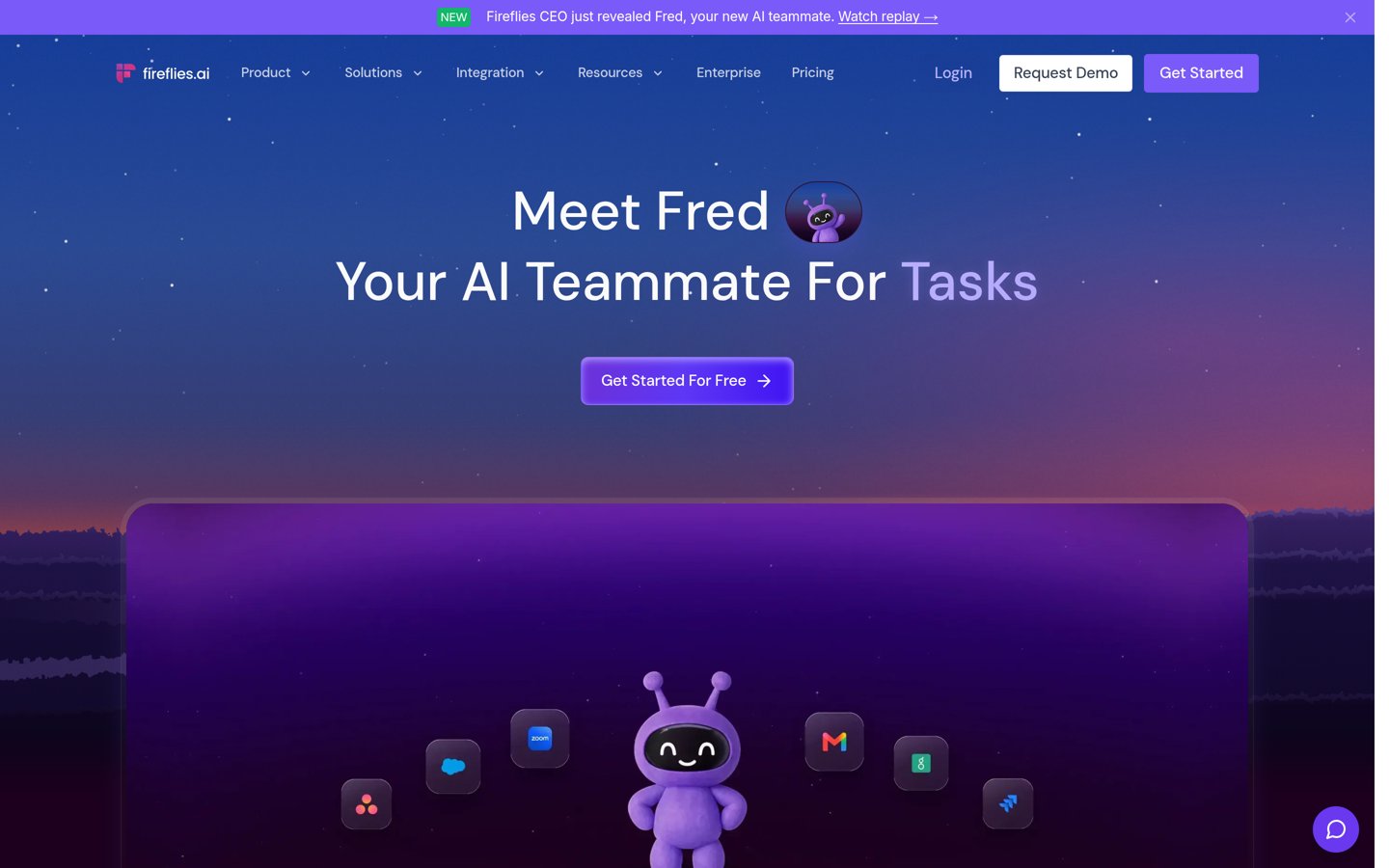
Fireflies.ai homepage, captured Nov 2026.
Fireflies.ai is a meeting assistant that records Zoom, Google Meet and Teams calls, transcribes them and files every conversation in a searchable notebook. The free plan offers unlimited transcription when the notetaker auto-joins meetings, plus 400 minutes of storage per team and 20 AI credits.
The trade off is storage and summaries. Free storage stops at 400 minutes, AI summaries are limited, and downloads and video recording need Pro at $10 a seat a month billed yearly. It suits teams that want a searchable archive of calls.
What we like
Searchable transcript archive across meetings
100+ languages and 240+ integrations claimed
Free plan includes the meeting integrations
Pro is $10 a seat a month billed yearly
Watch out for
Free storage stops at 400 minutes per team
New accounts get 3 transcriptions without auto-join
Descript is a video and podcast editor that transcribes audio and lets you edit the recording by editing the text. The free plan includes 1 media hour a month, 100 one-time AI credits, transcription in 25 languages and 5 GB of cloud storage.
The trade off is that the free plan is small and video exports are 720p with a watermark. Hobbyist costs $16 a month billed yearly and raises the allowance to 10 media hours with watermark-free 1080p export. It suits creators who edit podcasts and videos from transcripts.
What we like
Edit audio and video by editing the transcript
Studio Sound and filler-word removal on paid plans
Transcription in 25 languages
Exports captions and clips from the same editor
Watch out for
Free plan covers only 1 hour a month
Free video exports carry a watermark
AI credits do not roll over
Hobbyist adds 10 media hours and watermark-free 1080p exportVisit descript.com
07
Rev
4.7/5on G2 (621 reviews, checked Nov 2026)
Paid from$25.49/mo
Best when accuracy must be verified
Free plan45 AI minutes a month
AI transcription$0.25 per minute pay as you go
Human transcription$1.99 per minute, 99%+ accuracy
Paid planEssentials, $25.49/seat/mo yearly
rev.com
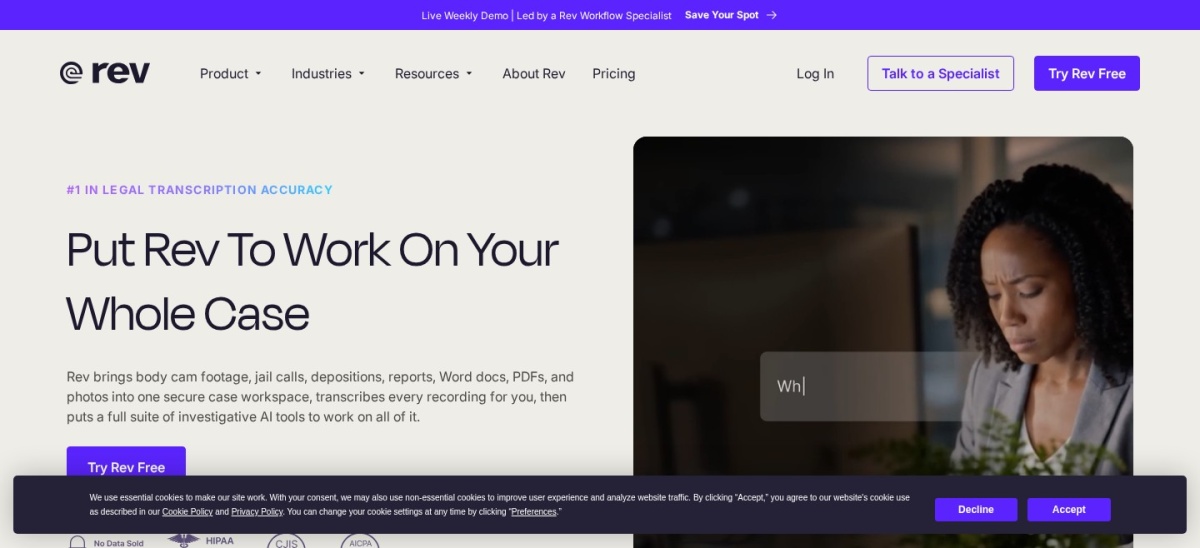
Rev homepage, captured Nov 2026.
Rev is a transcription service that offers both AI transcription and human transcription from one account. The free plan includes 45 AI minutes a month in English, and pay-as-you-go AI transcription costs $0.25 per minute with no minimum order.
The trade off is cost at volume. The Essentials subscription costs $25.49 a seat a month billed yearly, and human transcription costs $1.99 per minute. It suits legal, research and published work where a transcript must hold up.
What we like
Human transcription with 99%+ accuracy guaranteed
AI transcription at $0.25 per minute, no minimum
Captions and subtitles from the same account
Strong G2 rating at 4.7 out of 5
Watch out for
Free plan covers only 45 minutes a month
Human transcription is costly at volume
Per-minute rates sit behind subscription tiers
Essentials adds 5,000 AI minutes a seat and discounts on human workVisit rev.com
08
Sonix
4.7/5on G2 (26 reviews, checked Nov 2026)
Starts at$16.50/mo
Best for multilingual file transcription
Free planNo, 30-minute trial
Languages53+
Pay as you go$10 per audio hour
Paid planPremium, $16.50/mo billed yearly
sonix.ai
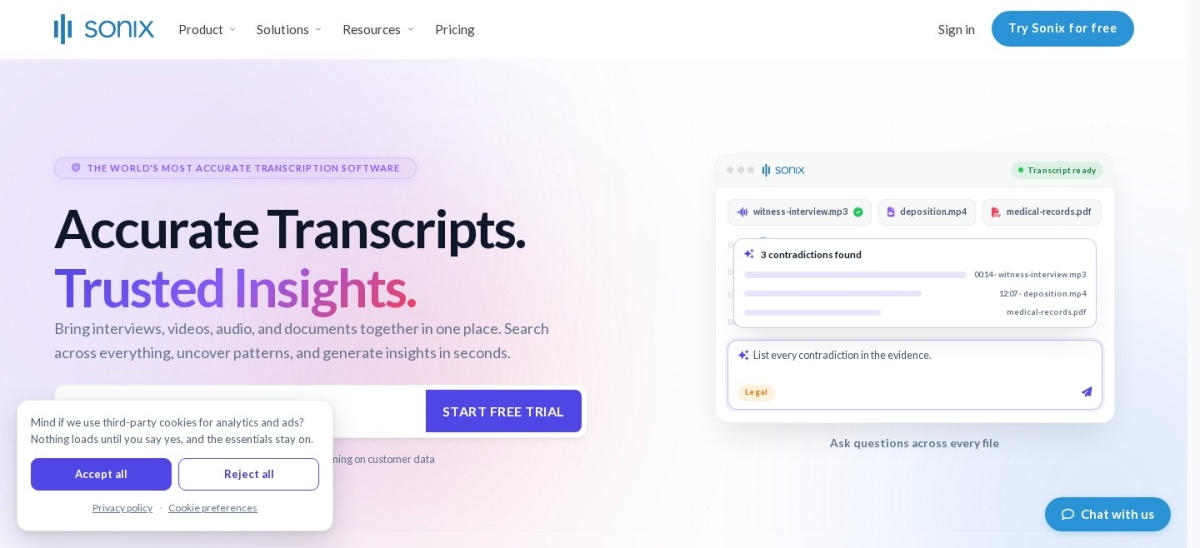
Sonix homepage, captured Nov 2026.
Sonix is an automated transcription platform for uploaded audio and video, with a browser editor, speaker labels and translation into 54+ languages. There is no permanent free plan, only a 30-minute free trial with no credit card needed.
The trade off is that every minute costs money after the trial. Premium costs $16.50 a month billed yearly plus $5 per audio hour, or $10 per audio hour with no subscription. It suits researchers and media teams with multilingual files.
What we like
Transcription in 53+ languages
Strong in-browser transcript editor
Translation into 54+ languages
Pay as you go with no subscription
Watch out for
No permanent free plan, only a 30-minute trial
Premium adds a monthly fee on top of per-hour charges
Thin G2 record at 26 reviews
Premium adds $5 per hour transcription and team toolsVisit sonix.ai
09
Happy Scribe
4.6/5on G2 (118 reviews, checked Nov 2026)
Starts at$8.50/mo
Best for subtitles and captions
Free planNo, 10-minute trial
Languages120+
Human transcription$2.00 per minute
Paid planBasic, $8.50/mo billed yearly
happyscribe.com
Happy Scribe homepage, captured Nov 2026.
Happy Scribe is a transcription and subtitling platform for audio and video files in 120+ languages, with AI and human transcription in one dashboard. There is no permanent free plan, only a 10-minute trial of AI transcription, subtitling and translation.
The trade off is the tiny trial. Basic costs $8.50 a month billed yearly and includes 120 AI minutes a month, while human transcription costs $2.00 per minute. It suits video teams that need captions and subtitles as well as transcripts.
Free plans cover short work well. Most give you a set number of minutes or files a month, plus a basic transcript you can read and search.
Paid plans mostly add volume and exports. You get more minutes, longer recordings, downloads and subtitles without a watermark.
If you transcribe every day, the cheapest paid plans in this list start at $8.17 a month billed yearly for Notta Pro and $8.33 for Otter Pro.
For a one-off file, use a free plan or a trial first. Our guide on how long a blog post should be can help you judge how much text a transcript will give you.
How we chose
We started from the most widely used transcription tools with a free plan or free trial, then kept those with clear published limits and a track record on G2 or Trustpilot.
Prices come from each vendor pricing page, checked on 24 November 2026. Ratings and review counts come from G2 or Trustpilot on the same day. Where a vendor shows a sale, the list shows the regular price.
We left out tools with no published free allowance and no clear pricing. No vendor paid for a place, and we do not claim to have used these tools ourselves.
How to choose a free audio transcription tool
Start with the kind of audio you have, then match the free allowance to it.
Decide whether you need live meetings or files. Otter, Fathom and Fireflies join calls, while TurboScribe, Sonix and Happy Scribe work from uploaded files.
Check the per-recording cap, not just the monthly total. A 3-minute cap rules out full meetings, and a 30-minute cap rules out long interviews.
Check exports before you commit. Make sure the free plan exports TXT, DOCX or SRT, so your transcript is not locked inside the tool.
Test accuracy on your own audio first. Run the same short recording through two free plans and compare the speaker labels and names before you pay.
FAQ
What is the best free audio transcription software?
TurboScribe is the best free option for most people, with 3 free transcriptions a day of up to 30 minutes each. Otter.ai is the better pick for live meetings, with 300 free minutes a month.
Is there really free transcription software with no time limit?
Fathom offers unlimited free recordings and transcripts for meetings, with no monthly minute cap. Advanced summaries are limited to 5 a month, and action items need the paid plan.
How many free minutes does Otter.ai give you?
Otter.ai gives 300 free transcription minutes a month on its Basic plan. Each conversation is capped at 30 minutes, and the free plan includes only 3 file imports in total.
Can I transcribe audio to text free without signing up for a trial?
TurboScribe, Otter.ai, Notta, Fireflies.ai, Fathom and Descript all have permanent free plans with no credit card needed. Sonix and Happy Scribe offer only a free trial, so they need a paid plan after it ends.
Which free transcription tool is best for subtitles?
Happy Scribe is the strongest pick for subtitles, with a subtitle editor and SRT and VTT exports. Its free tier is only a 10-minute trial, so Descript is the better free option for short captioned clips.
Is AI transcription accurate enough for interviews?
AI transcription works well on clear audio with one or two speakers, but names and overlapping speech can be wrong. For published interviews or legal work, Rev offers human transcription with 99%+ accuracy guaranteed.
Do free transcription tools keep my audio private?
Policies differ by vendor, so read the privacy page before uploading sensitive recordings. TurboScribe states that files are never used to train models, and Sonix and Rev publish security certifications.