Audacity is the best audio software for most PC users: it is free, open source, and rated 4.5 out of 5 on G2 from 459 reviews. Pick REAPER at $60 for a full professional DAW, or Ableton Live from $99 for electronic music and live performance.
How we make this list: we compare pricing pages, product documentation and public user reviews, then re-check every price before each update. No product paid for a place. Disclosure.
Audacity is free forever and rated 4.5/5 on G2 from 459 reviews, the best starting point for PC audio editing.
REAPER costs $60 once and does nearly everything the $500-plus DAWs do, with a 60-day full trial.
Ableton Live has the highest G2 rating here at 4.7/5, but Intro caps projects at 16 tracks.
Adobe Audition is the strongest cleanup tool at $22.99 a month, while Pro Tools Artist costs $99 a year.
Three tools have free plans, Audacity, Pro Tools Intro and Descript, and five paid tools cost $100 or less.
Editors vs DAWs: what PC audio software actually does
Audio software for a PC splits into two kinds: editors that cut and clean recorded sound, and DAWs that also record, arrange and mix full songs.
Editors such as Audacity, Adobe Audition and WavePad are enough for podcasts, voiceover and simple music edits. DAWs such as REAPER, FL Studio and Ableton Live add multitrack recording, virtual instruments and mixing.
Price models vary more than features. Audacity is free, REAPER, Ableton Live, FL Studio, Cubase and Studio One sell one-time licences, and Audition, Pro Tools and Descript charge monthly or yearly.
If you publish finished audio on a WordPress site, the media library is where the files live. Our guide to fixing a media library that will not load covers the common failure when uploads break.
Audacity is a free, open-source audio editor and recorder for Windows, macOS and Linux, with more than 100 million downloads since 2000. The free download covers multitrack recording and editing, noise reduction, spectrogram views and VST3 plugin support, with no paid tier at all.
The trade off is polish. Audacity has no built-in virtual instruments, no MIDI sequencing worth using and an interface that looks dated next to paid DAWs. It suits podcasters, voiceover artists and anyone who edits recorded audio and wants to pay nothing.
What we like
Completely free with no paid tier
Multitrack editing, noise reduction and effects included
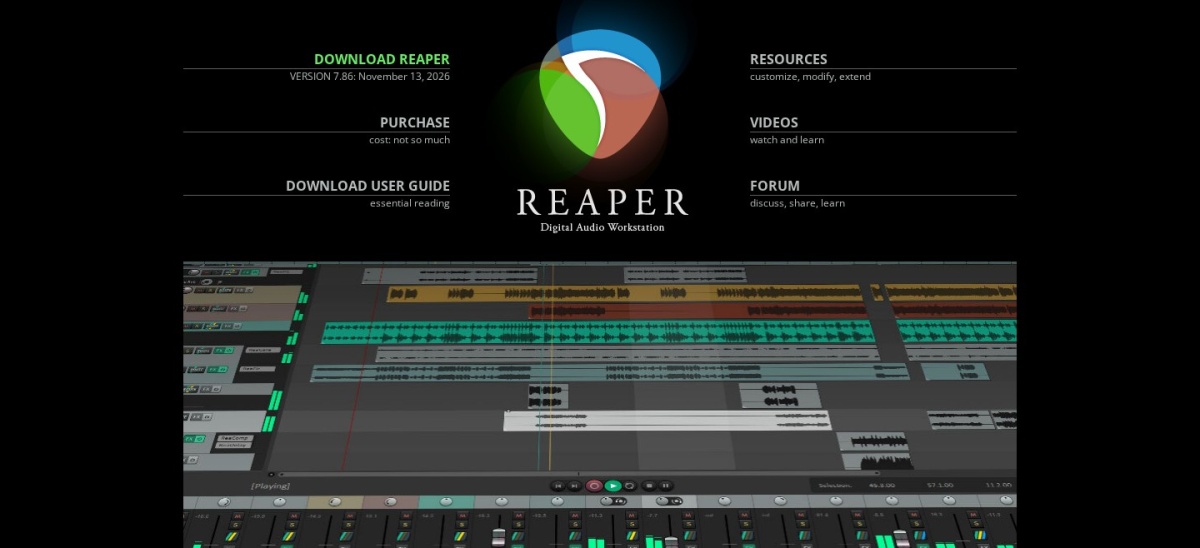
REAPER is a complete digital audio workstation from Cockos for Windows, macOS and Linux. The $60 discounted licence covers personal use and small businesses under $20,000 a year in revenue, and buys unlimited tracks, full routing, video editing and scripting, with updates through the version cycle.
The trade off is the starting point. REAPER ships with no bundled virtual instruments or sound library, and its plain interface takes setup before it feels like home. It suits buyers who want professional recording and mixing for $60 and do not mind configuring their own tools.
What we like
$60 buys a complete professional DAW
60-day trial with no feature limits
Unlimited tracks and deep customisation
Light, fast and stable on modest PCs
Watch out for
No bundled instruments or sound library
Plain interface needs setup
Learning curve for beginners
Commercial licence costs $225 for larger businessesVisit reaper.fm
03
Ableton Live
4.7/5on G2 (159 reviews, checked Nov 2026)
Starts at$99/yr
Best for electronic music and live sets
Entry editionLive Intro, 16 tracks
Sounds included5+ GB
Free trial30 days of Suite
PlatformsWindows, macOS
ableton.com
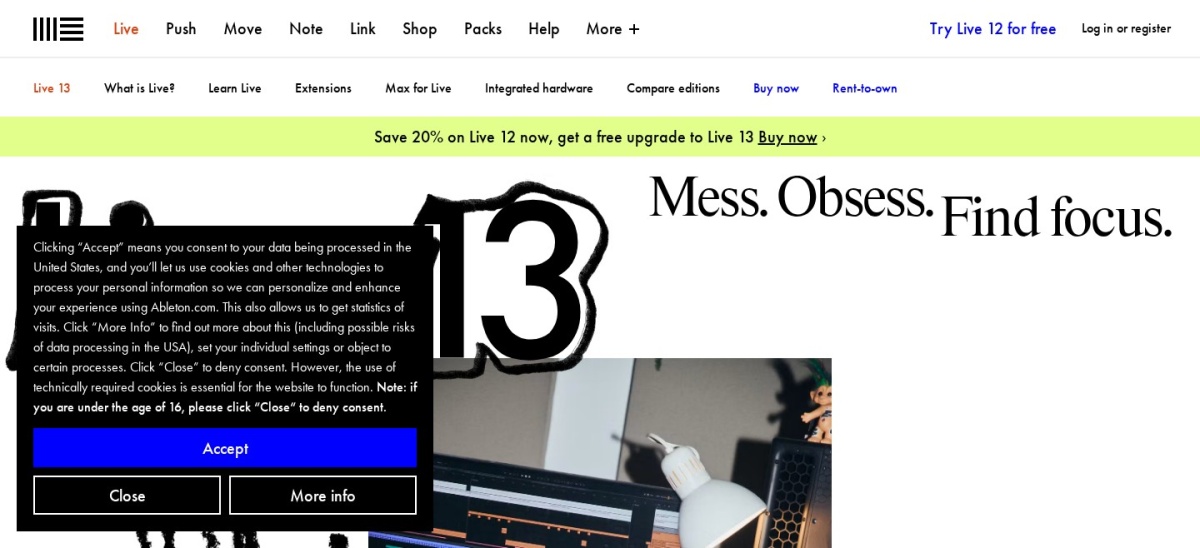
Ableton Live homepage, captured Nov 2026.
Ableton Live is a DAW for electronic music and live performance on Windows and macOS. Its Session View launches loops and clips in any order, while Arrangement View handles linear recording and mixing. Intro costs $99 once, Standard $349 and Suite $749, and the 30-day trial covers Suite.
The trade off is the ceiling on the cheap edition. Intro caps projects at 16 audio and MIDI tracks and leaves out Max for Live, which needs Suite at $749. It suits producers who perform live or write with loops and want the clip workflow no other DAW copies.
What we like
Session View for launching clips live
Highest G2 rating in this list at 4.7/5
30-day trial covers the top Suite edition
One-time licence, no subscription
Watch out for
Intro caps projects at 16 tracks
Max for Live needs Suite at $749
No Linux version
Standard at $349 adds unlimited tracks; Suite at $749 adds Max for LiveVisit ableton.com
04
FL Studio
4.6/5on G2 (103 reviews, checked Nov 2026)
Starts at$99/yr
Best for beat makers and beginners
Entry editionFruity, $99 one-time
Lifetime updatesIncluded on all editions
Free trialNo time limit, no saving
PlatformsWindows, macOS
image-line.com
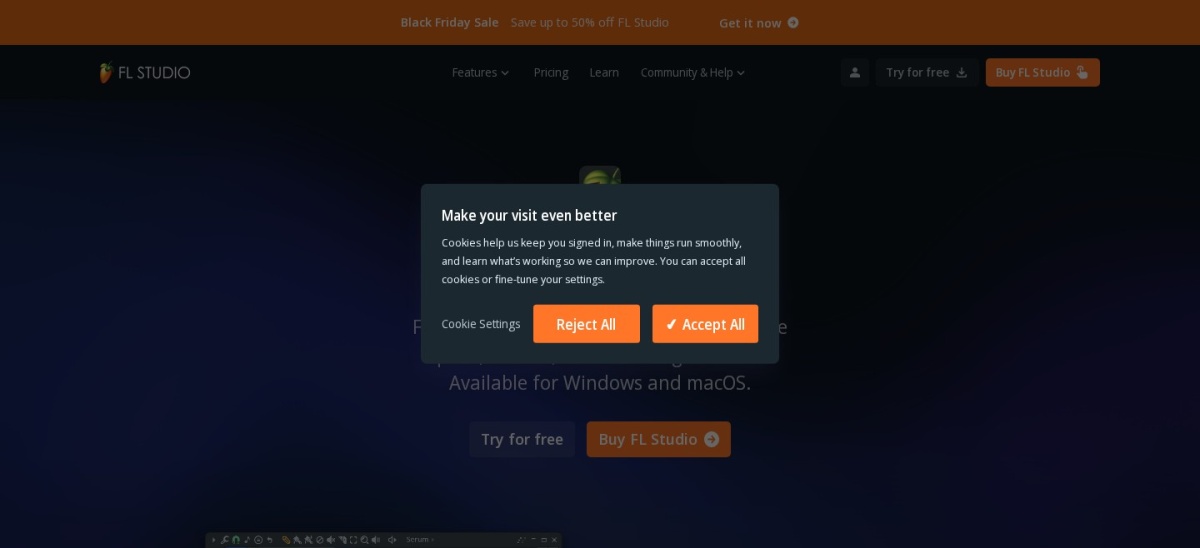
FL Studio homepage, captured Nov 2026.
FL Studio is a DAW from Image-Line for Windows and macOS, built around a step sequencer and piano roll that suit beat making. Fruity costs $99 once, Producer $179 and Signature $269, and every paid edition includes lifetime free updates, so you never pay for a new version.
The trade off is recording. Fruity Edition cannot record audio, so singers and guitarists need Producer at $179 or higher. It suits beat makers and electronic producers who want a one-time purchase and a huge tutorial library.
What we like
Lifetime free updates on every paid edition
Fast, visual workflow for beats
Huge tutorial and preset library
One-time purchase, no subscription
Watch out for
Fruity Edition cannot record audio
Trial cannot save or reopen projects
Interface can feel busy at first
Producer at $179 adds audio recording; All Plugins at $449 unlocks everythingVisit image-line.com
05
Adobe Audition
4.4/5on G2 (430 reviews, checked Nov 2026)
Starts at$22.99/mo
Best for audio cleanup and voiceover
Single-app price$22.99/mo annual plan
Free trial7 days
Noise reductionSpectral tools included
PlatformsWindows, macOS
adobe.com
Adobe Audition homepage, captured Nov 2026.
Adobe Audition is a professional audio editor for Windows and macOS, aimed at podcasts, voiceover and video post-production. The single-app plan costs $22.99 a month on an annual plan and includes multitrack editing, spectral frequency tools, noise reduction and round-trip editing with Premiere Pro.
The trade off is the subscription. There is no perpetual licence, and month-to-month billing costs $33.99 a month instead. It suits editors already in Creative Cloud who need deep cleanup tools and tight Premiere Pro integration.
Pro Tools is Avid's DAW for recording, editing and mixing on Windows and macOS, and the standard in professional studios. Intro is free with 8 audio tracks, Artist costs $9.99 a month or $99 a year, Studio $299 a year and Ultimate $599 a year.
The trade off is the subscription model and the track caps. Artist limits sessions to 32 audio tracks, and serious users are pushed toward Studio at $299 a year. It suits engineers who exchange sessions with commercial studios and need the .ptx format.
What we like
Session format used by commercial studios
Free Intro tier for basic sessions
Strong editing and mixing tools
Large professional user base
Watch out for
Paid tiers are subscription only
Artist caps sessions at 32 audio tracks
MIDI tools lag behind Cubase and FL Studio
Studio at $299 a year adds surround and advanced featuresVisit avid.com
07
Studio One
4.4/5on G2 (54 reviews, checked Nov 2026)
Starts at$199.99/yr
Best for recording live instruments
Licence$199.99 perpetual
Subscription optionPro+ $19.99/mo
Mastering pageProject page included
PlatformsWindows, macOS
presonus.com
Studio One homepage, captured Nov 2026.
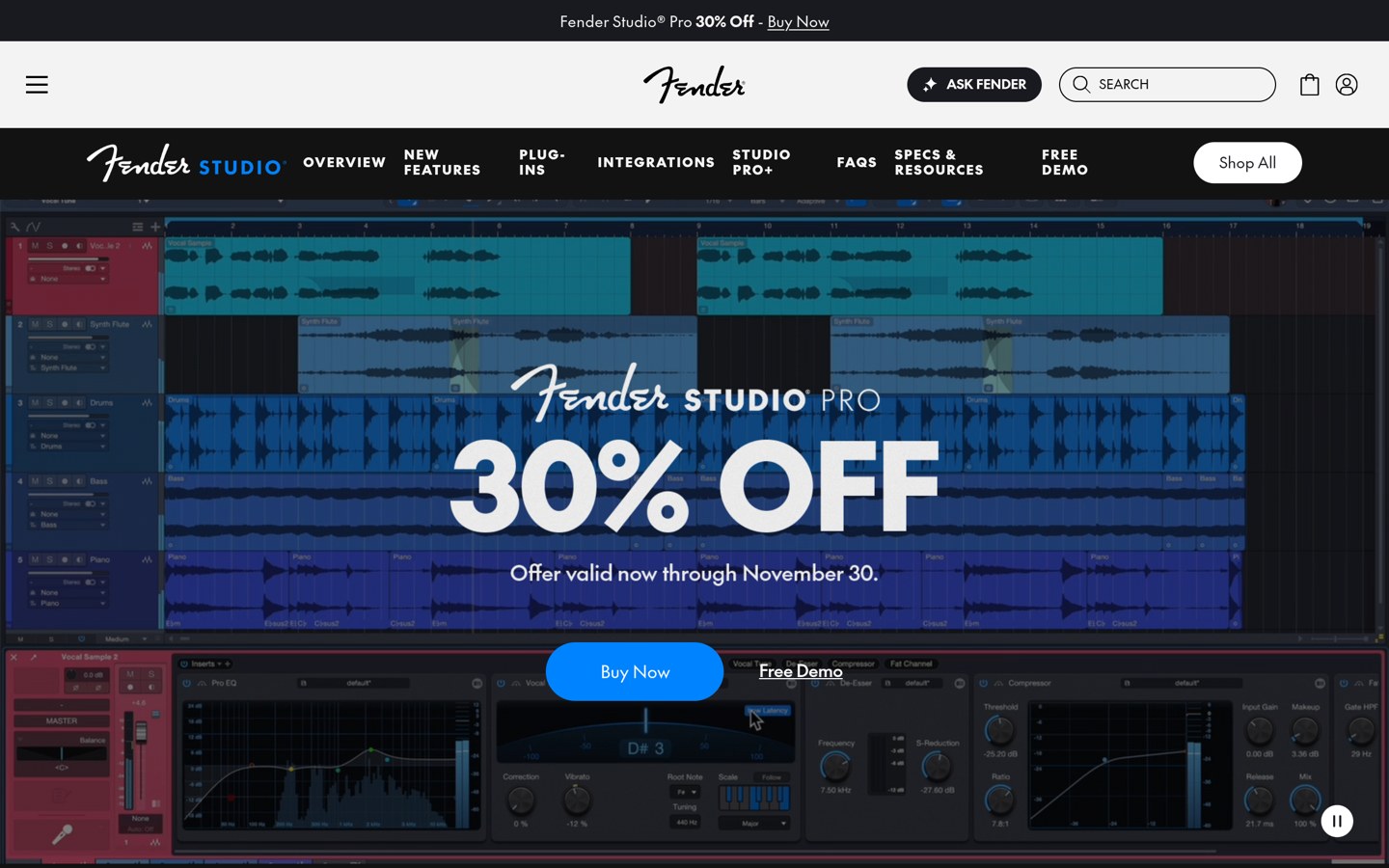
Studio One is a DAW for recording, songwriting and mixing on Windows and macOS, now sold by Fender as Fender Studio Pro. The perpetual licence costs $199.99 and includes one year of feature updates, drag-and-drop editing, a dedicated mastering page and deep ARA integration with Melodyne.
The trade off is the update window. The $199.99 licence keeps the version you buy, but new features after the first year need a paid upgrade or the Pro+ subscription at $19.99 a month. It suits songwriters and bands who record real instruments and want a clean, fast workflow.
What we like
Drag-and-drop workflow is fast to learn
Dedicated Project page for mastering
Perpetual licence option at $199.99
Smooth ARA and Melodyne integration
Watch out for
New features stop after one year without an upgrade
Smaller tutorial library than FL Studio or Ableton
Cubase is Steinberg's DAW for composing, recording and mixing on Windows and macOS, and the strongest in this list for MIDI work. Elements 16 costs $99.99 once, Artist $299.99 and Pro $599.99, all as perpetual licences with a free 30-day trial.
The trade off is depth against ease. Elements caps sessions at 48 audio tracks and leaves out VariAudio pitch correction, while the full feature set takes time to learn. It suits composers and songwriters who write detailed MIDI parts and score to picture.
Descript is an audio and video editor for Windows, macOS and the web that lets you edit a recording by editing its transcript. The free plan covers 1 hour of media a month, and Hobbyist costs $16 a month on annual billing with 10 hours, 400 AI credits and 1080p exports.
The trade off is the meter. Media hours and AI credits run out fast on long shows, and Descript is weaker than a DAW for music or detailed mixing. It suits podcasters and creators who cut spoken audio and want Studio Sound cleanup built in.
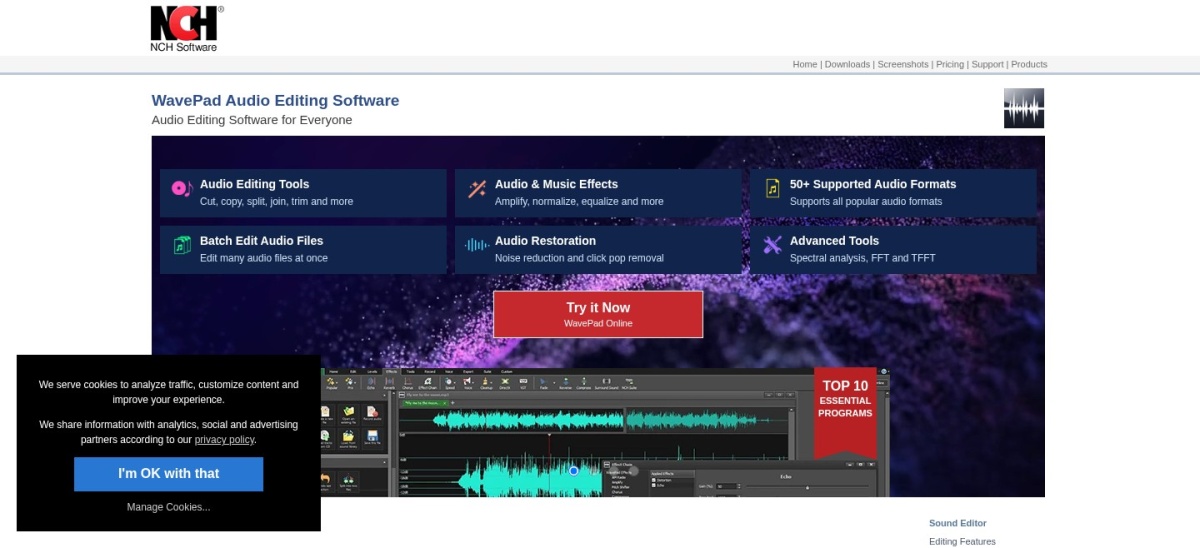
WavePad is a waveform editor from NCH Software for Windows, macOS, iOS and Android. The free version is free for non-commercial use and covers cutting, noise reduction, click and pop removal, batch processing and a wide range of formats.
The trade off is scope. WavePad edits one track at a time, so serious multitrack work needs NCH's MixPad instead, and the free version is not licensed for commercial use. It suits home users who want quick edits and restoration of old recordings.
What we like
Free for non-commercial use with no expiry
Easy to learn and fast on old PCs
Batch processing and noise reduction included
Runs on phones as well as PCs
Watch out for
Single-track editing only, no multitrack mixing
Free version excludes commercial use
Support scores lower than rivals in reviews
Master Edition at $99 a year adds VST support and the SFX libraryVisit nch.com.au
Editors vs DAWs: which kind do you need
Pick an editor if you work with finished recordings. Audacity, Audition, Descript and WavePad cut, clean and export audio fast, with no need to learn mixing.
Pick a DAW if you record instruments, program beats or mix songs. REAPER, FL Studio, Ableton Live, Pro Tools, Studio One and Cubase all record multiple tracks and host virtual instruments.
Many PC users end up with one of each. Audacity beside a DAW covers quick trims and format changes without opening a heavy session.
How we chose
We started from the audio tools most often named in 2026 comparisons for Windows PCs, then kept 10 established products with published prices and a public review footprint on G2.
Prices come from each vendor's pricing page, checked on 25 November 2026, with the top 3 read on their official pages. Ratings and review counts come from G2 on the same day. Where a vendor shows a sale, the list shows the regular price.
We left out Mac-only tools such as Logic Pro and GarageBand, since this list is for PC users. No vendor paid for a place, and we do not claim to have used these tools ourselves.
How to choose audio software for your PC
Match the tool to the job you do most often, then check the price model before you buy.
Decide editor or DAW. If you only cut podcasts or voiceover, an editor is enough. If you record instruments or make beats, you need a DAW.
Try the free options first. Audacity costs nothing, Pro Tools Intro is free, and REAPER, Ableton Live, FL Studio and Cubase all offer free trials.
Check the entry edition limits. Cheap editions often cap tracks or drop recording: FL Studio Fruity cannot record audio, and Ableton Intro caps projects at 16 tracks.
Count the long-term cost. One-time licences such as REAPER at $60 stop costing money after purchase, while Audition at $22.99 a month costs $275.88 every year.
FAQ
What is the best audio software for PC?
Audacity is the best pick for most PC users because it is free, open source and rated 4.5 out of 5 on G2 from 459 reviews. It covers multitrack recording, editing, noise reduction and effects with no paid tier at all.
What is the best free audio software for PC?
Audacity is the best free audio software for PC. It is free forever, runs on Windows, macOS and Linux, and includes multitrack editing, noise reduction and VST3 plugin support. Pro Tools Intro and Descript also offer useful free plans.
Is REAPER really only $60?
Yes. The REAPER discounted licence costs $60 once and covers personal use and small businesses under $20,000 a year in revenue. It includes every feature with updates through the version cycle, and a 60-day trial is free.
Do I need a DAW or just an audio editor?
An editor is enough if you only cut podcasts, voiceover or finished recordings. You need a DAW if you record instruments, program beats, use virtual instruments or mix songs with several tracks at once.
Which audio software is best for beginners on PC?
Audacity is the easiest free start, and FL Studio suits beginners who make beats thanks to its visual workflow and large tutorial library. Both run well on modest PCs, and FL Studio's Fruity Edition costs $99 once.
Is Adobe Audition worth $22.99 a month?
It is worth it if you edit podcasts or voiceover daily and already use Premiere Pro, since its spectral tools and noise reduction are strong. Casual users should start with Audacity for free instead of paying a monthly subscription.
SaaS SEO and WordPress specialist with about 8 years of experience. Rakib compares WordPress plugins, themes, hosting and software using public pricing, documentation and user reviews. See how we rank.