Best Audio Editing Software for Beginners in 2026: 9 Tools Compared
WLWPLegible EditorsLast verified 22 Nov 2026How we rank10 min read
★ Short answer
Audacity is the best audio editing software for beginners. It is free and open source, covers cutting, fades and noise reduction, and is rated 4.5 out of 5 on G2 from 459 reviews. Pick GarageBand on a Mac and Descript if waveforms confuse you.
How we make this list: we compare pricing pages, product documentation and public user reviews, then re-check every price before each update. No product paid for a place. Disclosure.
Audacity, GarageBand and Ocenaudio all cost $0, so a beginner can learn cutting, fades and noise reduction before paying anything.
Descript is the easiest paid pick: you edit audio by editing text, with a free plan of 1 media hour a month and Hobbyist at $16 a month billed annually.
Podcastle covers recording, editing and publishing in one browser tab, from $11.99 a month, and it is rated 4.7 out of 5 on G2.
REAPER is the best first full editor at $60 one-time, with a 60-day fully featured evaluation.
Adobe Audition is the priciest beginner pick here at $22.99 a month, and it only fits beginners already paying for Creative Cloud.
What makes an audio editor beginner-friendly
A beginner-friendly editor is one you can open and use in an afternoon. Short menus, visible waveforms and undo that works matter more than a long feature list.
Free matters most at the start. Audacity, GarageBand and Ocenaudio cost nothing, so you can learn the core skills, cutting, fades and noise reduction, before spending a dollar.
Some beginners do better without waveforms at all. Descript and Podcastle let you edit words or press one button, which suits podcasters who find a timeline confusing.
For a first project, keep it small. Our guide on hosting a podcast with WordPress is a side note, but one short episode teaches more than a week of reading manuals.
Audacity is the editor most beginners should learn first. It is free and open source with no paid plan, runs on Windows, macOS and Linux, and covers the jobs a beginner actually has: cutting mistakes, trimming silence, fading in and out, and removing hiss with Noise Reduction.
The trade off is the look. The interface is dated, and some tasks take more clicks than in a newer app. It suits anyone who wants a capable editor that costs nothing, on any computer.
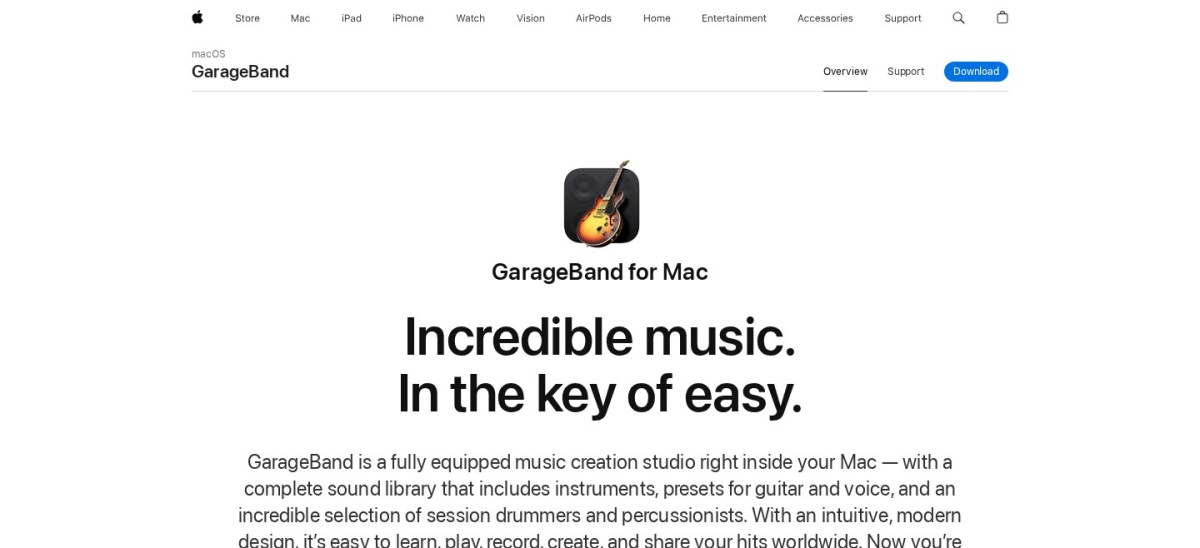
GarageBand is the obvious first stop on a Mac because it is free on the Mac App Store and made by Apple. It is a full multitrack studio with up to 255 tracks, multi-take recording, Flex Time to fix timing, a visual EQ and a virtual session drummer, plus built-in lessons for piano and guitar.
The trade off is the platform. GarageBand runs on Mac and iOS only, so Windows users need another pick. It suits Mac owners who want to record and edit music or voice in a friendly app.
Descript is the easiest way into editing for people who find waveforms confusing. It transcribes your recording, and you edit the text like a document: delete a sentence and the audio follows. Filler-word removal and Studio Sound clean up a rough recording in the same project.
The trade off is the free cap. The free plan gives 1 media hour a month, and Hobbyist costs $16 a month billed annually for 10 hours. It suits podcasters and video creators who would rather edit words than waveforms.
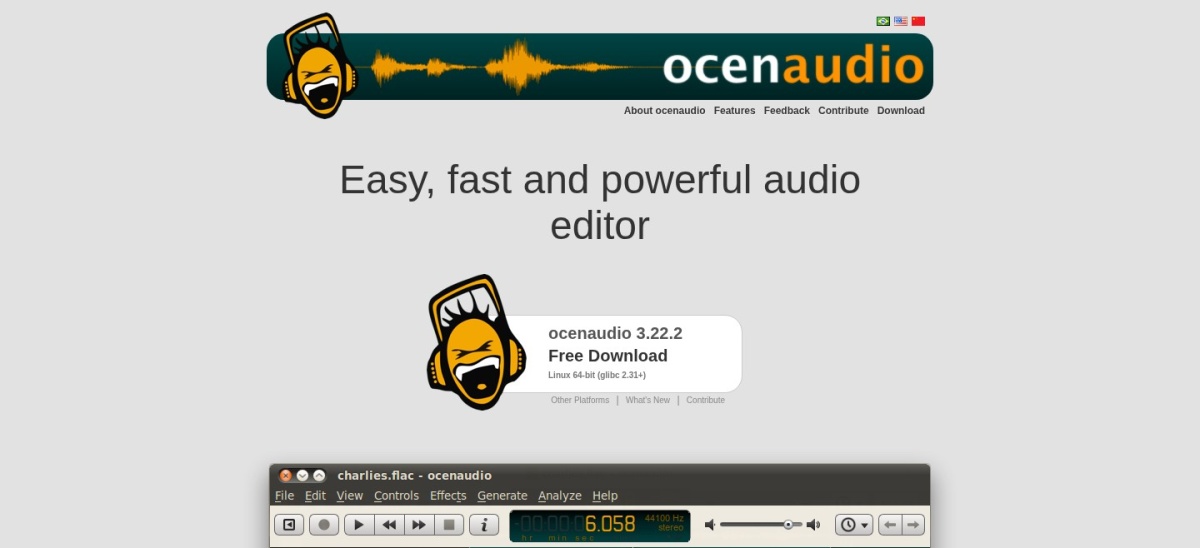
Ocenaudio is a free audio editor for quick single-file edits without a learning curve. It opens audio files fast, applies effects with live previews so you hear the result before committing, and supports VST plug-ins on Windows, macOS and Linux.
The trade off is depth. Ocenaudio is lighter than Audacity, so multitrack production and deep repair are out of reach. It suits beginners who want the simplest free editor for cuts, fades and conversions.
Podcastle is a browser-based podcast studio that covers recording, editing and publishing from one tab. It records remote interviews, cleans audio with AI, and lets beginners publish without installing software, with paid plans from $11.99 a month for Essential.
The trade off is the browser. You need a steady connection, and deep manual editing is lighter than in a desktop editor. It suits new podcasters who want everything in one place.
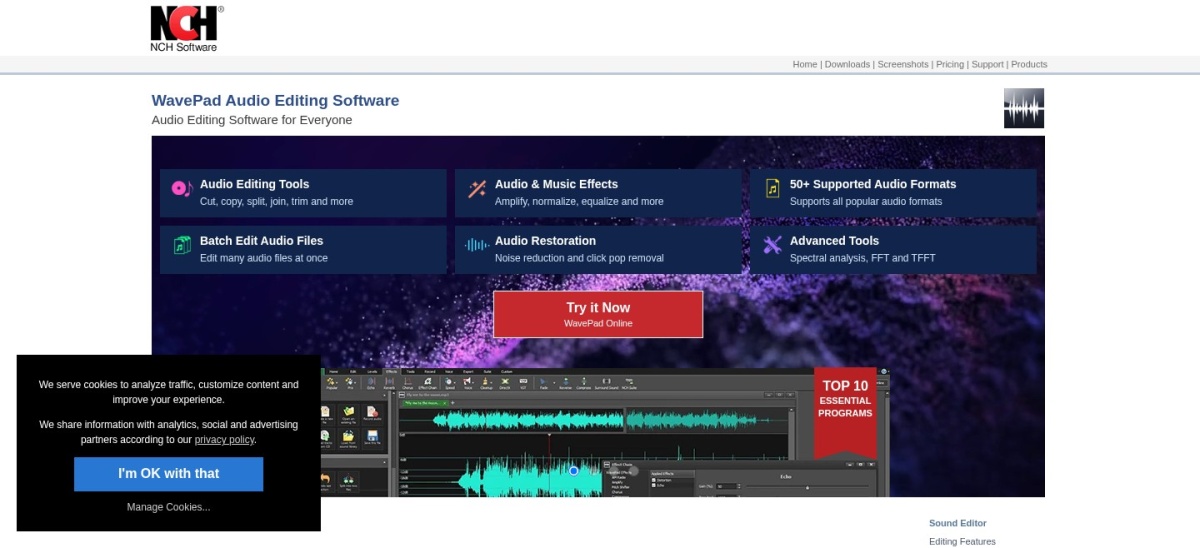
WavePad is a menu-driven audio editor for home users who want a free, familiar layout with built-in restoration tools. The free version covers non-commercial use, and the Standard Edition costs $50 a year for commercial work.
The trade off is depth. WavePad is a single-track editor at heart, so multitrack mixing is not its strength. It suits home users who want quick edits, fades and batch conversion without learning a DAW.
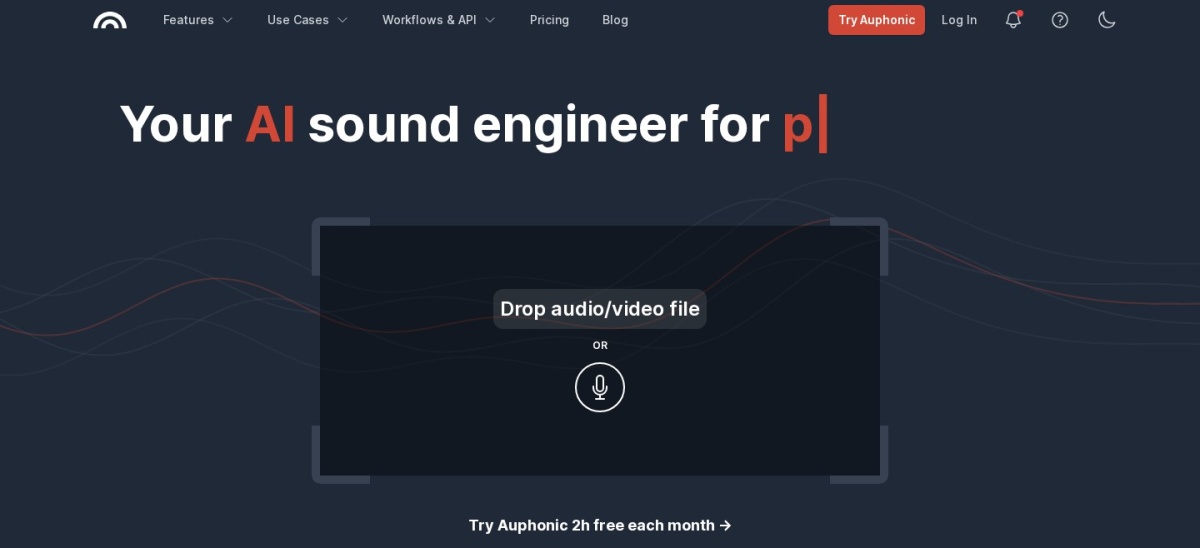
Auphonic is an automated post-production service that levels, cleans and masters podcast audio with no settings to learn. Upload a recording and it applies a noise gate, removes hum and hiss, and masters loudness to broadcast norms, with 2 free hours a month.
The trade off is control. You cannot fine-tune each step the way a manual editor allows, so unusual problems may still need Audacity. It suits new podcasters who want a finished episode without learning audio engineering.
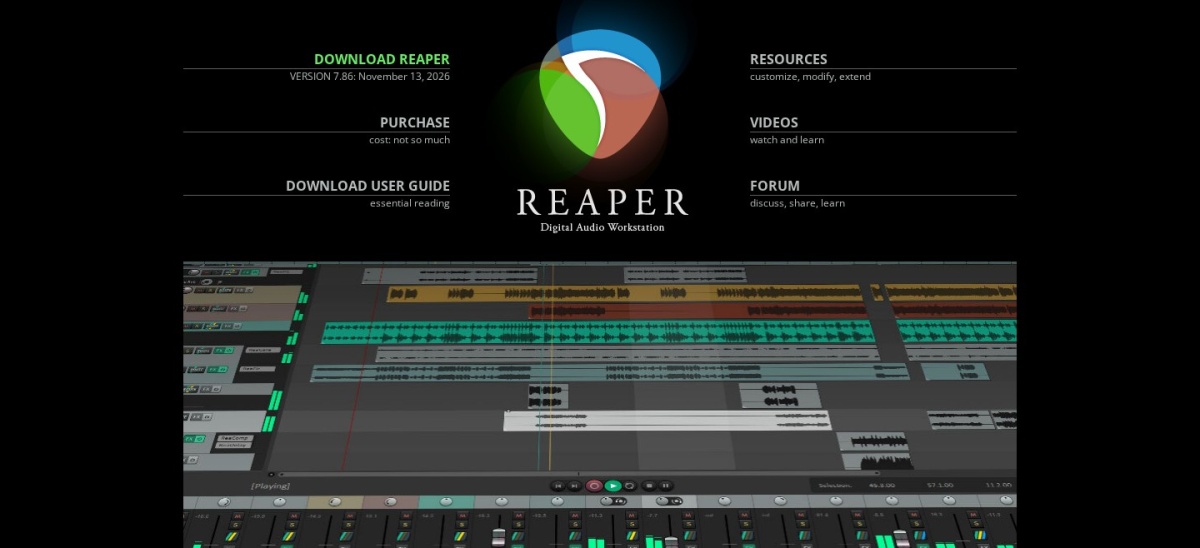
REAPER is a full multitrack recorder, editor and mixer for a one-time $60 discounted licence, with a 60-day full evaluation first. It gives beginners a professional tool that grows with them, instead of an app they outgrow in a month.
The trade off is the learning curve. REAPER is deeply customisable, so the default layout takes time to learn. It suits beginners who are ready for a full multitrack editor without a subscription.
What we like
Full DAW for $60 one-time
60-day fully featured evaluation
Grows with you, no need to switch later
Rated 4.5 out of 5 on G2
Watch out for
Steeper learning curve than Audacity
Plain interface
Few bundled virtual instruments
The $60 licence includes upgrades through version 8.99Visit reaper.fm
09
Adobe Audition
4.4/5on G2 (420 reviews, checked Nov 2026)
Starts at$22.99/mo
Best beginner editor inside Creative Cloud
Free planNo, 7-day trial
Learning curveMedium
Spectral displayYes
Paid planSingle app, $22.99/mo
adobe.com
Adobe Audition homepage, captured Nov 2026.
Adobe Audition is a professional audio editor with multitrack recording, mixing and repair tools, including noise reduction, click removal, diagnostics and a spectral display. It round-trips audio with Premiere Pro, which helps beginners who also edit video.
The trade off is price. At $22.99 a month it is the priciest beginner option here, and it is subscription-only. It suits beginners already paying for Adobe Creative Cloud who want room to grow into pro work.
What we like
Room to grow into pro work
Spectral display for repair
Pairs with Premiere Pro
Rated 4.4 out of 5 on G2 from 420 reviews
Watch out for
Most expensive pick here
Subscription only, no one-time licence
Learning curve for complete beginners
Creative Cloud All Apps bundles it with Premiere ProVisit adobe.com
Your first year can cost $0
A beginner who edits a weekly podcast for a year pays $0 with Audacity, GarageBand or Ocenaudio, and $0 with WavePad for home use.
Descript costs $0 for 1 media hour a month, then $192 a year on Hobbyist, while Podcastle starts at about $144 a year and Auphonic at $132 a year.
The only paid leap worth making early is REAPER at $60 once, and only when you want multitrack production that the free editors cannot do.
How we chose
We started from the audio editors that appear most often in 2026 beginner guides, then kept the nine with the clearest pricing and the gentlest learning curves.
Prices come from each vendor pricing page and from G2 and Capterra listings checked on 22 November 2026. Ratings come from G2 or Capterra on the same day. Where a vendor shows a sale, the list shows the regular price.
We left out tools with no public price and no review base. No vendor paid for a place. This list is based on pricing, docs and reviews, not on using the tools ourselves.
How to choose audio editing software for beginners
Start free, learn the core skills, and pay only when a free editor blocks you.
Start free. Audacity, Ocenaudio and GarageBand cost nothing. Learn cutting, fades and noise reduction before you pay for anything.
Pick your editing style. If waveforms confuse you, try Descript or Podcastle first. If you like timelines, Audacity or GarageBand will feel natural.
Check the free limits. Descript gives 1 media hour a month free, Auphonic gives 2 hours, and Podcastle has a free tier. Make sure the cap covers your episodes.
Pay for a reason, not for features. Buy REAPER at $60 once when you need multitrack production, or Descript when transcript editing saves you hours each week.
FAQ
What is the best audio editing software for beginners?
Audacity is the best free start on any computer, with multitrack editing, noise reduction and exports to MP3 and WAV at no cost. GarageBand is the best free start if you own a Mac.
Is Audacity good for beginners?
Yes. It is free, runs on Windows, macOS and Linux, and covers the core jobs: cutting mistakes, trimming silence, fading in and out, and removing hiss. Thousands of tutorials cover every task.
What is the easiest audio editor to learn?
Descript is the easiest, because you edit audio by editing a transcript. Podcastle is close behind, with recording, editing and publishing in one browser tab.
Do I need to pay for audio editing software?
No. Audacity, GarageBand, Ocenaudio and WavePad for home use all cost $0, and they cover most beginner podcast and voiceover work. Pay only when a free editor blocks you.
Is GarageBand enough for a podcast?
Yes, for most shows. It records multiple tracks, edits voice, adds music and exports finished episodes, and projects open directly in Logic Pro when you outgrow it.
How much does Descript cost for beginners?
Descript is free for 1 media hour a month. Hobbyist costs $16 a month billed annually for 10 media hours, which covers a weekly short podcast.