Best Audio Cleaning Software in 2026: 7 Tools Compared
WLWPLegible EditorsLast verified 22 Nov 2026How we rank10 min read
★ Short answer
Adobe Podcast is the best audio cleaning software for most creators. Its Enhance Speech tool cleans a noisy voice recording in the browser, with a free tier, rated 4.7 out of 5 on G2. Pick iZotope RX for deep repair and Krisp for live calls.
How we make this list: we compare pricing pages, product documentation and public user reviews, then re-check every price before each update. No product paid for a place. Disclosure.
Adobe Podcast cleans a voice recording in the browser with a free tier, and paid features now sit in Firefly Pro at $19.99 a month.
iZotope RX is the repair standard, with Elements at $99 one-time and Advanced at $1,399 one-time.
Krisp removes noise from live calls for $8 a month billed annually, and it is rated 4.7 out of 5 on G2 from 1,598 reviews.
Audacity costs $0 and covers the basics, though its noise removal takes manual work.
Auphonic automates levelling and loudness for $11 a month, with 2 free hours every month.
What audio cleaning software should fix
Audio cleaning splits into two jobs. Offline tools fix files you already recorded, while real-time tools clean your mic during a live call or stream, and the two do not overlap.
For recorded audio, decide how much control you need. AI tools such as Adobe Podcast fix a voice in one click, while manual tools such as Audacity and RX reward learning with finer control.
For live calls, the choice is simpler. Krisp works on any machine and cleans audio as it happens.
Whatever you buy, record as cleanly as you can first. Our guide on hosting a podcast with WordPress is a reminder that mic placement beats any repair tool.
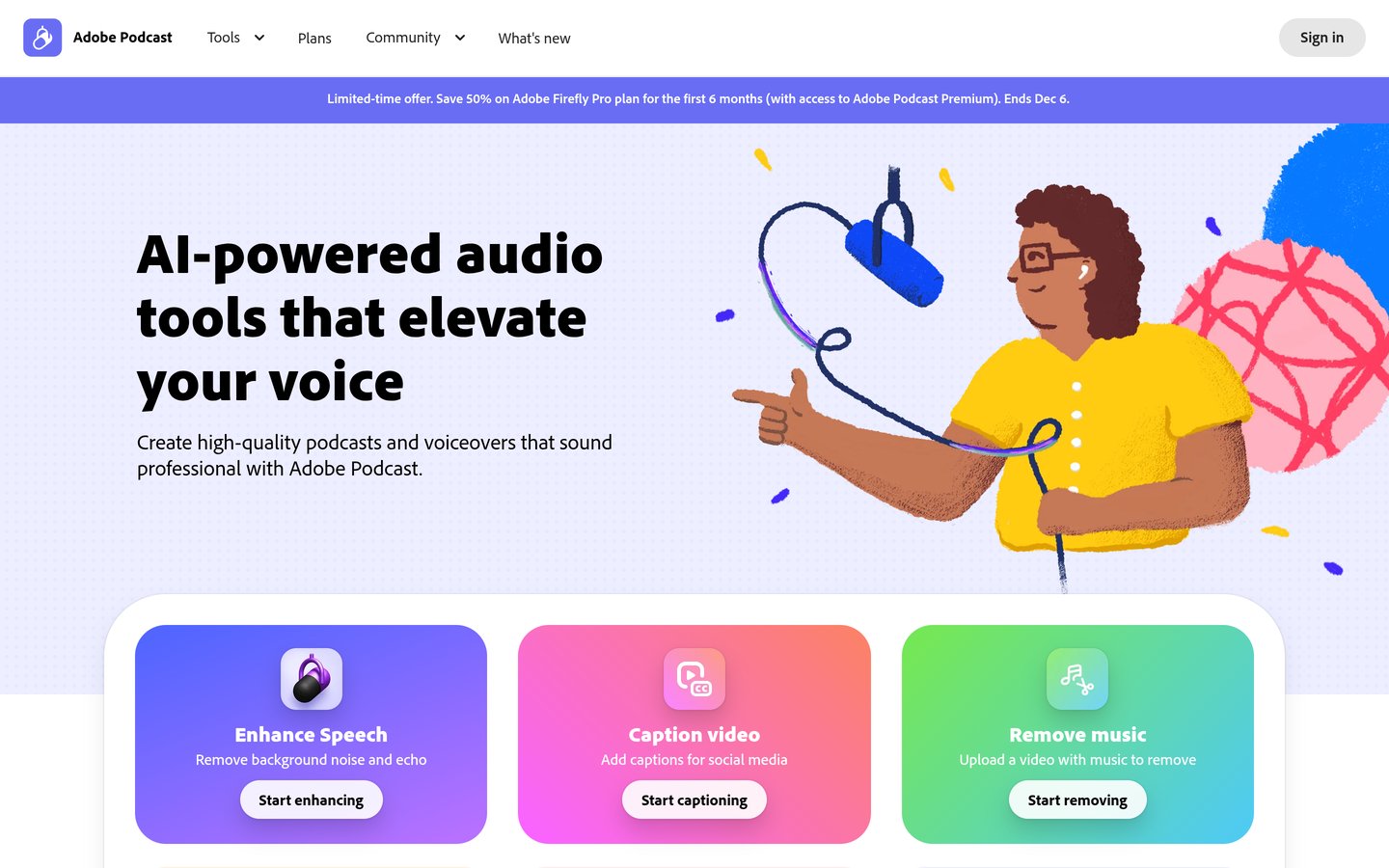
Adobe Podcast is the fastest way to rescue a noisy voice recording. Upload a file to Enhance Speech in your browser and the AI strips out background noise and room echo, returning audio that sounds close to a studio recording.
The trade off is control. The free tier caps files at 30 minutes and 1 hour a day, and pushing the strength slider too far can make voices sound overprocessed. It suits podcasters and creators who want a quick fix without installing anything.
What we like
One-click cleanup, no install
Free tier for short recordings
Startling results on laptop-mic audio
Rated 4.7 out of 5 on G2
Watch out for
Speech only, not music
Free tier caps at 1 hour a day
Paid features now sit in Firefly Pro at $19.99 a month
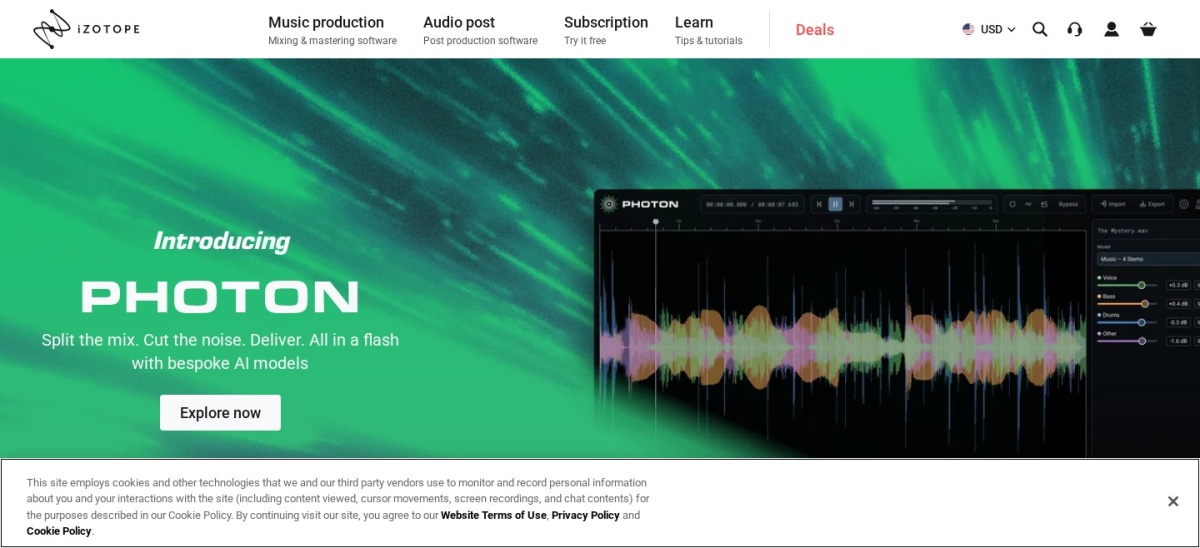
iZotope RX is the tool post-production engineers reach for when audio has to be saved. RX 12 Elements costs $99 as a one-time purchase and gives six repair plug-ins, while Standard at $399 adds the editor and the full module set for hiss, hum, clicks, clipping and reverb.
The trade off is depth and price. RX is overkill for a simple podcast hum, and the full Advanced edition costs $1,399 one-time. It suits engineers and post teams that repair audio for a living.
What we like
Industry-standard repair quality
Spectral editor for surgical fixes
AI Repair Assistant
One-time licence, no subscription
Watch out for
Expensive at the top editions
Steep learning curve
Overkill for simple cleanup jobs
Standard adds the editor and full module set at $399 one-timeVisit izotope.com
03
Krisp
4.7/5on G2 (1,598 reviews, checked Nov 2026)
Paid from$8/mo
Best real-time noise removal for calls
Free planYes, 60 minutes a day
Runs onZoom, Teams, Meet, more
ProcessingOn-device
Paid planPro, $8/mo billed annually
krisp.ai
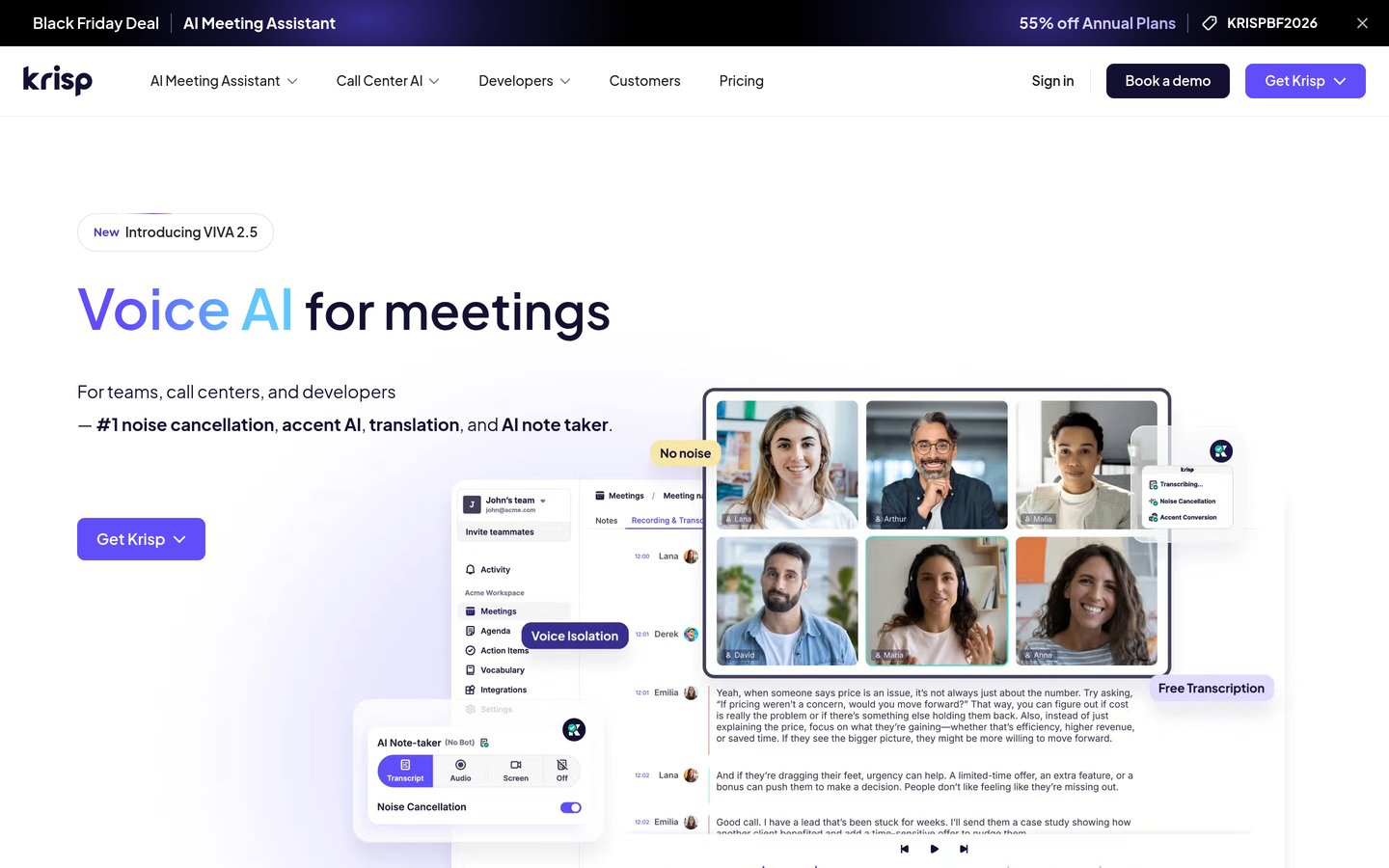
Krisp homepage, captured Nov 2026.
Krisp is a real-time noise cancellation app that sits between your microphone and your calling apps. It removes background noise, voices and echo from both sides of a call, and processing happens on your device, so it works with Zoom, Teams, Meet and any app that takes an audio input.
The trade off is that it is a live tool only. Krisp cannot fix a file you already recorded, and the free plan caps at 60 minutes a day. It suits remote workers who need quiet calls on every meeting app.
What we like
Works with any conferencing app
Removes noise from both sides of the call
On-device processing
Rated 4.7 out of 5 on G2 from 1,598 reviews
Watch out for
Cannot fix recorded files
Subscription pricing, $16 a month month-to-month
Adds meeting features some users do not need
Pro adds unlimited minutes and AI meeting notesVisit krisp.ai
04
Audacity
4.5/5on G2 (459 reviews, checked Nov 2026)
PriceFree
Best free audio cleaning software
Free planYes, open source
Noise reductionProfile-based
PlatformsWindows, macOS, Linux
Paid planNone
audacityteam.org
Audacity homepage, captured Nov 2026.
Audacity is the classic free workflow for cleaning a recording by hand. Its Noise Reduction effect captures a noise profile from a quiet section, then subtracts that signature from the whole track, and the spectrogram view helps with surgical edits.
The trade off is time. Manual cleanup is slow next to one-click AI tools, and it is easy to over-process and add artifacts. It suits beginners and budget creators who want full control at zero cost.
Descript is a podcast and video editor that cleans audio where you edit it. Studio Sound is a toggle with an intensity slider in the same window where you cut words, and it costs at most 30 AI credits per file on the Hobbyist plan at $16 a month billed annually.
The trade off is dependence on the cloud. Descript needs internet to work, and the free plan gives only 1 media hour a month. It suits podcasters who edit by reading a transcript and want cleanup in the same project.
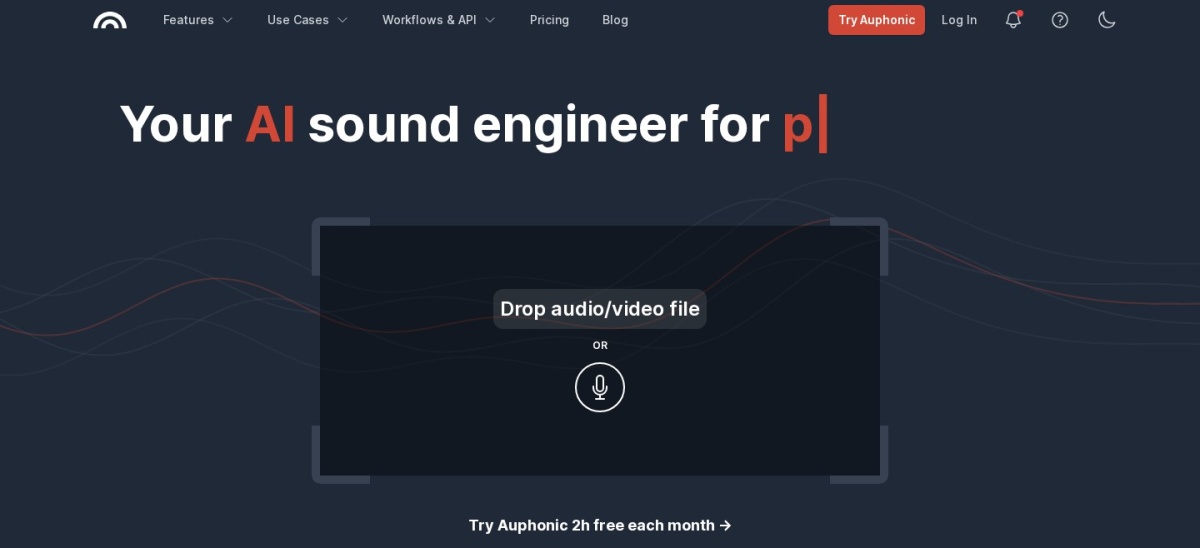
Auphonic is an automated audio post-production service for podcasts and broadcasters. It levels volume, applies a noise gate, removes hum and hiss, and masters loudness to broadcast norms, with 2 free hours a month before paid plans start at $11 a month.
The trade off is automation. You get little manual control over each step, so a recording with an unusual problem may still need a manual editor. It suits podcasters who want a finished, level episode without touching settings.
Adobe Audition is a professional audio editor with multitrack recording and mixing alongside repair tools. Noise reduction, click removal, diagnostics and a spectral display rescue recordings other tools cannot, and it round-trips audio with Premiere Pro.
The trade off is that it is a manual tool in an AI era. You do the work yourself, and it is subscription-only at $22.99 a month with no perpetual licence. It suits video editors and podcasters already inside Adobe Creative Cloud.
What we like
Deep manual repair tools
Spectral frequency display
Multitrack mixing and diagnostics
Rated 4.4 out of 5 on G2 from 420 reviews
Watch out for
Subscription only, no one-time licence
Learning curve for beginners
Manual work where AI tools are faster
Creative Cloud All Apps bundles it with Premiere ProVisit adobe.com
Live cleanup or file repair: decide first
Live tools clean audio as it happens. Krisp sits on your mic during calls and streams, and it cannot fix a file you recorded yesterday.
File tools fix recordings after the fact. Adobe Podcast, RX, Audacity, Descript, Auphonic and Audition all work on files, at very different prices.
Many creators need one of each. A podcaster might record with Krisp on, then run the file through Auphonic for levelling, and keep RX for the one episode that needs rescue.
How we chose
We started from the audio cleaning tools that appear most often in 2026 buyer guides, then kept the seven with the clearest pricing and the widest use across podcasters, engineers and remote workers.
Prices come from each vendor pricing page and from G2 and Capterra listings checked on 22 November 2026. Ratings come from G2, Capterra, Trustpilot or Equipboard on the same day. Where a vendor shows a sale, the list shows the regular price.
We left out tools with no public price and no review base. No vendor paid for a place. This list is based on pricing, docs and reviews, not on using the tools ourselves.
How to choose audio cleaning software
Start with whether the noise is live or already recorded, then pick the tool for that job.
Decide live or recorded. Live calls and streams need Krisp. Recorded podcasts and voiceovers need Adobe Podcast, RX, Audacity or Auphonic.
Try the free option first. Audacity and Adobe Podcast both cost $0 to try. Learn what your recordings actually need before paying.
Match depth to the problem. A hum or hiss suits a one-click tool. Clicks, clipping and reverb need RX or Audition, and a full episode suits Auphonic.
Check the price model. One-time licences such as RX at $99 cost once, while Krisp, Descript and Audition charge every month.
FAQ
What is the best free audio cleaning software?
Audacity is the best free tool for fixing recorded files, and Adobe Podcast Enhance Speech is the best free one-click browser cleaner.
Can software fix a recording with heavy background noise?
AI tools such as Adobe Podcast can rescue surprisingly bad recordings, but nothing recovers audio where the voice is buried. Prevention with a decent mic and a quiet room still beats repair.
What is the difference between noise reduction and restoration?
Noise reduction targets one problem, usually background noise. Restoration covers the full toolkit: hum, clicks, clipping, reverb and de-essing, as in iZotope RX.
Do I need a DAW to use these tools?
No. Adobe Podcast, Auphonic and Descript work without a DAW, and Audacity is a free editor on its own.
How much does iZotope RX cost?
RX 12 Elements costs $99 as a one-time purchase, Standard costs $399, and Advanced costs $1,399. Elements covers the most common repairs for most creators.