Jibble is the best free attendance software for most teams, with a free plan for unlimited users that includes GPS clock-in, face recognition and automatic timesheets, rated 4.7 out of 5 on G2. Pick Connecteam if a small team also needs scheduling and chat, or Homebase for hourly staff at a single location.
How we make this list: we compare pricing pages, product documentation and public user reviews, then re-check every price before each update. No product paid for a place. Disclosure.
Jibble is the only tool here that is free for unlimited users with GPS, face recognition and a kiosk included.
Connecteam and Homebase are the best free picks for small teams, both free up to 10 users with scheduling built in.
Clockify and TimeCamp have the cheapest paid upgrades at $3.99 a month, but TimeCamp's free plan covers unlimited users.
busybusy is the strongest free option for construction crews, with GPS hours by job and cost code at no cost.
Zoho People, actiTIME and Toggl Track cap their free plans at 3 to 5 users, so they fit tiny teams only.
What free attendance software should cover
Free attendance software should do one job well: record who showed up, when, and where, then turn those punches into a timesheet payroll can use.
The free plans in this list differ mainly in their caps. Jibble and TimeCamp cover unlimited users, while Connecteam, Homebase and Zoho People stop at 5 to 10, so check the cap before you roll a tool out to a whole team.
GPS and face checks matter for field teams. If staff work away from the office, a phone clock-in with a location stamp stops most buddy punching, while office teams can skip that and use a kiosk or a web timer.
Scheduling and attendance belong together. A clock-in only makes sense against a shift, so a tool that pairs the time clock with schedules saves more admin time than a clock alone.
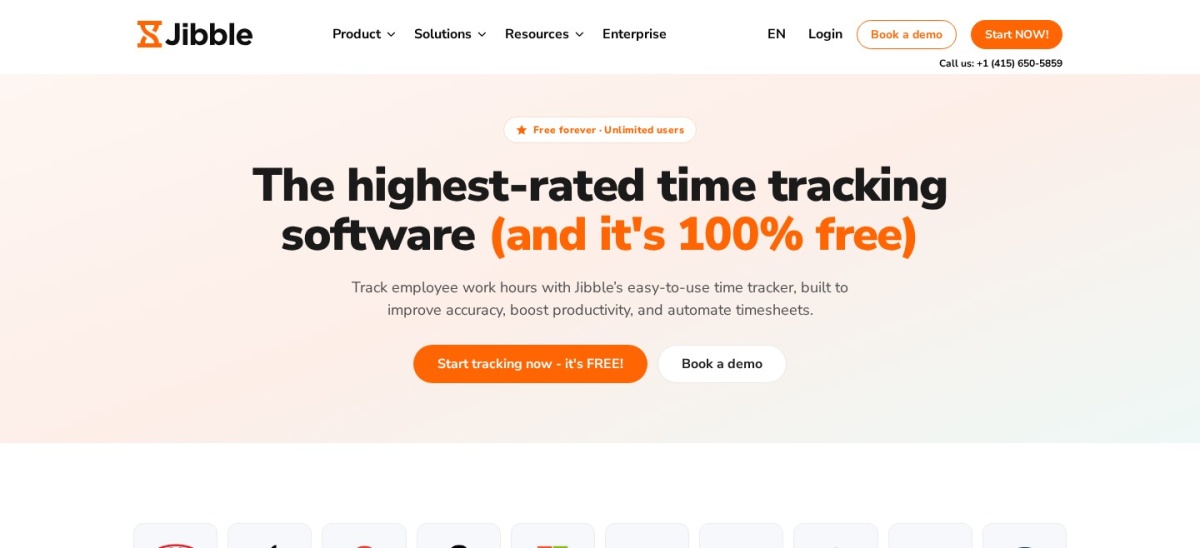
Jibble is a time and attendance tracker built around clock-ins from phones, the web, a shared kiosk, Slack or Teams. The free plan covers unlimited users and includes GPS location stamps, face recognition, selfie capture, offline clock-in, overtime rules and automatic timesheets.
The trade off is the free plan's caps. It allows 2 geofences, 1 work schedule, 1 admin and 1 kiosk, and paid prices are not listed on the pricing page, so larger teams must ask for a quote. It suits any team that wants a full free time clock without a user limit.
What we like
Free for unlimited users
GPS and face recognition included free
Offline clock-in syncs later
Rated 4.7 out of 5 on G2 from 579 reviews
Watch out for
Free plan caps geofences, schedules and kiosks
Paid prices are not published
No built-in payroll, only exports
Paid plans add more locations, schedules and live trackingVisit jibble.io
02
Connecteam
4.6/5on G2 (3,506 reviews, checked Nov 2026)
Paid from$29/mo
Best free all-in-one employee app
Free usersUp to 10
GPS time clockYes
SchedulingYes, on free plan
Paid planOperations Basic, $29/mo
connecteam.com
Connecteam homepage, captured Nov 2026.
Connecteam is an employee app for deskless teams that puts a GPS time clock beside scheduling, team chat, forms and basic HR in one mobile app. The free Small Business plan covers up to 10 users with every hub and feature, including the time clock and scheduling.
The trade off is hub pricing. Once a team passes 10 users, each hub costs $29 a month on yearly billing for the first 30 users, so running all three hubs costs $87 a month. It suits small frontline teams that want attendance, scheduling and chat in one app.
What we like
Free plan includes every hub for up to 10 users
GPS time clock with scheduling built in
Team chat and forms in the same app
Rated 4.6 out of 5 on G2 from 3,506 reviews
Watch out for
Paid plans are priced per hub, not per app
Geofencing needs a paid tier
Costs jump sharply past 10 users
Operations Basic adds geofencing and advanced scheduling at $29 a monthVisit connecteam.com
03
Homebase
4.6/5on G2 (586 reviews, checked Nov 2026)
Paid from$24/mo
Best for hourly teams at one location
Free usersUp to 10, 1 location
Time clockPhone, tablet or POS
SchedulingYes, on free plan
Paid planEssentials, $24/mo annual
joinhomebase.com
Homebase homepage, captured Nov 2026.
Homebase is a team app for hourly, shift-based businesses that turns any phone, tablet or POS device into a time clock. The free Basic plan covers one location and up to 10 employees with scheduling, time tracking, team messaging and timesheets.
The trade off is the location model. Essentials costs $24 a month per location on yearly billing ($30 monthly) and adds GPS tracking, late alerts and attendance reports, while payroll is a $49-a-month add-on. It suits restaurants, retail shops and clinics with hourly staff at one site.
Clockify is a time tracker from CAKE.com that records hours with a timer, a weekly timesheet, a calendar view or a kiosk clock-in. The free plan covers up to 5 users with unlimited projects and tracking on web, desktop and mobile apps.
The trade off is that attendance and overtime sit on the Standard plan at $5.49 a month, and free reports only cover 31 days with PDF export only. It suits tiny teams and freelancers who mainly need hours logged against projects.
What we like
Free plan with unlimited tracking and projects
Simple timer, timesheet and kiosk clock-in
Paid plans start at $3.99 a month
Rated 4.5 out of 5 on G2 from 203 reviews
Watch out for
Attendance and overtime need the Standard plan
Free reports cover only 31 days
Free plan now caps at 5 users
Standard adds attendance, overtime and approvals at $5.49 a monthVisit clockify.me
05
TimeCamp
4.7/5on G2 (392 reviews, checked Nov 2026)
Paid from$3.99/mo
Best free plan for billing hours
Free usersUnlimited
Automatic trackingYes, keyword-based
AttendanceStarter plan
Paid planStarter, $3.99/mo
timecamp.com
TimeCamp homepage, captured Nov 2026.
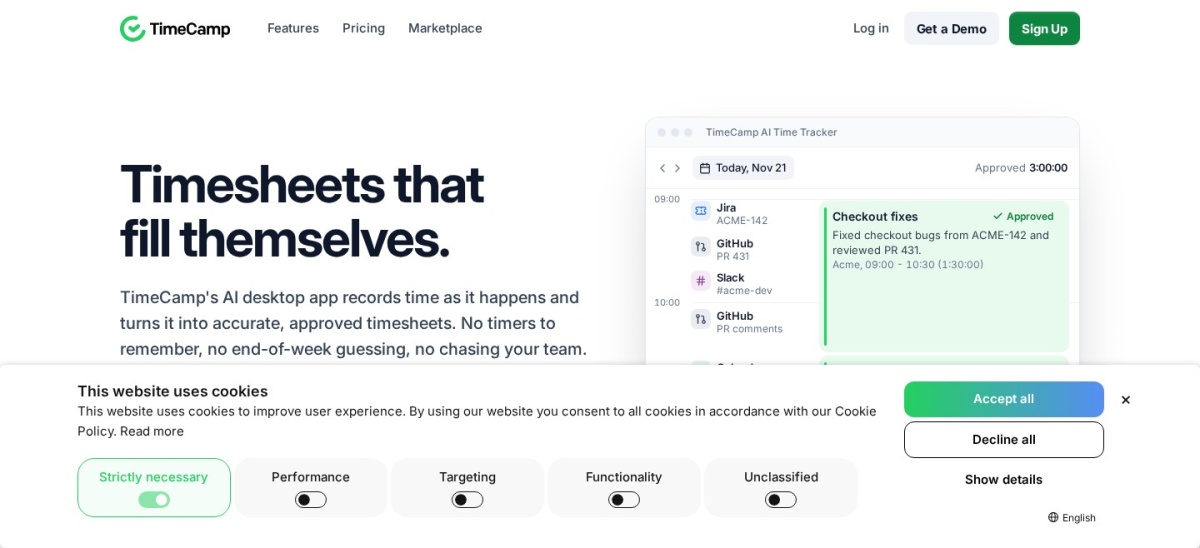
TimeCamp is a time tracking platform that records work automatically in the background and turns it into timesheets, invoices and budgets. The free plan covers unlimited users and projects with the AI time tracker, timesheets and desktop and mobile apps.
The trade off is that attendance, overtime and time off start on the Starter plan at $3.99 a month, so the free plan tracks time but not presence. It suits teams that bill hours and want attendance in the same app once they pay.
What we like
Free plan for unlimited users and projects
Automatic tracking with no timers to start
Invoicing and budgets on paid plans
Rated 4.7 out of 5 on G2 from 392 reviews
Watch out for
Attendance is not on the free plan
Geofencing sits on the Enterprise plan
Setup of keyword rules takes time
Starter adds attendance, overtime and time off at $3.99 a monthVisit timecamp.com
06
busybusy
4.8/5on G2 (158 reviews, checked Nov 2026)
Paid from$9.99/mo
Best free GPS clock for construction
Free usersUnlimited
GPS clock-inYes
Job costingYes, on free plan
Paid planPro, $9.99/mo
busybusy.com
busybusy homepage, captured Nov 2026.
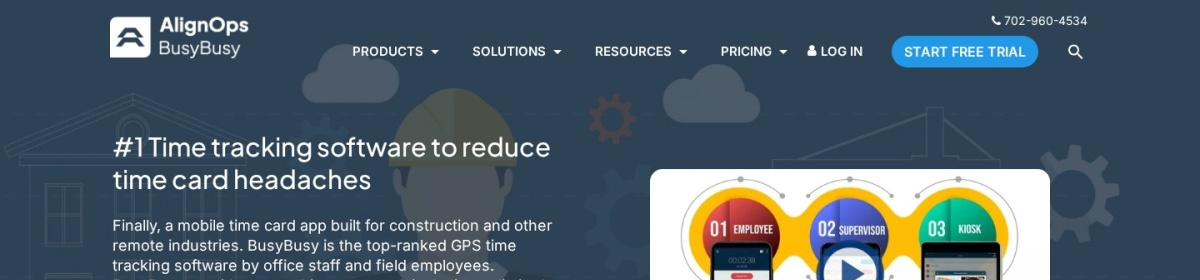
busybusy is a GPS time tracking app for construction and field crews that logs hours by job and cost code. The free plan covers unlimited users with GPS clock-in and clock-out, job costing, equipment tracking and offline mode.
The trade off is the admin licence. Pro costs $9.99 a month per user on yearly billing plus a $40-a-month admin licence, and geofence verification and scheduling are paid features. It suits small crews that want free GPS hours tied to jobs.
What we like
Free GPS clock-in for unlimited users
Job costing and equipment hours included free
Offline mode for sites with no signal
Rated 4.8 out of 5 on G2 from 158 reviews
Watch out for
Pro adds a $40-a-month admin licence
Geofence verification needs Pro
Built for construction, not office teams
Pro adds scheduling, geofences and supervisor tools at $9.99 a monthVisit busybusy.com
07
Zoho People
4.4/5on G2 (408 reviews, checked Nov 2026)
Paid from$2/mo
Best free HR core for tiny teams
Free usersUp to 5
AttendanceProfessional plan
Leave trackingYes, on free plan
Paid planProfessional, $2/mo
zoho.com
Zoho People homepage, captured Nov 2026.
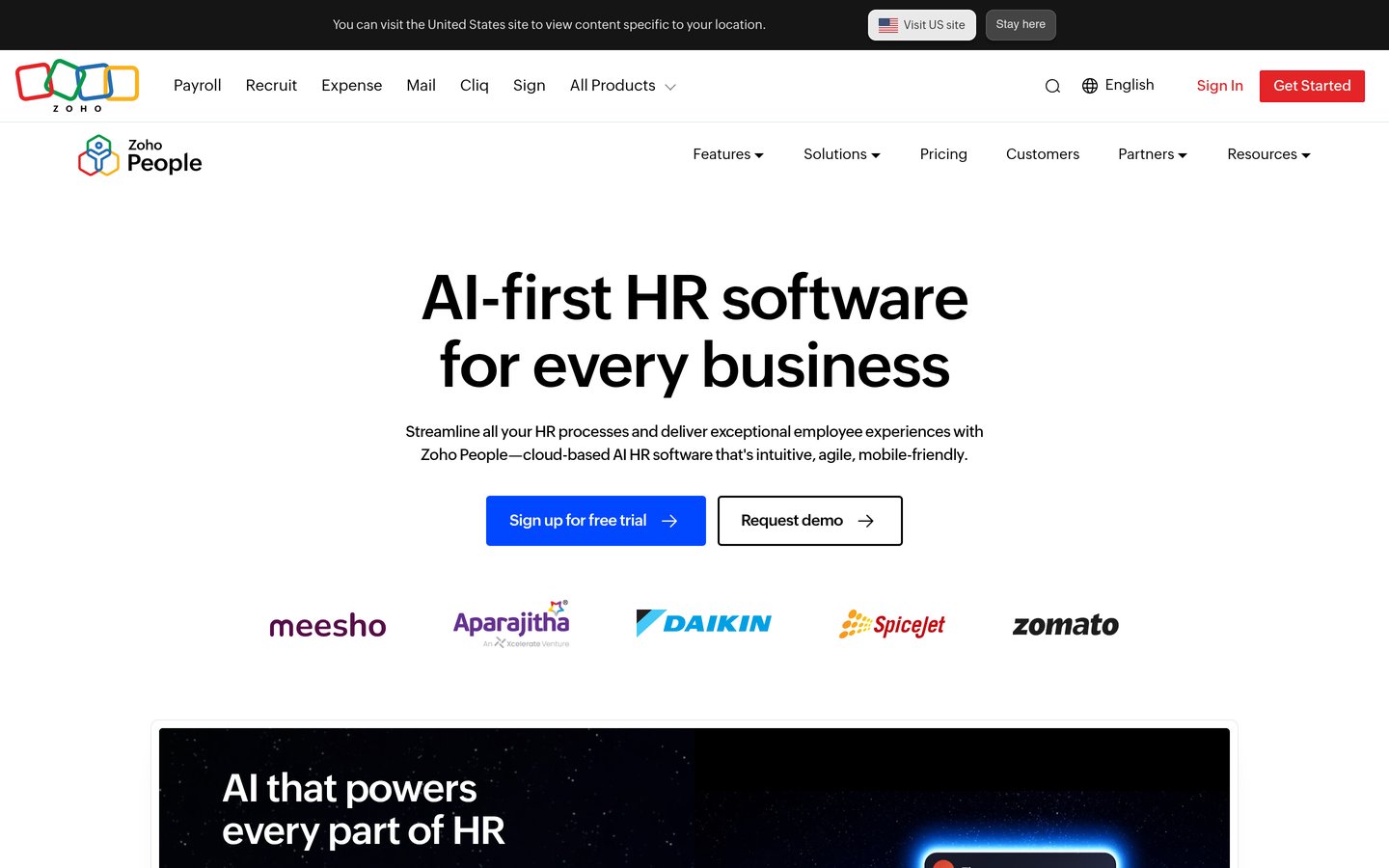
Zoho People is a cloud HR system that holds employee records, leave, documents, shifts and performance in one place. The free plan covers up to 5 users with an employee database, leave tracking and document storage.
The trade off is that attendance, timesheets and rosters start on the Professional plan at $2 a month per user on yearly billing, so the free plan is HR records, not a time clock. It suits small teams already using other Zoho apps.
What we like
Free HR core for up to 5 users
Very low paid prices from $1.25 a month
Connects with the wider Zoho suite
Rated 4.4 out of 5 on G2 from 408 reviews
Watch out for
Attendance needs the Professional plan
Setup feels busy at first
Payroll is sold separately
Professional adds attendance, timesheets and rosters at $2 a monthVisit zoho.com
08
actiTIME
4.6/5on G2 (50 reviews, checked Nov 2026)
Paid from$6/mo
Best free timesheets for billing hours
Free usersUp to 3
TimesheetsYes, on free plan
Leave managementPaid plan
Paid planOnline, $6/mo
actitime.com
actiTIME homepage, captured Nov 2026.
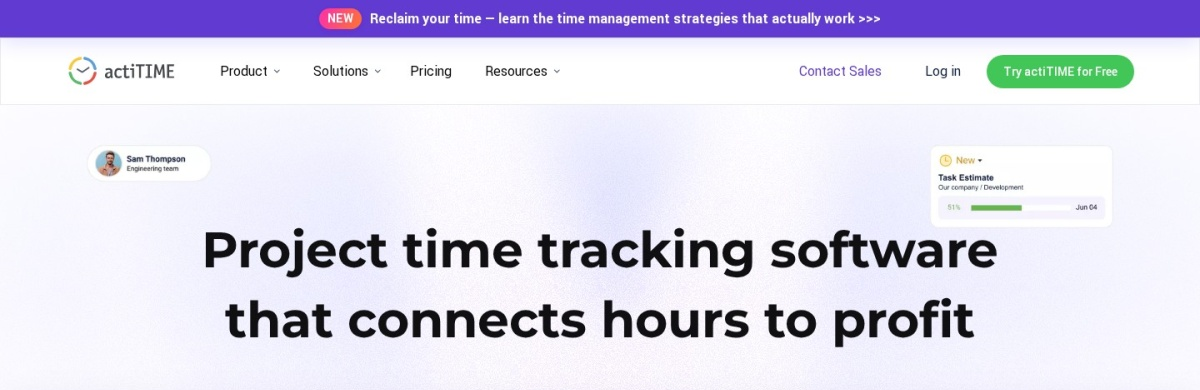
actiTIME is timesheet software that ties tracked hours to projects, tasks and costs. The free version covers up to 3 users with online timesheets, task deadlines, billing rates, charts and a mobile app.
The trade off is scope. Approvals, overtime, leave management and the QuickBooks integration need the Online plan at $6 a month per user on yearly billing, and there is no GPS clock-in. It suits tiny project teams that bill by the hour.
Toggl Track is a simple time tracker with one-click timers on web, desktop and mobile, plus tasks, boards and reports. The free plan covers up to 3 users with unlimited tracking, a Pomodoro timer and idle detection.
The trade off is attendance depth. There is no GPS clock-in, kiosk or shift scheduling, and Starter costs $9 a month per user on yearly billing for billable rates and team reports. It suits freelancers and tiny teams that only need hours logged.
What we like
Fast one-click timers on every device
Free plan with unlimited tracking
Calendar integrations included free
Rated 4.6 out of 5 on G2 from 1,589 reviews
Watch out for
No GPS clock-in or kiosk mode
No scheduling or shift tools
Free plan covers only 3 users
Starter adds billable rates and team reports at $9 a monthVisit toggl.com
Free vs paid: what you give up
Free plans cover clock-ins, timesheets and basic reports well. Most include a mobile app and a way to export hours for payroll.
Paid plans mostly add caps, controls and proof. You get more geofences, more schedules, GPS verification, attendance reports and approvals.
If you run a WordPress site as well, our guide on lifetime plugin licences explains when paying once beats paying monthly.
For a team of 10 or fewer, a free plan often covers everything. Once you pass the free cap or need attendance reports, the cheapest paid step is $2 to $4 a month per user.
How we chose
We started from the attendance and time tracking tools with free plans on G2 and Capterra, then kept those with a real free tier rather than a trial only.
Prices come from each vendor's pricing page, checked on 24 November 2026. Ratings and review counts come from G2 on the same day. Where a vendor shows a sale, the list shows the regular price. Jibble does not publish paid prices, so it is listed at $0 with that gap noted.
We left out tools with no free plan, such as Hubstaff and Deputy, which offer a 14-day trial only. No vendor paid for a place, and we do not claim hands-on testing for this list.
How to choose free attendance software
Start with your team size and where people work, then check the free cap.
Count the people who will clock in. Free caps run from 3 users to unlimited. Pick a tool whose free plan covers your whole team, not just a trial group.
Decide how clock-ins should be verified. Field teams need GPS or face checks; office teams can use a kiosk or a web timer. Do not pay for verification you will not use.
Check what the free plan leaves out. Attendance reports, overtime rules and approvals often sit on paid tiers. List the three features you need before you compare prices.
Run it with one team first. Set up a single team or location, check the timesheets against payroll for two weeks, then roll it out wider.
FAQ
What is the best free attendance software?
Jibble is the best free option for most teams. Its free plan covers unlimited users with GPS clock-in, face recognition, a shared kiosk and automatic timesheets, and it is rated 4.7 out of 5 on G2.
Is there really free attendance software for unlimited users?
Yes. Jibble and TimeCamp both offer free plans for unlimited users, and busybusy is free for unlimited users too. TimeCamp's free plan does not include attendance itself, so Jibble and busybusy are the fuller free picks.
What is the cheapest paid attendance software?
Zoho People is the cheapest paid step here at $2 a month per user for the Professional plan, which adds attendance. Clockify and TimeCamp start at $3.99 a month, though Clockify's attendance features need its $5.49 Standard plan.
Do I need GPS tracking for attendance?
Only for field teams. GPS stamps and geofences prove where a clock-in happened, which matters for construction, delivery and home-care crews. Office and remote teams can use a kiosk, a web timer or a mobile app without GPS.
Can free attendance software handle payroll?
It can feed payroll, but none of these tools run payroll itself. They export approved timesheets to payroll tools such as QuickBooks, Xero or Gusto, and Homebase offers payroll as a paid add-on.
What is the catch with free attendance plans?
Free plans cap users, locations or features. Jibble limits geofences and schedules, Connecteam and Homebase stop at 10 users, and several tools keep attendance reports and approvals on paid tiers.
SaaS SEO and WordPress specialist with about 8 years of experience. Rakib compares WordPress plugins, themes, hosting and software using public pricing, documentation and user reviews. See how we rank.