Best Artificial Intelligence Apps in 2026: 9 Tools Compared
WLWPLegible EditorsLast verified 22 Nov 2026How we rank14 min read
★ Short answer
ChatGPT is the best artificial intelligence app for most people. Plus costs $20 a month and covers writing, research, images, voice and coding in one app, with the widest ecosystem of custom GPTs. Pick Claude for long documents and Perplexity for answers with sources.
How we make this list: we compare pricing pages, product documentation and public user reviews, then re-check every price before each update. No product paid for a place. Disclosure.
Four of the nine apps charge $20 a month or $19.99, so price alone rarely decides between ChatGPT, Gemini, Perplexity and Copilot.
ChatGPT Plus at $20 a month covers writing, research, images, voice and coding in one app.
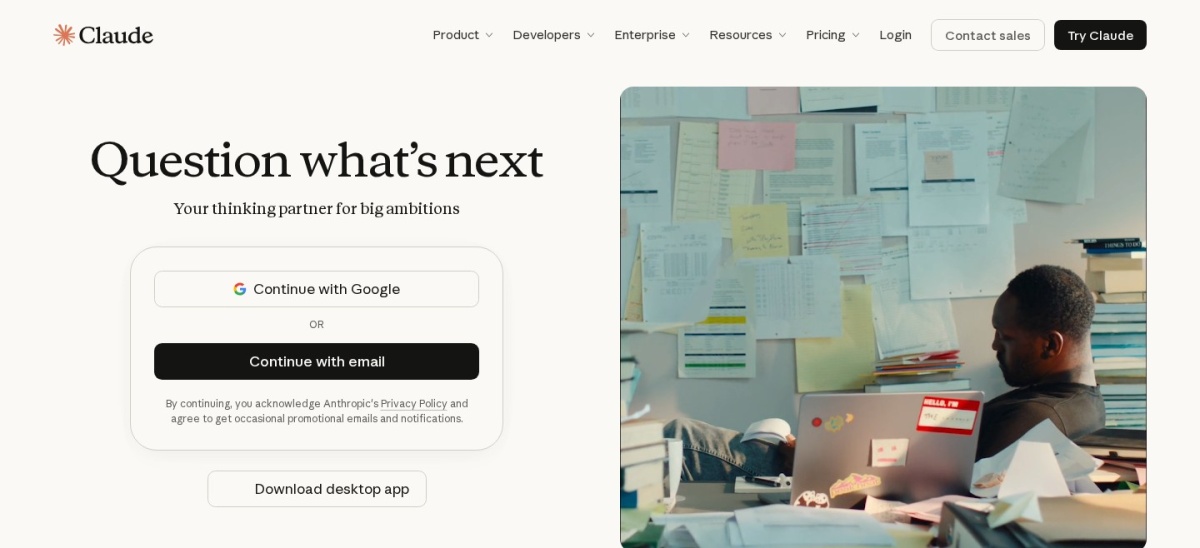
Claude Pro at $17 a month billed annually is the writing pick, with the cleanest long-form text and a large context window.
Perplexity Pro at $20 a month is the research pick, with citations and footnotes on every answer.
DeepSeek is the only fully free app here, while Grok SuperGrok at $30 a month is the priciest mainstream plan.
Why most AI apps cost $20, and what sets them apart
Most AI apps now look similar on the surface: a chat box, a free tier and a $20 a month plan. The real differences are the model behind it, what it can do beyond text, and where its answers come from.
Free tiers are useful, but they limit daily use and usually run smaller models. The $20 plans unlock the flagship model, higher limits and features such as deep research, file analysis and image generation.
Research is where the apps split most. Perplexity cites sources on every answer, Gemini searches with Google built in, and ChatGPT and Claude now search the web too, but with different habits.
Privacy and data use also differ. Some apps train on your chats by default, others offer business tiers with no training, so check the data policy before pasting sensitive work.
ChatGPT is the default AI app for most people, and Plus at $20 a month is the plan most users land on. It covers writing, research, images, voice mode, data analysis and custom GPTs in one app, with a reasoning model, expanded image generation, limited deep research and the Codex coding agent.
The trade off is price at the top end. The Pro tier runs about $200 a month for heavy users, and the free tier limits daily use. It suits most people who want one AI app that does a bit of everything.
Claude is the text engine in this list. Pro at $17 a month billed annually delivers clean, well-structured long-form text, a large context window for long documents and code, file analysis, web search, Artifacts and agentic coding.
The trade off is breadth. Claude has no image generation of its own and no search engine behind it, so visual and research work needs another tool. It suits writers and teams working with long documents, term papers and code documentation.
Google Gemini is the closest equivalent to ChatGPT Plus or Claude Pro for Google users, through Google AI Pro at $19.99 a month. It bundles the flagship Gemini model with deep Workspace and Search integration.
The trade off is the bundle. You pay for Google storage and Workspace features even if you only want the chatbot. It suits people who live in Gmail, Docs and Android and want AI inside those apps.
What we like
Native Google Workspace access plus 2 TB storage
Strongest native video and image generation at $20
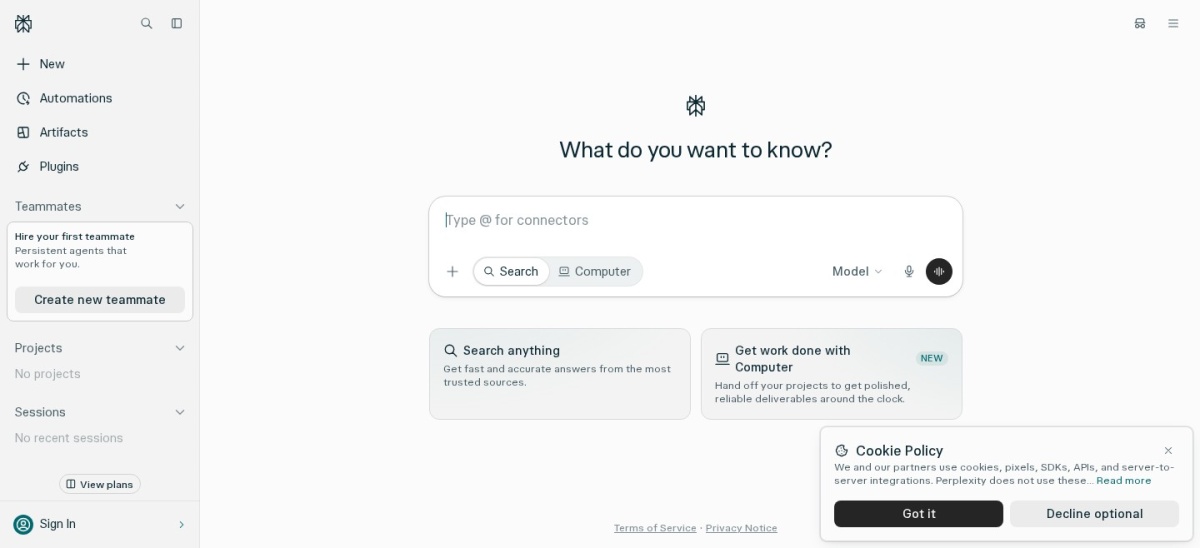
Perplexity is an answer engine, not a traditional chatbot. Pro at $20 a month puts citations first, with footnotes on every answer, plus web search, file analysis and a choice of models behind the answers.
The trade off is depth. It is built for finding and checking facts, so long-form creative writing and coding are weaker than in ChatGPT or Claude. It suits researchers, students and anyone who needs answers they can verify.
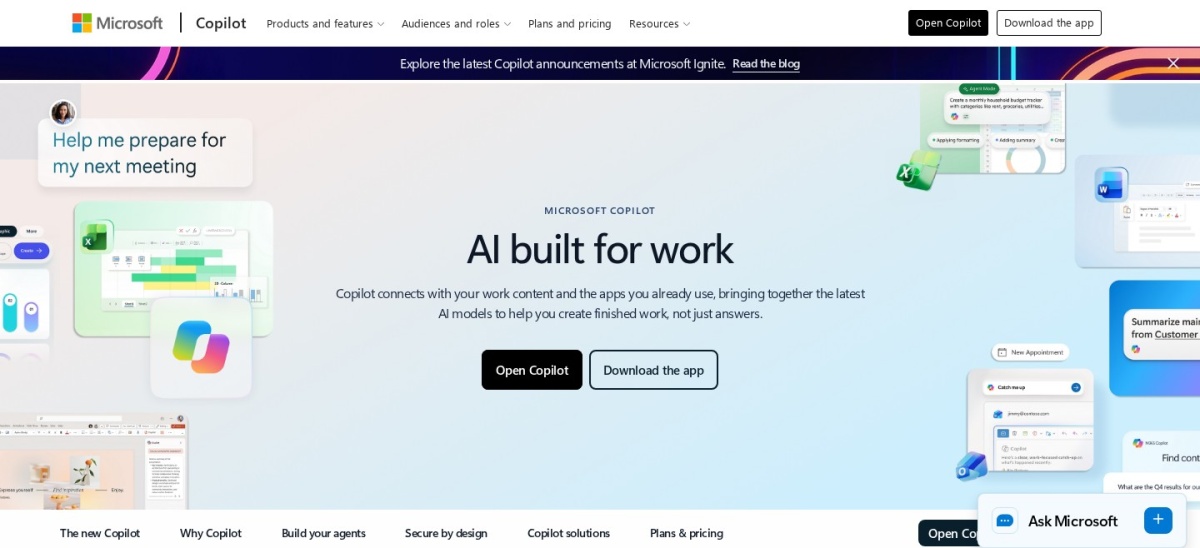
Microsoft Copilot now comes through Microsoft 365, with Microsoft 365 Premium at $19.99 a month including the former Copilot Pro. It runs natively inside Office, reads your own files and meetings, and adds AI to Word, Excel, Outlook and Teams.
The trade off is the bundle. You pay for Microsoft 365 even if you only want the AI, and the standalone Copilot app is limited. It suits teams already on Microsoft 365 who want AI inside Office.
Grok is xAI's AI app, built into X. SuperGrok at $30 a month draws on current events from X, with a casual tone and real-time answers, plus image generation and voice.
The trade off is price and focus. At $30 a month it is the priciest mainstream plan here, and it is tied to the X ecosystem. It suits heavy X users who want real-time answers with a casual tone.
What we like
Real-time answers drawn from X
Casual, conversational tone
Image generation and voice included
Free tier to try it
Watch out for
Priciest mainstream plan here at $30 a month
Tied to the X ecosystem
Casual tone is not right for formal work
Higher tiers add more usage and featuresVisit x.ai
07
DeepSeek
4.4/5on G2 (19 reviews, checked Nov 2026)
PriceFree
Best free reasoning model
PriceFree
ReasoningDeepThink mode
Where it runsWeb, iOS, Android
Paid planNone for the app; API is usage-priced
deepseek.com
DeepSeek homepage, captured Nov 2026.
DeepSeek is a free AI chatbot with a visible DeepThink reasoning mode, a clean interface and fast answers across writing, research and coding. The app costs nothing and carries no in-app purchases, which makes it the only fully free app in this list.
The trade off is trust and polish. G2 reviewers praise its speed and drafting help but flag wrong answers, lost context on long threads and data-security questions. It suits cost-conscious users who double-check important answers.
What we like
Free app with DeepThink reasoning shown step by step
Fast, direct answers for drafting and coding
4.4 out of 5 on G2 from 19 reviews
No subscription and no in-app purchases
Watch out for
Reviewers flag wrong answers and lost context
Data-security and censorship questions from reviewers
Poe, from Quora, is a hub for many AI models in one app. Pro at $19.99 a month gives access to ChatGPT, Claude, Gemini and other models, plus bots and a simple way to compare answers side by side.
The trade off is the middleman. You pay Poe on top of models you could buy direct, and limits vary by model. It suits curious users who want to compare models without five subscriptions.
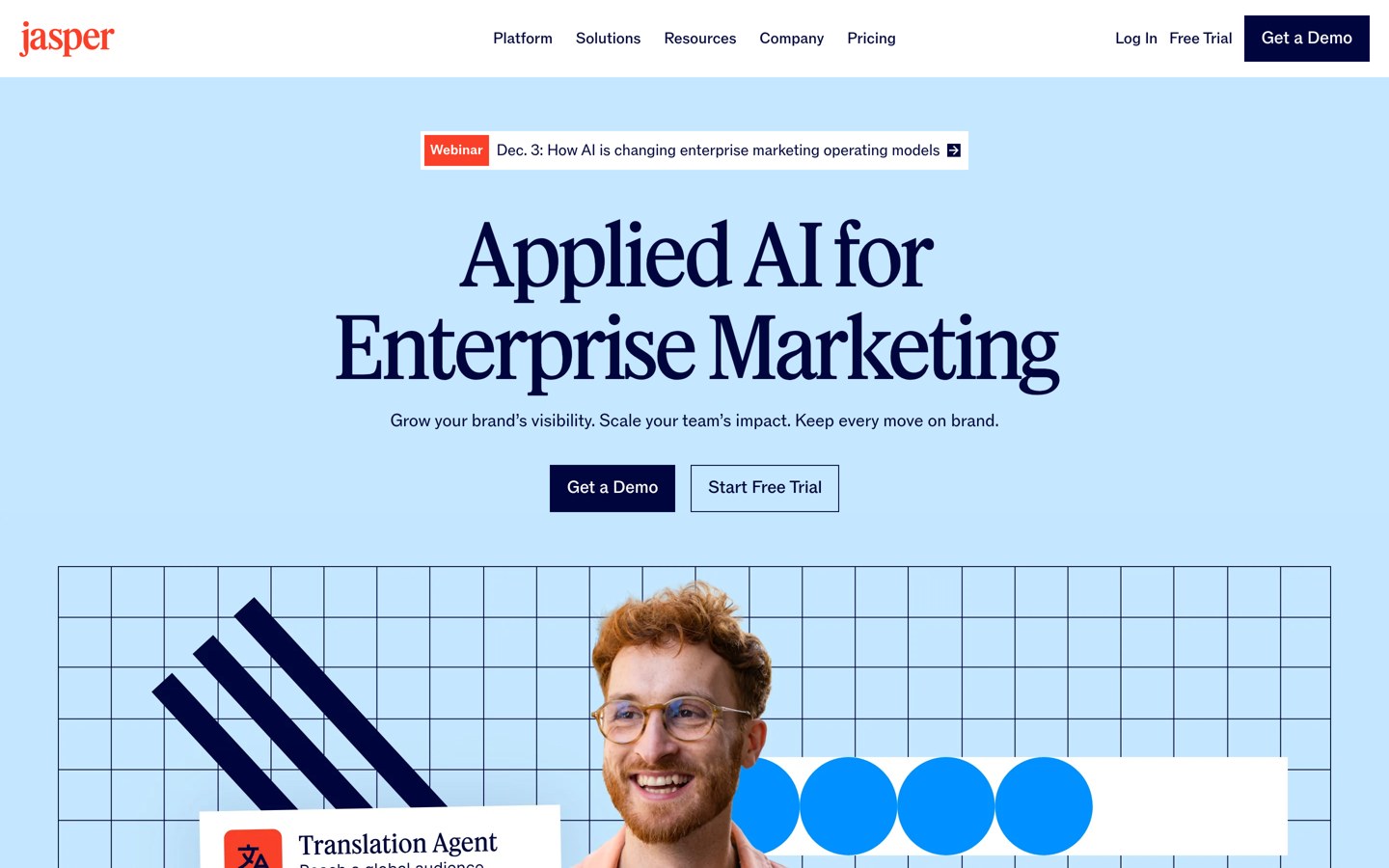
Jasper is an AI writing platform built for marketing teams. Its Creator plan at $49 a month adds brand voice, templates, campaign tools and collaboration, with AI that follows a company style guide.
The trade off is price. At $49 a month it costs more than twice the $20 chatbot plans, and it is built for teams, not casual chat. It suits marketing teams that publish often and need on-brand copy at scale.
Free plans cover casual use well. Every app here has a free tier, and DeepSeek is free in full, with daily limits on the others.
Paid plans mostly add limits and models. The flagship model, higher daily caps, deep research and file analysis sit behind the $20 tier.
Power tiers cost far more. ChatGPT Pro and Perplexity Max both run about $200 a month, for heavy users who need the most usage without strict limits.
If you only write a few prompts a day, the free tier is enough. Pay when you hit daily limits or need the flagship model.
How we chose
We started from the best-known general AI apps, covering chat, research, writing and office work, then kept the nine most relevant for everyday use.
Prices come from each vendor's pricing page or published pricing round-ups, checked on 22 November 2026. Ratings come from G2 or Capterra where a public rating exists. Where a vendor shows a sale, the list shows the regular price.
We left out niche single-purpose tools and API-only models. No vendor paid for a place. This list is based on pricing, docs and reviews, not on using the tools ourselves.
How to choose an artificial intelligence app
Start with your main job for the app, then check the free tier before paying.
Name your main job for the app. Writing, research, coding and office work each favour a different app, so pick the job before the brand.
Try the free tier for a week. Free tiers show the real model quality and daily limits, so test with your own work before paying.
Check research and sources. If you need facts, pick an app that cites sources or searches the web, and verify key claims yourself.
Read the data policy. Some apps train on your chats by default, so check the policy before pasting sensitive work.
FAQ
What is the best artificial intelligence app?
ChatGPT is the best pick for most people. Plus costs $20 a month and covers writing, research, images, voice and coding in one app, with the widest range of custom GPTs.
Is there a free AI app?
Yes. Every app here has a free tier, and DeepSeek is free in full. Free tiers limit daily use and usually run smaller models than the paid plans.
How much does ChatGPT Plus cost?
ChatGPT Plus costs $20 a month. It adds the flagship reasoning model, expanded image generation, limited deep research and the Codex coding agent. The free tier stays available with daily limits.
Which AI app is best for research?
Perplexity Pro is best for research, because every answer carries citations and footnotes. Google AI Pro is close, with native search and 2 TB of storage.
Which AI app is best for writing?
Claude Pro is best for long-form writing and long documents, with clean structure and a large context window for files and code. It also handles file analysis and web search well.
Is Microsoft Copilot still a standalone app?
No. Copilot now comes through Microsoft 365, starting with Microsoft 365 Premium at $19.99 a month, which includes the former Copilot Pro. The free Copilot app still offers limited use.
Do AI apps train on my chats?
It varies by app and plan. Check the data policy before pasting sensitive work, and use a business tier if you need no-training guarantees. Business tiers usually promise no training on your data.