WLWPLegible EditorsLast verified 22 Nov 2026How we rank14 min read
★ Short answer
8th Wall is the best AR software for most teams in 2026. Its XR engine is now open source and free, even for commercial work, and covers image targets, face effects and world effects. Pick ZapWorks for hosted commercial campaigns and Lens Studio for free Snapchat lenses.
How we make this list: we compare pricing pages, product documentation and public user reviews, then re-check every price before each update. No product paid for a place. Disclosure.
8th Wall is now open source and free, even for commercial work, after Niantic retired the hosted platform in February 2026.
ZapWorks commercial Pro costs $315 a month or $2,640 a year, a big jump from the $12.99 non-commercial Developer plan.
Lens Studio and Effect House are free, so social lenses cost nothing in software, only design time.
Unity Pro costs $210 a month or from $2,310 a year, and is required once revenue or funding passes $200,000.
Vuforia Engine Premium and Enterprise are priced by quote, while its free Basic plan covers image and floor tracking.
What AR software does, and the three routes to it
AR software splits into three routes: WebAR in the browser, social lenses inside Snapchat or TikTok, and native apps built with an engine. Each route needs a different tool, so pick the route before the software.
WebAR is the easiest to share, because people tap a link or scan a code and the experience opens with no download. The trade-off is power: browsers limit file sizes and tracking precision.
Social lenses are free to build and reach a ready audience, but they only run inside Snapchat or TikTok and follow those platforms' rules.
Native engines give the best tracking and performance, but they need developers, 3D artists and an app people must install. Industrial work, such as recognising a machine from its CAD model, needs this route.
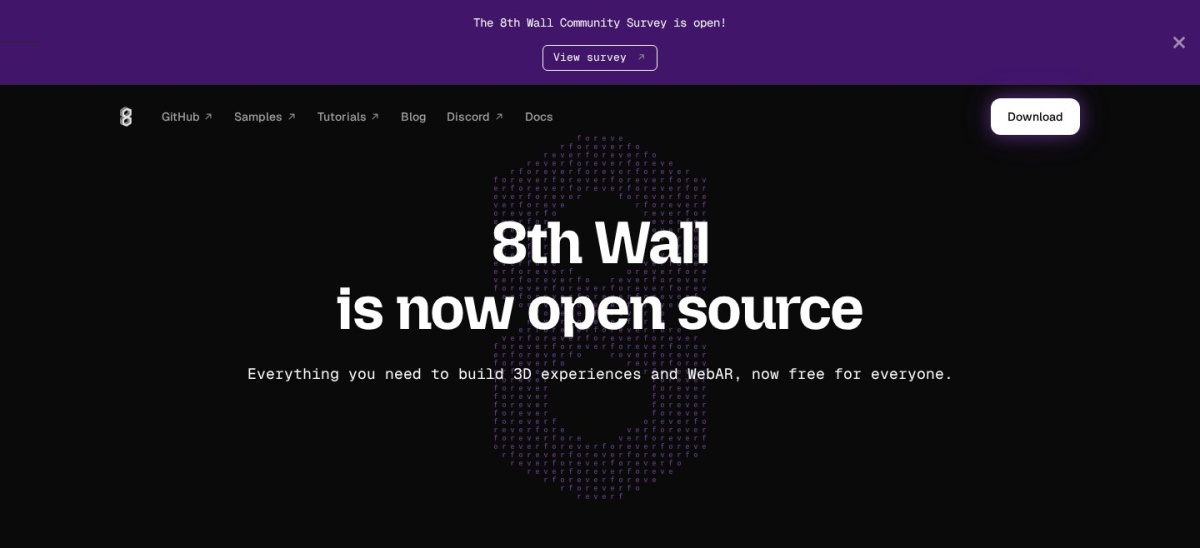
8th Wall is a WebAR engine now open source and free under Niantic Spatial. The XR engine covers image targets, face effects, sky effects and world effects, and 8th Wall Desktop adds a visual editor for Mac and Windows. There is no login, and you host builds anywhere.
The trade off is hosting and polish. You bring your own source control and hosting, world effects ship in the engine binary rather than the open code, and native export is not yet available. It suits developers and agencies building WebAR they can host anywhere at no cost.
What we like
Free for everyone, including commercial projects
Image, face, sky and world effects in one engine
Desktop visual editor for Mac and Windows
Host builds anywhere, no login needed
Watch out for
You pay for hosting and development time
Native app export is not yet available
World effects are not in the open code
No paid plan exists; hosting and dev time are the costsVisit 8thwall.com
02
ZapWorks
4.5/5on G2 (250 reviews, checked Nov 2026)
Starts at$12.99/mo
Best hosted WebAR platform
Developer plan$12.99 a month, non-commercial
Pro plan$315 a month or $2,640 a year
Views on Pro12,000 a year included
Free plan14-day trial only
zap.works
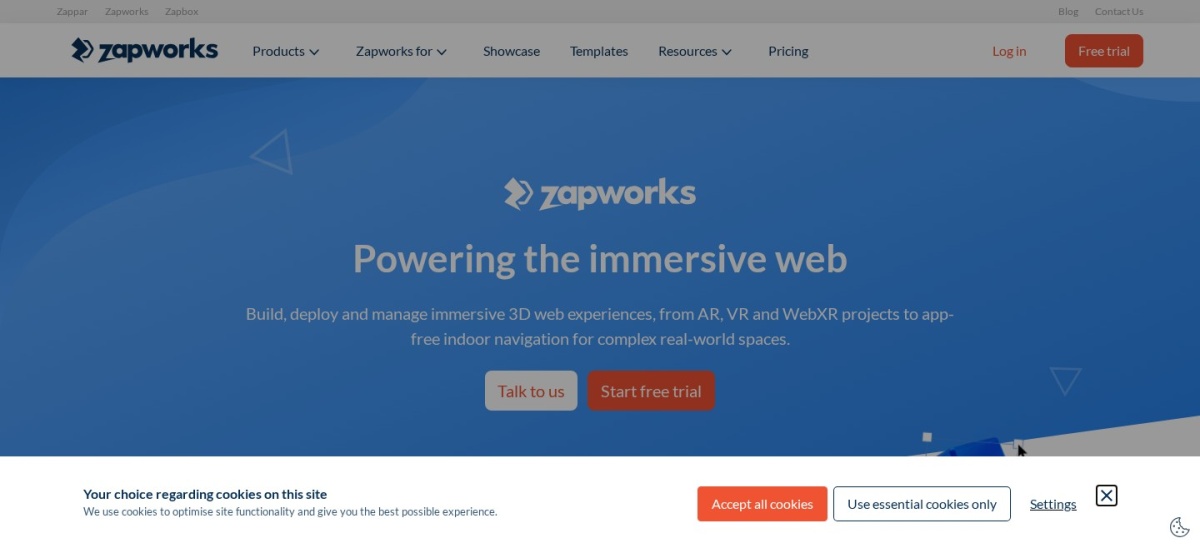
ZapWorks homepage, captured Nov 2026.
ZapWorks is a hosted WebAR platform from Zappar with no-code and pro tools in one subscription. Designer builds without code, Studio and Mattercraft handle richer 3D work, and Universal AR SDKs serve developers on other engines. Projects are hosted for you, with unlimited projects on every plan.
The trade off is the commercial jump. The Developer plan costs $12.99 a month or $64.99 a year, but only for non-commercial work with a ZapWorks screen shown first. Commercial projects need Pro at $315 a month or $2,640 a year. It suits brands and agencies that want hosted WebAR without developers.
What we like
No-code Designer plus pro Studio and Mattercraft
Hosting included with unlimited projects
Pro removes the ZapWorks splash screen
12,000 views a year on Pro
Watch out for
Commercial use jumps from $12.99 to $315 a month
Pro includes 12,000 views a year; more cost $30 per thousand
Large companies must use Enterprise
Pro adds commercial use, 12,000 views and team seatsVisit zap.works
03
Lens Studio
4.4/5on G2 (200 reviews, checked Nov 2026)
PriceFree
Best for free Snapchat lenses
PriceFree
PlatformsmacOS and Windows
Publish toSnapchat, Spectacles, own apps
Coding neededNo, to start
ar.snap.com
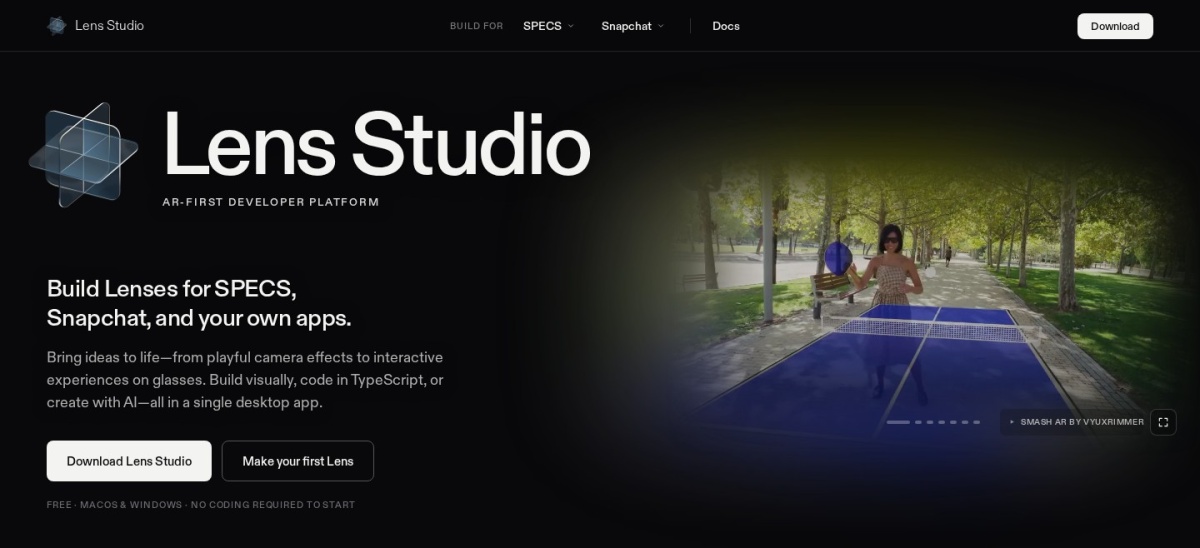
Lens Studio homepage, captured Nov 2026.
Lens Studio is Snap's free desktop app for building AR lenses, for macOS and Windows. You can start visually with no code, write logic in TypeScript, or use its AI tools to generate effects. Finished lenses publish to Snapchat, to Snap's Spectacles glasses, or into your own apps.
The trade off is reach. Lenses mainly live inside Snapchat and Snap's ecosystem, and advanced lenses still need 3D assets and scripting. It suits creators and brands making AR lenses for Snapchat, Spectacles and their own apps.
What we like
Free on macOS and Windows
Build visually, code in TypeScript or create with AI
Publish to Snapchat, Spectacles or your own apps
Templates make simple lenses fast
Watch out for
Lenses mainly reach Snapchat and Snap's ecosystem
Advanced lenses still need 3D and scripting skills
Unity is the engine behind many native AR apps. Unity Personal is free and publishes to web, desktop, mobile and AR and VR devices, with 1,000 monthly AI credits, but it is limited to games and entertainment. Unity Pro costs $210 a month billed monthly, or from $2,310 a year, and adds console and Apple Vision Pro builds plus 2,000 AI credits.
The trade off is the revenue limit. Pro is required once a business passes $200,000 in revenue or funding, and other industries need Unity Industry, which is priced by quote. It suits teams with developers who need full control over an AR app.
What we like
Personal is free and publishes to AR and VR
Pro adds Apple Vision Pro and console builds
Large asset store and developer community
AR Foundation covers iPhone and Android in one codebase
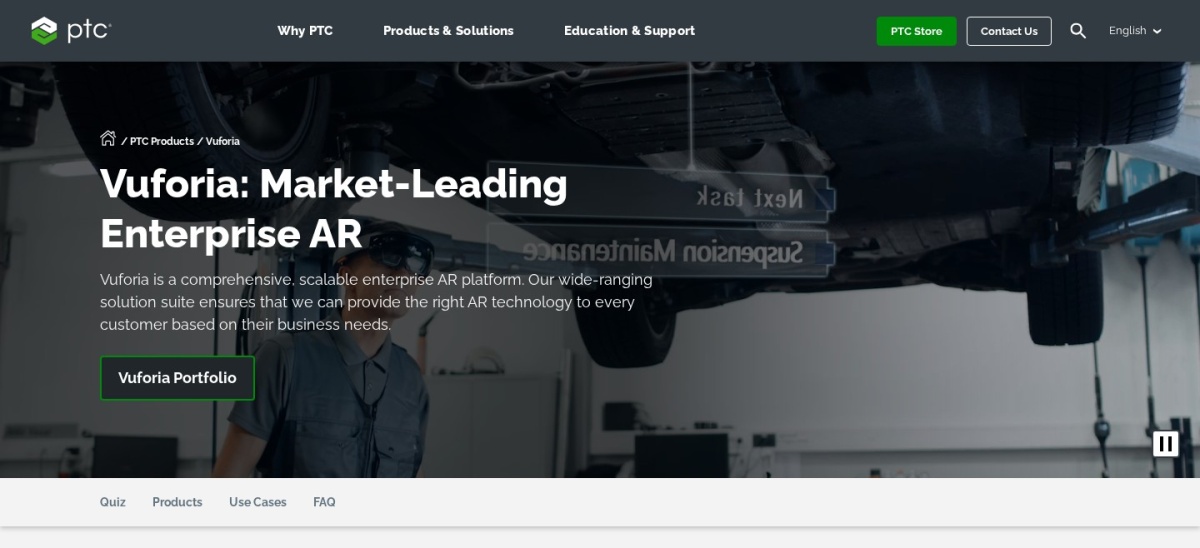
Vuforia Engine, from PTC, is an AR toolkit for apps that need to recognise real things: printed images, cylinders, coded VuMarks, flat floors and, with Model Targets, physical objects matched to their CAD models. Area Targets map whole rooms or sites for navigation and training.
The trade off is price opacity. The Basic plan is free and includes image targets, VuMarks and ground plane, with 20 Model Target generations for prototyping only. Premium and Enterprise, plus cloud recognition add-ons, are priced on request. It suits manufacturing and field service teams.
What we like
Basic plan free with image and floor tracking
Model Targets recognise real objects from CAD data
Area Targets map rooms and sites
Strong in manufacturing and field service
Watch out for
Premium and Enterprise are priced by quote
Basic allows only 20 Model Target generations
Cloud recognition add-ons are priced on request
Premium adds 500 Model Target generations a yearVisit ptc.com
06
Effect House
4.3/5on G2 (180 reviews, checked Nov 2026)
PriceFree
Best for free TikTok effects
PriceFree download
VersionsAI-first and Classic
Publish toTikTok only
Creator rewardsYes
effecthouse.tiktok.com
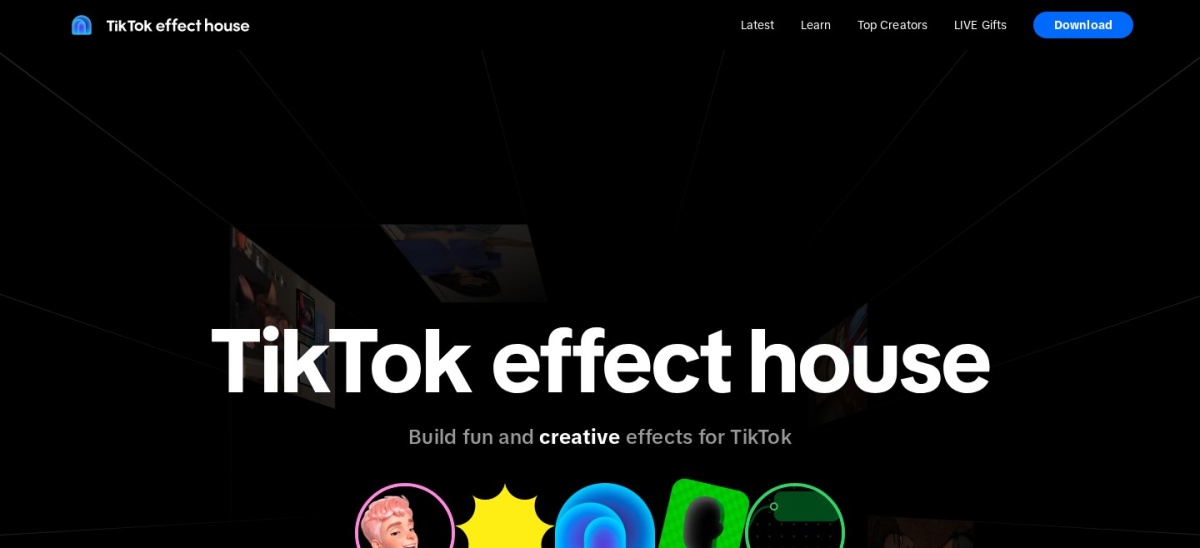
Effect House homepage, captured Nov 2026.
Effect House is TikTok's tool for building AR effects, from face filters and beauty effects to games, music-reactive effects and green-screen scenes. It comes in two downloads, an AI-first version and Effect House Classic, with beginner guides, demos and a Discord community.
The trade off is the platform. Effects only run inside TikTok, and TikTok shows no price for the software, so there is no paid support tier. It suits creators who want their AR seen by a large TikTok audience.
Adobe Aero is Adobe's free app for building simple AR scenes on a phone, with no code. Place 3D models, images and text in a real space, add simple interactions, and share the scene as a link or a file. It pairs with other Creative Cloud tools for assets.
The trade off is depth. Aero is built for quick scenes and marketing demos, not for complex apps or industrial tracking. It suits designers and marketers who want a fast AR scene without learning an engine.
EasyAR is a cross-platform AR SDK with a free tier and a Professional plan at $39 a month. It covers image, object and plane tracking across iOS, Android and web, with cloud recognition for larger projects.
The trade off is scale. The free tier limits recognition calls, and heavy commercial use moves to higher plans. It suits small teams and indie developers who want affordable AR tracking without an enterprise contract.
Apple ARKit is Apple's AR framework for iPhone and iPad apps. It gives the best possible tracking on Apple devices, with plane detection, face tracking, object scanning and location anchors built in.
The trade off is the platform. ARKit only builds for Apple devices, so Android needs a second tool. It suits teams building iOS apps with the best possible tracking.
Free plans cover the basics well. 8th Wall is fully free, Lens Studio and Effect House cost nothing, and Unity Personal and Vuforia Basic are free to start.
Paid plans mostly add commercial use and scale. ZapWorks Developer at $12.99 a month is non-commercial only; commercial work needs Pro at $2,640 a year.
View limits matter on hosted WebAR. ZapWorks Pro includes 12,000 views a year, and extra views cost $30 per thousand.
If you sell AR to clients, check the licence before you launch. A non-commercial or games-only plan can block a paid campaign.
How we chose
We started from the best-known AR platforms across the three routes: WebAR, social lenses and native engines, then kept those still actively supported in 2026.
Prices come from each vendor's own pricing page or website, checked on 22 November 2026. Ratings come from G2 or Capterra where a public rating exists. Where a vendor shows a sale, the list shows the regular price.
We left out tools that were discontinued, including Meta Spark. No vendor paid for a place. This list is based on pricing, docs and reviews, not on using the tools ourselves.
How to choose AR software
Decide where your audience will meet the AR, then pick the tool for that route.
Pick where people will see it. A browser link, Snapchat, TikTok and a native app each need different tools, so choose the channel first.
Check commercial terms. Several free or cheap plans are for non-commercial or games-only use, so read the licence before a client launch.
Match the tracking you need. Faces, flat images, floors and real objects each need different tracking features, so list yours before you buy.
Count your views. Hosted WebAR plans often include a set number of views and charge for more, so estimate traffic before launch.
FAQ
What is the best AR software?
8th Wall is the best pick for most teams. Its XR engine is now open source and free, even for commercial projects, and covers image targets, face effects, sky effects and world effects.
Is there free AR software?
Yes. 8th Wall is open source and free, Lens Studio is free on macOS and Windows, Effect House is free from TikTok, and Unity Personal and Vuforia Basic are free to start.
How much does AR software cost?
ZapWorks costs $12.99 a month for non-commercial use and $315 a month or $2,640 a year for commercial Pro. Unity Pro costs $210 a month or from $2,310 a year.
What is WebAR?
WebAR runs augmented reality in the phone's web browser, so people scan a QR code or tap a link instead of installing an app. 8th Wall and ZapWorks are built for this.
Can I make AR without coding?
Yes. Lens Studio lets you start without code, ZapWorks Designer is a no-code builder, and Effect House has beginner guides and templates for TikTok effects.
Which AR software is best for industry?
Vuforia Engine is the industrial pick. Its Model Targets recognise real machines from CAD data, and Area Targets map whole rooms for training and field service.
Do I need an app for AR?
Not always. WebAR and social lenses need no new app, while Unity and Vuforia build native apps that people must install, with better tracking in return.