Jobber is the best app for most plumbers, with quotes, scheduling, invoicing and payments in one place, rated 4.6 out of 5 on G2 from 546 reviews. Pick Housecall Pro for a mobile-first crew app, or Kickserv if you want flat pricing for up to five users at $60 a month.
How we make this list: we compare pricing pages, product documentation and public user reviews, then re-check every price before each update. No product paid for a place. Disclosure.
Jobber leads on breadth and reviews: 4.6/5 on G2 from 546 reviews, with Core at $29 a month billed annually.
Housecall Pro is the mobile-first pick: Basic costs $59 a month billed annually and covers 1 user.
Kickserv is the value pick: $60 a month covers 5 users, while Jobber charges $29 per extra user.
FieldPulse has the highest G2 rating here at 4.7/5 from 372 reviews, but it publishes no prices.
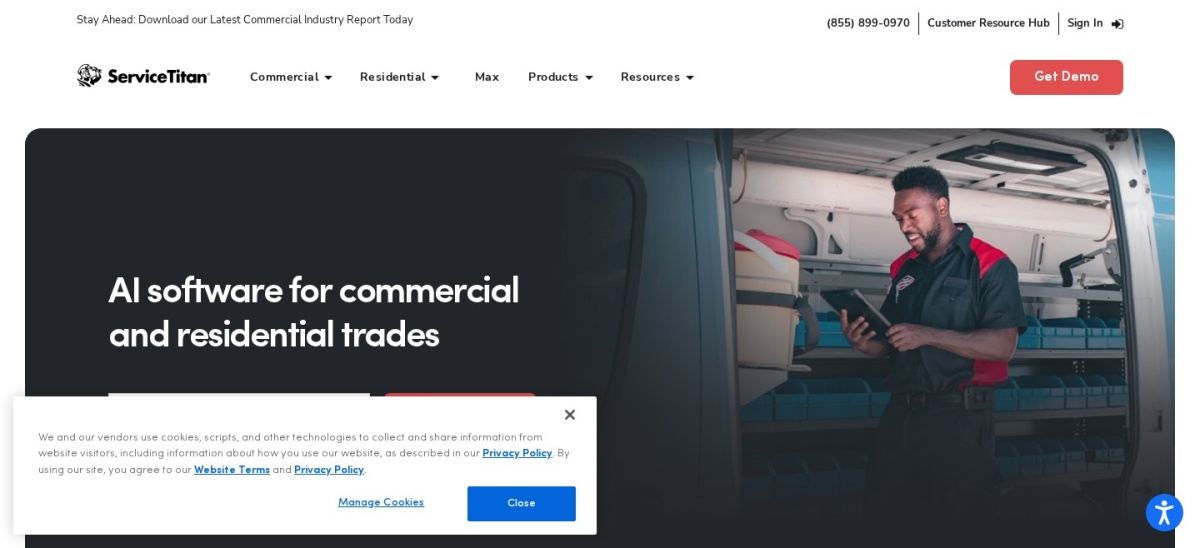
ServiceTitan is the deepest platform and the priciest route: it is quote-only, per technician, and not built for shops with 3 or fewer techs.
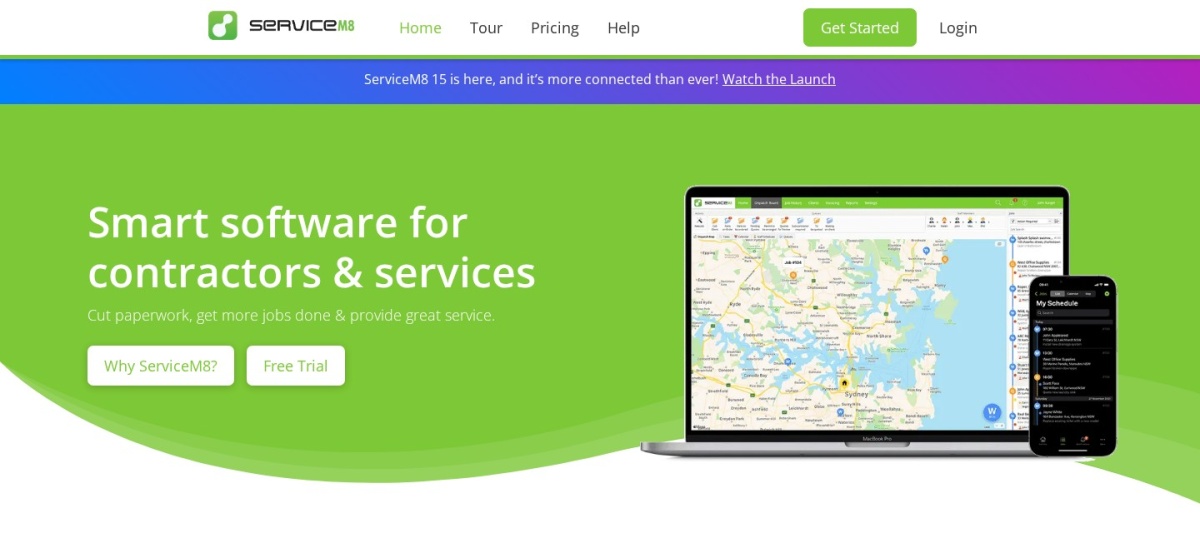
ServiceM8 is the only free plan in the list: 1 user and 30 jobs a month, with paid plans from $29 a month.
What a plumbing app should cover
A plumber's day runs on jobs, not desks. The app has to take the call, book the visit, get the tech to the right house, quote the work, invoice it and take payment, then keep the customer record for next time.
Most apps in this list are field service platforms that cover that whole loop. One, FreshBooks, only handles invoicing, so it fits a solo plumber who books jobs another way.
Prices work in different ways. Some charge per user, some charge a flat monthly rate, ServiceM8 charges by jobs per month, and ServiceTitan charges per technician. The cheapest headline price is rarely the cheapest bill for your crew size.
Ratings here come from G2, except ServiceM8, where the G2 sample is too small and we used Capterra instead. Prices come from each vendor's pricing page, checked on 25 November 2026. Our guide on adding appointment booking to WordPress shows how online booking fits beside these apps.
Jobber is the all-round field service app for plumbing businesses, covering quotes, scheduling, dispatch, invoicing and payments in one place. Core costs $29 a month billed annually for one user and includes online booking, a client hub and payment collection, with a 14-day free trial.
The trade off is price as you grow. Each extra user costs $29 a month, and job costing, time tracking and two-way texting sit on the higher Grow plan. It suits solo plumbers and growing crews that want one app for the whole job, from quote to payment.
What we like
Quotes, scheduling, invoicing and payments in one app
Rated 4.6/5 on G2 from 546 reviews, the largest sample here
Online booking and a client hub customers can use themselves
Syncs with QuickBooks Online on Connect and above
Watch out for
Extra users cost $29 a month each
Job costing and two-way texting need the Grow plan
A 50% promo runs to 30 November, so check the regular price before you commit
Housecall Pro is a mobile-first app for small plumbing crews, built around scheduling, dispatch, invoicing and payments. Basic costs $59 a month billed annually for one user and includes online booking, estimates and card payments, with a 14-day free trial.
The trade off is that the useful extras sit higher up. QuickBooks sync, GPS tracking and marketing automation start on Essentials at $149 a month billed annually. It suits solo plumbers and small crews that live on their phones and want setup done fast.
What we like
Easy setup and a mobile app techs pick up fast
Online booking, estimates and payments in one place
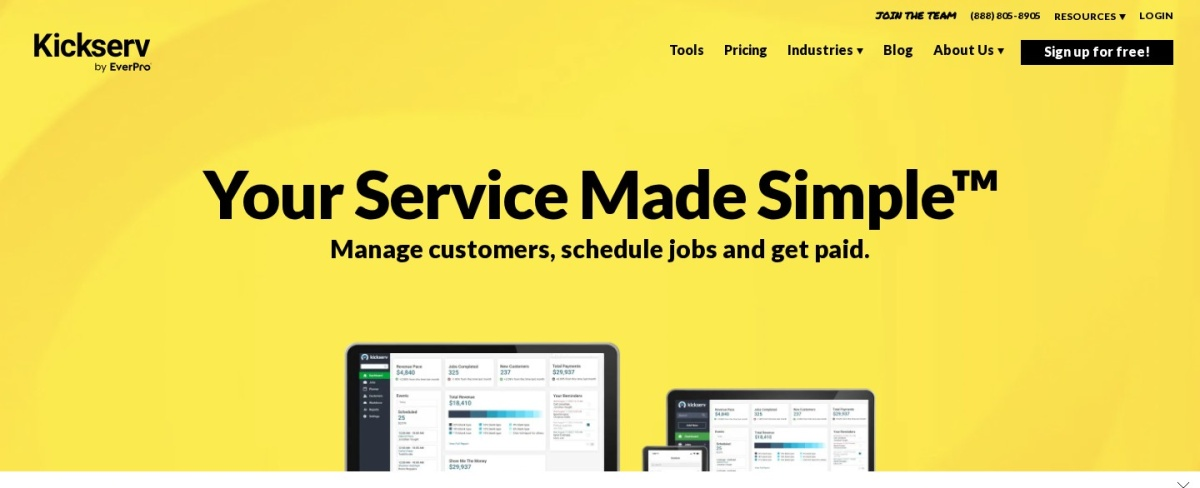
Kickserv is a budget field service app for small plumbing shops, covering scheduling, dispatch, estimates, invoicing and customer records. START costs $60 a month flat for up to 5 users and includes QuickBooks Online integration, automated reminders and a website lead form.
The trade off is depth. Reporting is basic next to Jobber or ServiceTitan, and reviewers note the mobile app can load slowly in the field. It suits a small shop that wants the core loop, schedule, invoice and get paid, without per-user billing.
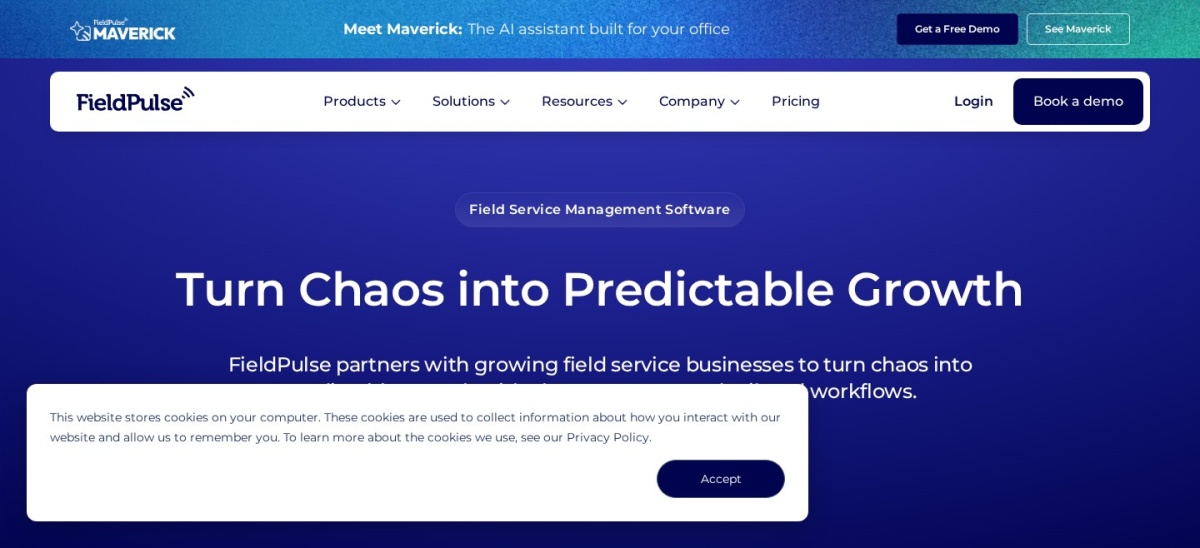
FieldPulse is a field service platform for growing plumbing teams that want deep customization, with custom fields, custom workflows, scheduling, dispatch, estimates and invoicing. It holds the highest G2 rating in this list at 4.7 out of 5 from 372 reviews, and reviewers praise its US-based support.
The trade off is buying it. FieldPulse publishes no prices, so you need a demo and a quote, and add-ons such as GPS fleet tracking cost extra. It suits a 5-to-20-truck shop that has outgrown a simple tool and wants the software shaped to its process.
What we like
Highest G2 rating here: 4.7/5 from 372 reviews
Custom fields and workflows fit varied plumbing work
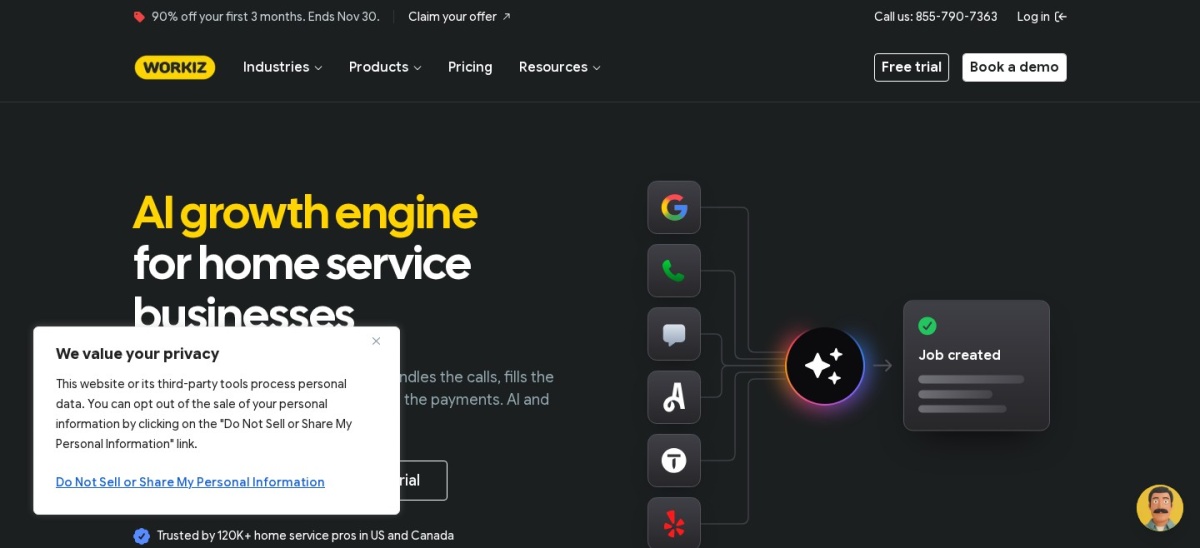
Workiz is field service software for call-heavy plumbing shops, built around a phone system, fast dispatch, scheduling, invoicing and payments. Every paid tier covers the first 5 users, and the 7-day free trial needs no credit card.
The trade off is price opacity. Workiz puts no base price on its page, so the number only comes from a demo, and reviewers call the platform expensive for small teams. It suits shops where most jobs start with a phone call and dispatch speed matters most.
ServiceTitan is the deepest field service platform for plumbing, with dispatch, a flat-rate price book, invoicing, memberships, marketing and technician scorecards. It is rated 4.4 out of 5 on G2 from 375 reviews and is the platform most large regional shops run on.
The trade off is cost and size. Pricing is per technician and quote-only, with reported setup fees starting around $5,000, and ServiceTitan told the Better Business Bureau it is not optimized for shops with 3 or fewer technicians. It suits established shops with 10 or more techs that can absorb the setup.
ServiceM8 is a job management app for small plumbing businesses that charges by jobs, not users. The free plan covers 1 user and 30 jobs a month, and Starter costs $29 a month for 50 jobs with unlimited users, including quoting, invoicing and QuickBooks sync.
The trade off is the phone in your pocket. The mobile app was built around Apple devices, so Android-only crews should check the current app before committing, and some reviewers report bugs and slow performance. It suits a small crew that wants a free start and predictable job-based billing.
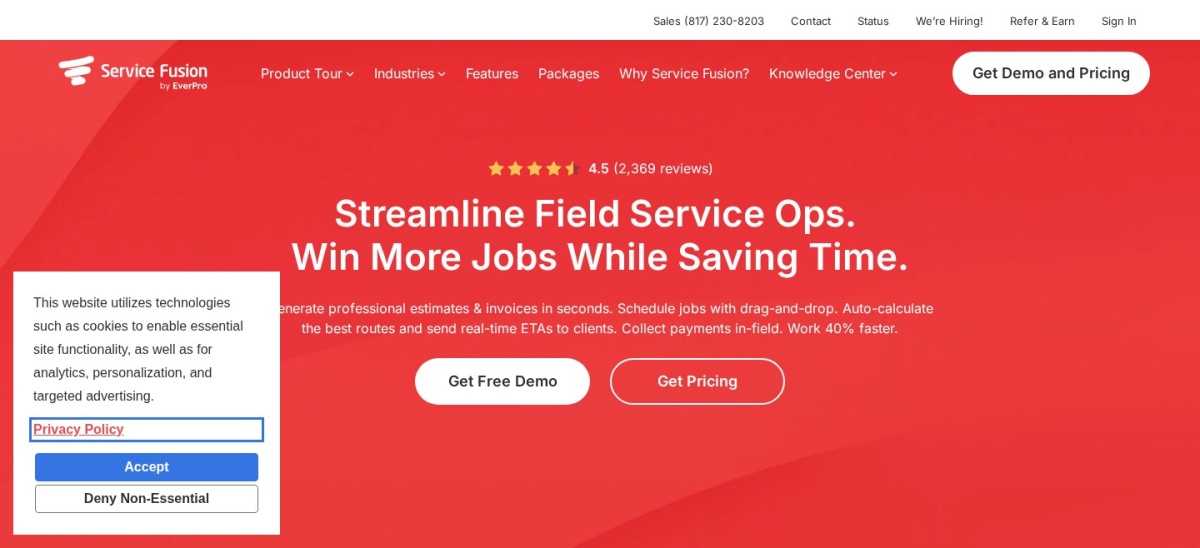
Service Fusion is a flat-rate field service platform for growing plumbing companies, with scheduling, dispatch, estimates, invoicing, payments and QuickBooks integration. Starter costs $220 a month billed annually, or $259 month-to-month, and every plan includes unlimited users.
The trade off is the entry cost. At $220 a month it costs far more than Jobber or Kickserv for a solo plumber, and job costing and inventory sit on the Pro plan. It suits a growing crew that would pay more under per-user pricing and wants one flat bill.
FreshBooks is invoicing and accounting software for plumbers who only need billing, not dispatch. Lite costs $23 a month at the regular price and covers 5 billable clients with estimates, expenses, time tracking and card payments, with a 30-day free trial.
The trade off is the client cap. A sixth billable client forces an upgrade to Plus at $43 a month, and each extra team member costs $11 a month. It suits a solo plumber who invoices a small client list and wants clean books without a full field service platform.
Three tools in this list publish no prices: FieldPulse, Workiz and ServiceTitan. Each one asks for a demo and a sales call before it names a number.
That is normal for bigger platforms, but it makes comparison hard. Get the quote in writing, ask whether the price is per user or per technician, and ask what setup costs before you sign.
A written quote also protects you at renewal. Several reviewers of these tools report prices rising when the first term ends, so ask for the renewal terms up front.
How we chose
We started from the field service apps plumbers name most often, then kept nine with public G2 or Capterra ratings and a clear price or a clear quote-only status.
Prices come from each vendor's pricing page, checked on 25 November 2026. Where a vendor shows an annual rate and a month-to-month rate, the list shows the annual rate and names the monthly rate. Ratings and review counts come from G2, except ServiceM8, where the G2 sample is only 16 reviews, so we used Capterra.
We left out apps with no public rating and no published price. No vendor paid for a place, and we do not claim to have used these tools ourselves.
How to choose an app for your plumbing business
Start with how your jobs arrive, then match the billing model to your crew size.
Count how jobs reach you. If most work starts with a phone call, a phone-first tool such as Workiz earns its keep. If jobs come from online booking, weigh Jobber or Housecall Pro.
Do the per-user math for your crew. Per-user tools get pricey past five techs. Flat-rate plans such as Kickserv or Service Fusion, or job-based billing from ServiceM8, can cost less at that size.
Check the price book and payments. A flat-rate price book and on-site card payments save time on every job. Confirm which plan includes them before you sign, since several tools gate them above the entry tier.
Trial it on real jobs, not demos. Use the free trial on a live week of jobs, with your own customers and price list. Check the mobile app on the phones your techs actually carry.
FAQ
What is the best app for plumbers?
Jobber is the best all-round app for most plumbers. It covers quotes, scheduling, dispatch, invoicing and payments in one place, costs $29 a month billed annually for one user, and is rated 4.6 out of 5 on G2 from 546 reviews.
What is the cheapest app for plumbers?
ServiceM8 has the only free plan here: 1 user and 30 jobs a month at no cost. The cheapest paid plans are FreshBooks Lite at $23 a month and Jobber Core and ServiceM8 Starter at $29 a month, though FreshBooks only handles invoicing.
Does ServiceTitan publish its prices?
No. ServiceTitan sells three packages, Starter, Essentials and The Works, all quote-only and priced per technician. Get a written quote before budgeting, and allow for a setup fee, since onboarding is a paid project.
Do these apps work on a plumber's phone?
Yes, all nine have mobile apps for the field. Housecall Pro is the most mobile-first of the set, while ServiceM8 was built around Apple devices, so Android-only crews should check its current app first.
Which app is best for a solo plumber?
Kickserv START at $60 a month covers up to 5 users, so a solo plumber gets room to grow, while Jobber Core at $29 a month billed annually is cheaper for one user. ServiceM8 is worth a look too, since its free plan covers 30 jobs a month.
Can I use FreshBooks instead of field service software?
Only if you do not need scheduling or dispatch. FreshBooks handles estimates, invoicing, expenses and time tracking well, but it cannot schedule jobs or track techs. Pair it with a calendar, or pick Jobber or Housecall Pro for the full job loop.
SaaS SEO and WordPress specialist with about 8 years of experience. Rakib compares WordPress plugins, themes, hosting and software using public pricing, documentation and user reviews. See how we rank.