Best Apparel Design Software in 2026: 9 Tools Compared
WLWPLegible EditorsLast verified 24 Nov 2026How we rank15 min read
★ Short answer
CLO 3D is the best apparel design software for most designers: its Individual plan costs $50 a month and covers 2D patterns with 3D drape on an avatar, rated 4.6 out of 5 on G2. Pick Browzwear for production fit approval and Adobe Illustrator for flats and tech-pack art.
How we make this list: we compare pricing pages, product documentation and public user reviews, then re-check every price before each update. No product paid for a place. Disclosure.
CLO 3D is the best all-round pick: 2D patterns plus 3D drape for $50 a month, or $450 a year.
Browzwear VStitcher is the production choice, rated 4.8 out of 5 on G2 from 56 reviews, from $75 a month.
Adobe Illustrator remains the standard for flats and tech-pack art at $22.99 a month, rated 4.6 out of 5 on G2.
TUKAcad is the cheapest production pattern CAD here, from $19 a month for its Learning Edition.
GIMP is free and rated 4.3 out of 5 on G2 from 1,485 reviews, while Procreate costs $12.99 once for iPad sketching.
What to look for in apparel design software
Apparel design covers four different jobs: sketching, 2D pattern making, 3D sampling and tech packs. No single tool does all four well, so start from the job you do most often.
For 3D samples, look for pattern-based simulation on an avatar, fabric settings and fit maps. CLO 3D and Browzwear VStitcher both work from real patterns, which is what makes their fit checks useful.
For patterns and grading, look for digitising, grade rules and marker making. TUKAcad and Optitex cover that path, while Illustrator draws the flat that goes with it and GIMP handles raster print art.
Prices split into published subscriptions and quote-only enterprise tools. If your finished work ends up on a website, serving images in next-gen formats keeps renders fast.
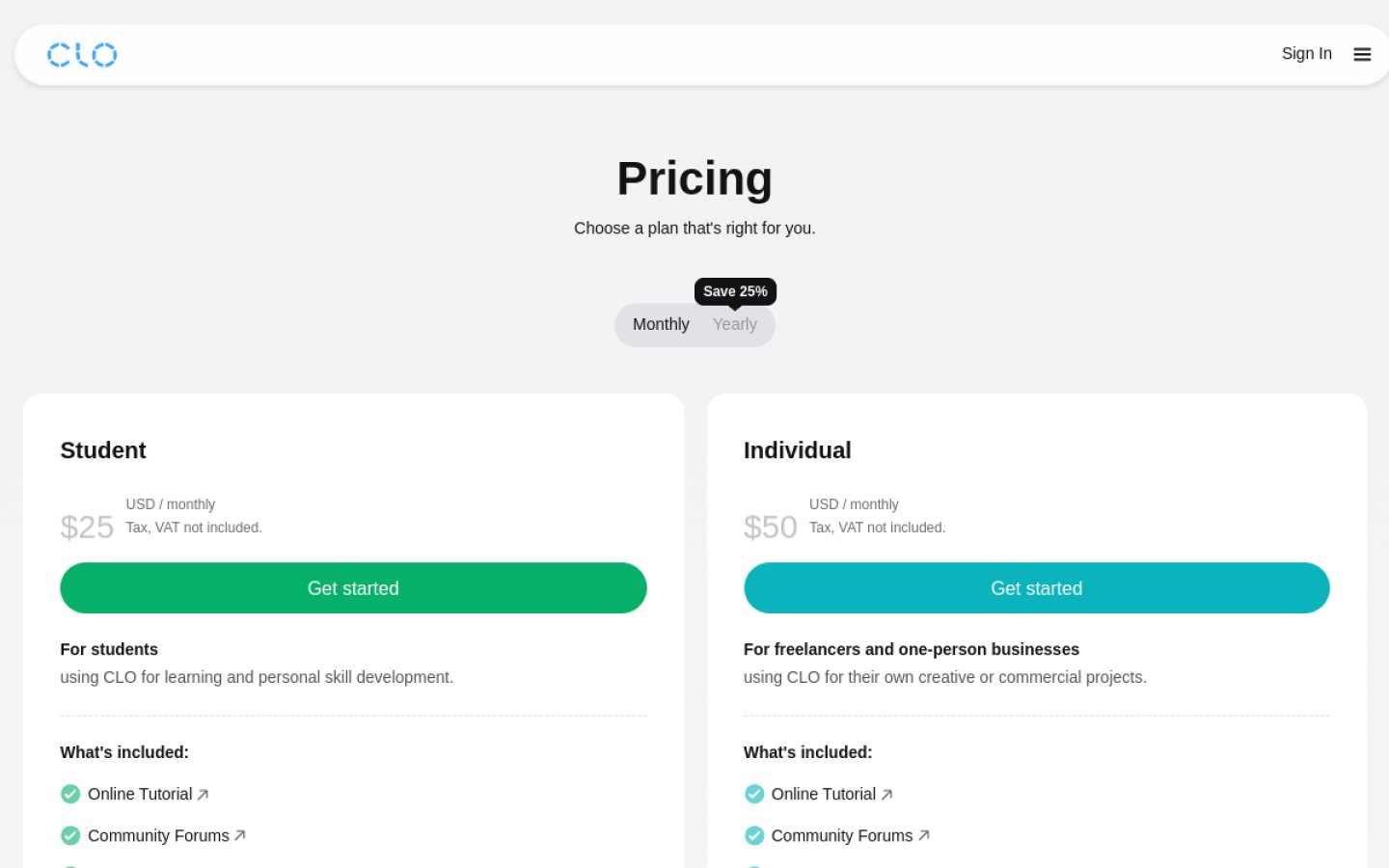
CLO 3D is 3D garment design software that turns 2D pattern pieces into a sewn garment on a digital avatar. The Individual plan costs $50 a month, or $450 a year with annual billing, and includes pattern drafting, fabric simulation, fit checks and a tech pack feature.
The trade off is that the Individual plan is for freelancers and one-person businesses only. Any company with two or more employees needs the Enterprise plan, which is priced by quote. It suits solo designers and small studios that want one tool from pattern to virtual sample.
What we like
Pattern-based 3D drape with fit checks
Published individual price, no quote needed
Student plan at $25 a month
Tech pack feature included
Watch out for
Individual plan excludes companies with 2+ staff
Needs a strong graphics card for large garments
Only 7 G2 reviews, so the rating is thin
Enterprise and Academic plans are priced by quoteVisit clo3d.com
02
Browzwear VStitcher
4.8/5on G2 (56 reviews, checked Nov 2026)
Starts at$75/mo
Best for production fit approval
Cheapest planFreelancer, $75/mo
Annual billing$750/yr
Free option6-month Learner licence
Tech packFreelancer Plus and up
browzwear.com
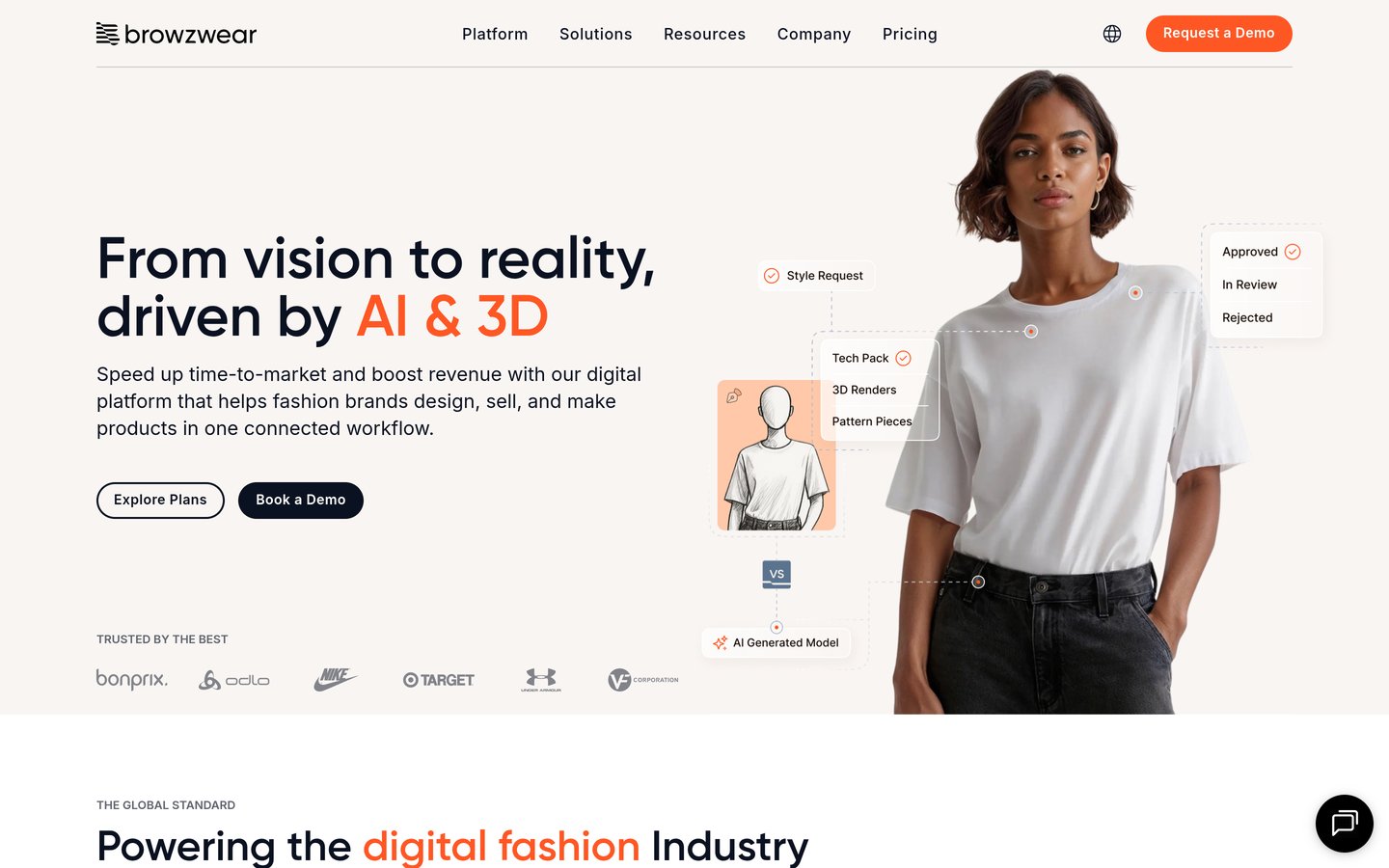
Browzwear VStitcher homepage, captured Nov 2026.
Browzwear VStitcher is 3D garment development software used by large apparel brands to approve fit from a digital sample. The Freelancer plan costs $75 a month or $750 a year for one user and one site, with the newest VStitcher version, local V-Ray rendering and community support.
The trade off is price and scope. Tech packs need Freelancer Plus at $150 a month, and AI and cloud rendering need the Teams plan at $3,950 a year. It suits technical designers and brands that approve production from 3D samples.
Adobe Illustrator is the vector editor most fashion studios use for flats, line sheets and tech-pack art. The single-app plan costs $22.99 a month on an annual plan billed monthly, and includes Illustrator on desktop and iPad, Adobe Express Premium, Adobe Fonts and 100GB of cloud storage.
The trade off is that Illustrator draws flats but does not make patterns or simulate drape. It is a subscription with no perpetual licence, and cancelling an annual plan early can trigger a fee. It suits designers whose main output is flat sketches and print-ready art.
What we like
Industry standard for vector flats
Files transfer to any studio or printer
Includes Adobe Fonts and Express Premium
Largest review base in this list
Watch out for
No pattern making or 3D simulation
Subscription only, no perpetual licence
Early cancellation of an annual plan can cost extra
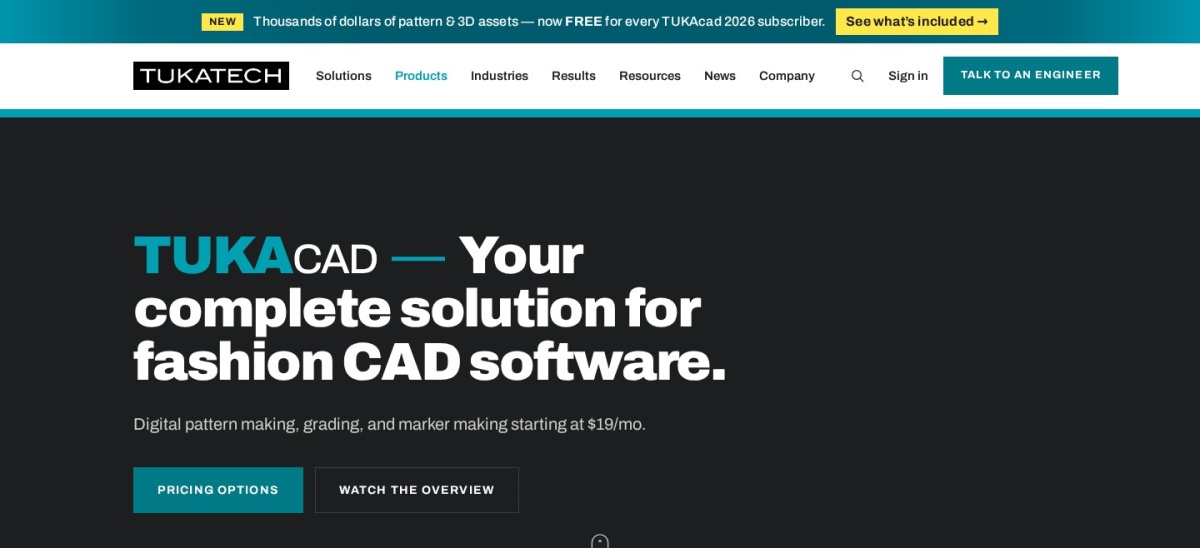
TUKAcad is Tukatech's CAD room software for digital pattern making, grading and marker making. The Learning Edition costs $19 a month and covers pattern making and grading for up to 14 pattern pieces and 4 graded sizes, plus marker making for markers up to 59 by 120 inches.
The trade off is the learning tier's limits and the platform. Full professional use costs $199 a month, and TUKAcad runs on Windows only. It suits small brands and pattern rooms that want production pattern CAD at a published price.
CorelDRAW Graphics Suite homepage, captured Nov 2026.
CorelDRAW Graphics Suite is a vector illustration and page layout suite used for print, signage and packaging work. The annual plan costs $269 a year at the regular rate, and the suite includes CorelDRAW, Corel PHOTO-PAINT, Corel Font Manager and CorelDRAW Web.
The trade off is that it is a general vector suite, not a fashion tool. It has no pattern making, grading or 3D drape, and the first-year offer of $185 rises to $269 on renewal. It suits print shops and designers who need vector art and layout together.
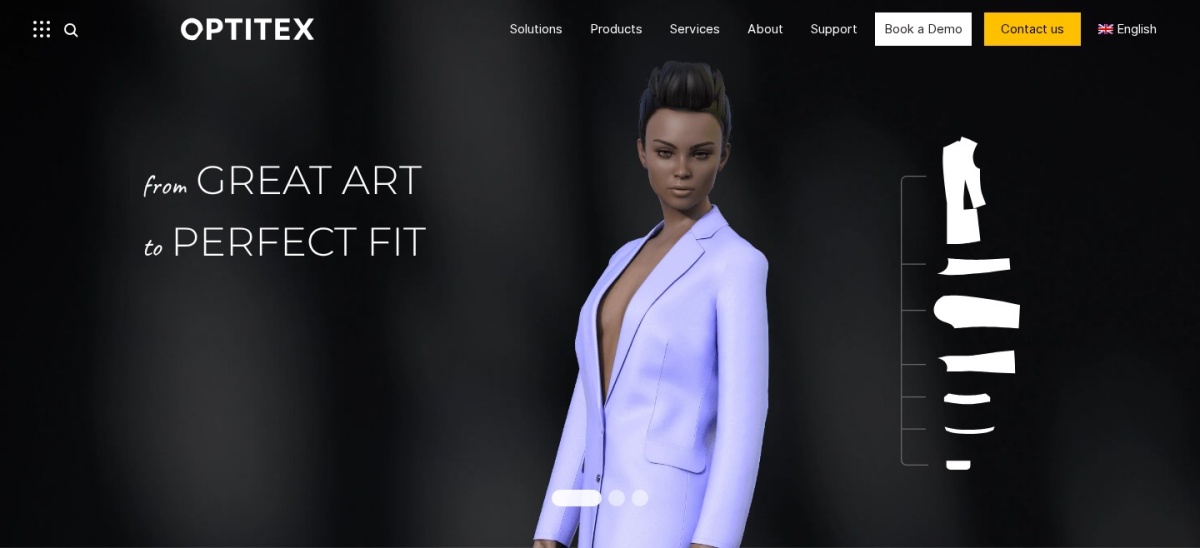
Optitex is 2D and 3D CAD/CAM software for pattern design, grading, marker making and virtual prototyping. Its Pattern Design System covers drafting, digitising and grading, while Marker adds automatic nesting, and PDS 3D Creator visualises patterns on an avatar.
The trade off is price and access. Optitex publishes no price, sells by quote and offers a demo rather than a free trial. It suits manufacturers and pattern rooms that need the full path from pattern to marker.
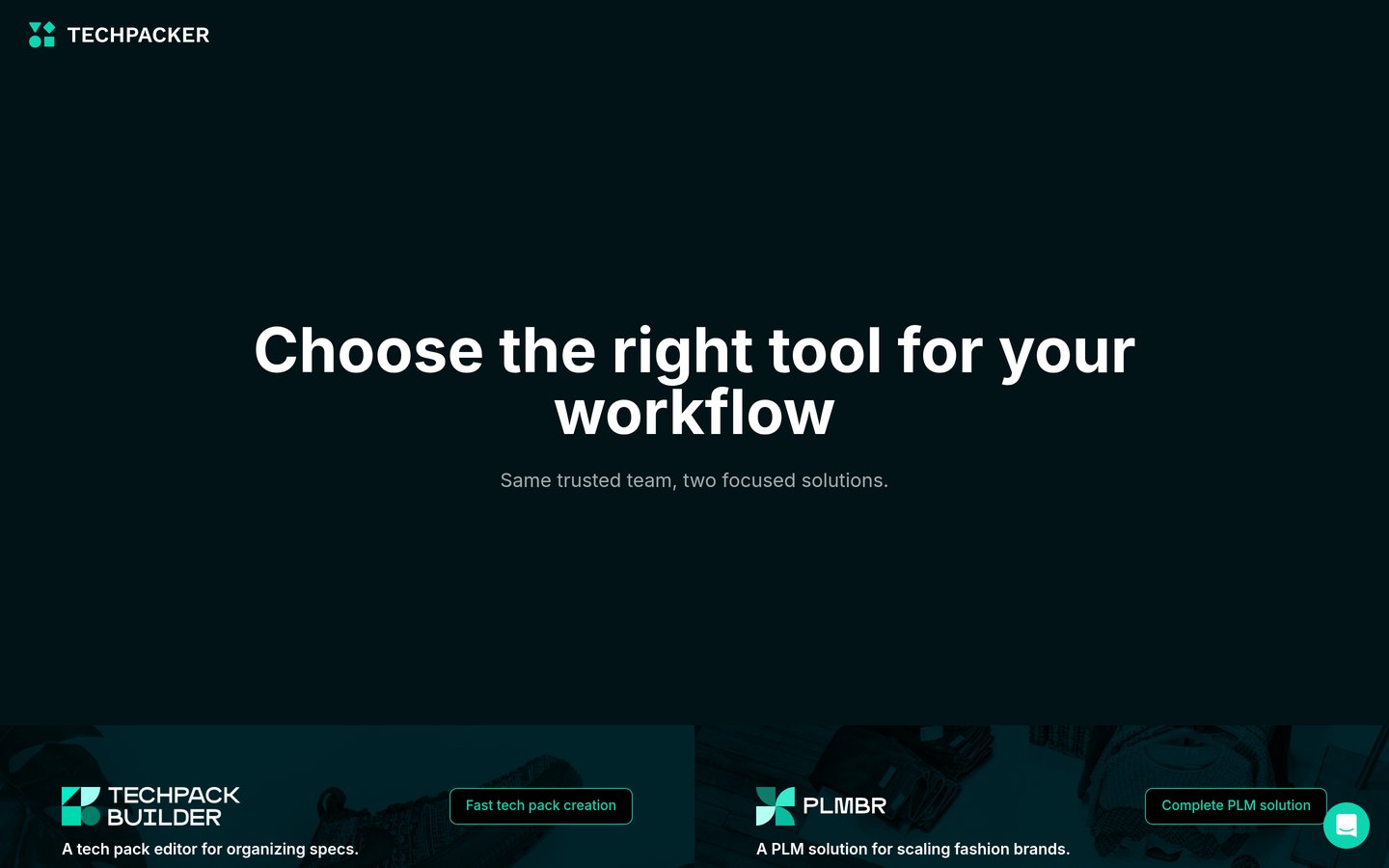
Techpacker is cloud software for building, versioning and sharing tech packs with factories. The Techpack Builder plan costs $35 per user a month when billed annually, or $420 a year, and covers reusable cards, measurement tables, BOMs, version history and one-click PDF export.
The trade off is that Techpacker organises tech packs but does not draw the flat sketch. You draw it in Illustrator and upload it, and each plan adds a one-time onboarding fee from $100. It suits small brands that need clean, shared tech packs first.
GIMP is a free and open-source raster editor for photo retouching, image composition and print art. It covers layers, masks, brushes and plugins, runs on Windows, macOS and Linux, and version 3.2.8 was released on 2 November 2026 with no paid edition and no seat limit.
The trade off is that it is a raster editor, not a vector or pattern tool. It cannot draw scalable flats like Illustrator, and it has no pattern making, grading or 3D drape. It suits designers who need free print and textile art without a subscription.
What we like
Free forever with no paid edition
Rated 4.3 out of 5 on G2 from 1,485 reviews
Runs on Windows, macOS and Linux
Layers, masks and plugins included
Watch out for
No vector flats, pattern or 3D features
Interface takes time to learn
Some print workflows need extra plugins
No paid plan exists; donations fund developmentVisit gimp.org
09
Procreate
4.4/5on App Store (51K reviews, checked Nov 2026)
Starts at$12.99/once
Best for iPad fashion sketching
Price$12.99 one-time
PlatformiPad only
Brushes200+ handmade brushes
Canvas sizeUp to 16k by 8k
procreate.com
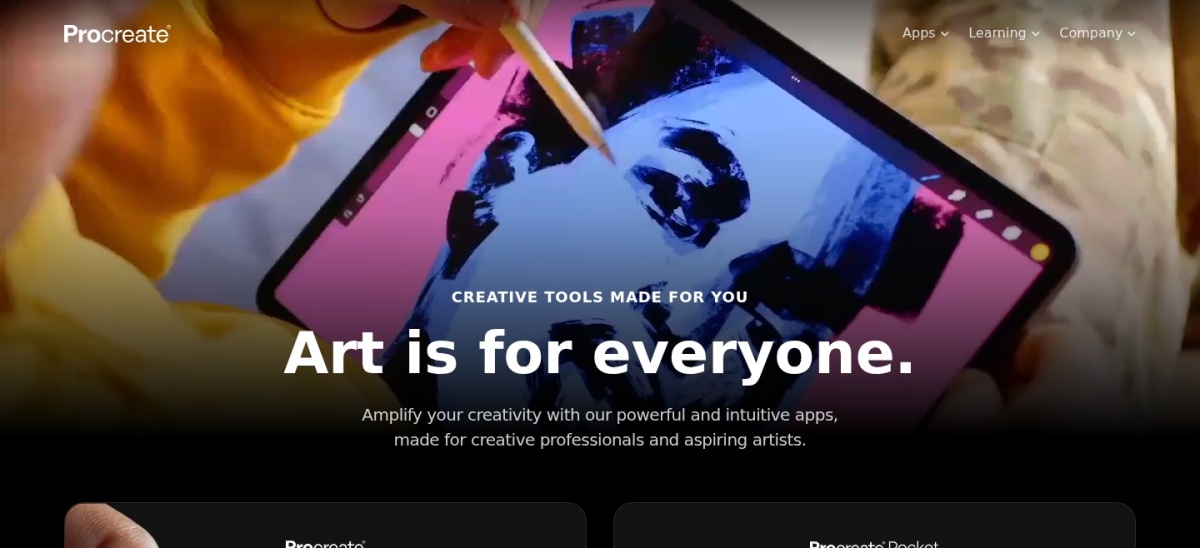
Procreate homepage, captured Nov 2026.
Procreate is a raster drawing and painting app for iPad, made for sketching, painting and illustration with Apple Pencil. It costs $12.99 once on the App Store, with no subscription, and includes hundreds of handmade brushes, an advanced layer system and the Valkyrie graphics engine.
The trade off is that it is iPad only, with no Windows, Mac or Android version. It is a raster app, so sketches do not scale like vector flats, and it has no pattern or tech-pack tools. It suits designers who sketch collections by hand on an iPad.
Free plans cover real work here. GIMP edits raster print art at no cost, and Procreate costs $12.99 once with no subscription.
Paid plans mostly add production depth. CLO 3D and Browzwear add pattern-based 3D fit, TUKAcad adds grading and markers, and Techpacker adds versioned factory handoff.
Quote-only tools are the other split. Optitex publishes no price, so budget for a sales conversation and a demo before you compare it with a published subscription.
For a tool you open every day, the first year of a paid plan often costs less than the time lost to a free tier's limits. Our free vs premium plugins guide explains the same trade-off for WordPress tools.
How we chose
We started from the established apparel design tools used by designers, pattern makers and technical teams, then kept nine that cover sketching, 2D patterns, 3D sampling and tech packs.
Prices come from vendor pricing pages, checked on 24 November 2026. Ratings come from G2, Capterra or the App Store on the same day. Where a vendor shows a sale, the list shows the regular price, and monthly prices are shown as monthly totals times 12 in the price ladder.
We left out tools with no published review rating, such as Marvelous Designer and Seamly2D, and tools with no published price and no review rating. Inkscape was swapped out for GIMP after its homepage screenshot failed three times. No vendor paid for a place, and we do not claim to have used these tools ourselves.
How to choose apparel design software
Start with the output you must hand over, then match the tool to that job.
Name the deliverable first. A flat sketch, a graded pattern, a 3D sample and a tech pack need different tools. Do not buy a 3D simulator to draw flats.
Check the free tier before you pay. GIMP is free, Procreate costs $12.99 once, and most paid tools offer a trial. Use one for a real garment before committing.
Check file compatibility. Factories expect DXF patterns, PDF tech packs and vector flats. Make sure your pick opens and exports the files your factory needs.
Add up the real yearly cost. Monthly billing costs far more than annual billing on most of these tools. Compare the annual totals, not the monthly headline.
FAQ
What is the best apparel design software?
CLO 3D is the best pick for most designers. It covers 2D patterns with 3D drape on an avatar for $50 a month, and G2 users rate it 4.6 out of 5. Browzwear suits production fit approval, and Illustrator suits flats.
How much does CLO 3D cost?
CLO 3D Individual costs $50 a month, or $450 a year with annual billing. Students pay $25 a month. Companies with two or more employees need the Enterprise plan, which is priced by quote.
Is there free apparel design software?
Yes. GIMP is free and open source for raster print art, and Seamly2D is free for pattern drafting, though it has no published review rating. Procreate costs $12.99 once for iPad sketching.
Do I need 3D software to design clothes?
No, but it helps for sampling. You can design with Illustrator flats and TUKAcad patterns alone. 3D tools such as CLO 3D and Browzwear cut physical samples by checking fit on an avatar first.
What software do fashion designers use for tech packs?
Techpacker is built for tech packs, with reusable cards, BOMs and version history from $35 per user a month billed annually. Most designers still draw the flat sketch in Illustrator and upload it to Techpacker.
Which tool is best for pattern making?
TUKAcad is the cheapest published option, from $19 a month for its Learning Edition. Optitex covers the full production path, but it is priced by quote and offers a demo rather than a trial.