Clockify is the best app to track work hours for most people, with a free plan for up to 5 users, unlimited tracking and a 4.5 out of 5 G2 rating. Pick Toggl Track for the simplest timer, or Harvest if you bill clients by the hour.
How we make this list: we compare pricing pages, product documentation and public user reviews, then re-check every price before each update. No product paid for a place. Disclosure.
Clockify is the cheapest way in: a free plan for up to 5 users and paid plans from $3.99 per user per month.
Toggl Track has the simplest timer, with a free plan for up to 5 users and Starter at $9 per user per month.
Harvest turns tracked hours into invoices, but its free plan covers only 1 seat and 2 projects.
Timely and RescueTime track hours automatically, so nothing is lost when you forget to start a timer.
Hubstaff and Time Doctor add screenshots and activity data, which suits managers but can feel intrusive to staff.
Paid plans across the list run from $3.99 to $12 per user per month billed annually.
What to look for in a work hours tracker
Tracking work hours is mostly about not losing billable time. A timer you forget to start, or a week rebuilt from memory on Friday, both cost money.
A good tracker should start in one click, sort hours by project or client, and turn them into a report or an invoice without retyping. Automatic tracking helps if you switch tasks often, and a booking calendar can hold the client side of the same work — see our guide on adding a booking calendar to WordPress.
Free plans differ a lot. Some cover a whole small team, while others cover one person or two projects, so check the seat limit before you invite anyone.
Prices below are the cheapest paid plan per user per month on annual billing, checked on 25 November 2026. Where a vendor shows a sale, the list shows the regular price.
Clockify is a time tracker with a timer, timesheets, a calendar view and reports on web, desktop and mobile. The free plan covers up to 5 users with unlimited tracking, projects and clients, and paid plans add billable rates, invoicing, approvals and screenshots.
The trade off is the interface, which packs a lot of options into small menus and can feel busy at first. Paid plans start at $3.99 per user per month billed annually, with a 3-seat minimum on paid plans. It suits freelancers and small teams that want a free tracker first.
What we like
Free plan covers up to 5 users with unlimited tracking
Toggl Track is a simple timer app for logging work hours by project, client and task, with reports, a calendar view and desktop and mobile apps. The free plan covers up to 5 users with unlimited tracking, projects, clients and tags, plus calendar integrations.
The trade off is price once you outgrow the free plan. Billable rates, project estimates and saved reports start with Starter at $9 per user per month billed annually. It suits freelancers and small teams that want a fast timer and clear weekly reports.
What we like
Fastest timer to start and stop in this list
Free plan is generous for up to 5 users
Clear reports that feed straight into invoices
Watch out for
Billable rates need a paid plan
No invoicing built in
Paid plans feel pricey for solo users
Starter adds billable rates, estimates and saved reportsVisit toggl.com
03
Harvest
4.3/5on G2 (836 reviews, checked Nov 2026)
Paid from$9/mo
Best for billing clients by the hour
Free plan1 seat, 2 projects
Cheapest paidTeams, $9/mo
InvoicingYes, from tracked time
ExpensesYes, with receipts
getharvest.com
Harvest homepage, captured Nov 2026.
Harvest is a time tracker built around billing, with timers, timesheets, expenses and invoices from the same tracked hours. The free plan covers 1 seat and 2 projects, and paid plans add unlimited projects, team reports and accounting integrations.
The trade off is the small free plan, which only fits a solo user. Teams costs $9 per seat per month billed annually, and extra invoices, projects and tasks can add usage charges. It suits agencies and consultants who bill clients by the hour.
What we like
Invoices are built from tracked hours
Expense tracking with receipts included
Simple timesheets that clients can approve
Watch out for
Free plan covers only 1 seat and 2 projects
Usage charges can apply for extra invoices and projects
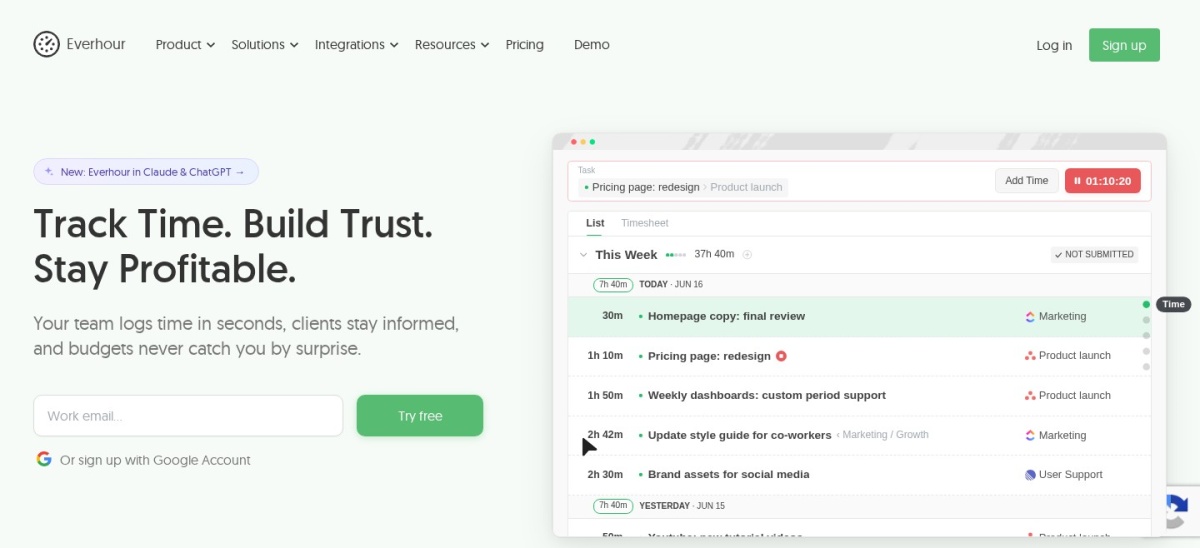
Everhour is a time tracker that lives inside project tools such as Asana, Trello, ClickUp and Jira, with timers, budgets and invoicing. The free plan covers up to 5 seats with basic tracking and reports, and the paid plan adds integrations, billing and approvals.
The trade off is the paid plan structure. Team costs $8.50 per seat per month billed annually and has a 5-seat minimum, so a solo user pays for 5 seats. It suits small teams that already plan work in Asana, Trello or Jira.
What we like
Highest G2 rating among the project-tool trackers here
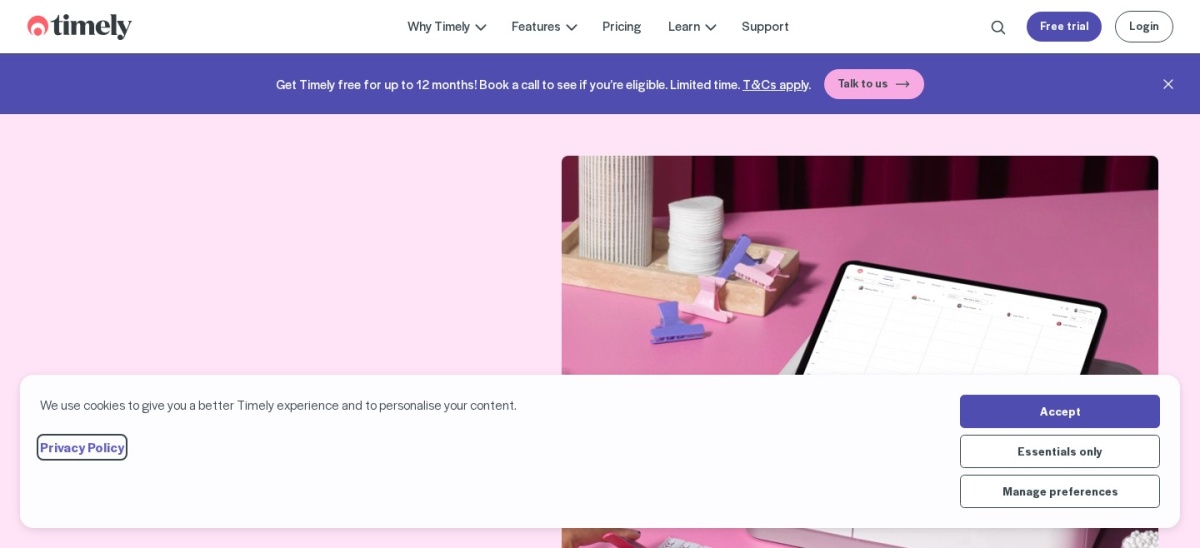
Timely is an automatic time tracker that records the apps and websites you use, then turns that record into timesheets you can review and edit. It adds project budgets, capacity planning and reports, and it works on desktop and mobile.
The trade off is that there is no free plan, only a trial, and plans start at $9 per user per month billed annually. It suits people who forget to start timers and want their hours captured without manual entry.
Hubstaff is a time tracker for remote teams, with timers, timesheets, activity levels, optional screenshots and payroll tools. It adds scheduling, invoicing and more than 30 integrations, and it runs on desktop, mobile and the web.
The trade off is monitoring. Screenshot and activity tracking can feel intrusive to staff, and the cheapest plan starts at $4.99 per user per month billed annually with a 2-seat minimum. It suits managers of remote or field teams who need proof of hours.
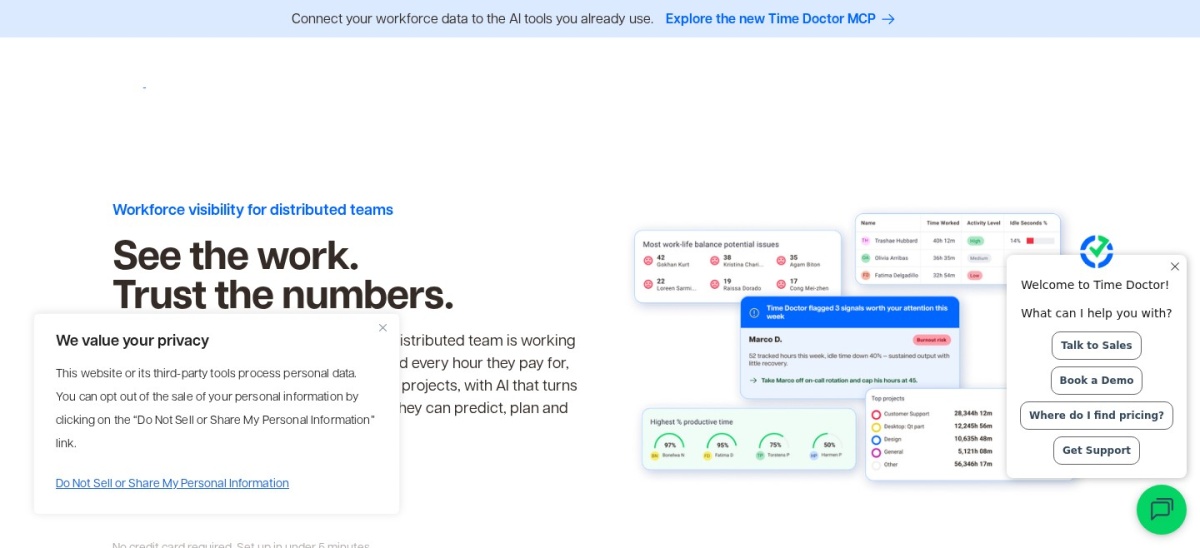
Time Doctor is a time tracker with automatic tracking, screenshots, web and app usage reports and attendance tools. The Basic plan covers projects, tasks and screenshots with 3 months of history, and higher plans add payroll, approvals and video recording.
The trade off is that there is no free plan, only a 14-day trial, and Basic starts at $6.70 per user per month billed annually. It suits distributed teams that need detailed activity data for payroll and client work.
ClickUp is a work platform that bundles tasks, docs, chat and dashboards with native time tracking built into tasks. The Free Forever plan covers unlimited tasks and members, and paid plans add unlimited storage, integrations and reporting.
The trade off is size. ClickUp does far more than track hours, so setup takes longer than a simple timer, and native time tracking is fully unlocked on the Unlimited plan at $12 per user per month. It suits teams that want tracking inside their project tool.
RescueTime is an automatic tracker that runs in the background and records how long you spend in each app and website. It sorts that time into productive and distracting work, sends weekly reports and adds focus tools such as Focus Sessions.
The trade off is that it tracks what you did, not which client or project it was for, so billing needs manual sorting. Solo costs $7 per month billed annually, and a free Lite plan covers basic tracking. It suits solo workers who want to see where their hours go.
Free plans cover the core job well. Most include a timer, manual entries, projects and basic reports.
Paid plans mostly add billing, approvals and monitoring. Billable rates, invoicing, screenshots and payroll sit behind the paywall in most of these tools.
Automatic tracking is split. Timely and RescueTime capture hours without a timer, while Clockify, Toggl Track and Harvest need you to start and stop one.
For a team that bills by the hour, the first paid plan often pays for itself in one recovered invoice. For personal use, a free plan is usually enough.
How we chose
We started from the most widely used time trackers on G2, then kept nine that cover free plans, automatic tracking, invoicing and team monitoring.
Prices come from each vendor's pricing page or G2 pricing data, checked on 25 November 2026. Ratings and review counts come from G2 on the same day. Where a vendor shows a sale, the list shows the regular price.
We left out tools with no public pricing and tools built only for shift scheduling. No vendor paid for a place, and we do not claim to have used these tools ourselves.
How to choose an app to track work hours
Start with who is tracking and why, then pick the simplest tool that fits that job.
Decide who tracks the hours. A solo freelancer needs a timer and reports. A team needs approvals, roles and a seat limit that fits everyone.
Pick manual or automatic tracking. Manual timers suit planned work with clear tasks. Automatic tracking suits days full of calls, email and small jobs.
Check how hours turn into money. If you bill clients, you need billable rates and invoicing. If you pay staff, you need approvals and payroll exports.
Try the free plan with real work. Log a full week before you pay. Check that reports show the projects and clients you actually use.
FAQ
What is the best app to track work hours?
Clockify is the best pick for most people. Its free plan covers up to 5 users with unlimited tracking, projects and clients, and it is rated 4.5 out of 5 on G2 from 205 reviews. Paid plans start at $3.99 per user per month billed annually.
Is there a free app to track work hours?
Yes. Clockify, Toggl Track, Everhour, Harvest, ClickUp and RescueTime all have free plans, though Harvest covers only 1 seat and 2 projects. Clockify and Toggl Track have the most generous free plans, each covering up to 5 users with unlimited tracking.
Can an app track my work hours automatically?
Yes. Timely and RescueTime record the apps and websites you use and turn that record into timesheets, so you do not need to start a timer. Clockify also has an auto tracker, but its core tracking is manual. Automatic tools still need a weekly review to assign hours to projects.
How much does a time tracking app cost?
Paid plans in this list run from $3.99 to $12 per user per month billed annually. Clockify is cheapest at $3.99, Hubstaff starts at $4.99 and Time Doctor at $6.70. Most tools also offer a free plan or a trial, so you can start without paying.
Which app is best for billing clients by the hour?
Harvest is the best fit for hourly billing. It turns tracked time and expenses into invoices, supports billable rates and connects to accounting tools. Toggl Track and Everhour are good alternatives if you also need project estimates or budgets.
Do these apps work for remote teams?
Yes. Hubstaff and Time Doctor are built for remote teams, with screenshots, activity levels, scheduling and payroll tools. Clockify, Toggl Track and Harvest also support teams with shared projects, reports and approvals on paid plans.
SaaS SEO and WordPress specialist with about 8 years of experience. Rakib compares WordPress plugins, themes, hosting and software using public pricing, documentation and user reviews. See how we rank.