Indeed is the best app to find jobs for most people, with the widest range of listings and free job alerts, rated 4.3 out of 5 on G2 from 677 reviews. Use LinkedIn if your network matters, or ZipRecruiter for fast one-tap applications.
How we make this list: we compare pricing pages, product documentation and public user reviews, then re-check every price before each update. No product paid for a place. Disclosure.
Indeed has the widest listings of any app here, and searching plus job alerts are free.
LinkedIn is the only app where your network and profile do part of the work, and Premium Career costs $39.99 a month.
ZipRecruiter has the highest G2 rating in this list at 4.8 out of 5 from 1,488 reviews.
Glassdoor pairs 6M+ US job listings with 250M+ company reviews, ratings and salaries.
Every app here is free for job seekers; only LinkedIn sells a paid upgrade aimed at seekers.
What to look for in a job search app
A good job app starts with listings. The best apps pull in roles from company sites and other boards, so you see openings you would miss on one company site alone.
Filters decide how fast you find the right role. Look for salary, remote, full-time or part-time and location filters, plus alerts that email you new matches each day.
Salary and company detail matter before you apply. Glassdoor shows pay ranges and employee reviews beside each listing, while LinkedIn shows who you know at the company.
Watch out for stale or repeated listings. Aggregators can show the same job twice or keep closed roles live, so check the posting date and apply on the employer's site when you can. A strong profile helps too: our guide to creating a portfolio site with WordPress shows how to put your work in one place.
All nine apps in this list are free for job seekers. The prices shown are the cheapest paid tier: only LinkedIn sells an upgrade aimed at seekers, while the boards charge employers to post.
Indeed is the largest job search app in this list, pulling listings from company sites and other boards into one search. Searching, saving jobs and setting up email alerts are free, and many listings show pay ranges and company reviews beside the role.
The trade off is repetition. Aggregated listings can appear twice and closed roles can stay live, so check the posting date before you apply. Searching is free, and employers pay from $5 a day to sponsor a post. It suits almost any job seeker, from first jobs to senior roles.
What we like
Widest range of listings in this list
Free search, saved jobs and email alerts
Pay ranges and company reviews on many listings
Quick apply with a saved resume
Watch out for
Same job can appear more than once
Some closed roles stay listed
Sponsored posts sit at the top of results
Free for seekers; employers pay from $5 a day to sponsor postsVisit indeed.com
02
LinkedIn
4.5/5on G2 (1,270 reviews, checked Nov 2026)
Paid from$39.99/mo
Best for networking while you search
Job searchFree
Open To WorkYes
InMail credits5/mo, Premium
Paid planPremium Career, $39.99/mo
linkedin.com
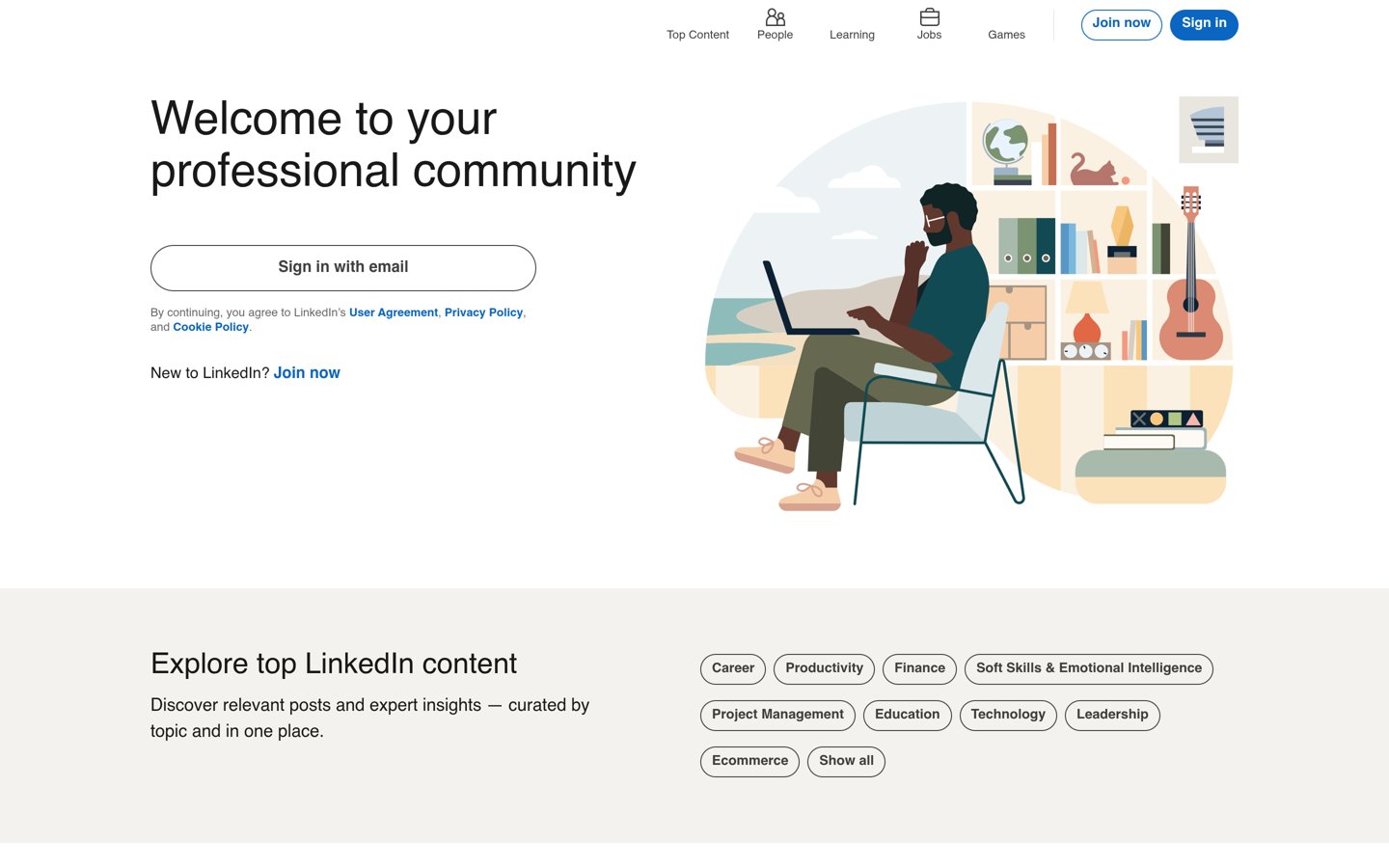
LinkedIn homepage, captured Nov 2026.
LinkedIn is the only app here where your network is part of the search. The free version lists jobs by title and location, shows who you know at each employer, and lets you mark yourself Open To Work so recruiters can find you.
The trade off is price. Premium Career costs $39.99 a month, or $239.88 a year, and adds top-applicant signals, 5 InMail credits a month and access to 25,000+ Learning courses. It suits job seekers who already have a network and want recruiters to come to them.
What we like
See connections at each employer before you apply
Open To Work alerts recruiters you are looking
Premium Top Choice jobs draw about twice as many recruiter replies, per LinkedIn data
25,000+ Learning courses included with Premium
Watch out for
Best features sit behind the $39.99 a month plan
Recommendations can drift off target
Profile upkeep takes time
Premium Career adds InMail, top-applicant signals and coursesVisit linkedin.com
03
ZipRecruiter
4.8/5on G2 (1,488 reviews, checked Nov 2026)
PriceFree
Best for fast applications
Job searchFree
1-tap applyYes
Matched jobsYes, by email and app
Paid planEmployers: reported from $299/mo
ziprecruiter.com
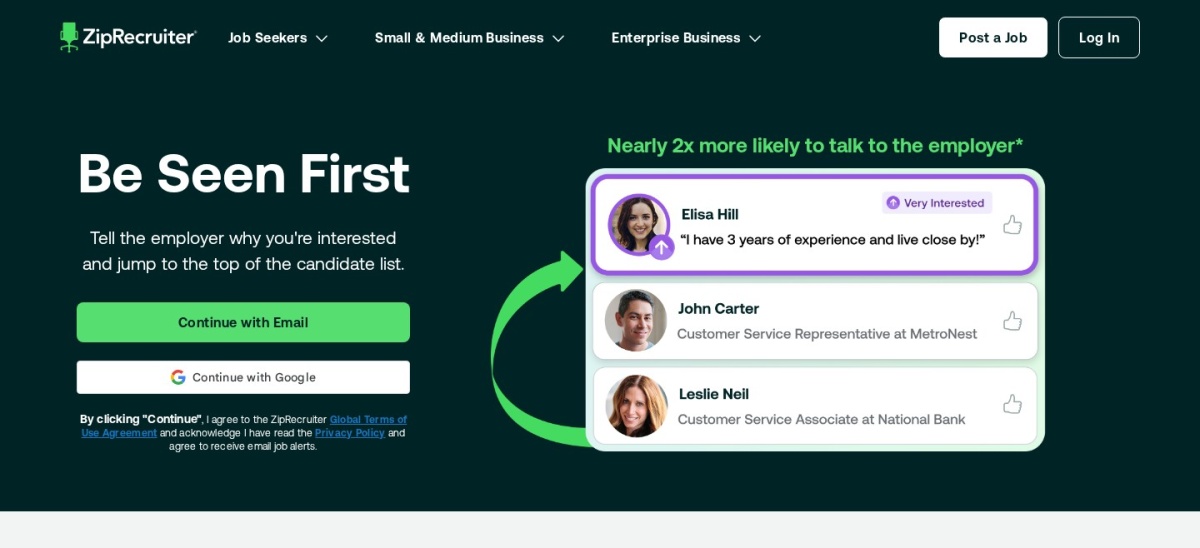
ZipRecruiter homepage, captured Nov 2026.
ZipRecruiter is a job marketplace that matches your profile to open roles and sends the matches to you. Job searching and applying are free, and its 1-tap apply lets you send an application without retyping your resume each time.
The trade off is that employers pay for the service, with Standard reported at about $299 a month per job slot, and ZipRecruiter publishes no rate card. It suits job seekers who want a short list of matched roles and a fast way to apply to each one.
What we like
Highest G2 rating in this list, 4.8 out of 5
1-tap apply speeds up applications
Matched jobs arrive by email and in the app
Be Seen First lets you add a note to your application
Glassdoor is a job search app built around company research. Its homepage lists 250M+ company reviews, ratings and salaries across 3.9M companies, and 6M+ US job listings, so you can check pay and culture before you apply.
The trade off is that its job listings are powered by Indeed, so the roles overlap heavily with the top pick here. It suits job seekers who want to vet an employer first and compare pay before sending an application.
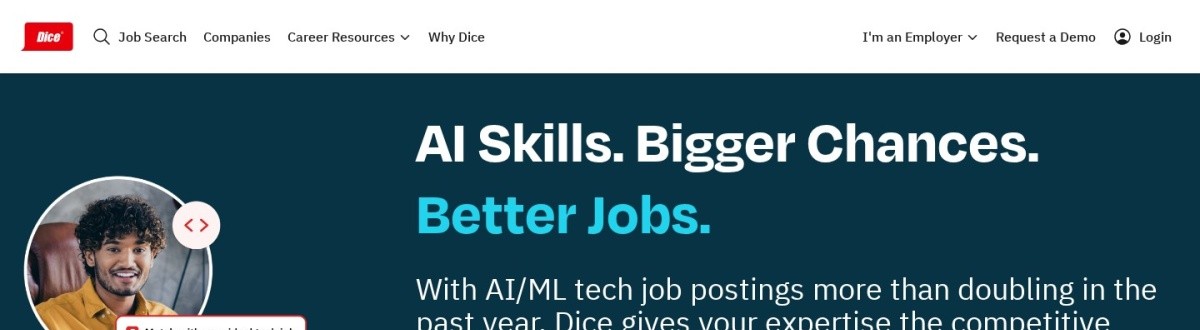
Dice is a job board for technology roles only, covering software, IT, engineering and data jobs. Searching and applying are free, and Dice publishes tech salary data that helps you judge whether a posted range is fair.
The trade off is scope. Dice lists almost no roles outside tech, so it works as a second app beside a general board. Employers pay $399 for a single 30-day job slot. It suits developers, engineers and IT staff who want tech-only listings.
What we like
Tech-only listings, no unrelated roles
Salary data for tech roles
Dice says 97% of posting companies hear from an applicant within 24 hours
Contract and remote tech roles listed
Watch out for
No roles outside tech
Smaller listing pool than general boards
Some listings come from staffing firms
Free for seekers; employers pay $399 per 30-day job slotVisit dice.com
06
Monster
4.1/5on G2 (219 reviews, checked Nov 2026)
PriceFree
Best for resume-led searching
Job searchFree
Resume uploadYes
One-click applyYes, in the app
Paid planMonster+ Pro, $299/mo
monster.com
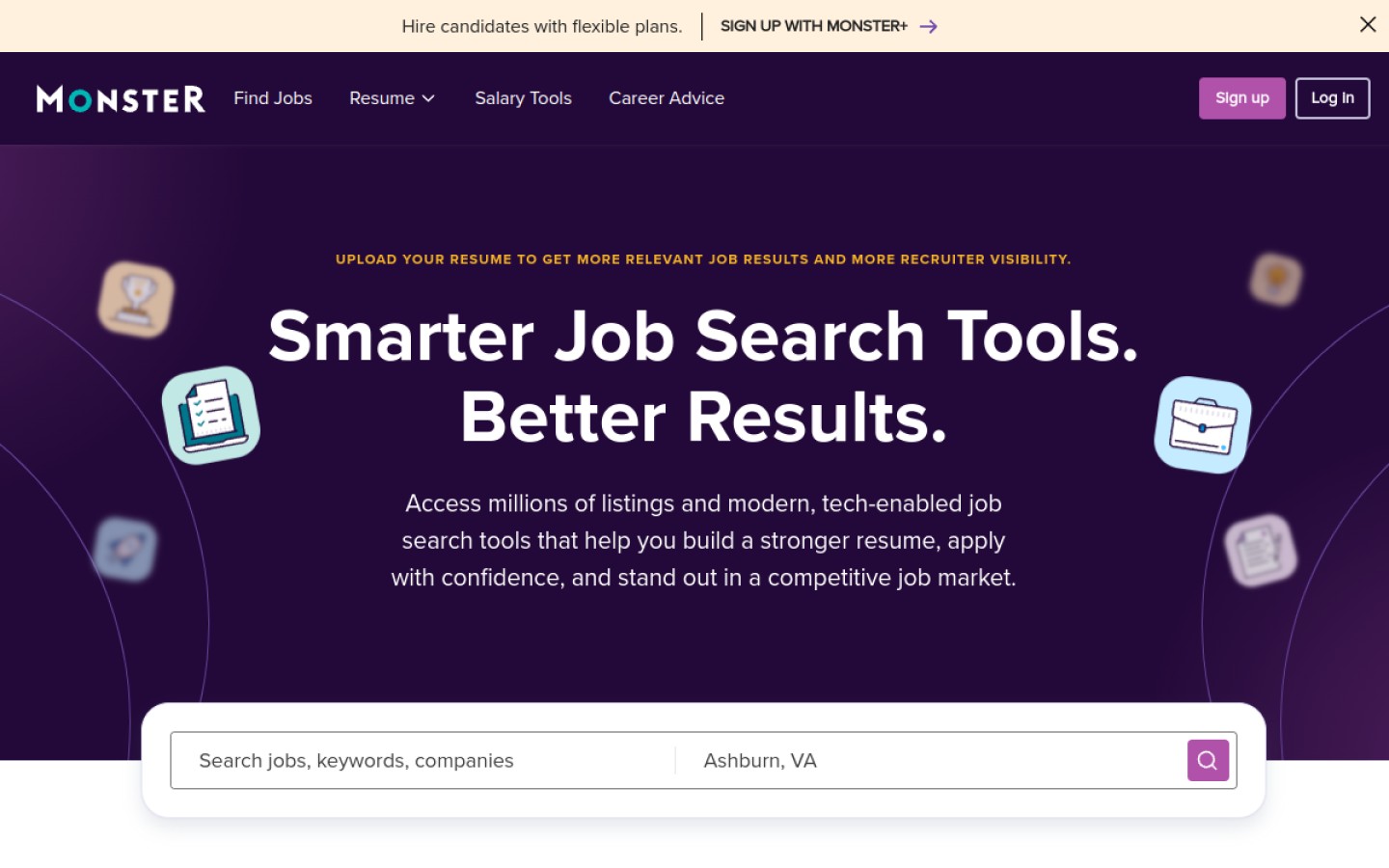
Monster homepage, captured Nov 2026.
Monster is a long-running job board with millions of listings and tools built around your resume. Uploading a resume gives you more relevant results and more recruiter visibility, and the app offers one-click apply on the go.
The trade off is that its paid side is aimed at employers, with Monster+ Pro at $299 a month including resume search. It suits job seekers who want a resume-first search and a board that covers most industries.
What we like
Covers most industries and job types
Resume upload improves matches and visibility
One-click apply in the mobile app
Work-from-home and hourly roles easy to find
Watch out for
Some listings are older than they look
Alerts can repeat the same roles
Fewer salary details than Glassdoor
Free for seekers; Monster+ Pro for employers is $299 a monthVisit monster.com
07
CareerBuilder
4.1/5on G2 (88 reviews, checked Nov 2026)
PriceFree
Best for quick-applying at scale
Job searchFree
Quick ApplyYes, one click
Resume toolsYes, with feedback
Paid planNone for seekers
careerbuilder.com
CareerBuilder homepage, captured Nov 2026.
CareerBuilder is a general job board with Quick Apply, resume tools and email alerts. Upload your resume to see how well you qualify for each role, then apply to the best matches in one click.
The trade off is age and overlap. CareerBuilder now shares job distribution with Monster, so many listings appear on both boards. It suits job seekers who want to fire off many applications fast.
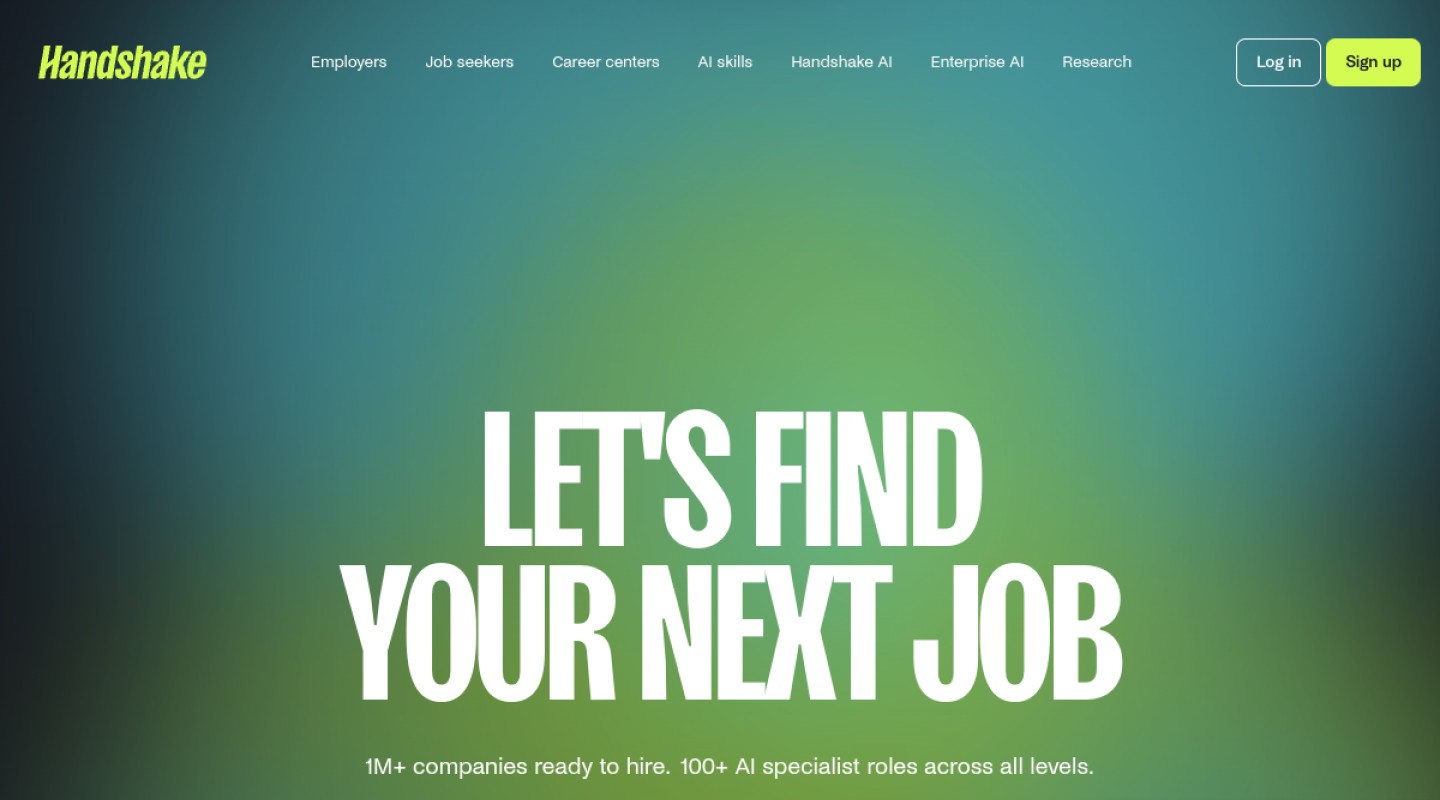
Handshake is a career network built for students and recent graduates. It shows personalized job and internship matches, runs career events, and now lists flexible remote work in AI alongside regular roles.
The trade off is audience. Most listings target students, interns and early-career hires, so experienced job seekers will find less here. It suits students and recent graduates looking for a first job or internship.
Snagajob is a job board for hourly and local work in restaurants, retail, warehouses and delivery. Listings show hourly pay upfront, and your profile doubles as your application, so you can apply without paperwork.
The trade off is ratings and reach. Snagajob has the lowest G2 rating in this list at 3.4 out of 5 from 58 reviews, and it lists almost no salaried roles. It suits hourly workers who want local shifts with pay shown before they apply.
What we like
Hourly pay shown on most listings
Profile acts as your application
Local and shift work easy to find
Interview invites come to your profile
Watch out for
Lowest G2 rating in this list
Almost no salaried or senior roles
Reviewers note some listings stay up after the role fills
Searching is free on all nine apps. No app here charges you to browse listings, save jobs or set up alerts.
Only LinkedIn sells an upgrade aimed at job seekers. Premium Career costs $39.99 a month and adds top-applicant signals, 5 InMail credits a month and Learning courses.
The other paid prices in this list sit on the employer side. Employers pay to post or promote jobs, from $5 a day on Indeed to a $399 single slot on Dice, but none of that changes what you pay.
Be wary of any job app that asks you to pay to apply. A real employer never charges a fee to apply for a role.
How we chose
We started from the job apps job seekers name most often, then kept the nine with a live app, a free search and a public rating on G2.
Prices come from each vendor's pricing page or, where the vendor publishes no rate card, from pricing guides that checked it, all read on 25 November 2026. Ratings and review counts come from G2 on the same day. Where a vendor shows a sale, the list shows the regular price.
We left out aggregators with no app of their own and boards with no public rating. No vendor paid for a place, and we do not claim to have used these tools ourselves.
How to choose a job search app
Start with one general app and one specialist app, then add alerts on both.
Pick one general board first. Indeed or LinkedIn covers most roles. Add a second general app only if your field is thin there.
Add a specialist for your work. Use Dice for tech, Handshake for a first job, or Snagajob for hourly shifts. Specialists list roles the general boards bury.
Check pay and the employer before you apply. Glassdoor shows salary ranges and reviews beside each listing. Apply on the employer's own site when you can, and check the posting date first.
Turn on alerts and apply fast. New roles get the most replies in the first days. Set a daily alert on each app and apply the same day when a match lands.
FAQ
What is the best app to find jobs?
Indeed is the best app to find jobs for most people. It has the widest listings, free search and alerts, and a 4.3 out of 5 G2 rating from 677 reviews. LinkedIn suits network-led searches and ZipRecruiter suits fast applications.
Are job search apps free?
Yes. Searching, saving jobs and setting alerts is free on all nine apps in this list. Only LinkedIn sells a paid upgrade aimed at job seekers, Premium Career at $39.99 a month, while the boards charge employers to post.
Which job app is best for tech jobs?
Dice is the best app for tech jobs. It lists only technology roles, from software and data to IT support, and publishes tech salary data. Pair it with Indeed or LinkedIn so you also see tech roles posted on general boards.
Which job app shows salaries?
Glassdoor is the strongest for salary detail, with pay ranges and employee reviews beside each listing. Indeed and Snagajob also show pay on many listings, and Snagajob shows hourly rates upfront for shift work.
Is LinkedIn Premium worth it for job seekers?
It depends on how you search. Premium Career costs $39.99 a month and adds top-applicant signals, 5 InMail credits a month and Learning courses. Try the free month first and keep it only if recruiters reply more.
What is the best job app for students?
Handshake is the best app for students and recent graduates. It lists internships and early-career roles, runs career events and matches jobs to your course and skills. General boards work too, but Handshake is built for first jobs.
Do job apps really help you get hired?
They help you find and apply for roles fast, but they do not hire you. Your resume, portfolio and interview still decide the outcome. Use alerts to apply early and check each employer before you send an application.
SaaS SEO and WordPress specialist with about 8 years of experience. Rakib compares WordPress plugins, themes, hosting and software using public pricing, documentation and user reviews. See how we rank.