Visual Studio Code is the best app programming software for most developers. It is free on Windows, macOS, and Linux, rated 4.7/5 on G2 from 2,775 reviews. Pick Visual Studio for Windows .NET work, IntelliJ IDEA for Java and Kotlin, and Flutter for one codebase across iOS and Android.
How we make this list: we compare pricing pages, product documentation and public user reviews, then re-check every price before each update. No product paid for a place. Disclosure.
Visual Studio Code is the best free starting point: free on Windows, macOS, and Linux, rated 4.7/5 on G2 from 2,775 reviews.
Visual Studio is the pick for Windows .NET and C++ teams, with Community free and Professional at $45 per user a month.
IntelliJ IDEA leads for Java and Kotlin, rated 4.6/5 on G2, with the paid edition at $19.90 a month for individuals.
Flutter, Android Studio, and Xcode are all free; pick Flutter for one codebase, Android Studio for Android, and Xcode for Apple apps.
Bubble at $29 a month and FlutterFlow at $30 a month suit non-coders, while OutSystems is quoted and aimed at large teams.
What app programming software should cover
App programming software covers two kinds of tool: code editors and IDEs for writing code, and visual builders for assembling apps with little or no code. This list mixes both, so a solo developer and a non-technical founder can each find a fit.
Start with the platform you must ship to. iOS apps need Xcode on a Mac, Android apps are easiest in Android Studio, and cross-platform apps can share one Flutter codebase. A Windows-only IDE is a poor pick for a team that must also ship iPhone apps.
Price is mostly simple here. All nine tools have a free plan or edition, and four of them — VS Code, Flutter, Android Studio, and Xcode — are entirely free. The cheapest paid plans run from $19.90 to $45 a month. Low-code builders add usage charges, so check what a busy app costs before you commit. Our guide on setting up a local WordPress dev environment covers the same setup-first thinking for web projects.
Ratings in this list come from G2, checked on 24 November 2026. Visual Studio Code leads at 4.7/5, while IntelliJ IDEA and Flutter sit at 4.6/5.
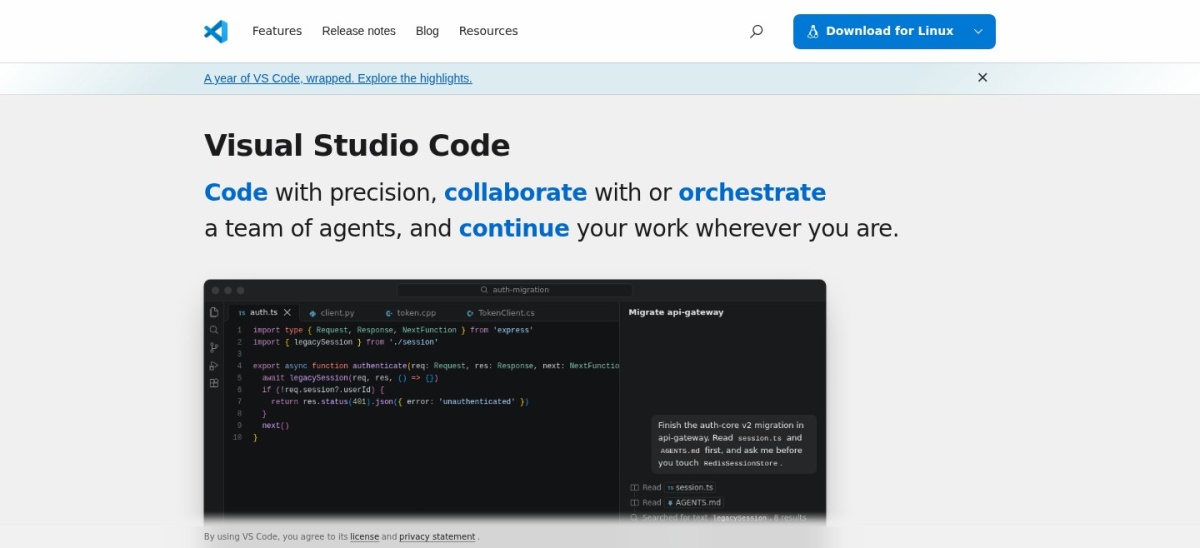
Visual Studio Code is a free code editor from Microsoft that runs on Windows, macOS, and Linux. It includes built-in Git support, debugging, an integrated terminal, and IntelliSense code completion. The extension marketplace adds language support, themes, and tools for almost any stack, from web apps to Python and mobile back ends.
The trade off is setup time. VS Code starts lean, so a full app workflow needs extensions for frameworks, linters, and mobile SDKs, and too many extensions can slow it down. It suits developers who want one free, fast editor they can shape around any language or project.
Visual Studio is Microsoft's full IDE for Windows, built for .NET, C++, and mobile apps with .NET MAUI. The free Community edition covers individual developers and small teams, with a debugger, profiler, and Git tools built in. Professional adds Azure DevOps Basic and costs $45 per user a month on monthly billing.
The trade off is platform and price. Visual Studio runs on Windows only, and teams that outgrow Community pay $45 per user a month, or $540 a year, for Professional. It suits Windows teams building .NET or C++ apps who want one heavyweight IDE for the whole job.
IntelliJ IDEA is JetBrains' IDE for Java and Kotlin, with smart code completion, refactoring, and debugging built in. The free core covers Java, Kotlin, Scala, and Python, plus Git and Gradle or Maven builds. The paid edition adds Spring, database tools, and web framework support for $19.90 per user a month.
The trade off is weight and cost. IntelliJ can use several gigabytes of memory on large projects, and the paid edition costs $19.90 a month, or $238.80 a year, for individuals. It suits Java and Kotlin developers who work on large codebases and value deep refactoring tools.
Flutter is Google's free, open-source framework for building apps for iOS, Android, web, and desktop from one Dart codebase. It ships with a widget library, hot reload for fast UI changes, and a large package ecosystem. Developers write the app once and compile it to native code for each platform.
The trade off is that Flutter is a framework, not an IDE. You still need an editor such as VS Code or Android Studio, plus native SDKs to publish to the stores. It suits teams that want one codebase for iOS and Android without keeping two native apps in step.
Android Studio is Google's free, official IDE for Android apps, built on IntelliJ and free to download. It includes a visual layout editor, an Android emulator, Kotlin and Java support, and tools for profiling and app size. It also bundles the Android SDK and Gradle build system.
The trade off is hardware hunger. Android Studio and its emulator need plenty of RAM and disk space, and it only builds Android apps. It suits Android developers who want the official toolchain, emulator, and Play Store publishing flow in one place.
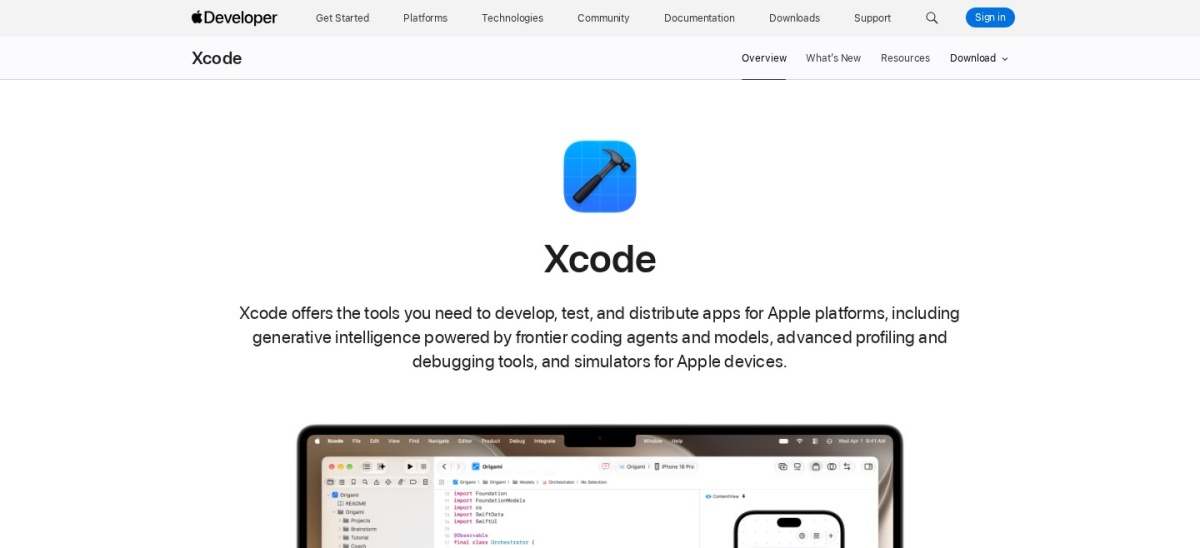
Xcode is Apple's free IDE for iOS, macOS, watchOS, and tvOS apps, available on the Mac App Store. It includes Swift and Objective-C support, Interface Builder, simulators for Apple devices, and Instruments for performance checks. It is the only supported route to build and sign apps for the App Store.
The trade off is the Apple lock-in. Xcode runs on a Mac only, and publishing to the App Store needs a paid Apple Developer membership. It suits iOS and macOS developers who need Apple's simulators, signing, and store submission tools.
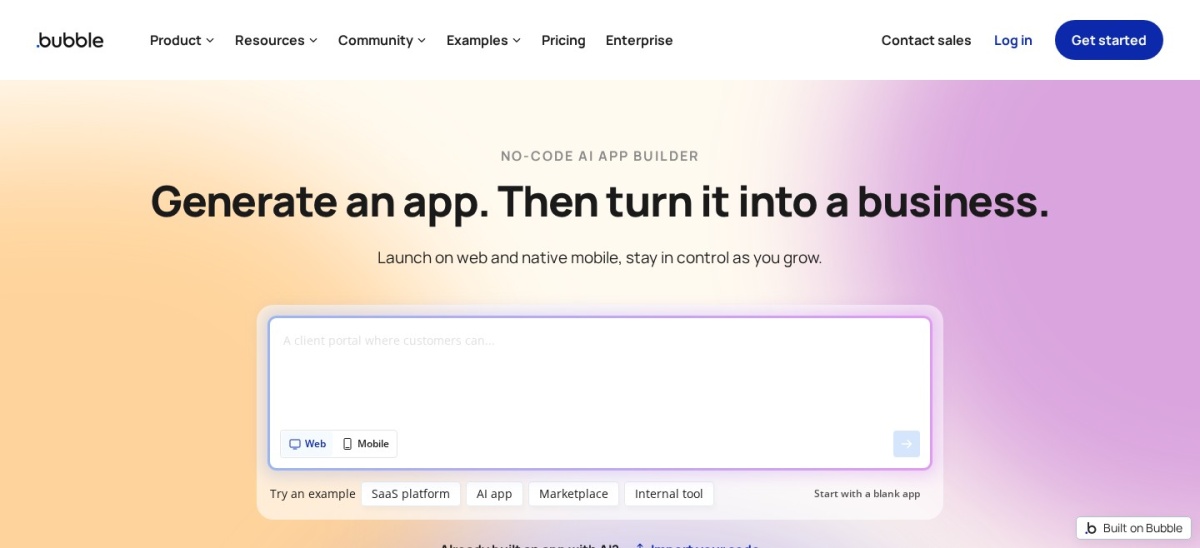
Bubble is a visual, no-code platform for building web apps and, more recently, native mobile apps without writing code. The free plan covers learning and prototyping in a development version. Starter costs $29 a month billed yearly and adds a live app, a custom domain, and recurring workflows.
The trade off is cost at scale. Bubble charges by workload units, so a busy app can cost far more than the $29 Starter plan, and you cannot export your source code. It suits founders and small teams who want to launch a web app fast without hiring developers.
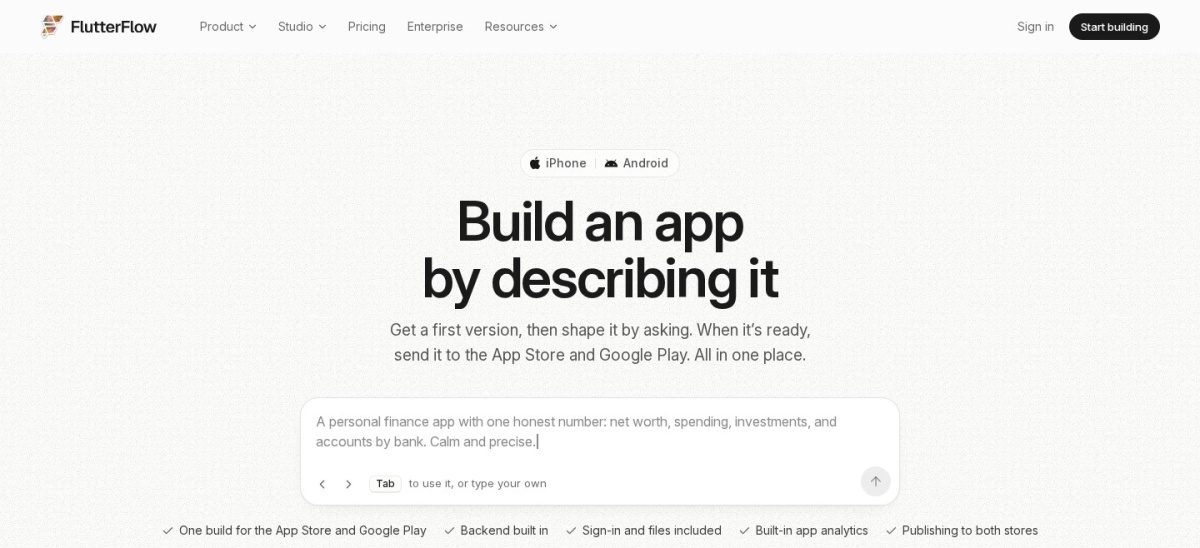
FlutterFlow is a visual builder on top of Flutter that lets you design iOS, Android, and web apps by dragging widgets onto a canvas. The free Starter plan covers learning and prototypes with FlutterFlow branding. Standard costs $30 a month and adds code download, custom domains, and Git integration.
The trade off is complexity. Visual logic can get tangled on apps with heavy custom rules, and publishing to the App Store needs the $70 Pro plan. It suits Flutter developers and designers who want visual speed plus the option to take the generated Dart code away.
OutSystems is a low-code platform for building enterprise web and mobile apps with visual models, built-in data, and one-click deployment. The free Personal edition covers learning and small apps for up to 100 users. Paid plans add separate test and production environments, support, and uptime guarantees.
The trade off is price. Paid OutSystems plans are quoted per customer, which puts the platform out of reach for small teams and solo developers. It suits large organisations that need to ship many business apps fast with governance built in.
An IDE gives you full control over code, libraries, and performance, and most of the best ones are free. The cost is time: you need to learn a language and a build toolchain.
A low-code builder trades control for speed. You ship a working app in weeks, but you pay monthly, live with usage limits, and may not own the source code.
Pick an IDE if you have developers on staff or plan to grow the app for years. Pick a builder if you need a working product fast and can live inside its limits.
How we chose
We started from the IDEs and builders developers actually use for app work: Microsoft, Google, Apple, and JetBrains tools, plus the best-known low-code platforms. We kept only established products with public pricing and a G2 rating.
Prices come from each vendor's pricing page or G2 pricing data, checked on 24 November 2026. Ratings and review counts come from G2 on the same day. Where a vendor shows a sale, the list shows the regular price.
We left out tools with no public price or too few reviews to judge, and we left out niche frameworks aimed at one game engine. No vendor paid for a place, and we do not claim hands-on testing for this list.
How to choose app programming software
Match the tool to the platform, your skills, and your budget before you install anything.
Name the platform first. iOS needs Xcode on a Mac, Android is easiest in Android Studio, and Flutter covers both from one codebase.
Be honest about coding skill. Developers should pick an IDE; non-coders should pick Bubble or FlutterFlow and accept their limits.
Check the full cost, not the headline. Free IDEs stay free, but low-code apps add usage charges, and paid IDE plans are per user per month.
Try the free plan on a real project. Build a small screen or feature first to test the editor, the debugger, and the publishing flow.
FAQ
What is the best app programming software?
Visual Studio Code is the best pick for most developers. It is free on Windows, macOS, and Linux, rated 4.7/5 on G2 from 2,775 reviews, and its extensions cover almost any language or stack.
What is the best software for building iOS apps?
Xcode is the best choice for native iOS apps. It is free on the Mac App Store, includes simulators and signing tools, and is the only supported route to publish apps to the App Store.
What is the best software for building Android apps?
Android Studio is the best choice for native Android apps. It is Google's free, official IDE, with a visual layout editor, a built-in emulator, and Kotlin and Java support.
Can I build an app without coding?
Yes. Bubble and FlutterFlow let you build apps visually, with free plans for learning. Bubble starts at $29 a month for a live app, while FlutterFlow starts at $30 a month and lets you download the code.
Is Visual Studio Code really free?
Yes. Visual Studio Code is free for private and commercial use, with no paid plan. Microsoft earns from the wider ecosystem, while the editor, debugger, and extension marketplace cost nothing.
How much does IntelliJ IDEA cost?
IntelliJ IDEA has a free core for Java and Kotlin work. The paid edition costs $19.90 per user a month for individuals, or $238.80 a year, and adds Spring, database tools, and web framework support.
SaaS SEO and WordPress specialist with about 8 years of experience. Rakib compares WordPress plugins, themes, hosting and software using public pricing, documentation and user reviews. See how we rank.