Userflow is the best app onboarding tool for most teams, with unlimited flows and checklists from $240 a month and a 4.8 out of 5 G2 rating. Pick UserGuiding for the simplest setup, Product Fruits for the best value at $111 a month, or Pendo to start free.
How we make this list: we compare pricing pages, product documentation and public user reviews, then re-check every price before each update. No product paid for a place. Disclosure.
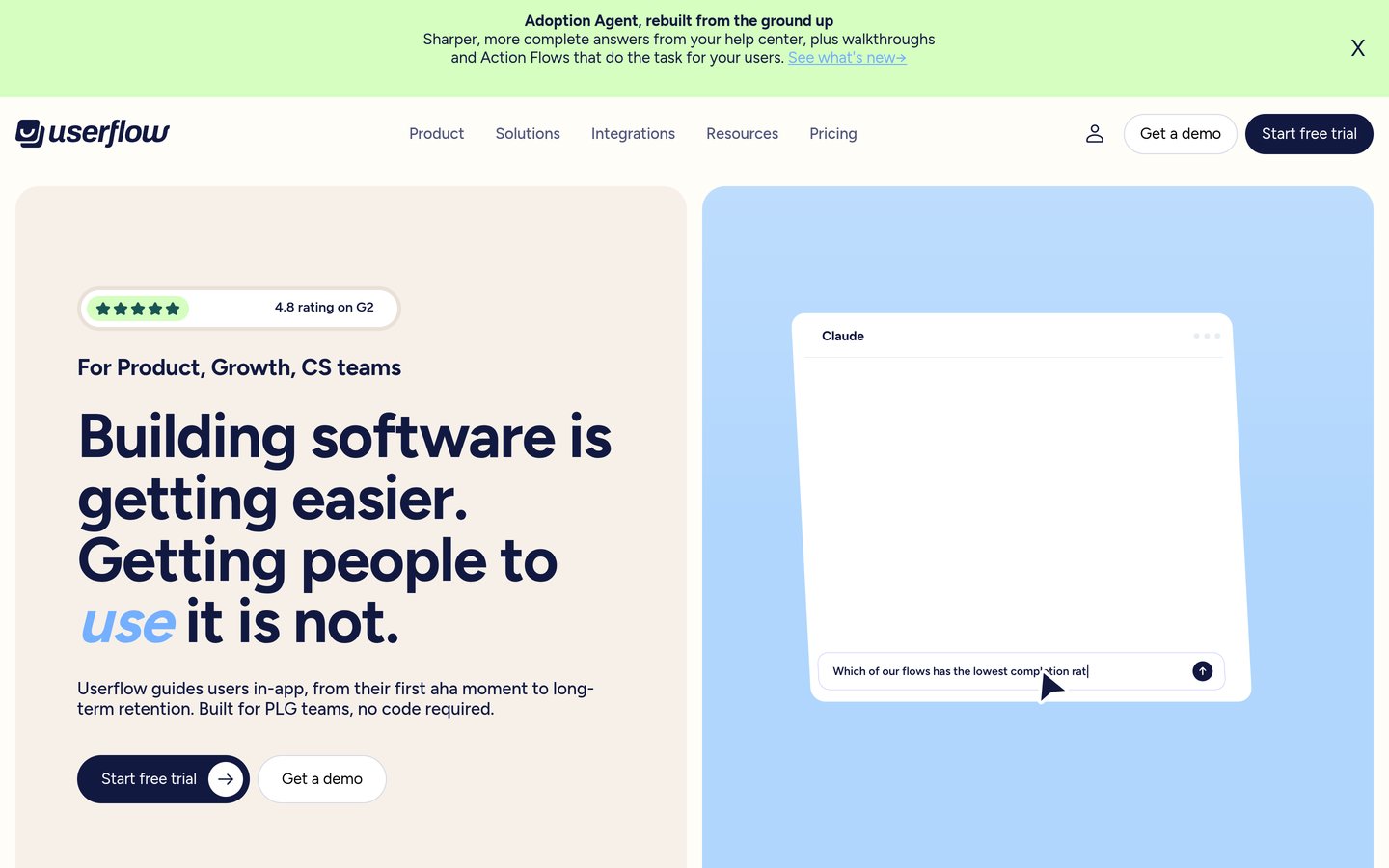
Userflow leads with a 4.8 out of 5 G2 rating and unlimited flows, checklists and team members from $240 a month.
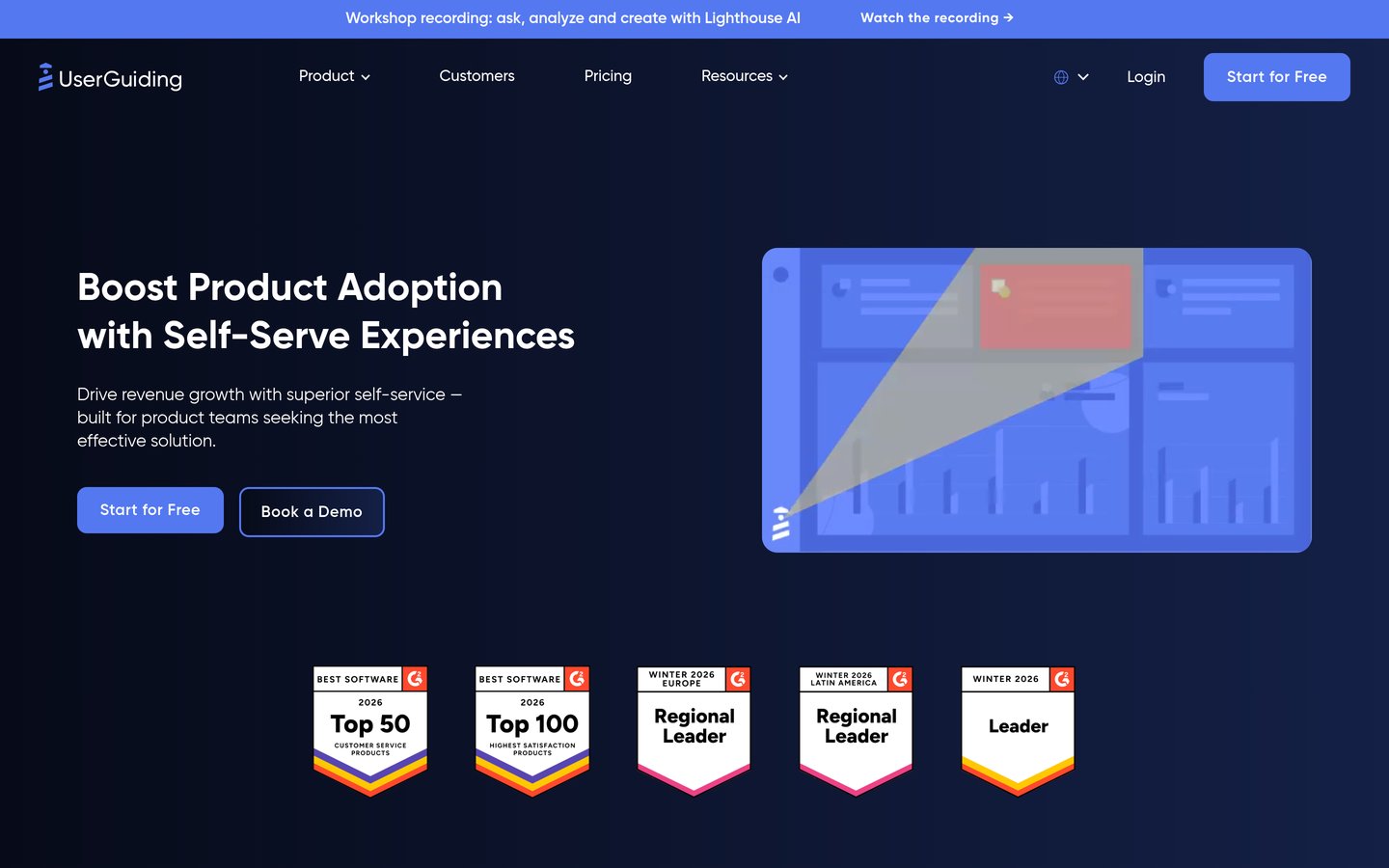
UserGuiding is the simplest pick, rated 4.7 from 782 reviews, with Starter from $249 a month for 2,000 users.
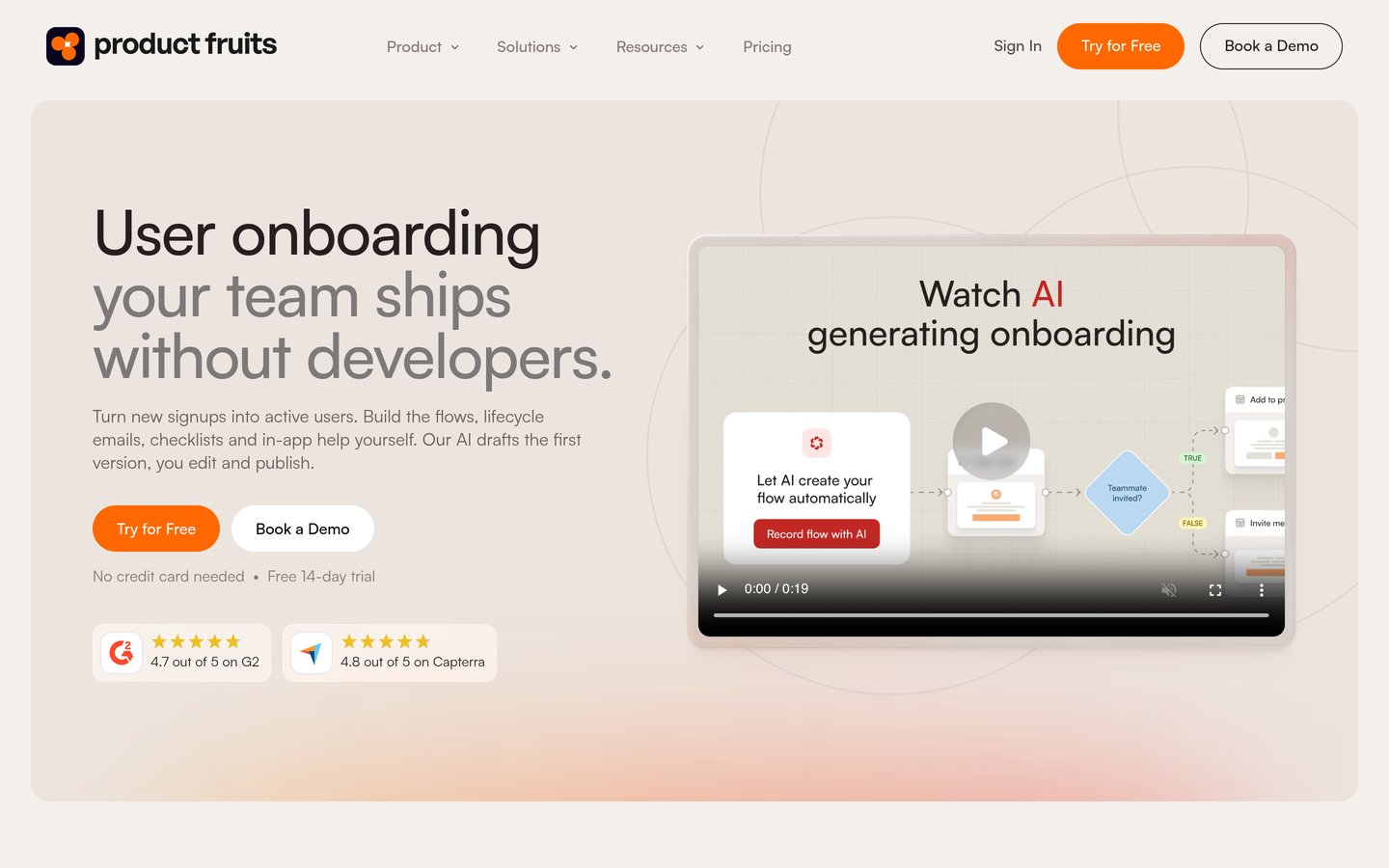
Product Fruits is the cheapest full platform here at $111 a month, with tours, checklists and a help center included.
Appcues starts at $9,000 a year, the highest entry price in this list, for teams running onboarding at scale.
Pendo is the only tool with a free tier, up to 500 users, while WalkMe is quote-only and built for large rollouts.
What makes a good app onboarding experience
A good onboarding experience gets a new user to one useful result fast, then gets out of the way. The best tools do that with short product tours, a checklist of first steps, and tooltips that appear where the user is stuck.
Look for a no-code builder first. If only a developer can change a tour, the onboarding will go stale the week after launch, and every fix will wait in a queue.
Measure completion, not views. A tour that 90% of users open and 10% finish is a warning sign, and the fix is usually fewer steps, not more. Our guide on adding Google Analytics to WordPress covers the same habit of tracking what users actually finish.
Watch the pricing model as closely as the features. Most of these tools charge by monthly active users, so a tool that looks cheap at 1,000 users can cost several times more at 10,000.
Userflow is a no-code onboarding platform for building product tours, checklists, tooltips and banners without developer help. The Essentials plan costs $240 a month billed annually, covers 1,000 monthly active users, and includes unlimited flows, unlimited team members and AI help to build and target each experience.
The trade off is depth. Userflow has no product analytics as deep as Userpilot or Pendo, and the Studio plan at $400 a month is where in-app AI agents and HubSpot and Salesforce integrations sit. It suits small and mid-size SaaS teams that want to ship onboarding fast without code.
What we like
Highest G2 rating in this list at 4.8 out of 5
Unlimited flows, checklists and team members on every plan
AI builder and targeting included on the entry plan
Watch out for
Analytics are lighter than Userpilot or Pendo
Only 1,000 monthly users on the entry plan
AI agents and CRM integrations need the $400 Studio plan
Studio adds in-app AI agents and CRM integrations at $400 a monthVisit userflow.com
02
UserGuiding
4.7/5on G2 (782 reviews, checked Nov 2026)
Starts at$249/mo
Best all-rounder for startups
Entry planStarter, from $249/mo
Monthly users2,000 MAU
Active guides15 on Starter
Free trial14 days
userguiding.com
UserGuiding homepage, captured Nov 2026.
UserGuiding is a no-code onboarding platform for product tours, checklists, hotspots, surveys and a resource center. The Starter plan starts at $249 a month billed yearly, covers 2,000 monthly active users, and includes 15 active guides, 10 hotspots, one checklist and one survey.
The trade off is the Starter caps. Only one active checklist, survey and banner are included, and custom CSS, A/B testing and advanced analytics sit on Growth from $499 a month. It suits small teams that want the simplest way to publish a first tour.
What we like
Rated 4.7 out of 5 from 782 G2 reviews
Easiest setup in this list, with no code needed
Guides, surveys, NPS and a knowledge base in one tool
Watch out for
Starter allows only 1 active checklist, survey and banner
No native mobile app support
Advanced analytics need the $499 Growth plan
Growth adds A/B testing, custom CSS and advanced analytics from $499 a monthVisit userguiding.com
03
Userpilot
4.6/5on G2 (1,028 reviews, checked Nov 2026)
Starts at$299/mo
Best onboarding plus analytics
Entry planStarter, $299/mo
Monthly users2,000 MAU
Seats3 on Starter
Free trial14 days
userpilot.com
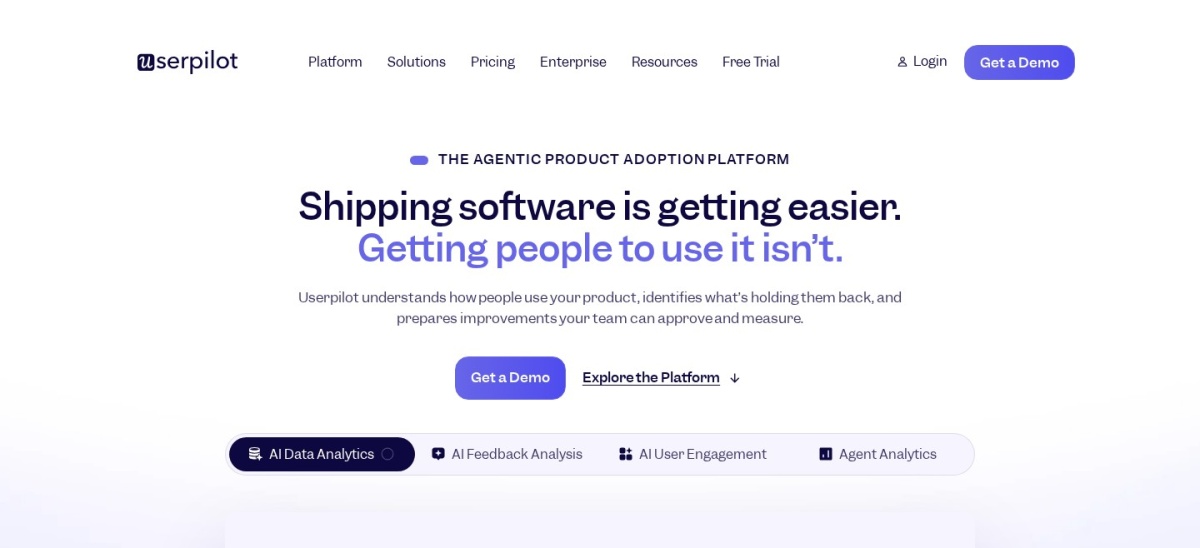
Userpilot homepage, captured Nov 2026.
Userpilot is an onboarding platform that pairs in-app flows, checklists and spotlights with product analytics in the same tool. The Starter plan costs $299 a month, covers up to 2,000 monthly active users, and includes user segmentation, usage trends, NPS surveys and 3 seats.
The trade off is price and learning curve. Advanced analytics, event autocapture and the resource center sit on Growth from $849 a month, and reviewers note the advanced features take time to learn. It suits teams that want onboarding and analytics in one place.
What we like
Onboarding and product analytics in one tool
Over 1,000 G2 reviews from product and growth teams
NPS surveys and segmentation included on Starter
Watch out for
Growth plan jumps to $849 a month
Advanced features have a learning curve
No free tier, only a 14-day trial
Growth adds advanced analytics and the resource center from $849 a monthVisit userpilot.com
04
Product Fruits
4.6/5on G2 (262 reviews, checked Nov 2026)
Starts at$111/mo
Best value all-in-one
Entry planStarter, $111/mo
Monthly users1,500 MAU
Checklists2 on Starter
Free trial14 days
productfruits.com
Product Fruits homepage, captured Nov 2026.
Product Fruits is a no-code onboarding platform with tours, hints, checklists, a help center and a knowledge base in one plan. The Starter plan costs $111 a month billed annually for 1,500 monthly active users, and includes unlimited tours and tooltips, 2 checklists and the Elvin AI assistant.
The trade off is that surveys and NPS, flow conditions and branching flows start on Pro at $187 a month, and analytics are lighter than Userpilot or Pendo. It suits small teams that want onboarding, in-app help and feedback without paying for a large platform.
What we like
Cheapest full platform in this list at $111 a month
Help center and knowledge base included on Starter
AI assistant builds guides and answers users in-app
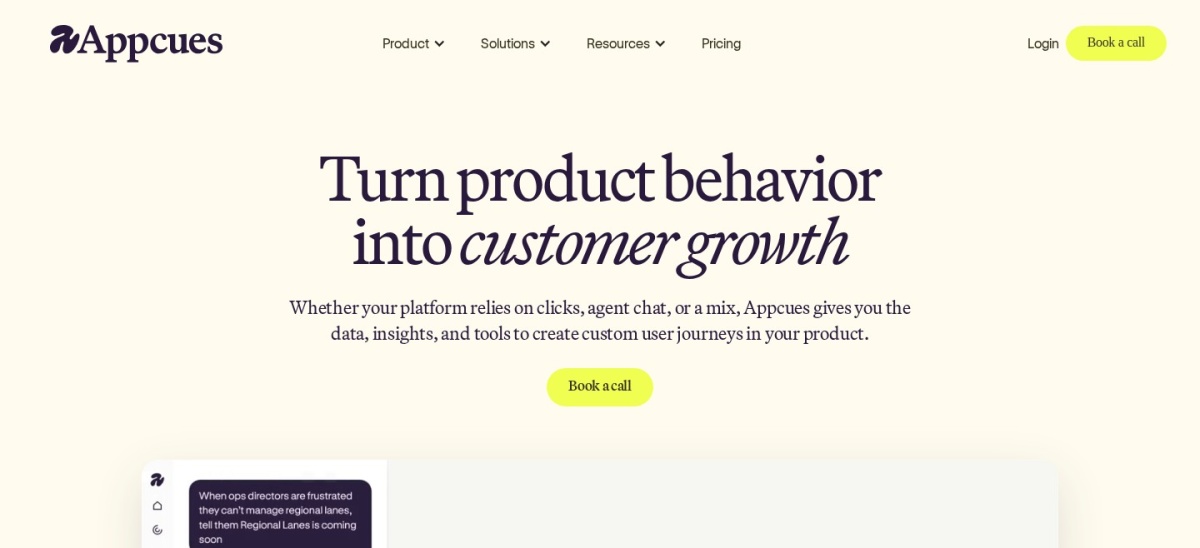
Appcues is a product-led growth platform for onboarding flows, checklists, announcements and surveys across the customer lifecycle. The Grow plan starts at $9,000 a year, covers up to 50,000 monthly active users, and includes 25 published experiences, unlimited seats and every feature and integration from day one.
The trade off is the entry price. At $9,000 a year it is the most expensive starting point in this list, and the 25-experience cap means large teams pay for add-ons. It suits mid-market SaaS teams running onboarding and adoption across the whole lifecycle.
What we like
Every feature and integration included from day one
Unlimited seats on every plan
Strong lifecycle coverage, from onboarding to retention
Watch out for
Highest entry price in this list at $9,000 a year
Only 25 published experiences on Grow
Oversized and overpriced for small teams
Enterprise adds more users, experiences and reporting history at a custom priceVisit appcues.com
06
HelpHero
4.9/5on G2 (18 reviews, checked Nov 2026)
Starts at$550/yr
Best budget pick for simple tours
Entry plan$55/mo, 1,000 MAU
Tours and checklistsUnlimited
SeatsUnlimited
Free trial14 days
helphero.co
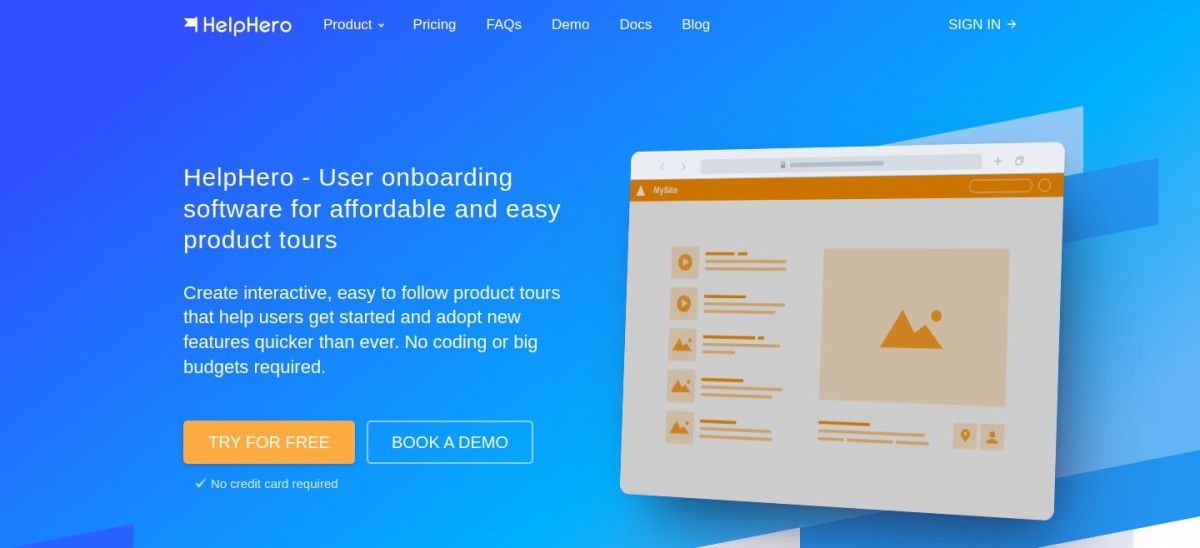
HelpHero homepage, captured Nov 2026.
HelpHero is a lightweight no-code tool for product tours, checklists and hotspots in web apps. The entry plan costs $55 a month for up to 1,000 monthly active users, or $550 a year, and every plan includes unlimited tours, checklists, hotspots and seats plus A/B testing.
The trade off is scope. There is no built-in survey, NPS or knowledge base tool, and the 4.9 rating rests on only 18 G2 reviews, the thinnest base in this list. It suits small teams that need simple tours and checklists on a tight budget.
What we like
Lowest entry price in this list at $55 a month
Every feature on every plan, no tier gating
Unlimited tours, checklists, hotspots and seats
Watch out for
No built-in surveys, NPS or knowledge base
Rating rests on only 18 G2 reviews
Narrower analytics than larger platforms
Higher tiers only add more monthly users, up to $299 a monthVisit helphero.co
07
Chameleon
4.4/5on G2 (371 reviews, checked Nov 2026)
Starts at$279/mo
Best for polished, branded tours
Entry planStartup, from $279/mo
Tracked users2,000 MTU
Live experiences10 on Startup
Free trial14 days
trychameleon.com
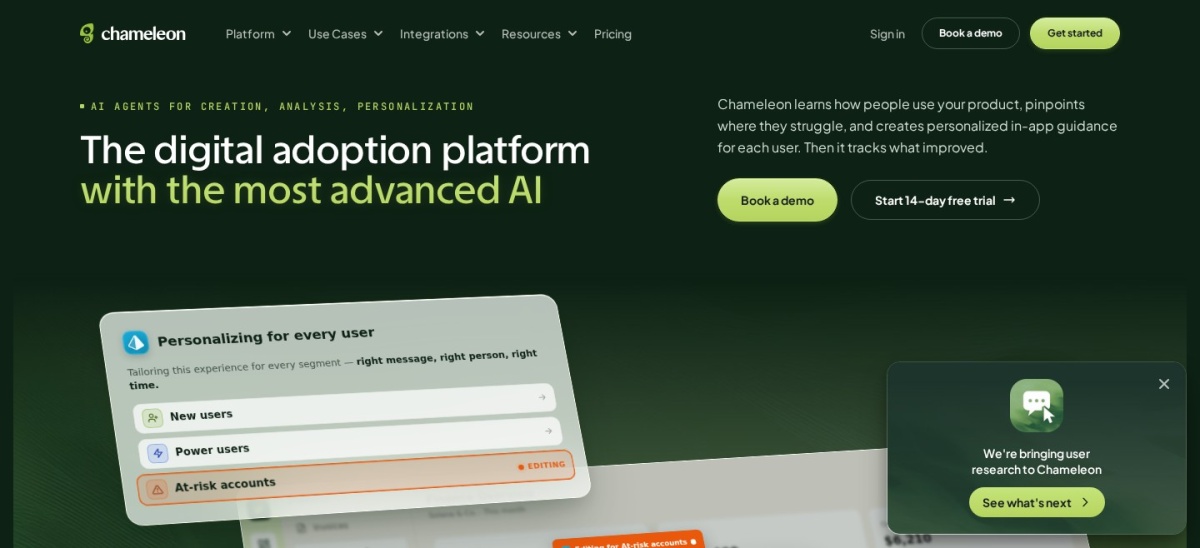
Chameleon homepage, captured Nov 2026.
Chameleon is a product adoption platform for tours, tooltips, microsurveys, checklists and launchers with detailed styling control. The Startup plan starts at $279 a month for 2,000 monthly tracked users, and includes 10 live experiences and five microsurveys.
The trade off is the cap and the climb. Passing 10 live experiences means Pro from $750 a month, and native mobile support is limited, so web apps are the main fit. It suits SaaS teams that care most about how polished and on-brand each tour looks.
What we like
Strongest styling and branding control in this list
Microsurveys, checklists and launchers in one tool
A/B testing and goals from the Pro plan
Watch out for
Only 10 live experiences on the $279 Startup plan
Pro jumps to $750 a month
Limited support for native mobile apps
Pro adds A/B testing, custom CSS and more experiences from $750 a monthVisit trychameleon.com
08
WalkMe
4.5/5on G2 (575 reviews, checked Nov 2026)
PricingCustom/yr
Best for large enterprise rollouts
Entry planCustom quote
PricingPer user, per year
Free trialNone listed
ImplementationAbout 3 months, per G2
walkme.com
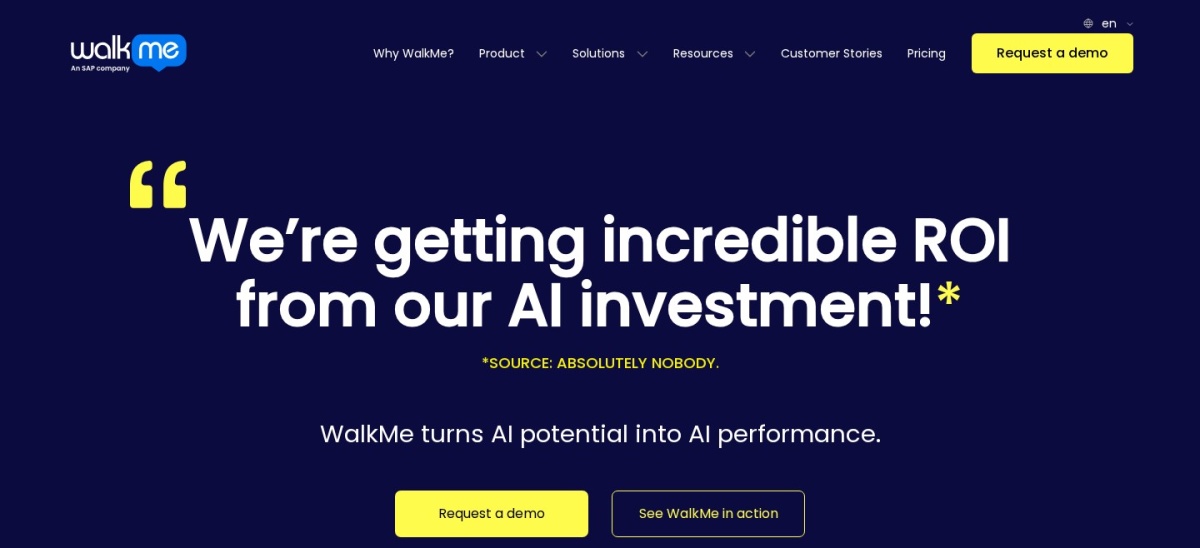
WalkMe homepage, captured Nov 2026.
WalkMe is a digital adoption platform that guides users through workflows inside web, desktop and mobile apps, including Salesforce and SAP. It adds workflow automation, an AI Action Bar that suggests the next step, and adoption analytics across every application in the rollout.
The trade off is cost and effort. WalkMe publishes no prices, quotes are enterprise-scale, and G2 reviewers report implementation takes about 3 months. It suits large teams guiding employees or customers across many applications at once.
What we like
Covers web, desktop and mobile apps in one platform
Workflow automation completes steps for the user
Strong analytics across a whole application estate
Watch out for
No published price, quote only
Implementation takes about 3 months, per G2
Too large and costly for small teams
Paid plans are custom quotes; ask what applications the quote coversVisit walkme.com
09
Pendo
4.4/5on G2 (1,830 reviews, checked Nov 2026)
PricingCustom/yr
Best free starting point
Entry planFree, up to 500 MAU
Paid plansCustom quote
In-app guidesFree tier included
Session replayPaid plans only
pendo.io
Pendo homepage, captured Nov 2026.
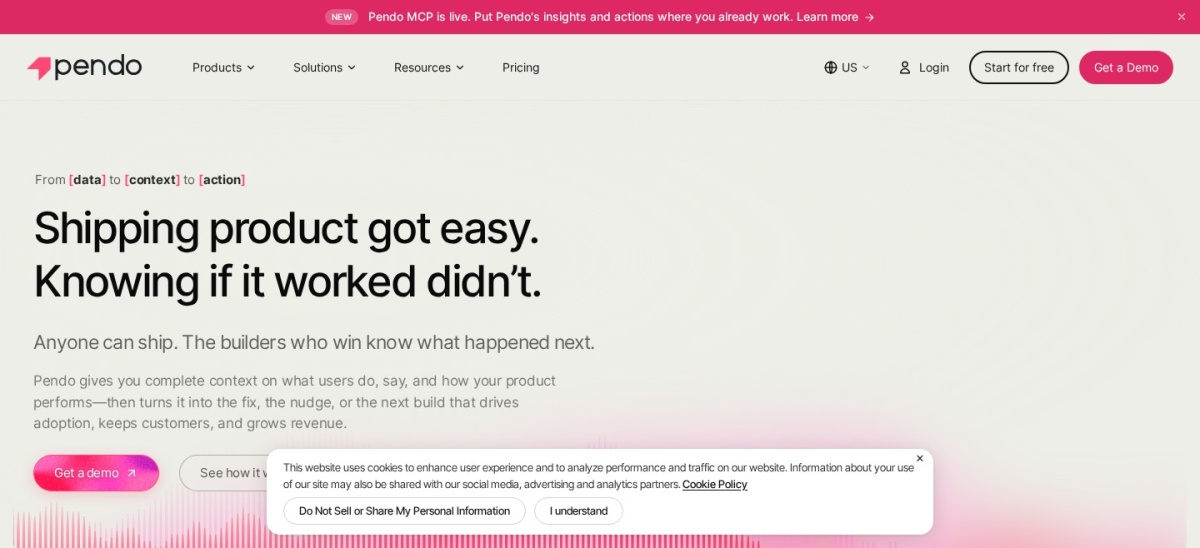
Pendo is a product experience platform that combines product analytics, in-app guides, session replay and surveys in one tool. The free tier covers up to 500 monthly active users and includes product analytics, in-app guides, NPS surveys and roadmaps.
The trade off is that paid pricing is not published, so every paid plan needs a sales quote, and reviewers note the learning curve and MAU-based pricing climb fast. It suits teams that want to start free and grow into analytics and guides together.
What we like
Only free tier in this list, up to 500 users
Analytics, guides, NPS and roadmaps in one platform
Largest review base in this list at 1,830 G2 reviews
Watch out for
No published paid prices, quote only
Steep learning curve, per G2 reviewers
Session replay needs a paid plan
Paid plans are custom quotes; session replay and data sync cost extraVisit pendo.io
Free tiers and trials: what you actually get
Only Pendo has a free tier here, up to 500 monthly active users with analytics, guides and NPS included. Every other tool offers a 14-day free trial instead, and WalkMe lists no trial at all.
Trials are full-featured on most of these tools, so use the two weeks to build one real onboarding flow end to end, not a demo tour. If the builder feels slow on day one, it will feel slower when the flow needs its third revision.
Paid plans mostly add room and depth. You get more monthly users, more live experiences, longer analytics history and features such as A/B testing, session replay and custom CSS.
How we chose
We started from the established user onboarding tools with published G2 ratings, then kept nine that cover product tours, checklists and in-app guidance for web and mobile apps.
Prices come from each vendor's pricing page, checked on 25 November 2026. Ratings and review counts come from G2 on the same day. Where a vendor shows a sale, the list shows the regular price.
We left out Intercom, because its product tours need a $99 a month add-on on top of per-seat pricing, and Whatfix, which publishes no prices and focuses on employee workflows. No vendor paid for a place, and we do not claim to have used these tools ourselves.
How to choose an app onboarding tool
Start with the job your onboarding has to do, then match the tool to that job.
Count your monthly active users first. Most of these tools charge by monthly active users, so your user count decides the real price. A $111 plan at 1,500 users is not a $111 plan at 10,000 users.
List the experiences you need on day one. Tours alone are cheap. Checklists, surveys, a resource center and analytics each push you to a higher tier on some tools, so check the tier before you sign up.
Build one real flow in the trial. Use the 14-day trial to ship one onboarding flow to real users and watch where they stop. That tells you more than any feature table.
Check the caps that will bite first. Live experiences, active guides, seats and analytics history are the usual limits. Pick the plan where the first cap you hit is at least six months away.
FAQ
What is the best app onboarding tool?
Userflow is the best pick for most teams, with unlimited flows and checklists from $240 a month and a 4.8 out of 5 rating on G2. UserGuiding is the simplest alternative, and Product Fruits is the best value at $111 a month.
What is the cheapest app onboarding software?
HelpHero is the cheapest, at $55 a month for up to 1,000 monthly active users, or $550 a year. Product Fruits is the cheapest full platform, at $111 a month, because it also includes a help center and knowledge base.
Is there a free app onboarding tool?
Pendo is the only tool in this list with a free tier, covering up to 500 monthly active users with analytics, in-app guides and NPS surveys. The other tools offer 14-day free trials, and WalkMe lists no free trial.
Do I need a developer to set up onboarding software?
No, all nine tools are built around no-code builders, so product and growth teams can build tours and checklists without engineering help. Larger platforms such as Pendo and WalkMe still need more setup time, and WalkMe takes about 3 months to implement, per G2 reviewers.
What is the difference between onboarding software and a digital adoption platform?
Onboarding software focuses on guiding new users through a product with tours and checklists. A digital adoption platform such as WalkMe also guides employees through many enterprise applications, adds workflow automation, and is usually sold on a custom enterprise quote.
How much should a small SaaS team budget for onboarding software?
Budget $55 to $299 a month for a small team. HelpHero starts at $55, Product Fruits at $111, Userflow at $240 and UserGuiding at $249 a month, all for 1,000 to 2,000 monthly active users. Costs rise with user numbers, so check the next pricing tier before you commit.
SaaS SEO and WordPress specialist with about 8 years of experience. Rakib compares WordPress plugins, themes, hosting and software using public pricing, documentation and user reviews. See how we rank.