Best API Development Tools in 2026: 9 Tools Compared
WLWPLegible EditorsLast verified 22 Nov 2026How we rank13 min read
★ Short answer
Postman is the best API development tool for most teams, with the widest protocol coverage, shared workspaces, monitors and docs in one platform, and a 4.6 out of 5 G2 rating. Pick Insomnia for a local-first free client or Bruno if you want collections stored in Git.
How we make this list: we compare pricing pages, product documentation and public user reviews, then re-check every price before each update. No product paid for a place. Disclosure.
Postman leads on breadth, with the widest protocol coverage and a 4.6 out of 5 G2 rating, but its free plan covers only one user.
Insomnia is the best local-first client, with Git Sync free for up to three users and Pro at $12 a seat.
Bruno is the best Git-based pick, with MIT-licensed code, collections as plain files and Pro at $6 a seat.
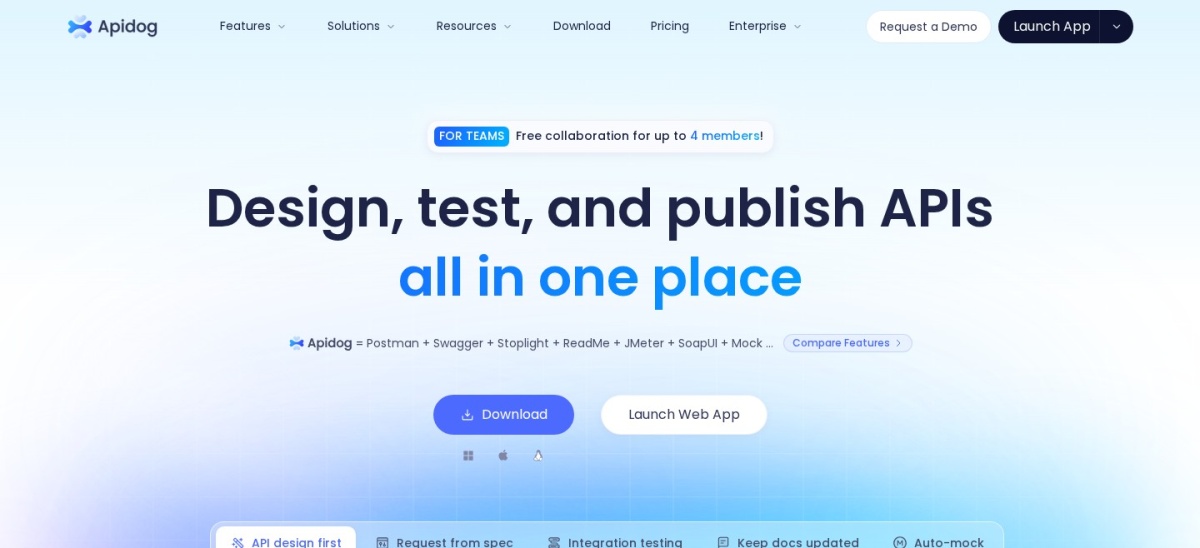
Apidog is the cheapest all-in-one option, with design, test, mock and docs from $9 a seat and four users free.
Thunder Client is the cheapest paid plan here at $3 a seat, for teams that live inside VS Code.
What an API development tool has to do
An API development tool is where an API gets designed, sent and checked. The best ones cover the full loop: design the request, send it, assert on the response, share it with the team and publish docs from the same collection. A client that only sends requests leaves the rest to be rebuilt by hand.
Pricing changed in 2026. Postman retired its Basic and Professional plans in March, shrank the free plan to one user and set Team at $19 a seat. That pushed many small teams to look at clients with team-sized free plans, such as Apidog with four users free or Bruno with collections in Git.
Open source matters here more than in most categories. Bruno, Hoppscotch and Insomnia all keep the client code public, which means a team can inspect the code and self-host where it wants. Our guide to adding code snippets safely in WordPress covers a similar self-hosted choice for WordPress developers.
Start with how your team shares work. If collections live in Git, Bruno or Insomnia fits. If you need shared workspaces, monitors and published docs, Postman or Apidog fits. Pick the sharing model first, then the price.
Best for most teams needing shared workspaces and docs
Entry paid planSolo, $9 a month, one user
Free planFree, $0, one user, unlimited runs
G2 rating4.6 out of 5
ProtocolsHTTP, GraphQL, gRPC, WebSocket, MQTT
postman.com
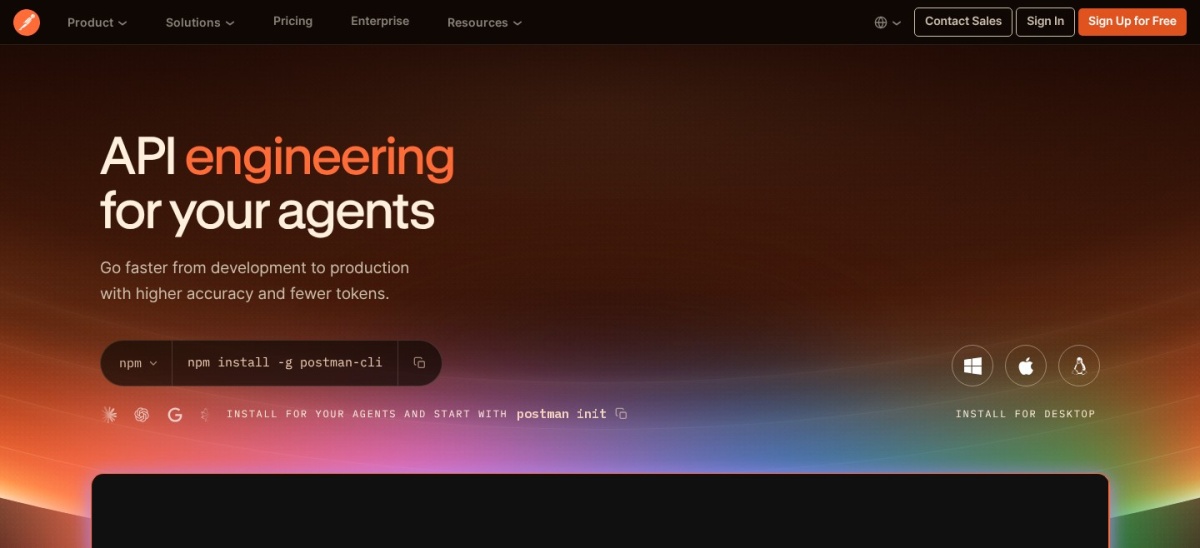
Postman homepage, captured Nov 2026.
Postman is the largest API platform in this list, used by more than 35 million developers. It covers design, requests, tests, mock servers, monitors and published docs in one workspace, across HTTP, GraphQL, gRPC, WebSocket and MQTT. Team workspaces, shared collections and the public API Network make it the default choice for teams that standardise on one tool.
The trade off is the 2026 price change. Free covers one user, Solo at $9 a month is still one user, and a team needs Team at $19 a user a month. It suits teams that already live in Postman, publish docs or rely on monitors, and can clear the per-seat price.
What we like
Widest protocol coverage in this list
Shared workspaces, monitors and published docs
Public API Network with millions of collections
Unlimited runs and mocks on every plan since March 2026
Watch out for
Free plan covers only one user
Team at $19 a seat is pricey for small teams
Enterprise at $49 a seat adds up fast
Team at $19 per user a month adds shared workspaces and roles.Visit postman.com
02
Insomnia
4.4/5on G2 (21 reviews, checked Nov 2026)
Paid from$12/mo
Best for local-first teams that keep collections in Git
Entry paid planPro, $12 per user a month
Free planEssentials, $0, Git Sync for 3 users
G2 rating4.4 out of 5 from 21 reviews
LicenseOpen source, Apache 2.0
insomnia.rest
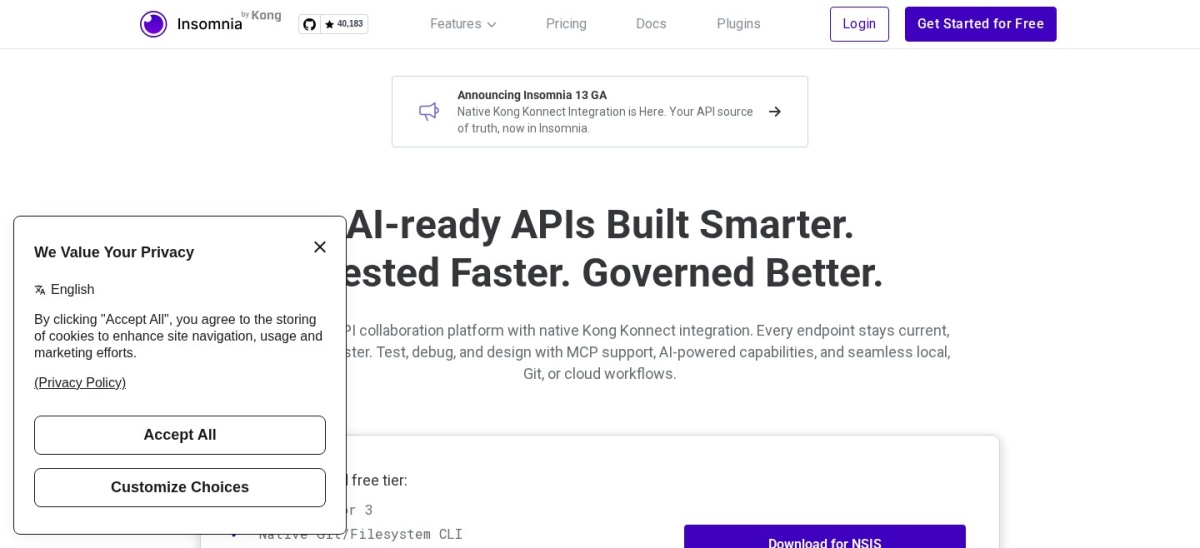
Insomnia homepage, captured Nov 2026.
Insomnia is an open-source API client from Kong, built for developers who want requests stored locally or in Git rather than in a vendor cloud. The free Essentials plan includes Git Sync for up to three users, the Inso CLI, unlimited collection runs and 1,000 mock requests a month. Pro at $12 a user a month adds unlimited Git Sync users, role-based access and 10,000 mock requests.
The trade off is that Insomnia has no monitors or load testing on its pricing page, so teams that need scheduled checks pair it with another tool. It suits small teams that keep everything in Git and want a free plan that actually covers three people.
What we like
Open-source client under Apache 2.0
Git Sync free for up to three users
Inso CLI included on the free plan
Clean, fast local-first client
Watch out for
No monitors or load testing listed
Enterprise at $45 a seat is steep
Smaller ecosystem than Postman
Pro at $12 per user a month adds unlimited Git Sync and roles.Visit insomnia.rest
03
Bruno
4.5/5on G2 (9 reviews, checked Nov 2026)
Paid from$6/mo
Best for teams that review API collections in Git
Entry paid planPro, $6 per user a month
Free planFree open-source edition, MIT license
G2 rating4.5 out of 5 from 9 reviews
StorageCollections as plain files in Git
usebruno.com
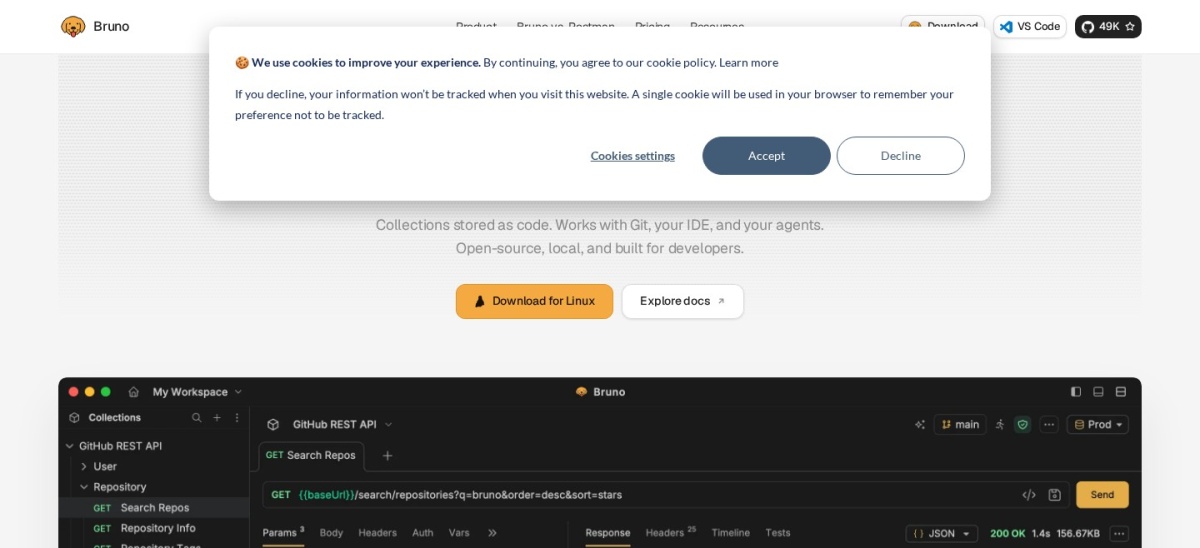
Bruno homepage, captured Nov 2026.
Bruno is an MIT-licensed API client that stores collections as plain files in your Git repo, with no cloud account forced on the team. Requests, environments and scripts sit next to the code, get reviewed in pull requests and work offline. The open-source edition is free, and Pro at $6 a user a month adds team features, with higher tiers at $11 and $18.
The trade off is a smaller feature set than Postman. Bruno has no hosted monitors or published docs portal, so teams that need those pair it with another tool. It suits Git-first teams that want their API work versioned like code.
What we like
Collections as plain files in Git
MIT-licensed, fully offline capable
Free open-source edition with no user limit
Cheapest paid tier among the open-source clients
Watch out for
No hosted monitors or docs portal
Smaller community than Postman
Paid tiers add features slowly
Pro at $6 per user a month adds team collaboration features.Visit usebruno.com
04
Apidog
4.8/5on G2 (226 reviews, checked Nov 2026)
Paid from$9/mo
Best for small teams wanting design, test, mock and docs in one
Entry paid planBasic, $9 per user a month
Free planFree, up to 4 users, 5 team projects
G2 rating4.8 out of 5 from 226 reviews
CoverageDesign, test, mock, docs in one app
apidog.com
Apidog homepage, captured Nov 2026.
Apidog is an all-in-one API workspace that combines design, debugging, mocking, testing and documentation in a single app. Its free plan covers up to four users with unlimited runs, mocks and real-time collaboration, which is the most generous team free plan in this list. Basic at $9 a user a month adds more projects, with Professional at $18 and Enterprise at $27.
The trade off is that Apidog is a newer vendor with a smaller community than Postman, and its desktop-app workflow can feel heavy for docs-only needs. It suits small teams of two to four people who want one tool for the whole API loop at a low price.
What we like
Free plan covers up to four users
Design, test, mock and docs in one app
Auto-generated branded docs from the spec
Cheapest all-in-one paid plan at $9 a seat
Watch out for
Newer vendor with a smaller community
Desktop-app workflow can feel heavy
Fewer third-party integrations than Postman
Professional at $18 per user a month adds more projects and roles.Visit apidog.com
05
Hoppscotch
4.9/5on G2 (84 reviews, checked Nov 2026)
Paid from$6/mo
Best for browser-based teams that self-host
Entry paid planBusiness, $6 per user a month
Free planFree forever, self-hostable, MIT license
G2 rating4.9 out of 5 from 84 reviews
PlatformRuns in the browser, no install
hoppscotch.io
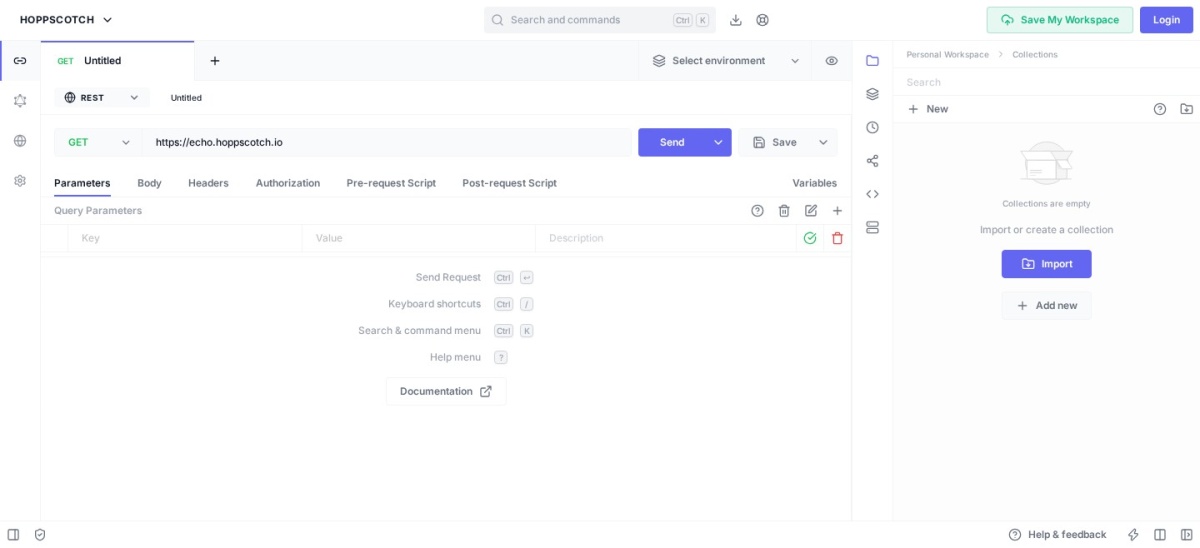
Hoppscotch homepage, captured Nov 2026.
Hoppscotch is an MIT-licensed API client that runs in the browser, with no install and a self-hosted option for teams that want to run it themselves. The free plan is free forever for individuals and teams, and Business at $6 a user a month adds team workspaces and controls, with Enterprise at $11. It supports REST, GraphQL and WebSocket, and imports Postman collections in one step.
The trade off is that Hoppscotch is lighter on testing depth than Postman, with fewer built-in monitors and no load testing. It suits teams that want a fast browser client, a self-hosted option and a low per-seat price.
What we like
Free forever in the browser, MIT-licensed
Self-hostable for teams that want control
No install, works from any machine
Business at $6 a seat is among the cheapest
Watch out for
Lighter testing depth than Postman
No load testing built in
Fewer integrations than the larger platforms
Business at $6 per user a month adds team workspaces and controls.Visit hoppscotch.io
06
Thunder Client
4.3/5on G2 (16 reviews, checked Nov 2026)
Paid from$3/mo
Best for developers who live inside VS Code
Entry paid planStarter, $3 per user a month
Free planFree core for personal and commercial use
RatingNo verified user rating found
PlatformVS Code extension
thunderclient.com
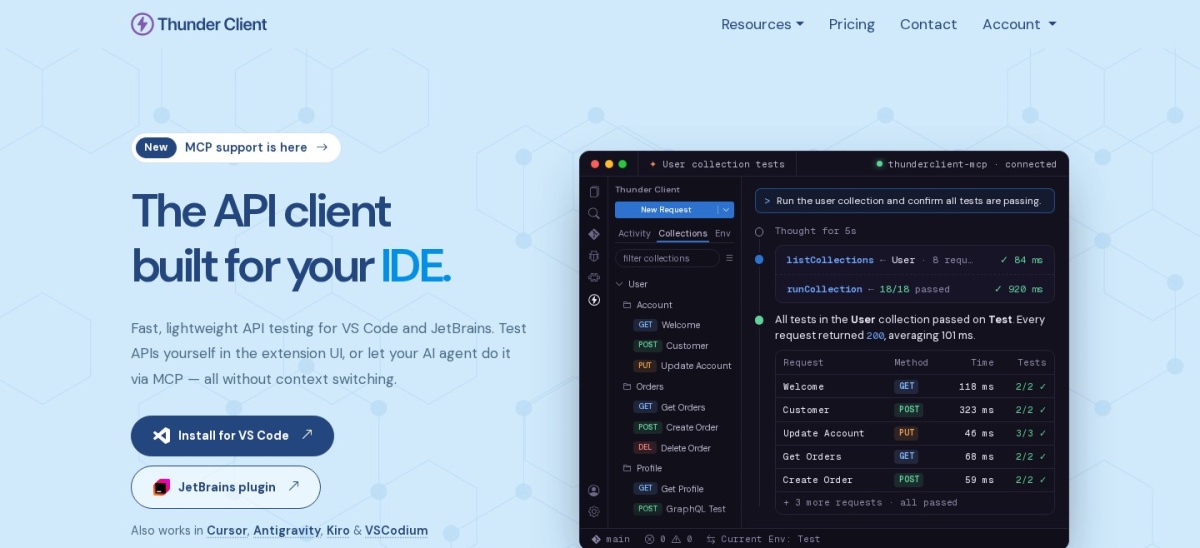
Thunder Client homepage, captured Nov 2026.
Thunder Client is a VS Code extension that turns the editor into an API client, with no separate app to open. The core is free for personal and commercial use, and Starter at $3 a user a month adds team features, with Business at $7 and Enterprise at $16. Requests, collections and environments live inside the workspace, which suits developers who already spend the day in VS Code.
The trade off is that Thunder Client is tied to one editor, so teams that mix editors need a separate client. It suits solo developers and VS Code teams that want the cheapest paid plan in this list and no extra app.
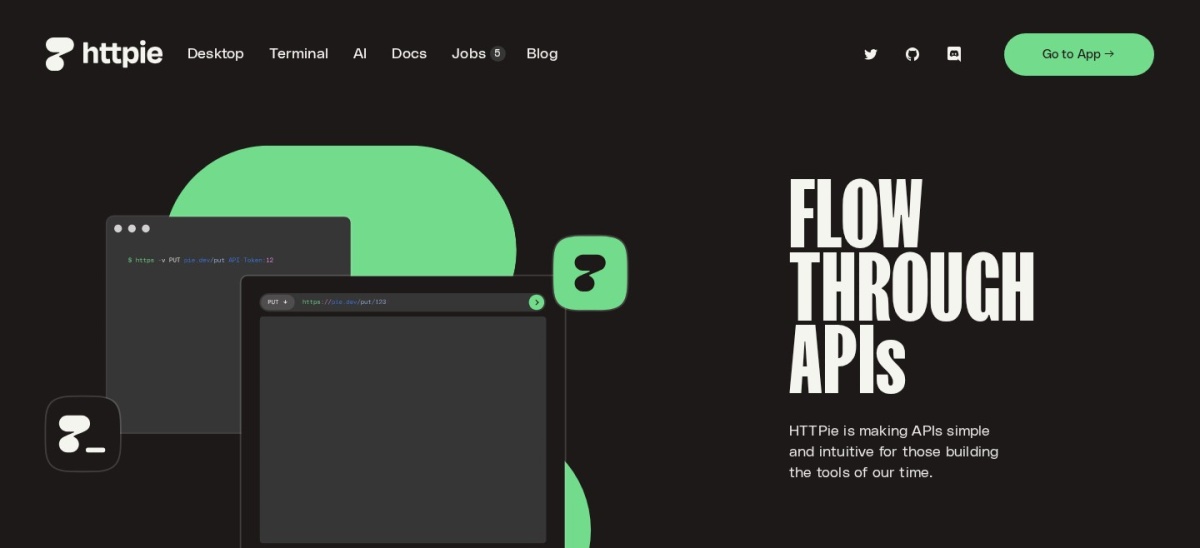
HTTPie is a terminal-first API client that pairs a friendly command-line tool with a desktop app. The open-source CLI core is free, with a plain-language syntax that makes one-off requests and shell scripts easy to read. The desktop app adds collections and a visual request builder, with paid plans from $10 a month for teams that want the full app and sharing features.
The trade off is that HTTPie is thinner on team collaboration than Postman or Apidog, and its paid pricing is the least well documented in this list. It suits developers who live in the terminal and want a client that fits shell scripts and pipelines.
What we like
Open-source CLI core, free to use
Plain-language syntax for scripts and pipelines
Desktop app with collections and a visual builder
Works well in CI and shell workflows
Watch out for
No verified user rating found for this list
Paid pricing is less clearly published than rivals
Thinner team collaboration than Postman or Apidog
Paid plans from $10 a month add the full desktop app and sharing.Visit httpie.io
08
SoapUI
4.5/5on Capterra (168 reviews, checked Nov 2026)
PricingCustom/yr
Best for SOAP and WSDL testing
Entry paid planReadyAPI, quote-based, no list price
Free planFree open-source edition
Capterra rating4.5 out of 5 from 168 reviews
Best forSOAP and WSDL functional testing
soapui.org
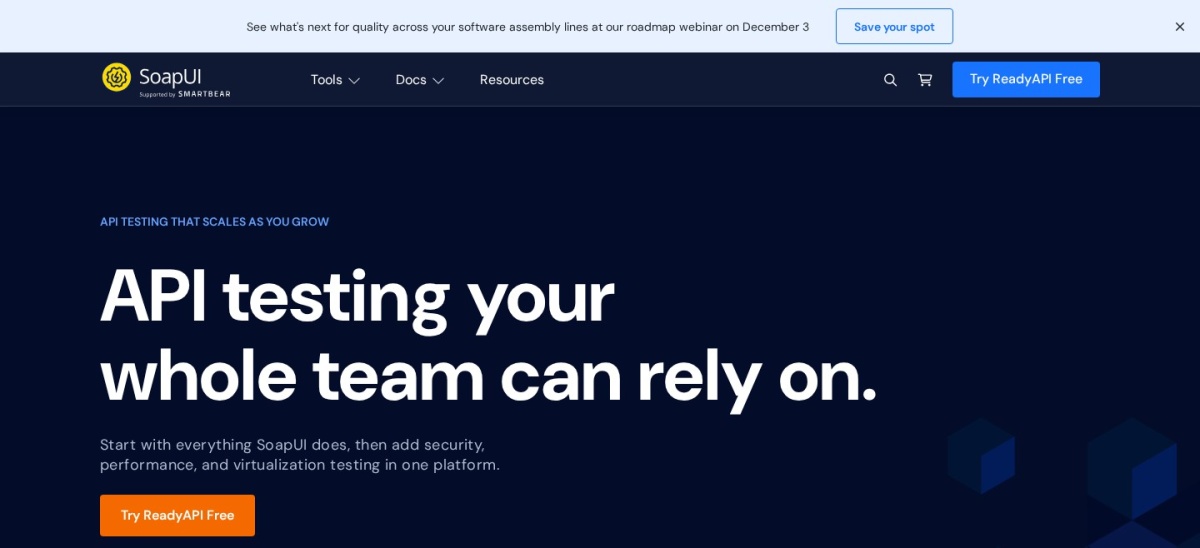
SoapUI homepage, captured Nov 2026.
SoapUI is the long-standing tool for SOAP and WSDL testing, with an open-source edition that is free and covers functional testing, mocking and security checks for SOAP services. It remains the default pick where a team still runs SOAP APIs alongside REST, since most modern clients treat SOAP as an afterthought. Paid ReadyAPI tiers add data-driven testing, load testing and reporting, priced through sales.
The trade off is that the interface feels dated next to newer clients, and the paid tiers are quote-based with no clear list price. It suits teams with SOAP services that need a dedicated, proven testing tool rather than a general API client.
What we like
Best SOAP and WSDL coverage in this list
Free open-source edition with mocking built in
Mature functional testing for legacy APIs
Large existing user base and documentation
Watch out for
Paid ReadyAPI tiers are quote-based
Interface feels dated next to newer clients
Weakest fit for modern REST-only teams
ReadyAPI paid tiers add load testing and reporting, priced by quote.Visit soapui.org
09
Yaak
5/5on Product Hunt (3 reviews, checked Nov 2026)
Paid from$79/yr
Best for a fast native desktop client with Git sync
Entry paid planIndividual, $79 a year
Free planFree for personal use
RatingNo verified user rating found
LicenseMIT-licensed, local-first
yaak.app
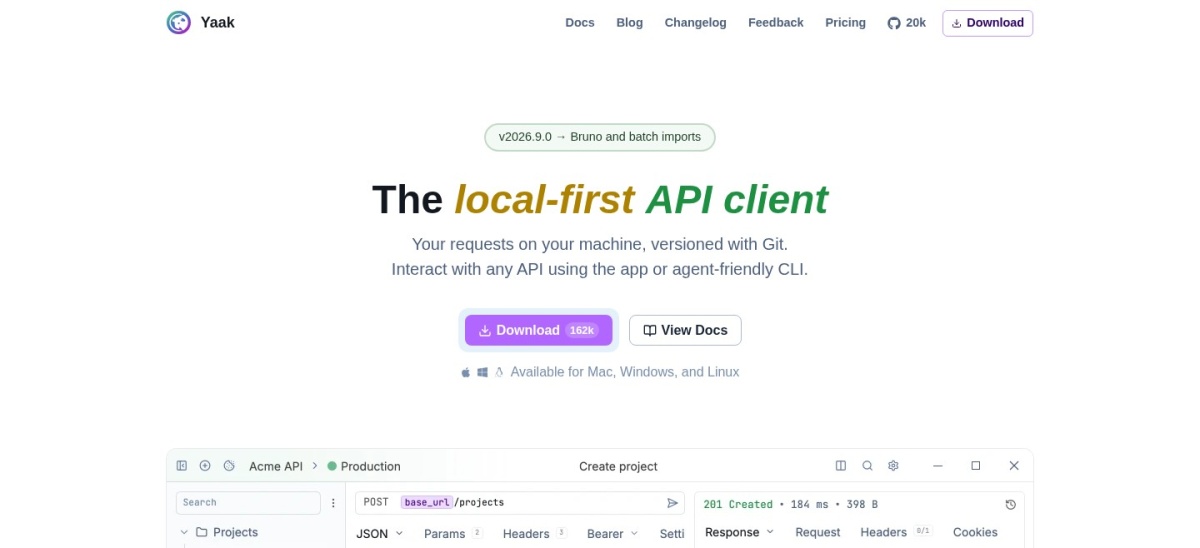
Yaak homepage, captured Nov 2026.
Yaak is a local-first desktop API client that keeps requests on the machine and syncs them through Git, with a fast native interface and a clean request builder. The free plan covers personal use, and Individual at $79 a year adds team features, with Business at $149 a user a year for organisations that want shared workspaces and controls. It is MIT-licensed and imports Postman collections in one step.
The trade off is that Yaak is a younger tool with a smaller community, and no verified user rating was found for this list. It suits developers who want a fast native app, local-first storage and a yearly price instead of a monthly seat bill.
What we like
Fast native desktop app, MIT-licensed
Local-first with Git collaboration
Yearly pricing instead of a monthly seat bill
One-step Postman collection import
Watch out for
No verified user rating found for this list
Younger tool with a smaller community
Free plan is for personal use only
Business at $149 per user a year adds shared workspaces and controls.Visit yaak.app
Postman in 2026: what changed
Postman restructured its plans on 1 March 2026. Basic at $14 and Professional at $29 disappeared, the free plan shrank to one user, and two limits that pushed teams to pay, collection runs and mock servers, became unlimited on every plan.
The current lineup is Free at $0 for one user, Solo at $9 a month, Team at $19 a user a month and Enterprise at $49 a user a month, all on annual billing. A team of two or more needs Team, which is the real cost of staying on Postman.
The change made Postman better for solo developers and pricier for small teams. Apidog, Bruno and Hoppscotch all offer a team-sized free plan, which is why they lead the alternatives lists this year.
How we chose
We compared nine established API development tools on four things: protocol coverage, how collections are shared, whether a free plan works for a real team, and the price per seat on annual billing. Prices were read from vendor pricing pages or from roundups that cite them, dated September to November 2026.
We gave more weight to tools with a usable free tier and to open-source clients, since both reduce lock-in. Postman leads on breadth, but its free plan covers only one user, which is why the cheaper team options sit close behind it.
No vendor paid for a place, and this list is based on pricing, docs and reviews, not on using the tools ourselves.
How to choose an API development tool
Start with where your collections live, then match the price to your team size.
Decide where requests live. Git-based teams fit Bruno or Insomnia, cloud workspaces fit Postman or Apidog, and browser-only work fits Hoppscotch.
Count the team, not the users. Postman's free plan covers one user, so two people means Team at $19 a seat, while Apidog covers four users free and Bruno is $6 a seat.
Check the protocols you need. Most clients cover REST and GraphQL, but WebSocket, MQTT and SOAP need checking, since only some tools in this list cover all of them.
Test the import before you switch. Export a real collection from your current tool, import it into the new one and run it once against staging, since scripts rarely carry over cleanly.
FAQ
What is the best API development tool?
Postman is the best pick for most teams, with the widest protocol coverage, shared workspaces, monitors and docs in one platform, plus a 4.6 out of 5 G2 rating. Insomnia is the best local-first alternative, and Bruno is the best for Git-based teams.
Is Postman free?
Yes, for one user. The free plan covers collections, mock servers, native Git and unlimited local performance tests. A team of two or more needs Team at $19 per user a month, billed yearly.
Which API client is fully open source?
Bruno is MIT-licensed and stores collections as plain files in Git. Hoppscotch is also MIT-licensed and self-hostable in the browser, and the Insomnia client is Apache 2.0.
What is the cheapest API development tool for a team?
Bruno and Hoppscotch start at $6 per user a month, and Apidog's free plan covers up to four users. Postman Team costs $19 per user a month, which is more than double those options.
Can I import Postman collections into another tool?
Yes. Bruno, Insomnia, Hoppscotch, Yaak and Apidog all import Postman collections, so moving usually starts with an export from Postman and one import. Scripts may need a pass by hand.
Is Thunder Client still a good choice?
Thunder Client is a solid choice if you live inside VS Code, since it runs as an extension with no separate app. Its Starter plan is $3 per user a month, the cheapest paid plan in this list.