WLWPLegible EditorsLast verified 22 Nov 2026How we rank11 min read
★ Short answer
CleanTalk is the best anti-spam software for most small teams, costing $12 a year for one website, blocking form and comment spam without CAPTCHAs, and holding a Capterra rating of 4.3 out of 5. Pick SpamTitan for email filtering and Microsoft Defender for Office 365 for Microsoft shops.
How we make this list: we compare pricing pages, product documentation and public user reviews, then re-check every price before each update. No product paid for a place. Disclosure.
CleanTalk is the cheapest paid tool here at $12 a year for one website, with no CAPTCHA shown to visitors.
SpamTitan is the best-value email filter at $1.26 per user a month, rated 4.6 out of 5 from 563 Capterra reviews.
ContentCatcher is the highest-rated tool here at 4.9 out of 5, from $1.50 per feature a month.
Microsoft Defender for Office 365 holds 243 Capterra reviews at 4.6 out of 5, but Capterra lists no starting price.
Trustifi is the highest-rated email tool with 20 reviews at 5.0 out of 5, from $6 a month.
What anti-spam software should cover
Anti-spam software splits into two jobs. Website tools block spam comments, fake sign-ups and form abuse, while email tools filter spam, phishing and malware before it reaches the inbox. Most buyers need one side, not both.
False positives are the hidden cost. A filter that blocks real customers or real mail costs more than the licence, so check quarantine and allow-list controls before you buy.
Pricing is usually per user or per site. Email filters charge per mailbox, website tools charge per site, and the cheapest plan can look very different once you count seats.
Free tools cover part of the job. Open-source filters and CAPTCHA alternatives block basic abuse, but they rarely include phishing defence, sandboxing or support.
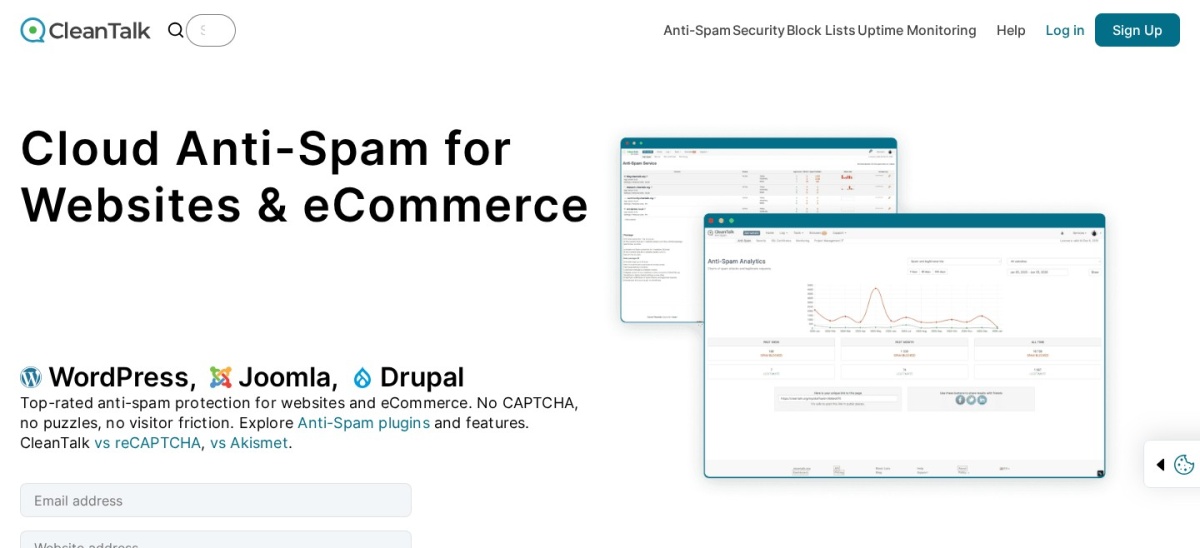
CleanTalk is a cloud-based anti-spam service that keeps websites free of spam by analysing visitor behaviour and form submissions in real time. It blocks spambots before they post comments, create fake registrations, submit contact forms or place fake orders, all without CAPTCHAs.
The trade off is scope. CleanTalk covers website spam, not email inboxes, so a team drowning in phishing mail needs an email gateway as well. It suits small teams and site owners who want invisible spam protection for $12 a year.
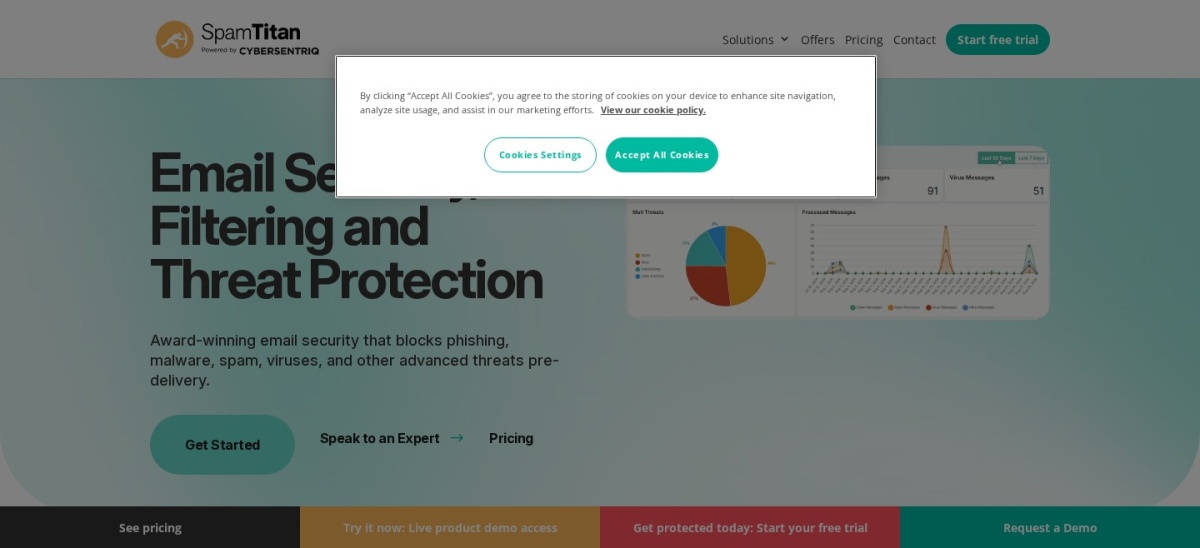
SpamTitan is a cloud-based anti-spam email filter for businesses, small teams, MSPs and schools. It blocks spam as well as phishing and day-zero attacks, viruses, malware and ransomware, and it works with Office 365 mail flow.
The trade off is the per-user meter. At $1.26 per user a month the cost grows with headcount, so a 100-person team pays about $126 a month. It suits businesses that want full email protection at a low per-user price.
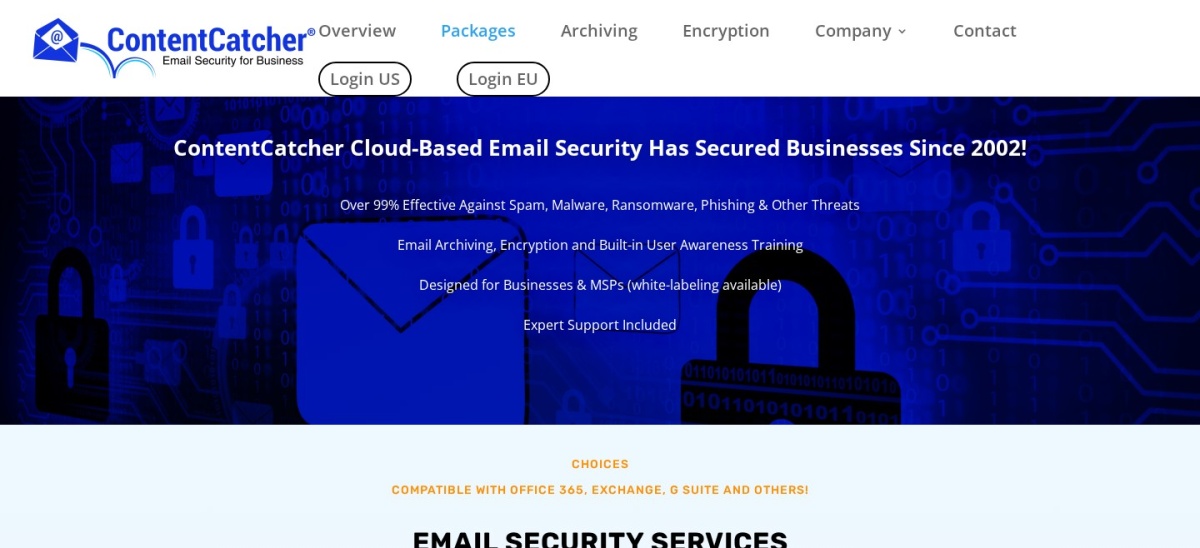
ContentCatcher is a spam blocking service that blocks spam calls and messages with caller identification and community-based reporting. It holds the highest rating in this list at 4.9 out of 5 from 12 Capterra reviews, with a starting price of $1.50 per feature a month.
The trade off is the small review base. Twelve reviews is a thin base to judge by, and the per-feature price makes the total hard to predict. It suits buyers who want a highly rated, low-cost filter and are happy to trial it first.
Trustifi is an email security platform that combines spam filtering with phishing protection and encryption. It holds a 5.0 out of 5 Capterra rating from 20 reviews, with plans from $6 a month.
The trade off is the review base. Twenty reviews is small next to SpamTitan's 563, so the perfect score should be read with care. It suits small teams that want email security with encryption in one plan.
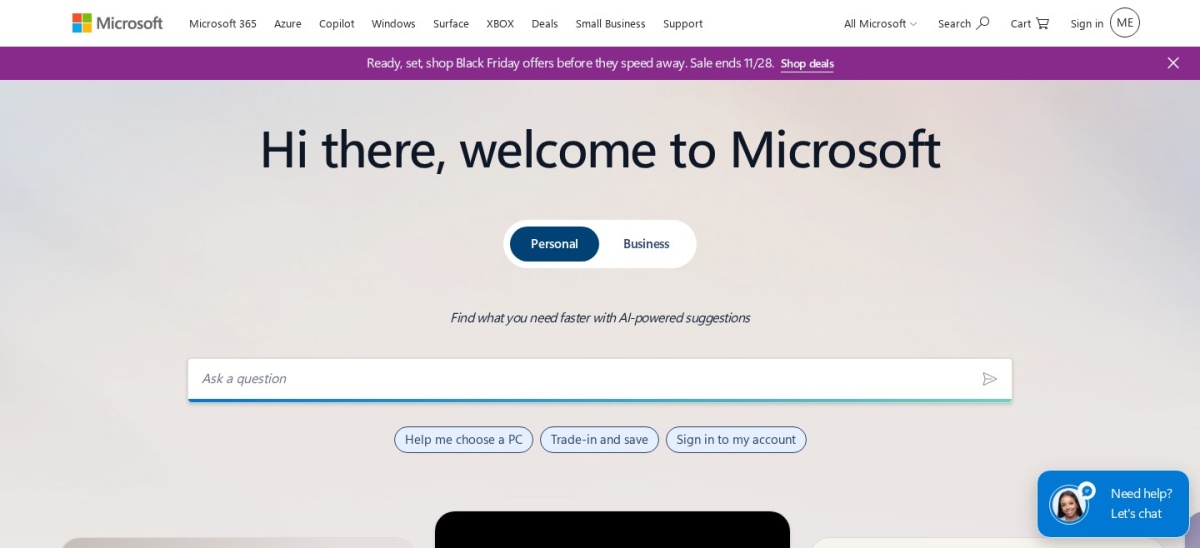
Microsoft Defender for Office 365 homepage, captured Nov 2026.
Microsoft Defender for Office 365 is the email security layer for Microsoft shops. It adds anti-spam, anti-phishing and anti-malware filtering to Exchange Online, with Safe Links and Safe Attachments checking URLs and files before they reach the inbox.
The trade off is price transparency. Capterra lists no starting price for this product, so buyers must confirm the plan cost with Microsoft. It suits teams already on Microsoft 365 that want filtering inside the stack they own.
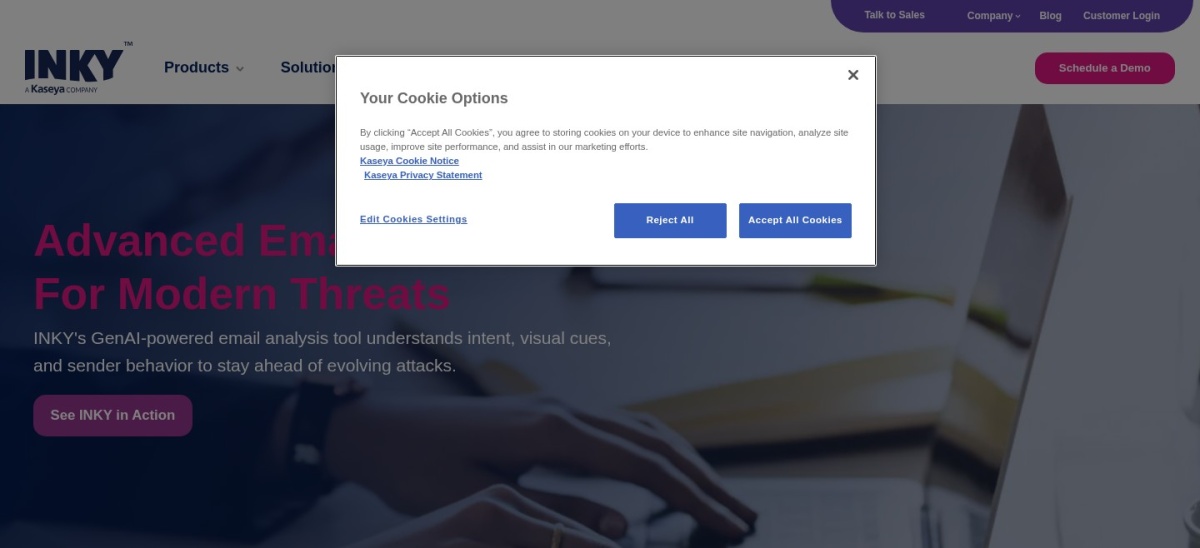
Inky is an email security tool that focuses on phishing. It uses behavioural analysis and machine learning to catch impersonation, brand forgery and malicious links that slip past basic spam filters, with plans from $2.50 a month.
The trade off is breadth. It is a phishing-first tool rather than a full email gateway, so teams that need archiving or outbound filtering should look elsewhere. It suits teams whose main risk is phishing, not bulk spam.
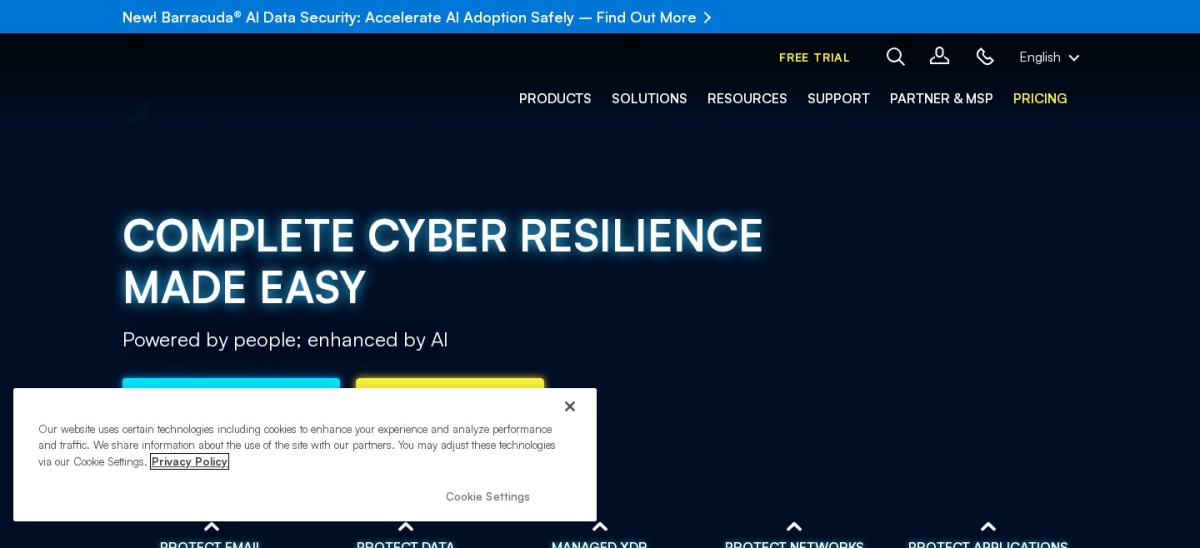
Barracuda Email Protection homepage, captured Nov 2026.
Barracuda Email Protection is a cloud email security service, sold as Barracuda Essentials, that adds Office 365 security with email scanning, archiving, backup and recovery, plus real-time phishing defence. It is a cloud service, so there is no gateway hardware to run.
The trade off is price transparency. Capterra lists no starting price, and its rating of 4.2 out of 5 comes from only 11 reviews. It suits Microsoft shops that want archiving and backup beside the spam filter.
Website spam tools such as CleanTalk sit on your forms, comments and sign-ups. They check visitor behaviour in real time and block bots before they post.
Email spam tools such as SpamTitan and Microsoft Defender sit in front of your mail server. They scan every message for spam, phishing links and malware.
Pick the side that hurts most. A blog drowning in comment spam needs CleanTalk, while a team drowning in phishing mail needs an email gateway.
How we chose
We started from the anti-spam tools with the most Capterra reviews and the clearest published prices, then kept the seven that cover website spam, email spam or both.
Prices and ratings come from Capterra and SaaSHub pages, checked on 22 November 2026. Where Capterra lists no price, the list says Custom instead of guessing a figure.
We left out tools priced in other currencies and tools with no review base. No vendor paid for a place, and this list is based on pricing, docs and reviews, not on using the tools ourselves.
How to choose anti-spam software
Decide whether the spam hits your website or your inbox, then count the seats or sites to protect.
Pick the spam channel first. Choose a website tool for form and comment spam, or an email gateway for inbox spam and phishing.
Count seats or sites, then price it. Email tools charge per user and website tools charge per site, so multiply the headline price by your real count.
Check quarantine and allow-lists. A good filter lets you release blocked mail and allow-list real senders without calling support.
Trial it on real traffic. Run the free trial on live forms or mail for two weeks and count false positives, not just blocked spam.
FAQ
What is the best anti-spam software?
CleanTalk is the best pick for most small teams at $12 a year for one website, with no CAPTCHAs needed. SpamTitan is the best email pick, and Microsoft Defender for Office 365 is the best pick for Microsoft shops.
How much does anti-spam software cost?
Website protection starts at $12 a year for CleanTalk. Email filtering starts at $1.26 per user a month for SpamTitan and $1.50 per feature a month for ContentCatcher, while Defender and Barracuda are quoted.
Is there free anti-spam software?
Yes. SpamTitan, CleanTalk and ContentCatcher all offer free trials, and open-source options such as SpamAssassin cost nothing to run. Free tools rarely include phishing defence or support, though.
What is the difference between anti-spam and email security?
Anti-spam blocks unwanted bulk mail and form abuse. Email security adds phishing defence, malware sandboxing, link checks and data loss prevention on top of the spam filter.
Does anti-spam software slow down a website?
It should not. CleanTalk checks submissions in the cloud, so it adds no visible load to the site. Server-side filters can add load, so check where the filtering runs.
Which anti-spam tool is best for WordPress?
CleanTalk is the best general pick for WordPress forms and comments at $12 a year. Note that this list covers general anti-spam software, while our WordPress anti-spam plugins guide covers plugins only.