Best Animation Software for Beginners in 2026: 8 Tools Compared
WLWPLegible EditorsLast verified 24 Nov 2026How we rank12 min read
★ Short answer
Animaker is the best animation software for beginners, with a free plan, templates and a 4.7 out of 5 rating from 1,081 G2 reviews. Pick Powtoon for budget template explainers at the same $15 a month, or Blender if you want a free tool that covers 2D and 3D animation.
How we make this list: we compare pricing pages, product documentation and public user reviews, then re-check every price before each update. No product paid for a place. Disclosure.
Animaker is the best beginner pick: a free plan, templates, and a $15-a-month Basic plan that removes the watermark.
Powtoon matches Animaker on price at $15 a month billed yearly, but Lite caps premium exports at 5 a month.
Vyond makes the most polished training videos, but Starter costs $699 a year and there is no free plan.
Blender and Pencil2D are completely free; Blender covers 2D and 3D, while Pencil2D is the simpler hand-drawn choice.
Adobe Animate costs $22.99 a month and is in maintenance mode, so beginners should know no new features are planned.
What beginners should look for in animation software
Beginners do best with tools that show results fast. Template tools turn a script into a finished video in an afternoon, while drawing tools ask you to build every frame yourself.
Start by deciding what you will make. Explainer and training videos suit template tools such as Animaker and Powtoon, while cartoons and shorts need a drawing tool such as Pencil2D or Blender.
Free plans are a good test, but watch the limits. Our guide on whether you can do animations in WordPress explains what animation can and cannot do on a site, and the same limits apply here: watermarks, export caps and video length matter more than feature lists.
Prices below are the regular prices from each vendor's pricing page, checked on 24 November 2026. Where a vendor shows a sale, the list shows the regular price.
Animaker is a browser-based animation tool built around templates, characters and a timeline editor. The free plan lets you create and download animated videos with a watermark and a limited set of premium assets, and the Basic plan at $15 a month removes the watermark. It is rated 4.7 out of 5 from 1,081 reviews on G2.
The trade off is metering. Starter costs $25 a month billed annually and caps premium downloads at 10 a month, with 3,000 AI video credits a month and Full HD exports. It suits beginners making explainers, training videos and social clips who want templates to do most of the work.
What we like
Free plan with templates and a character builder
Basic plan removes the watermark for $15 a month
Largest review base of the template tools in this list
AI voiceover and subtitles included on paid plans
Watch out for
Premium downloads are capped per month on every plan
Powtoon is a browser-based tool that turns templates, characters and scenes into animated explainer videos and presentations. The free plan exports at 720p with a Powtoon watermark and a 3-minute limit per video. Lite costs $15 a month billed yearly and removes the watermark, with 1080p downloads and videos up to 10 minutes.
The trade off is export limits. Lite allows only 5 premium exports a month and 300 AI credits a year, so regular publishers need Professional at $40 a month billed yearly. It suits marketers and trainers who want a finished explainer fast and can live with templates.
What we like
Free plan for trying the full editor
Lite removes the watermark for $15 a month
Templates cover marketing, training and education
AI text-to-speech and translation on paid plans
Watch out for
Lite caps premium exports at 5 a month
AI credits are metered and run out fast
Free videos are limited to 3 minutes
Professional adds unlimited exports and full content accessVisit powtoon.com
03
Vyond
4.7/5on G2 (548 reviews, checked Nov 2026)
Starts at$699/yr
Best for polished training videos
Free planNo, trial only
Cheapest paidStarter, $699/yr
AI credits on Starter10,000/mo
Max video length25 min
vyond.com
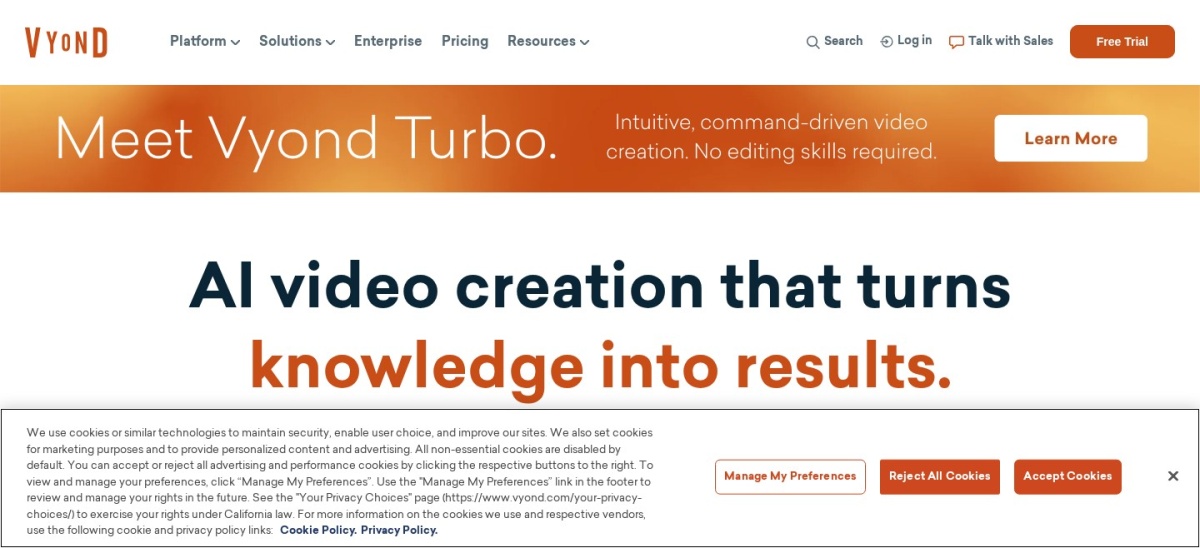
Vyond homepage, captured Nov 2026.
Vyond is a browser-based animation studio for explainer and training videos, with animated characters, AI avatars and text-to-video tools. Starter costs $58 a month billed annually, or $699 a year, and includes 650-plus text-to-speech voices, screen recording and 10,000 AI credits a month. It is rated 4.7 out of 5 from 548 reviews on G2.
The trade off is price. There is no free plan, only a trial, and Starter caps videos at 25 minutes and downloads at 100 a month. It suits teams making training and explainer videos who need polished, consistent output and can pay for it.
What we like
Most polished explainer output in this list
650-plus text-to-speech voices on Starter
Text-to-video turns scripts into scenes
Rated 4.7 out of 5 from 548 G2 reviews
Watch out for
No free plan, only a trial
Starter costs $699 a year for one user
AI avatar speech eats credits fast
Professional adds team tools and 95-language translationVisit vyond.com
04
Renderforest
4.8/5on Capterra (407 reviews, checked Nov 2026)
Paid from$9/mo
Best for quick template videos
Free planYes, 360p
Cheapest paidLite, $9/mo
Lite exports5/mo, 720p
Paid exportNo watermark
renderforest.com
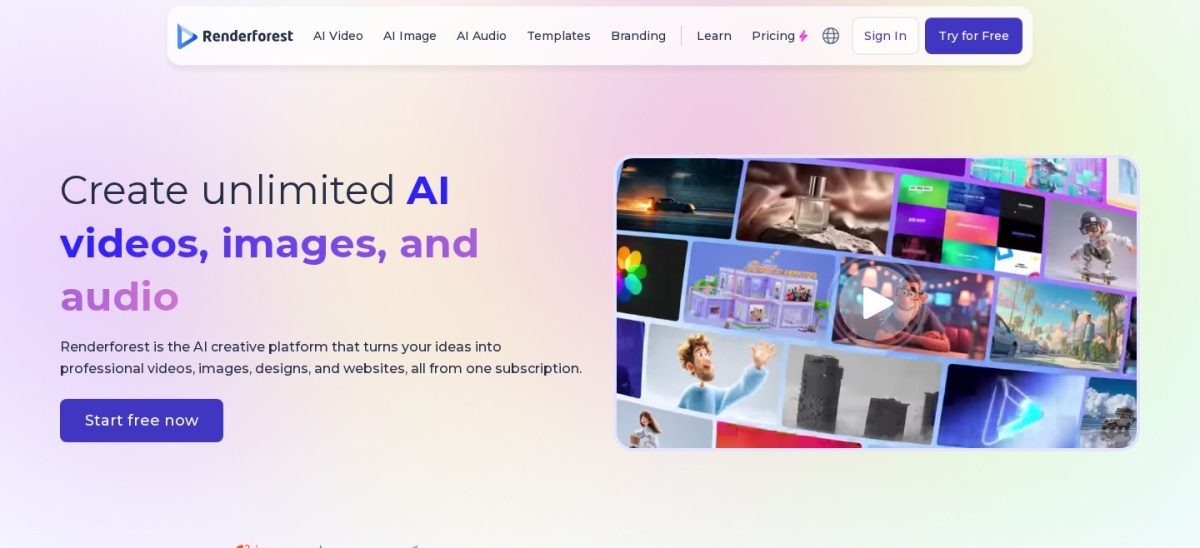
Renderforest homepage, captured Nov 2026.
Renderforest is a browser-based creative platform with templates for animated videos, logos, images and websites. The free plan lets you start without paying, and Lite costs $9 a month billed yearly with 720p exports and 5 watermark-free exports a month. It is rated 4.8 out of 5 from 407 reviews on Capterra.
The trade off is template depth. You work inside ready-made scenes, so custom character animation is limited, and longer HD exports need a paid plan. It suits beginners who want a finished video, logo or intro quickly without learning animation tools.
What we like
Cheapest paid plan in this list at $9 a month
Templates for videos, logos, images and websites
Free plan to try before paying
Highest review rating in this list
Watch out for
Character animation is limited to templates
Free exports are low quality with a watermark
Lite still caps watermark-free exports at 5 a month
Blender is a free, open-source suite for 3D modelling, animation and rendering, with 2D animation through Grease Pencil. It costs nothing, has no paid tier and runs on Windows, macOS and Linux. It is rated 4.6 out of 5 from 319 reviews on G2, with reviewers praising its free access and range.
The trade off is the learning curve. Blender packs modelling, sculpting, rigging and video editing into one dense interface, so a first animation takes longer than a template tool. It suits beginners who want real 2D and 3D skills and are ready to follow tutorials.
Adobe Animate is a vector 2D animation tool for cartoons, banner ads, games and web content, with a timeline, frame-by-frame drawing and bone tools. The single-app plan costs $22.99 a month billed annually and includes a 7-day free trial. It is rated 4.1 out of 5 from 150 reviews on G2.
The trade off is its future. Adobe says Animate is in maintenance mode, with security and bug fixes continuing but no new features planned. It suits beginners who already use Creative Cloud or need HTML5 Canvas output for the web.
What we like
Refined vector drawing and timeline tools
HTML5 Canvas export for web animation
Works with Photoshop and Illustrator files
Long track record in web and game animation
Watch out for
In maintenance mode with no new features planned
Subscription keeps charging every month
No free plan, only a 7-day trial
Creative Cloud All Apps adds Photoshop, Illustrator and moreVisit adobe.com
07
Pencil2D
4.1/5on G2 (16 reviews, checked Nov 2026)
PriceFree
Best free tool for hand-drawn animation
Free planYes, fully free
DrawingRaster and vector
Onion skinningYes
PlatformsWin, Mac, Linux
pencil2d.org
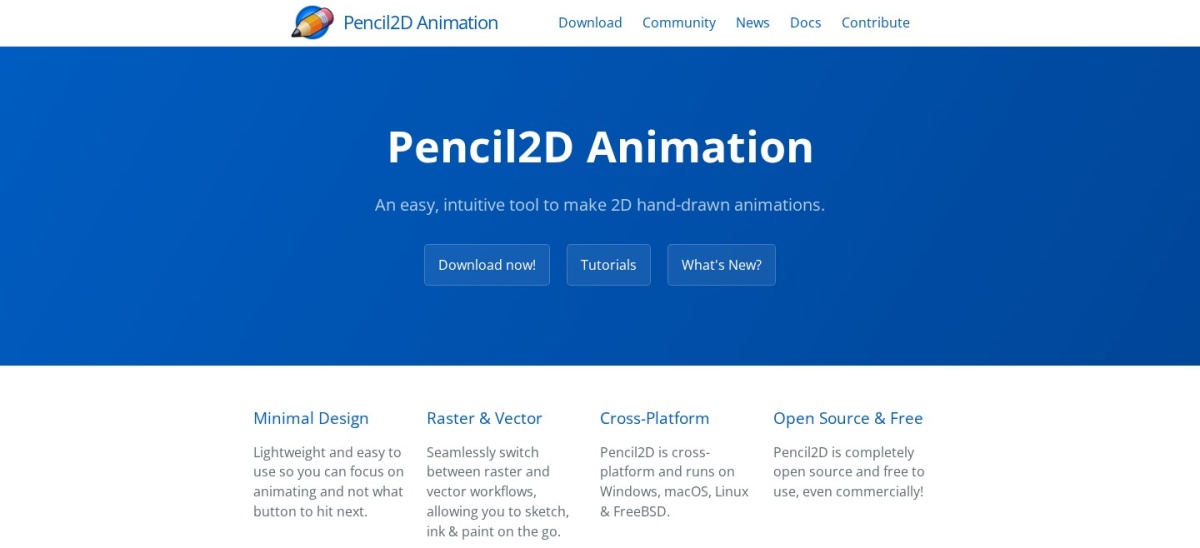
Pencil2D homepage, captured Nov 2026.
Pencil2D is a free, open-source tool for simple hand-drawn 2D animation, with raster and vector drawing, onion skinning and a light, minimal interface. It runs on Windows, macOS, Linux and FreeBSD, and it is free to use even commercially. It is rated 4.1 out of 5 from 16 reviews on G2.
The trade off is scope. There is no rigging, no template library and no built-in audio tools, so projects stay small and simple. It suits beginners who want to learn frame-by-frame drawing without paying or learning a large program.
Toon Boom Harmony is the 2D animation software used for professional TV and film production, built around rigged characters, deformers and a node-based workflow. The Essentials tier starts at $31 a month and is the entry point for beginners. It is rated 4.7 out of 5 from 22 reviews on G2.
The trade off is that it is a studio tool. Harmony expects you to learn rigging and compositing, and the price climbs well past Essentials for the full tiers. It suits beginners who are serious about character animation as a craft.
Template tools vs drawing tools: which fits a beginner
Template tools do the drawing for you. You pick a character, a scene and a script, and the tool handles motion, timing and lip-sync.
Drawing tools give you a blank canvas and a timeline. Every pose and movement is yours, which is slower at first but teaches real animation skill.
Most beginners should start with a template tool and move to a drawing tool later. A first finished video matters more than a first perfect walk cycle.
How we chose
We started from the animation tools most often recommended for beginners, then kept those with a free plan, a trial, or a low entry price, and a public rating on G2 or Capterra.
Prices come from each vendor's pricing page, checked on 24 November 2026. Ratings and review counts come from G2 or Capterra on the same day. Where a vendor shows a sale, the list shows the regular price.
We left out tools whose standalone pricing is no longer published, and tools with no public rating. No vendor paid for a place, and we do not claim to have used these tools ourselves.
How to choose animation software as a beginner
Pick the tool that matches the first video you want to make, not the one with the longest feature list.
Decide what you will animate first. An explainer needs templates and characters, while a cartoon needs drawing tools. Choose the tool that fits that one job.
Start on a free plan or trial. Make one full video before paying, so you learn the export limits, watermark rules and video length caps first.
Check the export limits. Watermarks, monthly export caps and video length decide whether a cheap plan works for you. See how to embed a video in WordPress once your first video is ready.
Leave room to grow. If you outgrow templates, a drawing tool such as Blender or Pencil2D costs nothing and teaches skills that carry over.
FAQ
What is the best animation software for beginners?
Animaker is the best pick for most beginners. Its free plan covers templates, characters and a timeline editor, the Basic plan costs $15 a month, and it is rated 4.7 out of 5 from 1,081 G2 reviews.
Can I learn animation for free?
Yes. Blender and Pencil2D are completely free, and Animaker, Powtoon and Renderforest all have free plans. Free plans usually add a watermark or cap exports, so expect to upgrade once you publish often.
Is Blender good for beginners?
Blender is free and powerful, but it has a steep learning curve because it covers modelling, rigging and rendering as well as animation. Beginners who want quick results should start with a template tool and move to Blender later.
What is the cheapest paid animation software for beginners?
Animaker Basic and Powtoon Lite both cost $15 a month, and Renderforest Lite costs $9 a month billed yearly. Blender and Pencil2D cost nothing at all, which makes them the cheapest option if you can handle the learning curve.
Do I need to draw to make animations?
No. Template tools such as Animaker, Powtoon, Vyond and Renderforest build videos from characters, scenes and presets, so you never draw a frame. Drawing tools such as Pencil2D and Adobe Animate suit people who want to draw.
Is Adobe Animate still worth learning?
Adobe Animate is still available at $22.99 a month, but Adobe says it is in maintenance mode with no new features planned. It remains useful for vector web animation, though beginners may prefer a tool that is still adding features.